-
-
-
-
-
-
-
-
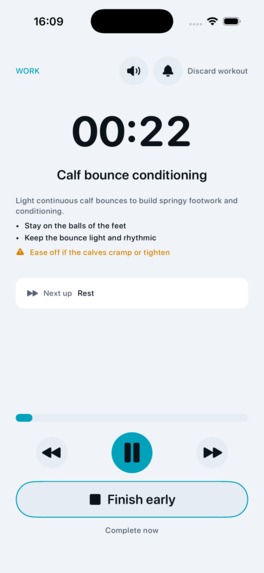
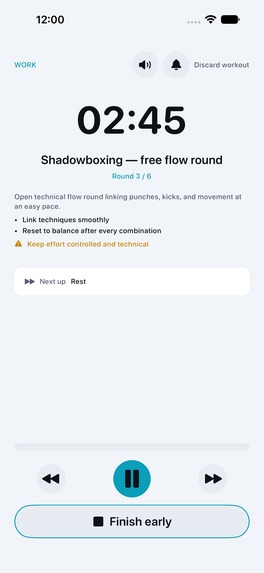
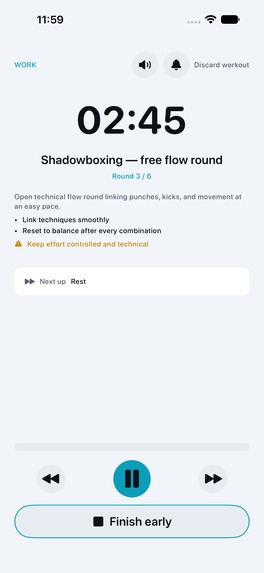
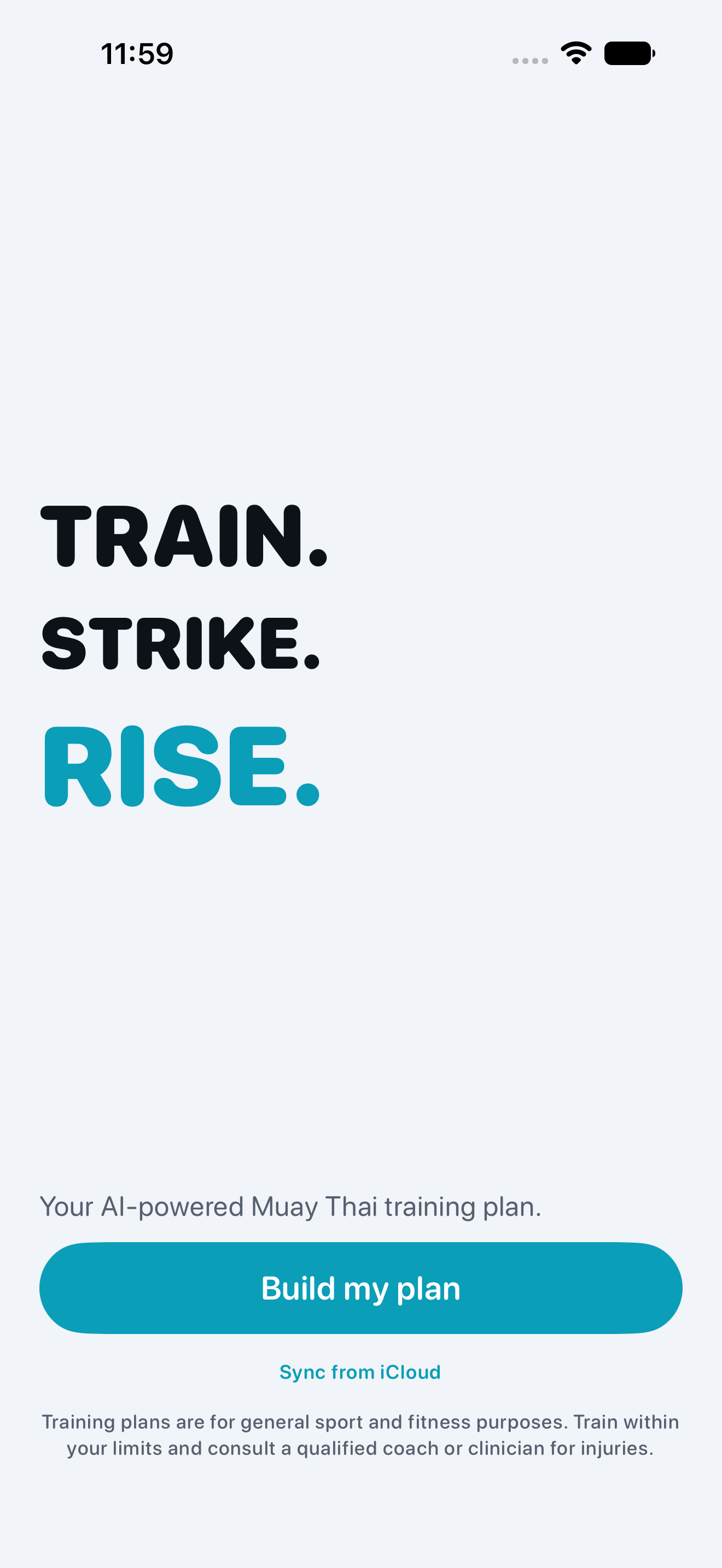
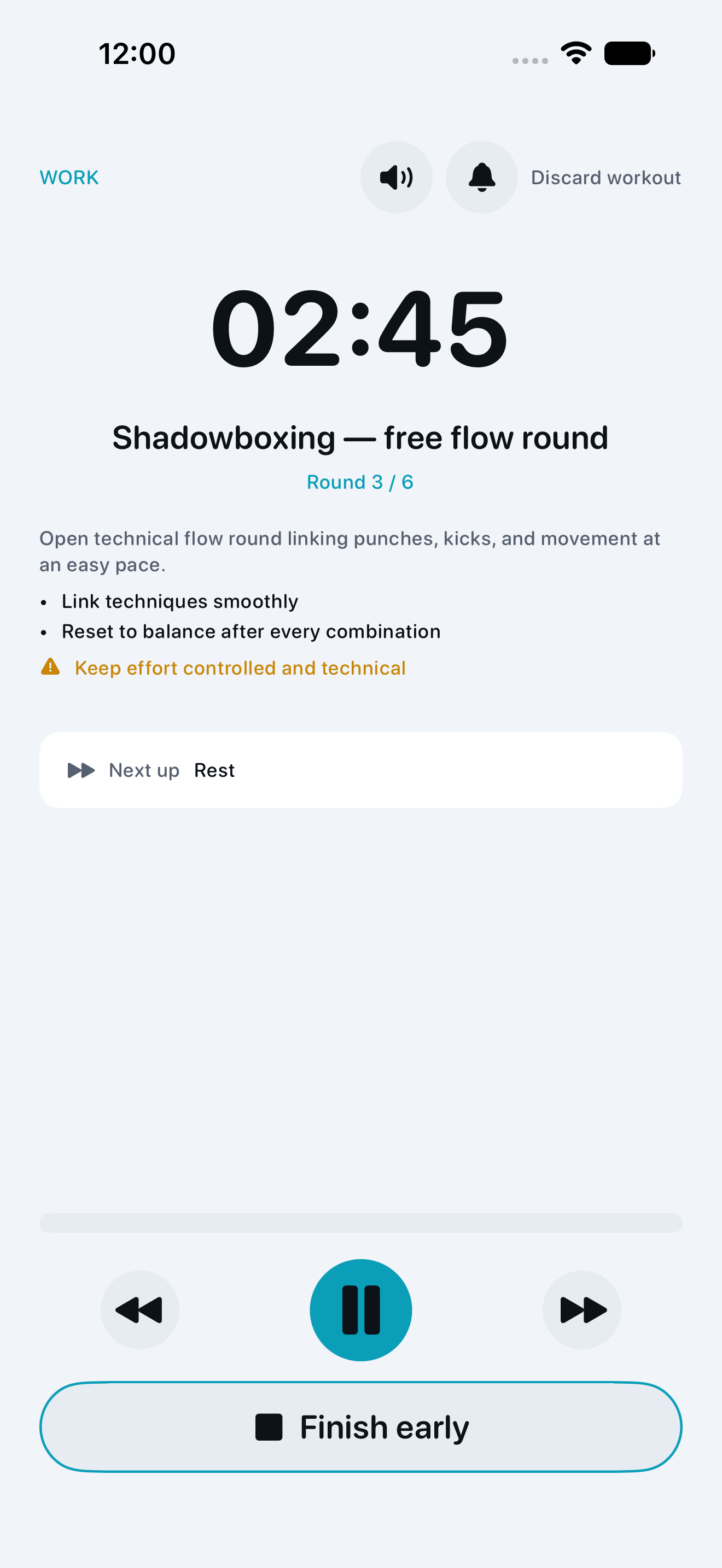
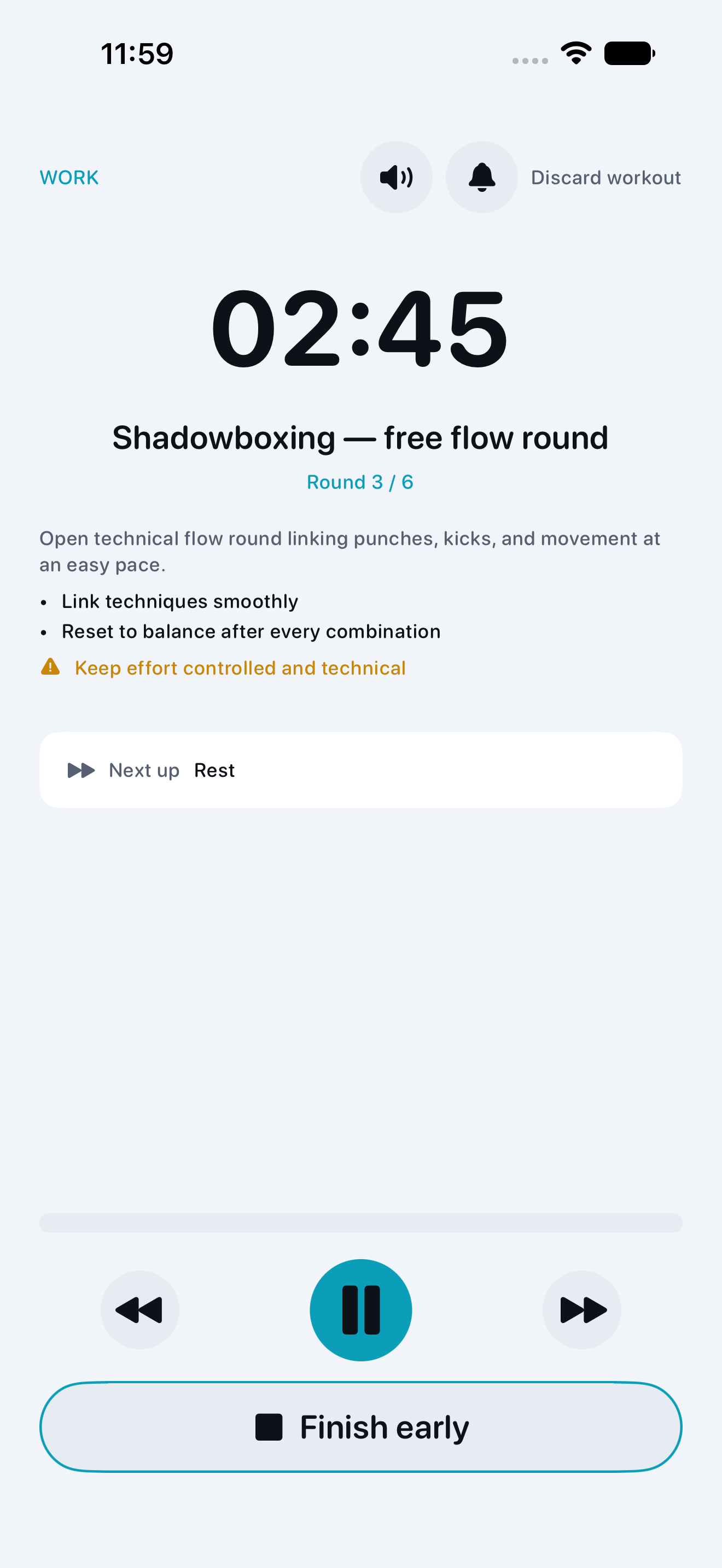
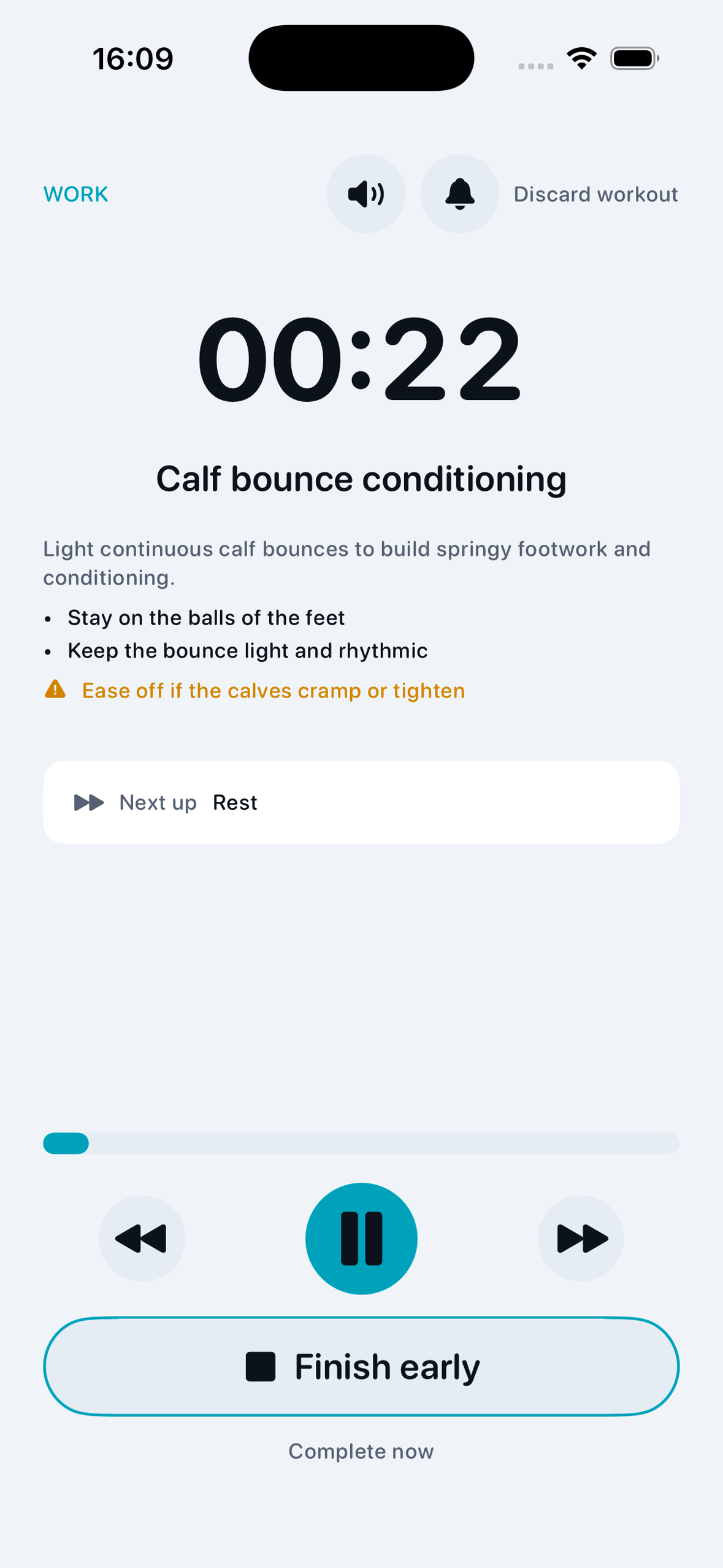
Dee workout player — 1179 × 2556, without a device frame
-
Dee app icon — 1024 × 1024
-
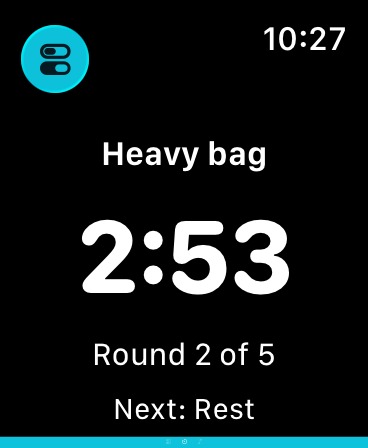
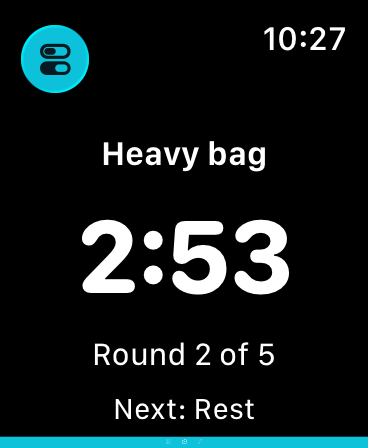
Standalone Apple Watch workout: round timer and next transition. Simulator capture with an example synced plan.
-
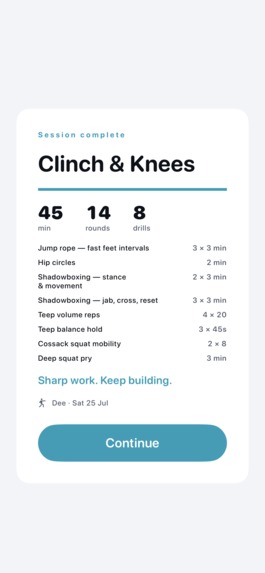
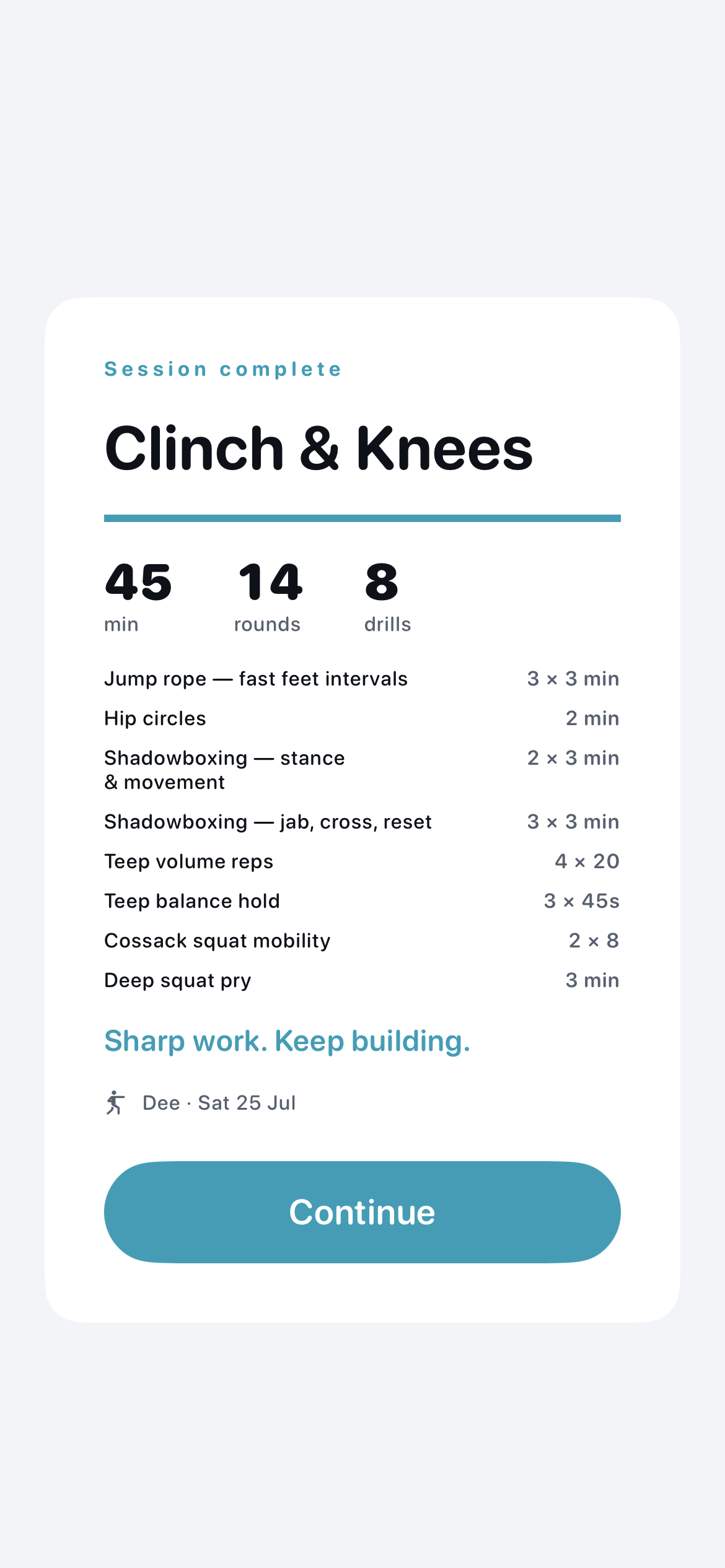
Post-workout recap: duration, rounds and drills. Native UI snapshot with illustrative workout data.
-
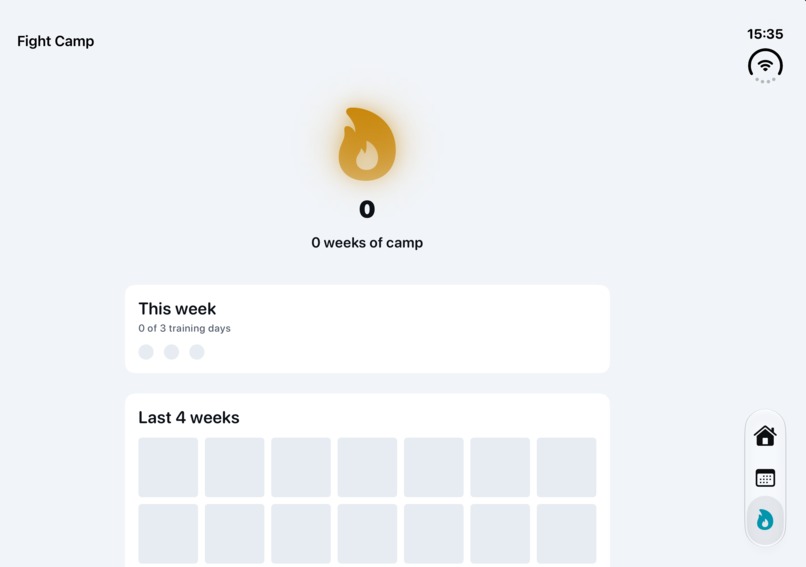
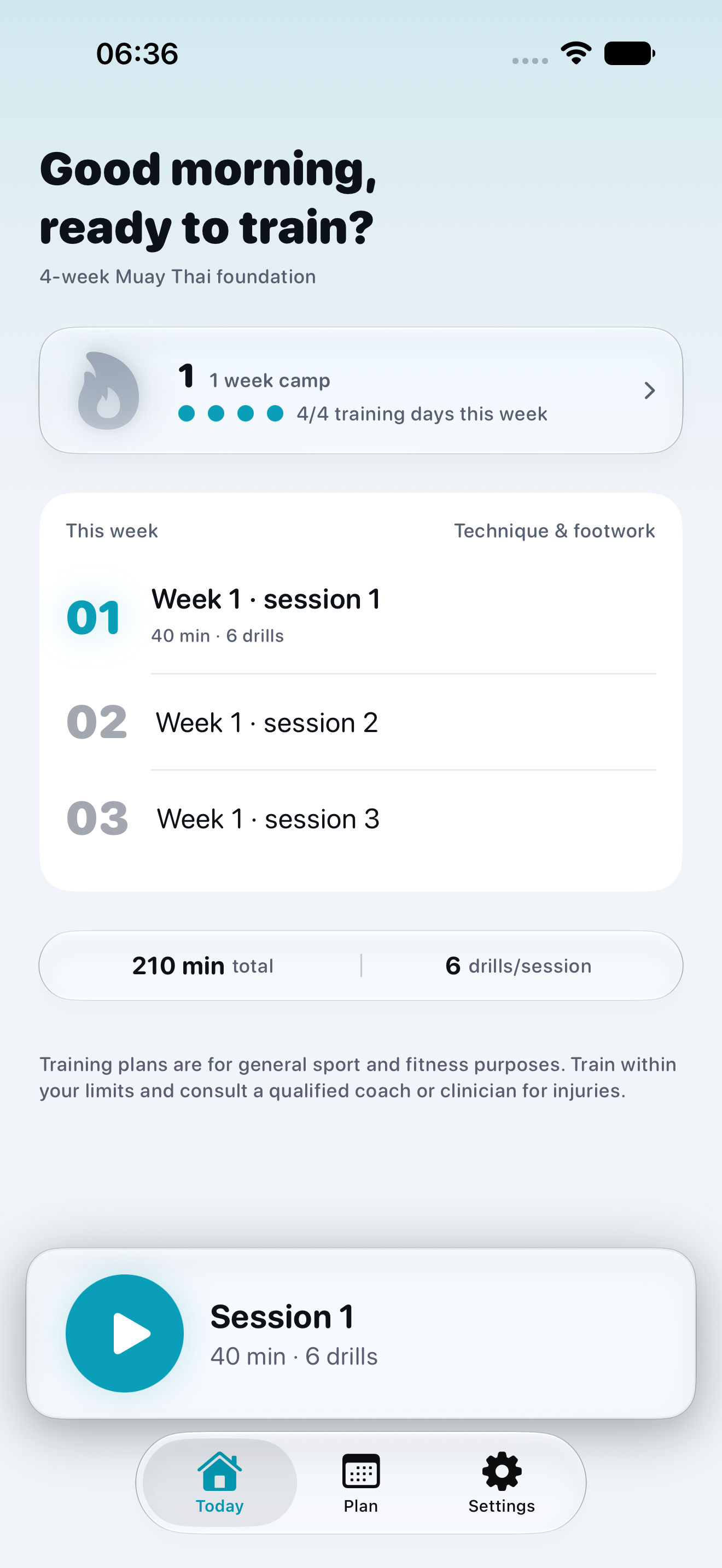
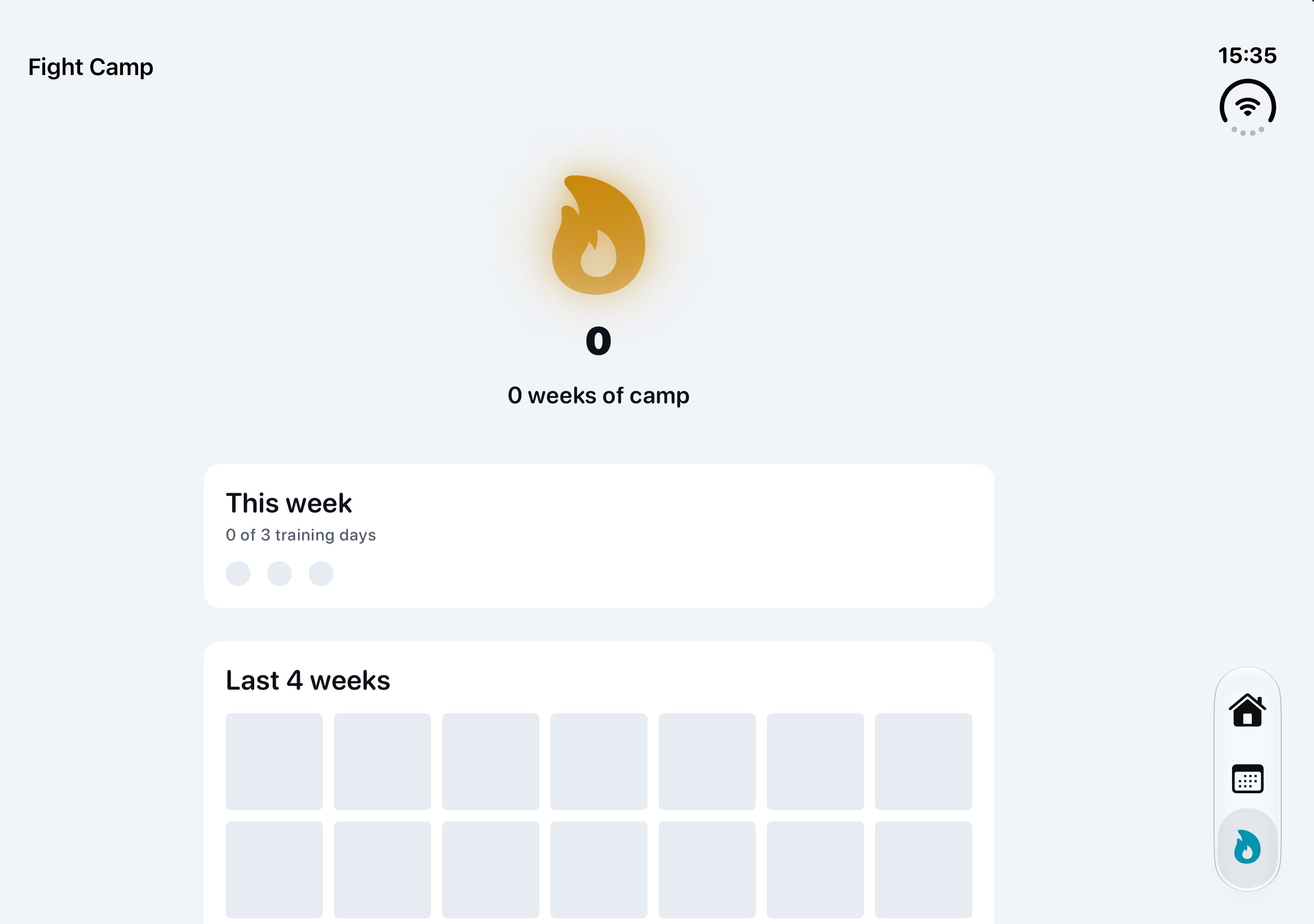
Fight Camp: weekly training target and activity history. iPhone Duo simulator capture, 19 September; example starting state.
Inspiration
I train Muay Thai, and I wanted something that would tell me what to do when I train on my own. Give me a session, tell me what is next, and let me train.
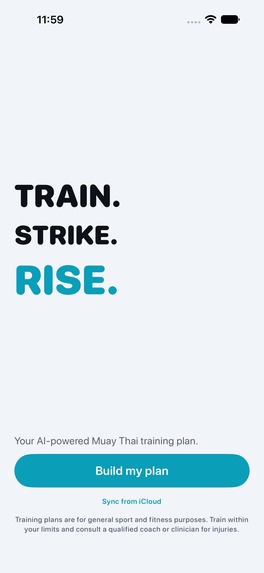
That became Dee: a voice in your corner, from planning a session to building a regular training routine.
What it does
Dee is available on the App Store and Google Play.
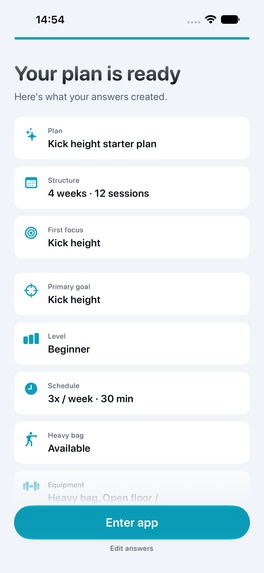
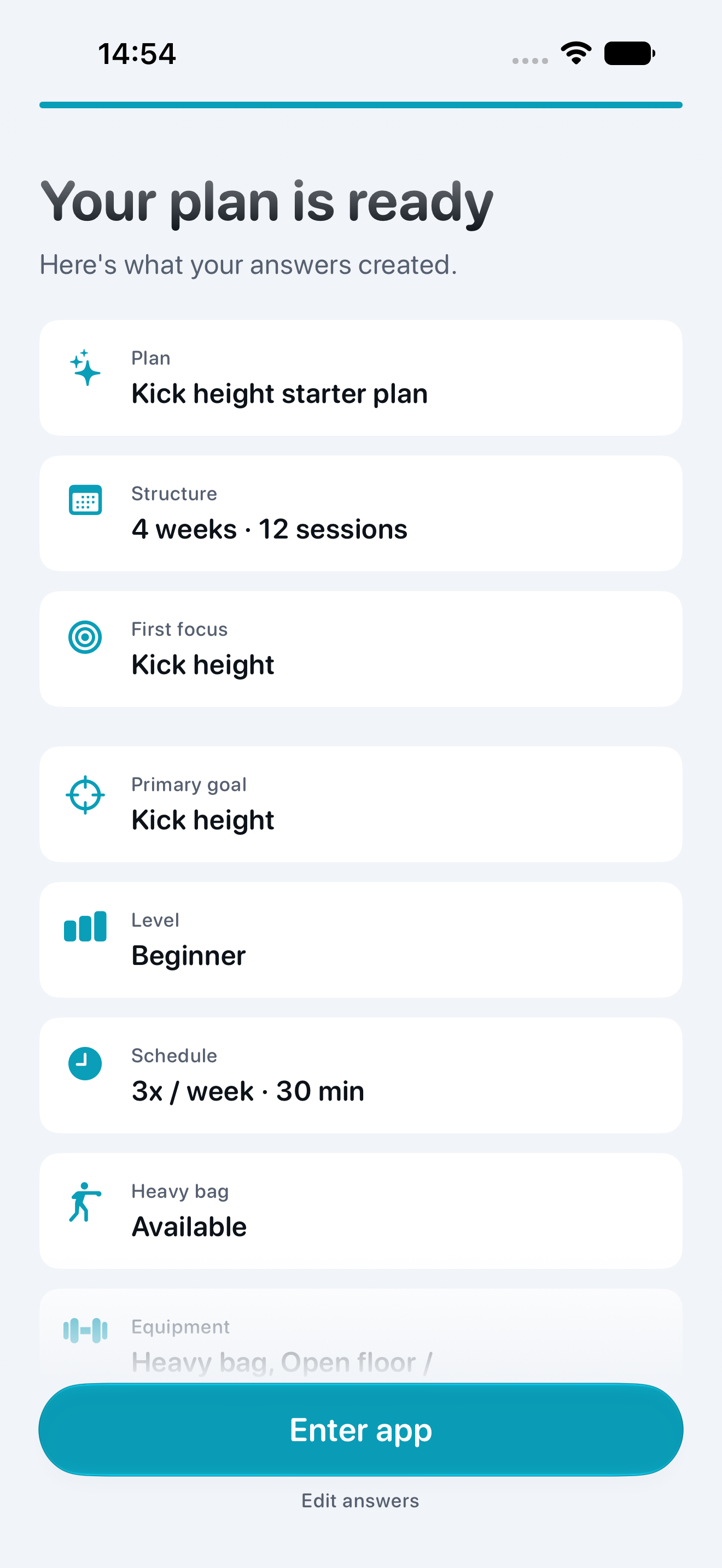
Plan your practice. Build Muay Thai sessions around your goals, experience, weekly schedule and available equipment. Inspect weeks, sessions and drills before starting, then adjust the session when your time or equipment changes. Shadowboxing and bodyweight options make practice possible without a heavy bag.
Follow your rounds. A round timer coordinates preparation, work and rest. Spoken drill and transition cues, bells and haptics let you keep moving. Saved workouts and their coaching audio play offline. On supported iPhones, a Live Activity keeps the round on the Lock Screen and Dynamic Island.
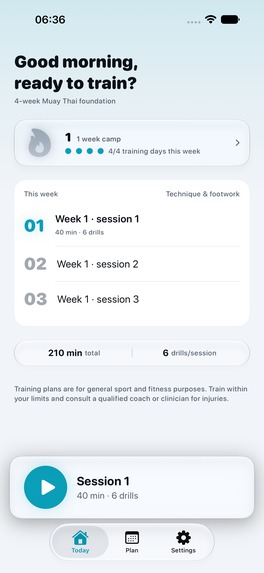
Keep progressing. Fight Camp brings weekly targets, streaks, Prajiad ranks and milestones into the training journey. Workout history, post-workout feedback and optional reminders connect individual sessions with the next week of practice. Pro streak shields provide support for an occasional missed week.
Train around today's circumstances. The latest iPhone release adds ad hoc workouts: choose your space, equipment and limitations, review the drills, then train. Completion counts toward Fight Camp without replacing a planned workout.
Leave the phone behind. On Apple Watch, sync your plan and selected coaching audio from iPhone, then start and run a workout without the phone nearby. Round timing, voice cues through headphones, haptics and workout controls run on the wrist. Completed sessions sync back when the phone is available. Apple Health integration and available heart-rate and energy metrics depend on permissions and sensors. Phone-started mirrored workouts remain supported too.
The Apple apps also support iPad, private iCloud sync, widgets and a 12-minute App Clip taster. The iPhone interface supports seven languages—English, Spanish, French, Brazilian Portuguese, German, Dutch and Hebrew—with Hebrew right-to-left layouts. Three coaching voices offer a choice of tone, with previews in Settings. Accessibility work includes Dynamic Type, descriptive VoiceOver labels and Reduce Motion support, alongside light and dark appearances.
The iOS and Android apps are separate native implementations. Apple Watch, iCloud, Apple Health, App Clip and Live Activities are Apple-specific; each platform has its own service integrations and access policy. Dee supports extra practice between Muay Thai classes and is intended for general sport and fitness.
How I built it
The Apple apps use Swift and SwiftUI, with SwiftData and CloudKit for saved plans and history. Android uses Kotlin and Jetpack Compose with native persistence and workout services. RevenueCat powers Dee Pro subscriptions, offerings, purchase restoration and entitlement checks.
The planning engine separates generation from execution. Plans reference a fixed exercise catalogue and pass through a compiler that produces workout blocks. Deterministic fallbacks keep planning usable when an AI service is unavailable; the running timer does not depend on an AI response.
Standalone Watch workouts execute a synced compiled plan locally. Results are stored before the recap and imported back into phone history and progression with completion identities that prevent duplicate counting.
Challenges and lessons
A useful plan has to become a usable workout. Timing, spoken cues, rest periods and the Live Activity need to agree after pausing, backgrounding or returning to the app. Moving playback to the Watch added offline audio, recovery and delayed result sync to that same problem.
The product also needs to fit a changing training week. Ad hoc sessions should count toward progress without rewriting the user's existing plan. Fight Camp should recognise completed practice consistently, including workouts that return from the Watch later.
The guiding lesson is to design around the moment someone is training: clear cues, dependable timing and useful progress that carries into the next session.
What I am proud of
Dee now connects planning, active training and ongoing progression in one product. I built it from a problem I have myself, shipped it on both stores, and kept improving it during Shipaton.
I am also proud of putting myself in front of a camera. Recording my founder introduction and sharing real training pushed me beyond the part I was comfortable with: writing code. I have since shared a trainer collaboration and a short product showreel, learning how to explain Dee to people who train.
September update and demo context
Android launched on 14 September. The latest iPhone release, 1.0.13, adds ad hoc workouts; earlier September updates added standalone Apple Watch playback and three coaching voices. Fight Camp, history and reminders are part of the wider product described above.
The embedded founder demo was recorded earlier in September. Its references to Android being in development and Watch companion use describe that recording's date. The current store releases and this updated story reflect today's functionality. A 30-second product showreel was published on 28 September.
Built With
- revenuecat
- swift
- swiftui

Log in or sign up for Devpost to join the conversation.