-
-
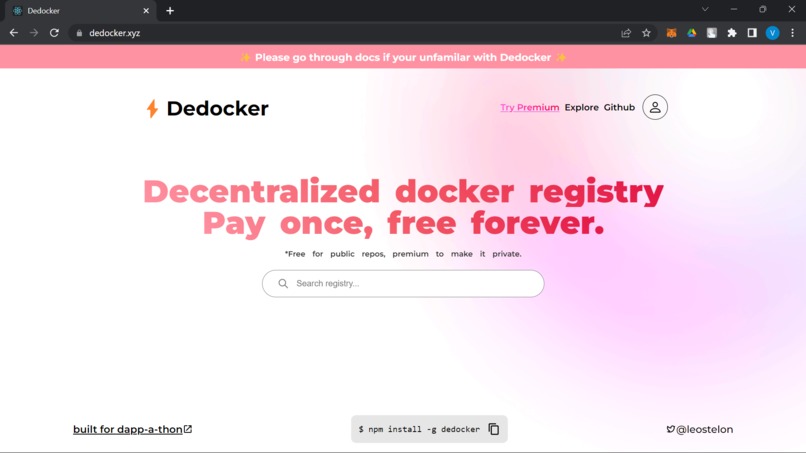
Home
-
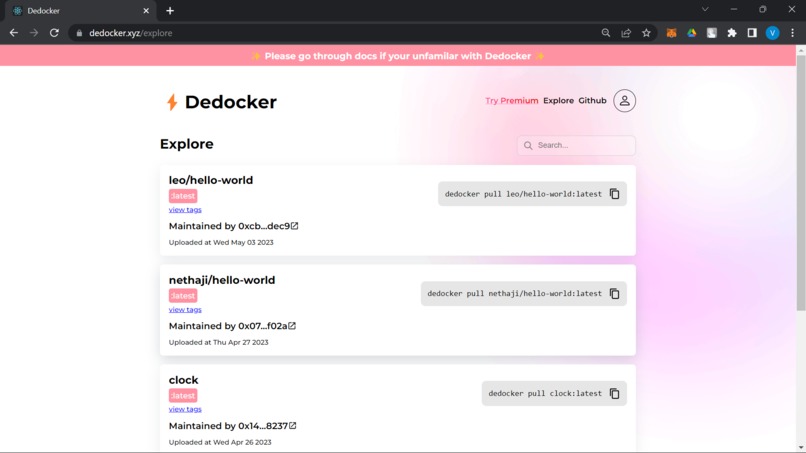
Explore
-
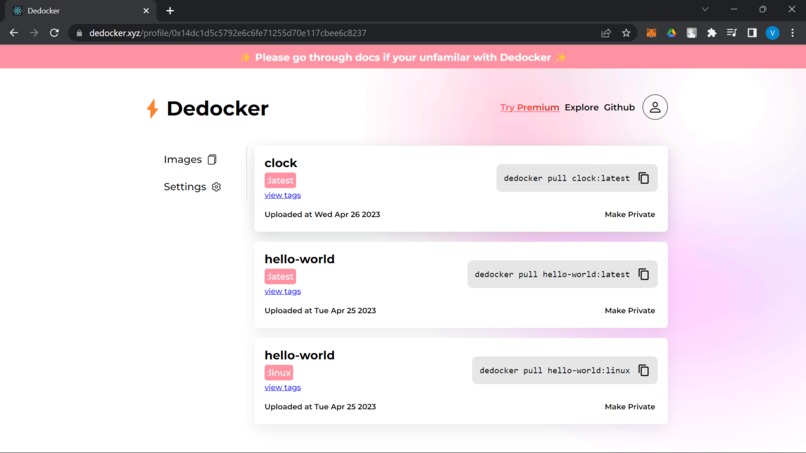
Profile
-
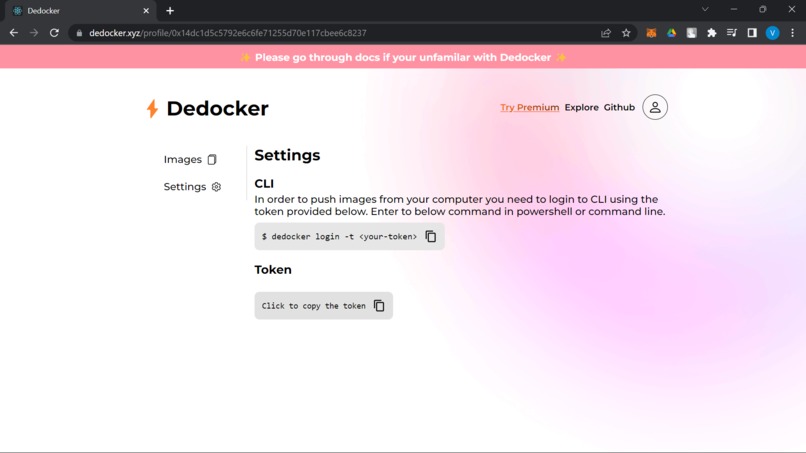
Settings
-
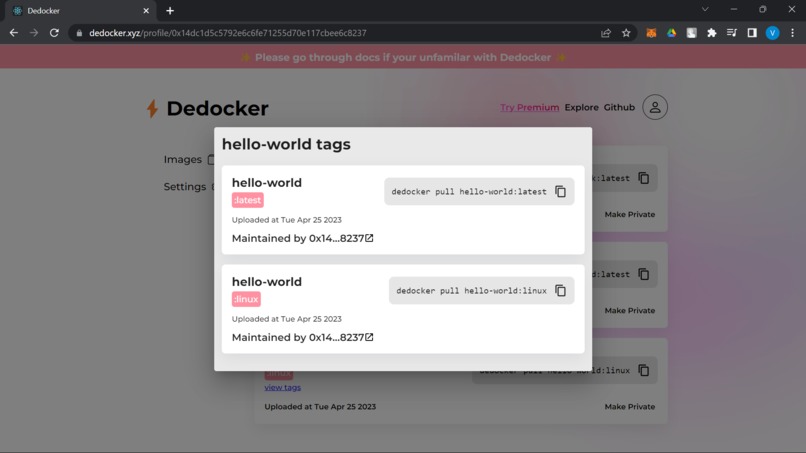
Tags
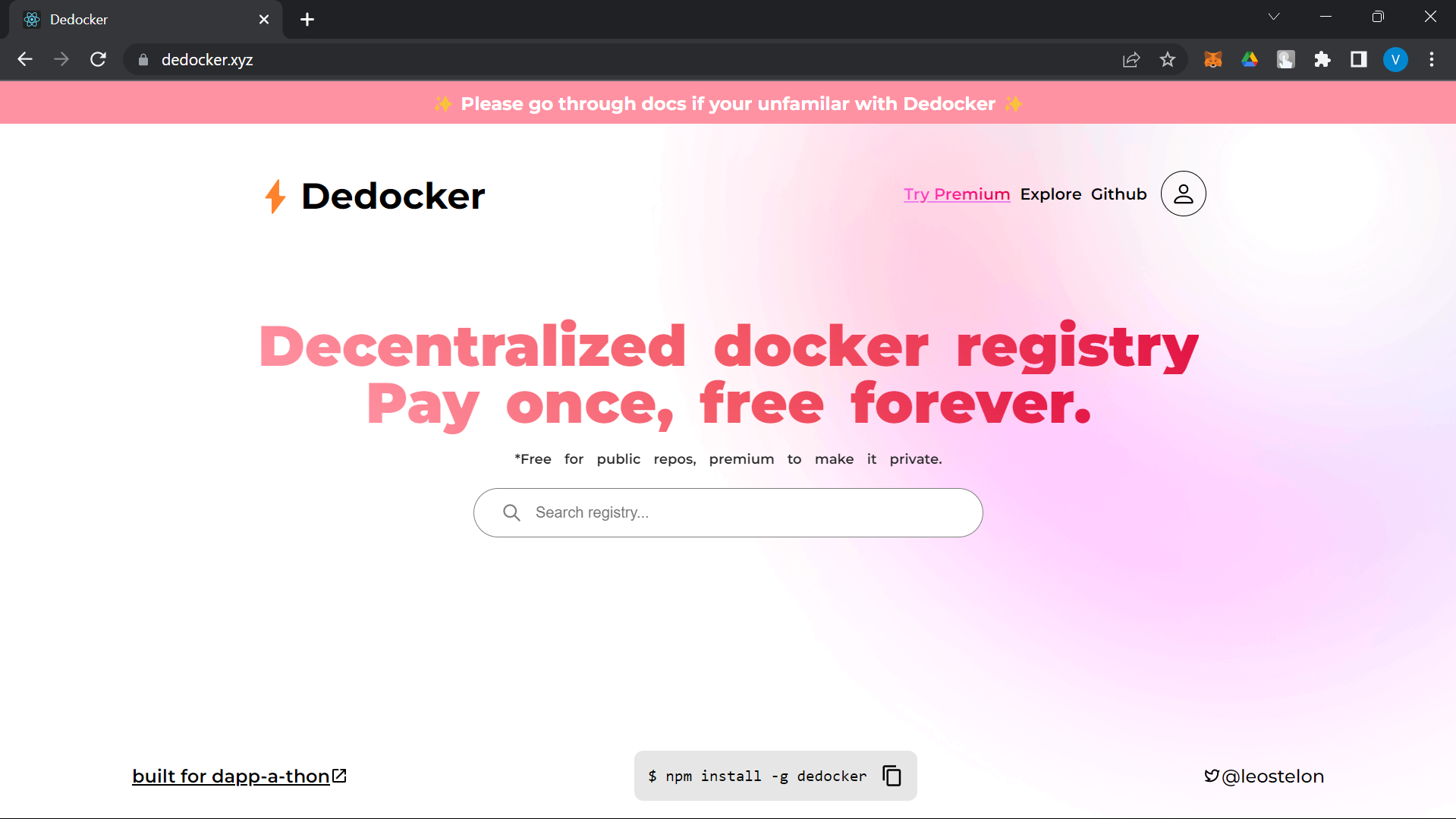
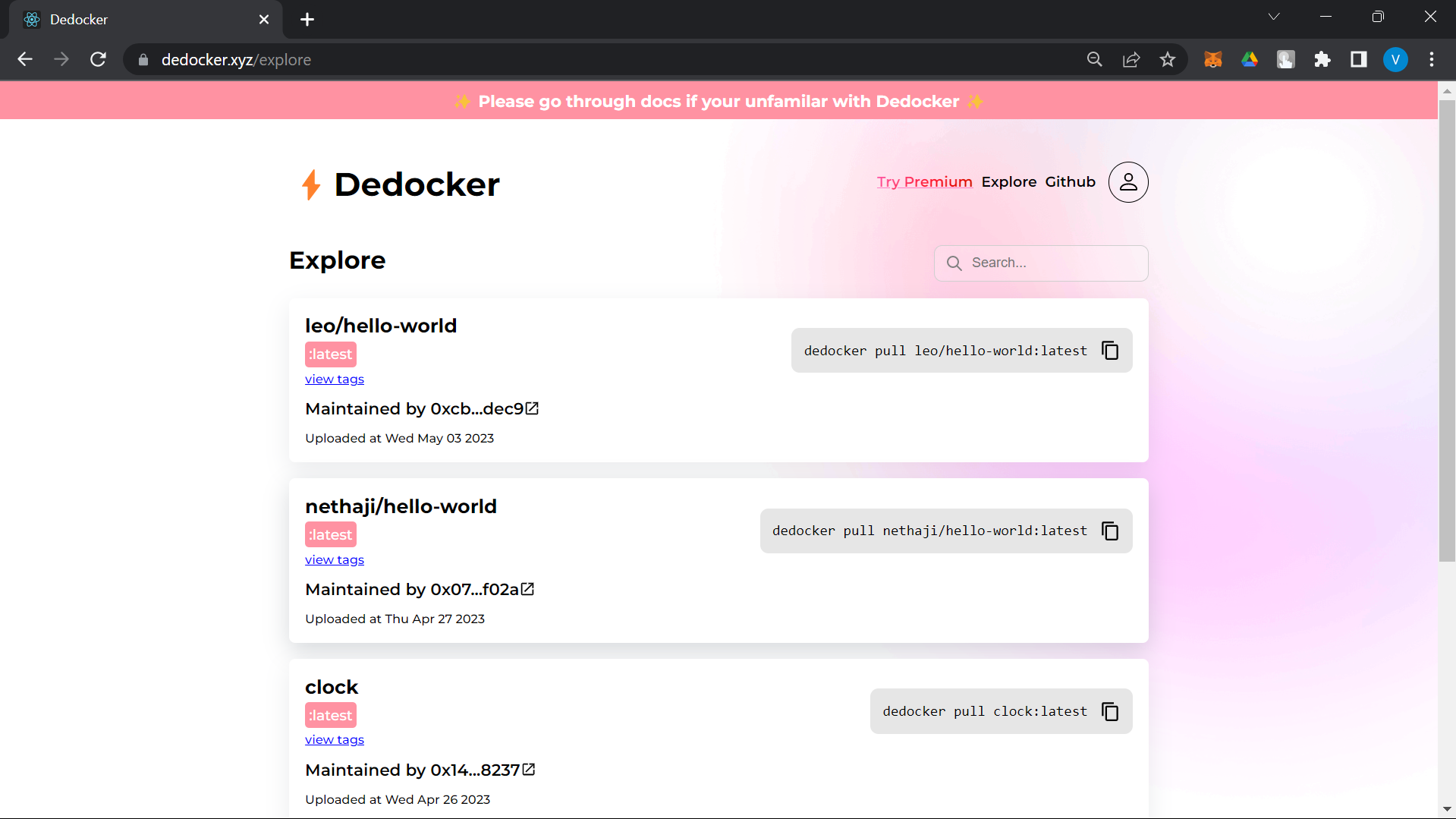
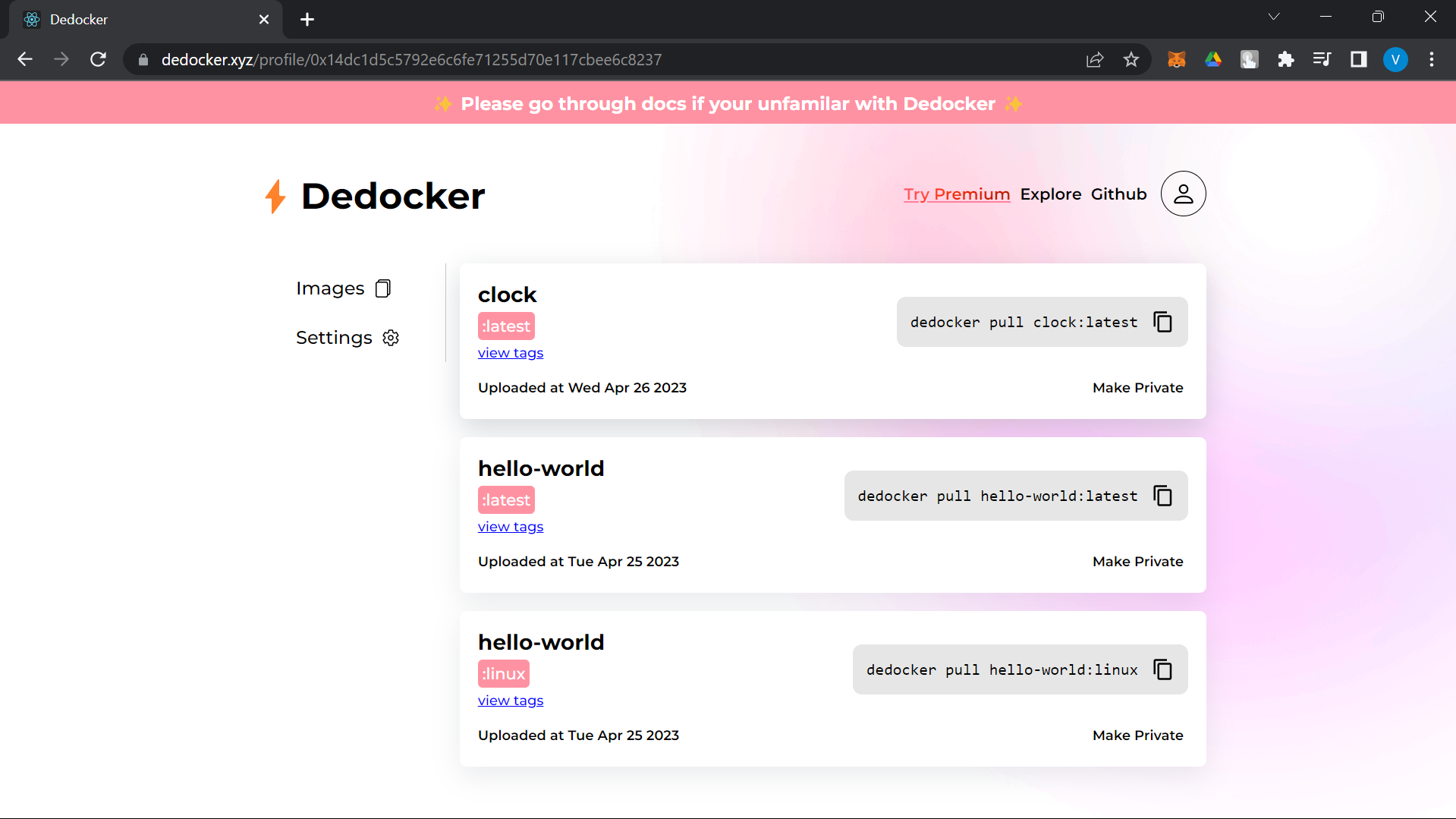
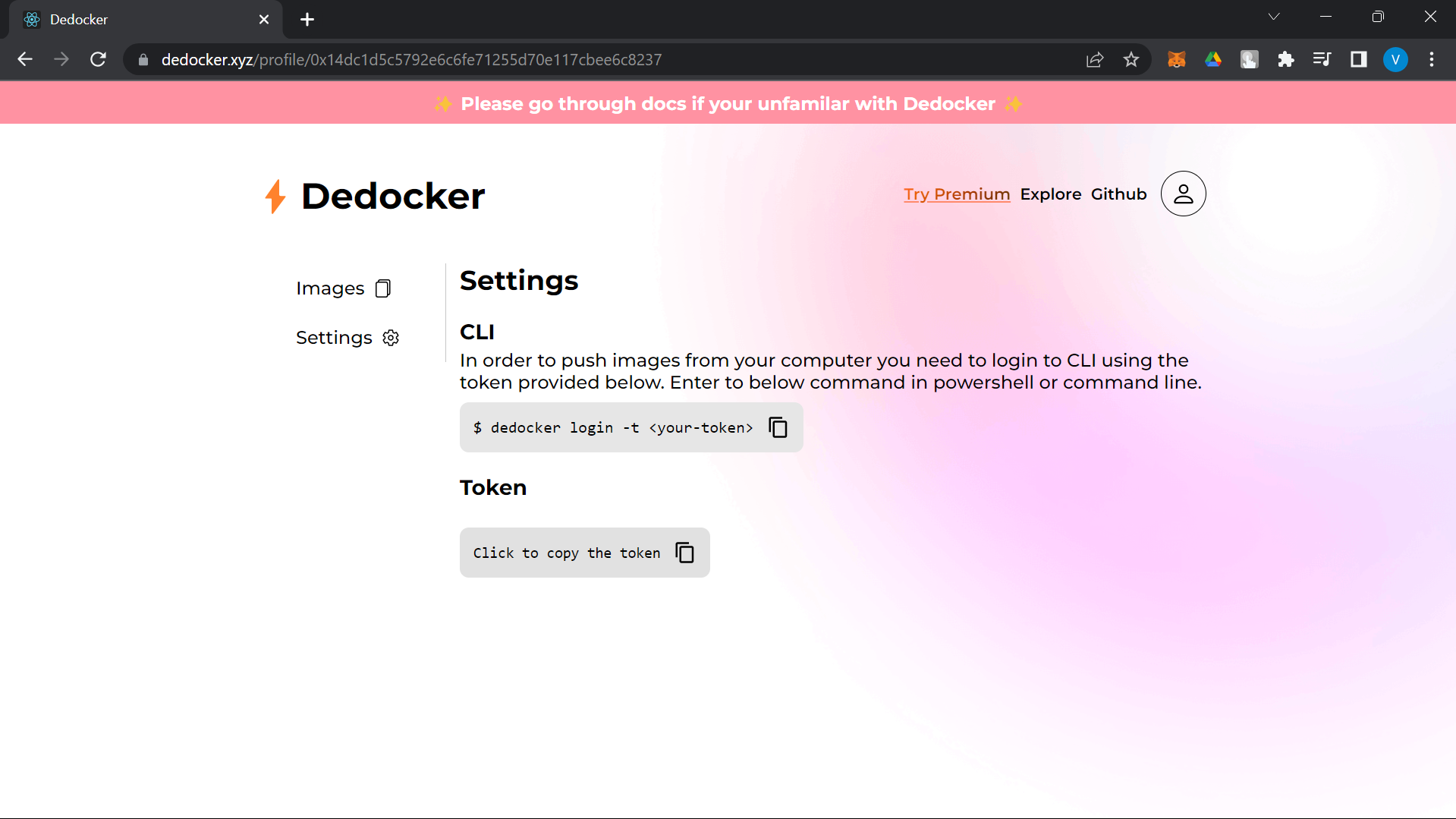
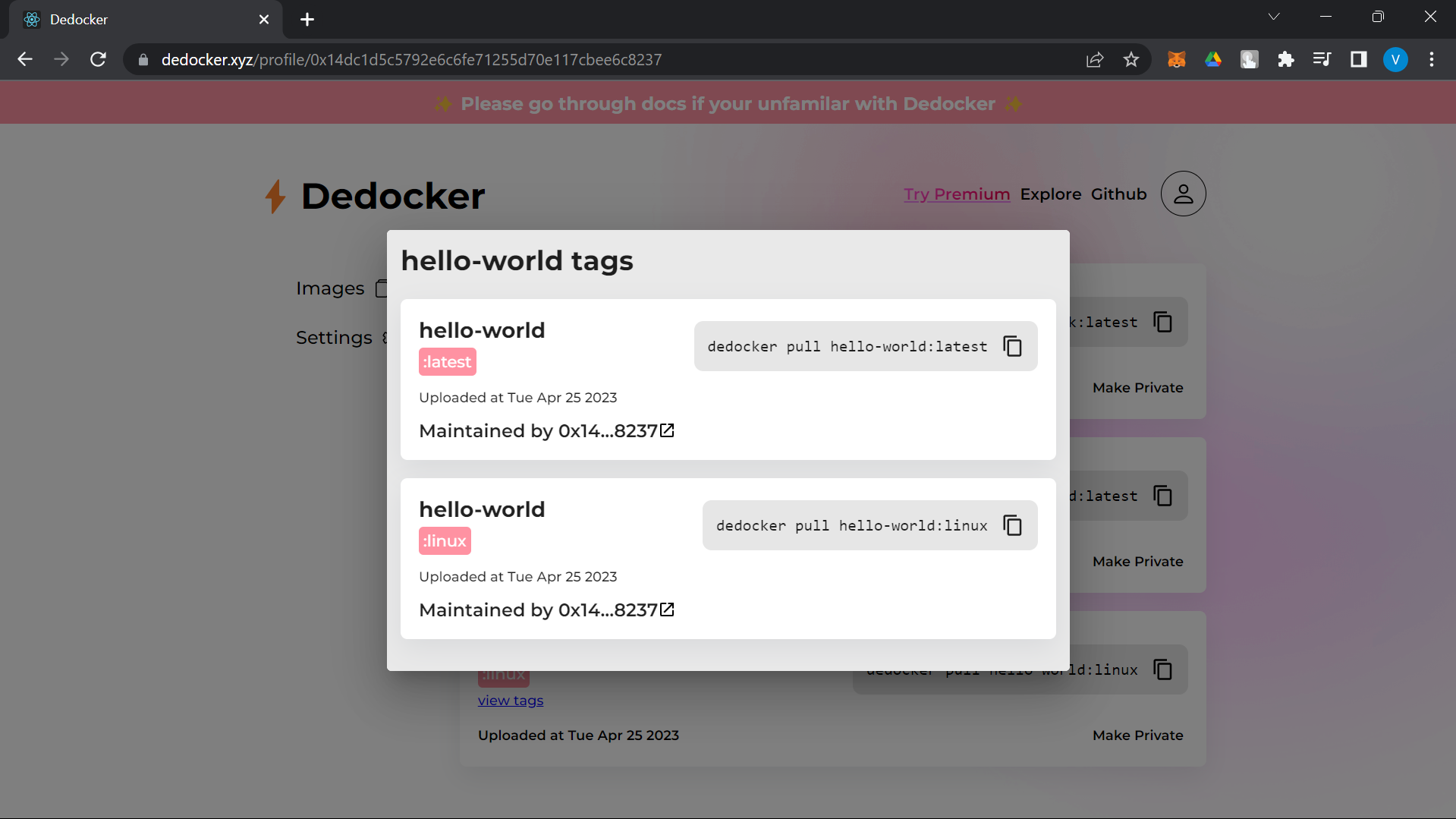
Dedocker📦
Dedocker is a decentralized private docker registry built entirely on Spheron stack. And by the way, the Founder of Spheron initially inspired me to make this product!

And this is how it all started!

Get Started
The product contains three code bases, Server to server CLI commands and Client, Client, the GUI which can be accessed on the website, And CLI to push and pull images from the command line.
Website
CLI
$ npm install -g dedocker
Technology
- Node.js and Express.js server, hosted on Spheron Decentralized Compute [know more]
- Database, Polybase is the database for web3. [know more]
- Find schemas and logic here.
- Docker images are stored in Decentralized storage using Spheron Storage SDK, [know more]
- React.js, hosted on Spheron Decentralized Hosting [know more]
Follow the below steps to run it locally.
Server⚙️
- Clone Repo. > $ git clone https://github.com/leostelon/dedock-server dedocker-server > $ cd dedocker-server
Add the .env file in the root directory. Add the below variables and replace them with your tokens, respectively.
SPHERON_TOKEN= < spheron-webapp-token > Know More POLYBASE_NAMESPACE= < polybase-namespace > Know More JWT_SECRET= < your-secret >
Run server!
$ npm run start
Client💻
- Clone Repo. > $ git clone https://github.com/leostelon/dedocker-client dedocker-client > $ cd dedocker-client
Add the .env file in the root directory. Replace the value accordingly.
REACT_APP_SERVER_URL=http://localhost:3000Run the client!
$ npm run start
Note: It may prompt to run on a different port, hit enter.
CLI💲
- Clone Repo. > $ git clone https://github.com/leostelon/dedock-cli dedocker-cli > $ cd dedocker-cli
- Install the package! > $ npm run build
CLI Commands
dedocker [command] [flag]
|Commands|flag |Description
|--|--|--|
| push | |Docker image name & tag
| pull | |Docker image name & tag(optional)
| login | -t |Token from webapp
$ dedocker -h for more info
Todo👨💻
- [x] MVP
- [x] Private Registry
- [ ] Add context to the polybase, the user controls the data.
- [x] Integrate Payments


Log in or sign up for Devpost to join the conversation.