-
-
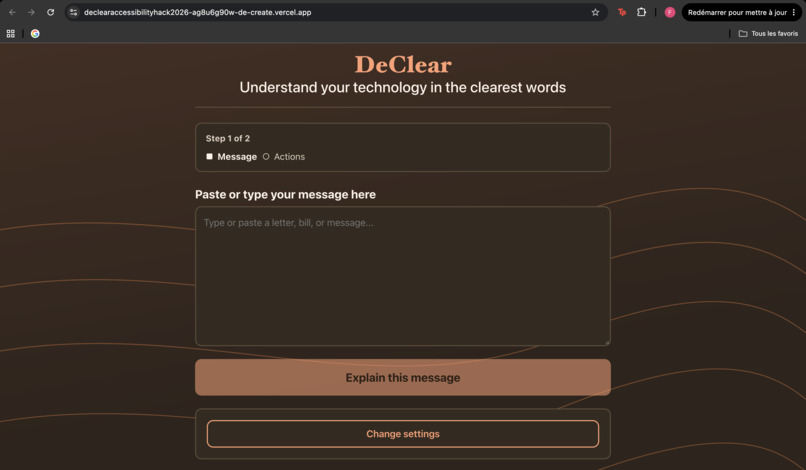
DeClear Home Screen
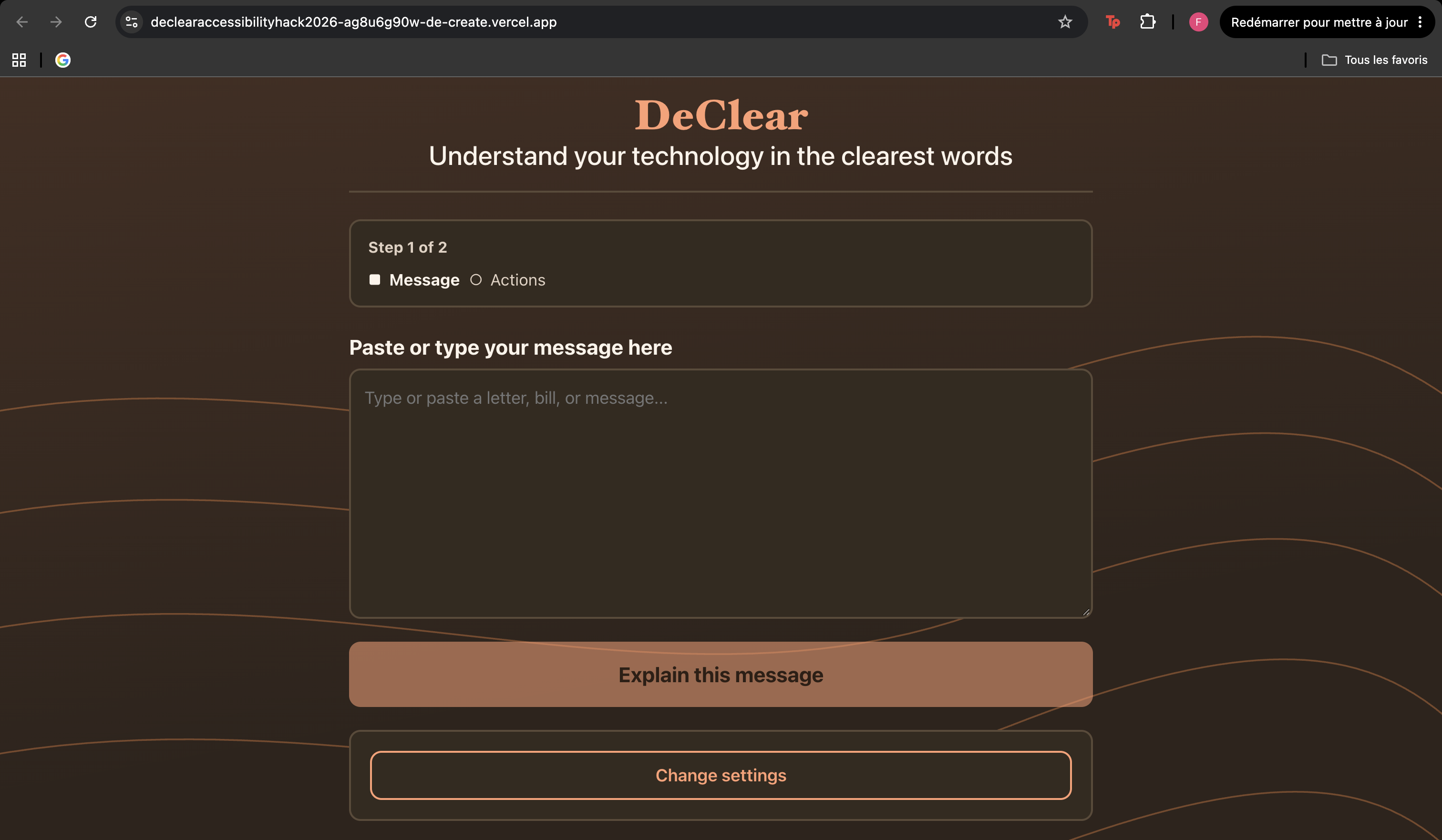
Inspiration
We kept watching older relatives hit the same issue. They could read a message perfectly — "send me the photos," "your prescription is ready" — but got stuck on actually doing it on their phone. Which button? Where? Did I get it right? It wasn't about intelligence; unfamiliar technology was quietly taking away their independence. We wanted to build the patient, never-judgmental helper we wished they had. I saw my grandparents struggle with this for a long time now, and every single time I feel like I have to come back to explain them through the same steps. It feels easy for us, but for them, the sudden rise in technology is hard to keep up.
What it does
DeClear is an accessibility-first web app that helps older adults deal with everyday digital messages. You paste a message (or pick an example), and DeClear explains it in plain, calm language — what it means, what you actually need to do, any dates, and how urgent it is. If there's nothing to do, it honestly says so instead of inventing a task. And when a message asks for a digital task it supports — like sending photos on WhatsApp — you tap "Help me do this" and DeClear guides you one step at a time, with Back, Next, Repeat aloud, and an "I'm stuck" button. It works in four languages and can read everything out loud.
How we built it
React and Vite for the interface, Google's Gemini AI to read and explain messages, and a Vercel serverless backend that keeps our API key safely. The part we're proudest of is the design underneath: one system with two interchangeable engines (offline Demo mode and the live AI) so there's always a reliable fallback. We also make the AI quote the original message for everything it claims, and our server checks those quotes are real, so it can't confidently make things up.
Challenges we ran into
Getting the AI live had many problems — a login wall hiding our backend, the model silently timing out, an AI that burned its word budget "thinking" before answering. Each looked like a dead end until we added proper logging and found the real cause. The subtler challenge was restraint: a web app can't actually control someone's phone, so instead of pretending to, we had to be honest and guide the person through it.
Accomplishments that we're proud of
DeClear never fabricates a task, never claims to touch your phone, and never relies on colour alone to make sense. It has no accounts, no database, and stores no personal data — private by design. And it's genuinely finished: 102 passing tests, four fully translated languages, graceful fallbacks when the AI struggles, and a warm, high-contrast interface built with older adults in mind.
What we learned
A lot about the distance between "works on my laptop" and "works for a real person" — deployment, security, and AI reliability are each their own skill. But the deeper lesson was about trust: for this audience, being clear about what the app can't do matters as much as what it can. Restraint and transparency turned out to be accessibility features in themselves.
What's next for DeClear
We want it on every device — phone, tablet, and computer — and receiving notifications directly, so there's no copy-and-paste: a message arrives, and DeClear quietly asks, "Would you like me to explain this?" From there, a growing library of guided walkthroughs, and an optional trusted-family feature so a relative can help from afar — keeping older users independent, not supervised. The principle won't change: DeClear guides, it never takes over.
