Building My Work Automator
Inspiration
The inspiration behind building my own Work Automator came from a desire to streamline and automate repetitive tasks in my professional life. I observed how much time and effort was wasted on manual processes, and I wanted to create a solution that could assist me and others in increasing productivity and efficiency.
Learning Journey
Embarking on this project was an exciting learning journey for me. I started by diving into the world of automation, exploring different tools, frameworks, and methodologies. I studied workflow management systems, task scheduling techniques, and scripting languages that could facilitate the automation of various work-related activities.
Understanding the principles of automation and process optimization was crucial in designing an effective Work Automator. I explored concepts such as task prioritization, workflow design, error handling, and integration with existing software and tools.
Building the Project
The development of my Work Automator involved several key steps:
Identifying Automation Opportunities: I began by analyzing my daily work routines and identifying tasks that could be automated. This involved assessing repetitive tasks, data entry processes, report generation, and other time-consuming activities.
Defining Workflows: For each identified task, I designed a workflow that represented the steps required to complete it. I focused on creating logical sequences of actions, incorporating decision points, and defining dependencies between tasks.
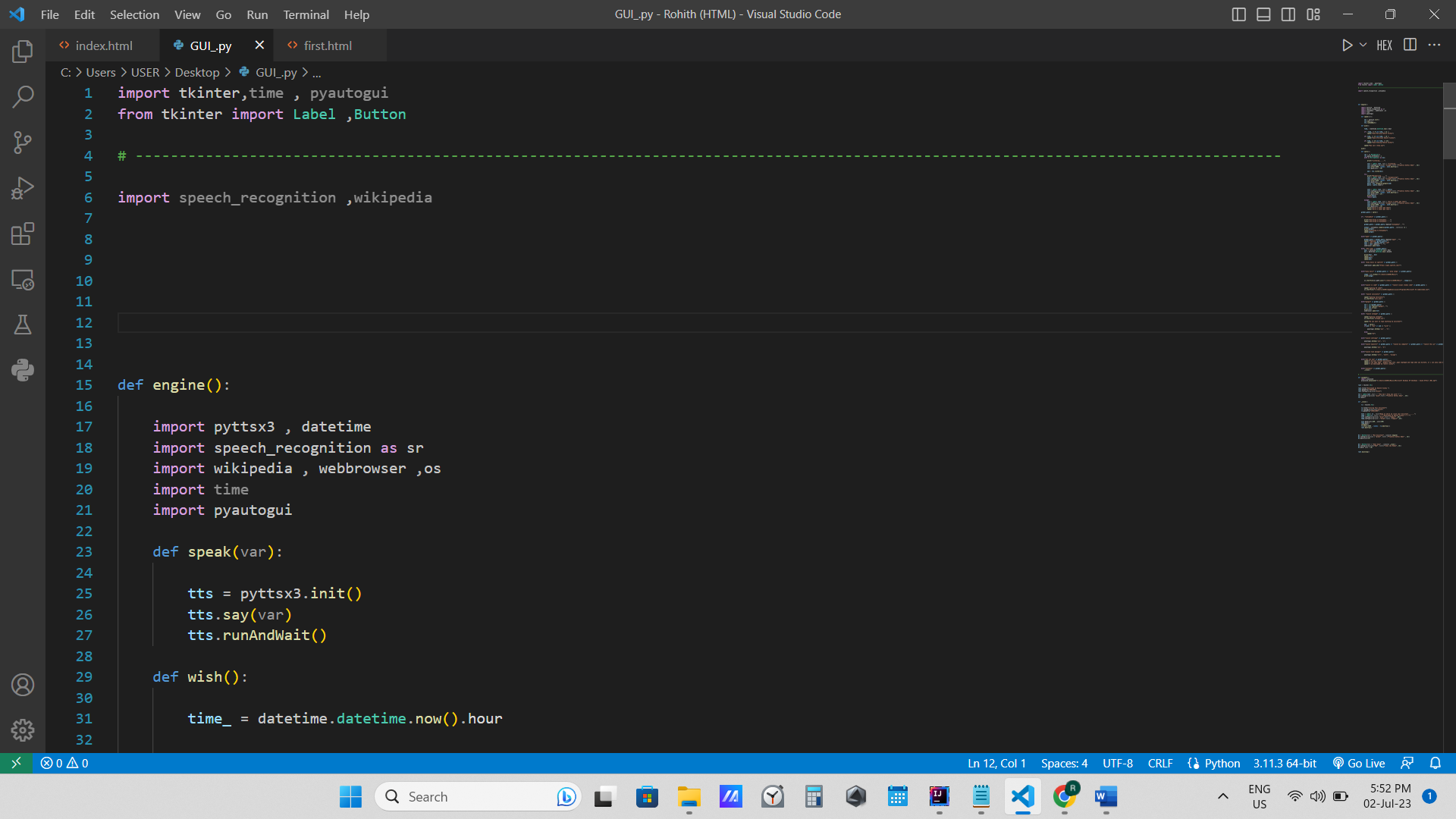
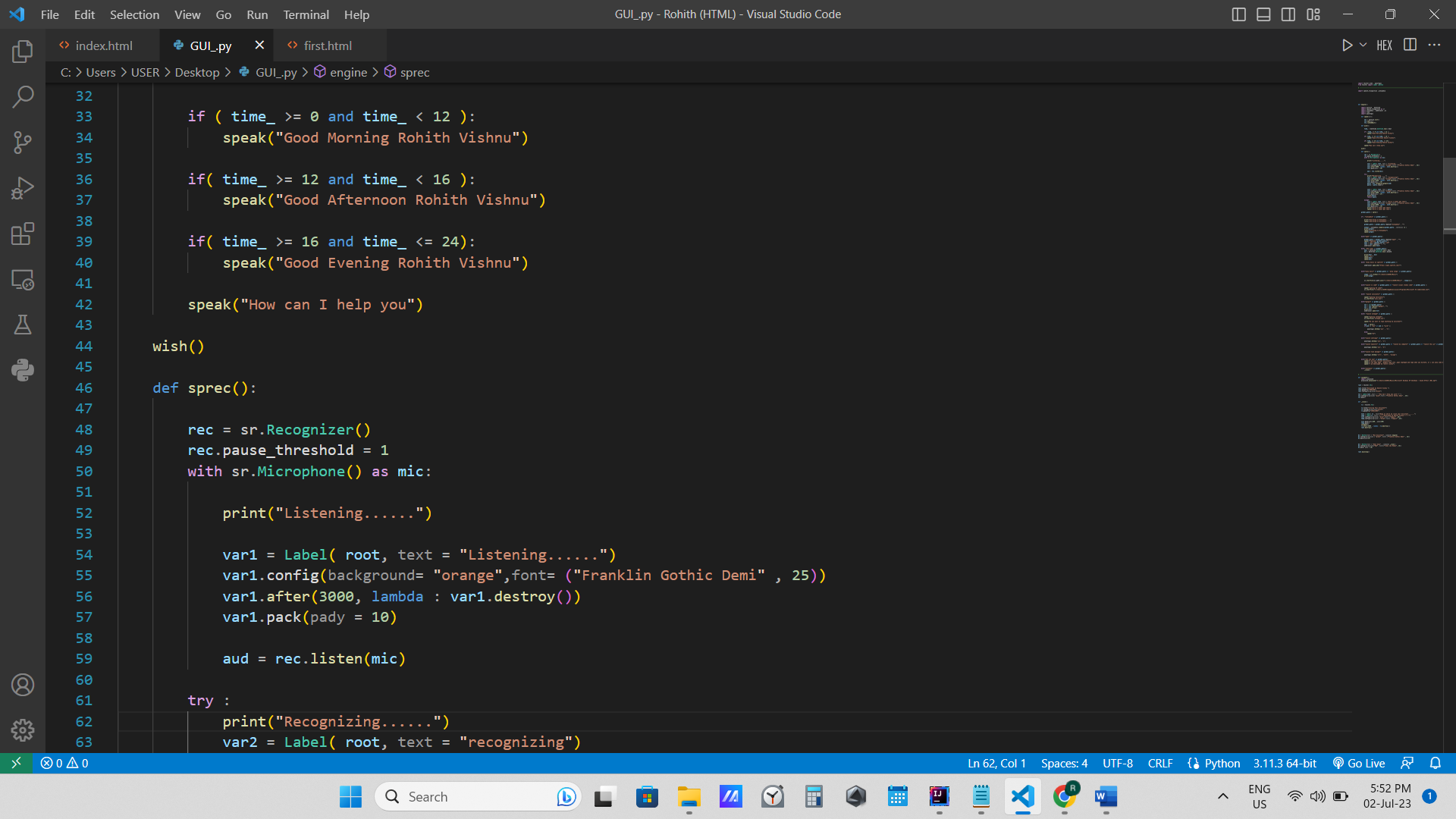
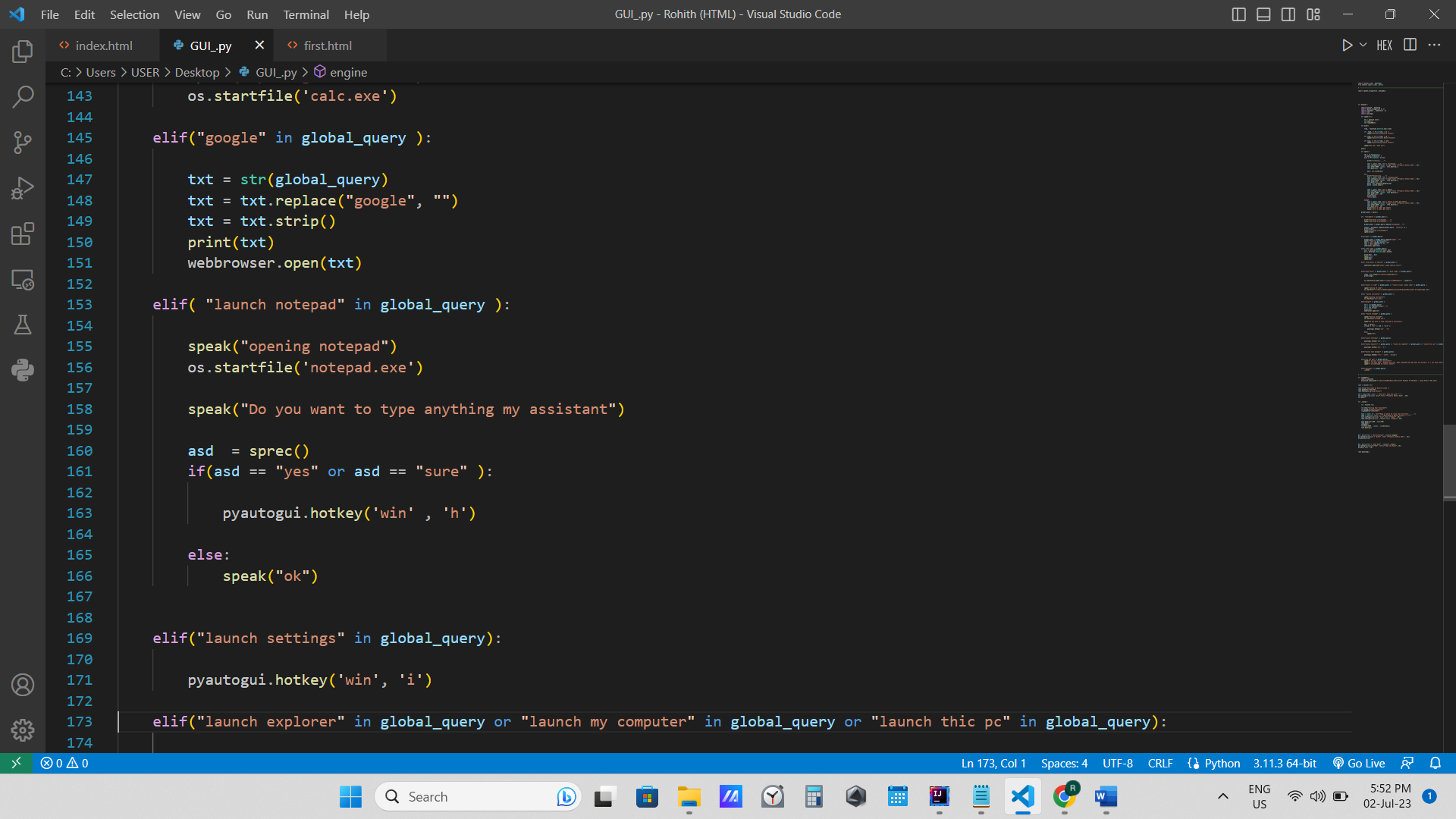
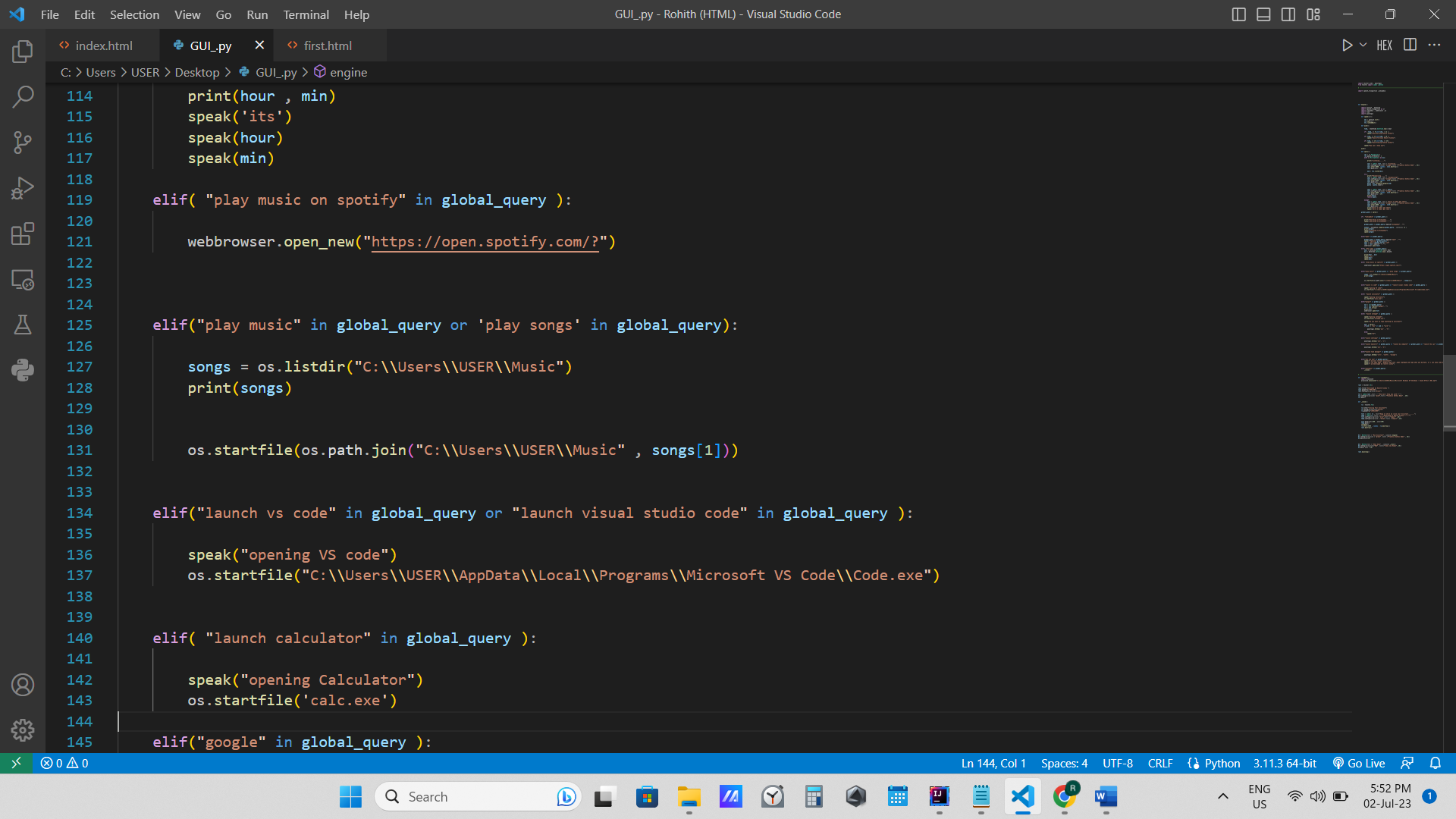
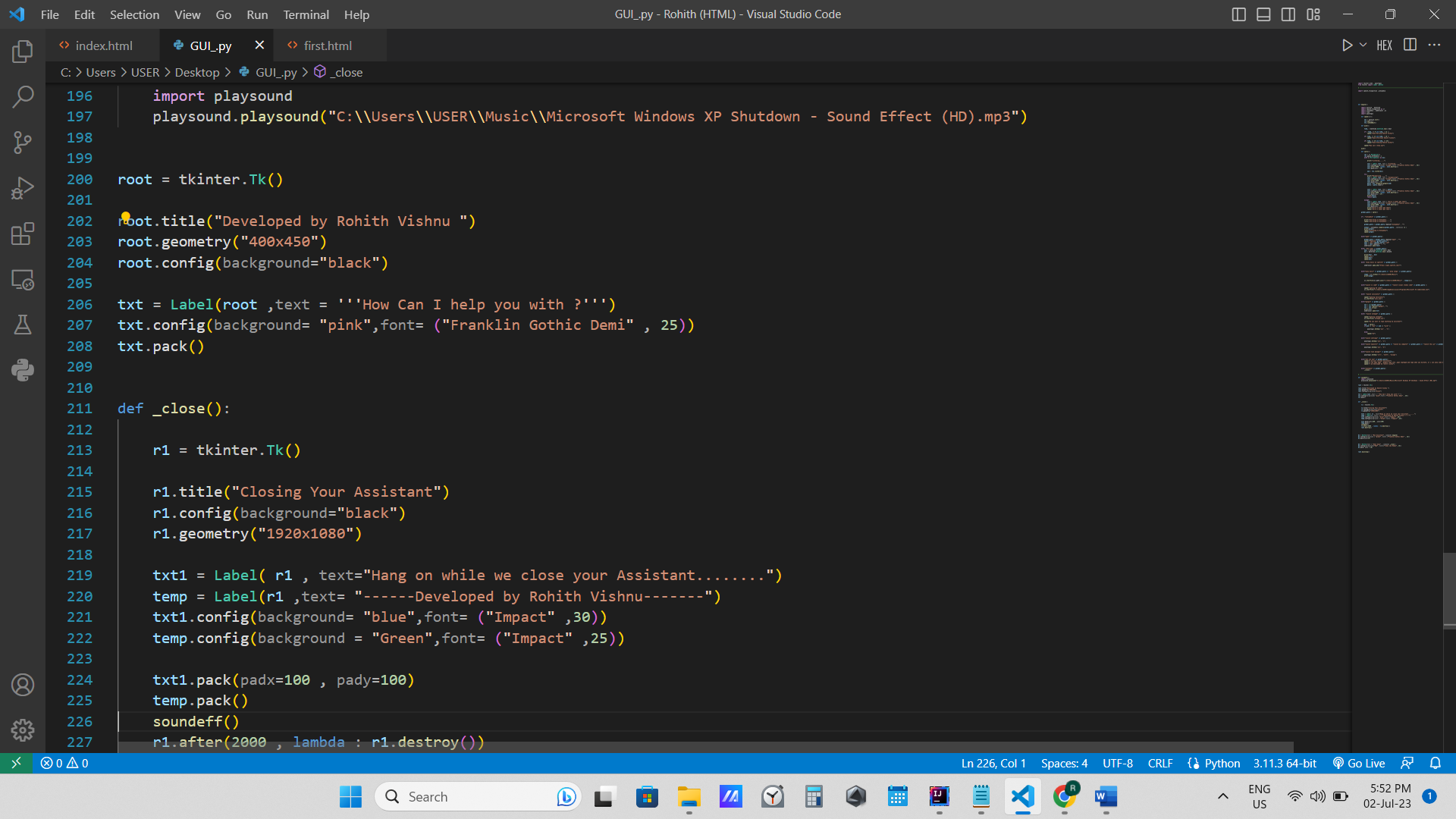
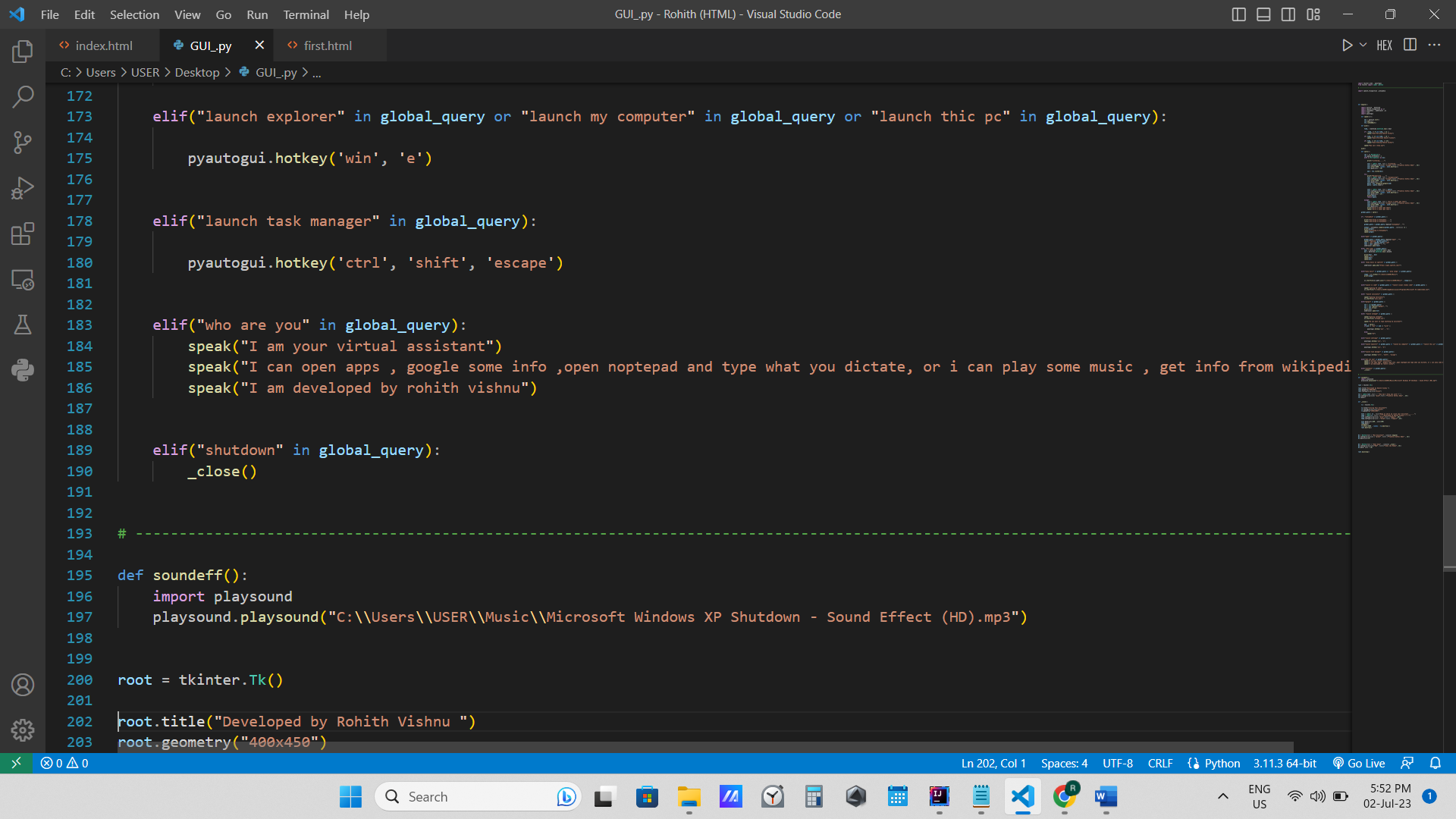
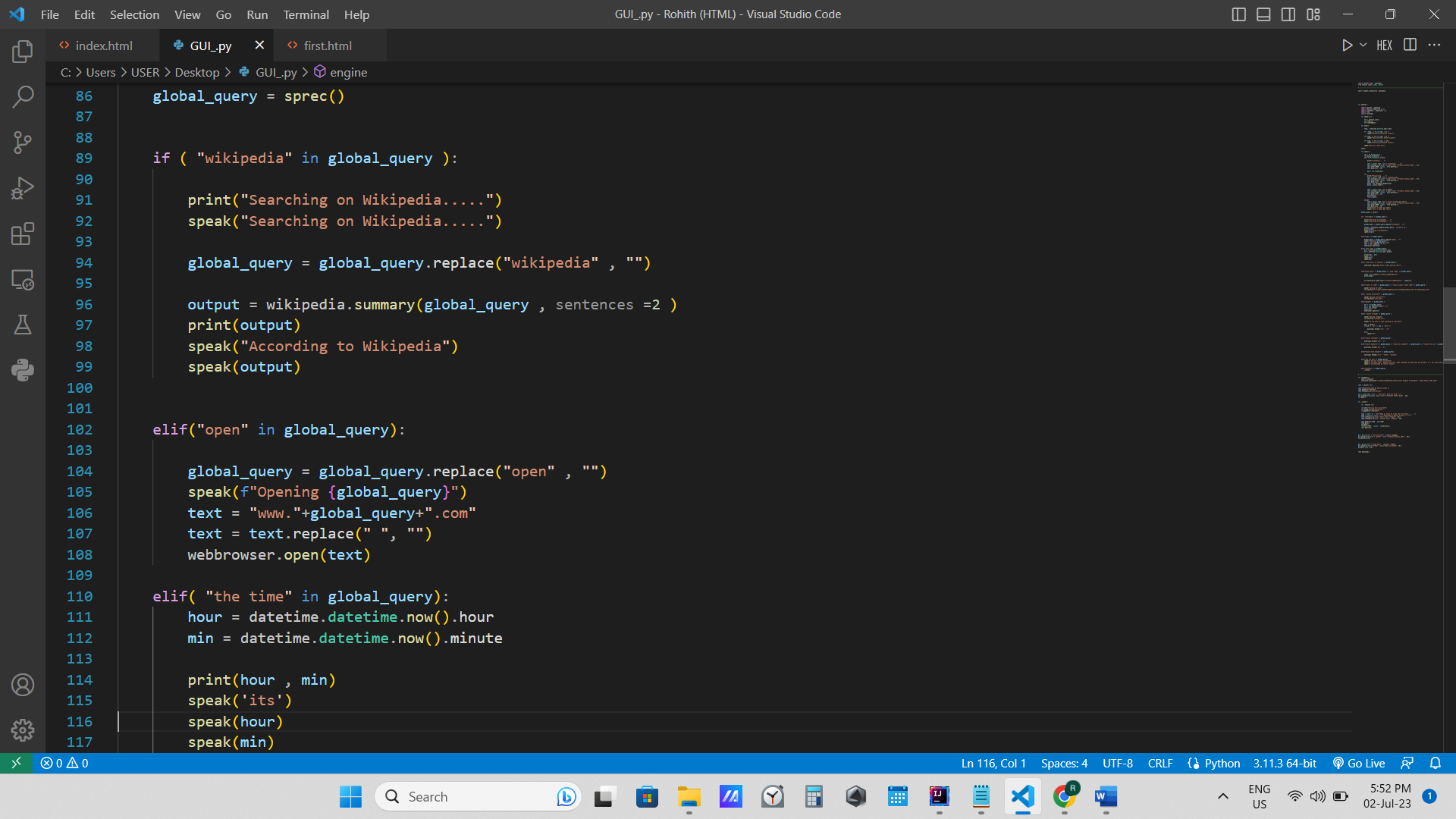
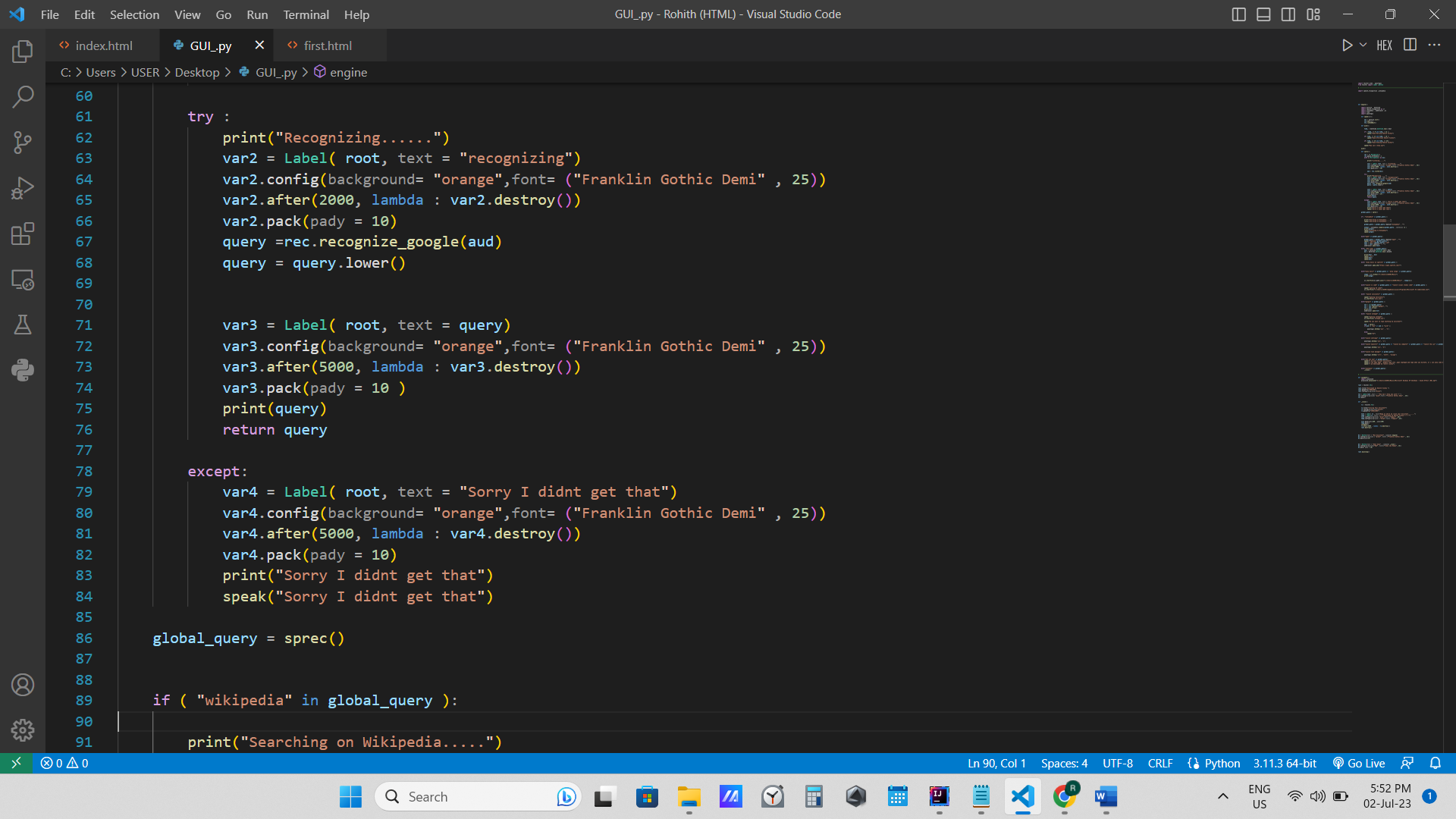
Scripting and Integration: Using scripting languages such as Python or JavaScript, I wrote code snippets to automate each step of the workflows. I leveraged APIs, command-line interfaces, and other integration methods to interact with existing software and tools used in my work environment.
Error Handling and Logging: To ensure the reliability of the Work Automator, I implemented error handling mechanisms that could detect and handle exceptions during the automation process. I also incorporated logging functionalities to track the execution of workflows and provide visibility into any issues or errors encountered.
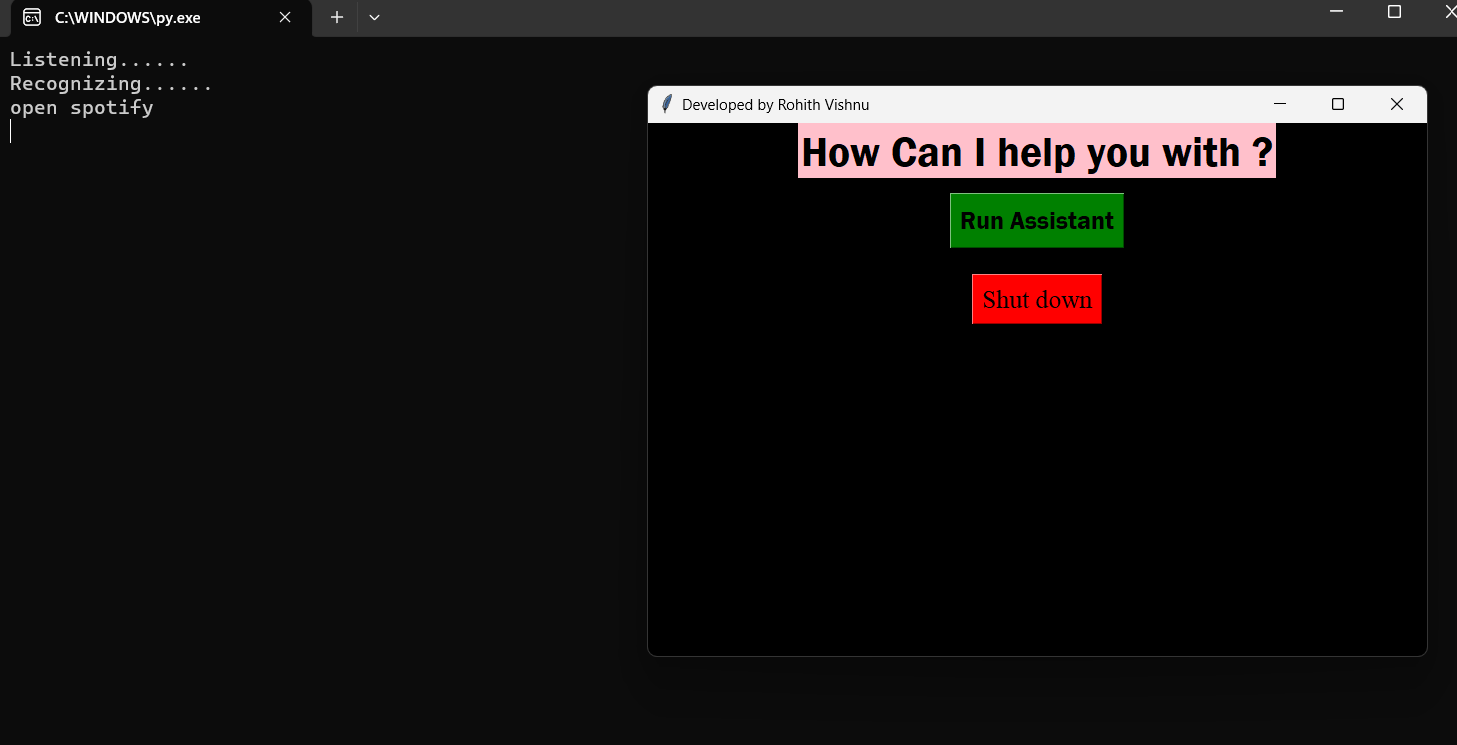
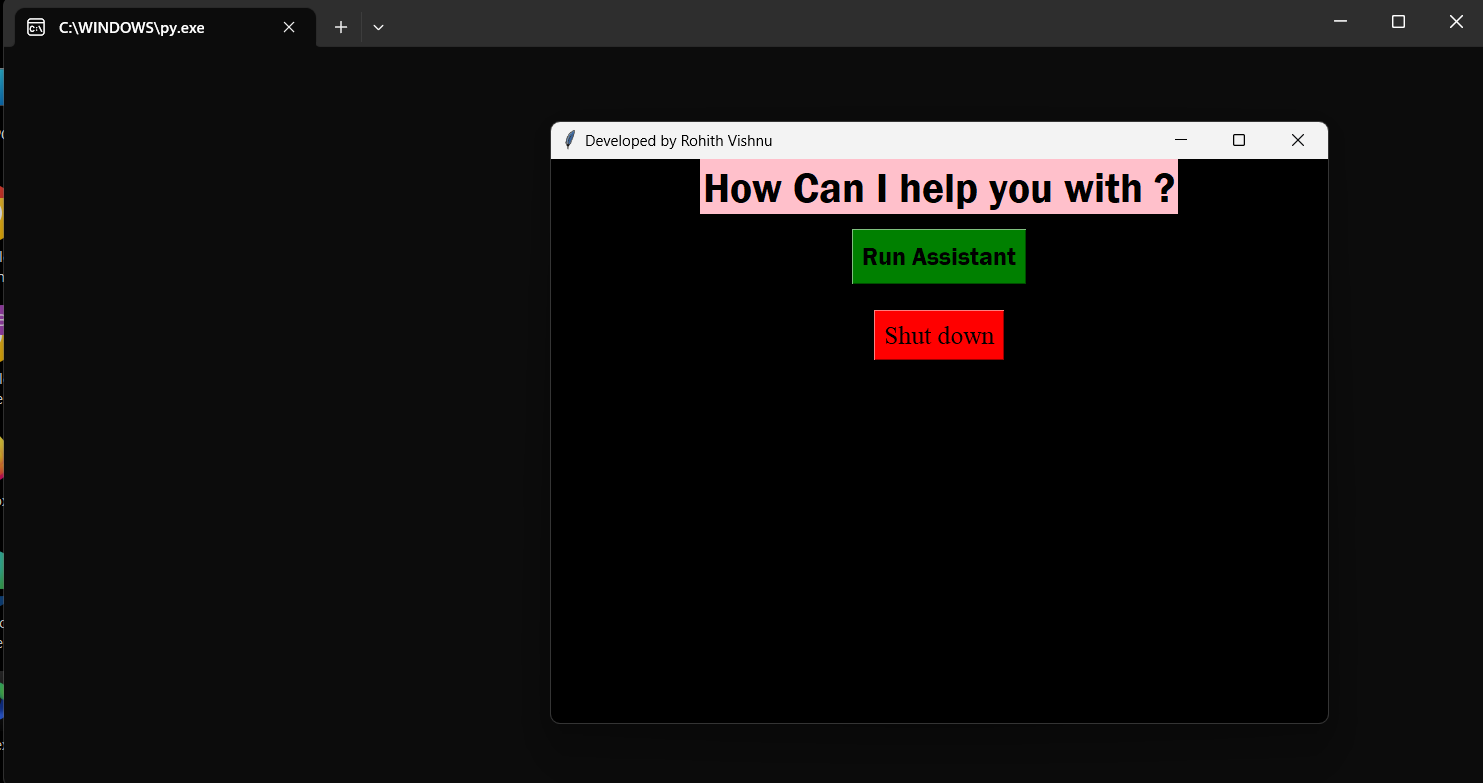
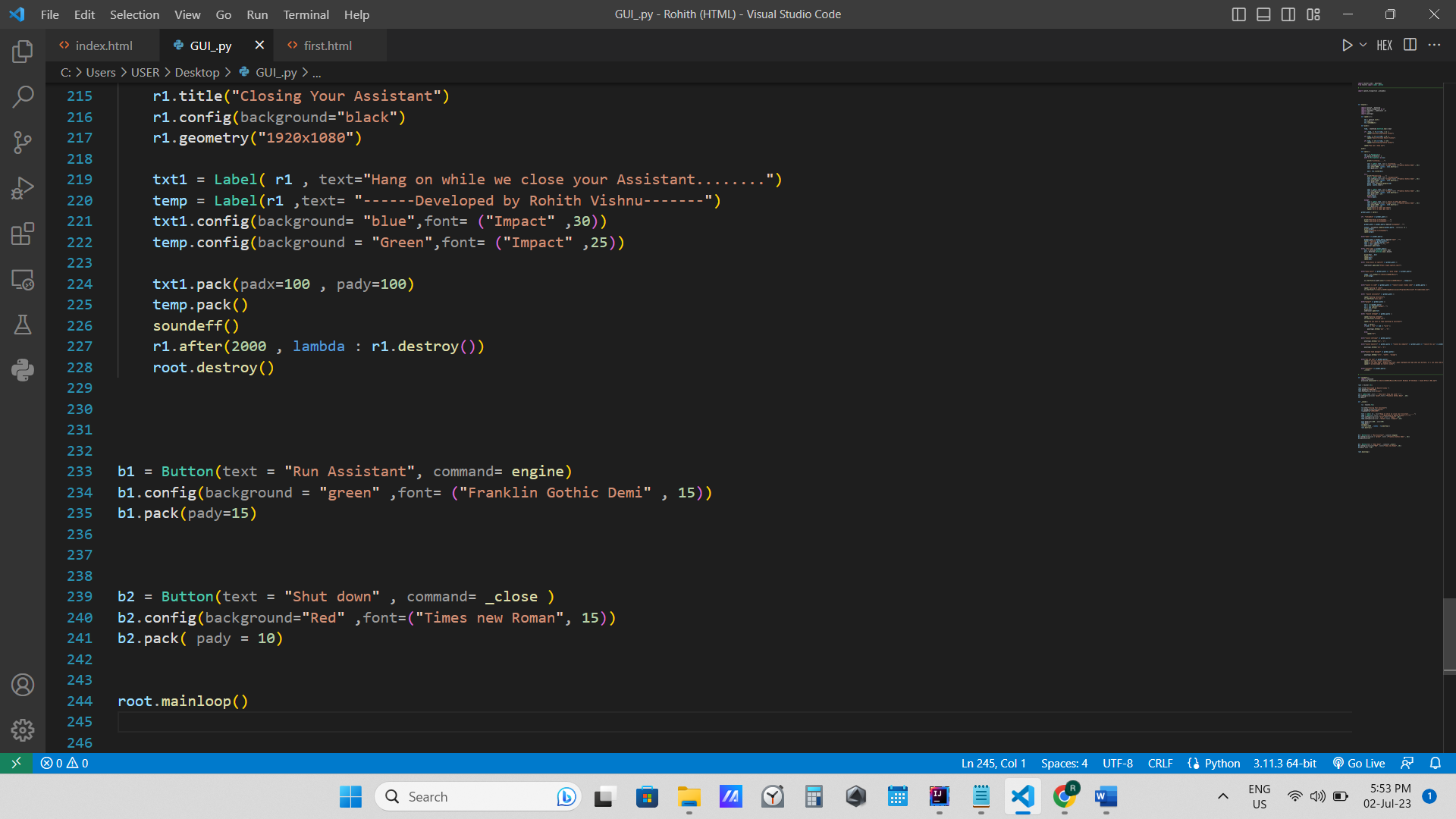
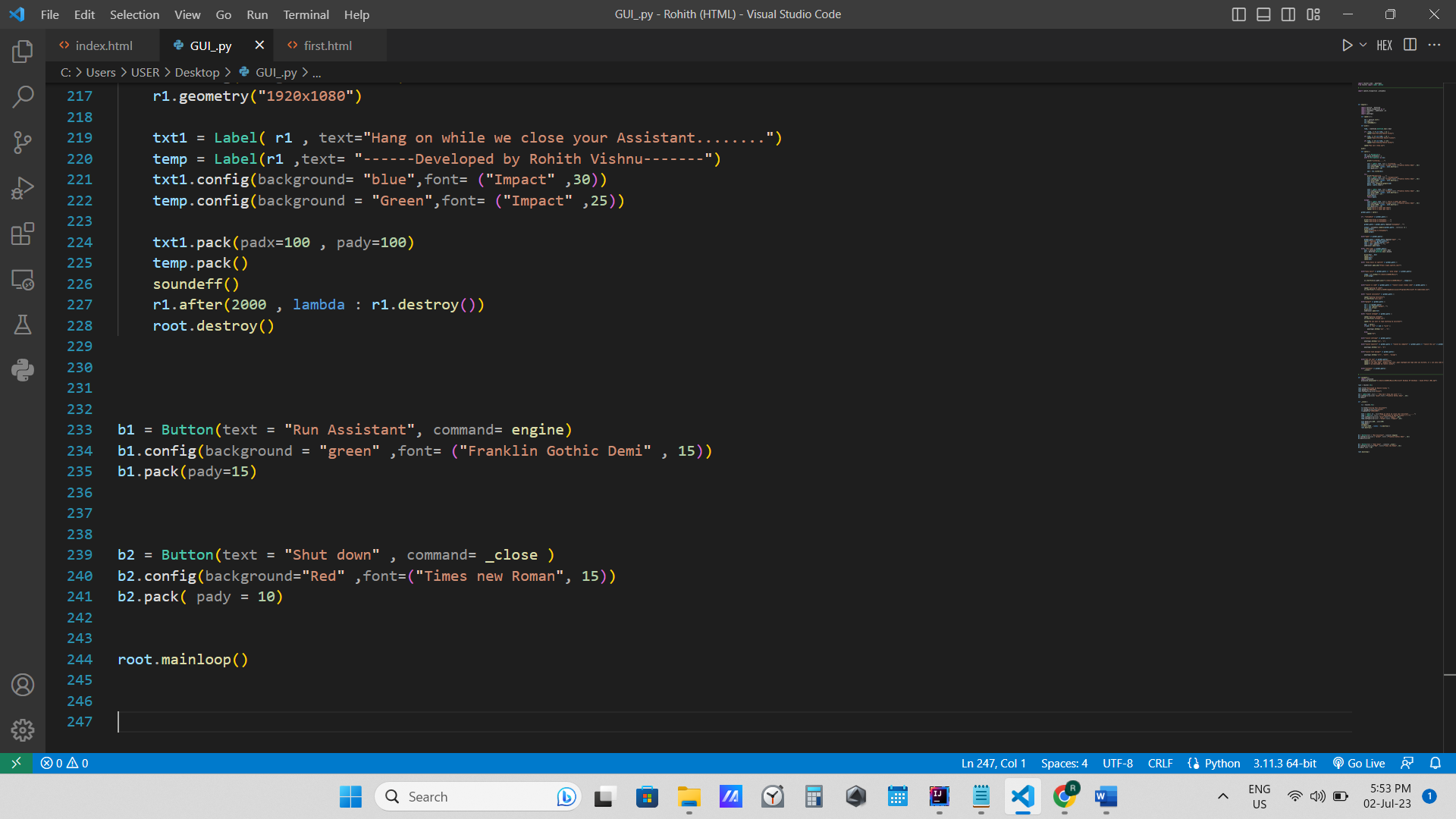
User Interface: Developing an intuitive and user-friendly interface was essential. I designed a user interface that allowed users to define and manage their workflows, schedule tasks, and monitor the progress and results of automated processes. This interface provided a centralized control panel for the Work Automator.
Challenges Faced
Throughout the project, I encountered several challenges that pushed me to expand my problem-solving skills and think creatively:
Workflow Complexity: Designing workflows that encompassed various decision points, dependencies, and exception handling proved to be a challenge. Balancing flexibility and simplicity while ensuring the automation process followed the desired logic required careful planning and testing.
Integration with External Tools: Integrating the Work Automator with existing software and tools posed challenges due to differences in APIs, data formats, and authentication methods. Overcoming these integration hurdles required thorough research, documentation analysis, and trial-and-error testing.
Error Handling and Reliability: Ensuring that the Work Automator could handle errors gracefully and recover from failures was crucial. Developing robust error handling mechanisms and implementing effective logging and notification systems allowed for better monitoring and troubleshooting.
Adoption and User Experience: Encouraging adoption and providing a seamless user experience were important factors for the success of the Work Automator. Designing an intuitive interface, providing clear documentation, and offering support and training resources helped overcome initial resistance and facilitate user acceptance.
Despite these challenges, the journey of building my Work Automator was highly rewarding. It allowed me to acquire practical experience in automation, workflow design, and integration with existing tools while significantly improving productivity in my work environment.
Conclusion
Creating my own Work Automator was a fulfilling experience that empowered me to automate repetitive tasks and optimize workflows in my professional life. It required a deep understanding of automation principles, workflow design, scripting, and integration with external tools.
Throughout the development process, I overcame various challenges
related to workflow complexity, integration, error handling, and user experience. These challenges not only enhanced my technical skills but also sharpened my problem-solving abilities and perseverance.
As I continue to refine and expand my Work Automator, I look forward to sharing its benefits with others and contributing to the growing field of workplace automation. Automating routine tasks frees up time and energy, allowing individuals and organizations to focus on higher-value activities and achieve greater efficiency in their work.

Log in or sign up for Devpost to join the conversation.