-
-
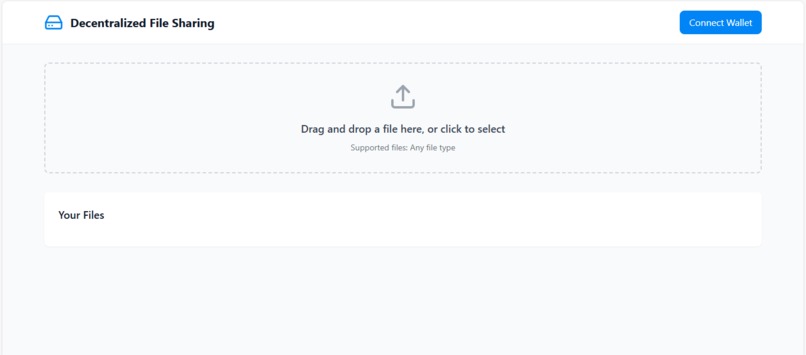
Sample Web3 page
-
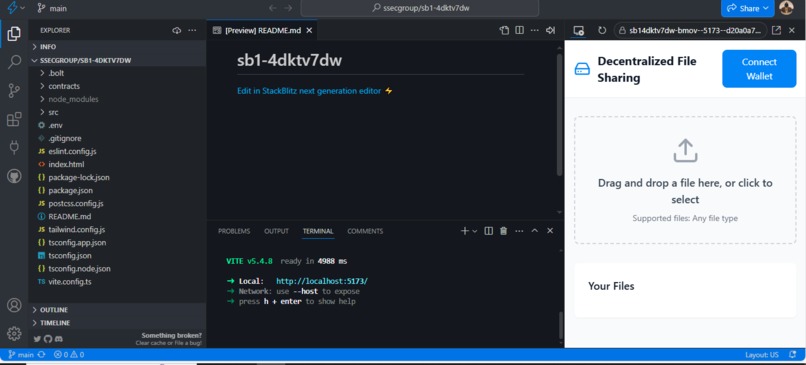
IDE and Preview
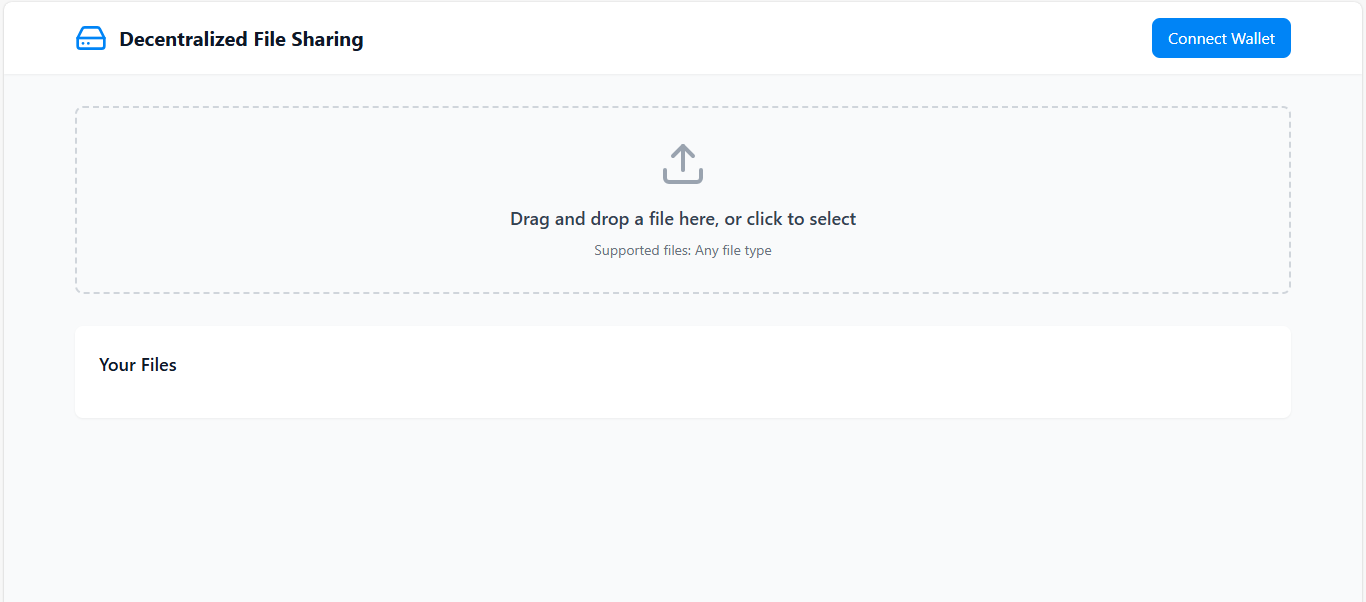
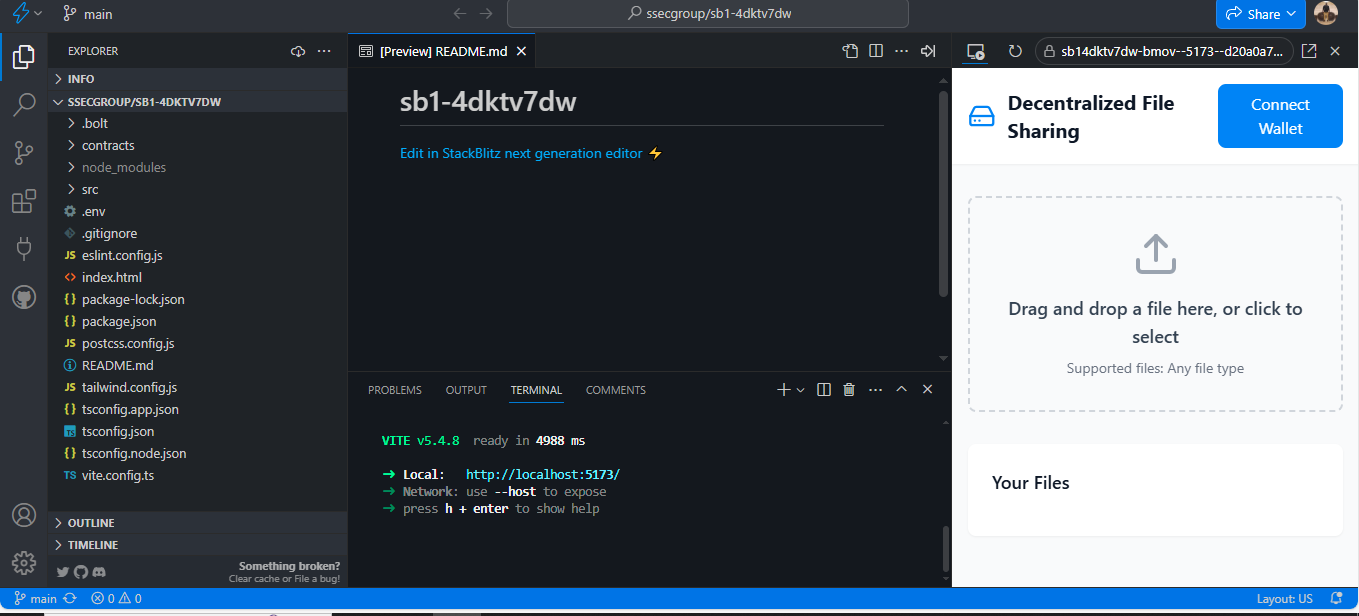
Decentralized File Storage & Sharing
Project Overview
The Decentralized File Storage & Sharing project leverages the Filecoin Virtual Machine (FVM) to create a secure, on-chain system for storing and retrieving documents. By utilizing the power of decentralized storage and blockchain, the solution allows users to store, share, and control access to their files in a transparent, tamper-proof, and secure manner.
This project integrates with the Filecoin network to ensure files are stored in a decentralized manner and that access is granted only to authorized users for a specified period, with the option to revoke access at any time.
Key Features
- Decentralized Storage: Files are stored on the Filecoin network, ensuring data security and availability.
- File Upload & Ownership: Users can upload files, and ownership is tracked via their respective hash values.
- Access Control: Owners can grant or revoke access to specific users. Access is time-bound, and users can only access the file until the expiry time is reached.
- Expiry Management: Each file has an associated expiration timestamp, after which access is automatically revoked.
- Smart Contract: The core logic is implemented via smart contracts on the Filecoin Virtual Machine (FVM), ensuring trustless interaction between users and the system.
Technologies Used
- Solidity: Smart contract development language.
- Filecoin Virtual Machine (FVM): A runtime environment for smart contracts on the Filecoin network.
- IPFS/Filecoin: Decentralized storage protocols for file storage.
- Web3.js: JavaScript library to interact with Ethereum-like blockchains and the deployed smart contracts.
- React: Frontend library for building the user interface.
- Ethereum Testnet (Rinkeby or others): For testing and deployment of the smart contract.
How It Works
Upload File
Users can upload files by providing a unique file hash (CID). Along with the file hash, the user must specify an expiration time, which will be stored in the contract.
Grant Access
The owner of a file can grant access to a specific user by adding their address to the access list. Access is granted only if the user is authorized by the file owner.
Revoke Access
The file owner has the ability to revoke access from any user at any time, providing complete control over the file.
File Expiry
Once the file's expiration time has passed, access to the file is automatically revoked, ensuring that users cannot access outdated or expired files.
Installation
- Clone the repository: ```bash git clone https://github.com/ssecgroup/decentralized-file-storage.git
Install dependencies: Navigate to the project folder and install the necessary dependencies.
bash Copy Edit npm install Deploy the contract: Use Remix or your preferred Solidity environment to deploy the contract on the Filecoin network or an Ethereum testnet.
Run the frontend: After deploying the contract, start the frontend application:
bash Copy Edit npm start How to Use Upload Files: Users can upload files by providing a file hash and expiration time. Grant Access: The file owner can grant access to others by adding them to the access list. Revoke Access: The file owner can revoke access to any user at any time. Check Access: Users can check if they have access to a specific file by querying the smart contract. Demo Video Link to Demo Video
Contributing Feel free to fork the repository and submit pull requests. Please ensure that any pull requests are well-tested and follow the code style guidelines. For large changes, please open an issue first to discuss what you would like to change.
License This project is licensed under the MIT License - see the LICENSE file for details.
Contact Project Lead: Shiyanthan GitHub: https://github.com/ssecgroup


Log in or sign up for Devpost to join the conversation.