-
-
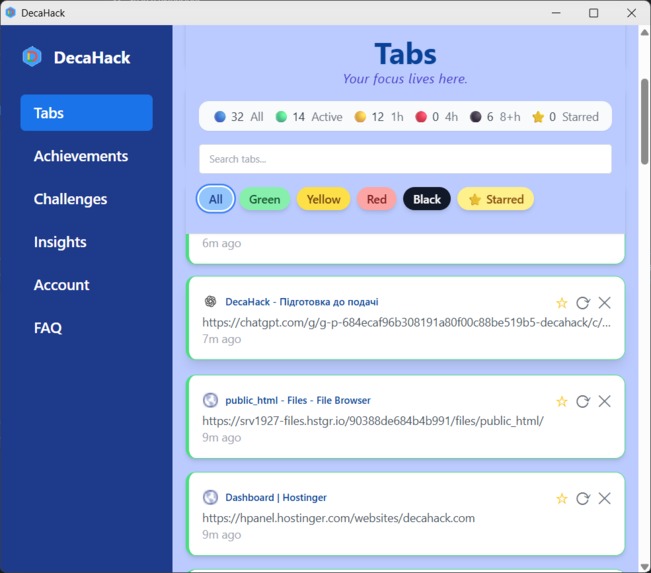
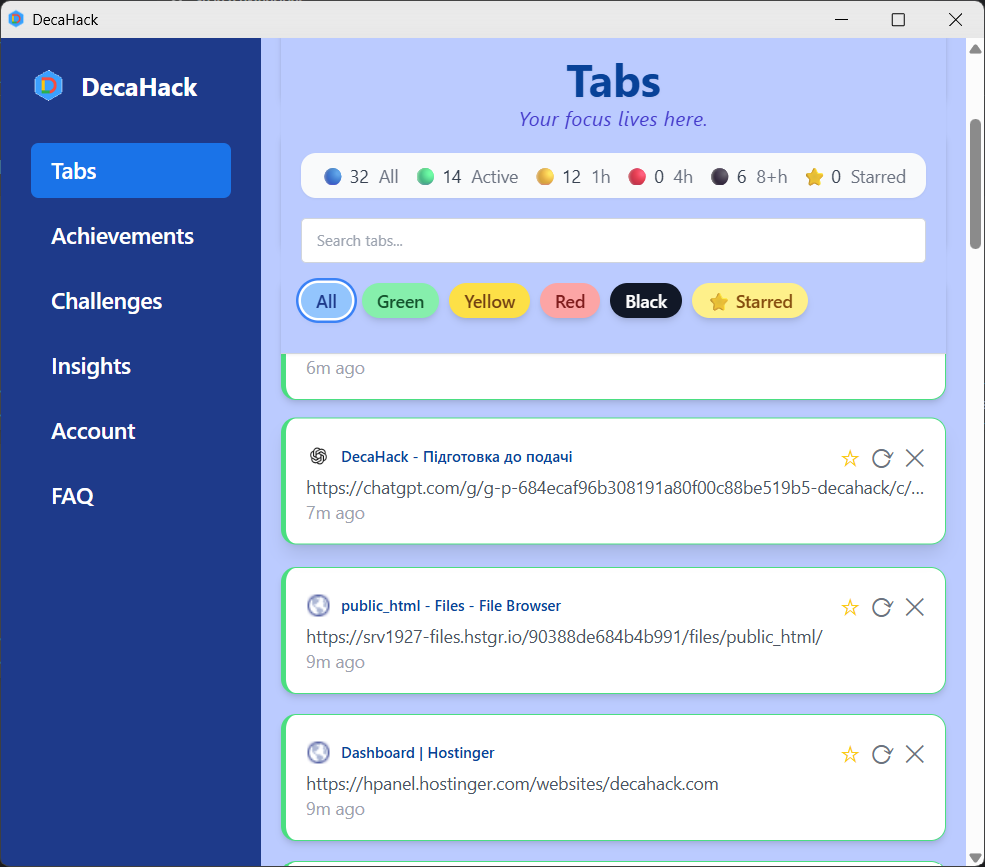
Live tab aging in action — filter, search, and manage tabs by focus level with color-coded statuses in the DecaHack dashboard.
-
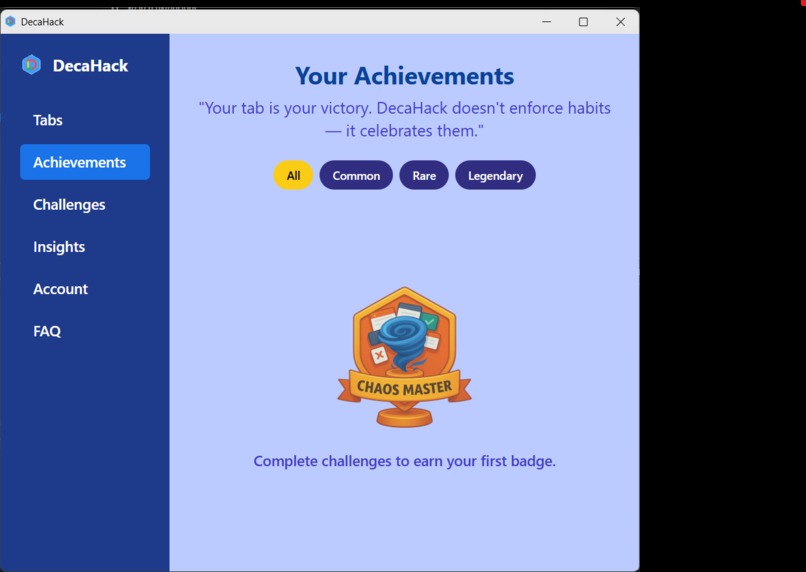
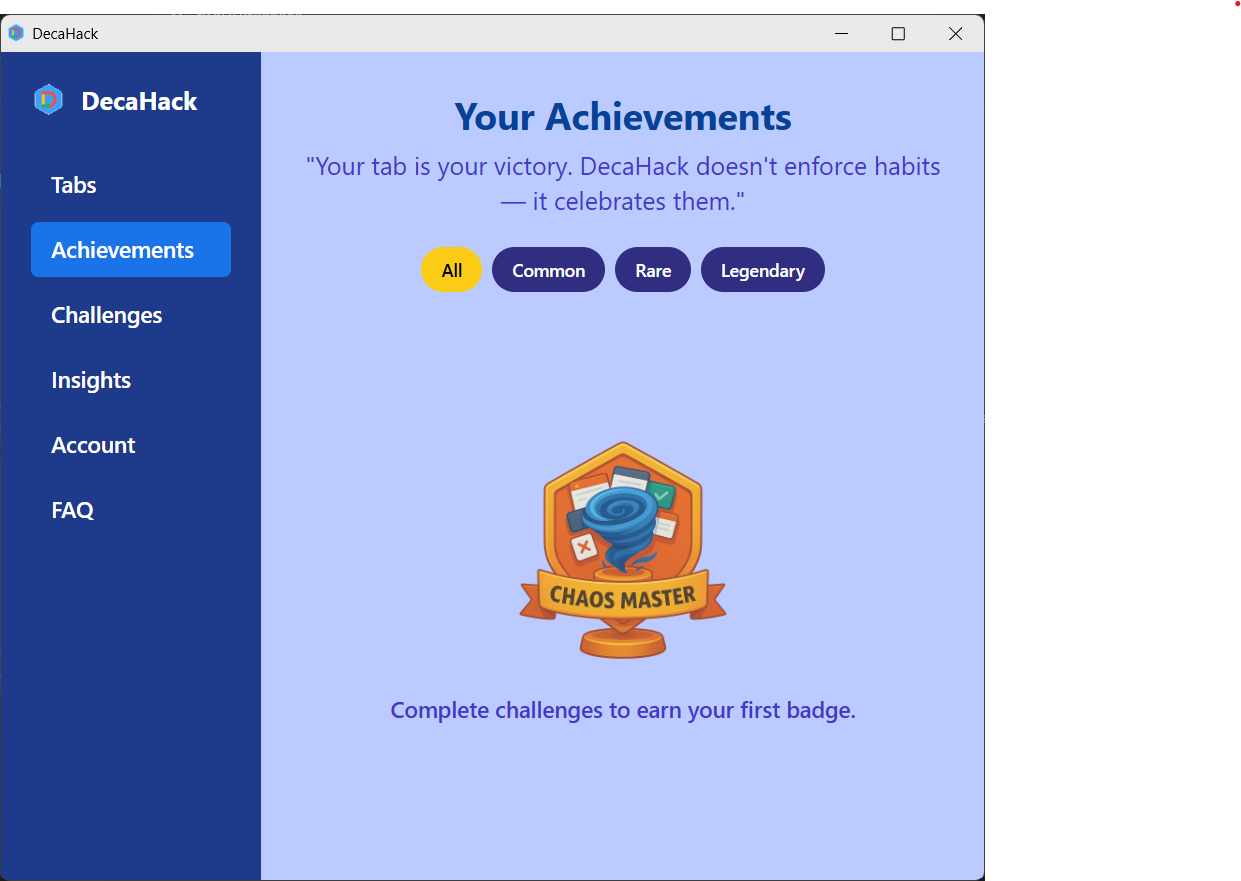
Unlock badges by completing focus challenges. DecaHack celebrates your unique routine — not enforces habits.
-
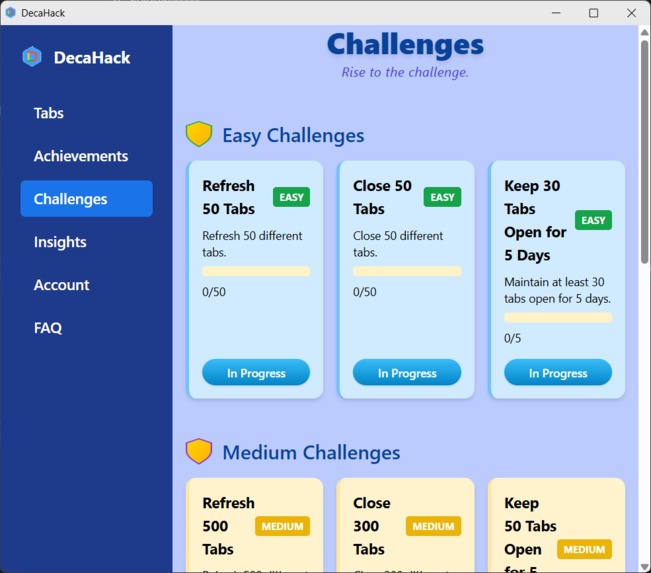
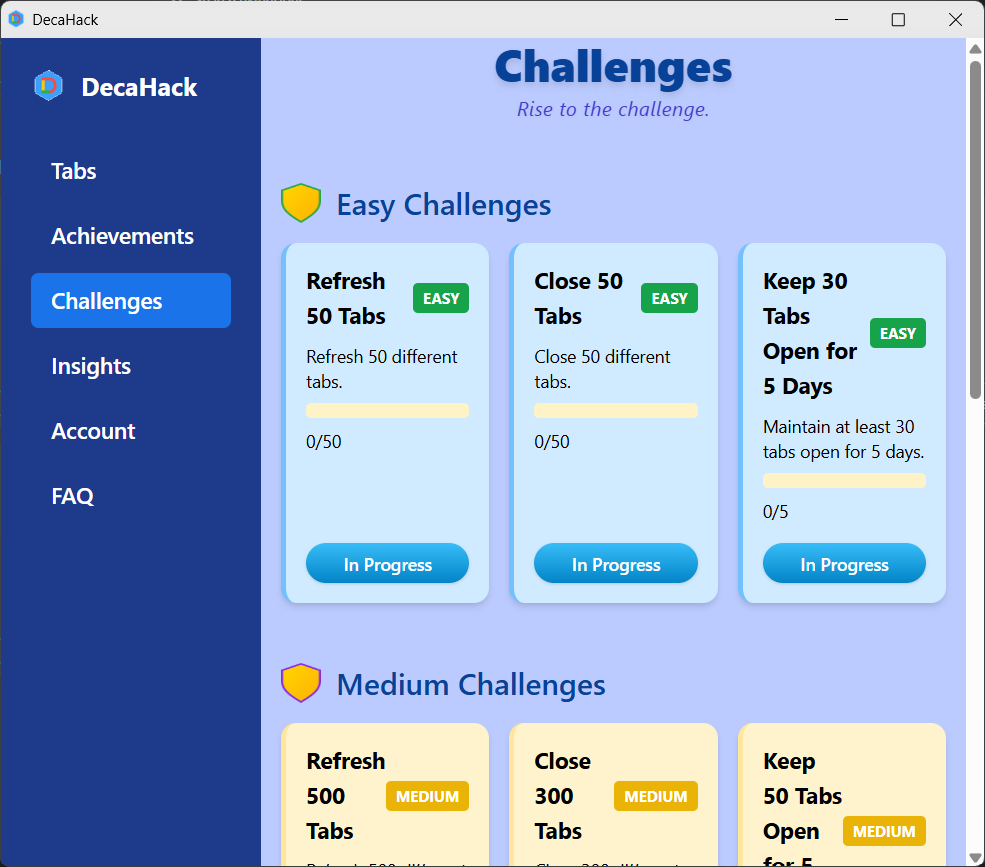
Complete tab-related challenges to earn achievements. DecaHack turns your focus habits into milestones worth celebrating.
-
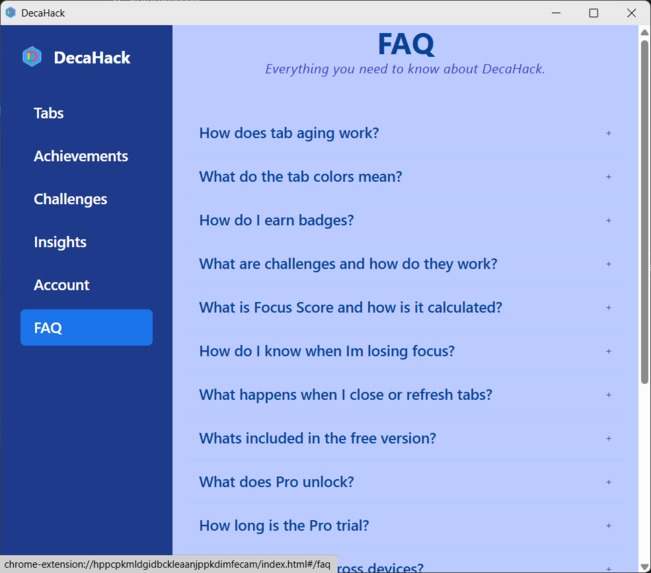
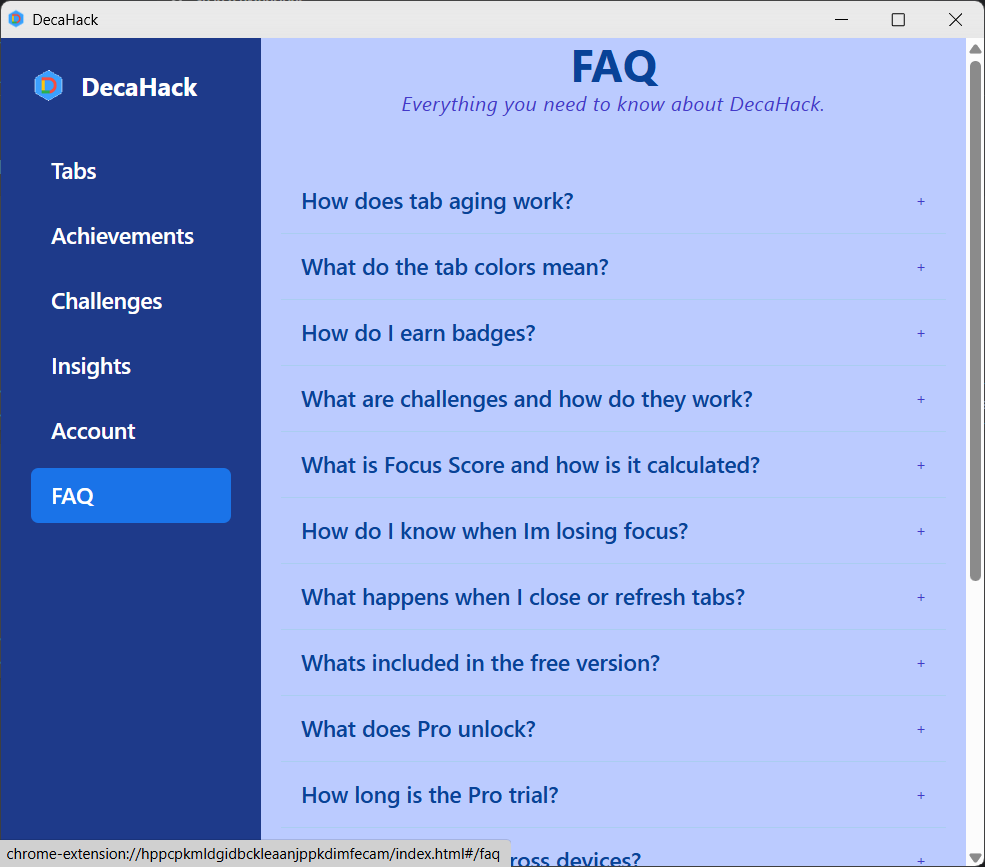
The built-in FAQ answers everything about tab aging, badges, challenges, Focus Score, and what’s included in Free vs Pro.
-
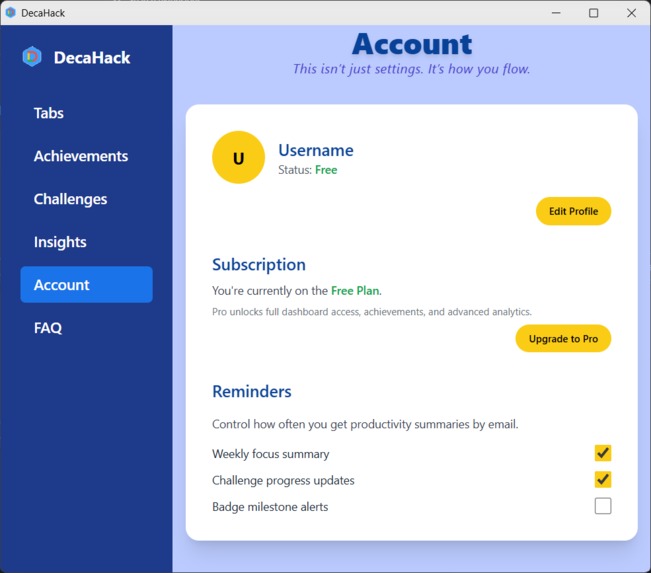
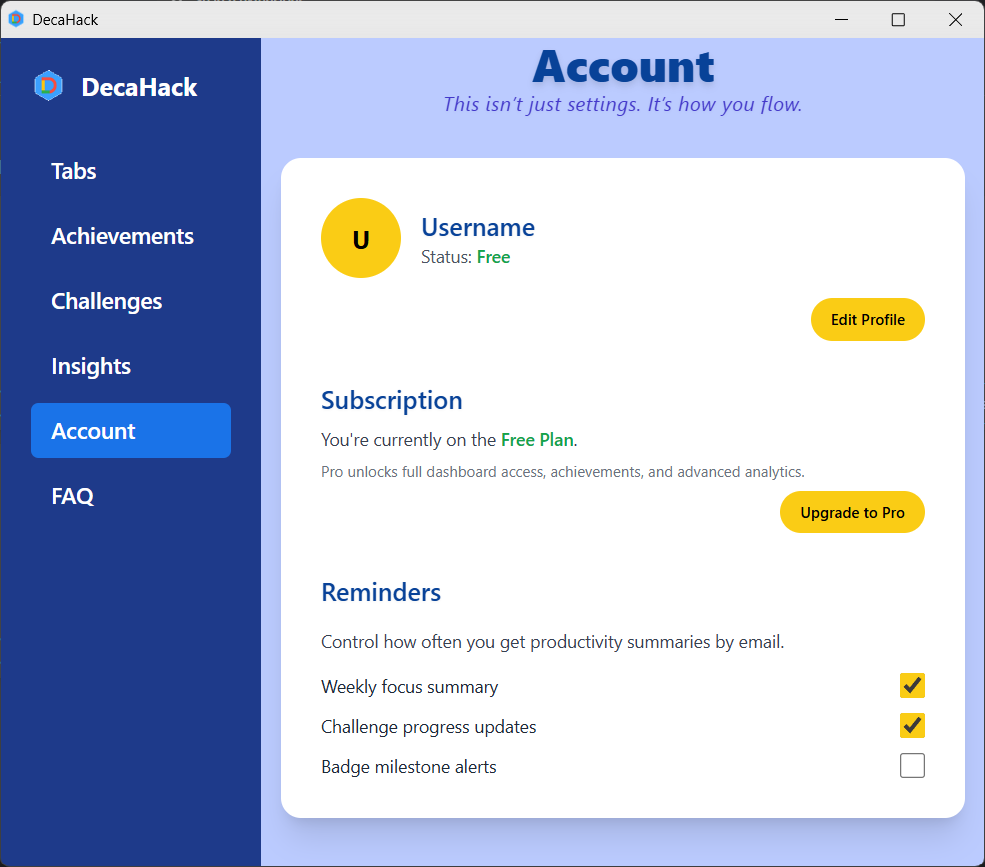
Manage your plan, profile, and focus reminders. Upgrade to Pro to unlock achievements, advanced analytics, and full dashboard access.
-
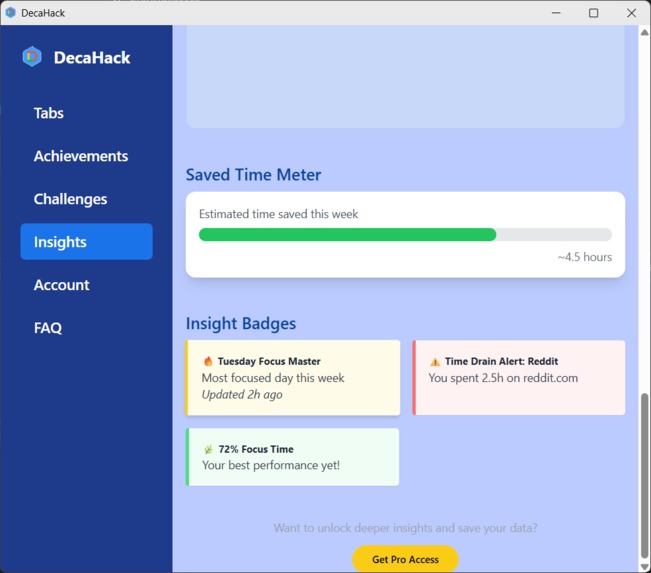
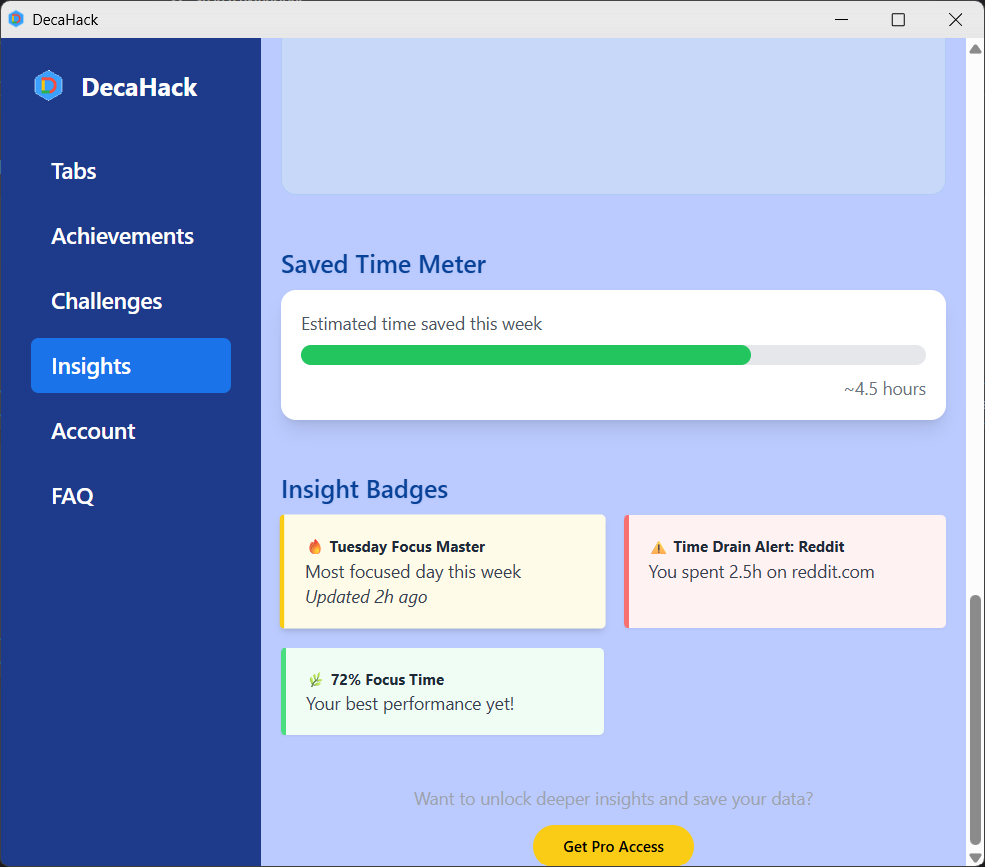
See time saved, track focus trends, and get insight badges. DecaHack reveals where your time goes — and how to win it back.
Inspiration
I’m not a developer — I work full-time as a carpenter in Canada.
Every evening, after long hours on the construction site, I opened my laptop — often with it on my knees — and slowly built this project from scratch. What started as a curiosity became a mission.
I realized one thing: routine is invisible. We work, browse, focus — and yet we get no feedback, no recognition, no “level up.”
We live inside our browser tabs. But all they give us back is chaos.
That’s why I built DecaHack: a tool that turns your everyday behavior into visible progress — transforming routine into a game.
What it does
DecaHack is a Chrome extension that transforms your tabs into missions.
- Tracks tab activity over time (fresh → aging → stale)
- Color-codes your tabs (green → yellow → red → black)
- Connects to a dashboard with filters, categories, and tab insights
- Provides real-time tab status + popup quick actions
- (Coming soon) Achievements and focus-based challenges
Instead of punishing distraction, it celebrates behavior — and gives users a sense of momentum.
How we built it
This is my first software project ever.
I had no development background. So I used:
- ⚡️ Bolt.new to build and iterate UI across multiple pages
- 🧠 ChatGPT to guide logic, debug, and scaffold architecture
- 🧩 Supabase for authentication, real-time syncing, and progress tracking
- 🧪 Chrome Extension APIs to monitor and interact with active tabs
The result: a working browser extension and live dashboard — built alone, after hours, from scratch.
Challenges we ran into
- Learning to code while building, without tutorials
- Implementing tab aging logic that users can intuitively understand
- Syncing real-time status changes via Supabase
- Handling communication between background, popup, and dashboard
- Designing an interface that feels like a product — not a prototype
Every challenge was a breakthrough moment.
Accomplishments that we're proud of
- ✅ Built a fully functional Chrome extension and dashboard
- ✅ Deployed on a custom domain: DecaHack.com
- ✅ Built a tab-aging system with no dev experience
- ✅ Created a gamified concept that resonates emotionally
- ✅ Made this public — and truly believe it can help others
What we learned
- That focus deserves feedback — and motivation can be designed
- That tools like Bolt, Supabase, and ChatGPT are force multipliers
- That even non-devs can build products with impact
- That clarity and small wins are often all people need
What's next for DecaHack
This is just the beginning.
Next steps:
- 🏅 Unlockable achievements and badge gallery
- 🎯 Personalized daily + weekly challenges
- 📊 Time insights and focus history analytics
- 🚀 Shareable stats and badges to drive viral growth
My goal is clear:
1,000,000 users.
Because this isn’t just a tab manager. It’s a recognition engine for your everyday focus.
People are overwhelmed by digital chaos.
DecaHack helps them find meaning in the mess.
Your tab is your victory.
Built With
- bolt.new
- chatgpt
- chrome.extension.api
- database
- hostinger
- supabase
- tailwindcss
- typescript
- vite+react


Log in or sign up for Devpost to join the conversation.