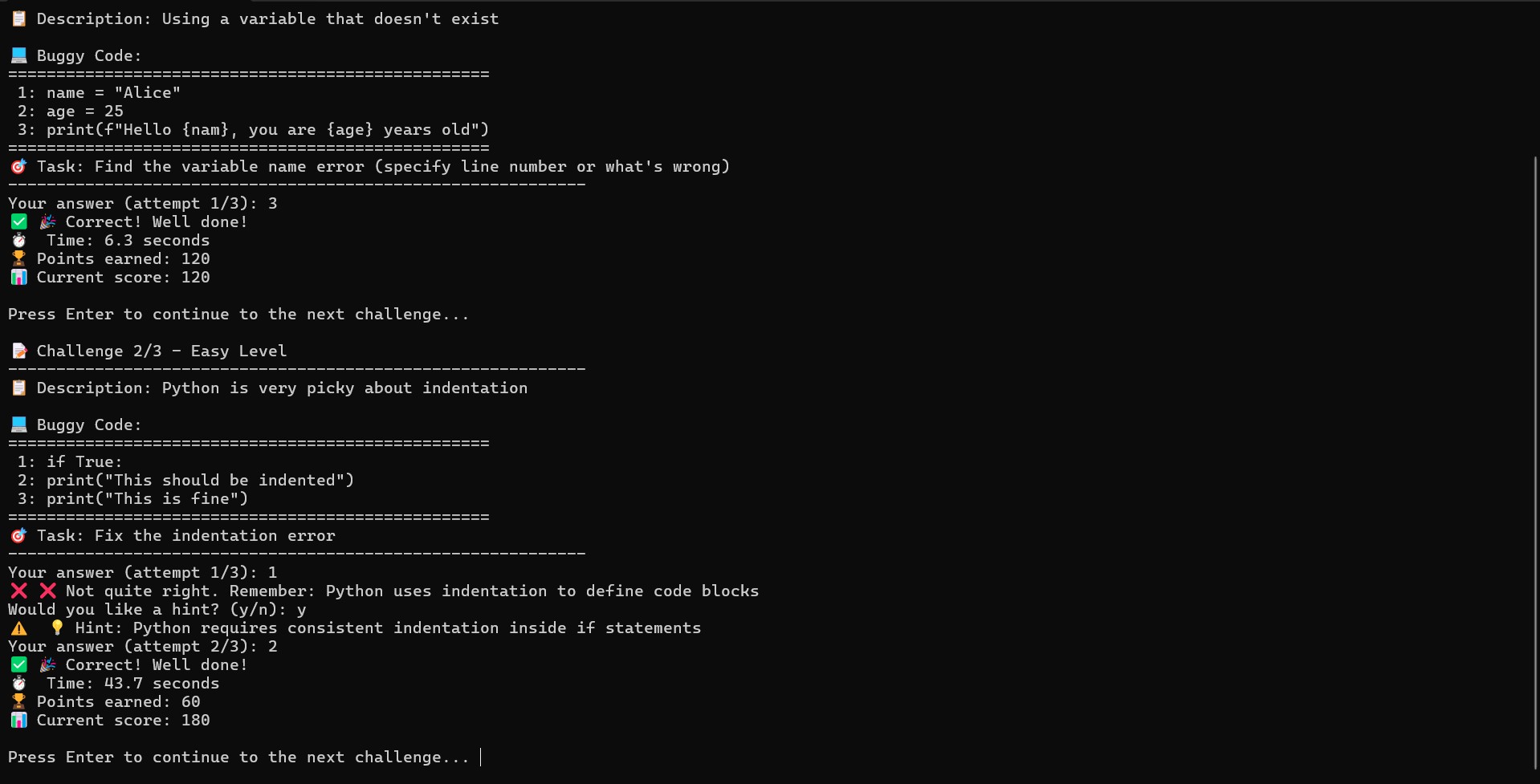
🧠 About the Project – DebugQuest 💡 Inspiration As beginner developers, we realized that most coding platforms help us learn syntax, but not how to think like a developer — especially when it comes to debugging.
Debugging is one of the most frustrating yet essential skills in programming, and we wanted to make it fun, interactive, and educational.
“What if debugging was a game — with levels, points, and instant feedback?”
That’s when DebugQuest was born — a terminal-based Python game that turns the art of bug-hunting into a skill-building adventure.
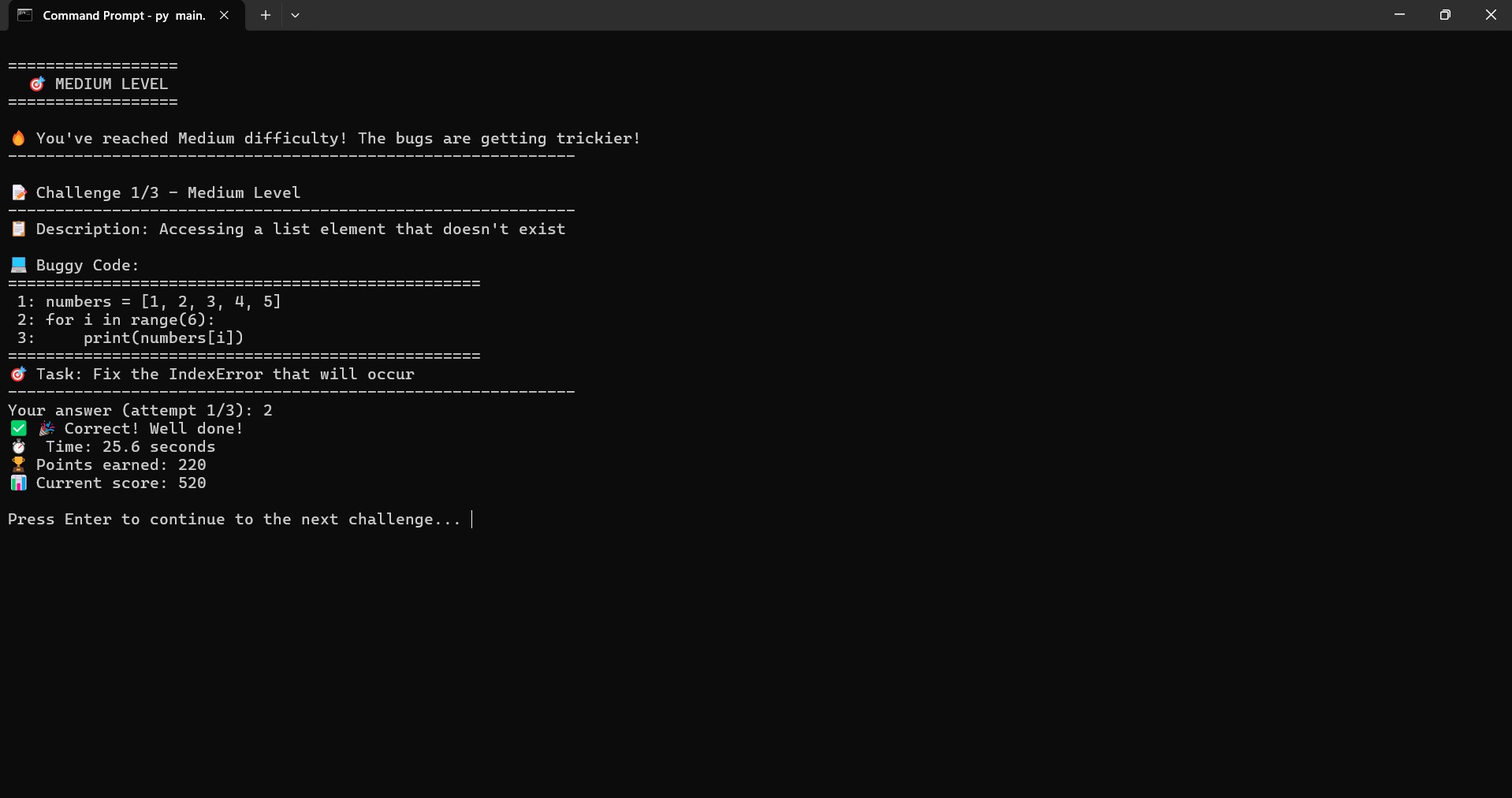
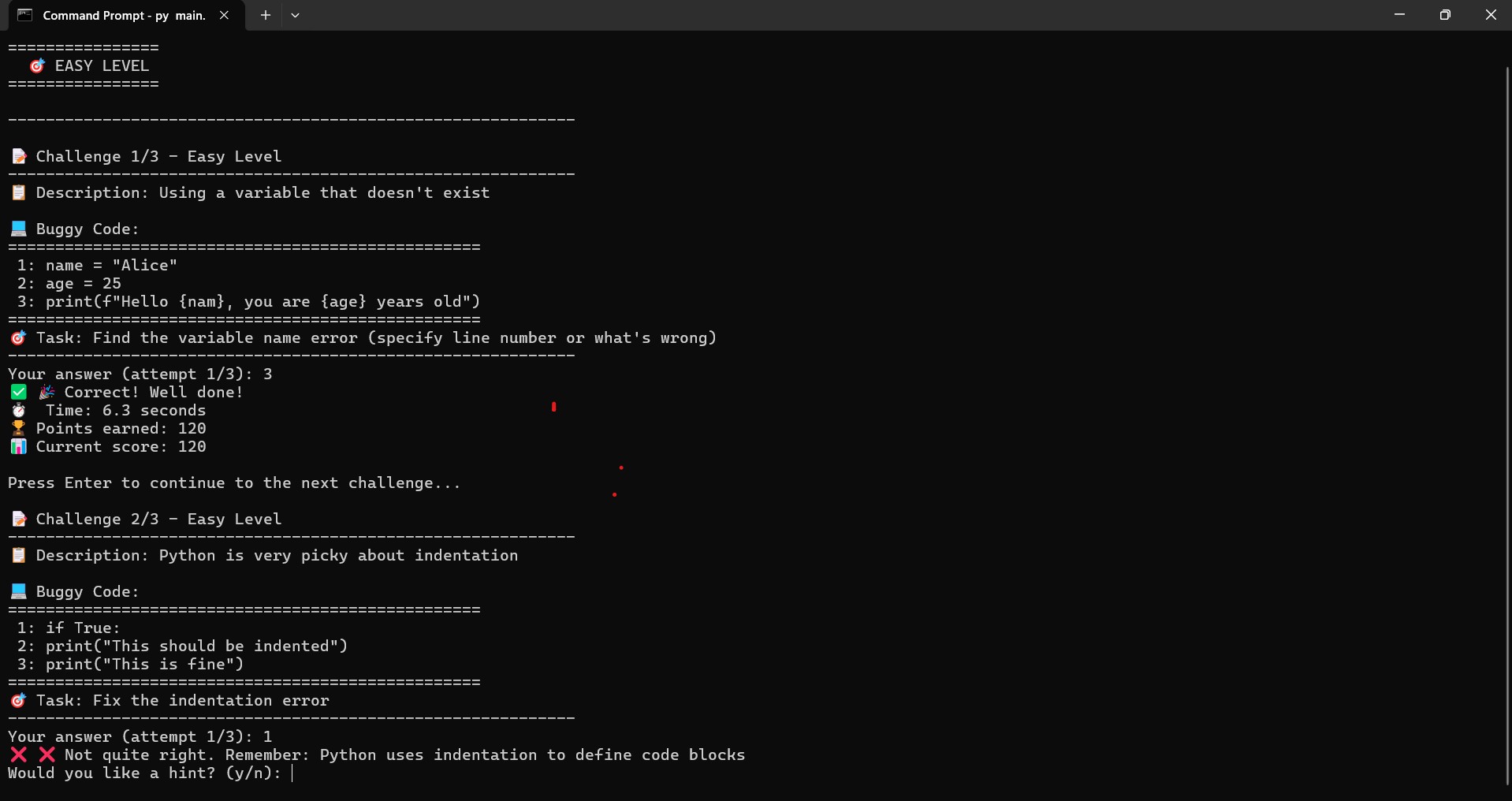
🚀 What It Does DebugQuest presents users with buggy code snippets across 3 difficulty levels:
🟢 Easy
🟡 Medium
🔴 Hard
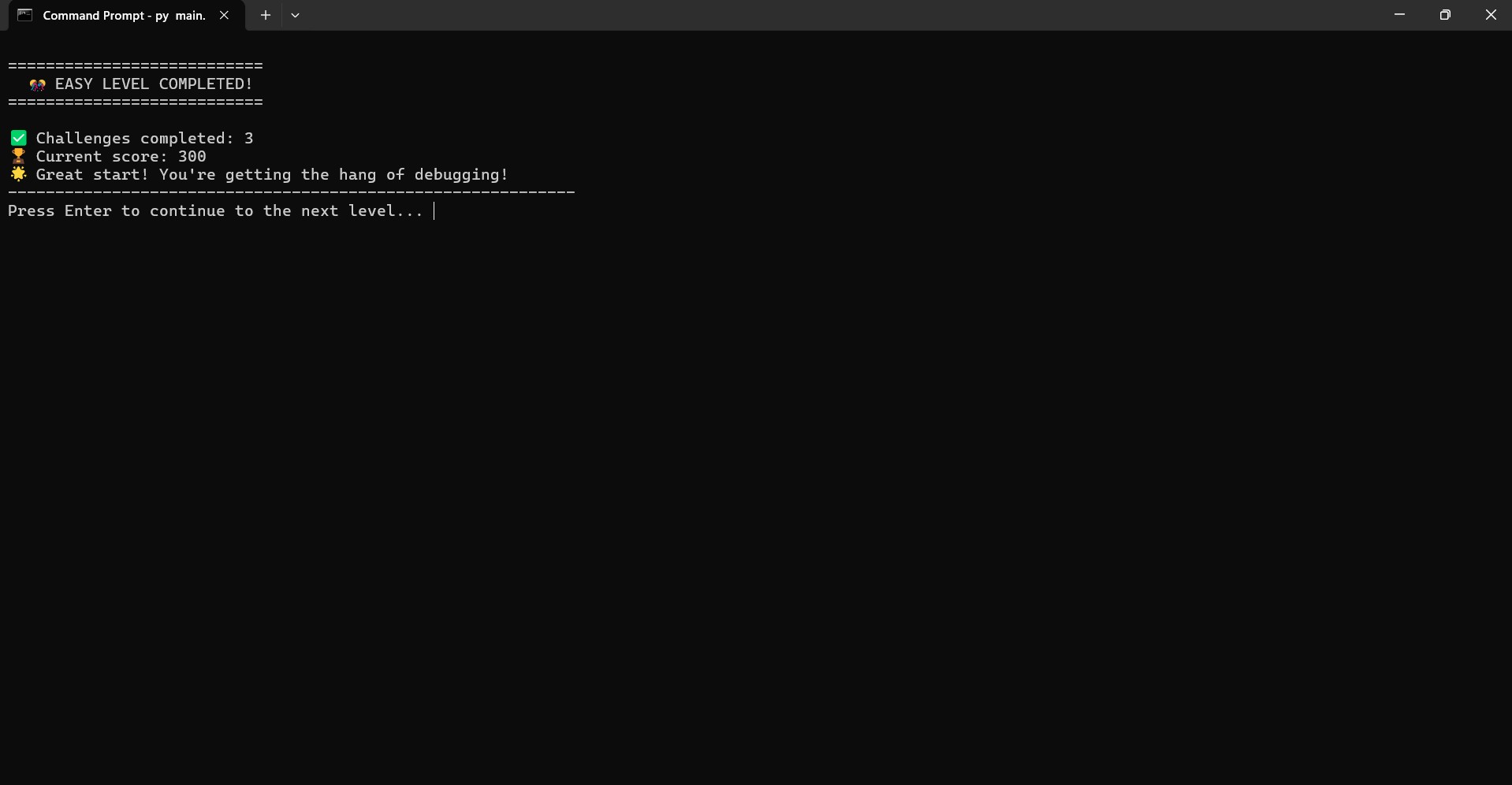
Your mission is to figure out what's wrong. For every correct answer:
✅ You earn points
❌ Wrong answers give hints (with score penalty)
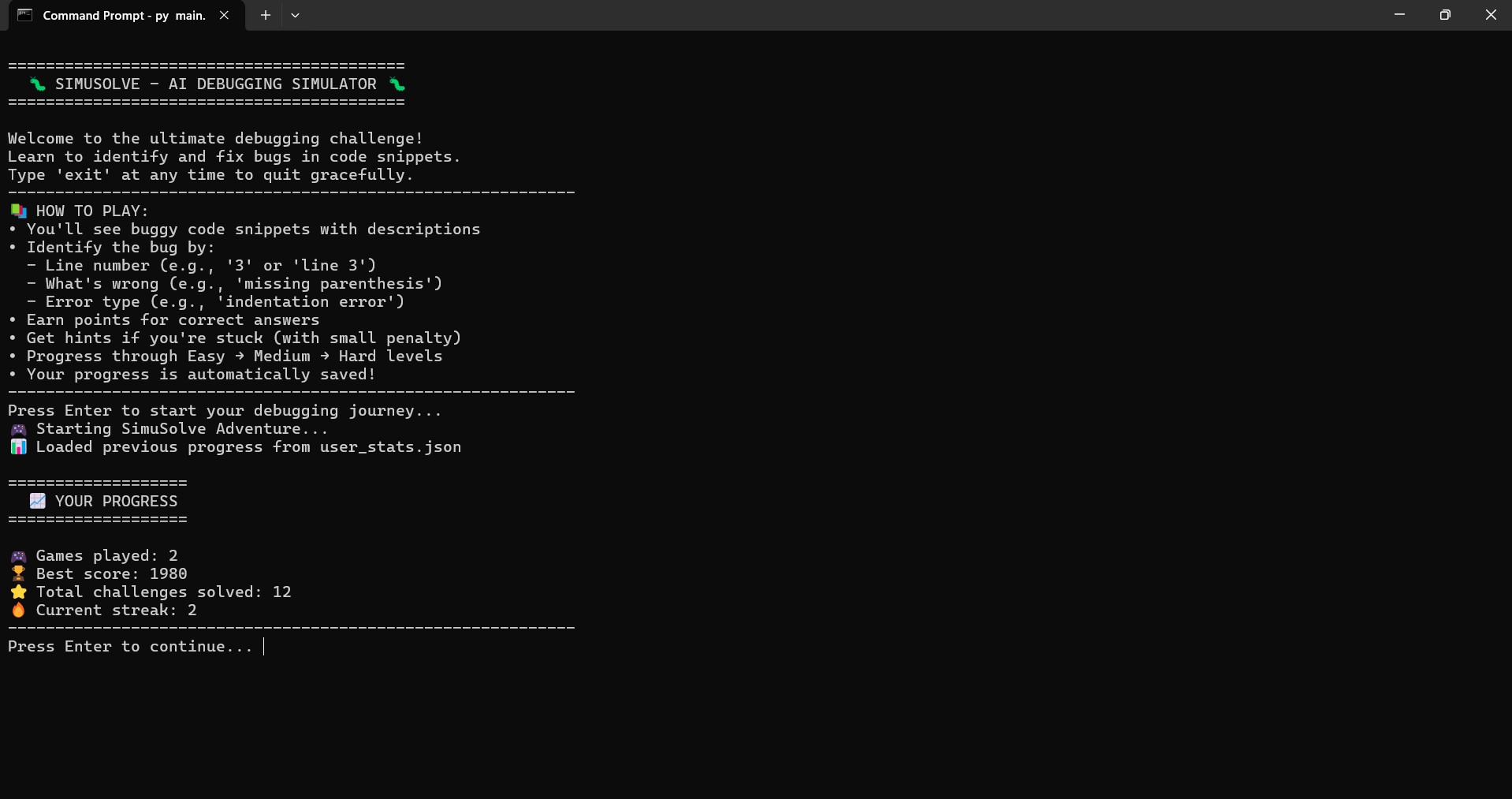
It tracks your:
🧮 Score
⏱️ Time per challenge
🔁 Number of attempts
At the end, you receive a performance summary with messages like:
“You’re a Bug Buster!” “Keep Practicing!”
All progress is stored in a local user_stats.json file — so you can resume any time.
🛠️ How We Built It Language: Python Platform: Replit (Free Tier) Libraries used: time, json, random
📁 Project Structure: bash Copy Edit debugquest/ ├── main.py # Game logic and flow ├── challenges.py # Buggy code snippets + answers ├── helpers.py # Timer, hints, scoring ├── user_stats.json # Stores user performance Built entirely using the Python standard library, with no APIs or external dependencies.
⚔️ Challenges We Ran Into Designing bug scenarios that were challenging but not frustrating
Creating a hint system that helps without spoiling
Making a terminal interface feel engaging
Handling user data with safe file I/O
Ensuring everything works smoothly inside Replit’s environment
🏆 Accomplishments That We’re Proud Of Built a gamified educational tool without any external libraries or APIs
Designed a full CLI experience with scoring and levels
Made debugging feel fun instead of painful
Kept the entire experience offline and reproducible
📚 What We Learned How to design a command-line game
The importance of user feedback and flow
Working with persistent data using JSON
How to modularize Python code for readability
How to deliver a fully working product inside Replit
🔮 What’s Next for DebugQuest 🎯 Add more levels and diverse types of bugs
🧠 Integrate offline AI models to generate new challenges
🧪 Multiplayer mode: debug battle!
🪟 Build an optional GUI version with Tkinter or Webview
📤 Let users create + submit their own challenges

Log in or sign up for Devpost to join the conversation.