Inspiration
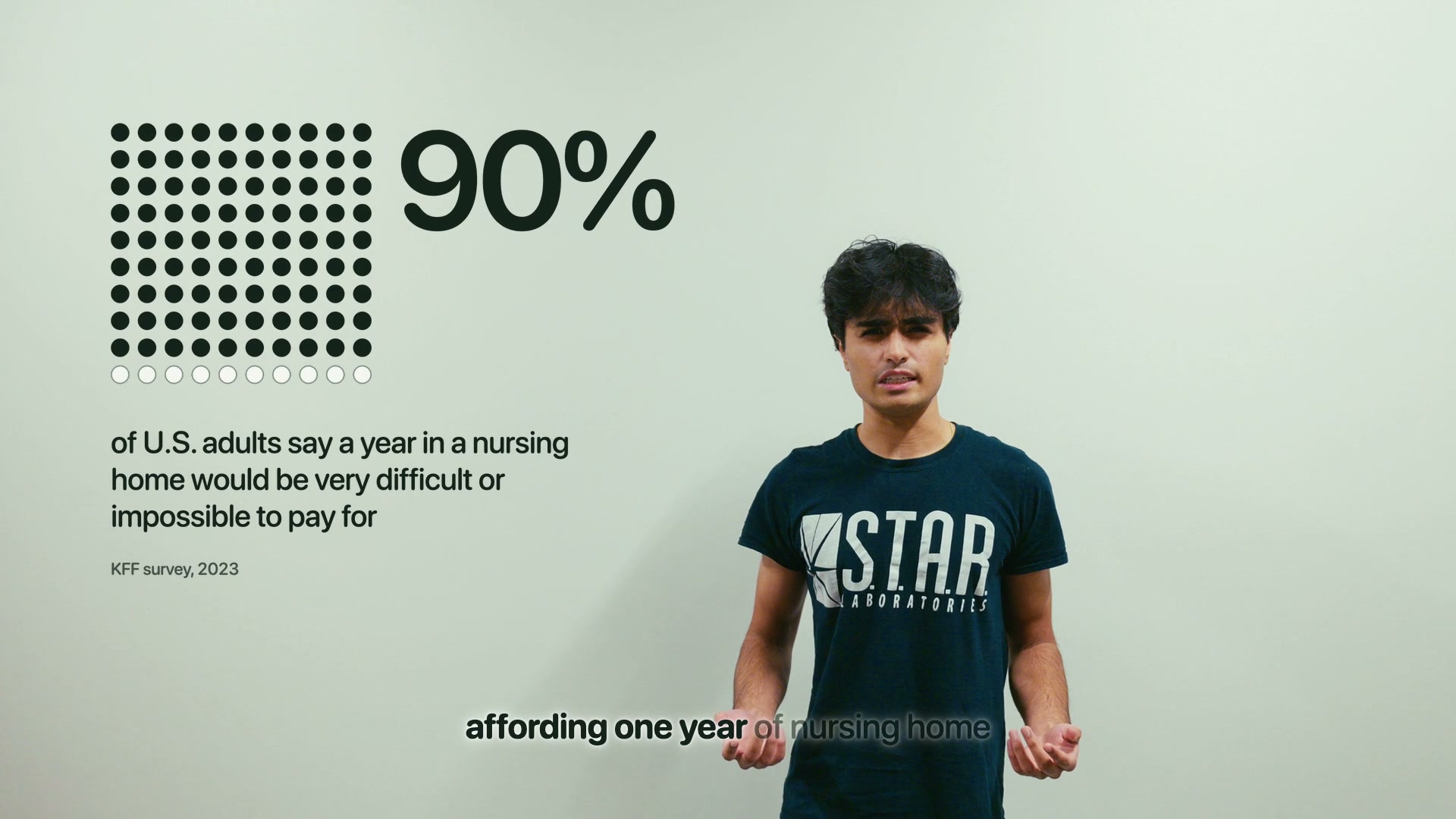
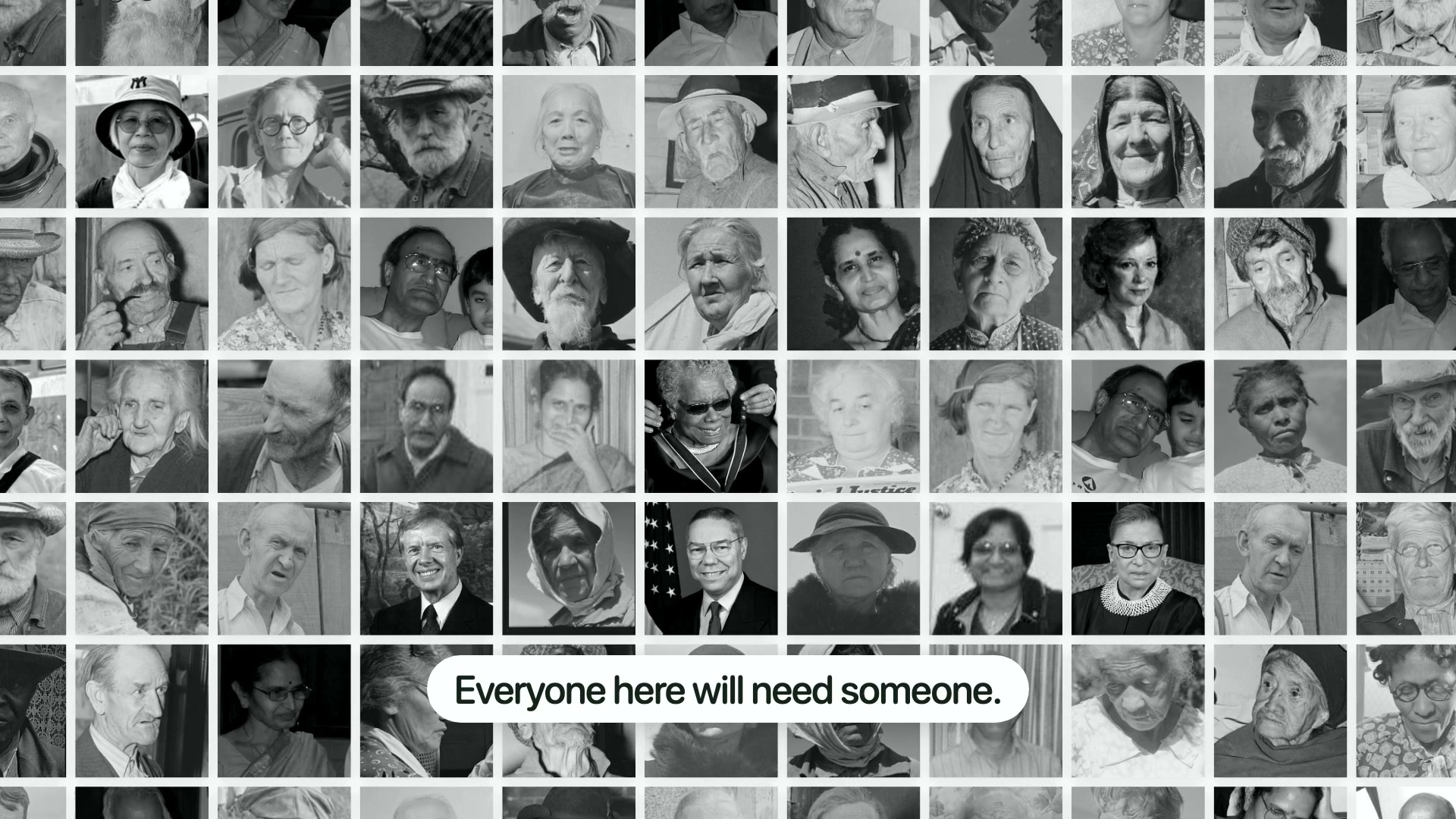
One of our teammates' grandparents had no access to affordable nursing homes, at the same time we notice and increasing availability of 'outdated' hardware piling up in our own homes. We gathered inspiration from these two issues: e-waste and the rising cost of elderly care. Millions of laptops are thrown out every year with working compute and memory. We wanted to give those laptops a second life while tackling elderly care in an increasingly expensive America.
What it does
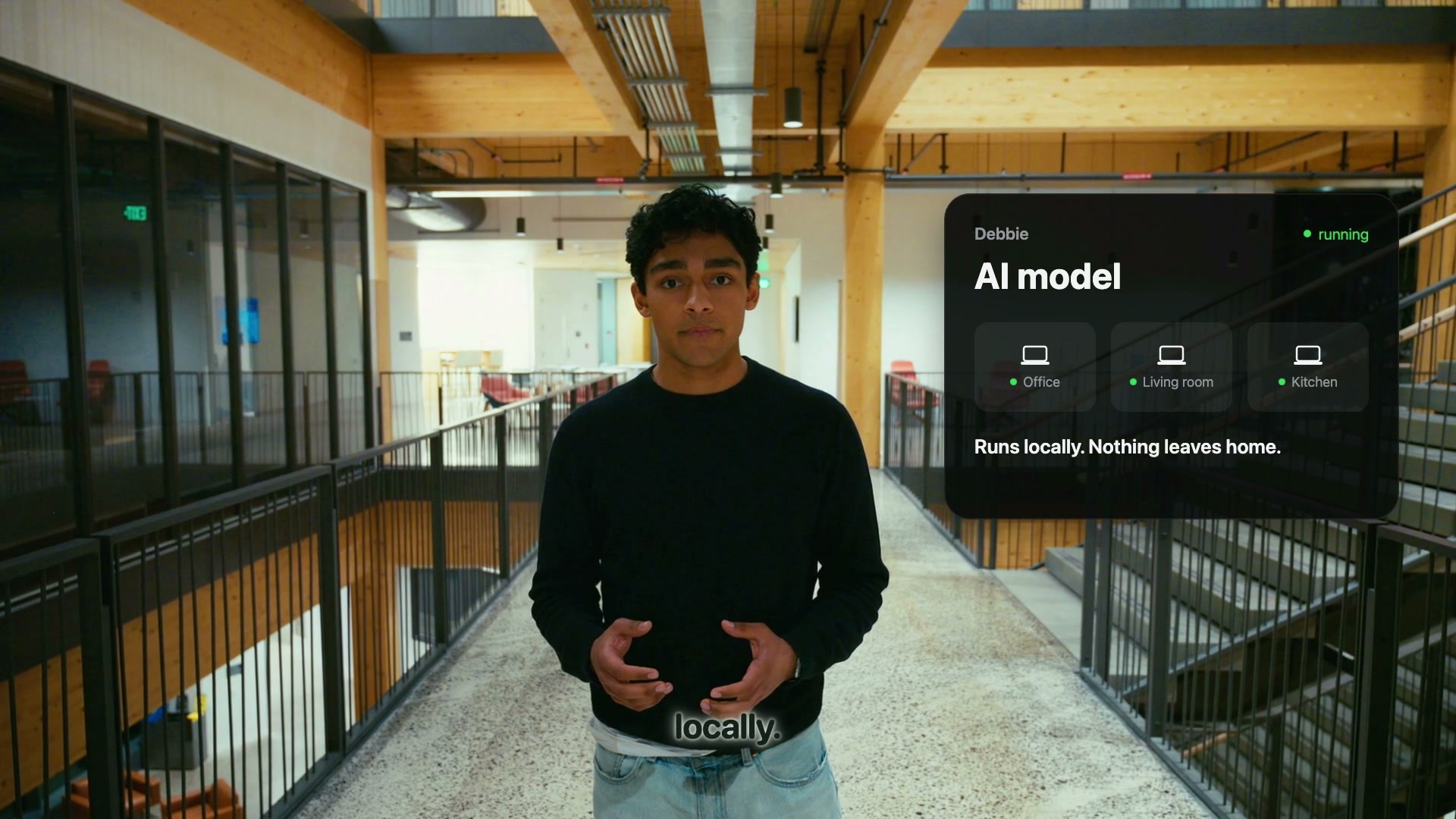
Debbie turns a few spare laptops and an iPhone into a home care monitor.
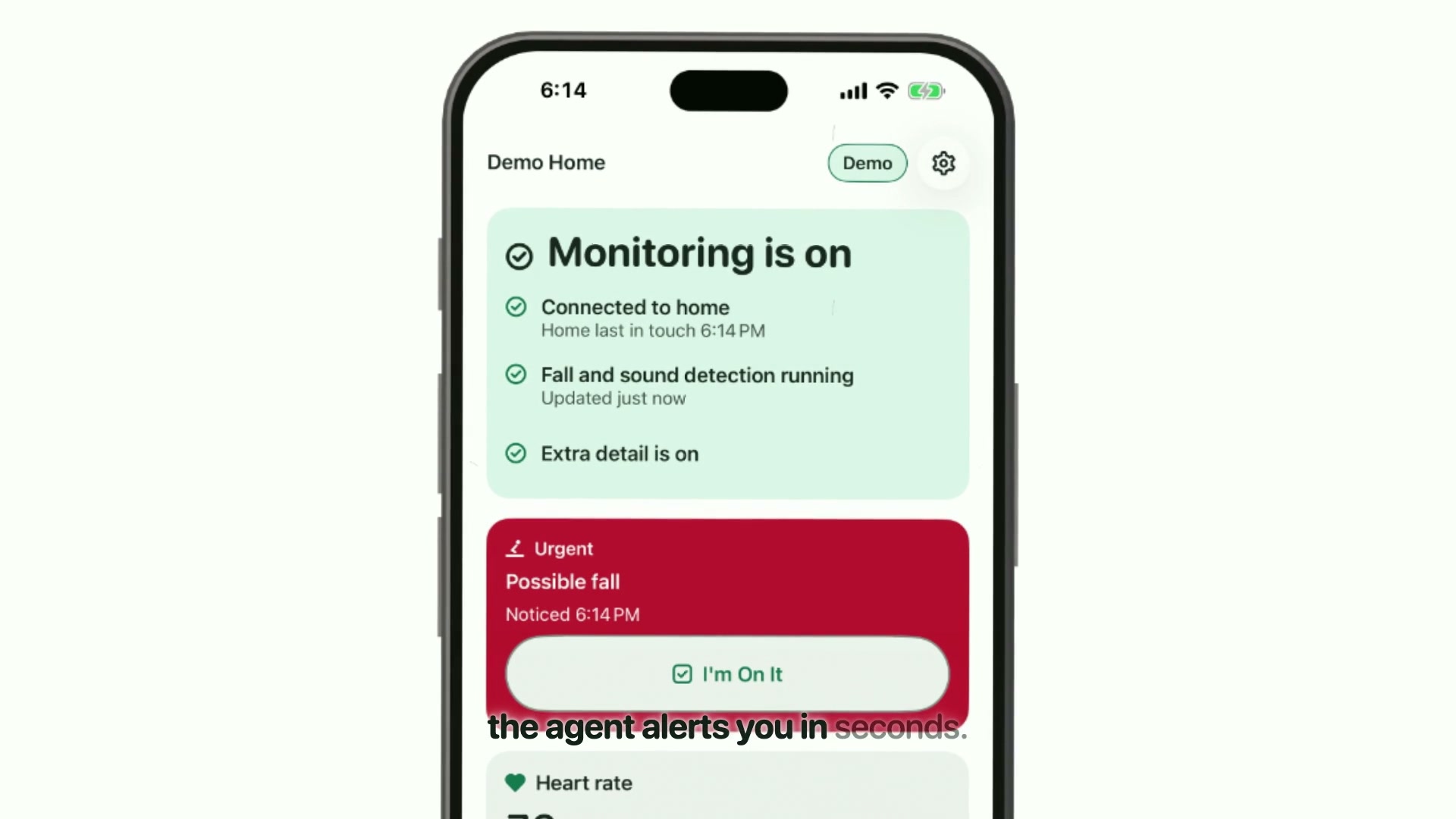
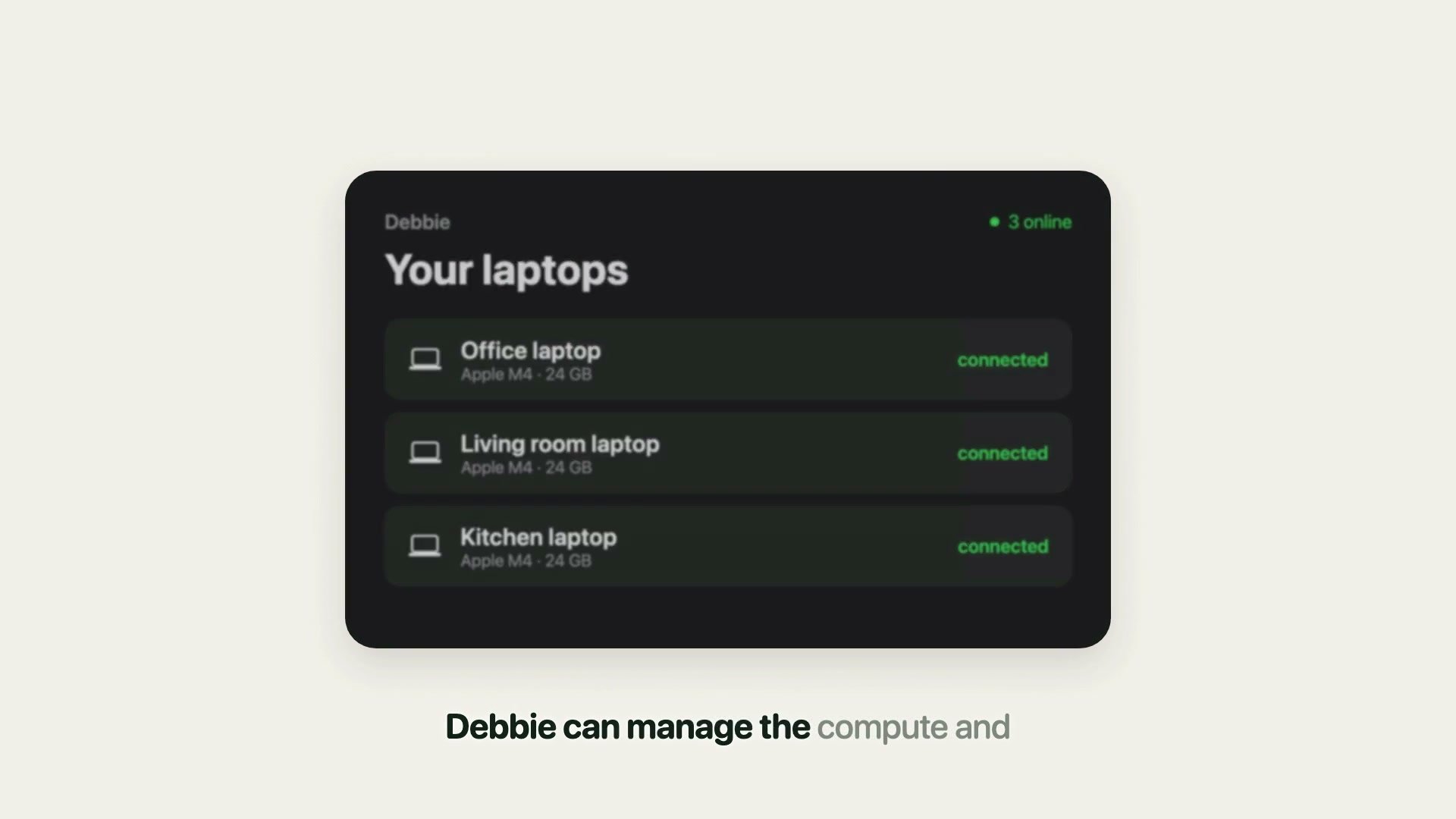
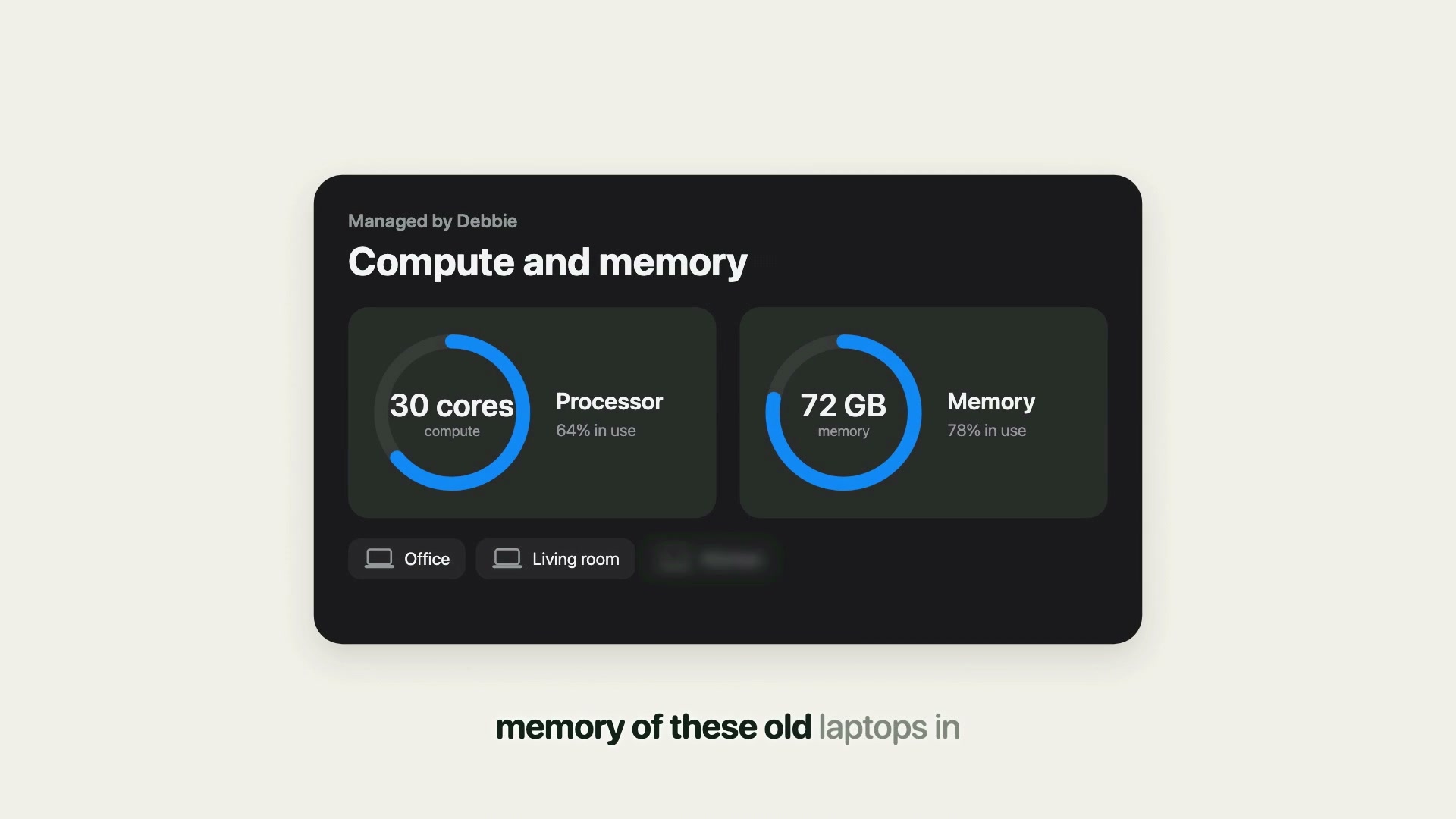
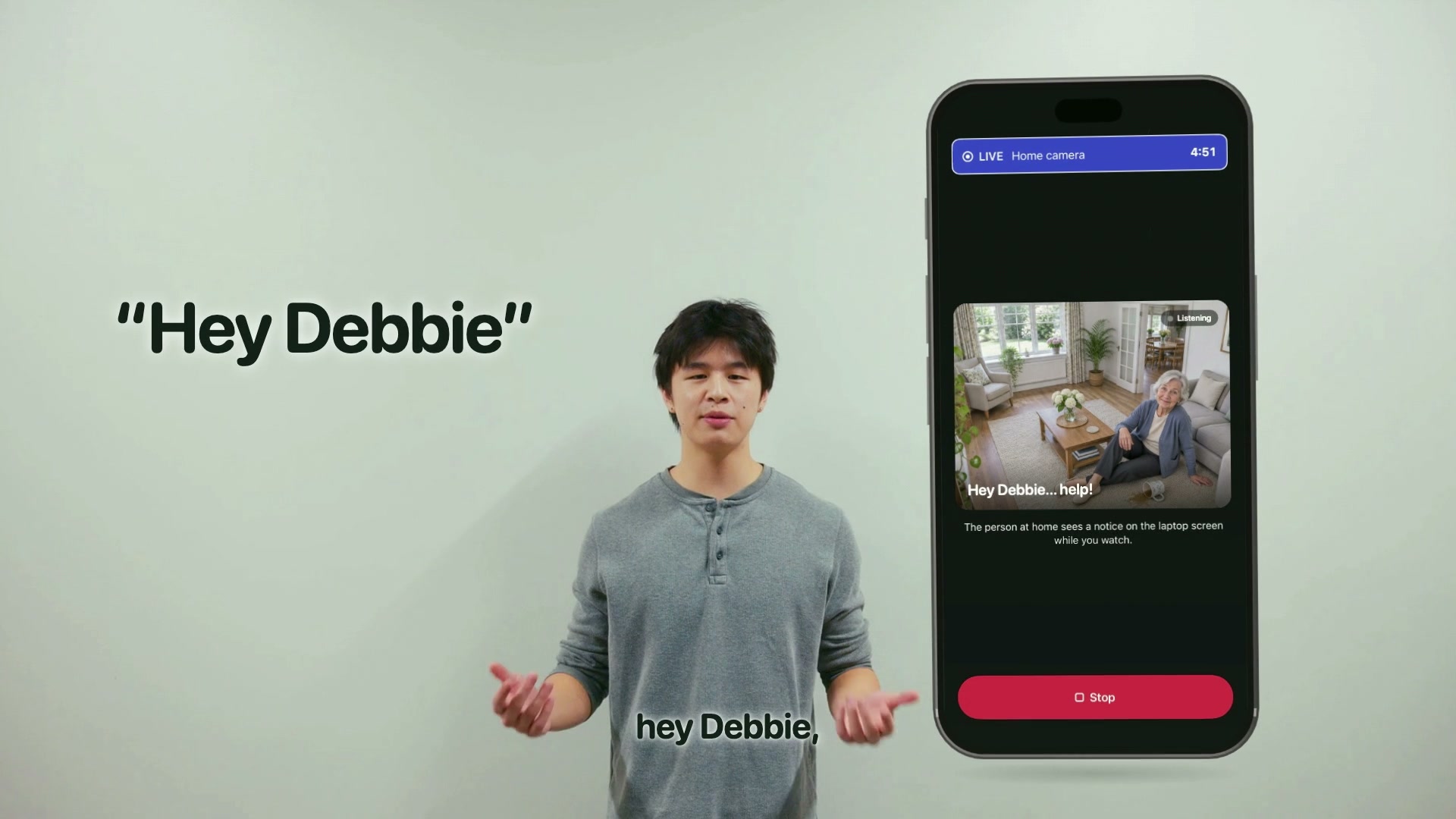
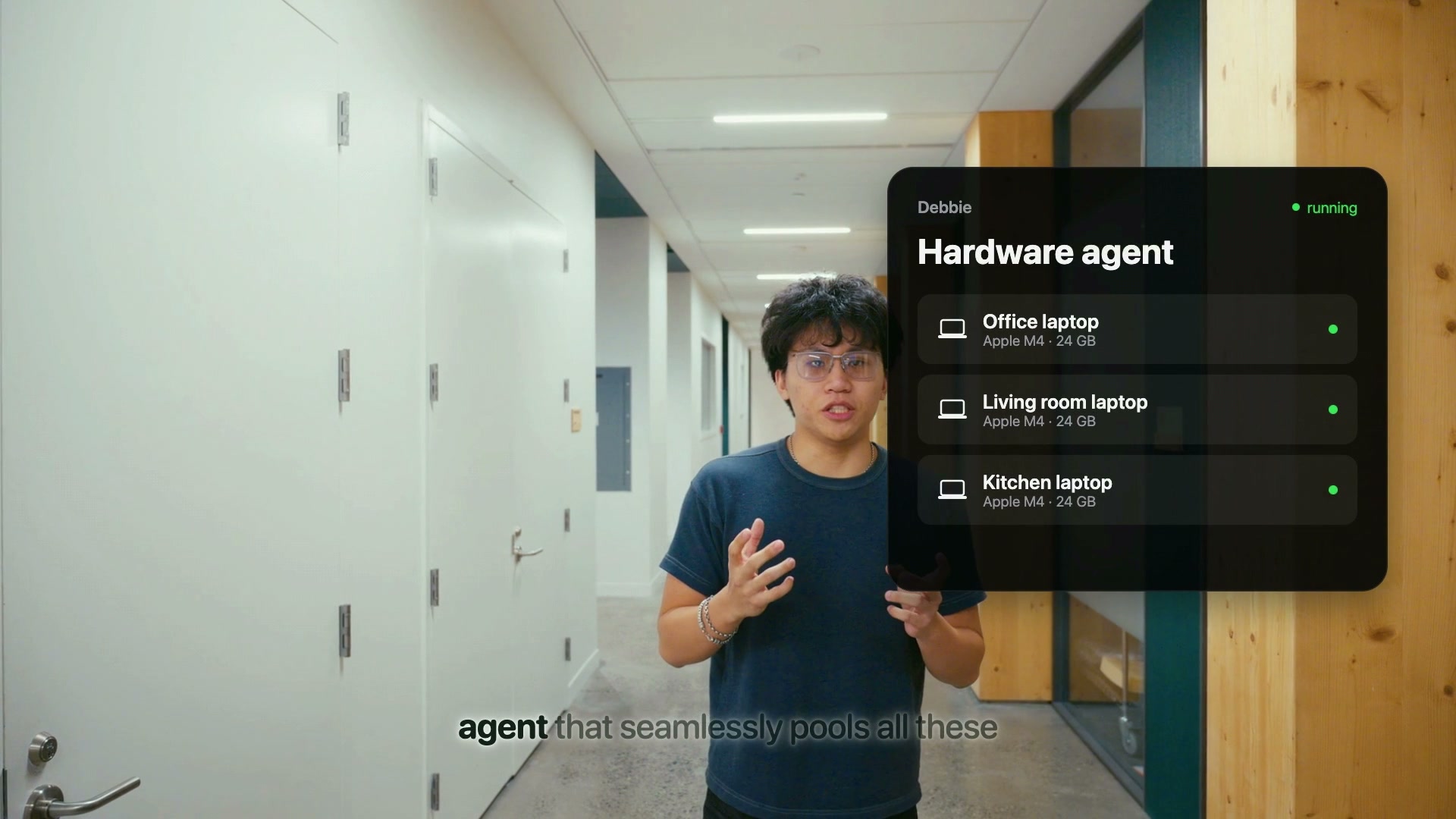
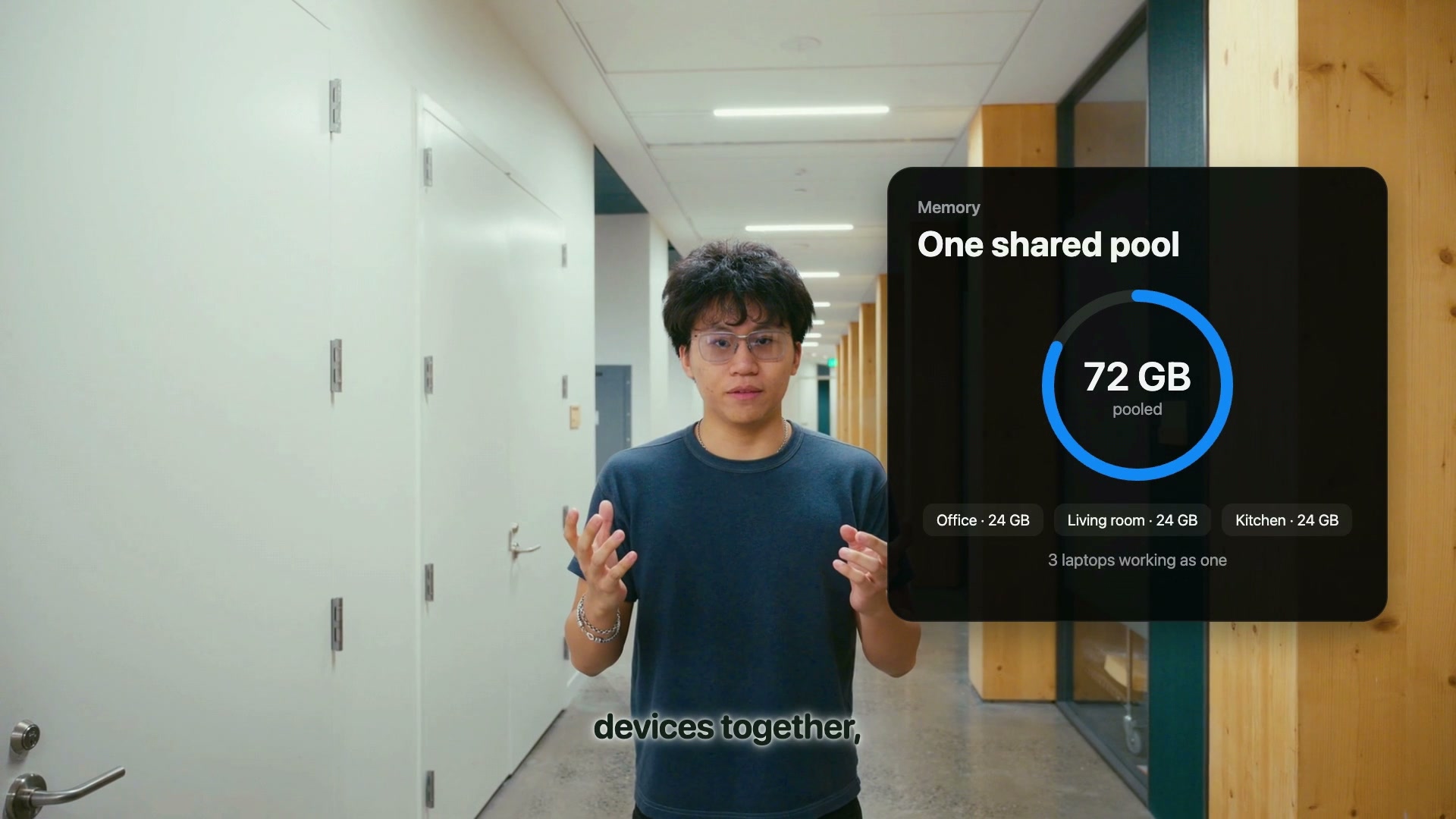
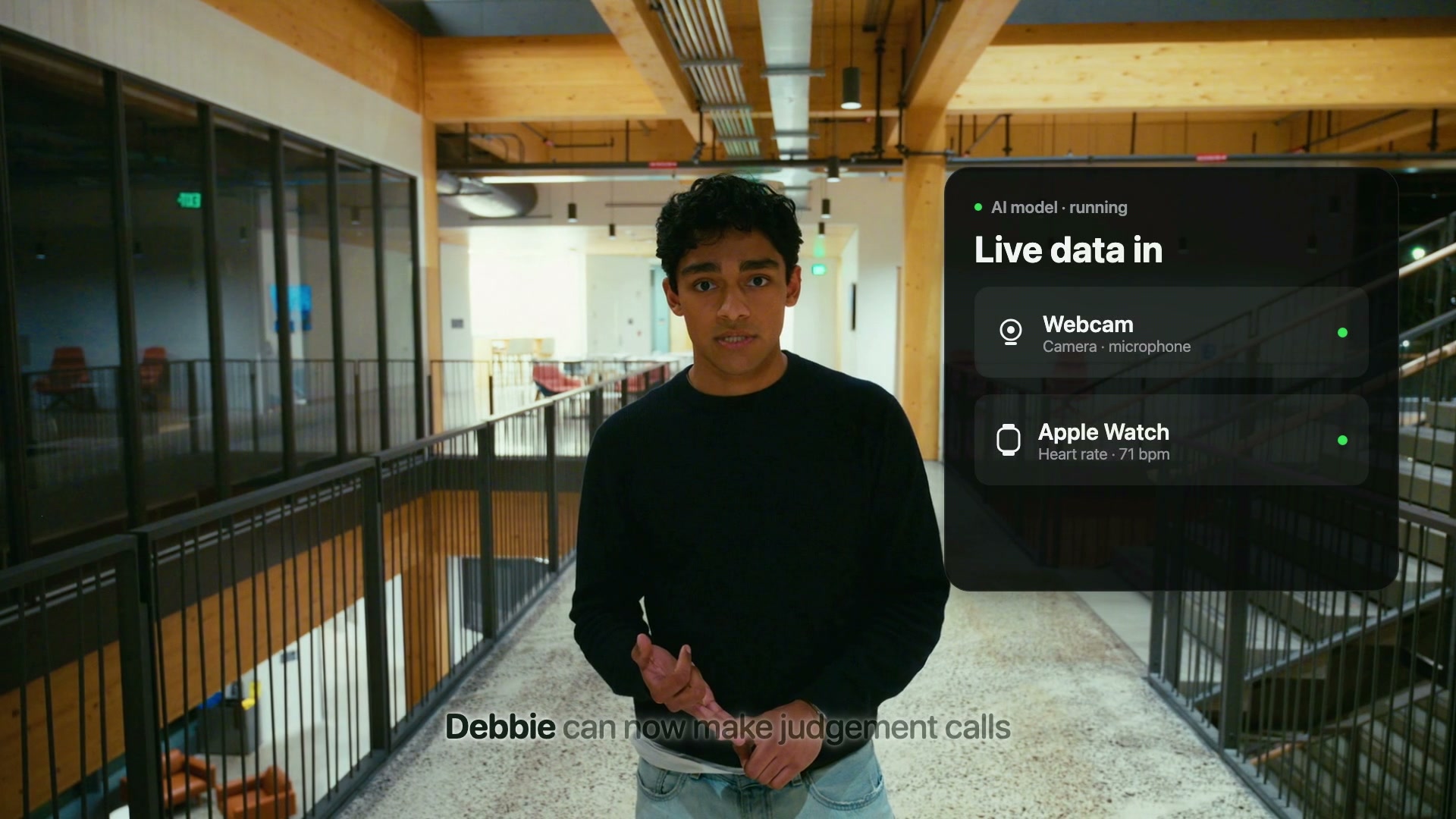
A security camera can be connected to our laptop. It can detect fall and raise an alert. A laptop mic runs speech-to-text locally with faster-whisper. A language model reads each transcript and reports when theres a call for help. The resident's Apple Watch data (heart rate, sleep and steps) flows in through the iPhone app. A heart rate outside safe limits triggers an alert. Alerts the caregiver anywhere. Urgent alerts reach the caregiver's iPhone as push notifications, whether they're at home or across the country. The caregiver can ask our agent for a fresh live status, or ask a question like "How is Mom doing?" and get an answer based on the latest readings. We have a smart hardware management agent that seamlessly pools these devices together. It autonomously decides where processes should run and splits heavy workloads across multiple laptops whenever the demand outpaces a single machine's capability.
How we built it
We had 4 core layers that we prioritized architecturing before we built anything.
- UI & Connectivity
- Device management agent
- Raw data generation
- core layer
Layer 1: In this layer, iphone and laptops are paired by QR code. The relay server runs on Vultr and connects the caregiver’s phone to the home from anywhere. Messages are encrypted. We also built the whole iPhone app. Layer 2 is the device management agent that connects the phone, coordinator laptop, and worker laptop. An AI planner (Qwen 2.5 7B on Ollama, checked by code and backed by a rule-based plan) decides which laptop runs which job, and plans again when a laptop joins. The coordinator carries messages between the phone and the detectors, stores the event log, and serves a live dashboard. Layer 3 simply captures camera frames and mic audio and timestamps them. If a device drops, it reopens it every 3 seconds. It also receives watch readings and sends them to the iPhone. Layer 4 is the care layer. It takes image input and uses mediapipe as the CV model to track coordinates of users to predict falls. It takes in audio input and has an audio-to-text model faster whisper that checks for “help” signals. It also tracks heart rate from the watch compared against safe limits. Sleep and steps go into live status.
Challenges we ran into
We ran into a multitude of problems throughout the process. Getting data off the Apple Watch was our most difficult. Apple only releases watch readings through Apple Health on the paired iPhone, so we had to redesign that pipeline several times. Building four layers at once was also difficult, because a change in one could break another, and we solved it by writing shared contracts for every handoff and testing each change on both Windows and macOS. Finally, running several AI coding agents in parallel caused them to block each other’s work until we set clear boundaries on which folders each one could edit.
Accomplishments that we're proud of
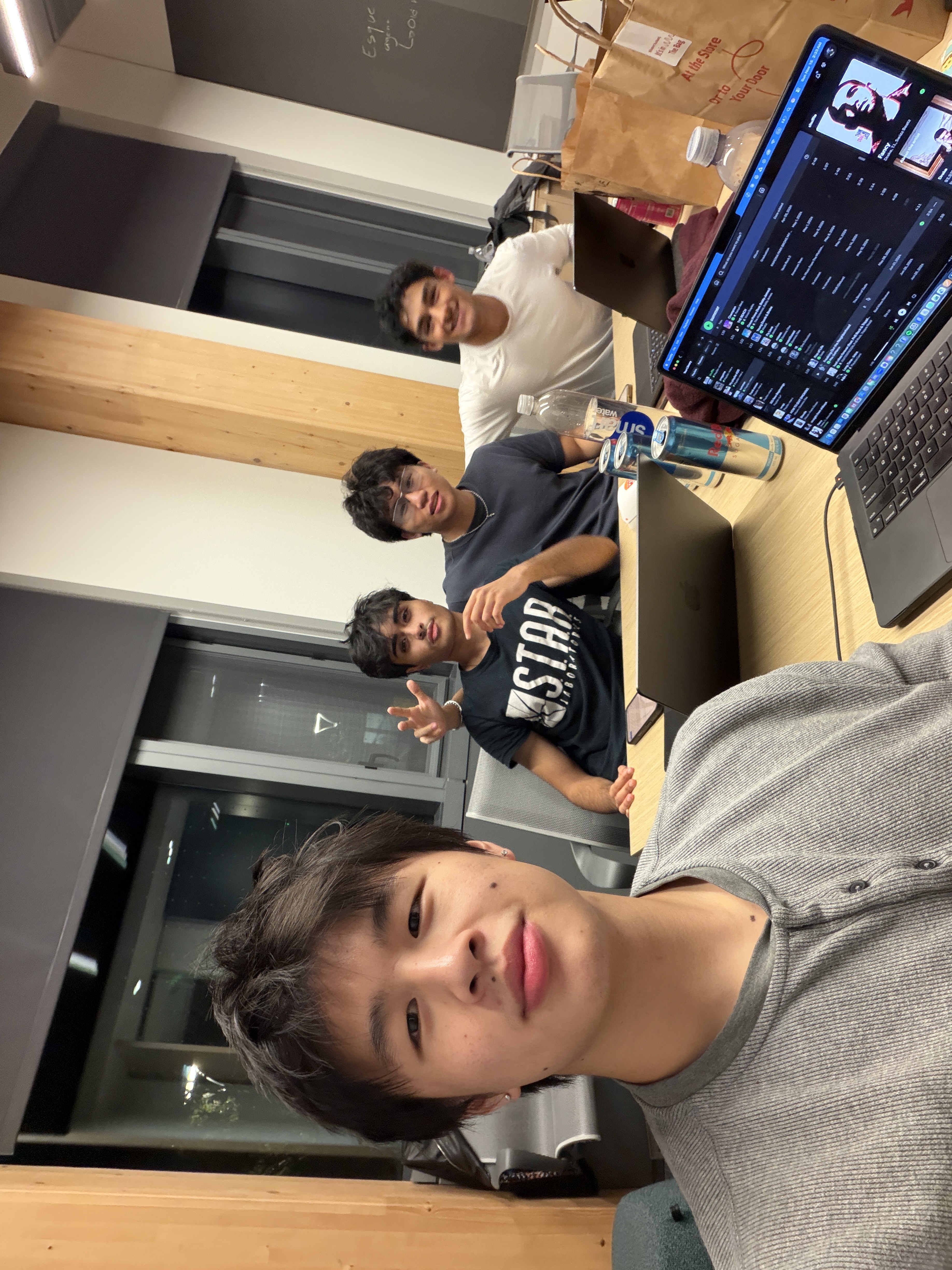
As rookies, we were incredibly proud of the way we worked as a team and approached problems. Being unfamiliar with a hackathon structure we needed to work cohesively in order to solve issues on a very short timeline.
What we learned
We learned to agree on how the parts would talk to each other before writing any code. We learned to test on real devices early, because things that worked in testing still broke on a real webcam, phone and watch. We learned that Apple’s rules about health data need to be planned for from the start. And we learned that AI coding agents work best when each one has a single clear job.
What's next for Debbie
We want Debbie to track sleep and activity trends over time, so it can flag slow changes as well as emergencies. Additionally, we plan on extending it to cover more rooms, more cameras and more than one resident per home while simplifying setup so a non-technical family can finish it in minutes.
Built With
- hardware
- mediapipe
- ollama
- python
- swift
- typescript
- whisper
