-
-

profile page
-
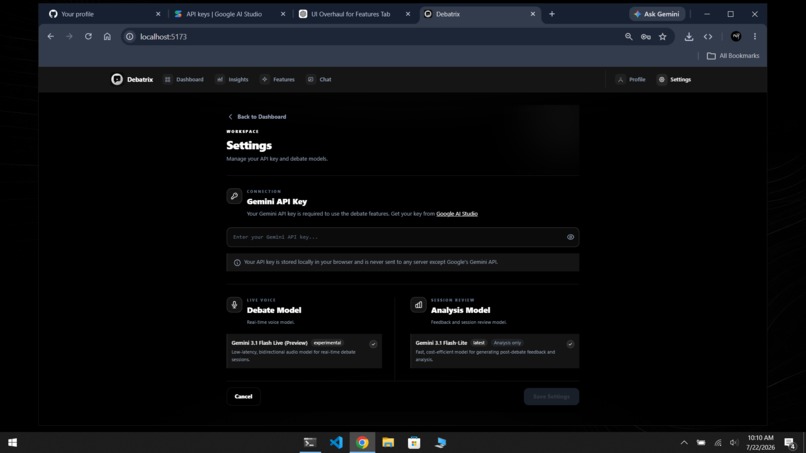
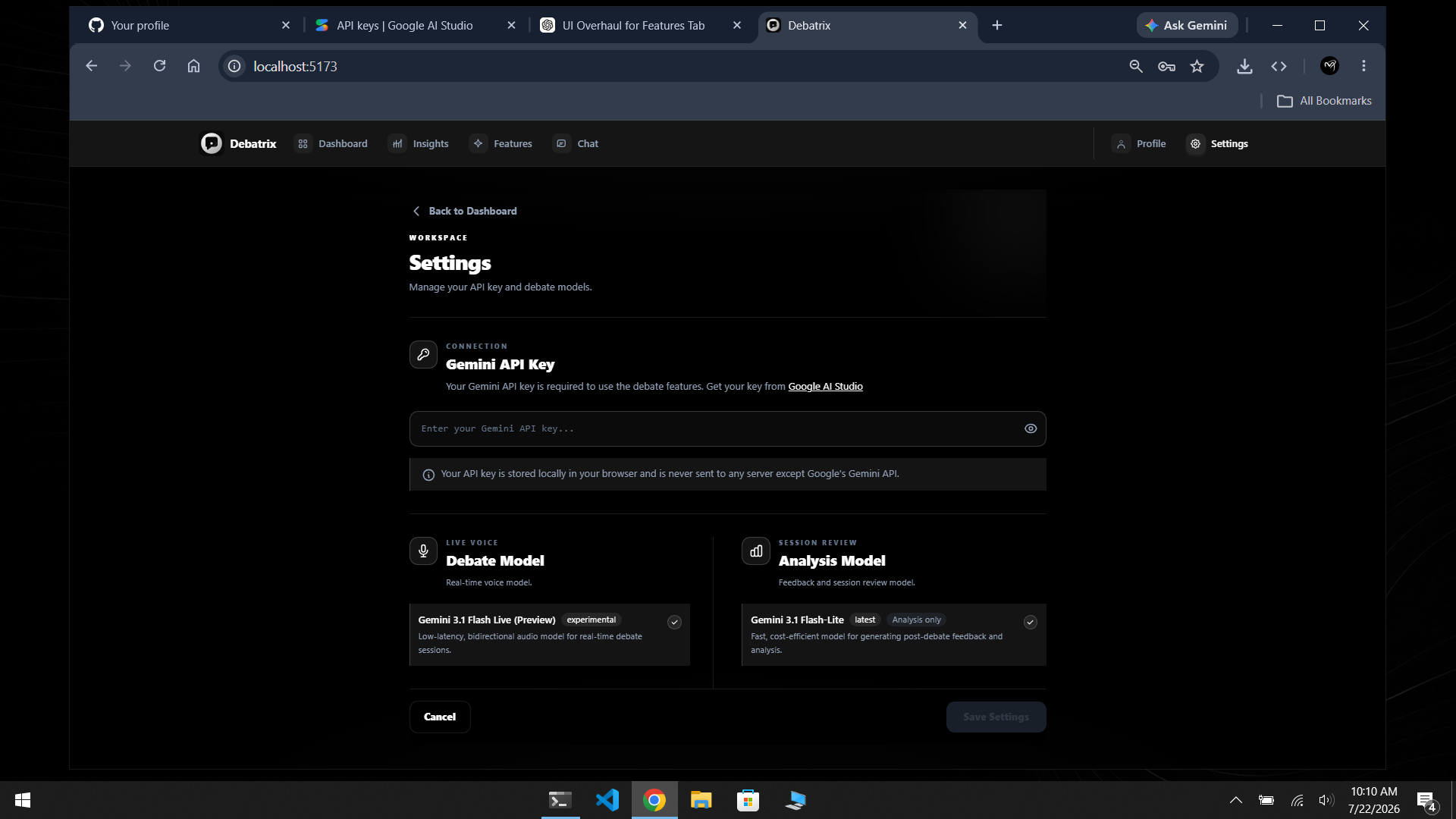
setting and configuration
-
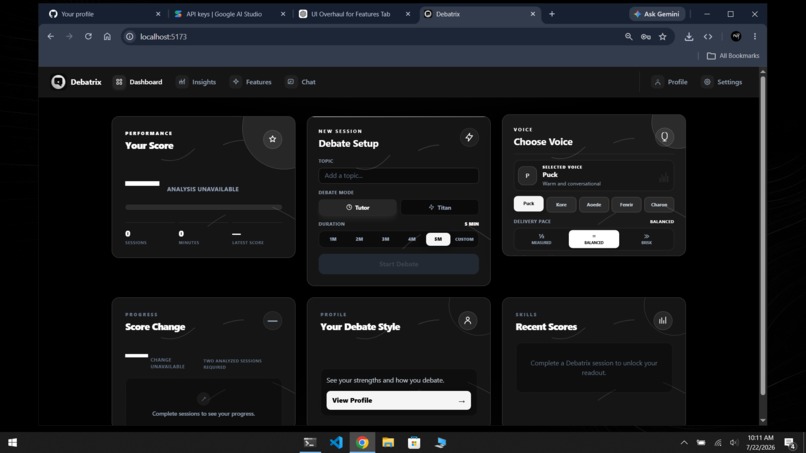
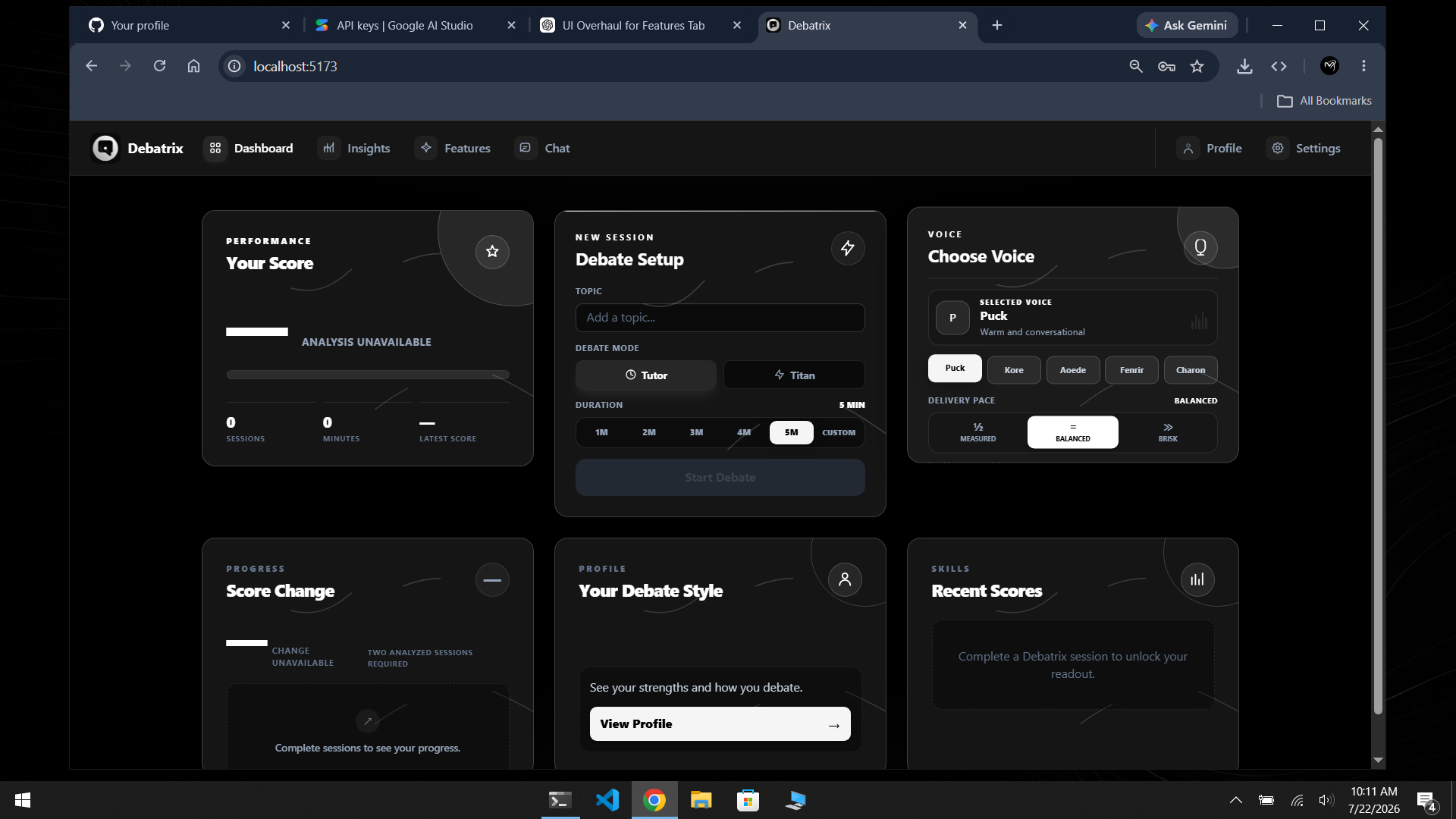
dashboard previews page
-

live debate ui
-
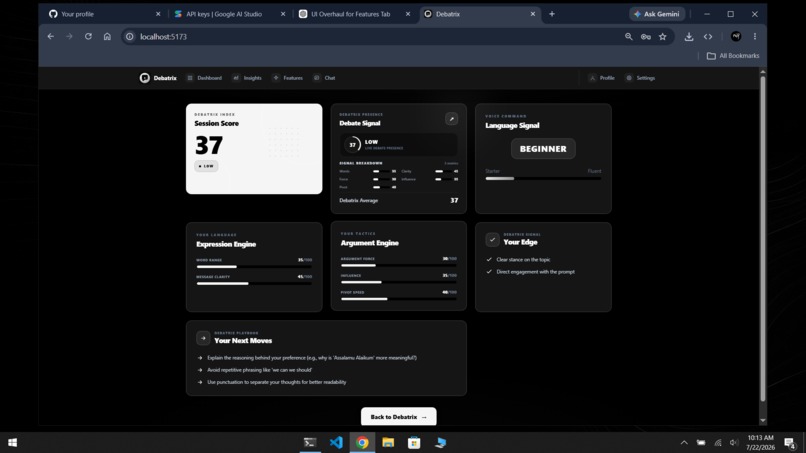
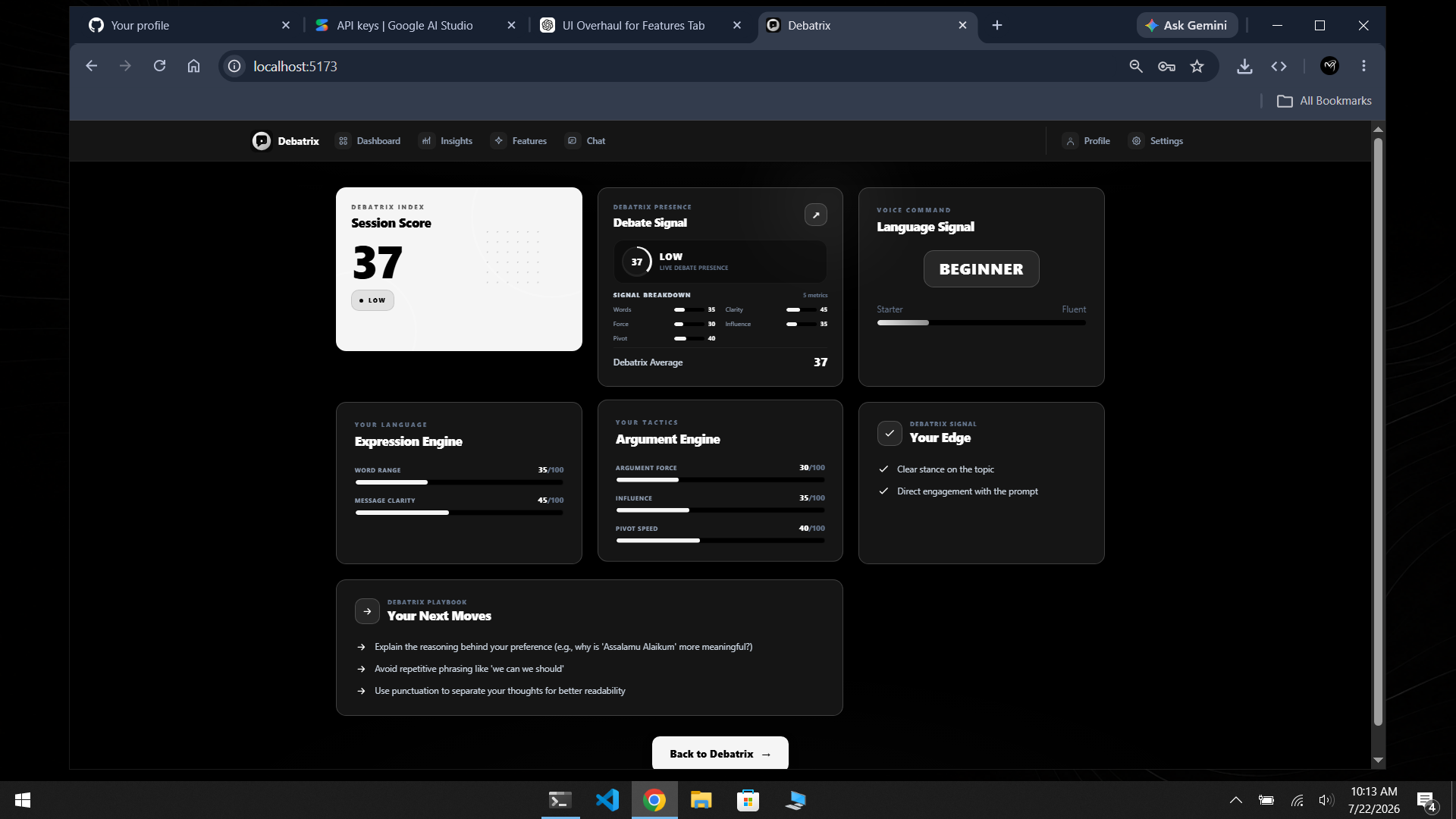
result and conculsion page
-
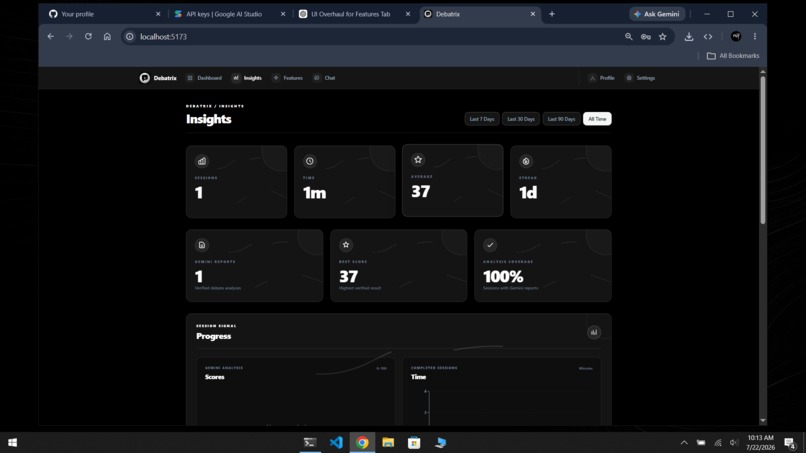
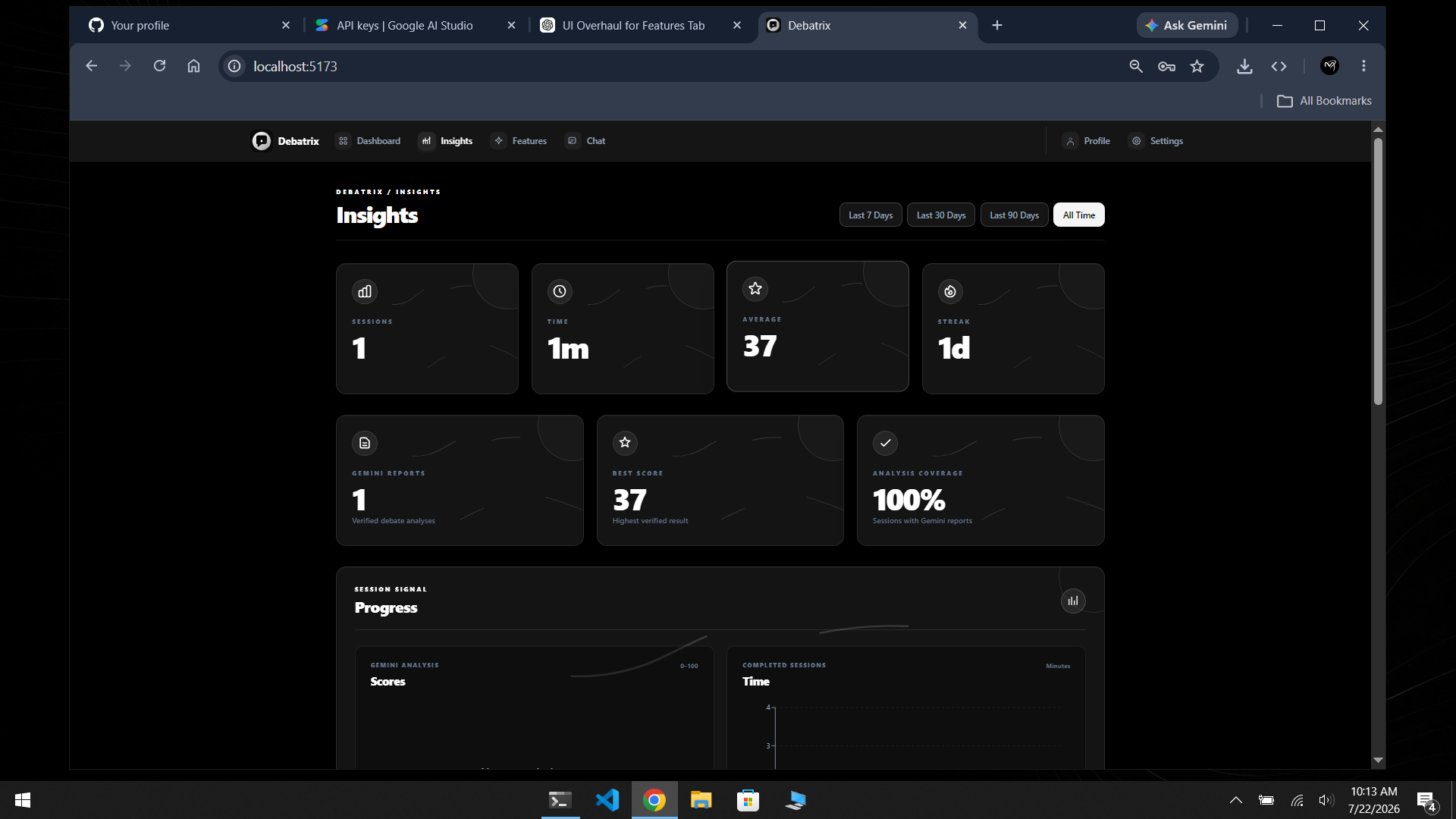
insight page
-
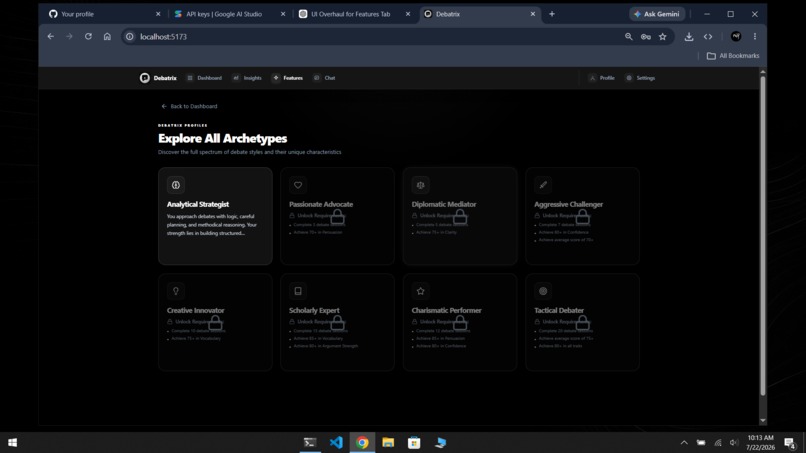
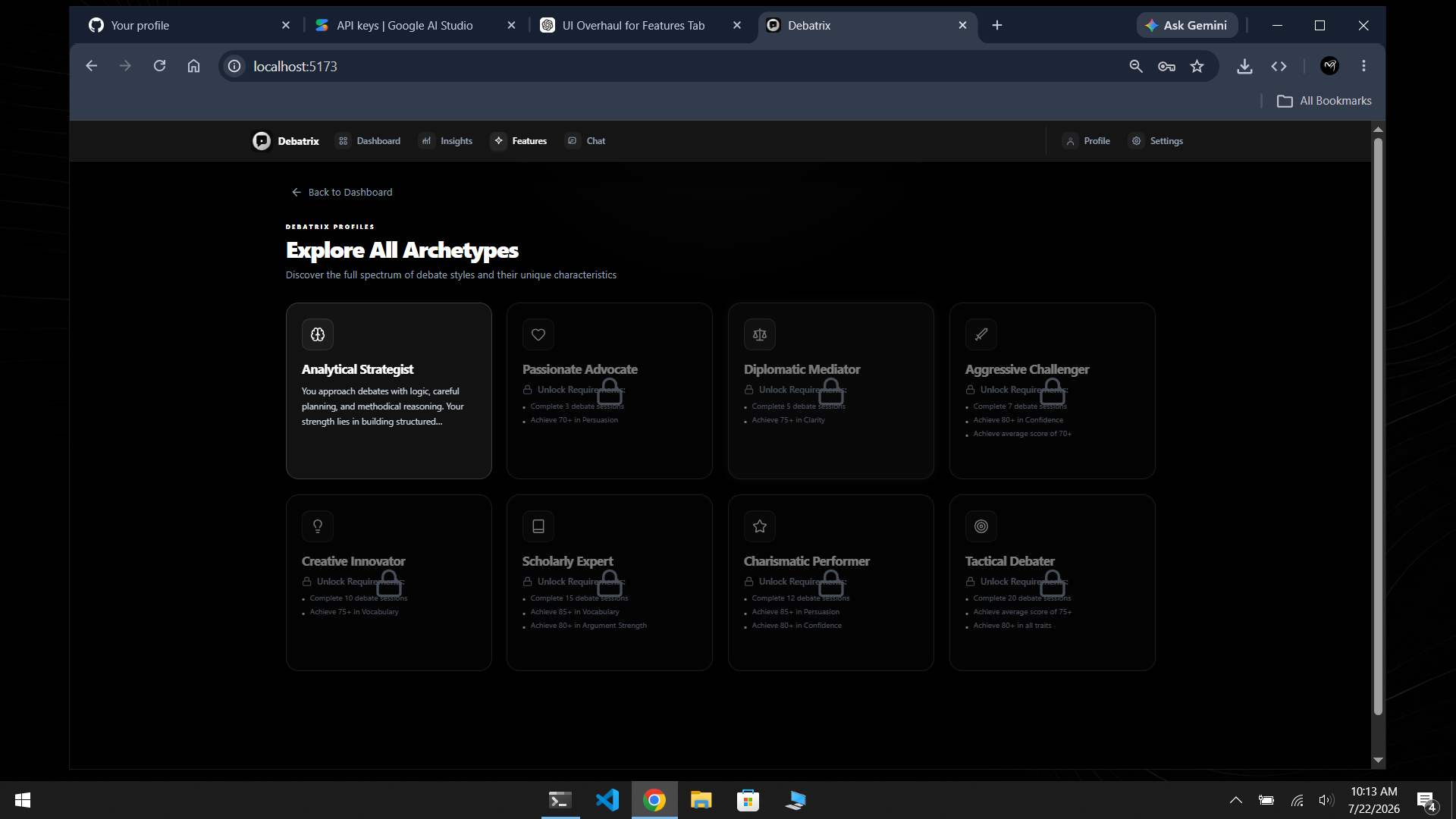
features unlocked page
-

master chat page
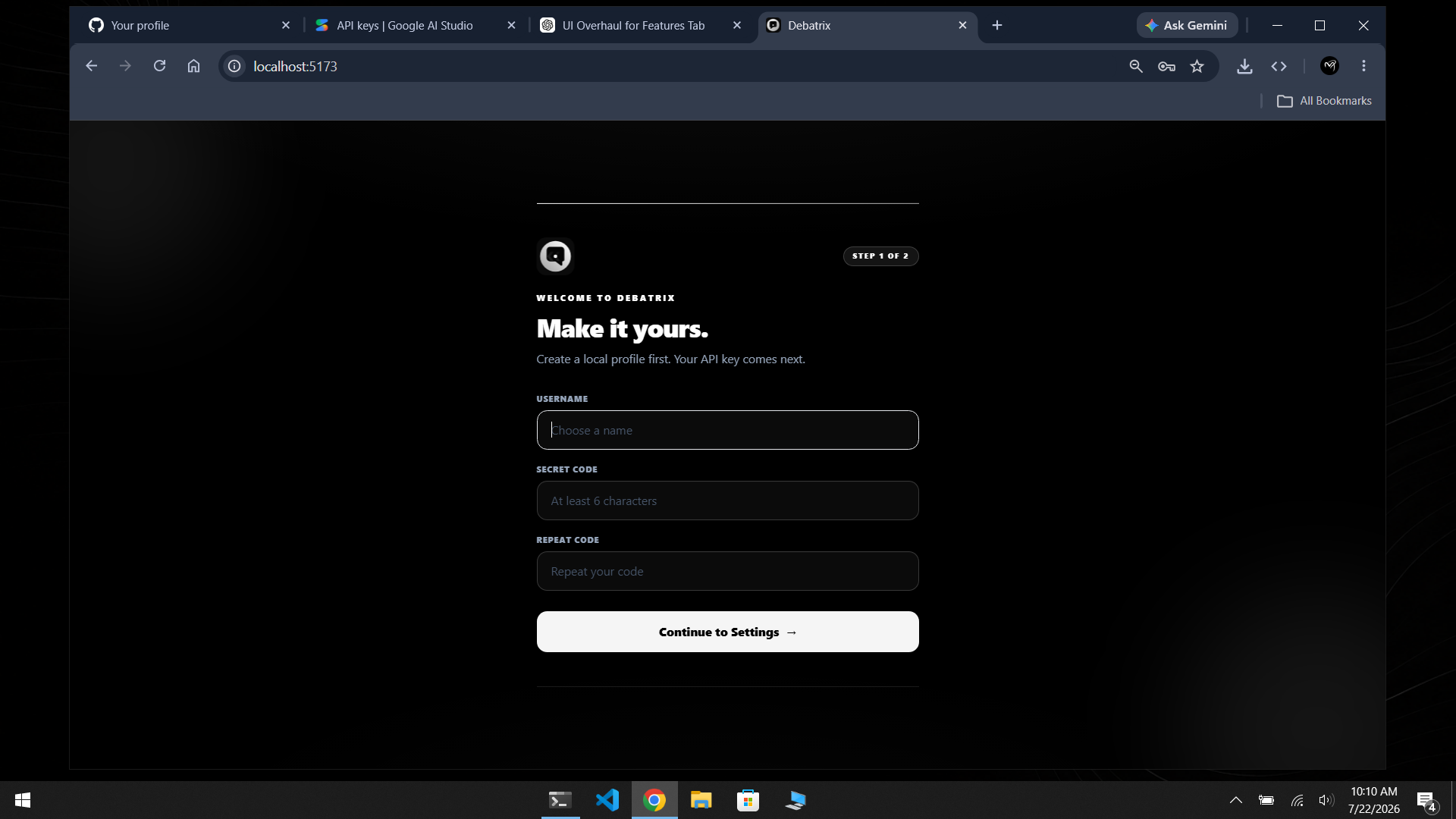


Inspiration:
Public speaking is one of those skills that almost everyone wants to improve, but actually finding someone to debate with isn't always easy. I noticed that most AI tools can answer questions, but very few can actually challenge your ideas like a real debate partner. I wanted to build something that felt more like talking to another person instead of chatting with a chatbot. That idea became Debatrix.
The goal was simple: create a place where anyone can open a browser, pick any debate topic, and start practicing instantly with AI. I also wanted users to get useful feedback after every debate so they can actually see how they're improving over time instead of just finishing a conversation and moving on.
What it does:
Debatrix is a browser-based AI debate platform powered by Google Gemini.
Users can choose any debate topic, select either Tutor Mode for guided learning or Titan Mode for a more challenging opponent, choose the debate duration, AI voice, and speaking speed, then start a live voice debate.
During the session, Gemini listens through the microphone, responds naturally, and displays live subtitles so the conversation is easy to follow.
When the debate ends, Gemini analyzes the entire discussion and scores things like confidence, clarity, vocabulary, persuasion, adaptability, and argument strength. Every completed session is saved locally and shown inside the Insights dashboard so users can track their improvement over time.
Debatrix also includes an AI Debate Chat with multiple built-in assistants, and users can even create their own custom assistants for different learning styles.
Everything is frontend-only. There is no backend server or database. User profiles, settings, debate history, and chats stay inside the browser's local storage, which makes the app simple, private, and easy to use.
How we built it
We built Debatrix using React, TypeScript, Vite, and Tailwind CSS to create a fast and modern interface. Framer Motion was used for smooth animations while Recharts helped visualize user progress through interactive charts.
For AI, we integrated Google Gemini. Live debates use Gemini Flash Live, while Gemini Flash Lite handles post-debate analysis and AI chat assistants.
Since we wanted the project to stay completely frontend-based, we designed everything around browser storage instead of a traditional backend. That meant creating our own local data management for profiles, settings, session history, analytics, and custom assistants.
One challenge was making the experience feel natural. We spent a lot of time improving the debate flow, timing, voice settings, and UI so it feels more like speaking with a real person rather than using an AI tool.
What we learned
This project taught us a lot about building real-time AI applications. We learned how to work with live voice interactions using Gemini, how to organize frontend architecture for larger projects, and how much user experience matters when people are speaking instead of typing.
We also realized that good AI isn't only about generating responses. The overall experience, feedback, and progress tracking are just as important as the conversation itself.
What's next for Debatrix
This is only the beginning. In future versions we'd like to add multiplayer AI debates, custom debate tournaments, speech emotion analysis, pronunciation feedback, classroom features for teachers and students, cloud synchronization, and multilingual debate support. We'd also love to make Debatrix available as a desktop and mobile application so people can practice debates anywhere.
Built With
- 3.1
- ai
- api
- audio
- css
- css3
- eslint
- flash
- framer
- gemini
- html5
- javascript
- lite
- live
- lucide
- motion
- npm
- preview
- react
- recharts
- studio
- tailwind
- typescript
- vite