-

DeadScan Logo
-

DeadScan button
-
-


Inspiration
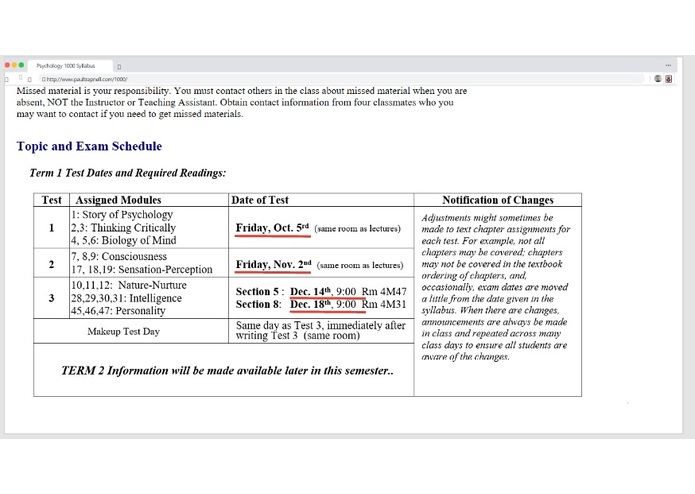
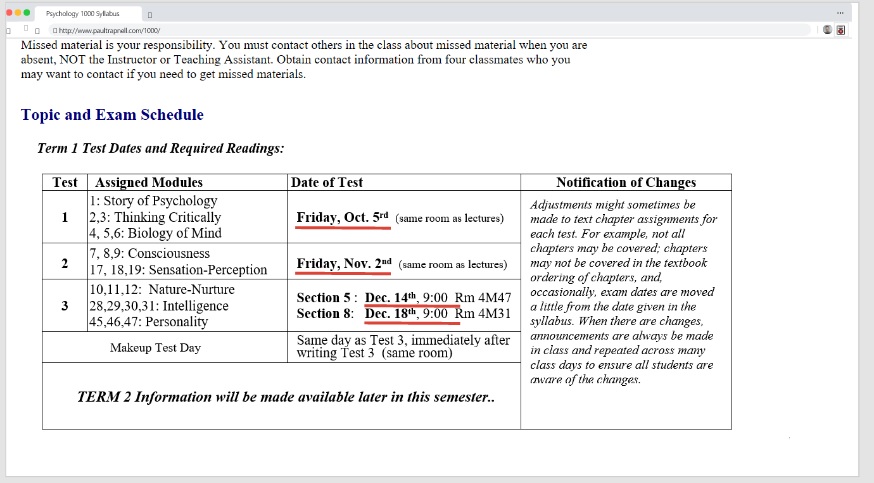
As a college student, it takes time and effort to plan a detailed schedule. One time-consuming and repetitive aspect of this is looking through your syllabus for each class to record the dates of homework, quizzes, and tests. Therefore, we wanted to automate this process and improve the quality of life for all students by creating a Deadline Scanner, or DeadScan.
What it's supposed to do
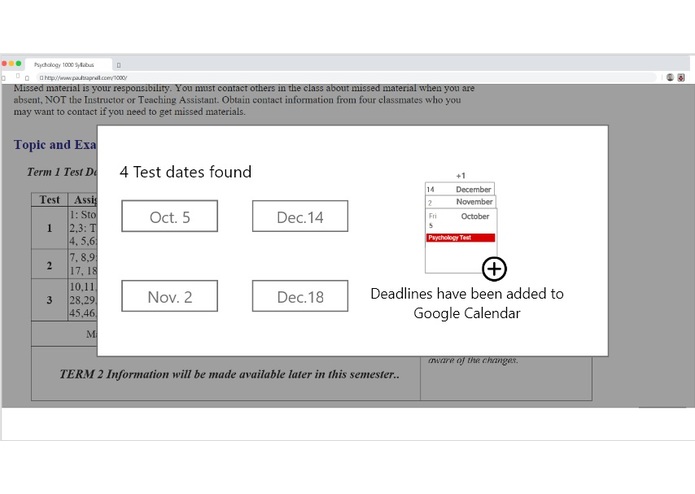
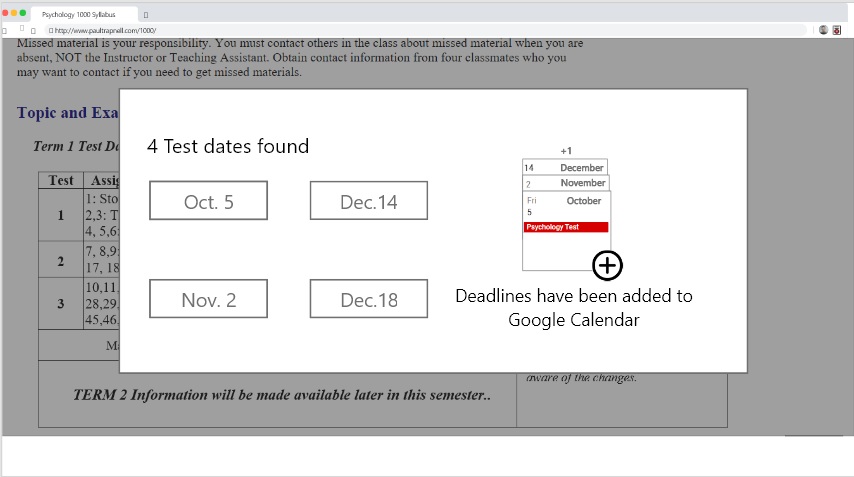
We intended to have the Google Chrome extension use machine learning (ML) to be able to automatically recognize dates and deadlines within a document (i.e. a syllabus), matching them with its title (homework, quiz, test) and giving you the option to add these dates to your Google Calendar.
How we built it
We tried to use the natural language ML models provided by Google Cloud and tailor them to our specific purpose (correctly identifying dates and deadlines). The dates acquired by the model would then be presented to the user, who would choose which ones to add to his or her calendar.
Challenges we ran into
We had no experience with using ML, so we started learning from the basics. We also discovered that the pre-existing natural language ML models did not suit our needs, so we tried creating a custom natural language model. However, we ran into issues with the Google Cloud Platform (billing not being enabled, customer bucked not created) that did not allow us to utilize this option. Then, we tried to use TensorFlow and create our own simple ML model, but we ran into obstacles installing TensorFlow and having the correct version.
Accomplishments that we're proud of
Understanding how ML works at the most basic level, recognizing the importance and limitations of feeding data into the ML model, creating a conceptualization of the project in AdobeXD
What we learned
Crucialness of having a 4-person team and time management, necessity of a mentor, importance of defining a project that matches the team's skill and capabilities, how ML works, applications of ML
What's next for DeadScan
Creating a functioning ML model, training the model extensively, adding customizability of the extension
Built With
- adobe-xd

Log in or sign up for Devpost to join the conversation.