-
-
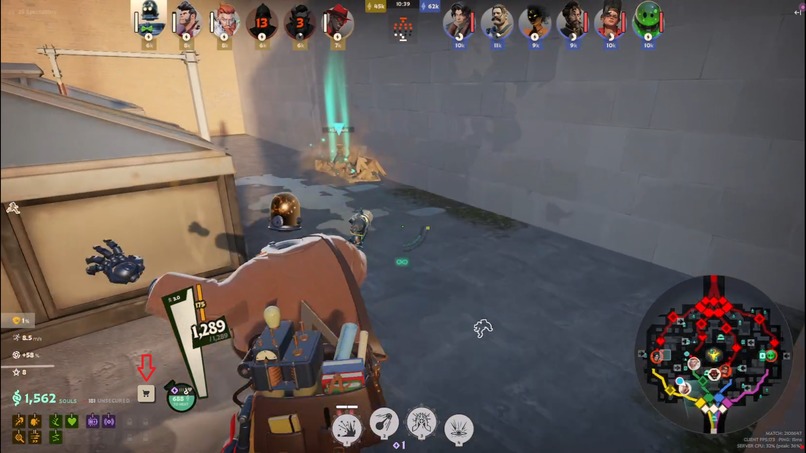
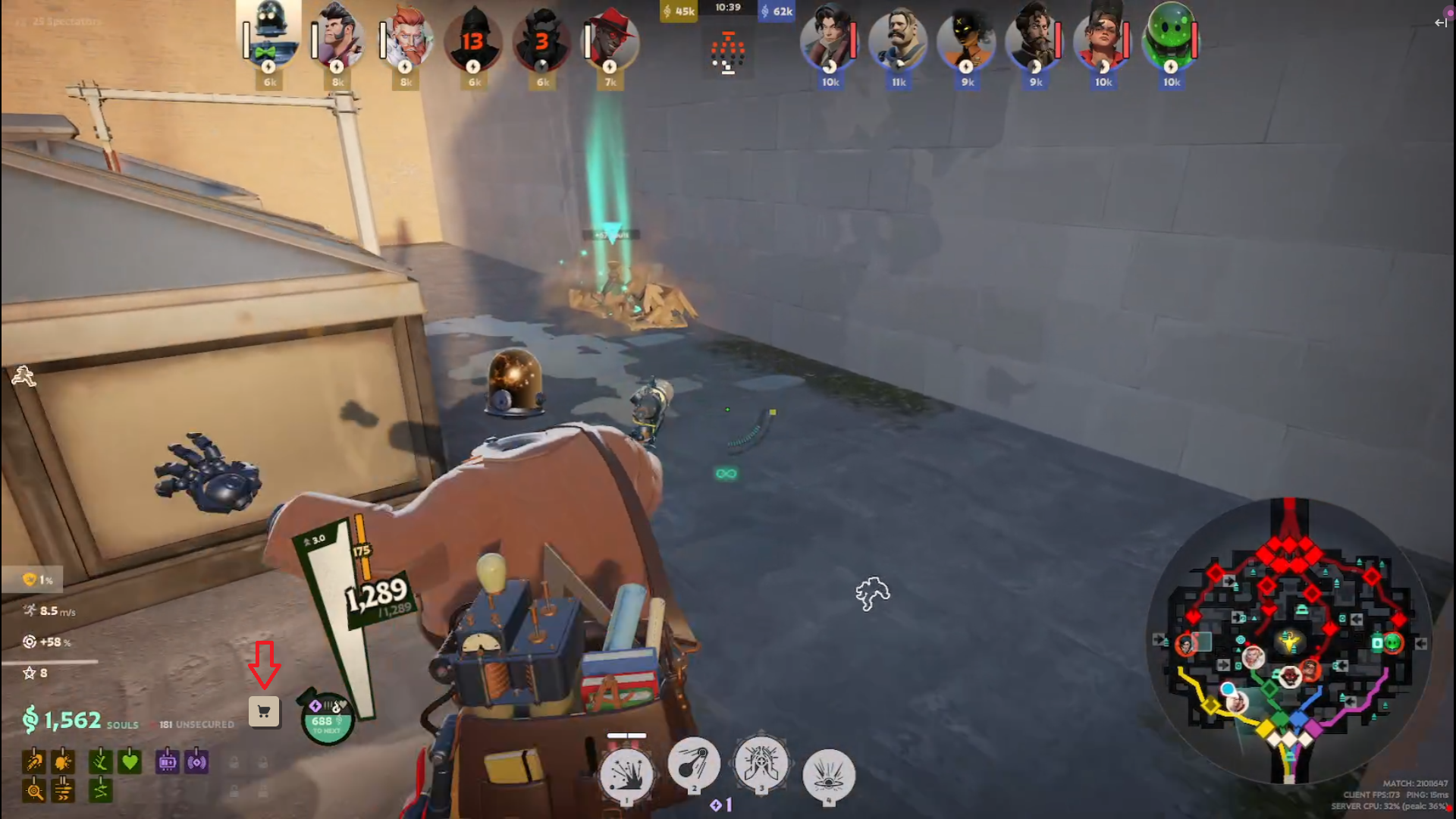
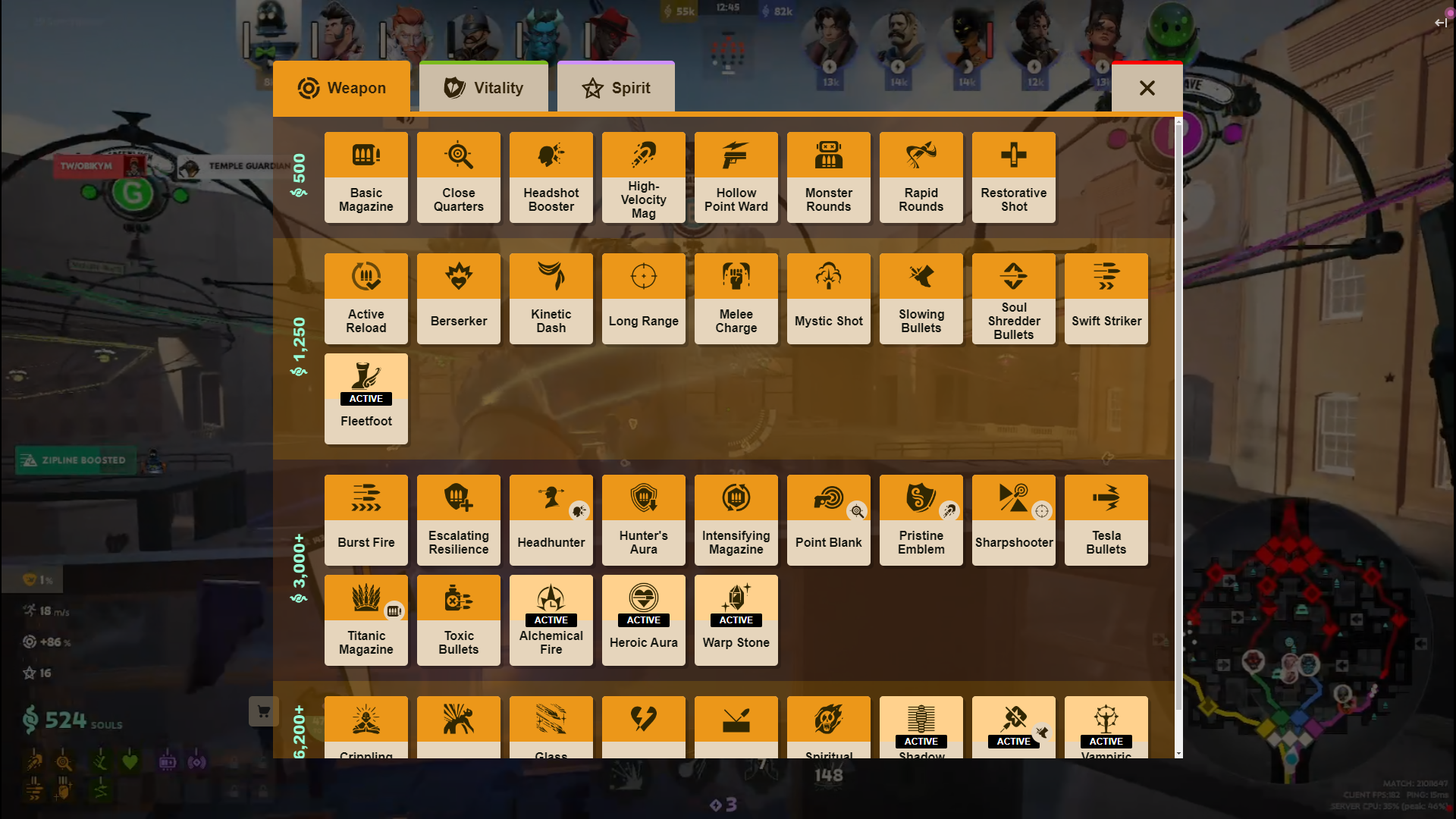
Stream showing the Shop button
-
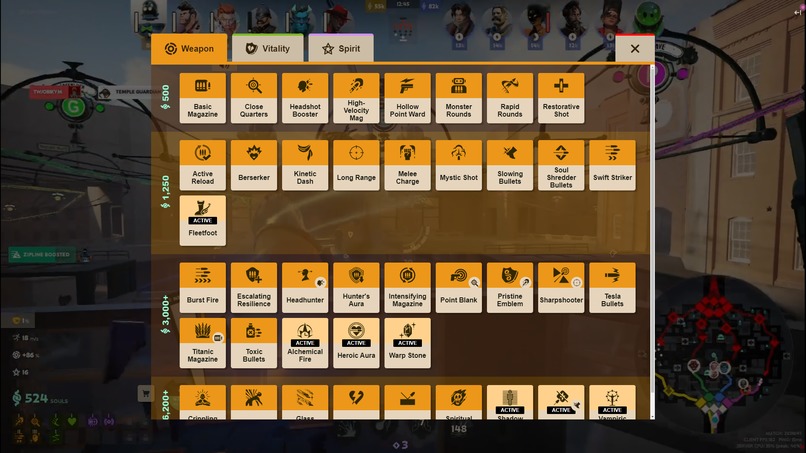
Shop open as stream overlay
-
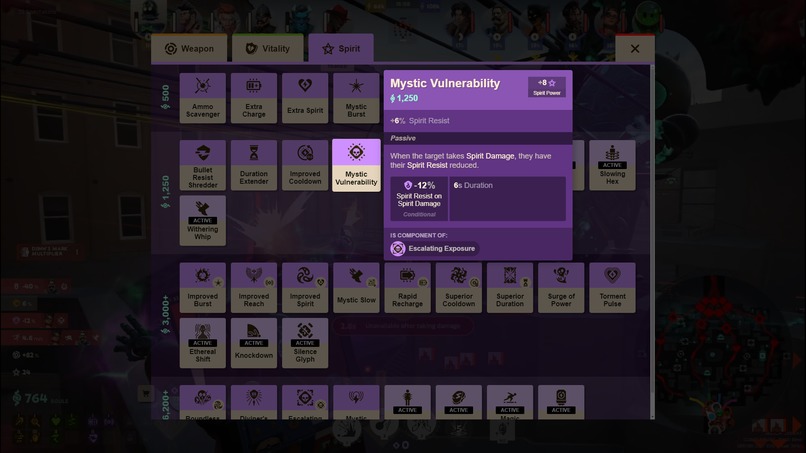
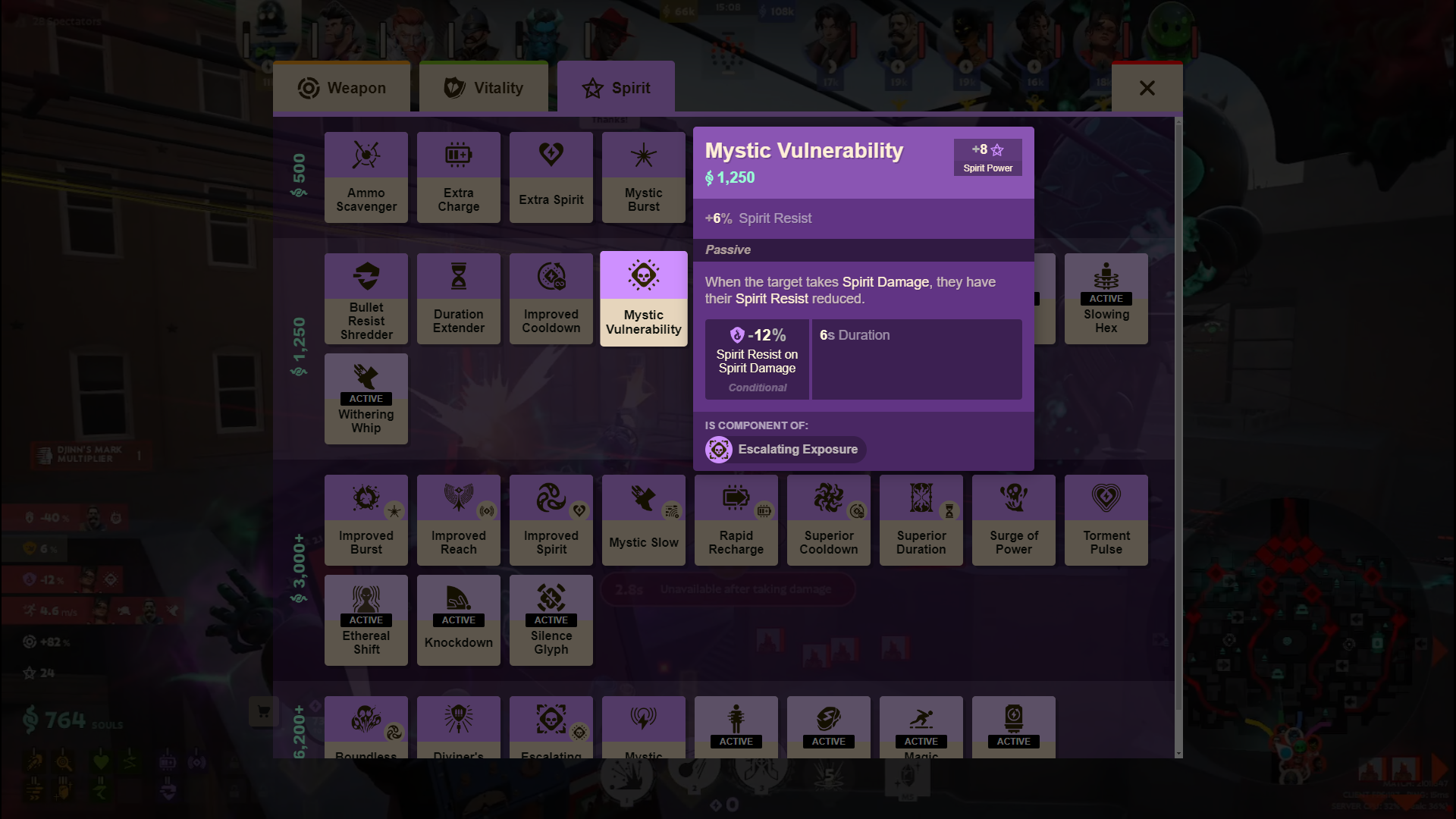
Item tooltip
Inspiration
The inspiration came while I was watching a stream. I noticed how often viewers would ask about different items the streamer had bought, but they had to leave the stream to check them out (which most didn’t do because they wanted to enjoy the stream). I thought, What if there was a way for viewers to explore those items without leaving the stream? I wanted something that felt native to Twitch, where viewers could still be part of the live conversation and gameplay while exploring the items at the same time.
What it does
Deadlock Dashboard adds a dedicated shop button to the stream, allowing viewers to seamlessly browse the Deadlock Shop without leaving the stream. Viewers can explore available items directly through the familiar shop interface used in-game, creating a more interactive and engaging experience.
How we built it
First, I started with a tool used by the Deadlock wiki maintainers that decompiles the game files to extract all of the ability and item data. I drastically changed how and what gets parsed to retrieve all the necessary data for the items (which, surprisingly, is much more than you’d think). After I had the basic data, I began building the user interface by eyeballing the in-game shop interface.
Soon after completing the basics, I realized I needed much more data and error handling. Since Deadlock is still in alpha, there are sometimes items that don’t follow standard naming conventions or have incorrect data, which I still don’t know how the game fixes. After about 2-3 weeks, I finished my first version, which was missing some non-critical information. I released it and asked the community for feedback, which was unanimously positive and appreciative. This motivated me to continue working on the project, and after another 1-2 weeks, I had included all the data points the game displays and overhauled the entire interface to match the in-game shop almost 1:1. I also fixed some bugs I encountered along the way.
Challenges we ran into
One of the biggest challenges was managing the inconsistency in the game data. Since Deadlock is still in alpha, certain items didn’t follow the same structure, which required extra error handling. Additionally, optimizing the interface for Twitch's sandboxed environment, while keeping it lightweight and responsive, proved more complex than initially anticipated.
Accomplishments that we're proud of
I'm proud of how closely the final interface matches the in-game shop. It feels intuitive for users who are already familiar with Deadlock, which makes the experience seamless. I also tackled several complex issues related to game data parsing, ensuring that viewers receive an accurate representation of available items in the shop. The positive community feedback, along with successfully including every key data point from the game in the extension, are huge milestones for me.
What we learned
Throughout the development process, I learned a great deal about working within the limitations of Twitch extensions. I also gained a deeper understanding of handling dynamic and incomplete data from a game still in alpha. This project reinforced the importance of thorough testing across different environments to ensure a smooth user experience.
What's next for Deadlock Dashboard
Next, I plan to implement even more interactive features, such as allowing viewers to suggest items to the streamer directly through the extension. I'm also exploring the idea of adding heroes to the extension, enabling users to look up their stats and abilities in the same way they do with items now.


Log in or sign up for Devpost to join the conversation.