📦 DeadlineBox — Never Miss a Deadline
💡 Inspiration
As students, we deal with deadlines for assignments, tutorials, projects, presentations, exams, and submissions almost every week. These deadlines often come from different places — classroom announcements, messaging groups, notes, teachers, and online platforms.
It is easy to remember the task but forget when it is actually due.
We wanted to build something simple that solves this everyday student problem without requiring another complicated productivity platform.
That idea became DeadlineBox.
Our goal was straightforward:
«Give students one place to see what they need to finish and how much time they have left.»
🚀 What We Built
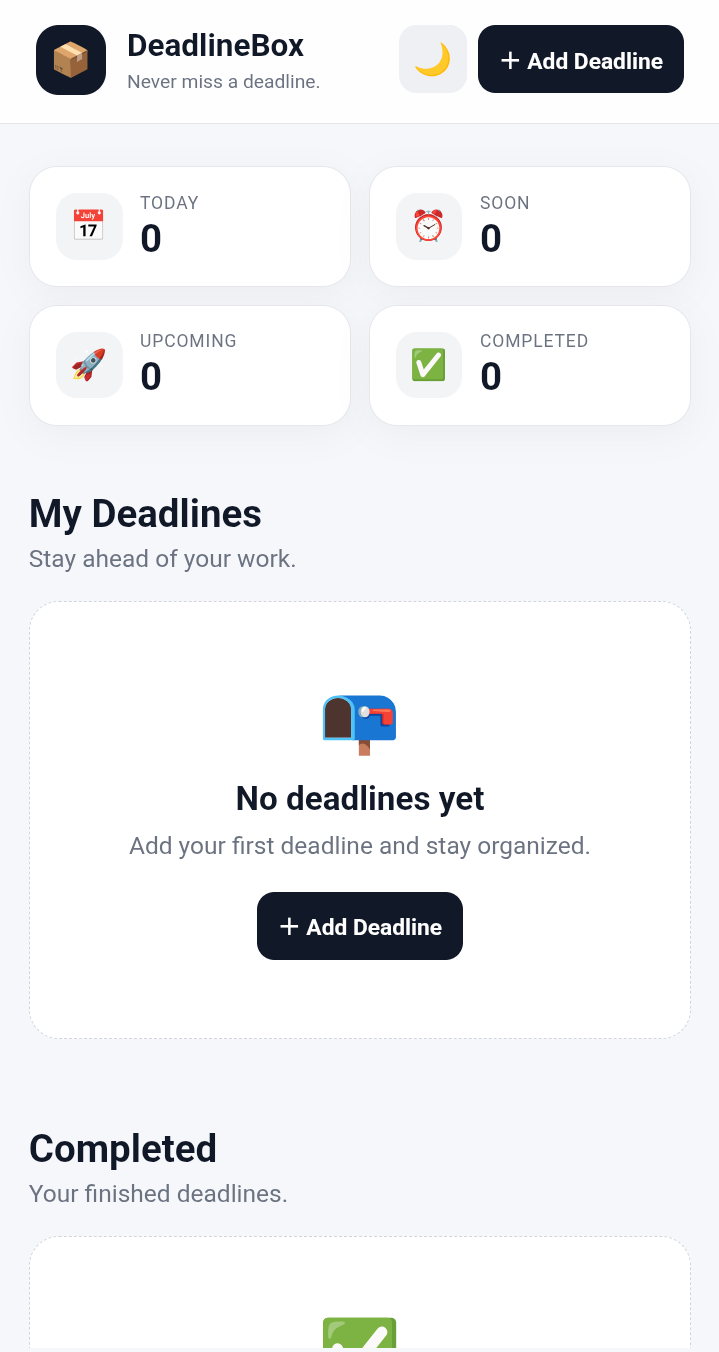
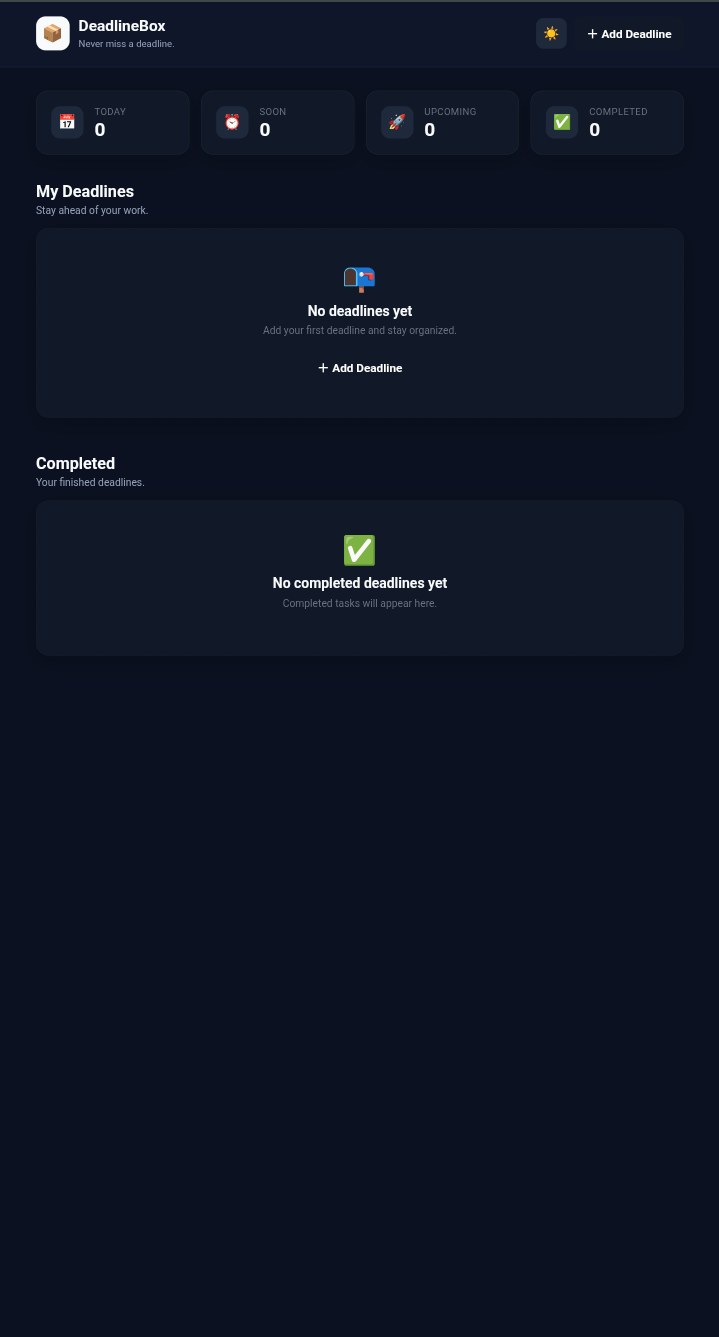
DeadlineBox is a lightweight student deadline-management web application.
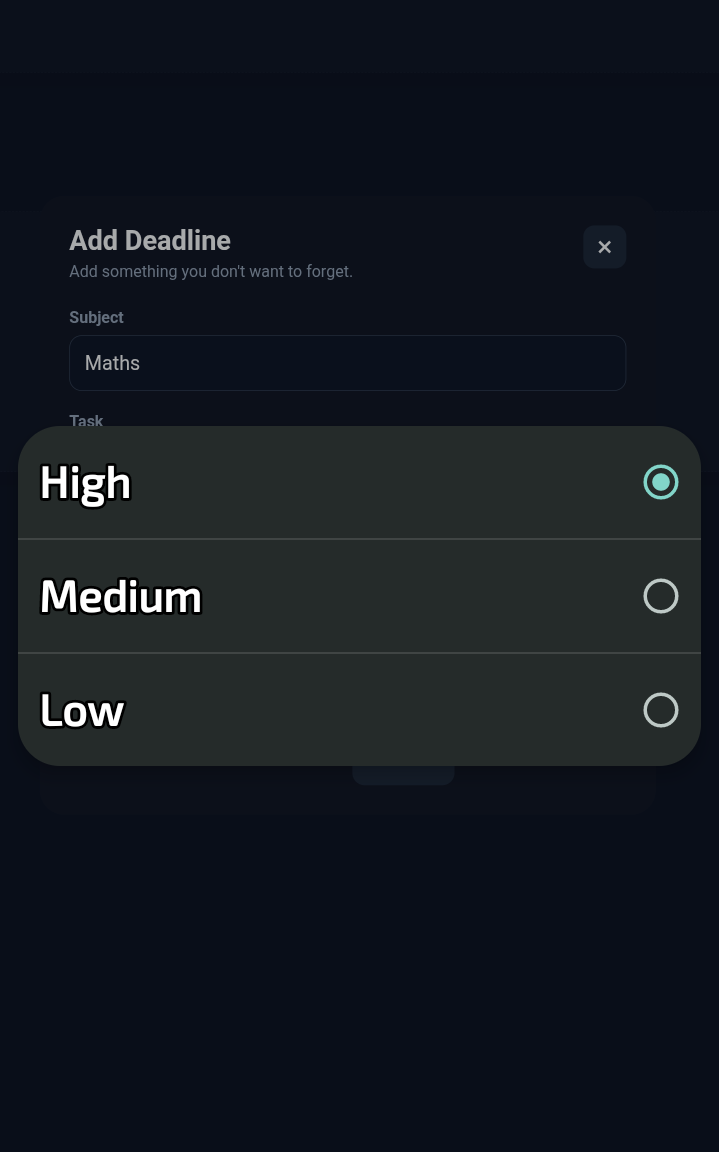
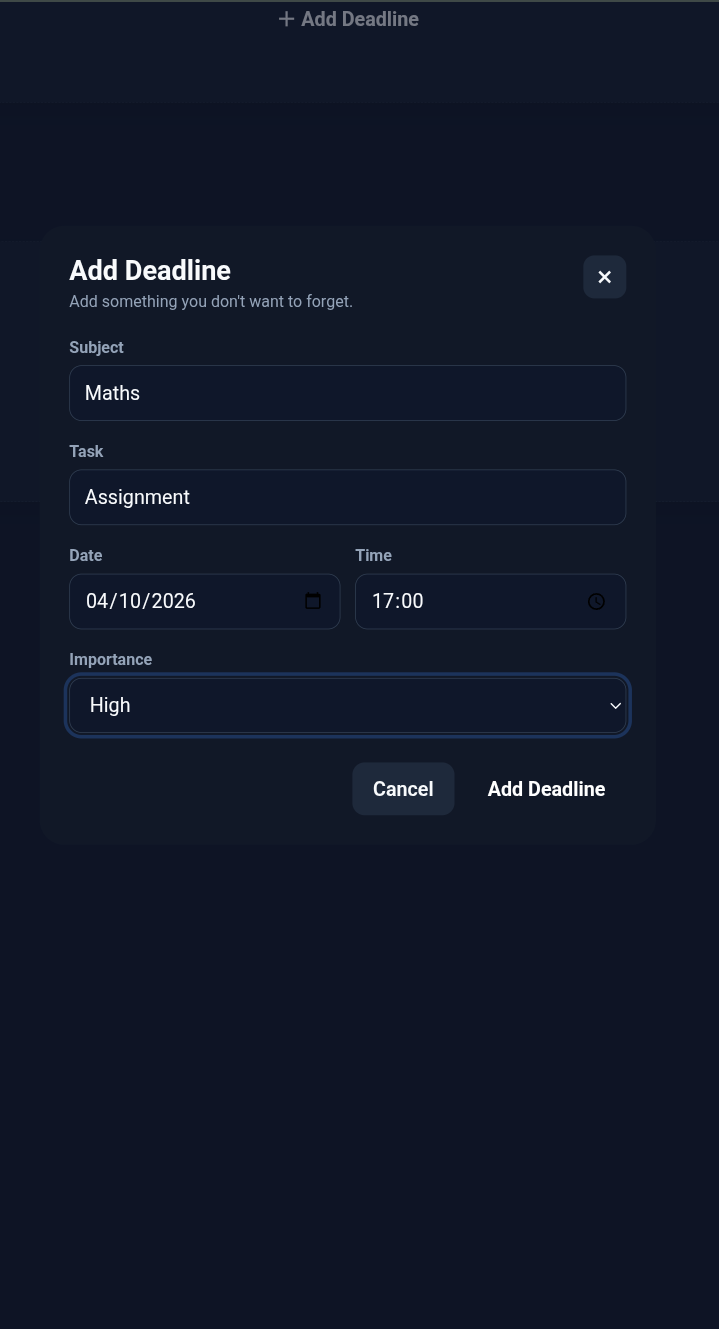
A student can enter:
- Subject
- Task
- Date
- Time
- Importance
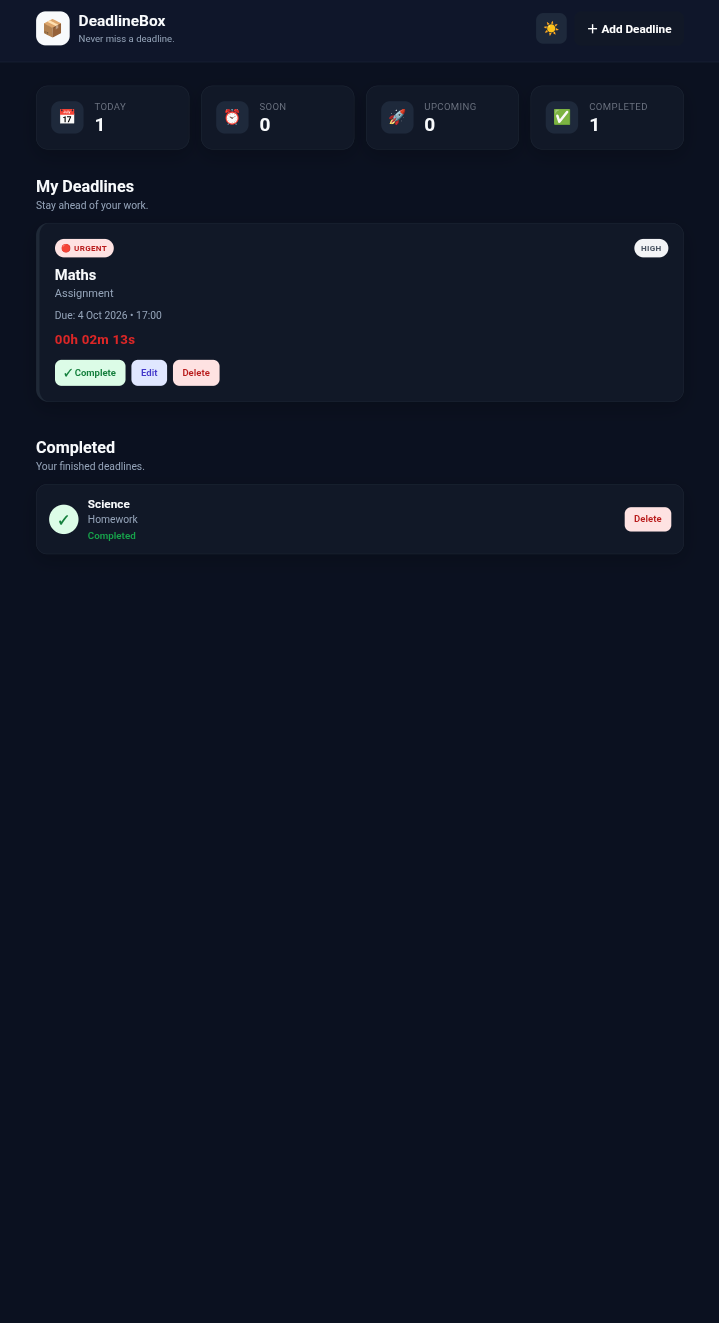
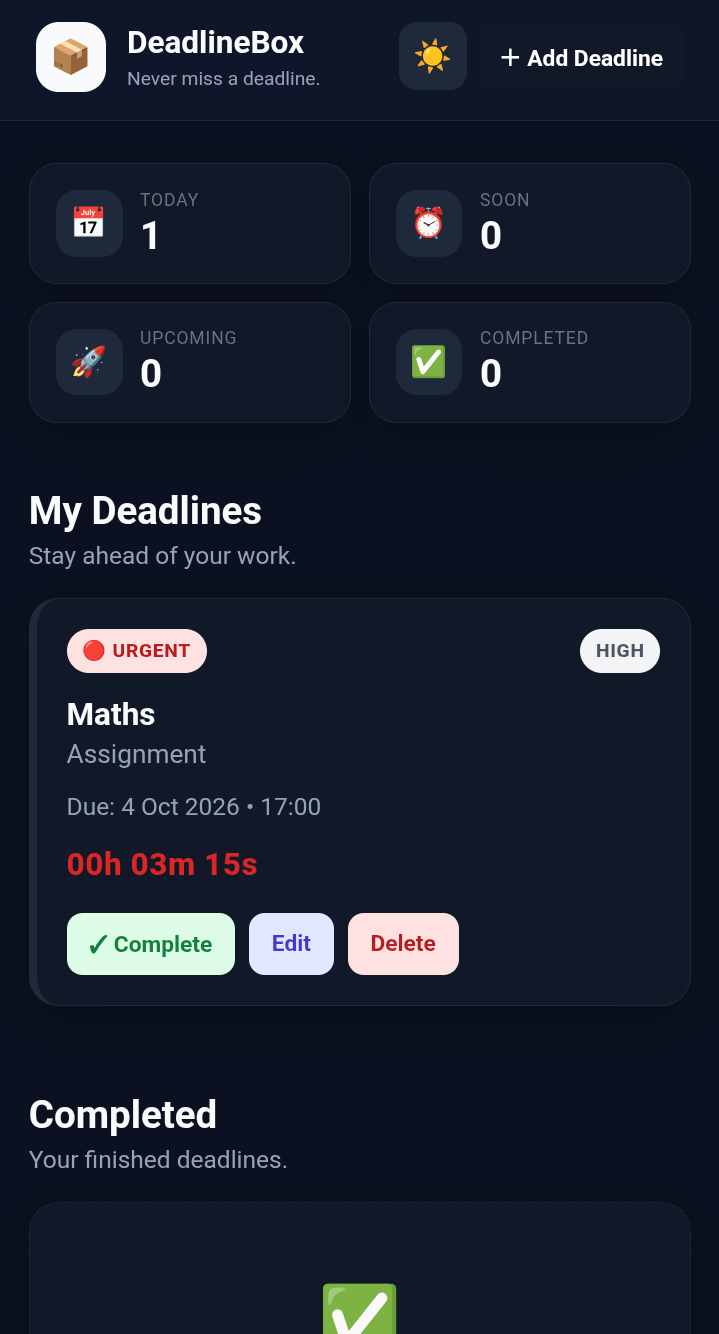
DeadlineBox then automatically organizes the deadlines based on urgency and importance.
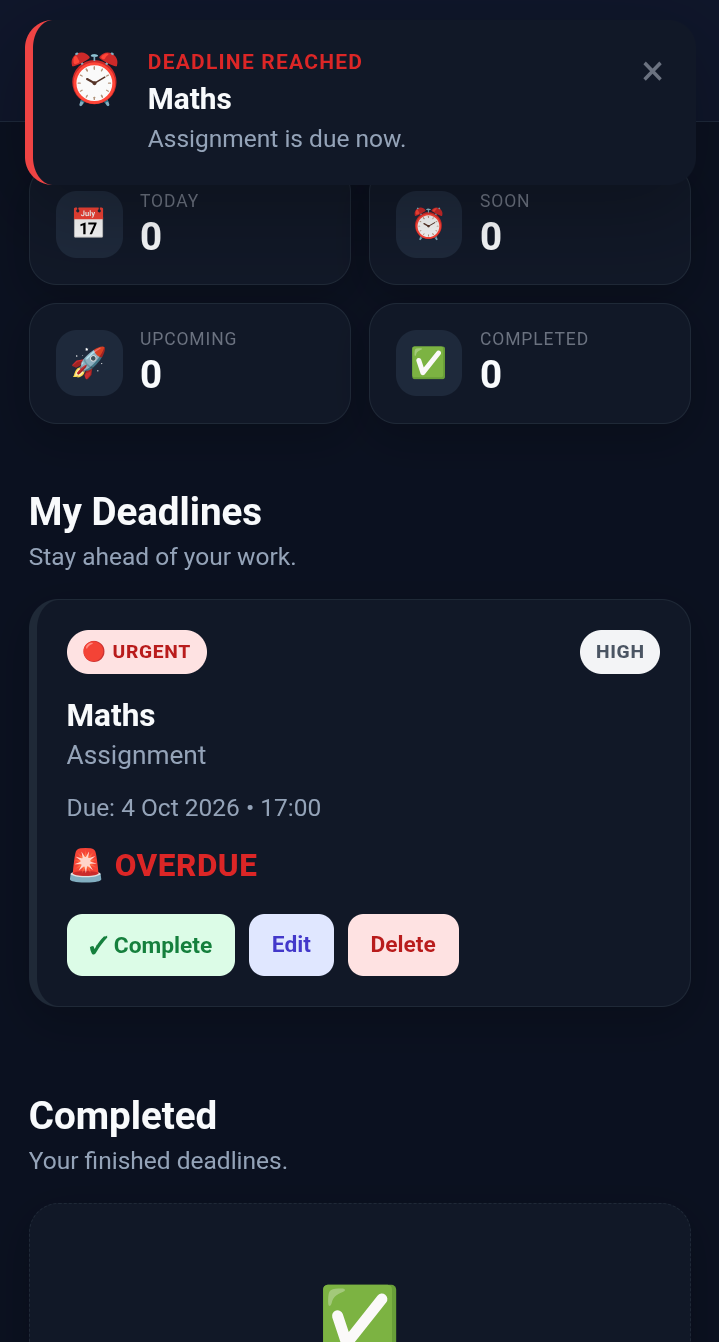
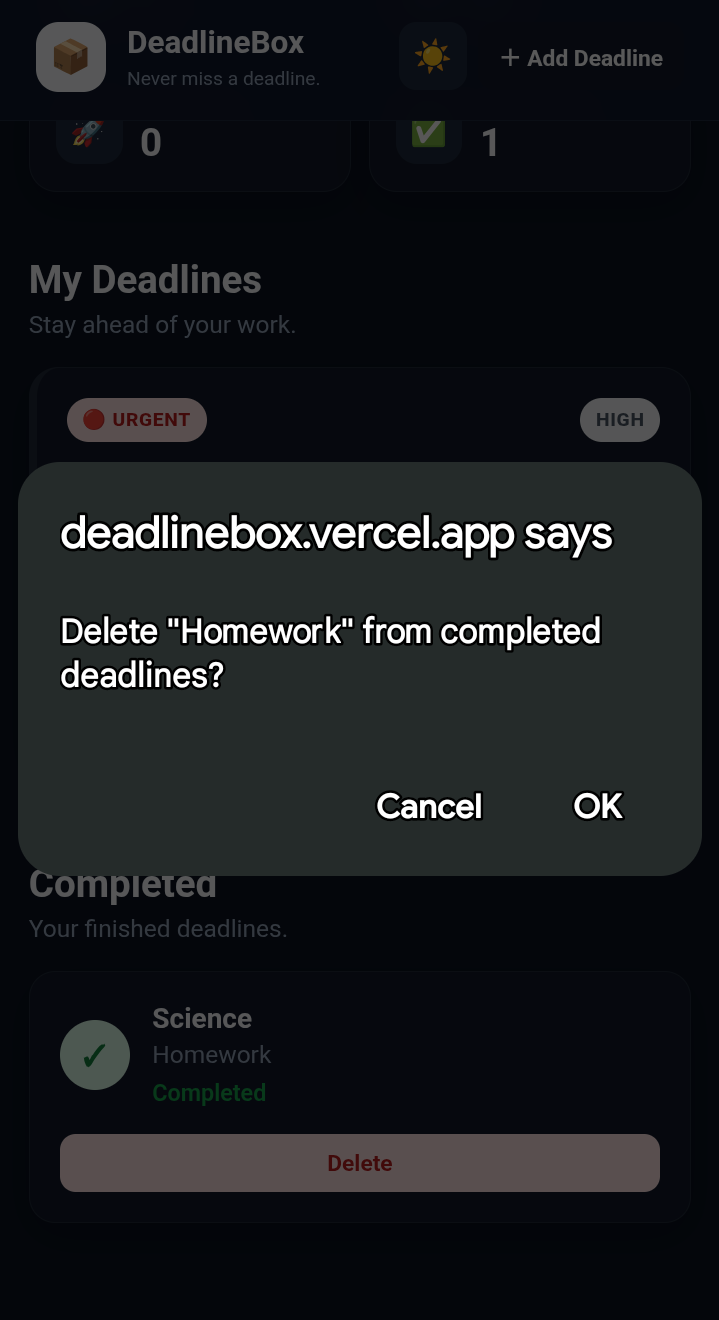
The dashboard separates tasks into:
🔴 Urgent 🟠 Soon 🟢 Upcoming ✅ Completed
Each active deadline also has a live countdown.
When a deadline reaches its time, DeadlineBox displays an in-app deadline alert and marks the task as overdue until the student completes it.
⚙️ How We Built It
We intentionally kept the technology simple so that the application would be lightweight, reliable, and easy to deploy.
Frontend
- HTML5 — application structure
- CSS3 — responsive design and styling
- Vanilla JavaScript — application logic and interactions
Browser APIs
- LocalStorage API — saves deadlines in the user's browser
- JavaScript Date API — handles dates, times, countdowns, and overdue detection
There is no backend, database, authentication system, or external AI API.
The entire MVP runs directly in the browser.
🧠 Automatic Prioritization
One of the main features we wanted was automatic organization.
Instead of forcing students to manually arrange their tasks, DeadlineBox considers:
- How much time remains
- How important the task is
For example, a high-importance deadline due tomorrow should receive more attention than a low-importance deadline due several days later.
This gives students an immediate view of what deserves their attention first.
💾 Keeping Data Simple
We decided not to introduce a database or user accounts for the MVP.
Instead, DeadlineBox stores the user's deadlines using LocalStorage.
This allowed us to make the application:
- Lightweight
- Fast
- Easy to deploy
- Simple to maintain
- Usable without an account
Refreshing the page does not erase the user's deadlines.
📱 Designed for Students
We wanted DeadlineBox to work wherever a student might need it.
The interface is responsive and works across:
- 📱 Mobile phones
- 💻 Laptops
- 🖥️ Desktop computers
We also added light and dark modes so the interface can adapt to user preference.
📚 What We Learned
Building DeadlineBox taught us that even a small application requires careful thinking about the complete user experience.
We learned how to:
- Work with browser LocalStorage
- Manage application state using JavaScript
- Calculate time differences
- Build live countdown timers
- Detect overdue deadlines
- Create automatic sorting and prioritization
- Build responsive layouts
- Create reusable JavaScript functions
- Handle form validation
- Deploy a static website using GitHub and Vercel
- Design a project around a real user problem rather than adding unnecessary features
One of the biggest lessons was that a simple solution that works reliably can be more useful than a complicated solution filled with features.
🧩 Challenges We Faced
- Handling Dates and Times
Working with deadlines required combining a selected date and time into a usable timestamp and comparing it with the current time.
We had to make sure the countdown behaved correctly for:
- Today's deadlines
- Future deadlines
- Overdue deadlines
- Keeping Data After Refresh
A normal JavaScript array would disappear when the page was refreshed.
We solved this by storing the deadline data in LocalStorage and loading it again when the application starts.
- Automatic Organization
We wanted the user to avoid manually sorting their tasks.
We therefore created a simple priority system based on deadline proximity and importance.
- Responsive Design
The same application needed to work on a phone and a desktop.
We used responsive CSS and flexible layouts to make the dashboard usable on different screen sizes.
- Keeping the Scope Under Control
It was tempting to add accounts, databases, AI, calendar synchronization, cloud storage, and many other features.
Instead, we focused on the core problem:
«Add deadline → organize → track time → get alerted → complete.»
Keeping the scope small allowed us to focus on making the core experience functional and polished.
🌍 Impact
DeadlineBox focuses on a common problem within the student community: keeping track of academic deadlines.
Missing deadlines can result in:
- Late submissions
- Lost marks
- Last-minute work
- Increased academic pressure
- Poor time management
Our goal is to give students a simple tool that helps them stay aware of their workload and focus on what needs attention next.
DeadlineBox is not intended to replace existing learning platforms.
Instead, it acts as a simple personal deadline hub that students can use alongside the tools they already use.
🏆 Why We Built It This Way
For this hackathon, we prioritized:
Working > Simple > Polished > Extra Features
Rather than building a large productivity platform, we focused on solving one specific problem well.
The result is a small application that can be understood within seconds and used without an account or complicated setup.
🔮 What's Next?
The current version is an MVP.
If we continue developing DeadlineBox, possible improvements could include:
- Progressive Web App support
- Reliable background notifications
- Calendar integration
- Recurring deadlines
- Cloud synchronization
- Cross-device access
- Optional student accounts
- Integration with academic platforms
These features were intentionally left out of the MVP so we could concentrate on the core experience.
❤️ Final Goal
At its heart, DeadlineBox is built around one simple idea:
«Students shouldn't have to remember every deadline. Their deadline manager should remember it for them.»
📦 DeadlineBox
Never miss a deadline.

Log in or sign up for Devpost to join the conversation.