-
Planner
-
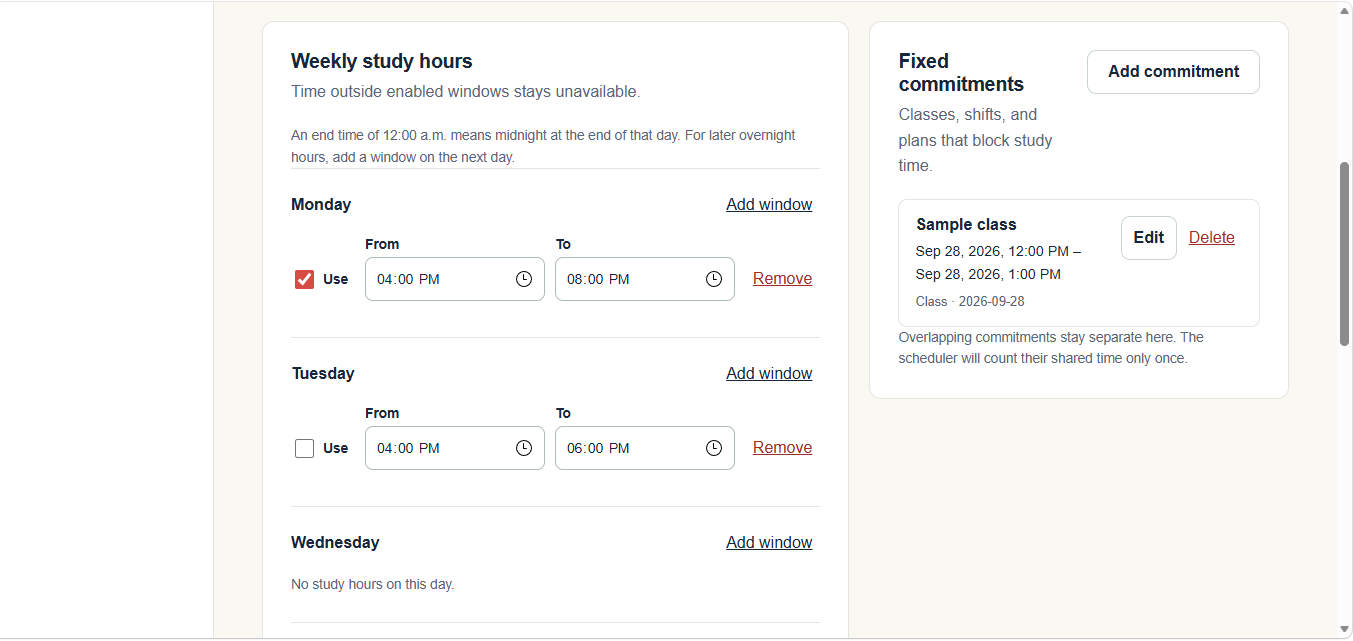
Study Avalaibilty Page
-
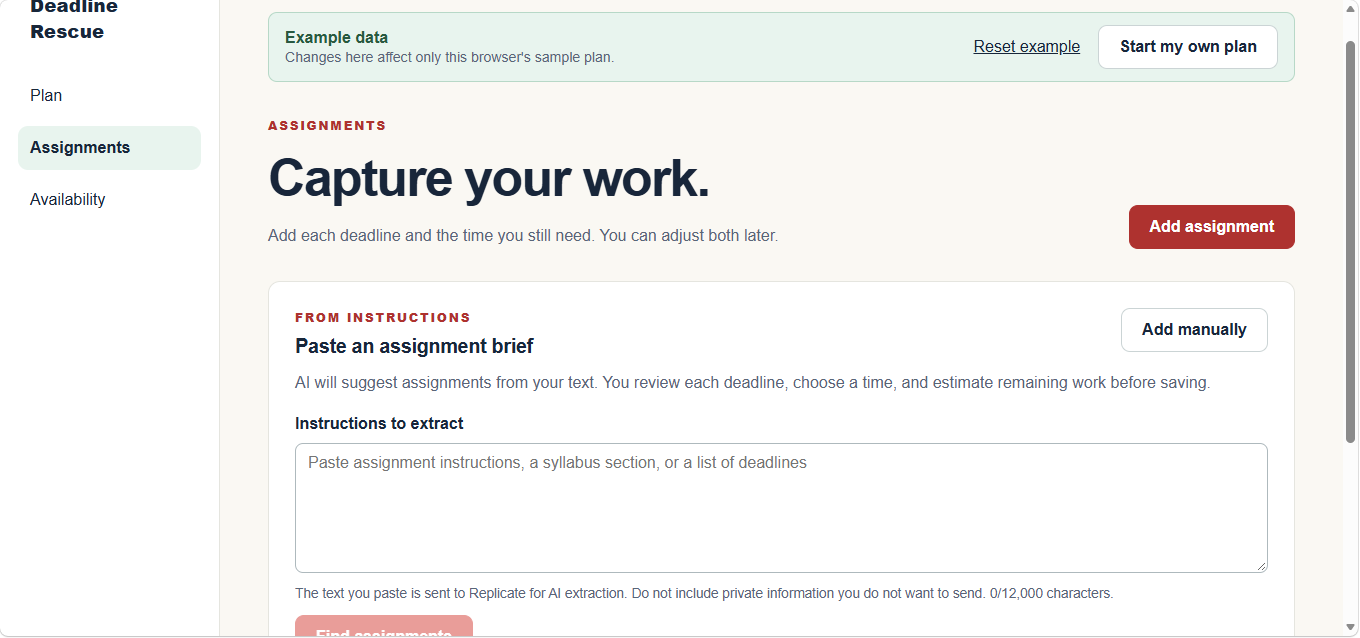
Assignment Page
Inspiration
What it does## Inspiration
As a student balancing coursework, classes, and work shifts, I know that having a list of deadlines doesn’t necessarily mean having a realistic plan.
An assignment might be due tomorrow, but how much time is actually available to finish it? And what happens when an unexpected commitment takes away the time you planned to use?
That inspired Deadline Rescue: a productivity app that helps students understand what fits into their schedule, what needs attention, and what to work on next.
What it does
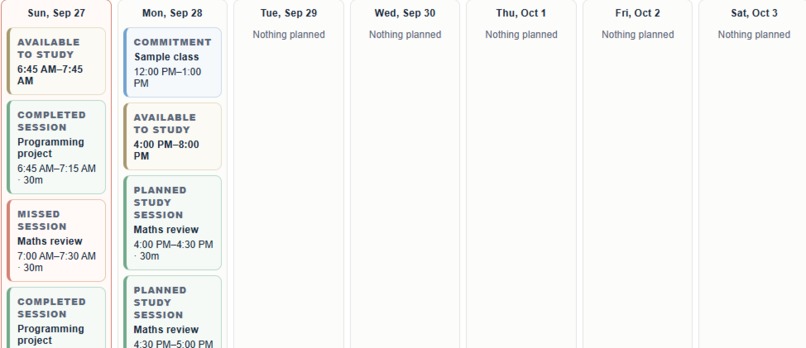
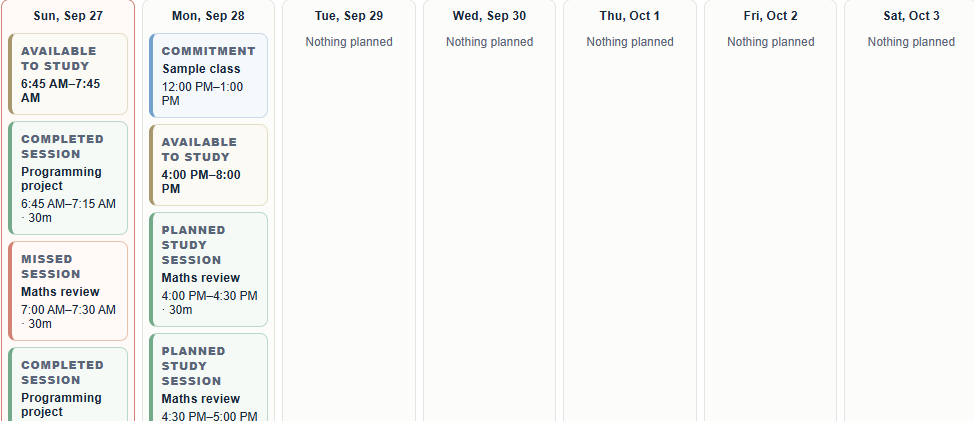
Deadline Rescue turns assignments and available study time into a practical schedule.
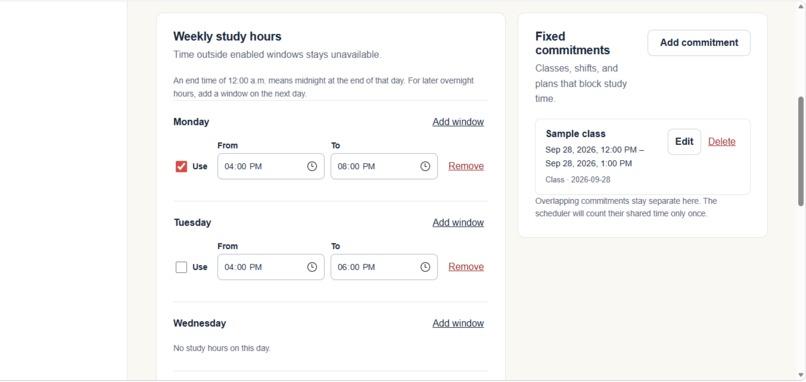
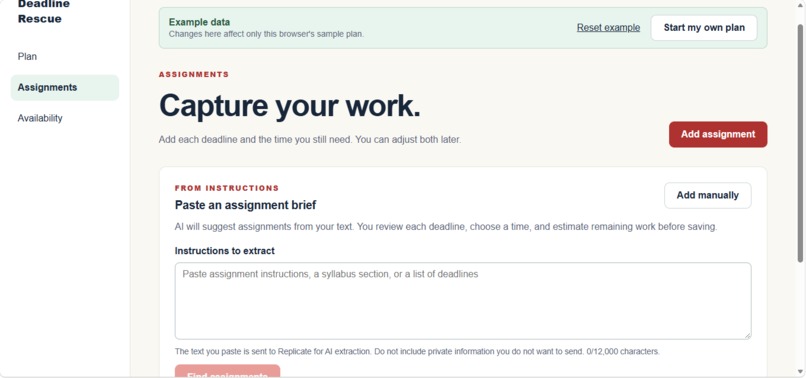
Users enter their assignments, deadlines, and estimated remaining work, then add study availability and commitments. The app schedules work before its deadlines and identifies any time that could not be allocated.
When circumstances change, users can update their commitments and replan. If an extra work shift creates a two-hour shortfall, the app makes that shortfall visible so the user can respond.
Focus mode brings attention to one assignment session at a time. Afterward, users confirm their progress and remaining work so the schedule can reflect what actually happened.
How I built it
I designed Deadline Rescue as a responsive web app for phones and laptops, using Next.js, React, and TypeScript, with GitHub for source control and Vercel for deployment.
The scheduling logic is separate from the interface. It identifies available study periods, removes blocked time, and allocates work in deadline order. When everything cannot fit, it preserves the useful parts of the schedule and reports the remaining shortfall.
The prototype uses browser-local storage to save assignments, availability, and progress without requiring an account.
Challenges I faced
The central challenge was making the schedule realistic when constraints interact. Overlapping commitments must not be counted twice, sessions must finish before their deadlines, and replanning must account for work already in progress.
Another challenge was distinguishing time spent from progress made. Spending 30 minutes on an assignment doesn’t guarantee that 30 minutes of work has disappeared. The session review therefore lets users confirm how much work actually remains.
With a limited hackathon window, I also had to make careful scope decisions. I focused on completing the core planning and replanning experience before adding account management or integrations.
What I learned
This project helped me understand how much of a productivity app’s value depends on the rules behind its interface.
I learned to think about scheduling as a set of constraints, separate that logic from presentation, and use concrete scenarios to check expected behaviour. A simple schedule, an overlapping commitment, and an impossible deadline each reveal different problems.
I also learned the importance of explaining results clearly. Showing that work could not fit and by how much is more useful than presenting a calendar that looks complete but ignores the user’s constraints.
What’s next
I want to test Deadline Rescue with students over a full week and use their feedback to improve scheduling and progress tracking.
Future improvements could include cross-device syncing and calendar integration. For now, the goal is focused: help students see what is achievable, recover when plans change, and take the next step.
Built With
- css
- git
- github
- localstorage
- next.js
- react
- typescript
- vercel


Log in or sign up for Devpost to join the conversation.