Inspiration
Think about how many people paste stuff into ChatGPT or Claude without thinking twice: a customer's info, an HR email, a chunk of code with a live API key still sitting in it. It happens constantly, and most of the time nobody notices until it's a problem.
There are enterprise tools that try to solve this, but they're built for companies, they usually send your data through yet another third party, and they mostly just block you or log what you did. We wanted something for the individual person that fixes the problem instead of just yelling about it. And it had to work like an ad blocker: quiet, always on, and only speaking up when it actually matters. Nobody wants a pop-up every time they hit Enter.
One rule shaped everything else. The thing checking your prompt for privacy can't send your prompt anywhere to check it, because then it is the leak. So every decision Deadbolt makes happens on your own machine.
What it does
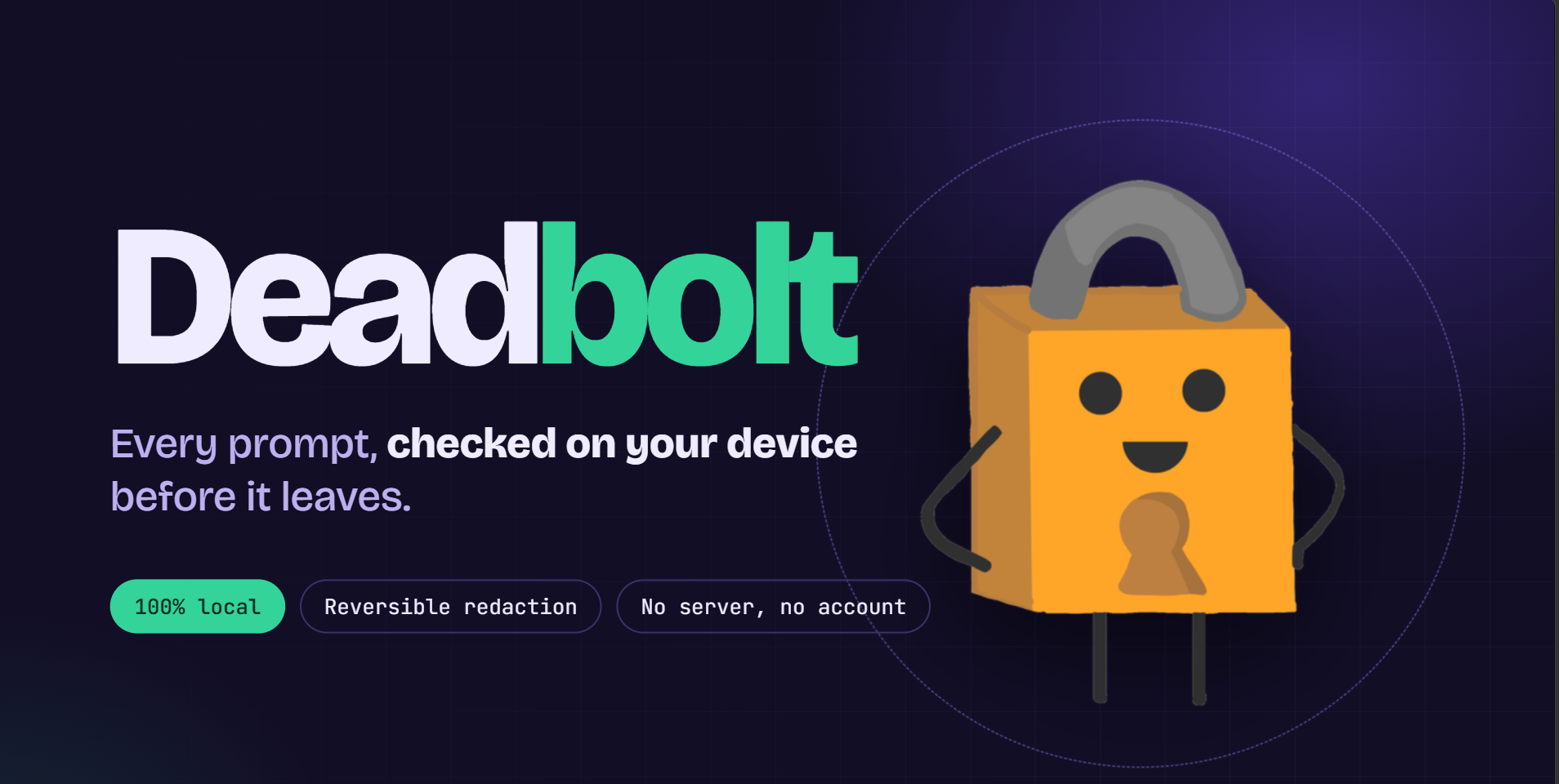
Deadbolt is a Chrome extension that catches your prompt right when you hit Enter, before it leaves your computer, and decides what to do based on how serious the problem is:
- Block: if your prompt has classification or control markings (think CUI), the send is cancelled and a panel explains why. No override.
- High: API keys, private keys, JWTs, SSNs, credit cards, and IBANs get redacted automatically. The prompt still sends, and you get a toast with an undo button.
- Medium: emails, phone numbers, street addresses, and birthdays get redacted automatically too, and the toast tells you what was swapped.
- Low: names and orgs just get highlighted. We never change your text based on a guess.
The redaction is reversible. Sensitive values become placeholders, and you can hover over one in the response to see what it originally was, locally. There's also a dashboard showing what Deadbolt has caught, a shareable receipt, and a tokenizer explainer that shows how your text gets split up into tokens. Nothing leaves your device. No account, no server, and we never store your prompt text, only metadata like counts.
How we built it
Deadbolt is a Manifest V3 Chrome extension written in strict TypeScript, built with Vite and tested with Vitest. We split it into pieces that don't depend on each other so the team could work in parallel:
- The detectors and redaction engine are pure functions with no browser code in them, which made them easy to test. The high and medium tiers use regex plus checksums (like Luhn for card numbers). That's the only reason we trust them to actually edit your text.
- The content script watches the chat box, catches Enter and the send button before the site's own code does, and draws the toasts and panels.
- The background service worker holds the placeholder vault, the usage log, settings, and the badge counter on the toolbar icon.
- The options page has the dashboard, the receipt, and the tokenizer explainer.
Everything talks through one shared message contract, so if you change a shape in there, you have to tell whoever else it affects. We also built a standalone UI harness that renders every overlay without needing the extension or a chat site, which saved a lot of time, and a labelled test set that runs with the detector tests.
Challenges we ran into
The scariest one was a failure mode. If Deadbolt tries to rewrite your prompt and the rewrite fails, the easy thing to do is let the original send anyway. But then it sends your unredacted text while you think it was scrubbed, which is the worst possible outcome for a privacy tool. So if rewriting fails or can't be verified, we cancel the send instead.
Chat boxes were also annoying. Most of them are rich-text editors, so you can't just set a value. You have to insert text with editing commands and then check that it actually worked.
Manifest V3 gave us trouble too. The service worker gets killed after about 30 seconds of being idle, which wipes the placeholder vault. We decided to keep it in memory on purpose, since losing a mapping in a crash is better than leaking one to disk.
We also fought over precision. If Deadbolt flags something that isn't actually sensitive, people learn to ignore it. That's why only the high-confidence, checksum-backed detectors are allowed to change your text.
And honestly, scope. We planned way more than fits in a hackathon, so we had to cut things and be upfront about it.
Accomplishments that we're proud of
- Deadbolt never lets an unscrubbed prompt through because of its own error.
- Friction depends entirely on how confident the detector is, so it stays out of your way until it matters.
- The detection core is clean and separate from the browser, so it's actually testable, and we have a labelled eval set to prove it works.
- Our README lists the limitations plainly. We'd rather tell you what doesn't work than let you find out later.
What we learned
A detector has to earn the right to touch your text. Regex and checksums earn it, and guesses only earn a highlight.
We also learned that hooking into someone else's page is fragile. That's why we skipped rewriting streamed responses and went with hover-to-reveal, since messing with another app's DOM mid-stream is a great way to break it.
The MV3 service worker lifecycle ended up shaping our security design as much as the code did. And being honest about what a tool doesn't guarantee is better than overpromising.
What's next for Deadbolt
Some things we planned didn't make it in this time, and they're where we'd go next:
- Local name detection so the low tier actually finds things.
- A local router that suggests cheaper options, like a search or a small on-device model, when a prompt doesn't need a big model. It would always be dismissible and never block Enter.
- A search lane with result cards for quick lookups.
- Strict mode's confirmation step, which is designed but not wired up yet.
- A persistent vault and reveal across full responses.
- More chat sites, plus scanning for attached files and PDFs.
Built With
- classifer
- claude
- hokieai
- manifestv3
- ner
- typescript
- vite


Log in or sign up for Devpost to join the conversation.