-
-
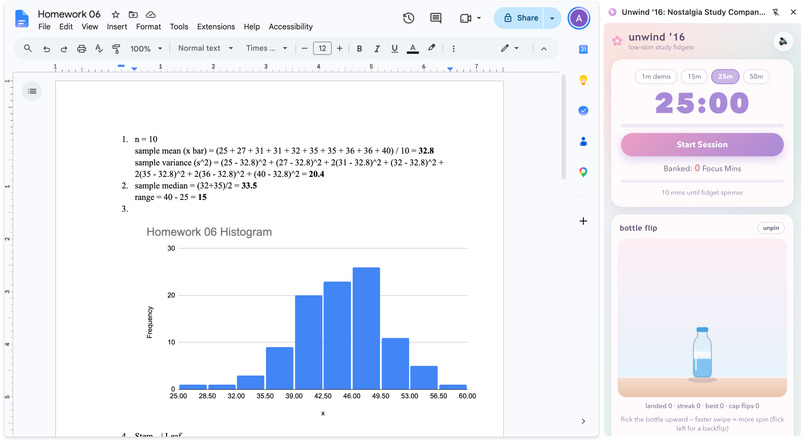
Unwind ’16 runs right inside Chrome’s side panel next to homework tabs, pairing Pomodoro focus with unlockable tactile desk toys.
-
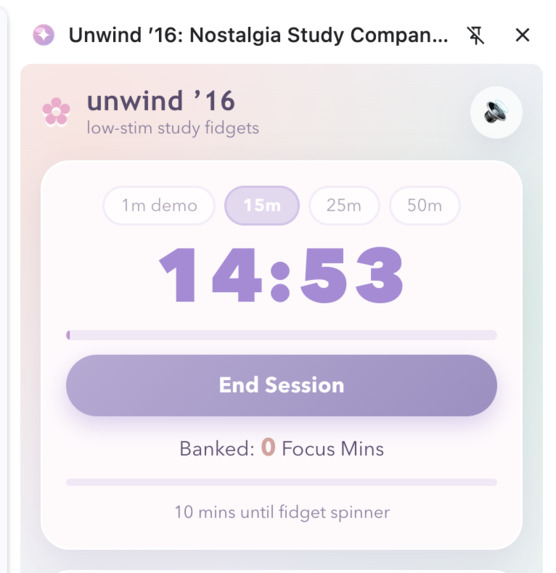
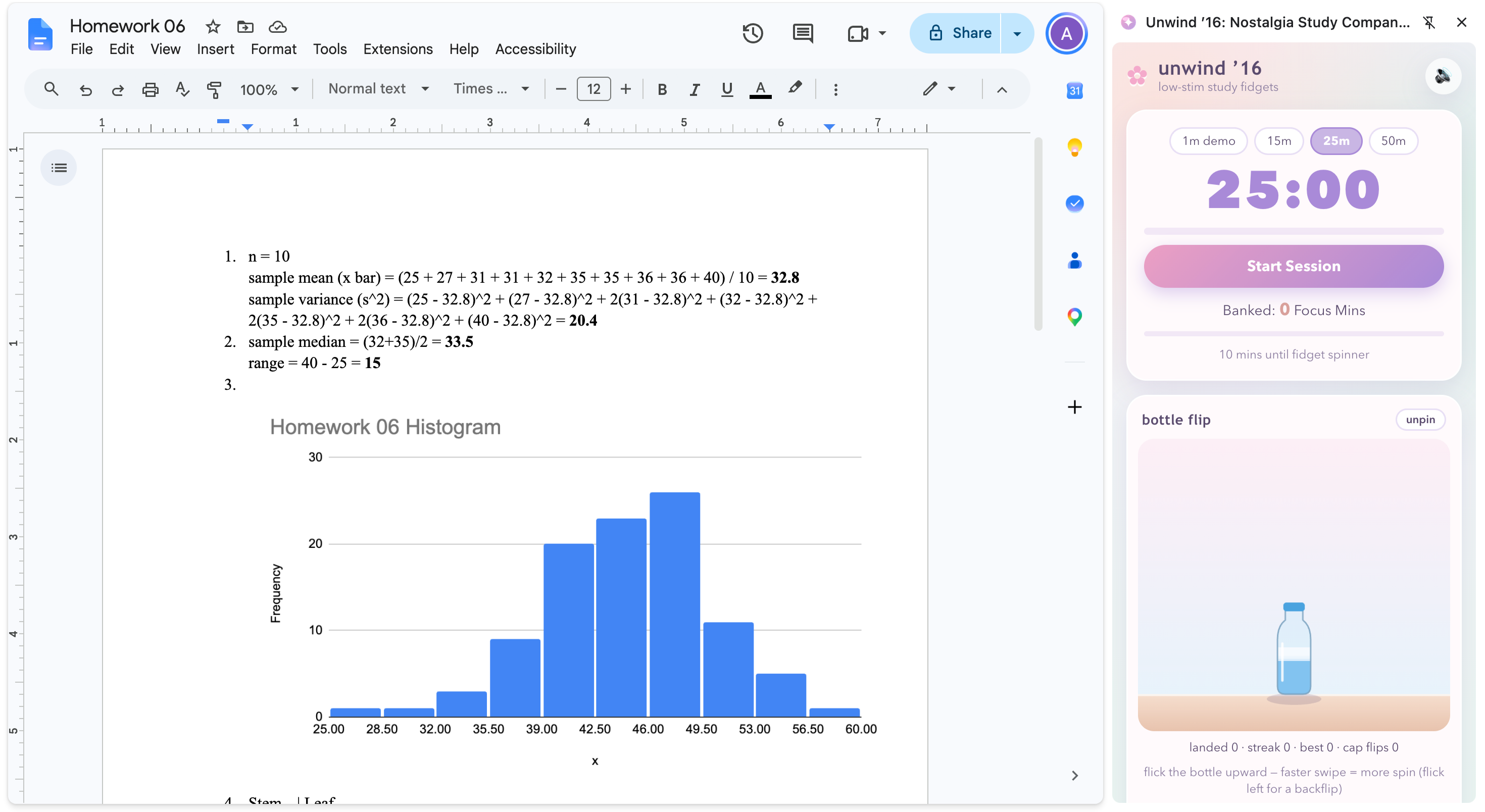
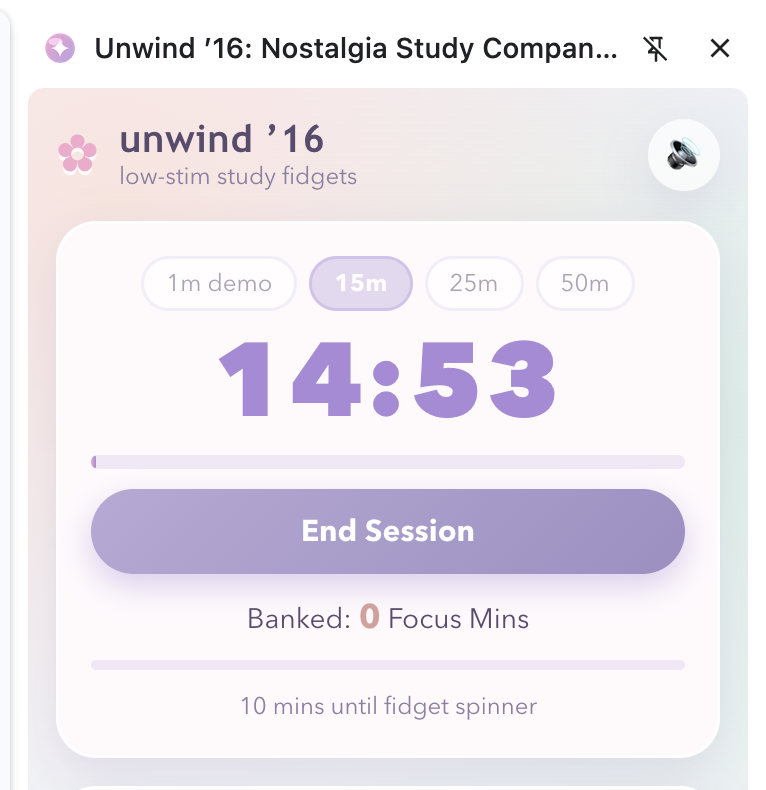
Real-time Pomodoro timer banking completed study minutes to unlock nostalgic fidgets.
-
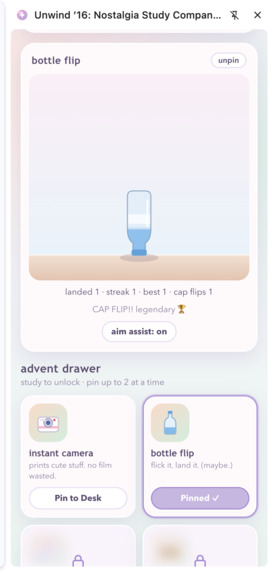
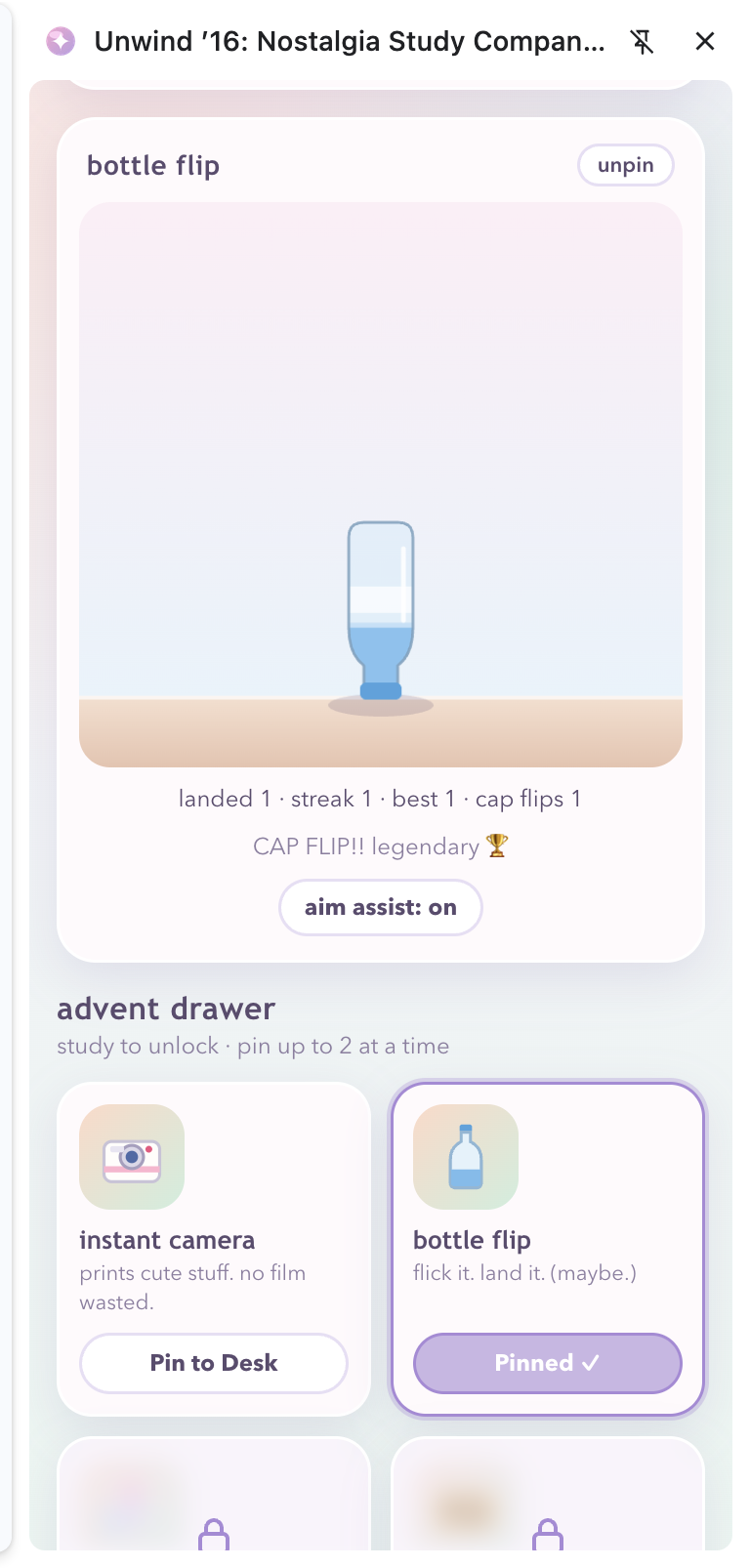
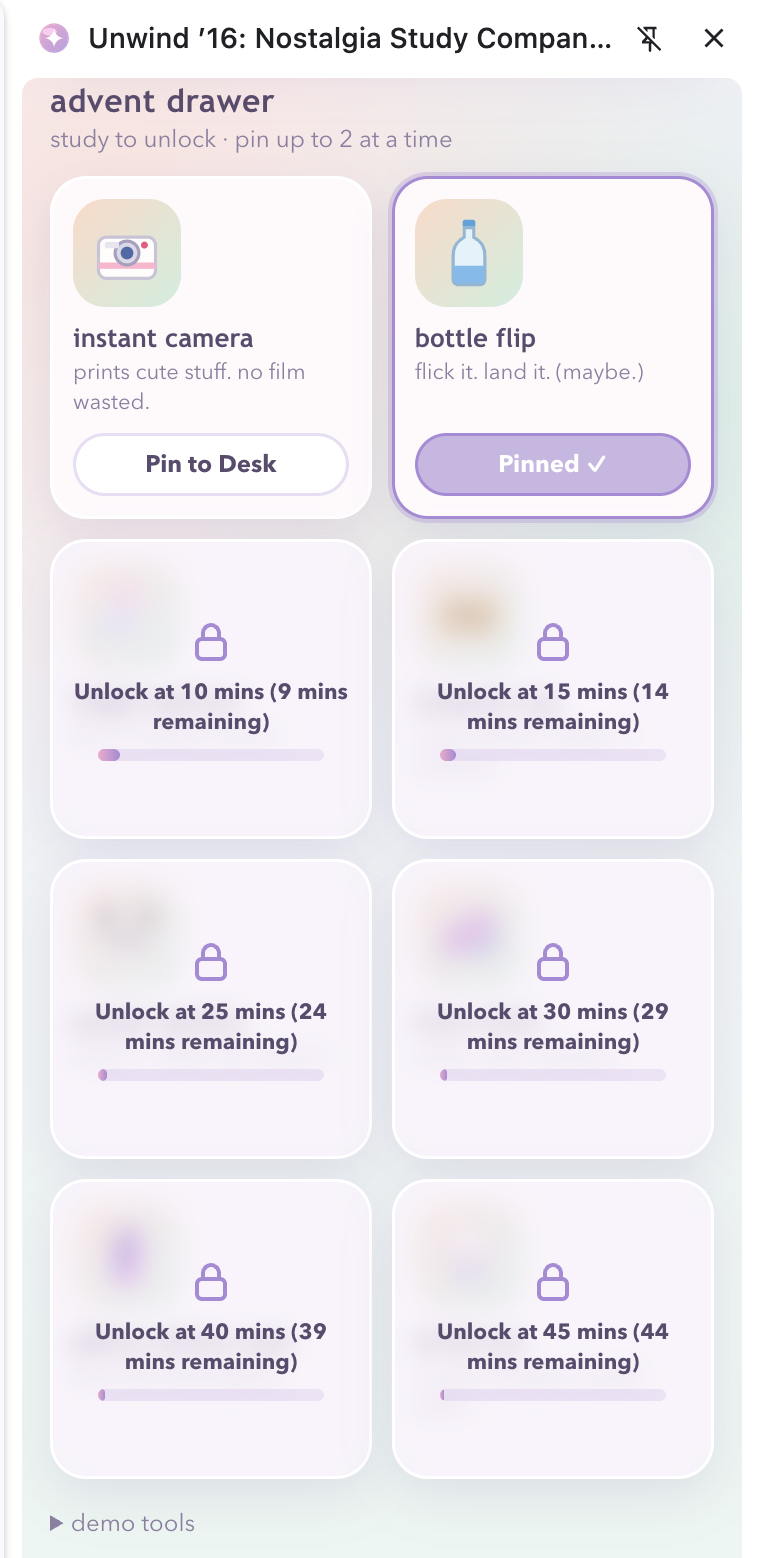
2016 bottle flip fidget with realistic swipe speed, rotation torque, and cap landings!
-
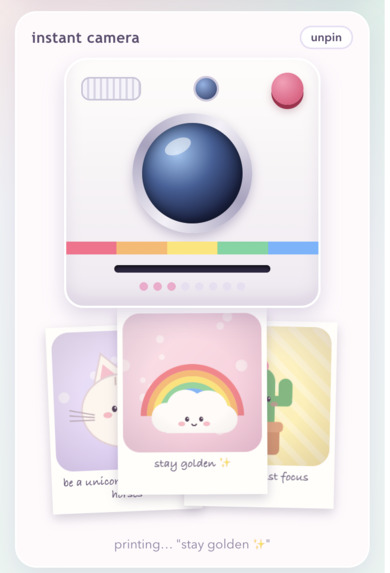
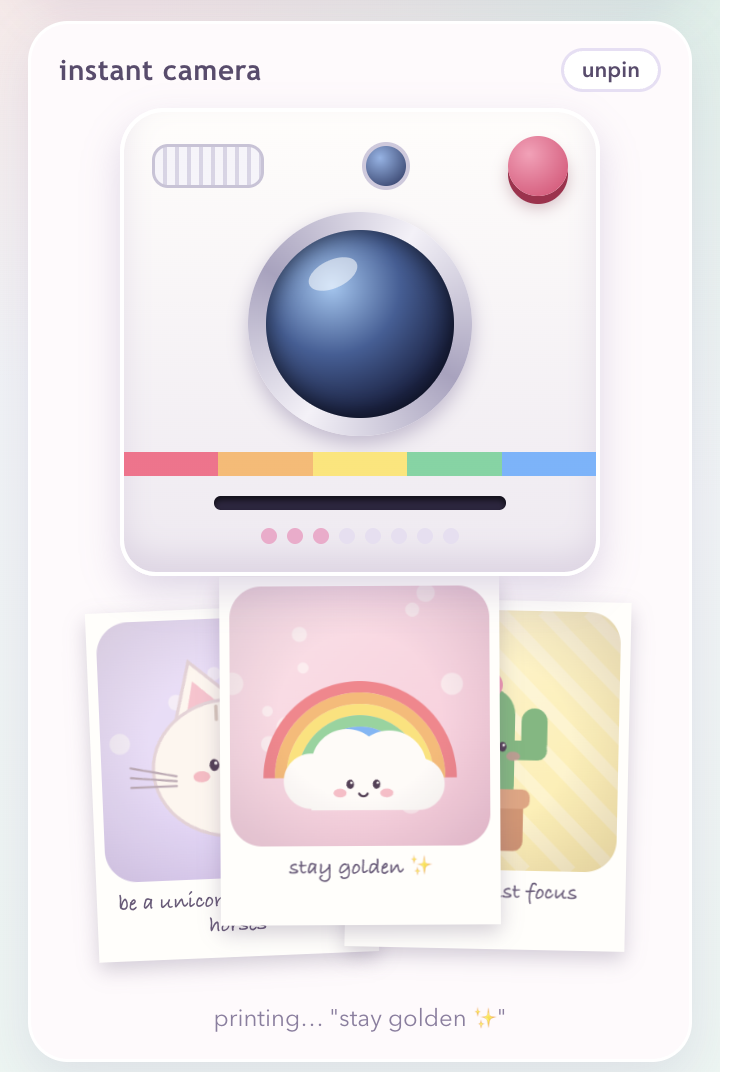
Snap photos with a pastel Instax Mini that slowly develops 2016 quotes and keepsakes.
-
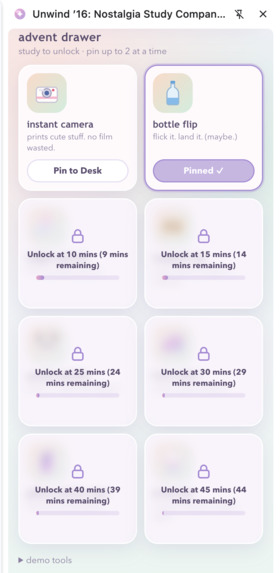
Banked focus minutes steadily unlock authentic 2016 fidgets in your desk drawer.
-
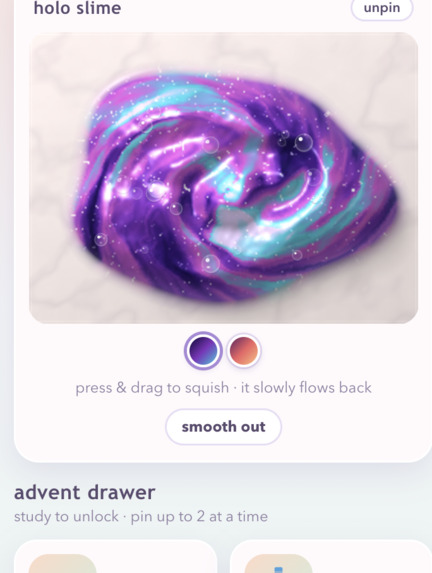
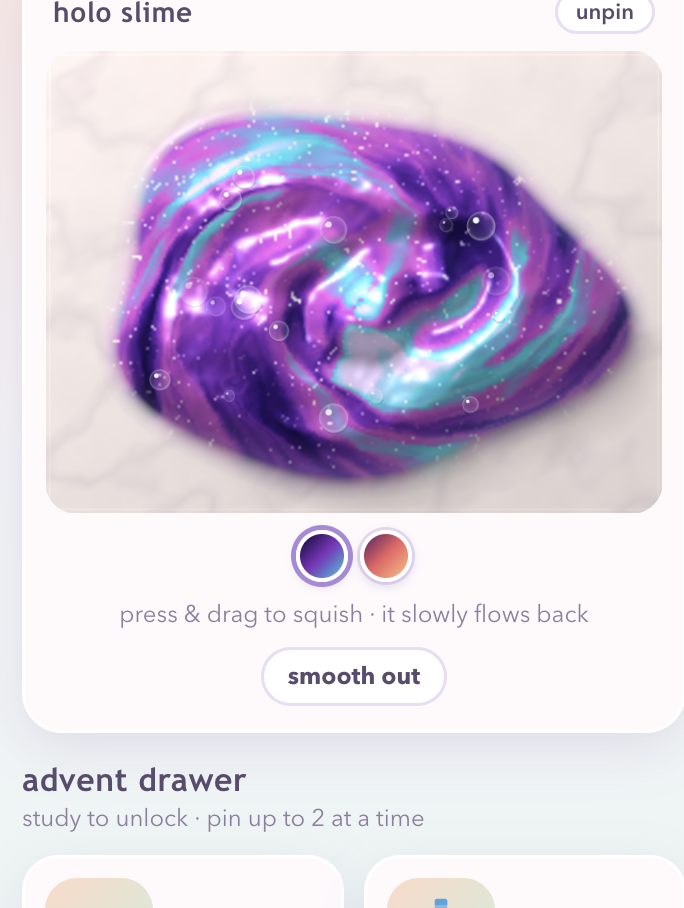
Squish, swirl, and poke two-tone galaxy slime on a realistic canvas fluid tray.
-
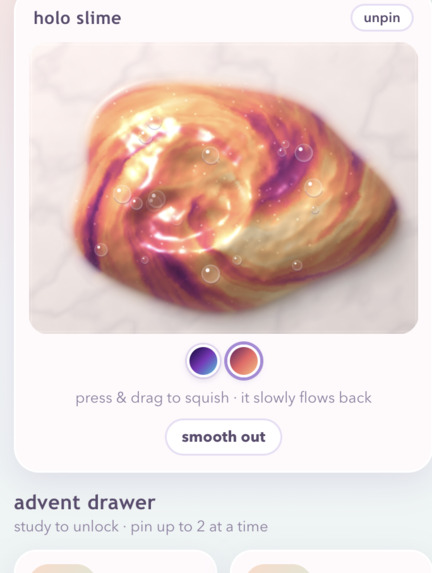
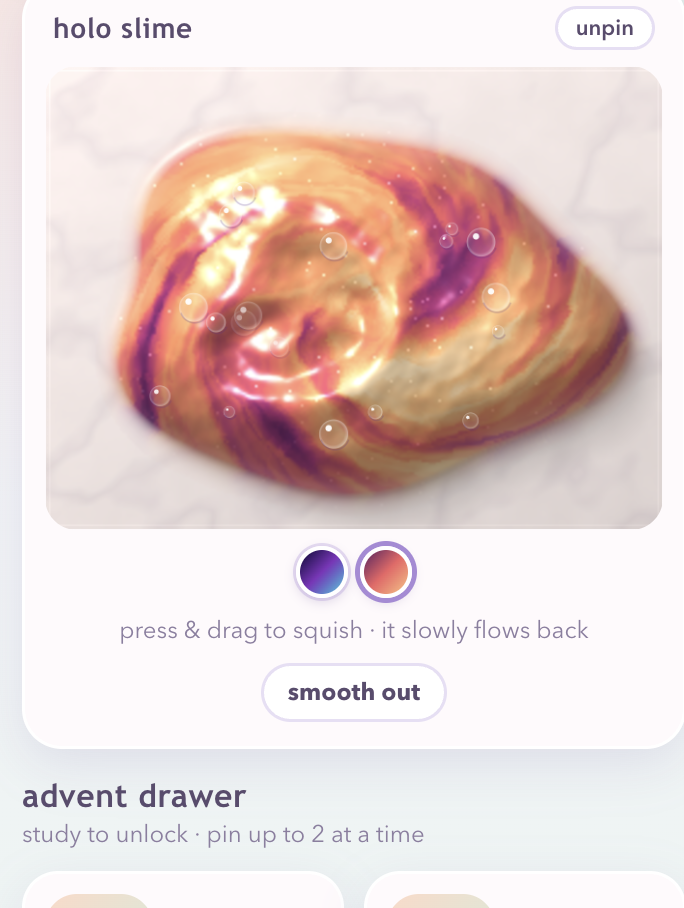
Warm sunset slime with pearlescent shimmer and calming slow-flow relaxation.
-
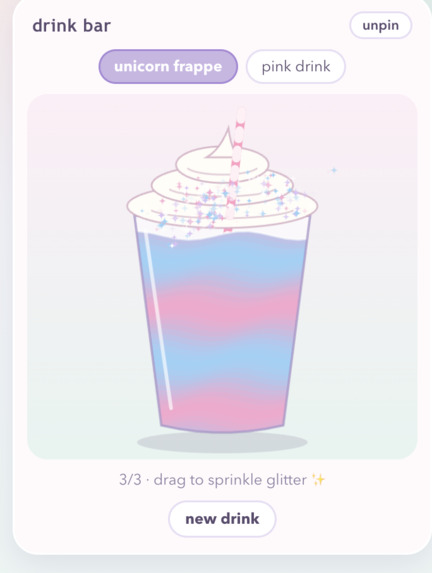
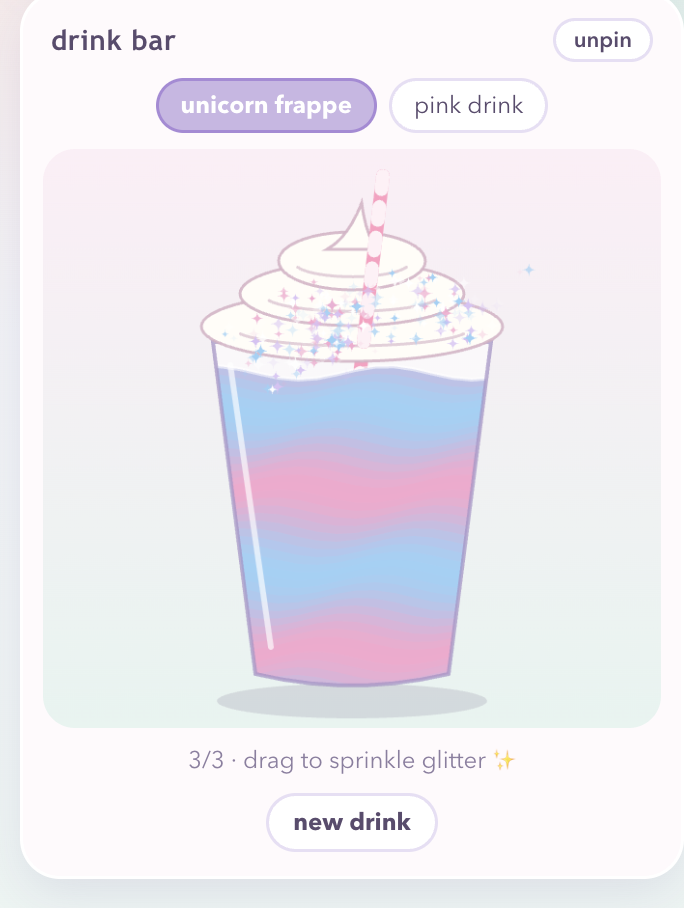
Build a nostalgic 2016 Unicorn Frappe that sips down as your break concludes!
-
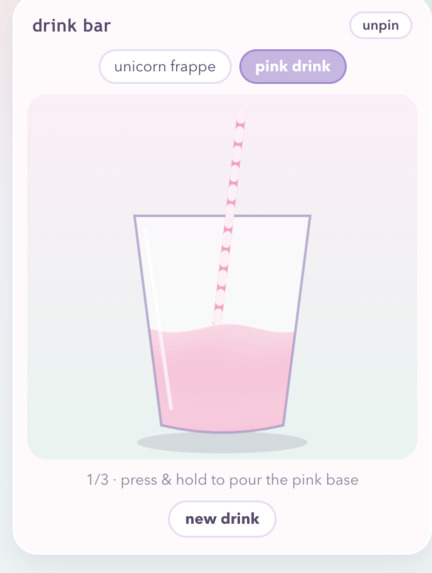
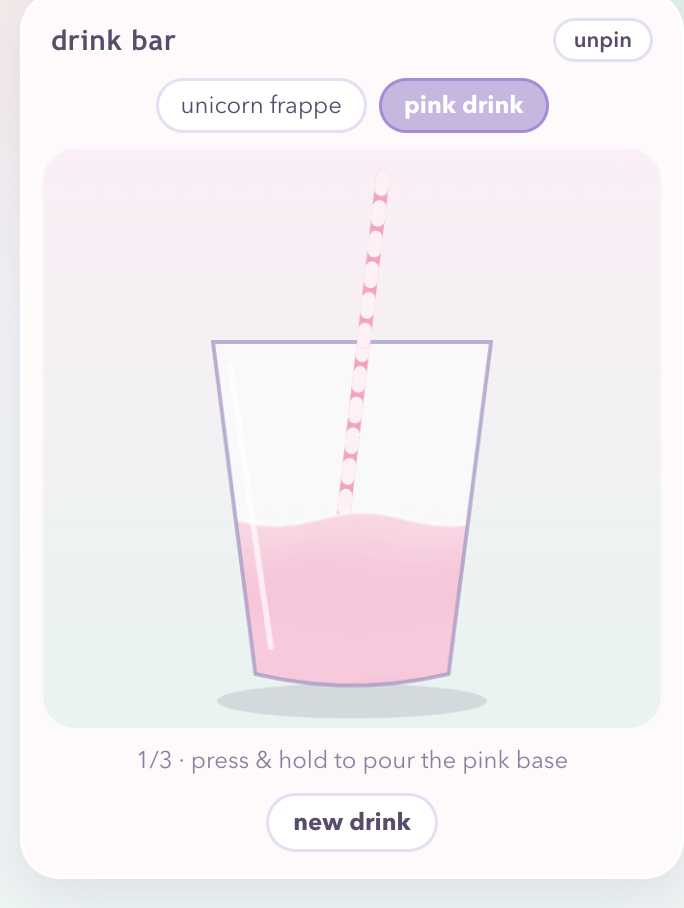
Customize a refreshing pastel Pink Drink with calming ice clinks and interactive sipping.
-
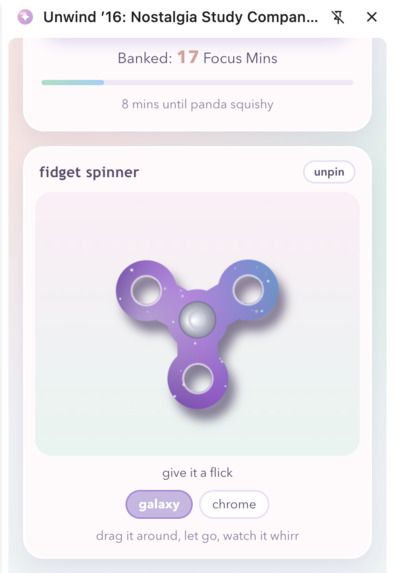
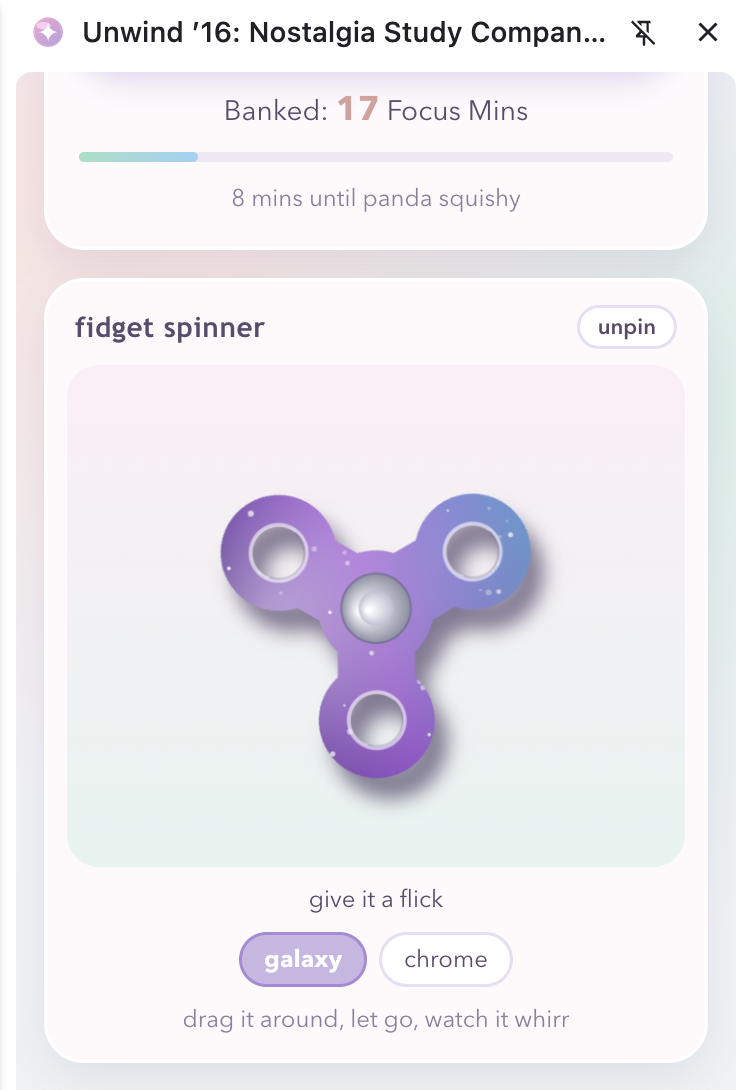
Authentic low-friction fidget spinner featuring continuous inertia spinning, available in trendy galaxy and chrome colors.
-
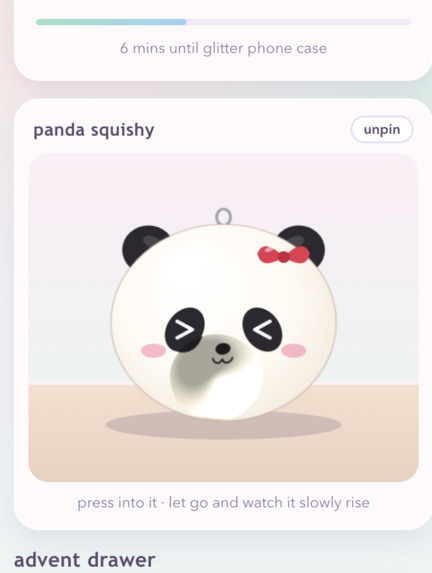
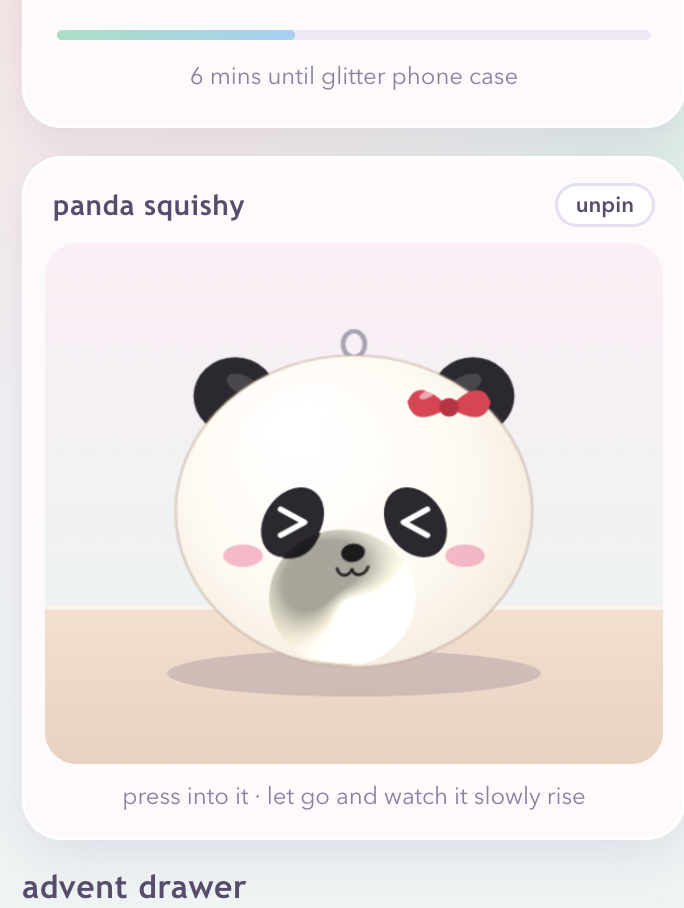
Soft-body memory foam panda squishy bun that slowly rises back after every click.
-
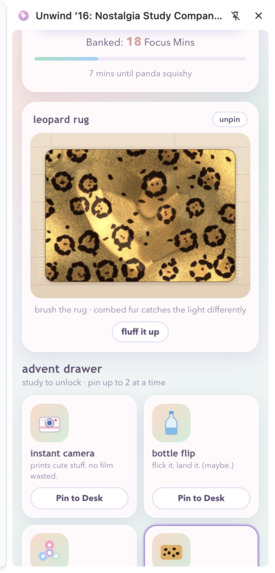
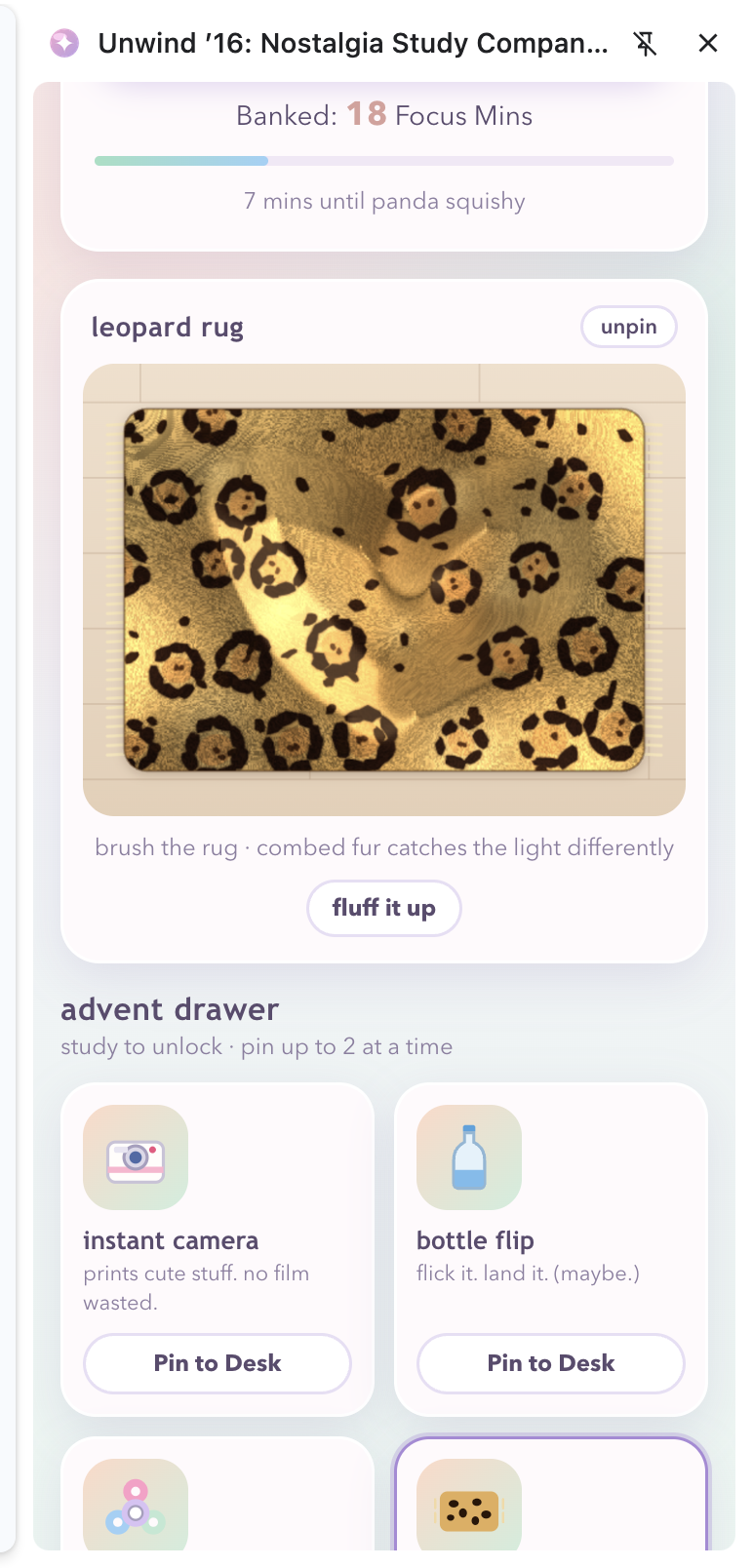
Directional velvet cheetah rug brush canvas that realistically catches light.
-
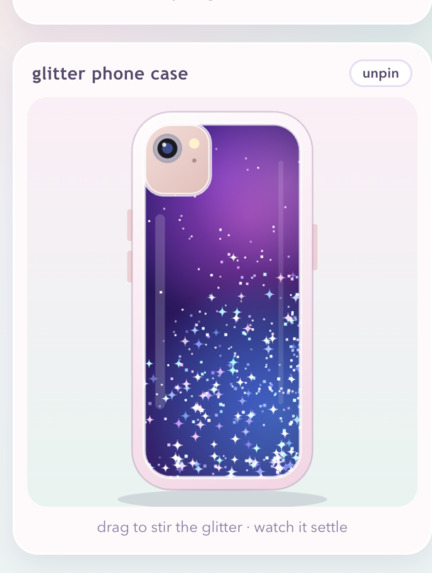
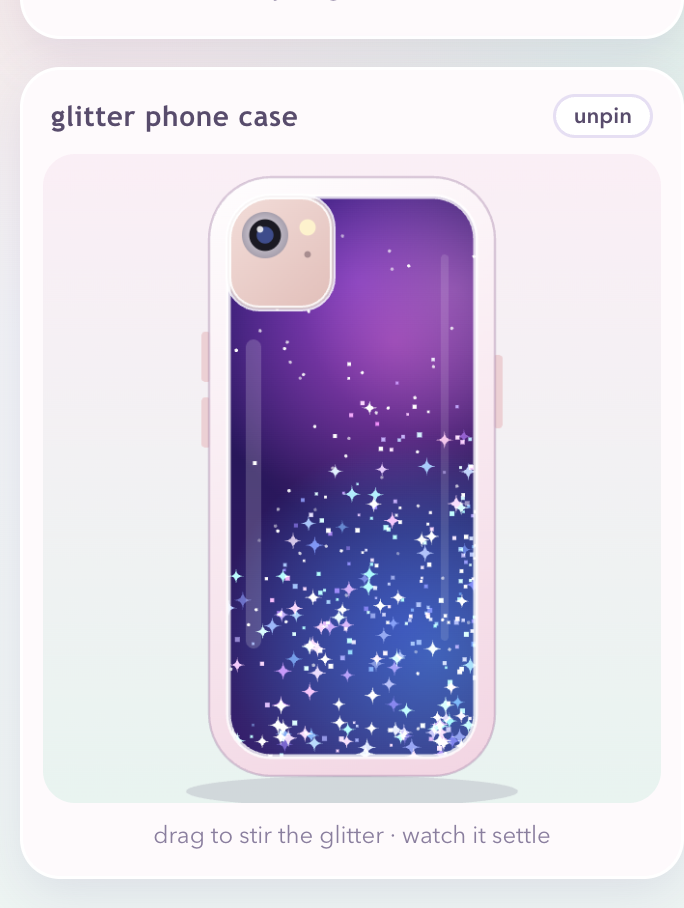
Floating glitter and holographic stars drifting inside a liquid phone case.
Inspiration
These days, our attention spans are constantly challenged by the high stimulation vertical video feeds, endless doomscrolling, and content designed to provoke outrage. When study fatigue kicks in, checking our phones can easily pull us into these never-ending streams crafted to keep us glued to the screen.
I found myself wondering: how did we unwind back in 2016, before algorithms took over our lives?
Back then, we turned to simple, sensory comforts: squishing fluffy homemade slime, running our fingers across soft cheetah-print velvet rugs, watching glitter drift in our phone cases, flipping water bottles, and taking our time with Polaroid photos. That is why I created Unwind ’16, a browser extension to sit alongside any online homework to provide a refreshing escape from today’s overstimulating digital world, and bringing back 2016's top sensory experiences to help students stay calm and less prone to reach for their phones while they study.
What it does
Unwind ’16 is a streamlined, customizable Chrome Side Panel extension that sits neatly alongside your homework (like Canvas, Google Docs, or research papers) without getting in your way.
- Mindful Focus Engine: Set a timer for your study session. For each minute you focus, you earn time currency to unlock nostalgic treasures from 2016 in your sensory vault. 2016 Waterfall Glitter Phone Case: An interactive version of the classic liquid-glitter phone case, complete with dual-phase fluid dynamics and starry glitter that drifts fluidly.
- Tactile Cheetah Velvet Rug: A realistic simulation where your cursor glides over a cheetah-print rug, creating soothing sounds that mimic brushing its fibers.
- Balanced Holo Slime Studio: A calming slime tray that features deep indents and two curated colors: Cosmic Violet and Sunset Peach.
- Memory-Foam Panda Bun Squishy: Inspired by those slow-rise squishies from the 2010s, this one lets you press and create impressions that gradually spring back after a few seconds.
- Physics Fidget Spinner: A three-prong spinner available in Cosmic Galaxy and Polished Chrome, that relies on rotational physics and comes with cool sound effects.
- 2016 Drink Bar: Mix together layered Strawberry Açaí, swirl in some coconut milk, toss in freeze-dried strawberries for the classic Pink Drink, or try your hand at crafting a Unicorn Frappe.
- Instax Mini 8 Instant Camera: Press the button to snap Polaroid pictures that develop slowly over about four seconds, revealing charming 2016 quotes you can display on your digital desk.
How I built it
I developed Unwind ’16 using the Chrome Extension Manifest V3 Side Panel API (chrome.sidePanel), letting the extension stay by your active tabs without clogging browser memory or interfering with the page's structure.
- Frontend & Architecture: Built with vanilla JavaScript modules (ES modules), HTML5 Canvas, and modern CSS variables.
- Canvas Simulation & Physics: I applied directional shear vectors to simulate the rug fibers, radial falloff for the slime, and balanced inertia and gravity equations for the spinner and bottle flip.
- Sound Design: I used the Web Audio API and lightweight audio buffers to create calming sounds at low volumes, providing a grounded auditory experience without sensory overload.
- Data Persistence: I utilized chrome.storage.local to securely save focus minutes, unlocked items, and desk prints across different browser sessions.
Challenges I ran into
- Balancing Nostalgia with Low Stimulation: My early versions had too much flashing and bouncing. To maintain a calming vibe, I slowed interactions, adjusted the way squishies bounce back, timed Polaroid development to 4 seconds, and softened visual effects.
- Canvas Coordinate Normalization: I ensured that all the responsive canvas elements worked well across various high-DPI screens without compromising performance, particularly in a narrow side panel.
- Side Panel State Management: I made sure that the timer and unlocked desk items stayed consistent when switching between different tabs and browser windows.
Accomplishments that I'm proud of
- Creating all tactile interactions from the ground up using vanilla web technologies, avoiding heavy third-party game libraries.
- Capturing the true spirit of 2016 (from the design of the Instax Mini 8 to the slow-rise panda bun) while turning it into a practical study tool.
- Delivering a genuine zero-distraction study companion that satisfies fidgeting needs in just 15 seconds, without leading users down a rabbit hole.
What I learned
- Gained a deeper understanding of Manifest V3 service workers, the lifecycle of Chrome side panels, and how to manage background data storage effectively.
- Mastered advanced 2D Canvas rendering techniques, including procedural noise and custom physics simulations.
- Found that intentionally slowing down interface feedback, rather than bombarding users with notifications, can significantly improve mental well-being.
What's next for Unwind ’16
- Ambient Soundscapes: I plan to add lo-fi sounds, rain effects, and soft keyboard click backgrounds.
- Community Themes: I will let users create and exchange their own 2016-inspired palettes and stickers for their desk prints.
- **Chrome Web Store ReleaseII: I aim to publish the extension one day so that students everywhere can swap doomscrolling for mindful, nostalgic study sessions.
Built With
- chrome-extension-api
- chrome-sidepanel-api
- css3
- html5
- javascript
- local-storage
- manifest-v3
- ui/ux-design
- web-audio-api

Log in or sign up for Devpost to join the conversation.