-
-
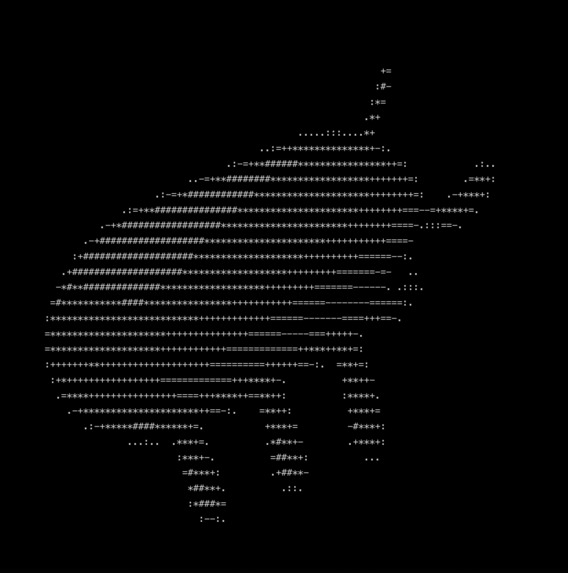
De Bug
-
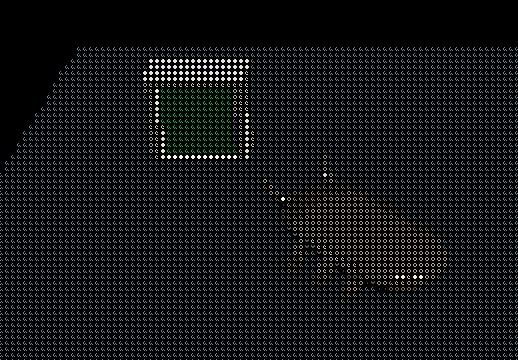
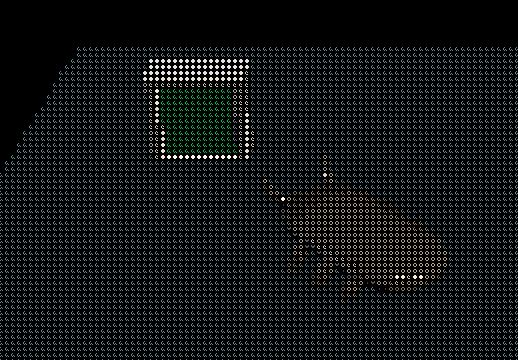
Bug Next to Computer
-
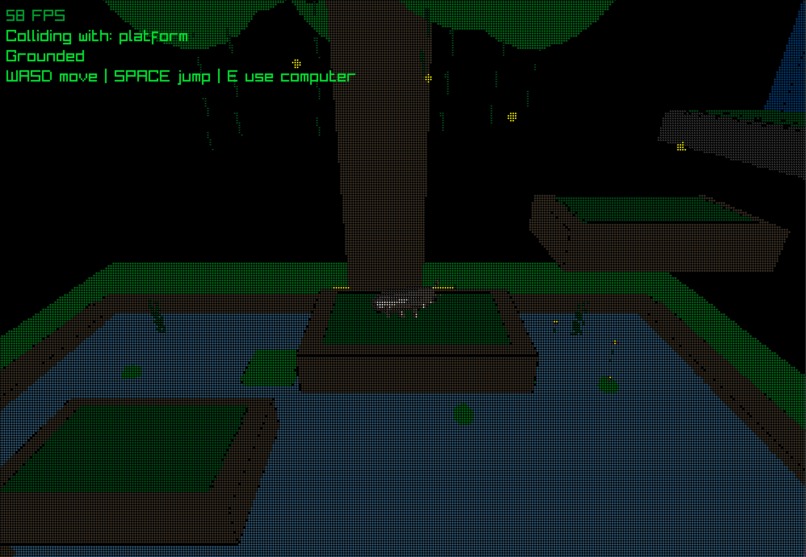
Level 3
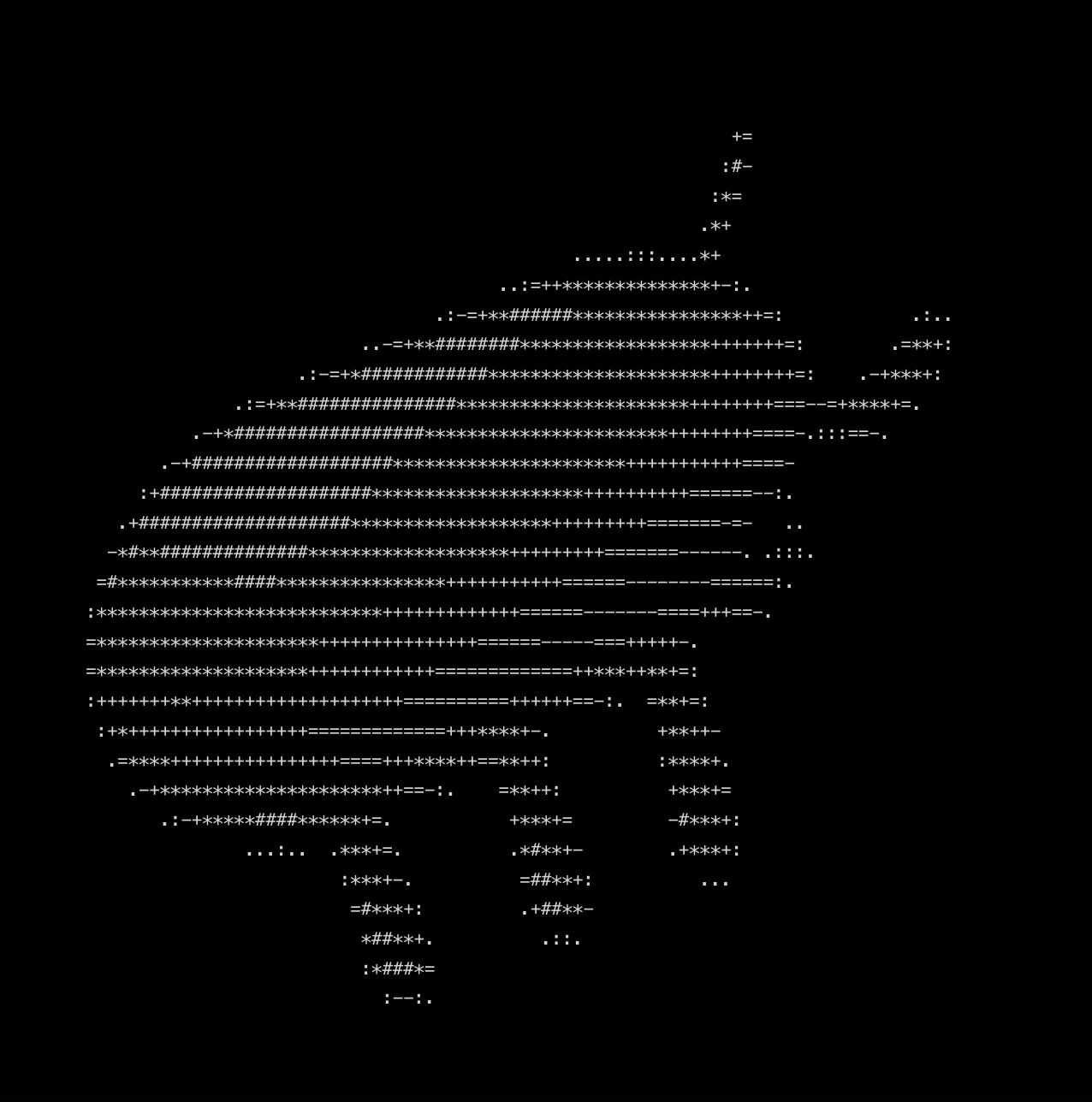
De-Bug


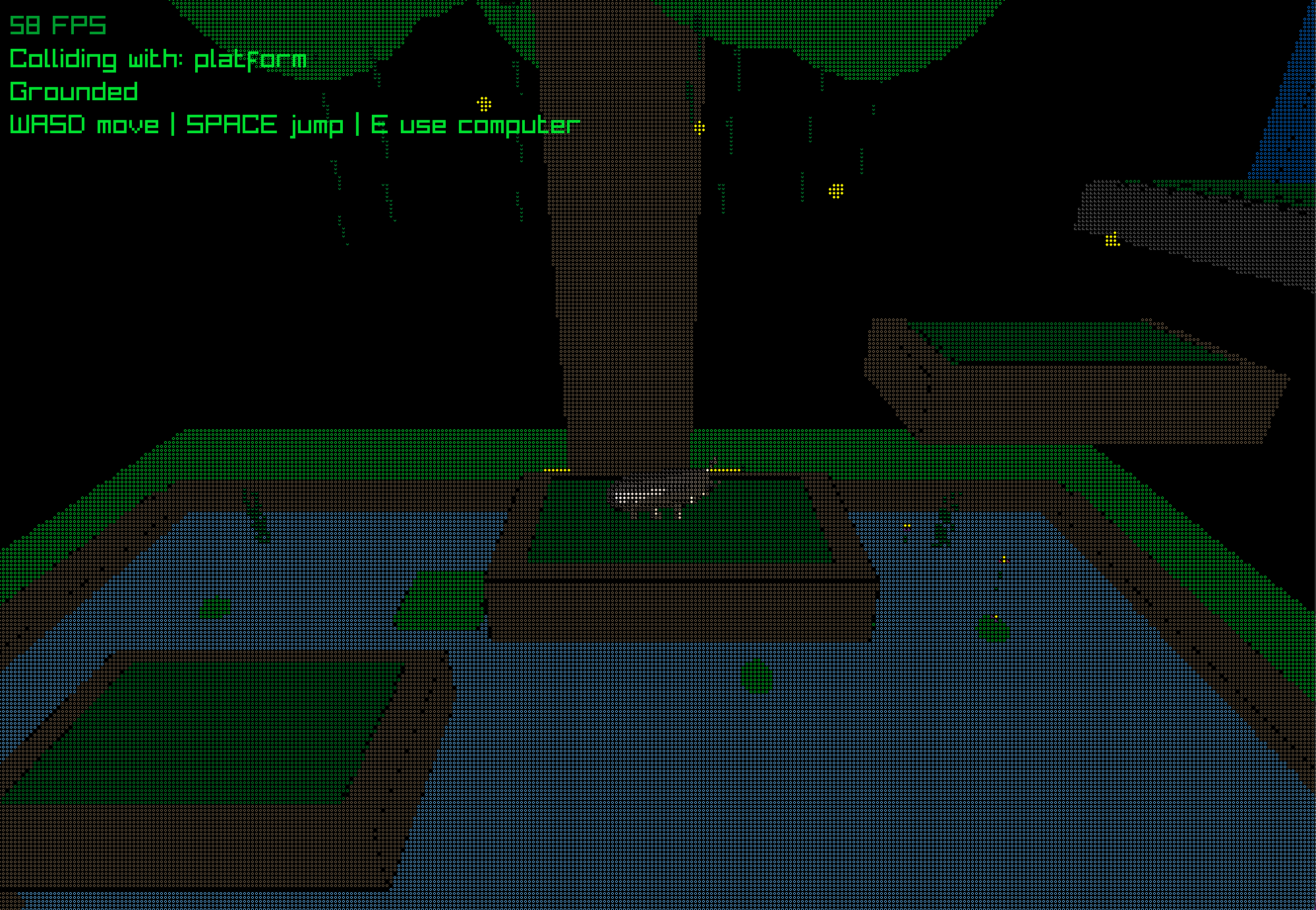
De-Bug is a unique hybrid of precision platforming and logic-based puzzle solving.
$$$$$$$\\ $$$$$$$$\\$$$$$$$\\  $$\\  $$\\  $$$$$$\\
$$  __$$\\$$  _____|$$  __$$\\ $$ |  $$ |$$  __ $$\\
$$ |  $$ |$$ |      $$ |  $$  |$$ |  $$ |$$ /  \\__|
$$ |  $$ |$$$$$\\   $$$$$$$\\ |$$ |  $$ |$$ |  $$$$\\
$$ |  $$ |$$  __|   $$  __$$\\ $$ |  $$ |$$ |  \\_$$ |
$$ |  $$ |$$ |      $$ |  $$  |$$ |  $$ |$$ |     $$ |
$$$$$$$  |$$$$$$$$\\$$$$$$$   |\\$$$$$$  |\\$$$$$$   |
\\_______/ \\________|\\______/   \\______/  \\______/
The Premise
You play as a tiny, wandering bug trapped within a interconnected computer network. To escape the system and reach the next room, you must navigate through complex digital landscapes and interact with a terminal to solve programming challenges.
Fix the code, jump the gaps, and debug your way to freedom.
About the Game
We built a 3D platformer/puzzle solving game from scratch in C++ using raylib where levels are fully data-driven through a custom level loader system. Rather than hardcoding environments and challenges, the game reads structured text files to dynamically generate platforms, objects, and interactions. This makes it easy to design and iterate on levels without have to touch the core code. Furthermore, there is a focus on the command line which is implemented by a computer which is accessed by the user to complete challenges and be able to move on to the following levels.
Features
- Platforming Mechanics: Navigate through a series of procedurally inspired digital levels, jumping between floating platforms and navigating terminal hardware.
- Terminal-Based Puzzles: Use an in-game terminal to solve logic and programming-based problems to unlock doors and progress.
- Atmospheric Debugging: Experience the high-stakes world of a system administrator trying to clean up your "mess."
- Lightweight & Fast: Built with C++ and
raylibfor smooth, high-performance gameplay.
Controls
| Action | Key |
|---|---|
| Move | WASD |
| Jump | Space |
| Sprint | Left Shift |
| Sneak | Left Ctrl |
| Interact with Terminal | E when in front of terminal |
(Note: Customize these keys based on your actual implementation)
Installation & Building
Prerequisites
- Windows: MinGW-w64 and CMake
- macOS: CMake and Xcode Command Line Tools
- Library: raylib must be installed/available in your path.
Windows (MinGW)
To start fresh, remove the old build directory:
Remove-Item -Recurse -Force build
Configure the project:
cmake -S . -B build -G "MinGW Makefiles" -DCMAKE_C_COMPILER=gcc -DCMAKE_CXX_COMPILER=g++
Build the game:
cmake --build build
Run the game:
.\build\<your_executable_name>.exe
macOS
Configure the project:
cmake -S . -B build
Build the game:
cmake --build build
Or use the provided helper script:
./build-run-mac.sh
Tech Stack
- Language: C++
- Graphics Library: raylib
- Build System: CMake
Built With
- c++
- raylib


Log in or sign up for Devpost to join the conversation.