-
-
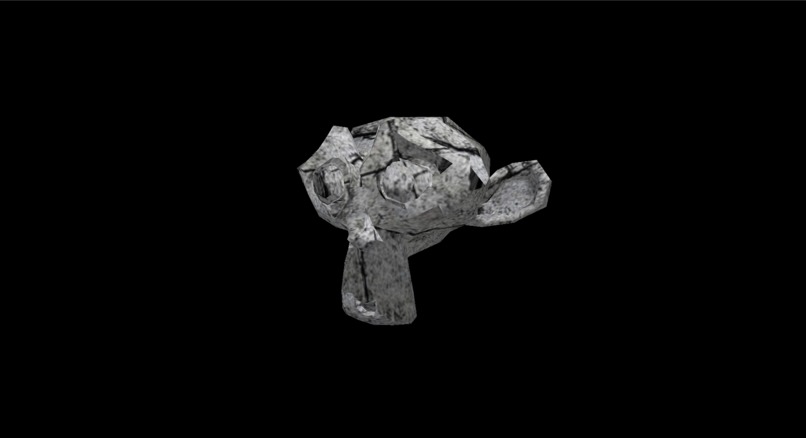
Textured 3d model
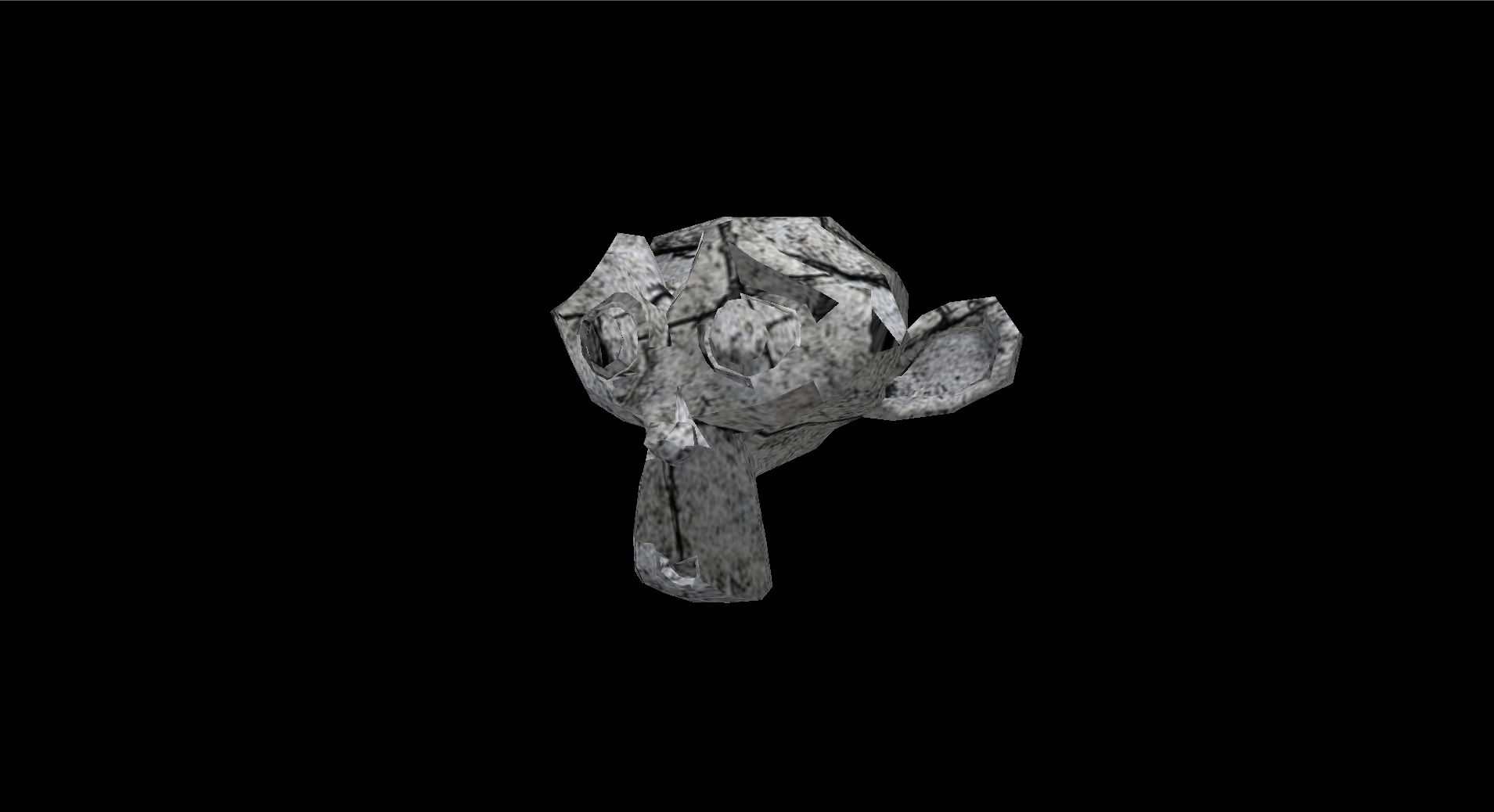
Inspiration
I really like neovim. In fact, it may just be my favorite editor. I know people have made tools like image viewers, web search tools, and AI chatbots that all work via the command line so they never need to exit the terminal. However, I've never really seen a 3d model viewer. I've had times in the past where I wanted to see the contents of an .obj or .stl file in neovim and I disappointingly needed to open my browser and search for an external 3d file viewer. I felt like this program would remove that need.
What it does
The program takes in a 3d model file and a texture file (optionally) and displays them to the screen. It also has support for the Kitty Graphics Protocol and Sixel, which both allow for drawing individual pixels to the terminal.
How we built it
- I used russimp to handle the 3d file loading since it supports 40+ 3d file formats.
- I then used wgpu for the rendering.
- Camera distance was calculated by getting the length between the min and max of each vertex position.
- The rendering code was pretty standard except for needing to create an RGB buffer to query the individual pixels when rendering to the terminal.
Challenges we ran into
- Rendering was very annoying at times but I was thankfully able to fix any problems. A few I can recall are:
- having some very small triangles not showing, creating holes.
- Multiple instances where the model looked mutilated
- Lighting not being updated, leading to one bright spot
- A big challenge was performance. Having an RGB buffer and rendering to the terminal is terribly inefficient, so I tried to optimize everything to an extent so it would run smoothly.
Accomplishments that we're proud of
- Not only does it work, it's decently fast enough and has support for Sixel and Kitty Graphics Protocol.
- Texture support
What we learned
- This was my first big Rust project. I had a some amount of Rust experience at the time, but this project boosted it a lot.
What's next for dcat
- Definitely the biggest thing I want to add is keyboard support. I don't mean regular keyboard support, but key up and down events from the terminal. This is usually impossible on Linux when using Wayland, but you can get inputs from the operating system directly with a few tricks. You can then use ANSI escape codes to detect terminal focus to see if you should count the inputs. The only reason this wasn't done already is because the library I was going to use implemented it in another way that doesn't work on Wayland, but I am in the process of making my own library to allow this. I did this in C with another one of my projects.
- With keyboard support, I can maybe add FPS-like controls or maybe even have controls be customizable.
- I want to turn this into an actual terminal command people can install. That's kind of where the name
dcatcomes from.catis a command that allows you to see the contents of any file piped out to the terminal.dcatstands for dimentional-cat, and should allow for seeing any 3d file in the terminal. - I want to improve the performance of the Kitty Graphics Protocol by using a shared memory buffer or whatever other magic is in here.
- There are ways to make this faster. I know it.


Log in or sign up for Devpost to join the conversation.