The problem
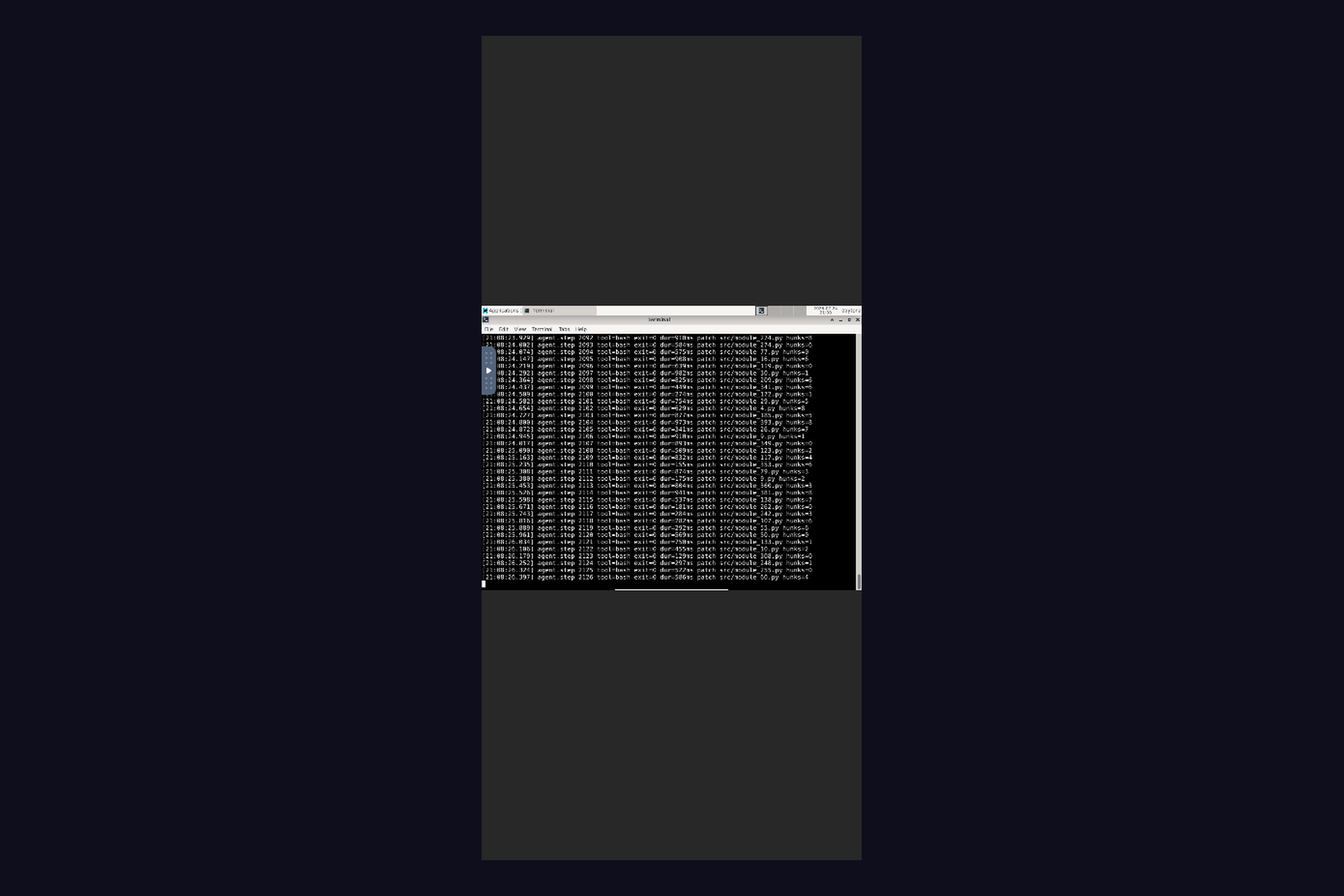
Cloud dev environments assume you're at a laptop. Daytona gives you a Linux sandbox in seconds — but the moment it needs a GUI, you're stuck: noVNC in mobile Safari is a 1024×768 canvas overflowing a phone screen, with no way to raise the keyboard.
We spend a lot of time driving long-running agents from a phone. The gap was always the same: the agent opens a browser, or a dialog appears, or something needs a click — and you have to go find a laptop.
What we built
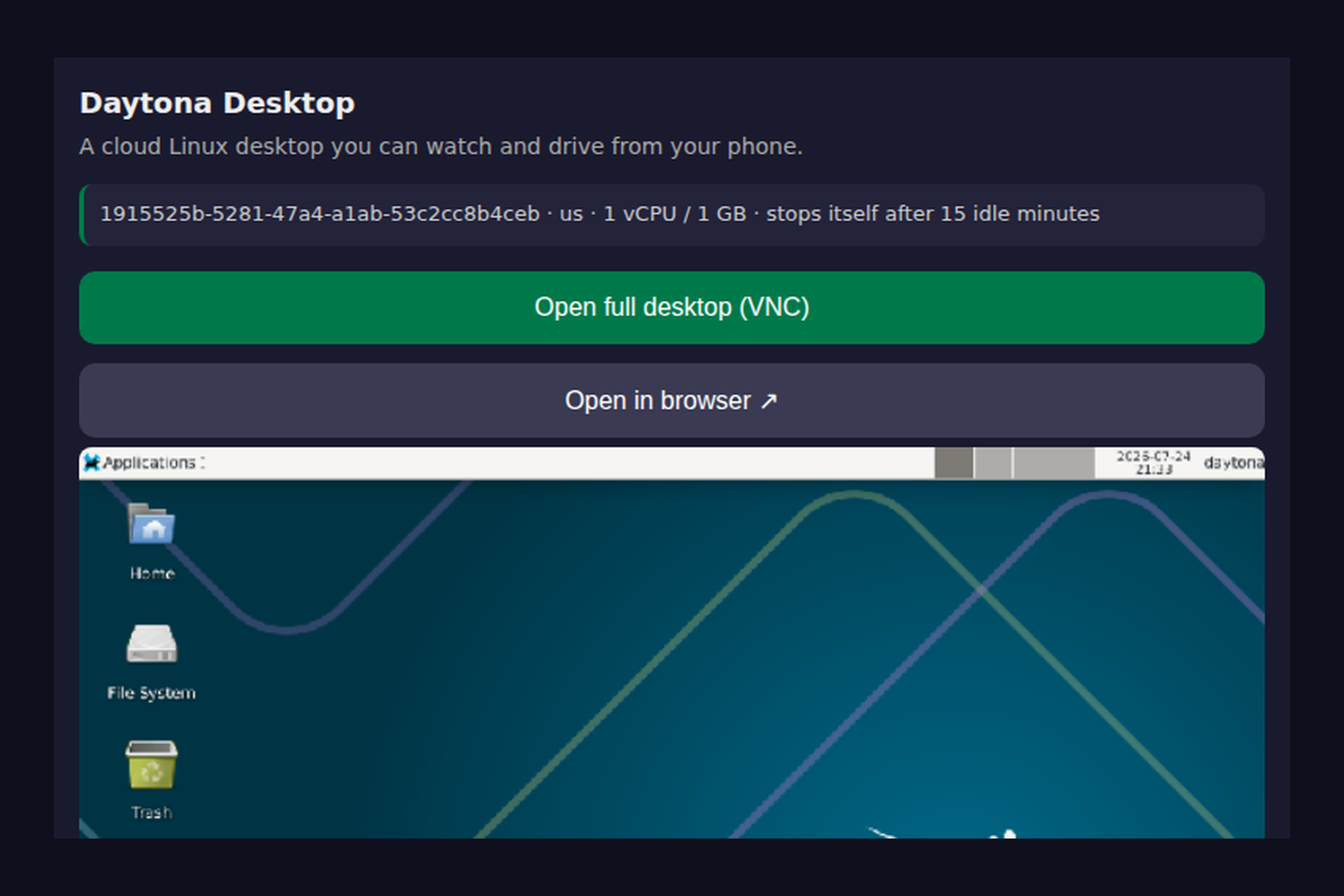
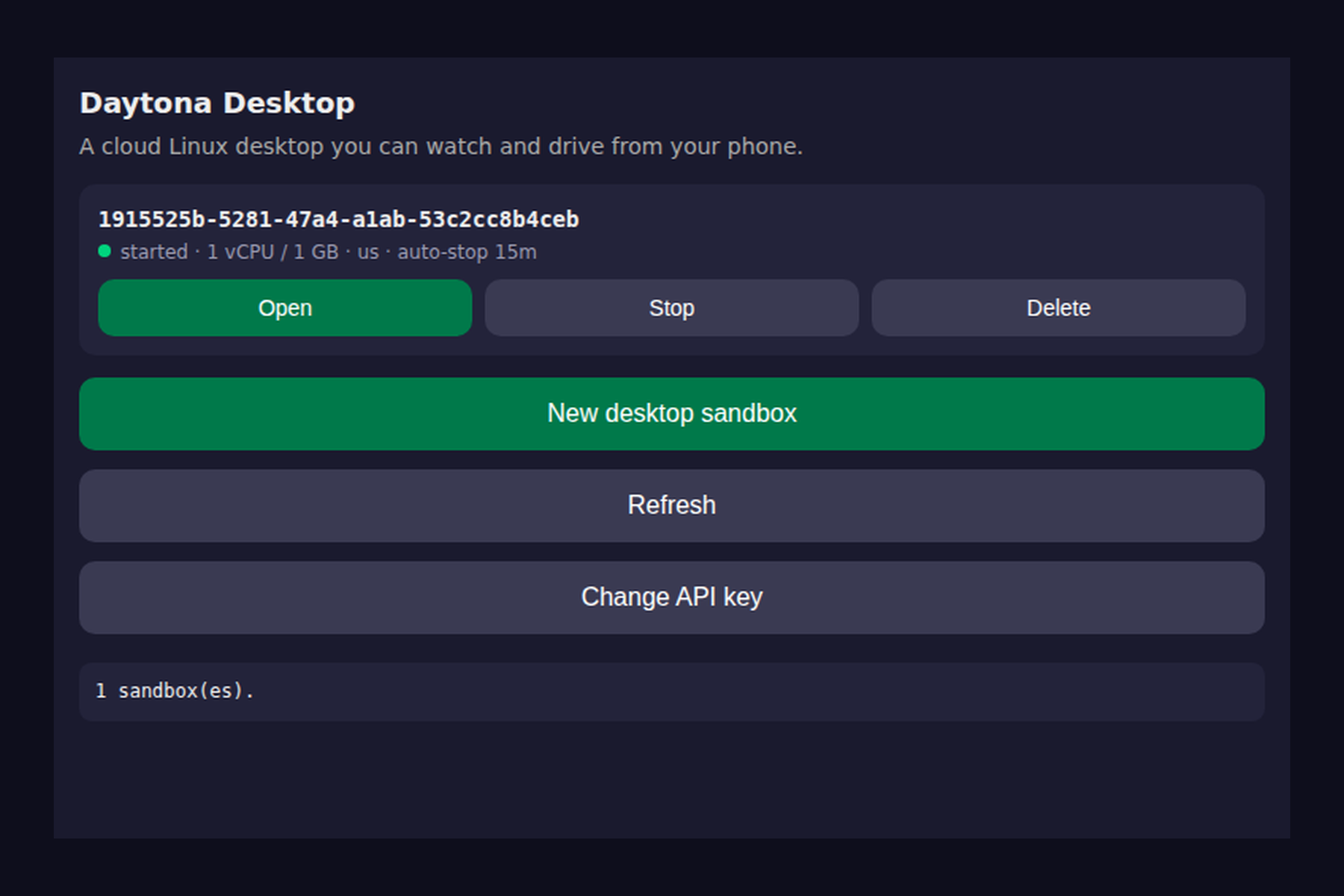
Daytona in Your Pocket is an open-source plugin for Mobile SSH, an SSH client for iOS and Android. It turns a phone into a full control surface for Daytona sandboxes:
- Lifecycle — create, start, stop and delete sandboxes, with
autoStopIntervalandautoDeleteIntervalset at creation so a forgotten sandbox stops billing on its own. - Tap-to-click desktop — a live screenshot stream from Daytona Computer Use. Tap to click, long-press to right-click, drag to drag, plus an Esc/Tab/^C key bar and a text field that types into the desktop.
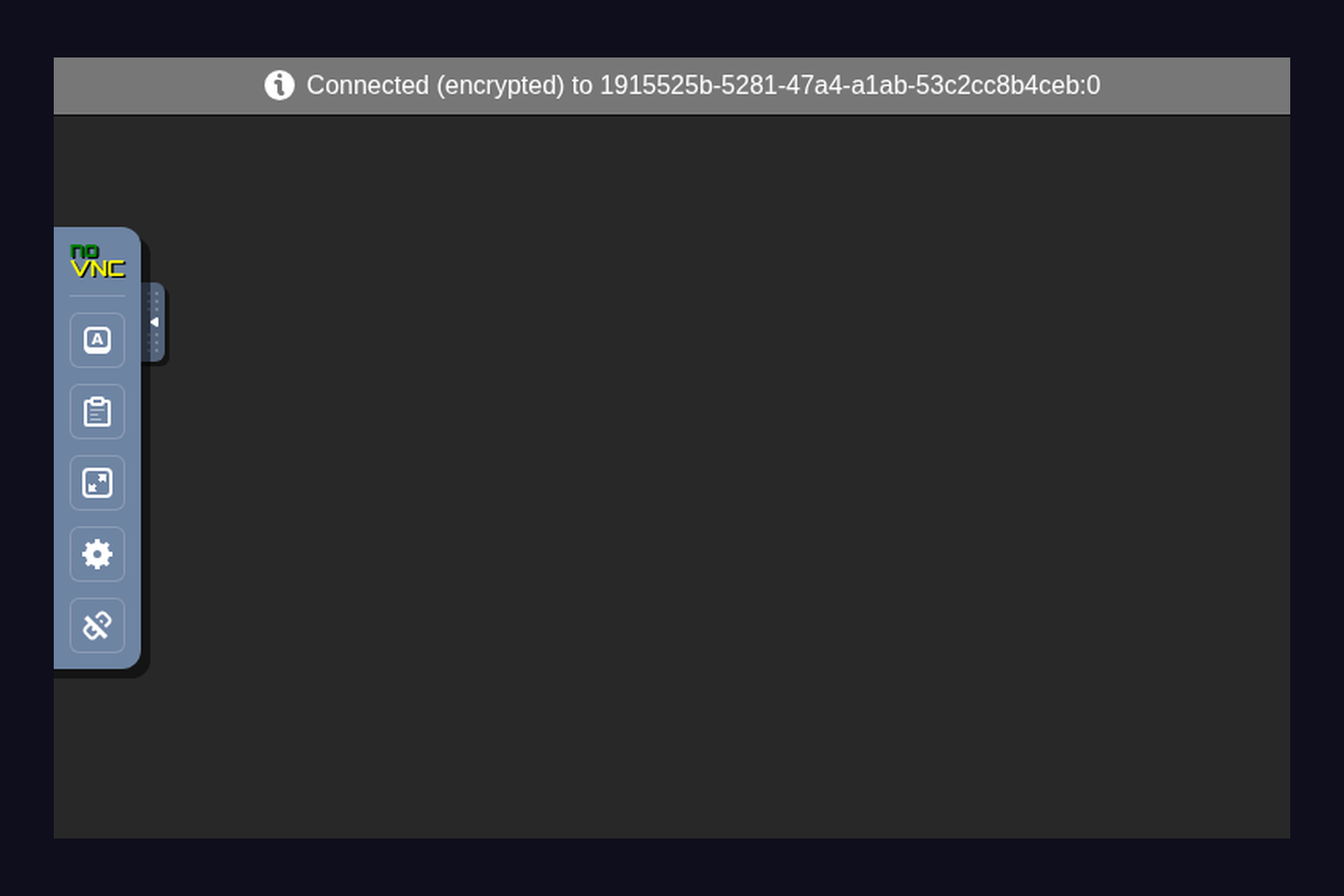
- Full noVNC — one tap opens the real desktop over a signed preview URL.
How it's built
A Mobile SSH plugin is interpreted JavaScript in a WebView — never compiled code — so
it can be fetched from GitHub at runtime and still satisfy both app stores. The plugin
talks to the host over a window.MobileSSH bridge:
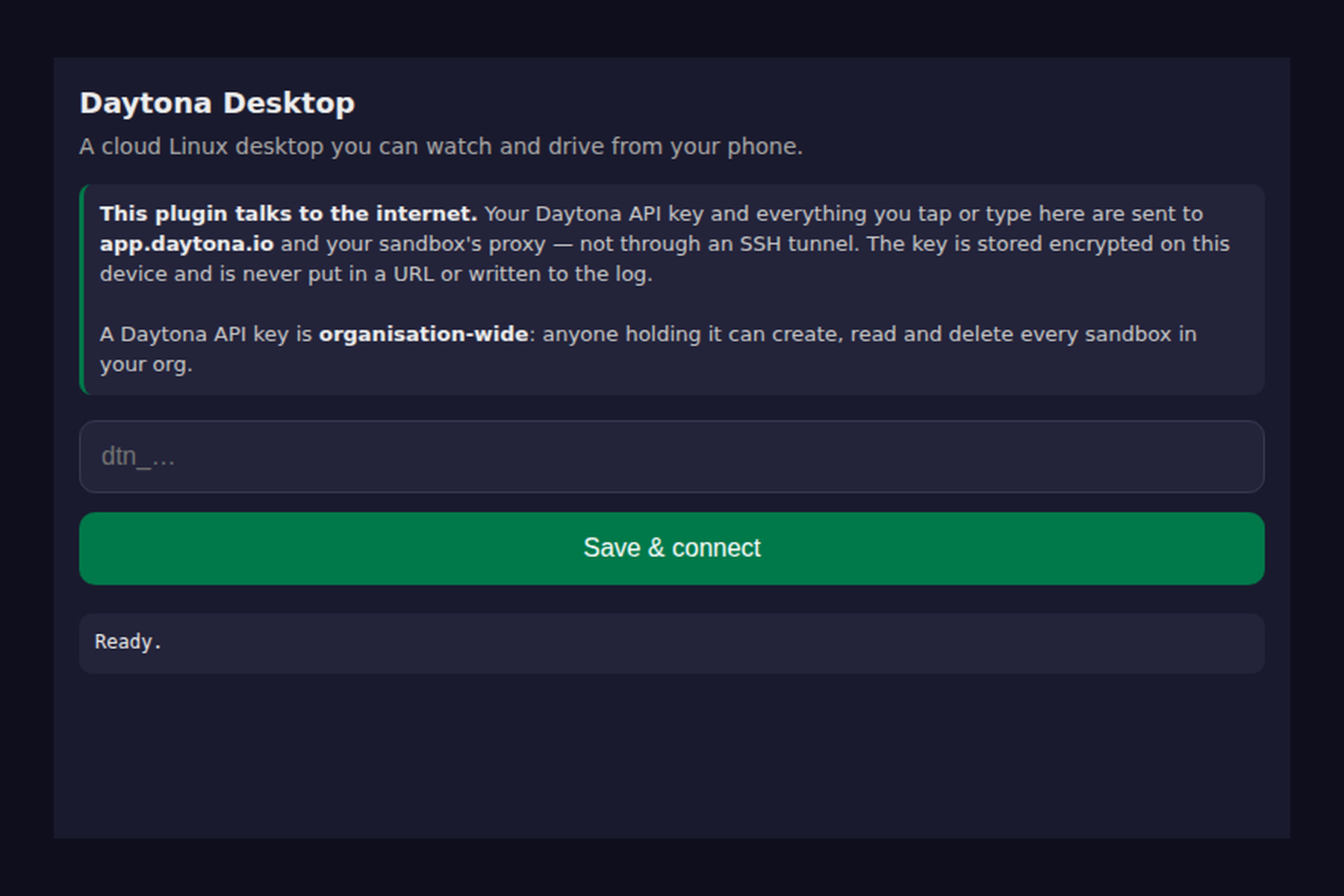
MobileSSH.http.fetch— native HTTP, so no CORS and the API key travels in anAuthorizationheader, never in a URL and never in the log.MobileSSH.storage.putSecret— the Daytona key is stored in Keychain / Keystore.MobileSSH.ui.openService— opens noVNC in a separate, bridge-less WebView.
Two Daytona surfaces do the work: the control plane at app.daytona.io/api for sandbox
CRUD and signed preview URLs, and the sandbox's toolbox proxy for
/computeruse/* — screenshot/compressed, mouse/click, mouse/drag, mouse/scroll,
keyboard/key, keyboard/hotkey, keyboard/type.
Challenges
1. Sending input can brick Computer Use. If input arrives while the computer-use
processes aren't running, the sandbox daemon's plugin child dies — after which even
POST /computeruse/start answers 503 connection is shut down, and the only recovery is
a full sandbox stop+start. Worse, a sandbox can auto-stop underneath an open plugin,
because work inside the sandbox doesn't count as activity. So every input call is gated
on positive evidence that computer-use is live: a successful frame or a /status probe,
trusted for 30 seconds. Screenshots and /status are safe in any state; only input
bricks it. When it happens anyway, the UI surfaces a "Restart desktop" button that runs
the stop+start.
2. A WebView can't set headers on subresources. noVNC loads its own JS, CSS and a
wss:// websocket — none of which carry an Authorization header. Daytona's signed
preview URL solves it exactly: the token lives in the hostname, so the HTML, every
subresource and the websocket all authenticate with no headers at all. (vnc.html, not
vnc_lite.html — vnc_lite ignores autoconnect and resize, and has no control bar,
so there's no way to raise the soft keyboard.)
3. That signed URL is a bearer credential. The desktop behind it has no VNC password — x11vnc offers RFB security type "None" — so anyone with the link has full mouse and keyboard control. We revoke the token on exit instead of leaving it alive for its TTL, and the sandbox's own web origin is never loaded in the bridged WebView, where it would inherit the plugin's capabilities.
4. Phones pay for bytes. We measured a stock desktop at 1024×768: PNG at 0.6 scale is 84 KB per frame, JPEG q55 at 0.6 is 20 KB. And an idle desktop returns a byte-identical frame every poll — so identical frames trigger an exponential backoff from 900 ms out to 6 s, dropping an idle session from ~20 KB/s to ~3 KB/s. Any tap snaps it back to full rate. Three quality presets let you choose ~13 KB, ~20 KB or ~150 KB per frame.
5. Small sharp edges. GET /sandbox is eventually consistent, so a list right after a
create comes back without the new sandbox — we use the create response instead. No
snapshot is specified on create, because the org default image is the only one shipping
the Xvfb/xfce4/x11vnc/noVNC stack Computer Use needs. And window.confirm() is unreliable
in these WebViews, so destructive buttons use a two-tap arm-then-confirm.
What we learned
Mobile isn't a smaller desktop — it's a different input model. Once we stopped porting a mouse and started designing for taps, long-presses and drags, a 6-inch screen turned out to be enough to drive a cloud Linux box.
What's next
Streaming frames over a websocket instead of polling, an agent mode where a model drives the same Computer Use endpoints while you watch on the phone, and multi-sandbox switching.


Log in or sign up for Devpost to join the conversation.