Inspiration
One of the features that our clients been telling us is that they want to track the number of working days elapsed for their issues. Most of the JIRA add-ons in the market are time-based and it is difficult to tell the time taken when the time elapsed is 12345 mins.
What it does
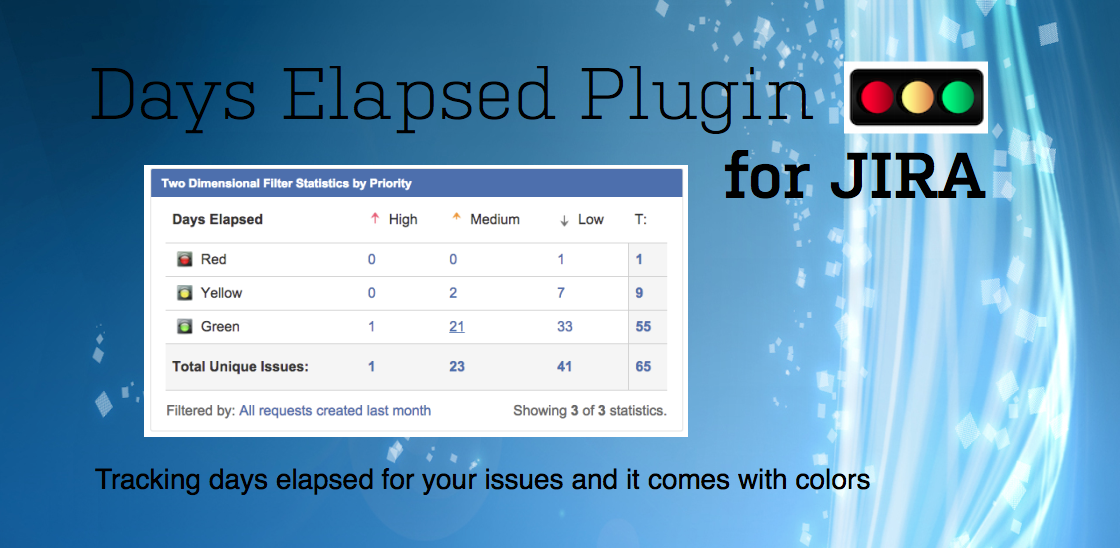
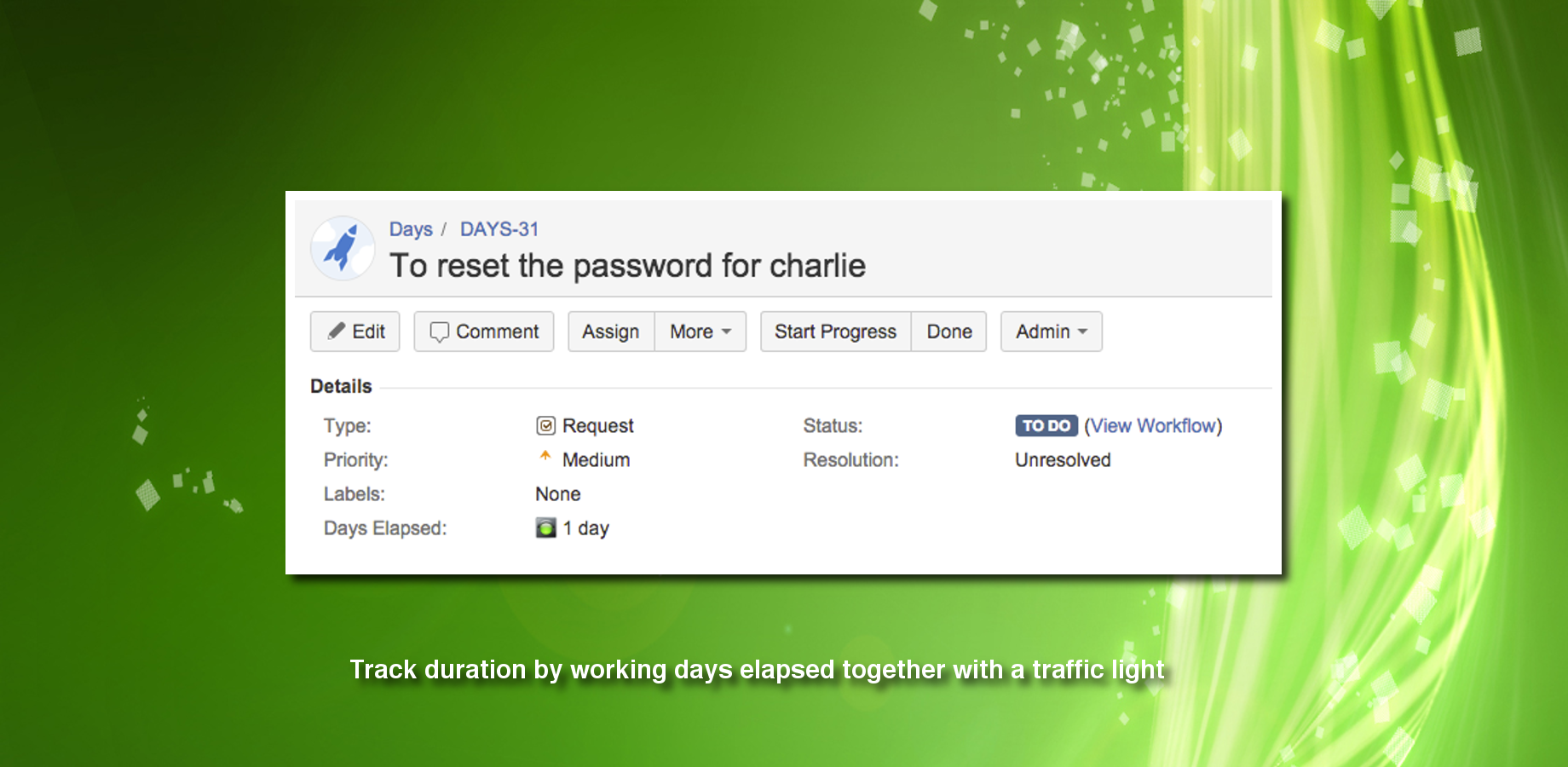
A Traffic Light custom field when added and initialised by a post function can start tracking the number of days elapsed. The counter will be incremented automatically every day when Cinderella goes home :)
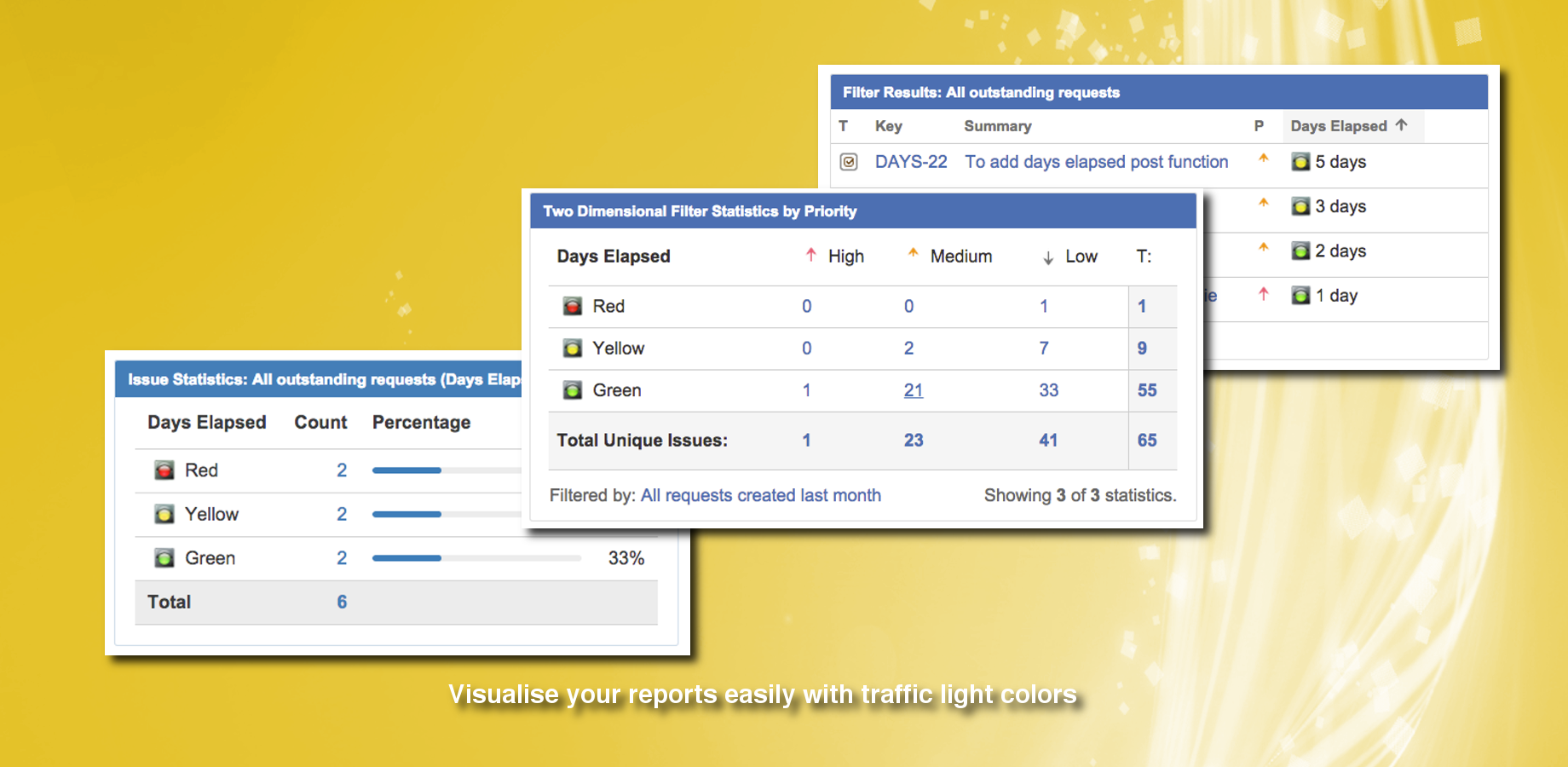
Based on the number of days elapsed and conditional thresholds, it also display a traffic light color to ease reporting. The traffic light can also be used for SLA reporting (by days)
How we built it
With our brains and lot of sweat
Challenges we ran into
How to facilitate the setup so that additional traffic light custom fields can be added without special tuning There are a lot to scenarios to consider. Examples are
- what happens if the JIRA server is powered off during the midnight period
- what happens if there are a lot of issues to be updated
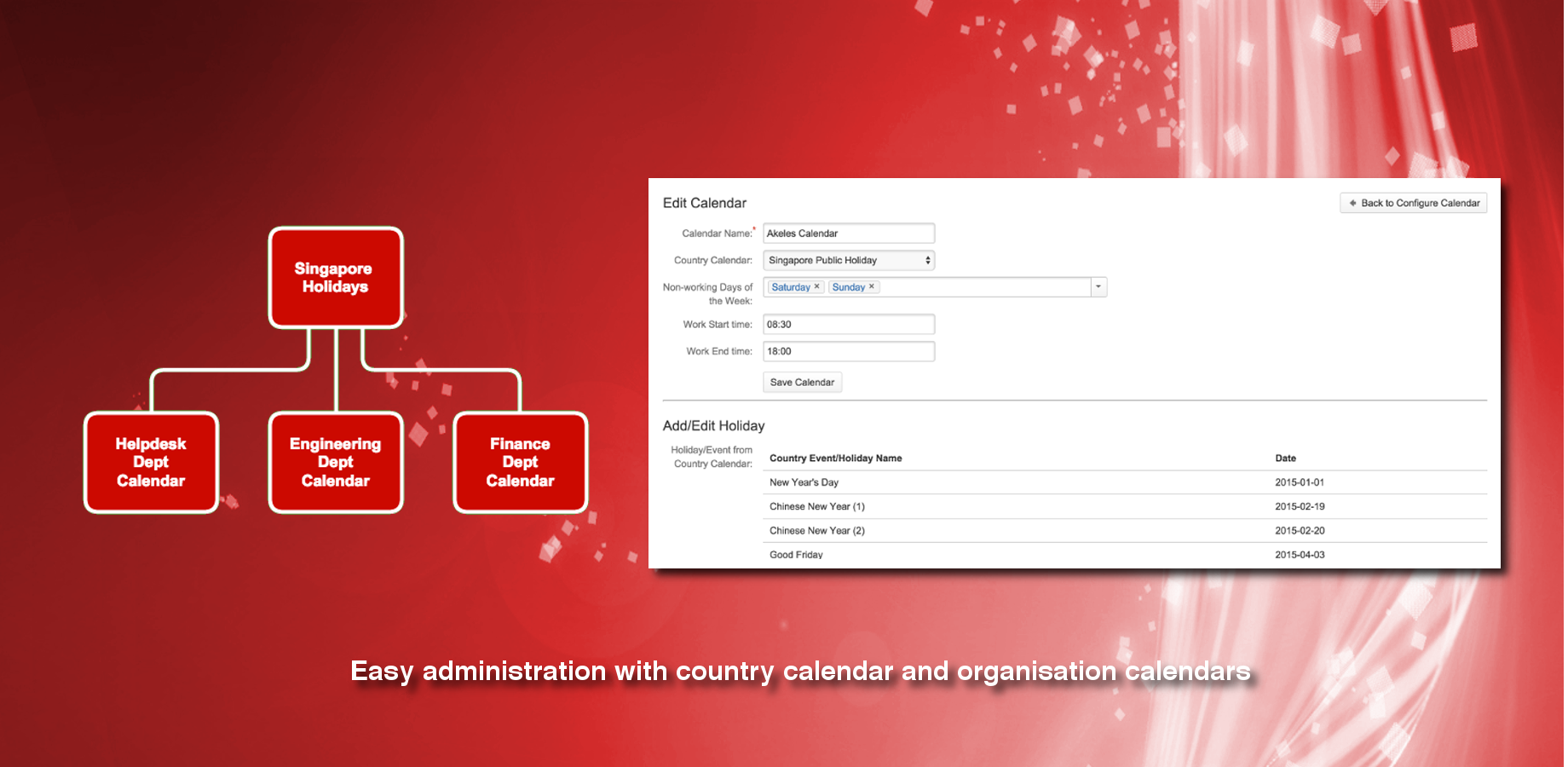
- what happens someone deleted the calendar or the conditional thresholds
Accomplishments that we're proud of
This plugin is simple to set up, fast and easy to use.
What we learned
More detailed working of the JIRA. We spent a lot of time understanding how JIRA works at the core
What's next for Days Elapsed Plugin for JIRA
We want to add more powerful JQL condition parser to handle more complex checking


Log in or sign up for Devpost to join the conversation.