💡 Inspiration
Started with skin monitoring
I needed a simple way to track the progress of a few moles over time, so I built an app that lets me browse locally stored photos in chronological order.
Then I thought: this could work for body transformation
Looking back, I realized this same app would’ve been perfect for documenting my weight loss journey.
Then I thought: this could work for selfies
It hit me: this is exactly the kind of tool you'd use to create those “I took a selfie every day for a year” videos.
Then I thought: this could be something bigger
What started as a personal utility turned into an idea with both viral potential (daily selfie videos) and long-term value (tracking visual progress of anything over time).
Market research
Okay I had this idea but should I built it?
I dug deep into the App Store, looking for related apps and reading both their good and bad reviews to understand what users loved, and what they felt was missing.
Some apps were outdated but still had tons of reviews, showing strong past interest. Others were overly technical or poorly designed, making them less accessible and... not fun.
This showed me there’s a market for this and room for improvement.
📱 What It Does
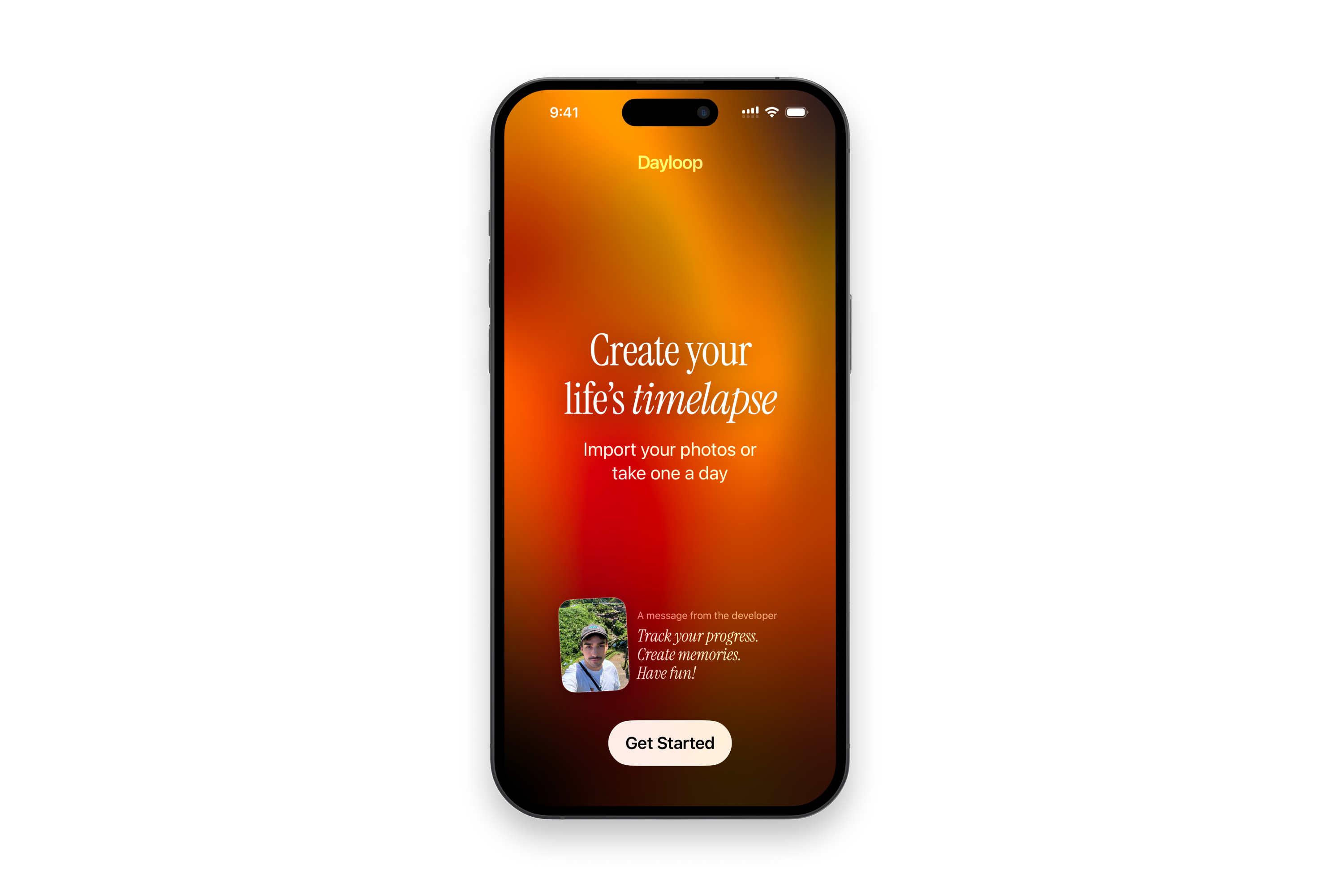
It’s simple: the app takes all the hassle out of creating a timelapse video. No video editing skills required.
Auto Face Alignment
The app magically aligns your portraits to create captivating transformation animations.
Ghost Photo
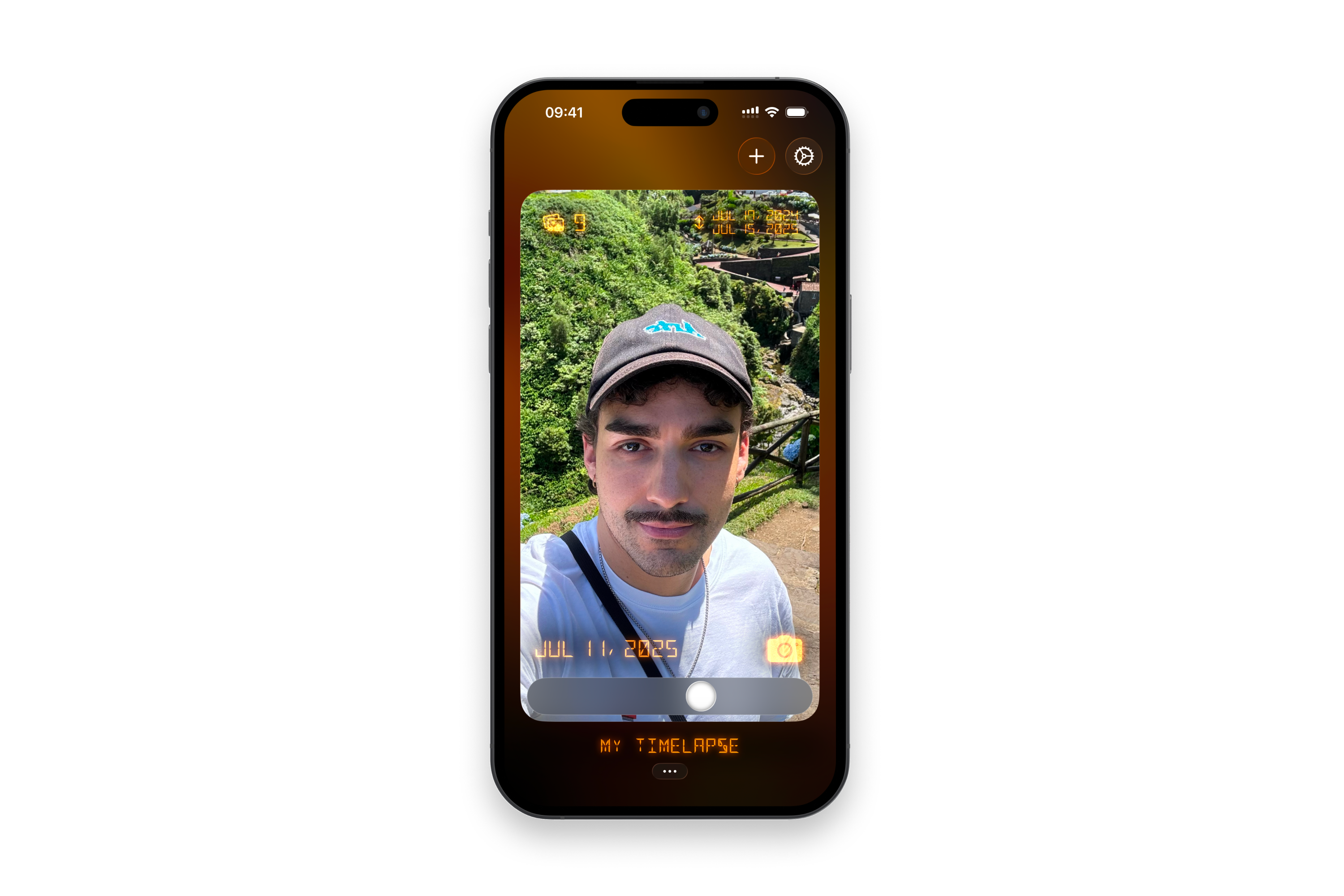
When taking a new photo, you’ll see a translucent overlay of the previous one to help you match the framing just right.
Playful Slider
Travel through time with an interactive slider that lets you explore your timelapse.
Import Existing Photos
Already have a set of selfies or progress pics? Start a new timelapse using photos from your camera roll.
Daily Reminders
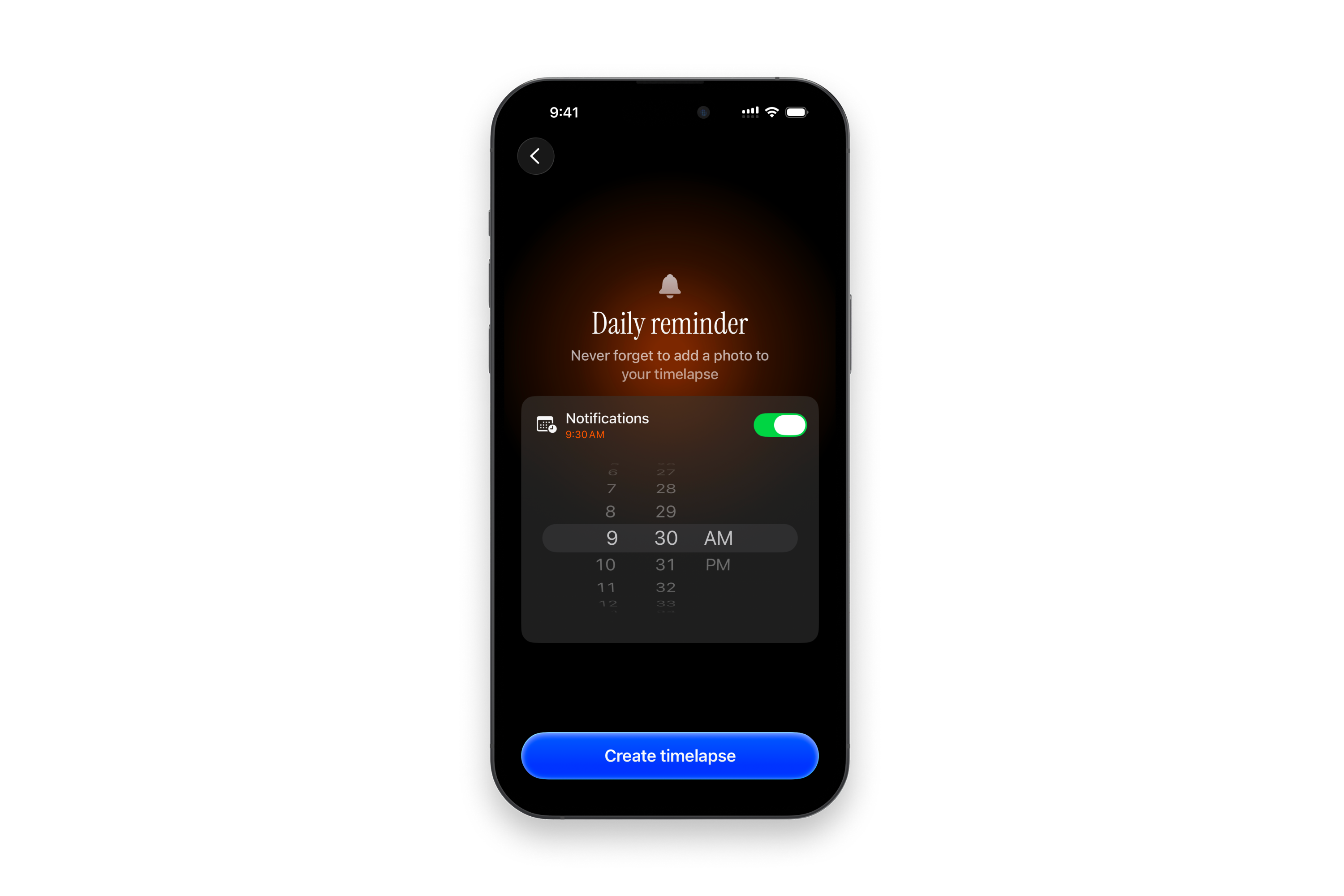
Turn on notifications and never forget to add a photo to your timelapse.
Privacy First
All your photos stay on your device. Nothing is uploaded, shared, or sent anywhere.
🔨 How I built it
Swift, SwiftUI (a bit of UIKit here and there), SwiftData and Vision Framework for the auto face alignment feature.
🥵 Challenges I ran into
Bugs and crashes
Oh boy, working with images was full of surprises.
Things like batch processing leading to unexpected memory leaks, saved images randomly flipped upside down due to mismatched orientations, and Core Image vs. SwiftUI having different coordinate systems made me nearly lose my mind.
Sometimes I would find a solution, but it required sacrificing UX, which was a no-no for me, so I kept at it. After several late-night debugging sessions, it worked... pheeew!
Positioning
I wasn’t sure who to target at first, daily selfie enthusiasts, fitness people, pregnant women tracking their bump?
I decided to go broad and see what users make of the app.
It gives the app more flexibility, but also makes it harder to communicate a clear value proposition, especially when it comes to App Store optimization and marketing.
Luckily, the new App Store custom product pages for specific keywords could help tailor messaging to different audiences.
Copywriting
For the App Store listing and the app's onboarding, I followed the classic advice: “Sell benefits, not features.”. But I realized it didn’t work well: people couldn’t immediately understand what the app actually did.
So I went with a feature-first approach and added a layer of emotion to make it more engaging.
✨ Accomplishments that I'm proud of
In the first version of the app, users could only start a timelapse from scratch. It worked but the experience lacked a bit of magic. Creating a cool timelapse still required effort: users had to come back to the app every day (which increased the risk of churn) and rely only on the ghost photo feature to align their pics (often resulting in a timelapse that was not captivating). Now, with photo import, manual alignment, and especially auto face alignment, users can experience the app’s value in under a minute and get stunning results. I’m genuinely proud of how smooth and satisfying the UX has become.
📝 What I learned
Coming from a web dev background, this project skyrocketted my iOS development skills: diving into SwiftUI, Swift Concurrency, memory management, AVFoundation (camera and video export), computer vision... and making all of it work together truly made me leveled up as a software engineer.
🚀 What's next for Dayloop
Marketing
Starting in October, I’ll launch organic short-form content targeting different niches to explore what resonates.
As revenue grows, I plan to reinvest into paid ad campaigns and partner with UGC creators to boost visibility.
Product
I'll keep improving the app based on user feedback, obviously... But here's what's already on my bucket list:
- Camera enhancements: Add zoom, focus and flash support.
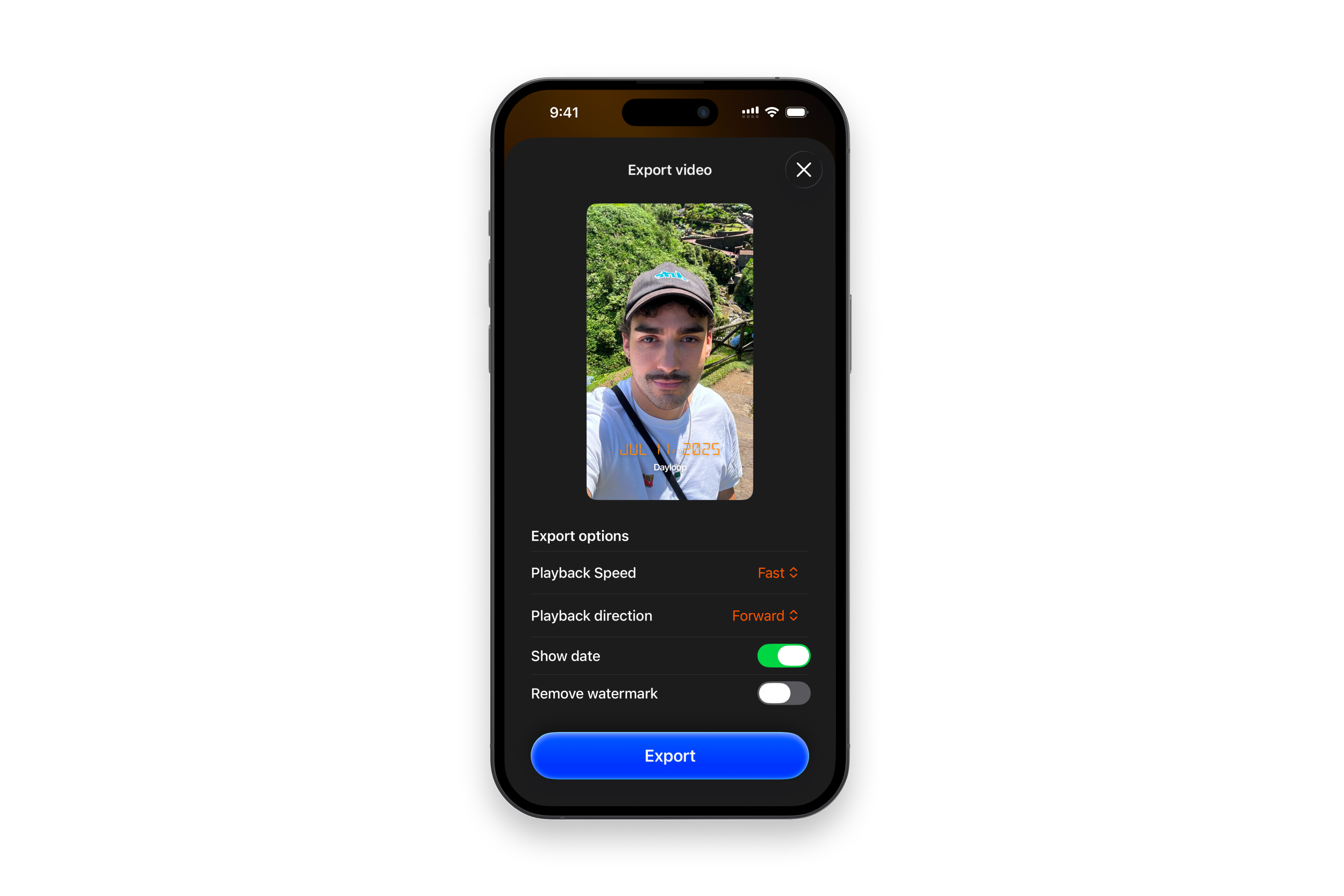
- Video export upgrades: Make timelapse videos more polished and visually appealing.
- Gamification: Implement streaks and challenges.
- Localization: The app and the app store listing are already translated in English, French, Spanish (LATAM), Portuguese (Brazil), and German. I plan to expand into other strategic markets soon, with not only new translations but also specific ASO and regional pricing.
Built With
- swiftdata
- swiftui
- vision


Log in or sign up for Devpost to join the conversation.