-
-
-
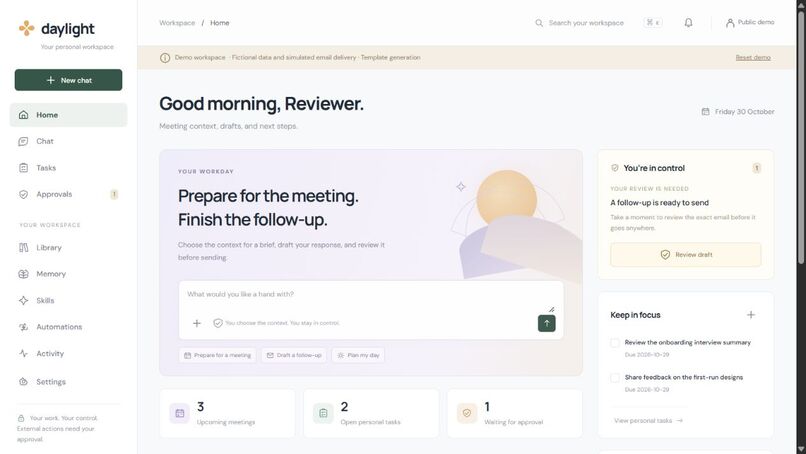
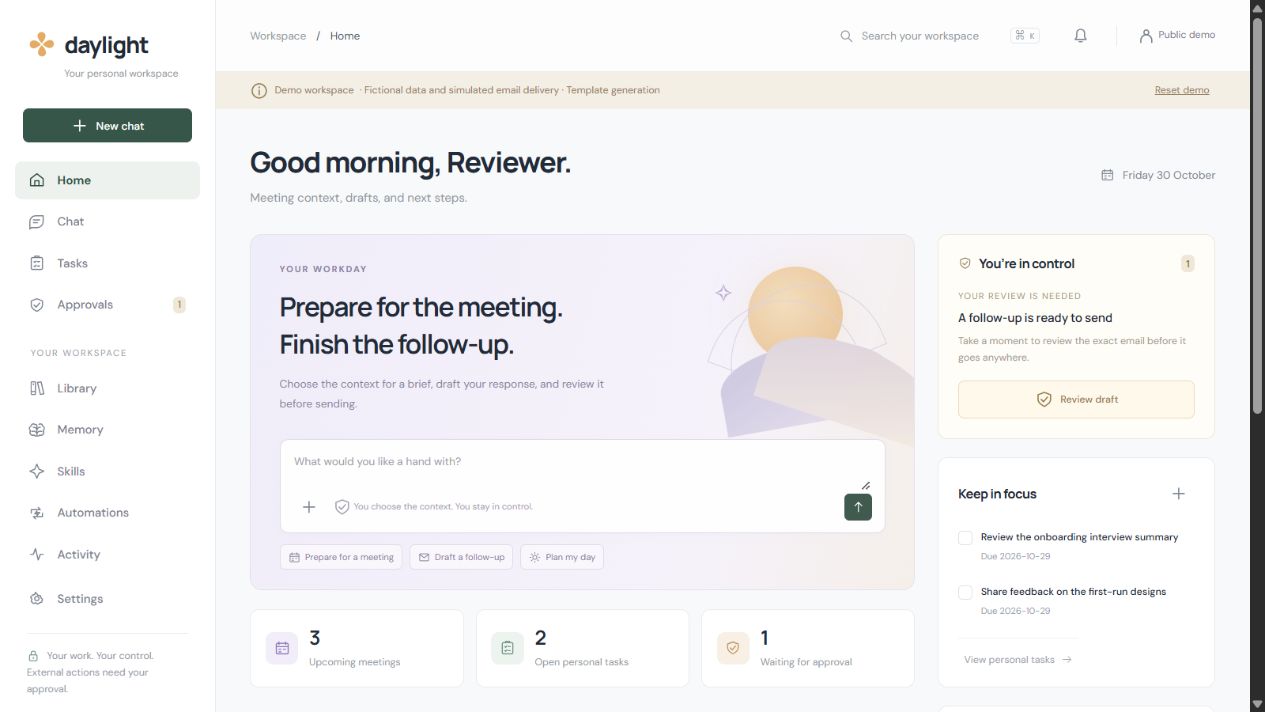
Public reviewer demo. Each visitor gets fictional data in a separate session; email delivery is simulated.
Inspiration
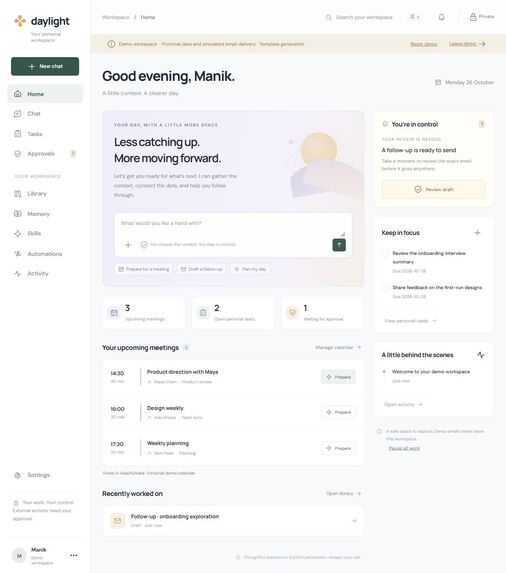
Preparing for a meeting often means reopening notes, searching email, and working out what was agreed last time. After the meeting, the same context has to become a useful follow-up. Daylight brings those steps into one workspace.
What it does
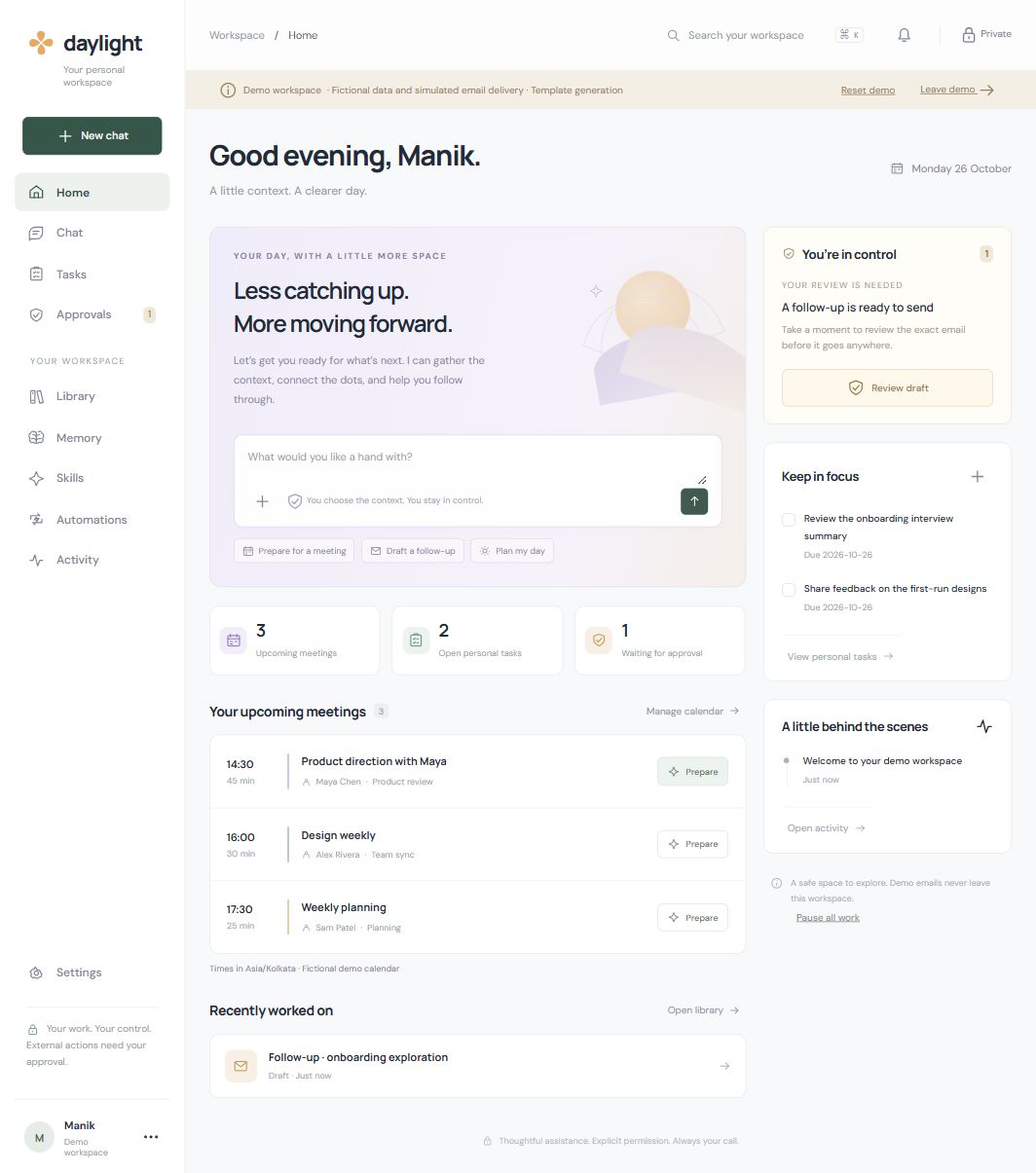
Choose a meeting and the sources you want to use. Daylight creates a brief with references you can open. After the meeting, enter the decisions and next steps to create an editable follow-up draft.
Saved preferences are visible in Memory. You can edit, disable, or delete them, and each output records which preferences it used. A short-email preference, for example, can shape the next draft without needing to be typed again.
Sending is a separate step. The approval screen shows the recipient, subject, body, version, and expiry. Editing the message invalidates its previous approval. An uncertain provider response blocks another send until the outcome is checked.
The review demo uses fictional sources and simulated email delivery. Each visitor gets a separate session. Real mailbox connections, personal document uploads, and unattended schedules are disabled in that deployment.
How it is built
The application uses JavaScript, HTML, and CSS with a Cloudflare Worker and SQLite-compatible D1 storage. A separate public review entrypoint creates signed visitor sessions and keeps each demo workspace isolated. The source repository belongs to maniksinghal27.
The model adapter calls NVIDIA Nemotron through Nebius Token Factory. Live inference is still awaiting the owner's API key and verification. Until then, the demo labels its output as template generation. Google OAuth and Gmail adapters are implemented, but live Google access and sending have not been verified.
Challenges
The main challenge was keeping drafts, approvals, and delivery receipts consistent. Approval belongs to one message version. The server claims an action before dispatch so two concurrent clicks cannot send it twice. If delivery times out, Daylight records an unknown outcome instead of assuming success or retrying.
The public demo also needed to open without exposing a real workspace. A separate entrypoint and fresh database keep reviewers in isolated fictional sessions. The deployment runs in the project owner's Cloudflare account.
What we tested
Thirty-six integration checks cover workspace ownership, encrypted Google credentials, duplicate dispatch prevention, stale approvals, pause controls, source and memory removal, OAuth owner binding, uncertain delivery, and timezone handling.
Fifteen additional checks cover the public review entrypoint, including signed sessions, isolation between visitors, forged identity headers, blocked real-service actions, request-size limits, and inference allowances. Provider responses in these tests are mocked. Passing them does not prove live Nebius or Gmail operation.
What's next
Verify a real NVIDIA Nemotron request on Nebius and record it in the demo. The public app has been opened in Chrome and a separate browser session, and the meeting workflow was checked on the deployed build. Live Google access needs a consenting test account and received-message verification. Background schedules remain disabled as requested.

Log in or sign up for Devpost to join the conversation.