-
-
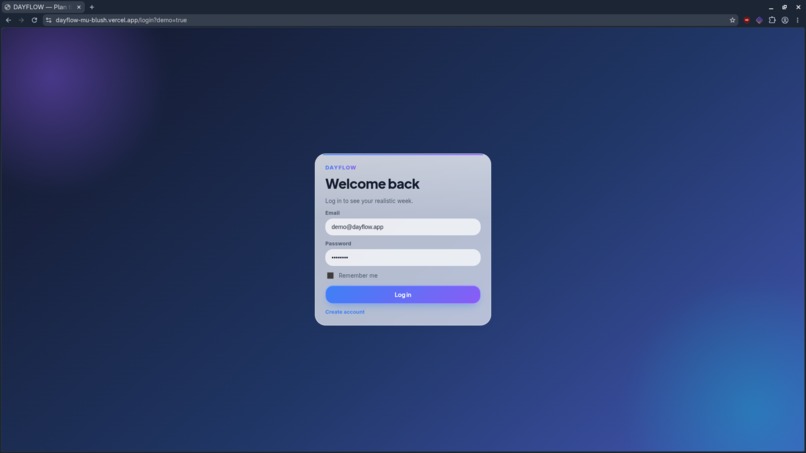
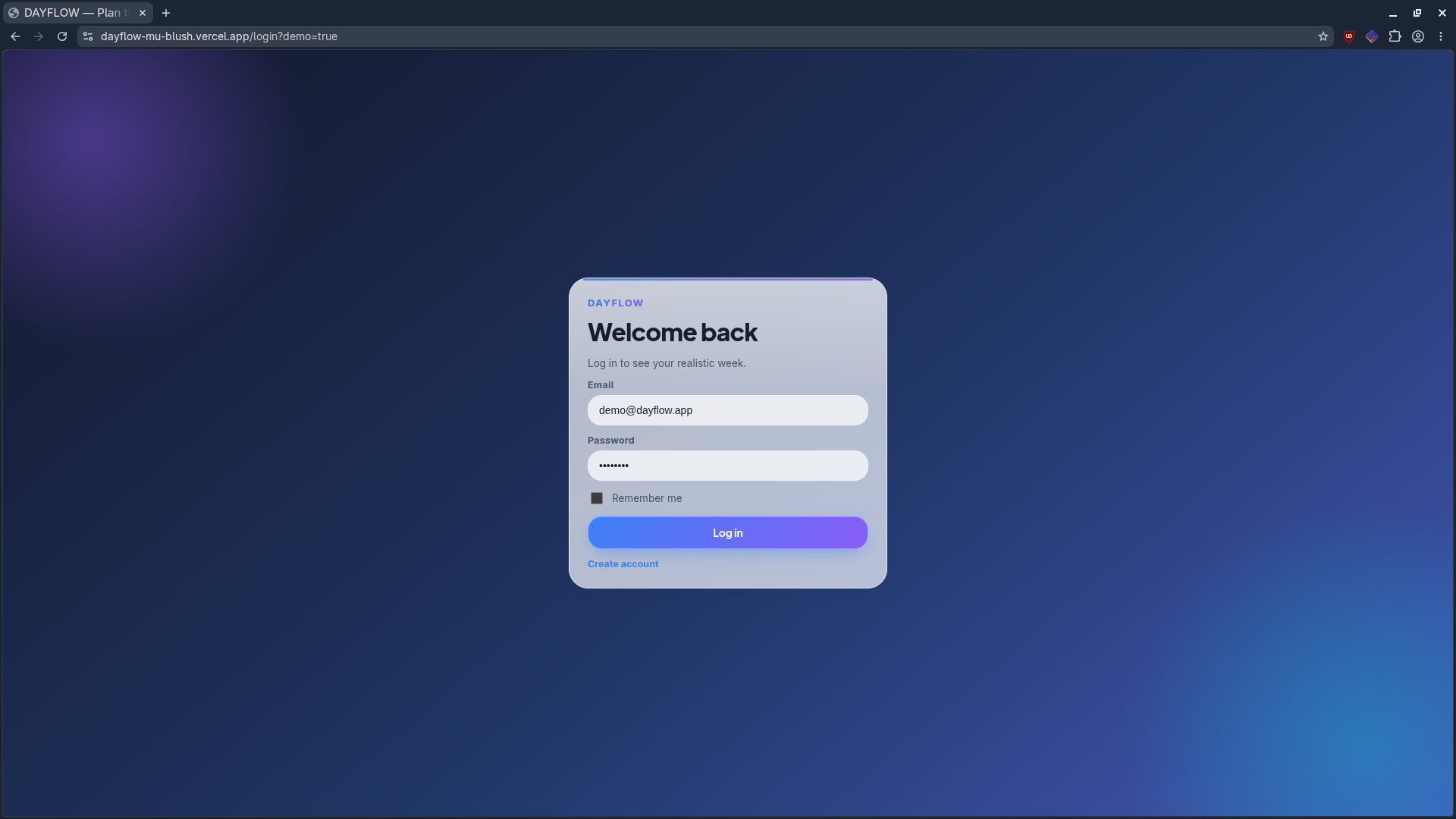
login page
-
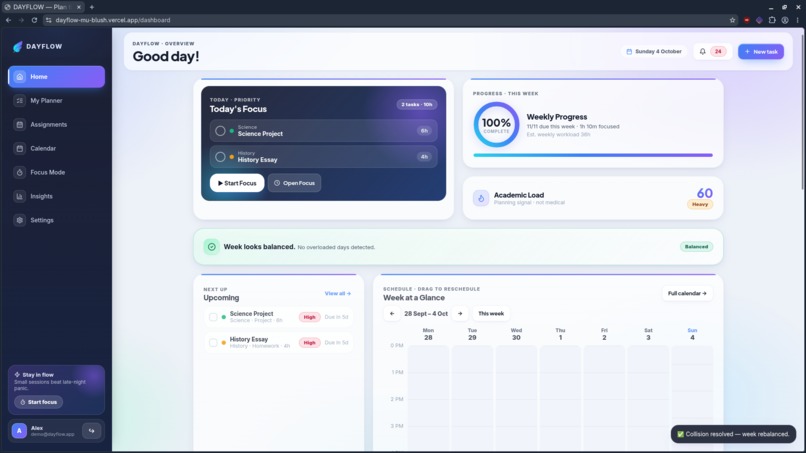
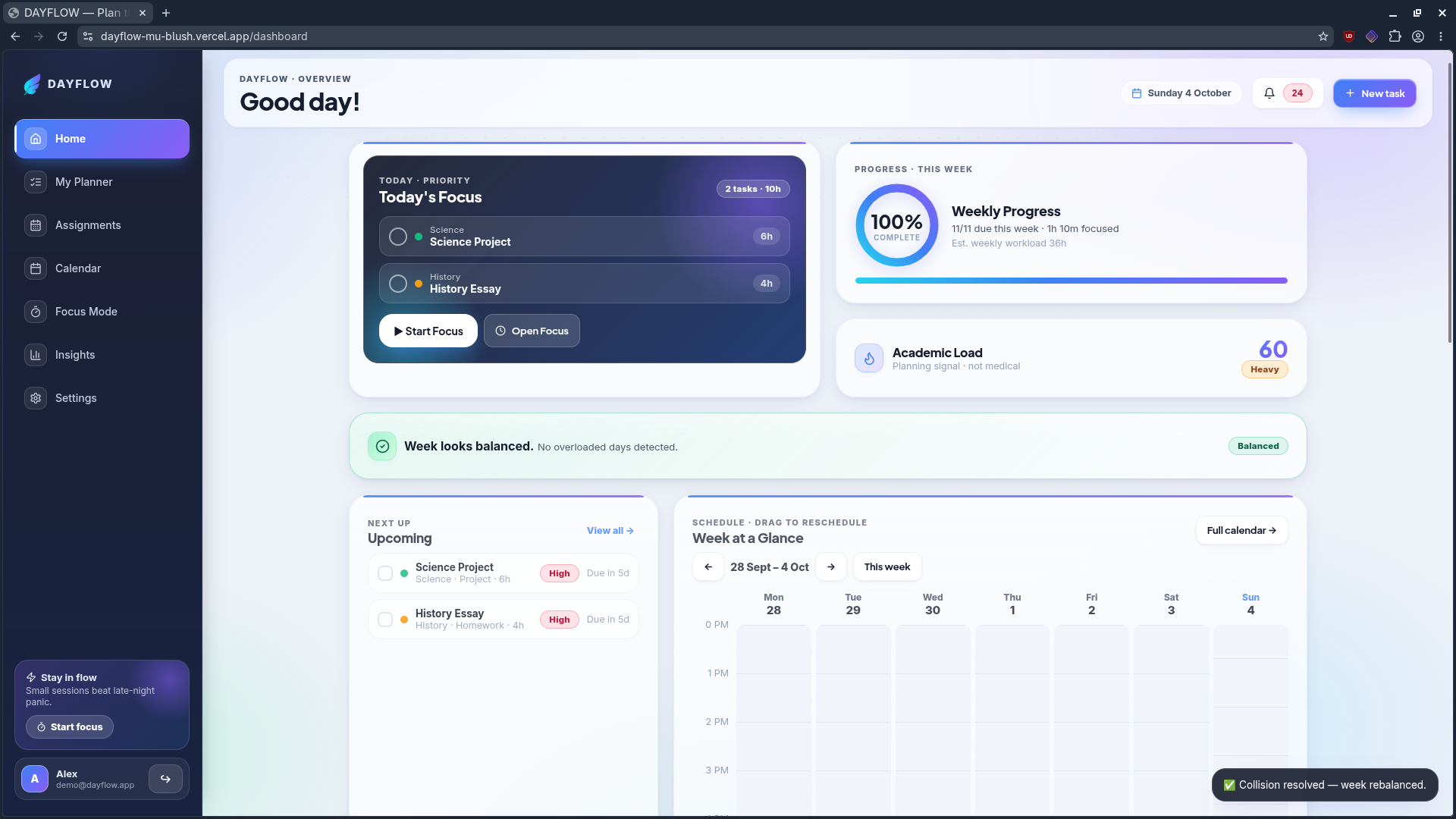
home page
-
-
-
-
-
-
Inspiration
Students often have multiple assignments, tests, projects, and deadlines at the same time, but most planners only tell them what is due. They do not show whether the week is actually manageable.
What it does
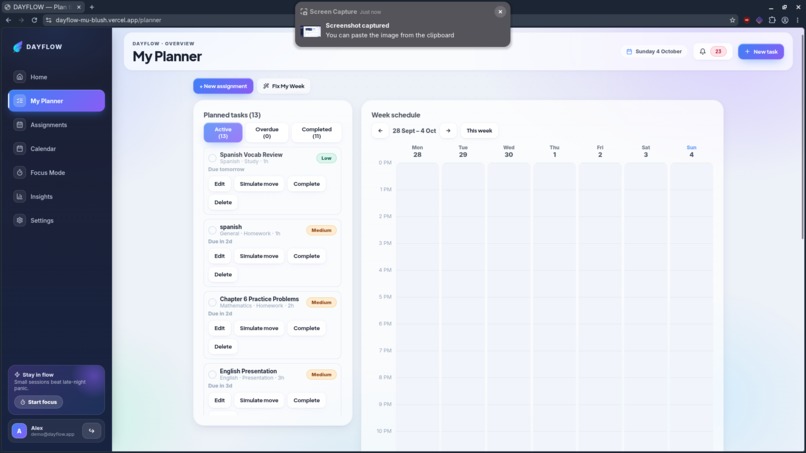
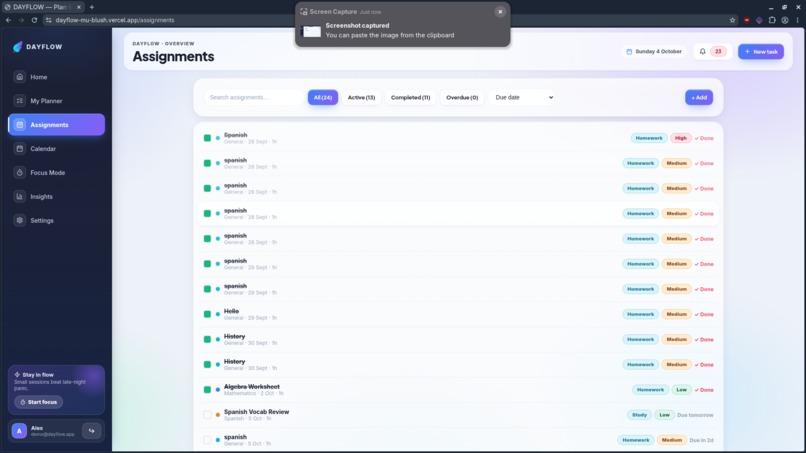
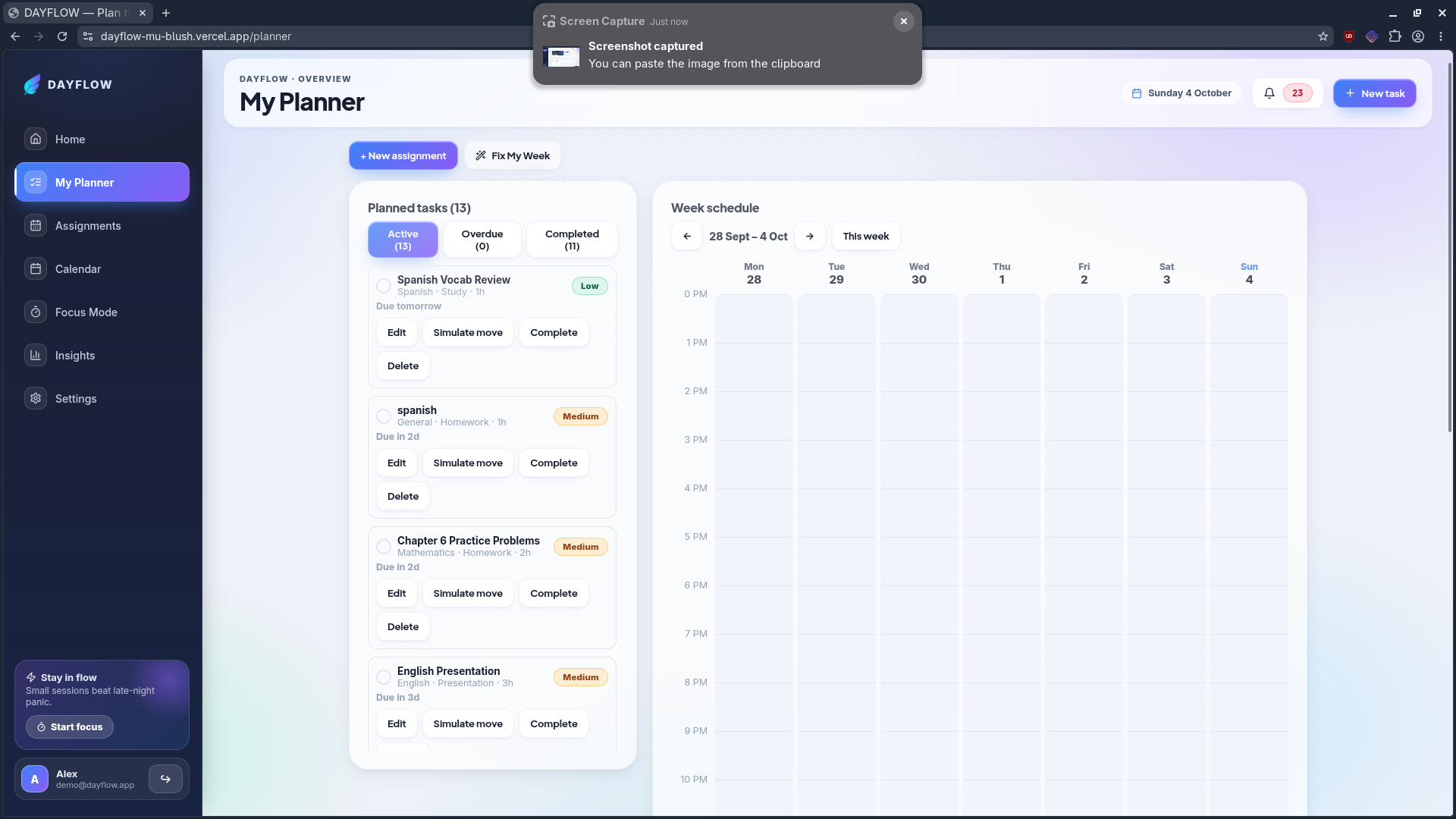
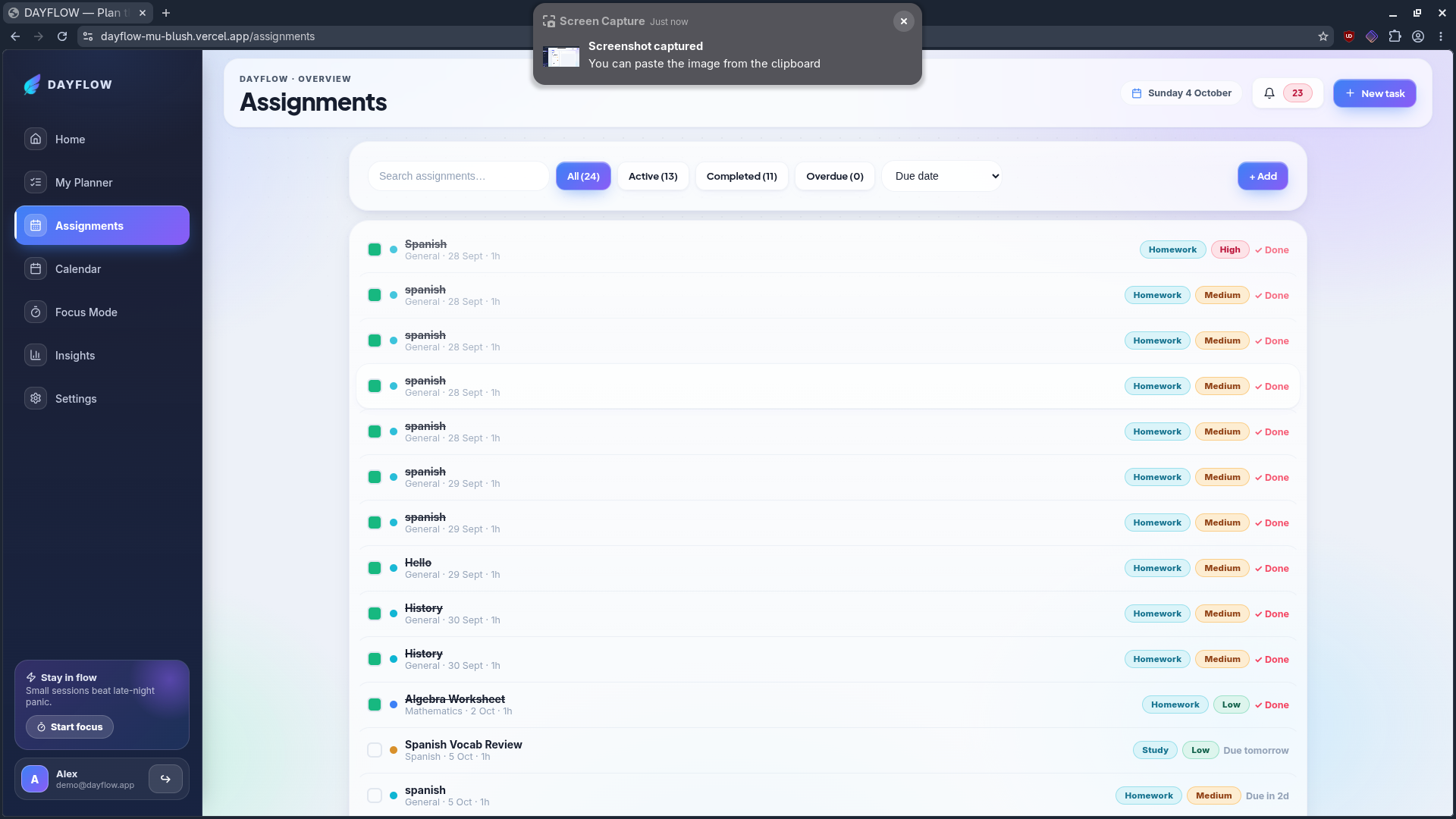
Students can add assignments, tests, projects, and study tasks with their estimated time and priority. DAYFLOW uses this information together with the student's available study time to organize their workload.
Its key features include:
- Automatic workload and deadline conflict detection
- 'Fix My Week' to redistribute work across available time
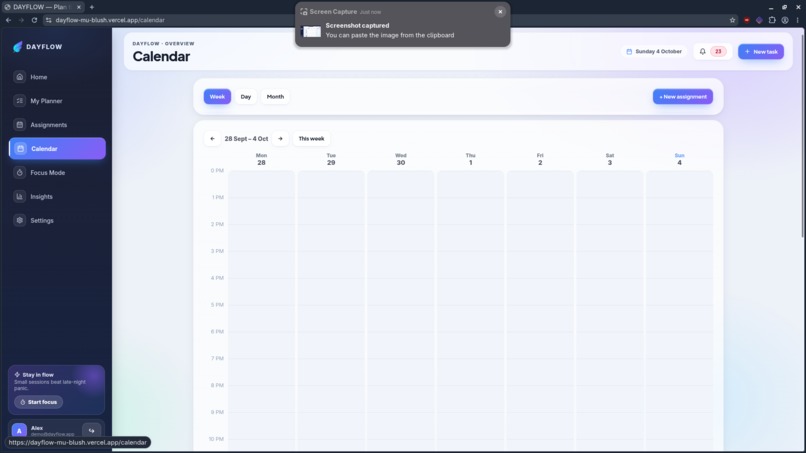
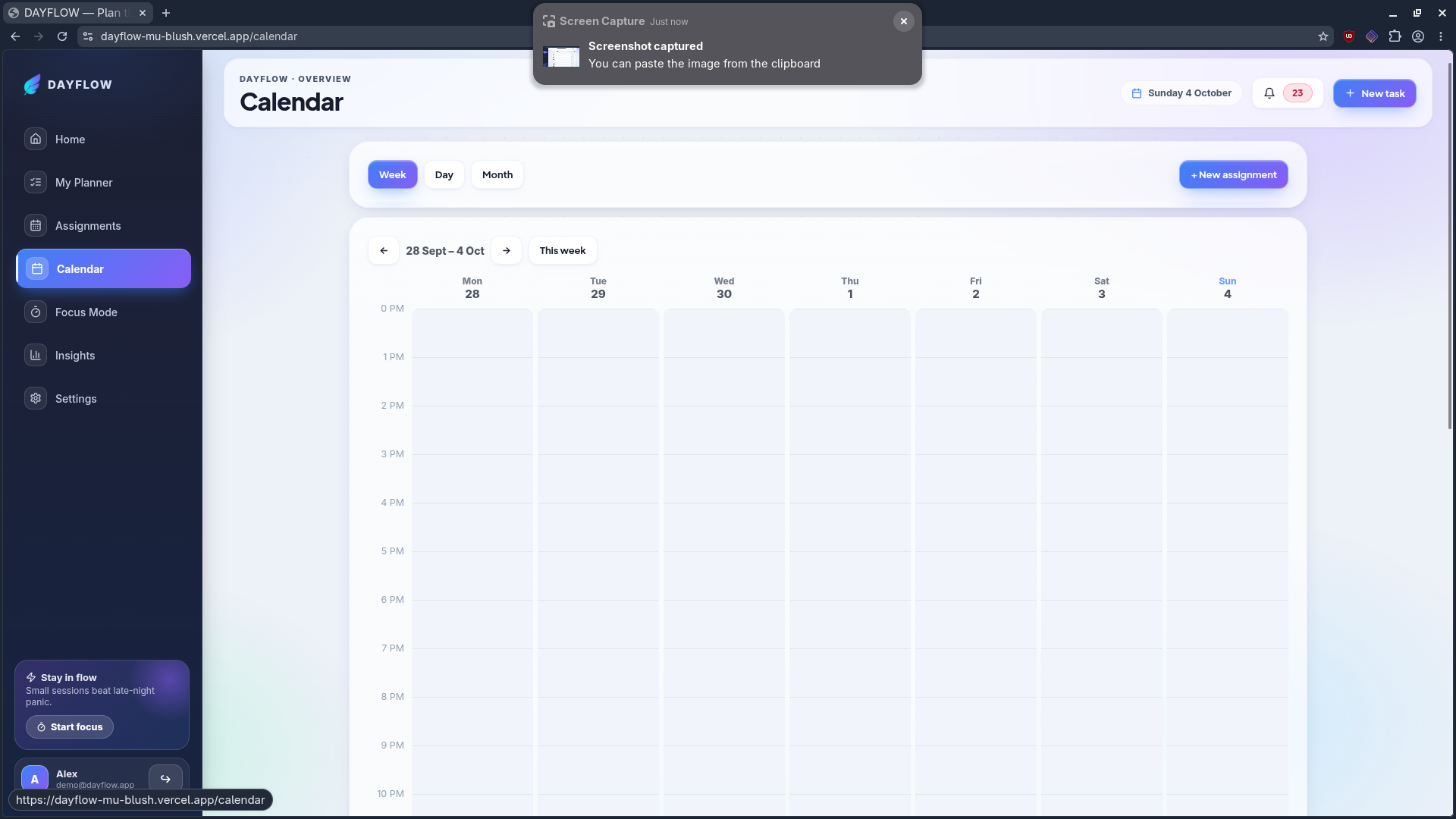
- Interactive weekly calendar
- Drag-and-drop scheduling
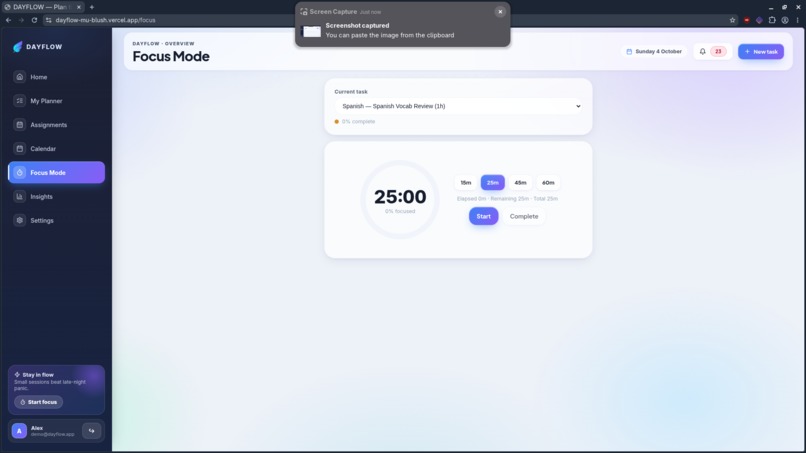
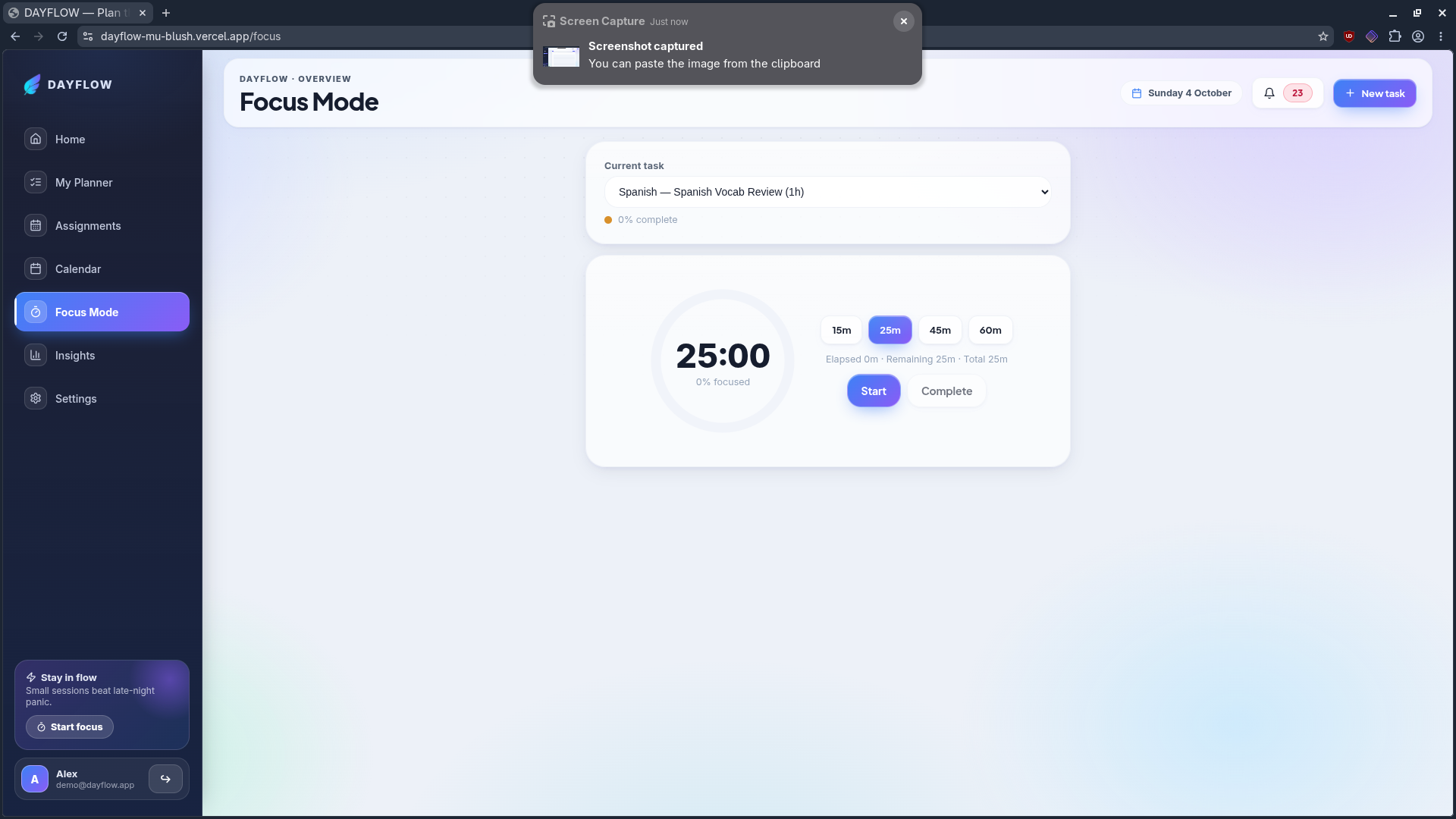
- Focus Mode with a built-in study timer
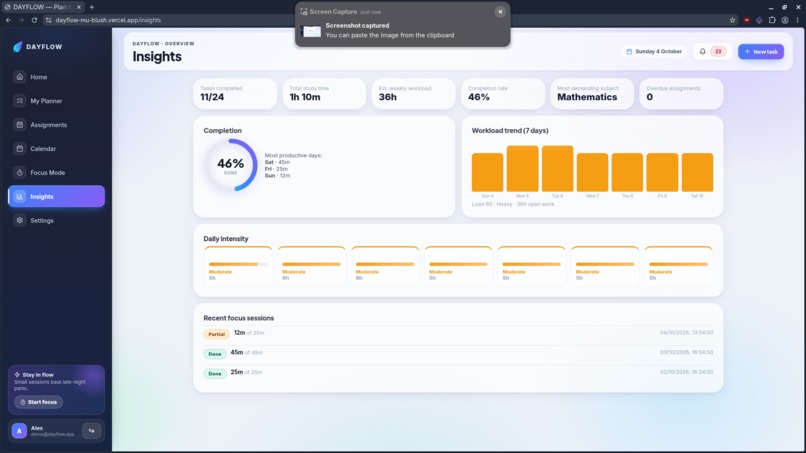
- Workload heatmap
- Academic Load Score
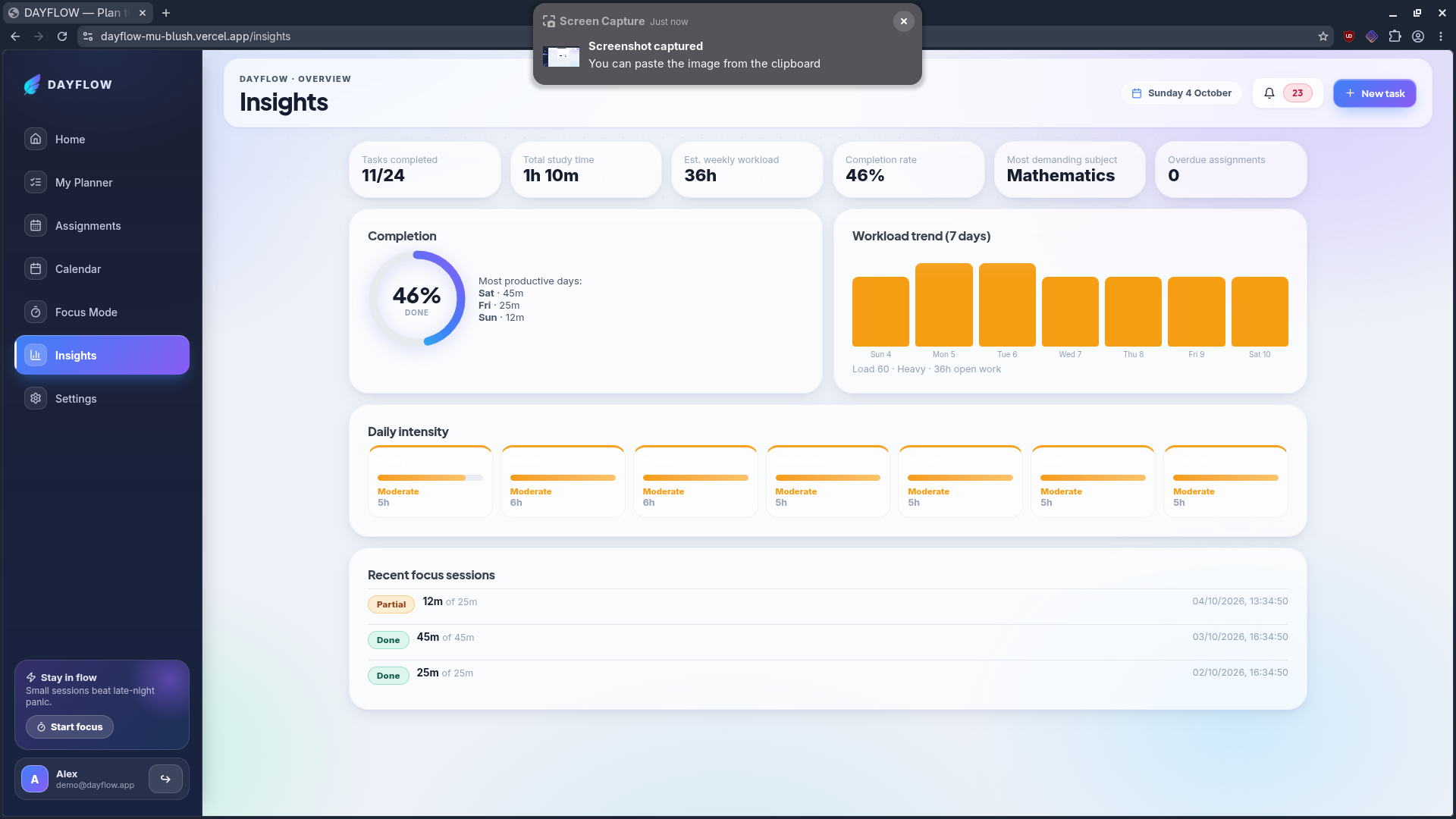
- Progress and productivity insights
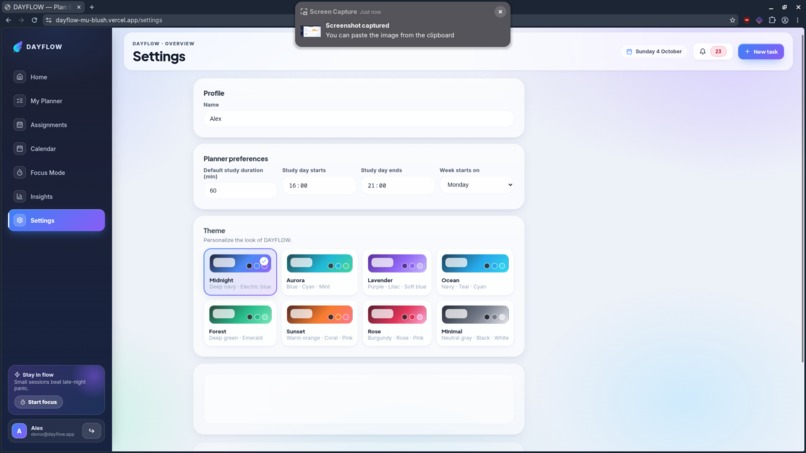
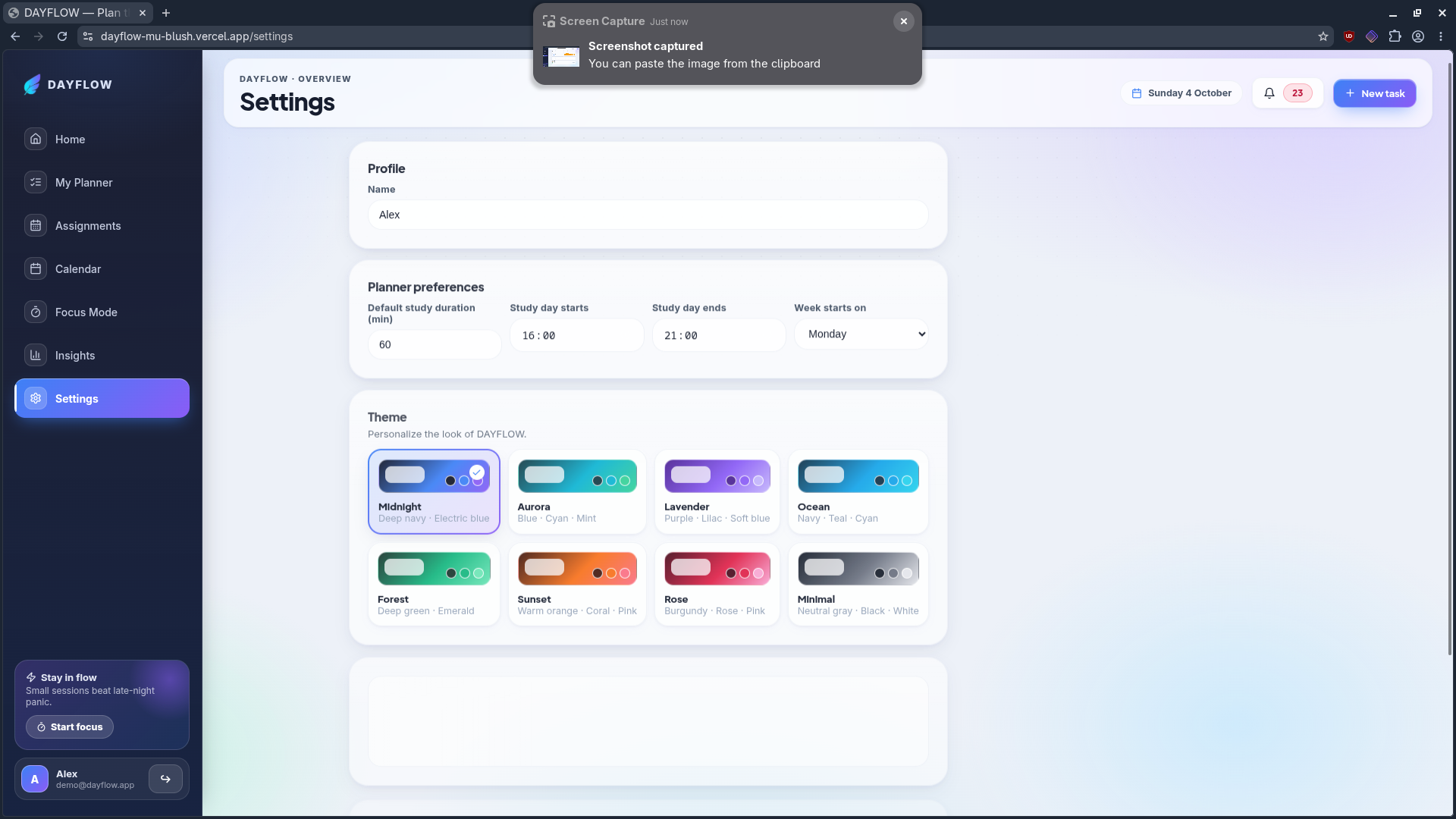
- Multiple customizable themes
- Google Calendar Integration
How we built it
DayFlow was built with the help of AI coding tools: OpenCode, Cline, and Codex. The AI helped me work much faster by generating code and speeding up the repetitive parts of development. My role was to guide the process and make sure everything actually worked.
Here's how the process went:
- Plan the feature: I started with the problem (students struggle to see when their workload and deadlines collide) and broke it into smaller features like conflict detection, the weekly calendar, and Focus Mode.
- Build with AI: I gave the AI tools clear instructions, and they helped me turn those ideas into working code quickly.
- Test everything myself: I tested every feature by hand, noticed every bug, and worked on solving each one.
- Repeat: I went through this cycle for every feature, from drag-and-drop scheduling to the workload heatmap and Google Calendar integration.
AI gave me speed, and my testing and bug-fixing gave DayFlow its reliability.
Challenges we ran into
The biggest challenge was limited resources. I couldn't afford premium plans for my AI tools, so I had to work within free usage limits. Whenever I hit a limit, I had to wait anywhere from a few hours to a few days before I could continue.
Accomplishments that we're proud of
- Building a complete, working planner with conflict detection, "Fix My Week," Focus Mode, and an Academic Load Score, all without paid tools
- Turning free-tier limits into a disciplined workflow instead of letting them stop the project
- Testing thoroughly and fixing bugs one by one until the app felt smooth and reliable
Integrating Google Calendar so DayFlow fits into how students already plan their time
What we learned
AI is a powerful assistant, but it needs a human to check its work. The AI tools made development much faster, but they didn't always get things right. Testing every feature myself taught me that speed means little without reliability.
Limits can make you more disciplined. Working with free usage limits forced me to plan ahead, write clearer instructions, and use waiting time to test and debug instead of just waiting.
Good testing is a real skill. Noticing small bugs, reproducing them, and explaining them clearly made it much easier to fix them quickly.
Building for a real problem keeps you motivated. As a student, I understand how hard it is to juggle deadlines and workload, and that kept me going through the slow days.
Small features add up. Conflict detection, the heatmap, and Focus Mode each seemed simple alone, but together they turned DayFlow into a complete planner.
What's next for DAYFLOW
DAYFLOW is only the beginning. Our next goal is to make it an even more reliable and complete planning tool for students.
- Smart calendar synchronization: Continue improving Google Calendar integration so students can seamlessly manage their existing events alongside DAYFLOW assignments and study sessions.
- Better performance: Optimize the planner so calendars, dragging, and scheduling remain smooth even as users add more assignments and events.
- Mobile experience: Improve the responsive experience so students can plan and manage their schedules easily from their phones.
- More productivity insights: Expand progress tracking and analytics to help students understand their workload and build better study habits.
- Reminders and notifications: Add helpful reminders for upcoming assignments, events, and planned study sessions.
- Continuous improvements: Keep listening to student feedback and refining DAYFLOW around the real challenges students face when managing schoolwork and deadlines.
Our long-term goal is to make DAYFLOW a simple, free, and dependable place where students can organize their entire academic life without feeling overwhelmed.
Built With
- ai-assisted
- git
- icon
- javascript
- library
- lucide
- node.js
- npm
- oauth
- opencode
- typescript
- ui
- vite


Log in or sign up for Devpost to join the conversation.