-
-

Welcome Page
-
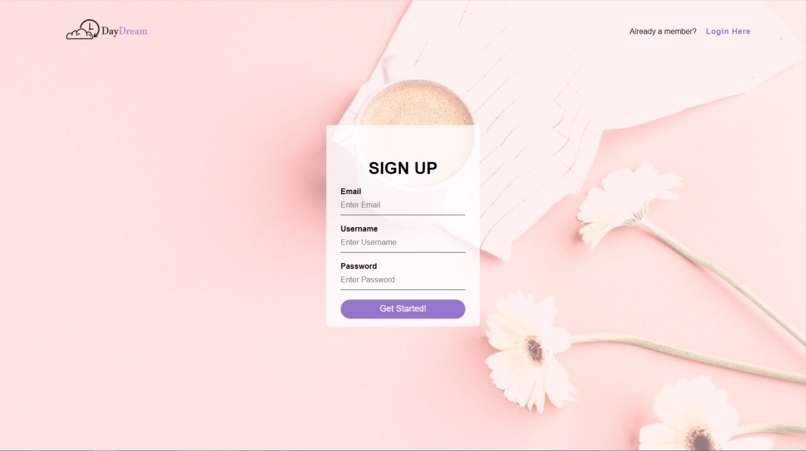
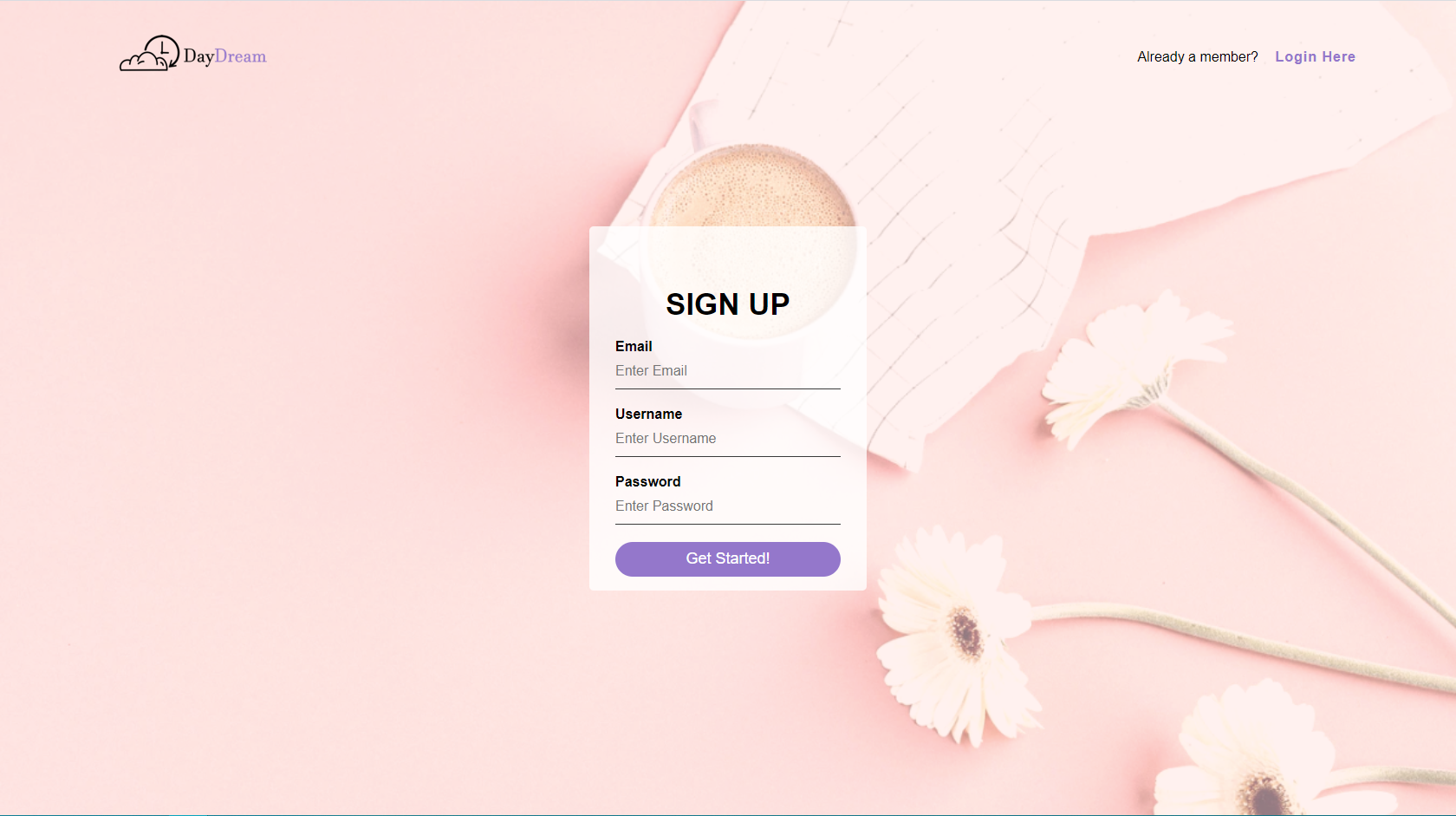
Sign-up Page
-
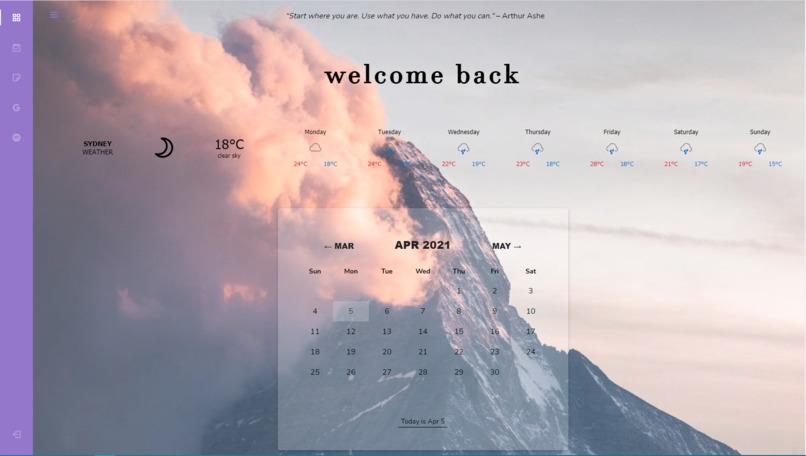
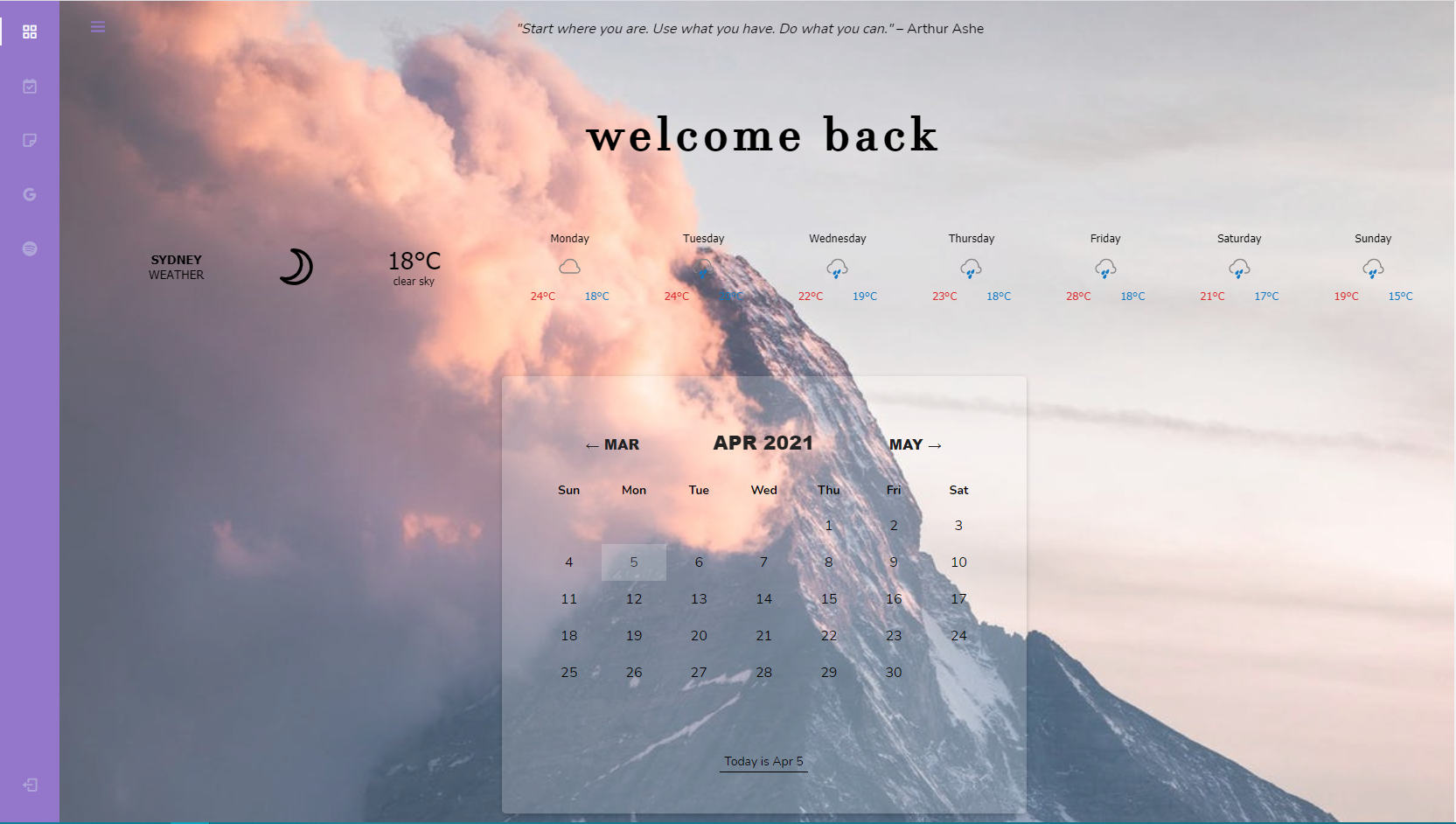
Dashboard
-
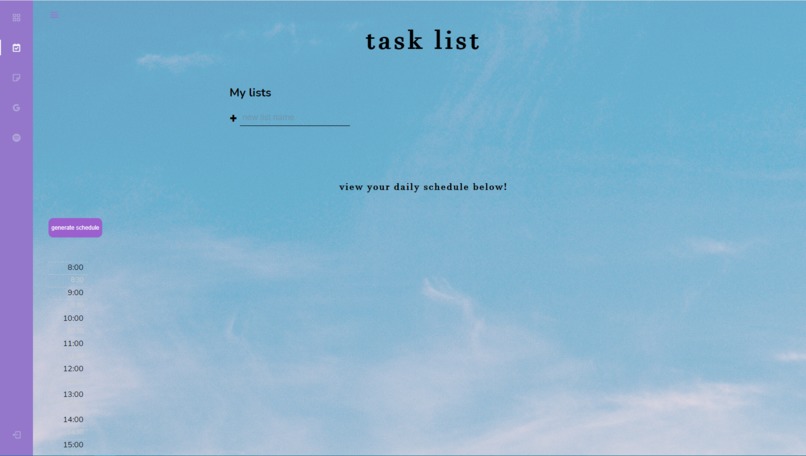
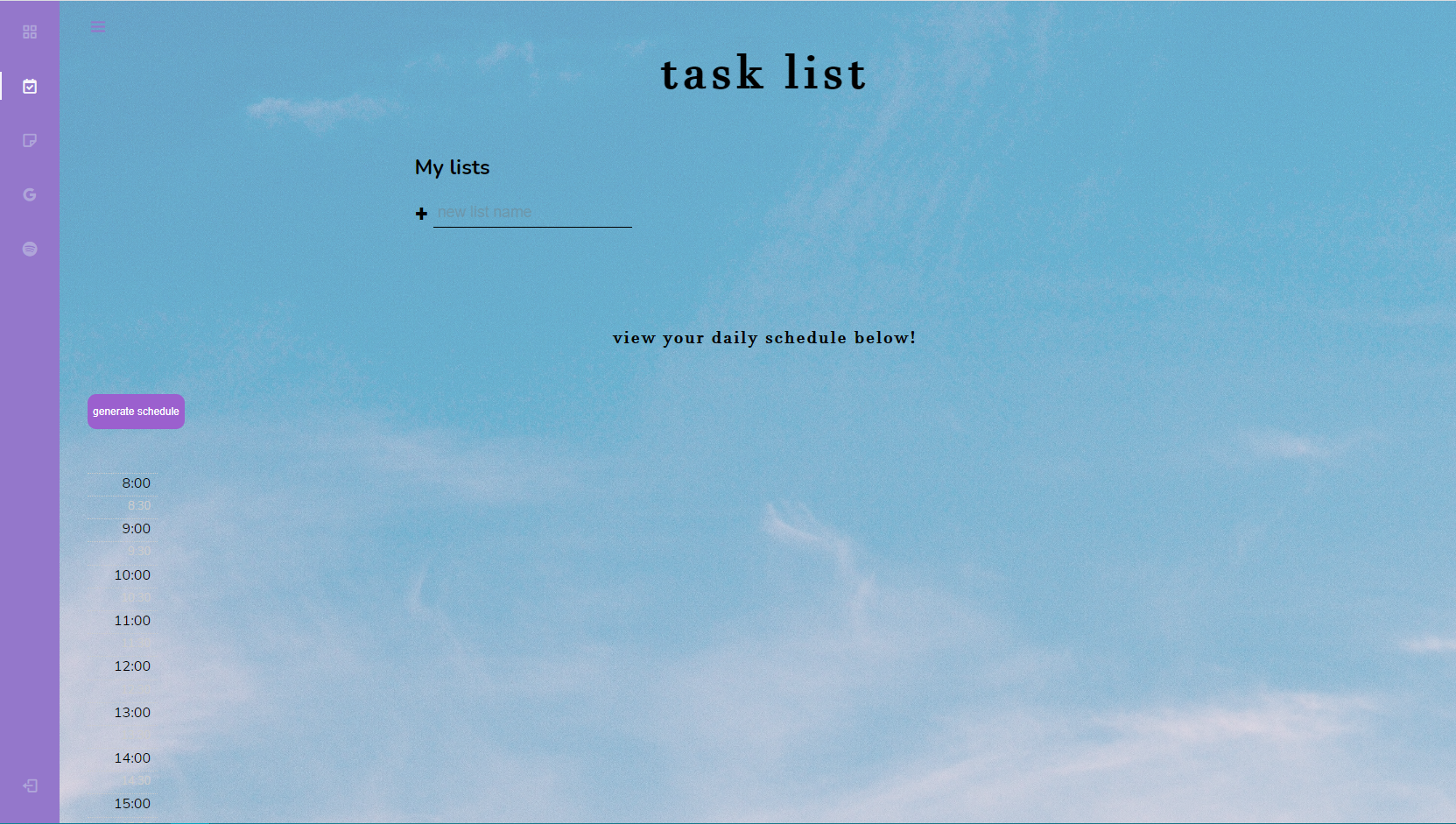
Task List
-
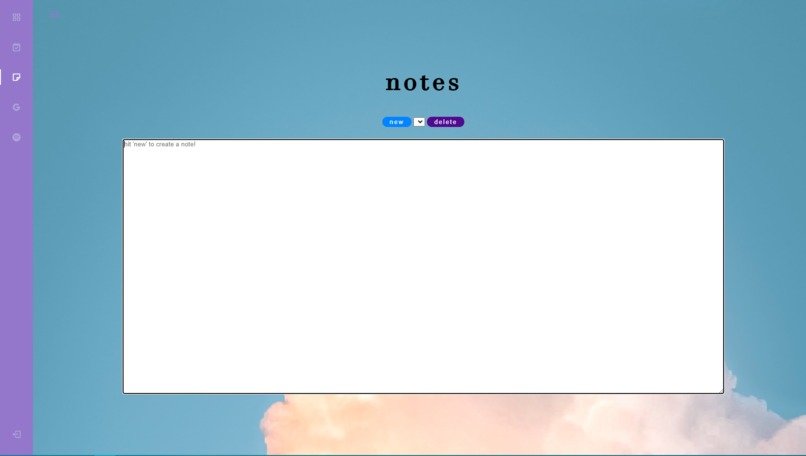
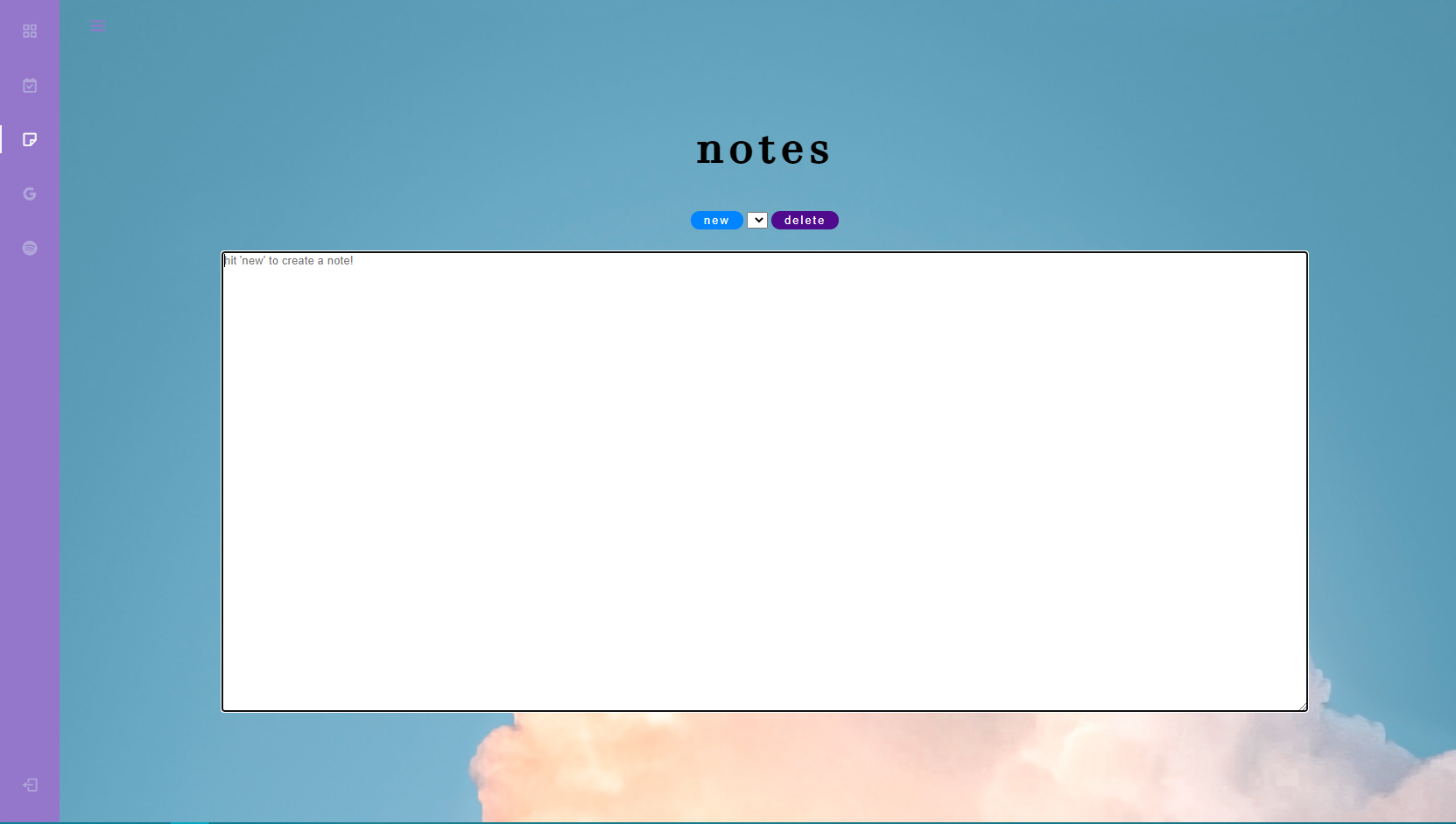
Notes

Inspiration
Taking a sample size of 30 students from the top universities in Australia, an overwhelming amount of those students mentioned that distractions and time management was the main issue from studying or working at home. Researching our competitors, we discovered many management tools and study timers to help with these issues. However each product on the market only targets specific functionalities which would mean individuals would need to switch between applications just to use simple functionalities. Our inspiration stems from our team name KaiZen, which is a Japanese strategy that combines the collective talents within a company to create a powerful engine for improvement in productivity. That's where the idea of DayDream is created, a centralised platform that combines the simple functionalities that you will need to maximise the efficiency of your day whilst balancing work, study and home.
What it does
DayDream is a website that works as a personalised dashboard with different widgets that would be used during a student/individual's productive time. This includes calendars, scheduler, note taking, Google Drive and Spotify integration.
- The calendar on the dashboard allows individuals to add/create events such as assessments or assignments to ensure the visibility of a busy schedule when multiple things are happening within a small time frame.
- The scheduler is our main feature which is an automation tool that allows individuals to input the task that they need to finish by today, whether it is study, gym, chores, tutoring or meals. These tasks would be automated into a one day schedule from morning to night with suitable time periods in-between activities to ensure you are not overworking or slacking off too much.
- The note taking tab is a simple note taking tool that is an easy access if an individual needs to quickly note down some ideas or key points and save it.
- Both the Google Drive and Spotify functions are hyperlinks to their personal account as they are essential and popular tools people use when working, studying or managing any projects.
How we built it
This Web App consists of different functionalities to schedule events and tasks. Each function is created and linked with an extra page and they are accessible via a button and other triggers in the web page. For each web page, we developed a raw code in HTML, CSS, and JavaScript. All the aesthetic design which corresponds to the front-end is developed in HTML and CSS. For the back-end, the functions created for interactions and data storage are developed in JavaScript. Google was our main source of information; all the codes are built based on tutorials and examples online. The initial approach was to create an index page which is the main access link for the app. It includes a user interface that let them create and log into an account. After logging in, a dashboard with different functionalities would appear. To make the content interactive, APIs were used to link different pages. To make the web app online and visible for users, we used netlify to create a website.
Challenges we ran into
There were many challenges that we ran into, none of the team members were experienced with Web App coding and everything was learnt from scratch. We faced different bugs during the development and the most challenging part of the implementation was the sidebar coding. We tried to make a dynamic sidebar with different tabs and a scheduler integrated in one of the tabs. The interfaces of different widgets overrode each other and made the format very hard to tabulate. The other challenge was to create a real time event planner, a scheduler that links to the task creation list and the task list data storage.
Accomplishments that we're proud of
We are very proud of our final product because we were able to create a functioning web app prototype, something that we have never done before. We also improved our problem solving skills, during the development as different challenges were present and overcoming them gave us a sense of accomplishment. Most of all we were able to experience and overcome the intensity a hackathon can create with the timeframe and requirement that it proposes which is something we can remember and carry on as we compete in more hackathons and competitions, passing our skills from project to project.
What we learned
Our team consist of engineers of similar backgrounds that have been exposed to coding using C and JavaScript which made it interesting when learning HTML, CSS and API for the first time. Integrating multiple languages for different purposes when creating our product was one of the main aspects that we had learned from this Hackiethon as we now understand the importance of learning multiple languages for coding.
We also learnt how much Google has to offer when it comes to coding languages and how to use them to create a product. A lot of time and research was put into googling different functions that you can implement into a website using the languages that were most suitable for those tasks. It also came to a surprise of how much open-source application and codes there were on Google which was really helpful when integrating multiple features into our website and saved a lot of time.
A factor that we learnt that was not part of the technical side of the product was the brainstorming aspect. Within a small time-frame to create a product, effective and efficient brainstorming techniques were needed to optimise the time provided to create these products. There were many aspects of an idea that we need to consider like the current competitors in the market, can it be implemented within this timeframe and who are our product target. These aspects needed to be figured out to ensure our product is what the current market wants.
What's next for DayDream
DayDream has tackled two of the biggest challenges that students and individuals face when working or studying from home, however DayDream doesn't stop there. As a product that is mainly targeted at students with its pastel colours and study tool customisation, KaiZen plans to expand its product into the industry as well adding more tools and customisation for employees that would need to schedule their day based on their task given by their manager or team leader. In later iterations these are the updates we would make to our product:
- Integrate company servers into our website to allow managers to allocate task to their team members remotely
- Allow for customisation of widgets depending on what an individual use in their day to day life
- Collaborate with other companies and their products to further centralise management tools and features that can be used to balance home and work whilst maximising productivity
Built With
- api
- css
- github
- html
- javascript
- netlify

Log in or sign up for Devpost to join the conversation.