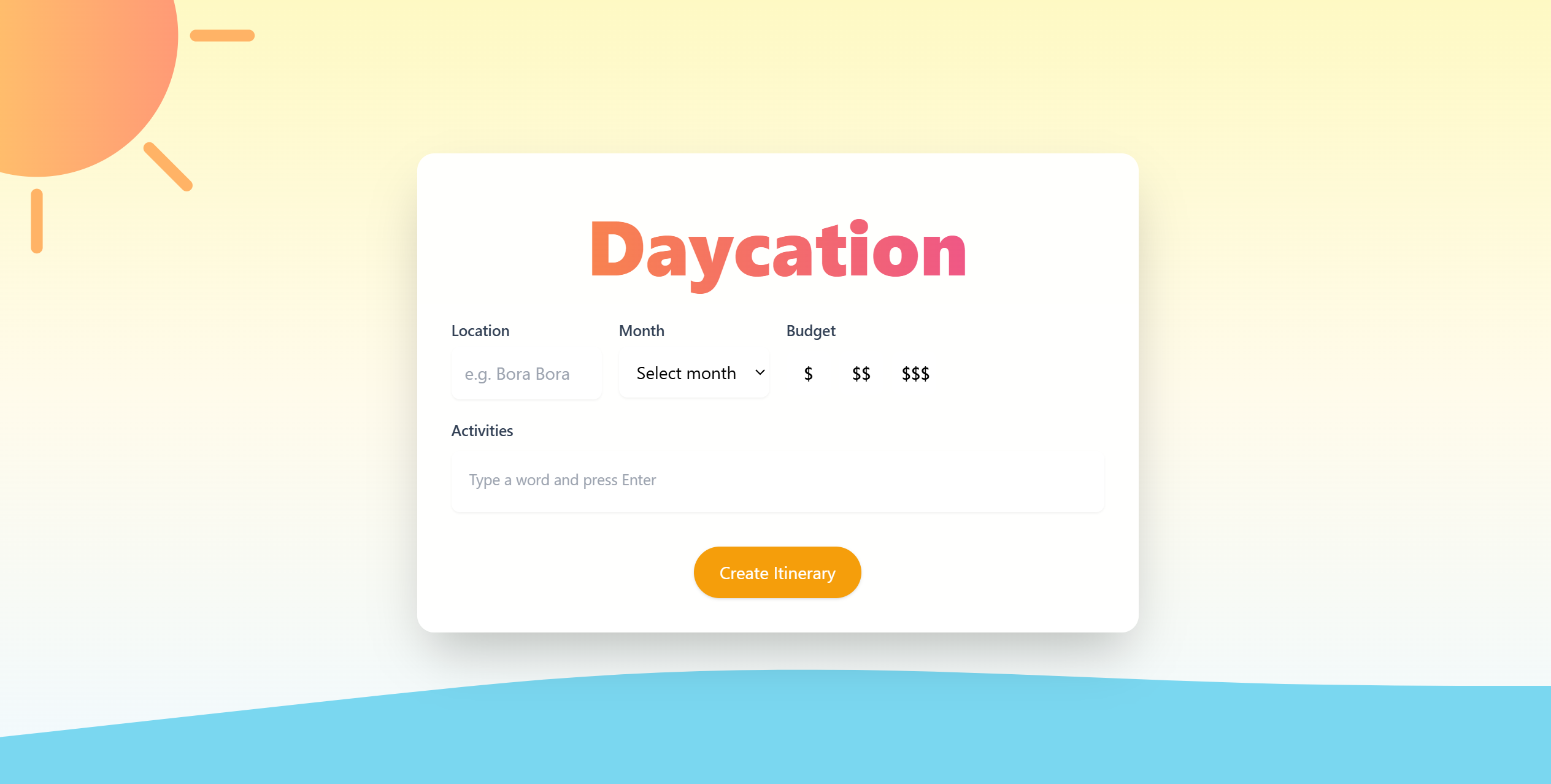
Daycation ― The Ultimate Itinerary Planner for Travel
Inspiration
(Option 1) Travelling is a window into a whole new world, with delicious food, beautiful sights, and culturally meaningful sites that enrich our perspective on life. Most of the stressful aspects of travelling, such as language and cultural differences are all worthwhile learning experiences. However, the stressed required to plan an itinerary and coordinate the aspects that you value are entirely unecessary and can be eliminated.
What it does
Daycation gathers the user's desired location, the month they will be travelling in, their desired budget constraint, and the types of activities and attractions they would like to be part of their trip. The website then gathers important destinations, recommended time to be spent at each one, and their locations to organize the itinerary and provide a detailed route to the user.
How we built it
- On the backend, we used Flask to expose /api/generate_itinerary.
- We call Gemini (gemini-2.5-flash) with a structured JSON prompt to generate a day plan (places, times, price level, short descriptions) based on destination, budget, month, and category.
- Geocodes each stop using OpenRouteService to get real coordinates near the user’s city, so these aren’t just vibes — they’re real locations.
- Runs a routing/optimizer step. We call OpenRouteService again to compare walking vs driving time between each stop, estimate travel time, and then automatically shift the schedule forward if travel would make you late to the next activity. That makes the itinerary actually doable.
- Returns the final enriched itinerary with time windows, price tags (\$/\$\$/\$\$\$), coordinates, and travel mode (walk or car) between stops.
Challenges we ran into
- Connecting frontend and backend — setting up CORS, handling environment variables, and debugging routes took longer than expected.
- Git branching and merge conflicts — coordinating multiple contributors on the same repo led to versioning issues that we had to resolve through careful pull requests.
- Structuring and integration — getting different modules (itinerary_generator, map_service, time_optimizer) to communicate seamlessly was tricky due to mismatched parameters and return formats.
Accomplishments that we're proud of
- Frontend design — we built a clean, intuitive UI that displays the generated itinerary clearly.
- Backend logic — our pipeline realistically combines AI generation with real-world geodata and travel times.
- The idea itself — a single-day “smart itinerary” app that blends AI creativity with real-world feasibility.
What we learned
- How to collaborate effectively with Git and GitHub, resolving merge issues and managing feature branches.
- Hands-on experience using React.js for many of us who were building a frontend for the first time.
- How to integrate and fine-tune Google Gemini API to reliably output structured JSON data for real applications.
- The importance of validating and refining AI-generated data with real-world APIs.
What's next for Daycation
- Add more context-aware features, such as weather, safety alerts, and local event recommendations.
- Support full-week itineraries, with themed days (e.g., food day, nature day, culture day) instead of only one-day plans.
- Real-time map and navigation mode, showing travel routes and estimated arrival times.
- Budget tracking and caching, to let users set total daily limits and reduce repeated API calls.


Log in or sign up for Devpost to join the conversation.