Inspiration
Staying organized throughout the day can be harder than it sounds. Tasks pile up, priorities get confusing, and it becomes difficult to balance productivity with breaks and focused work. I wanted to build something that could make daily planning simpler and help people turn a long to-do list into an actionable schedule.
That idea led to DayBuddy AI — an AI-powered daily planning assistant designed to help users organize tasks, prioritize important work, plan their day, and stay focused.
What It Does
DayBuddy AI combines task management, AI-powered planning, and focus tools in one simple web application.
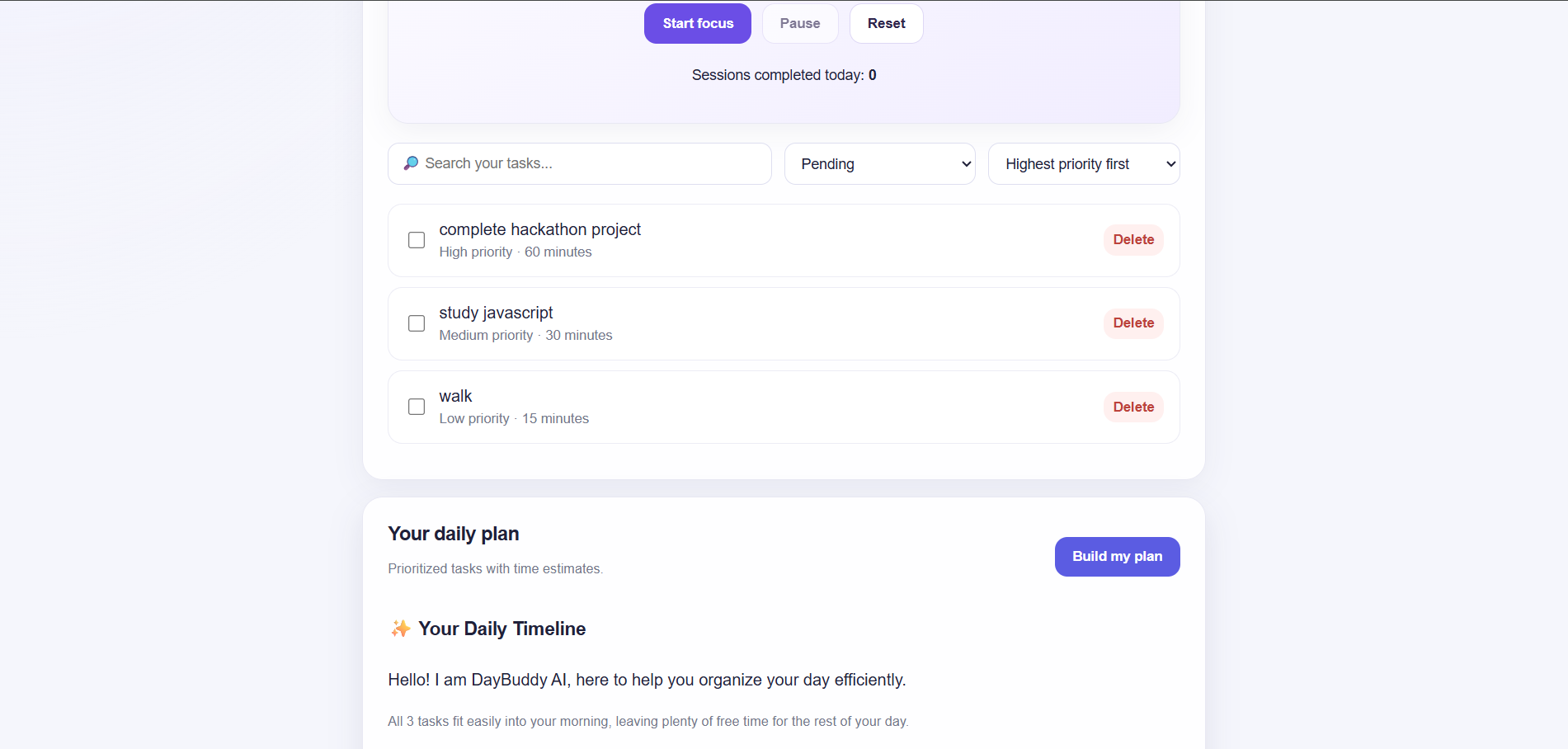
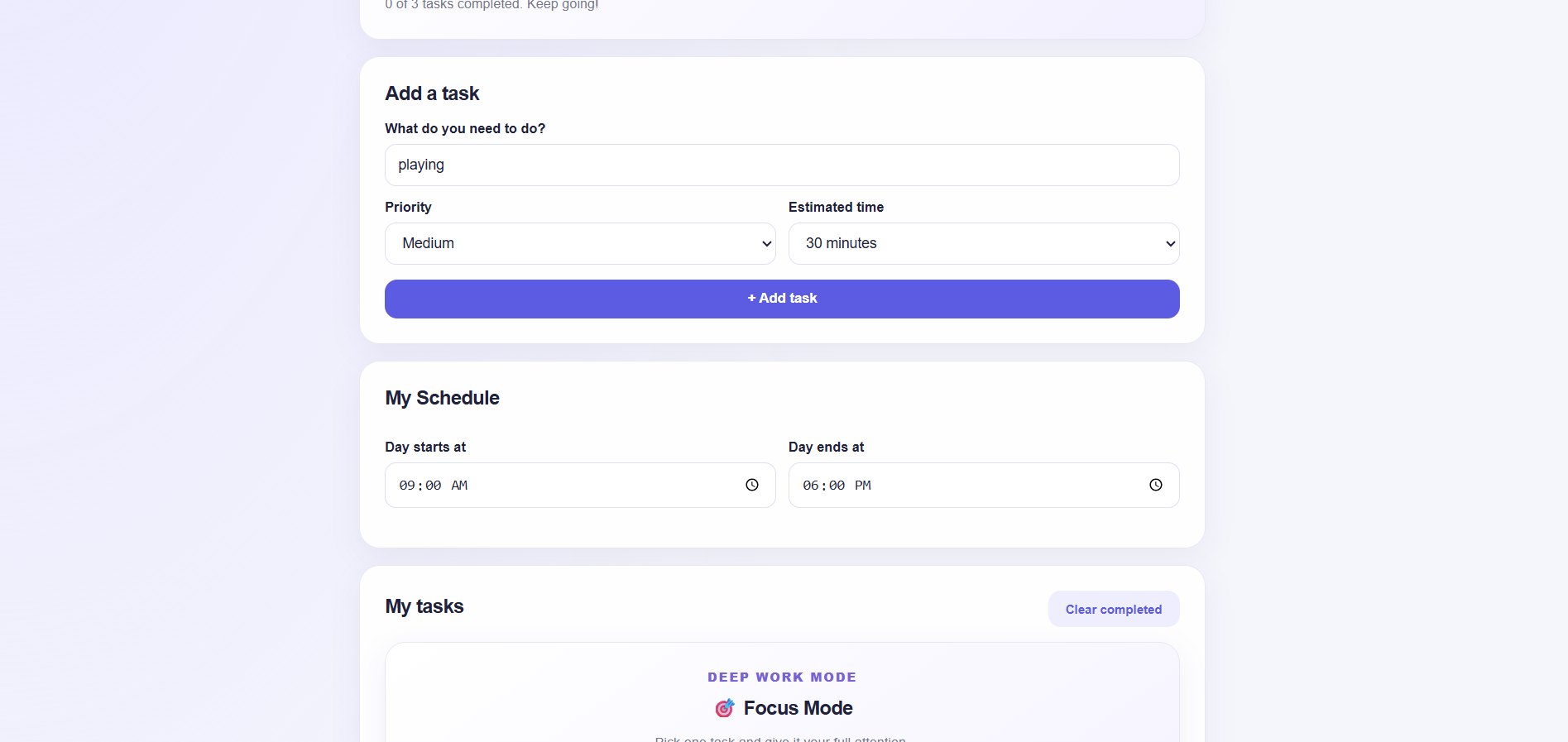
- Task Management: Add, complete, search, filter, and sort tasks, with data saved locally in the browser.
- AI Daily Planner: Uses Gemini to generate a structured daily plan based on tasks and available working hours.
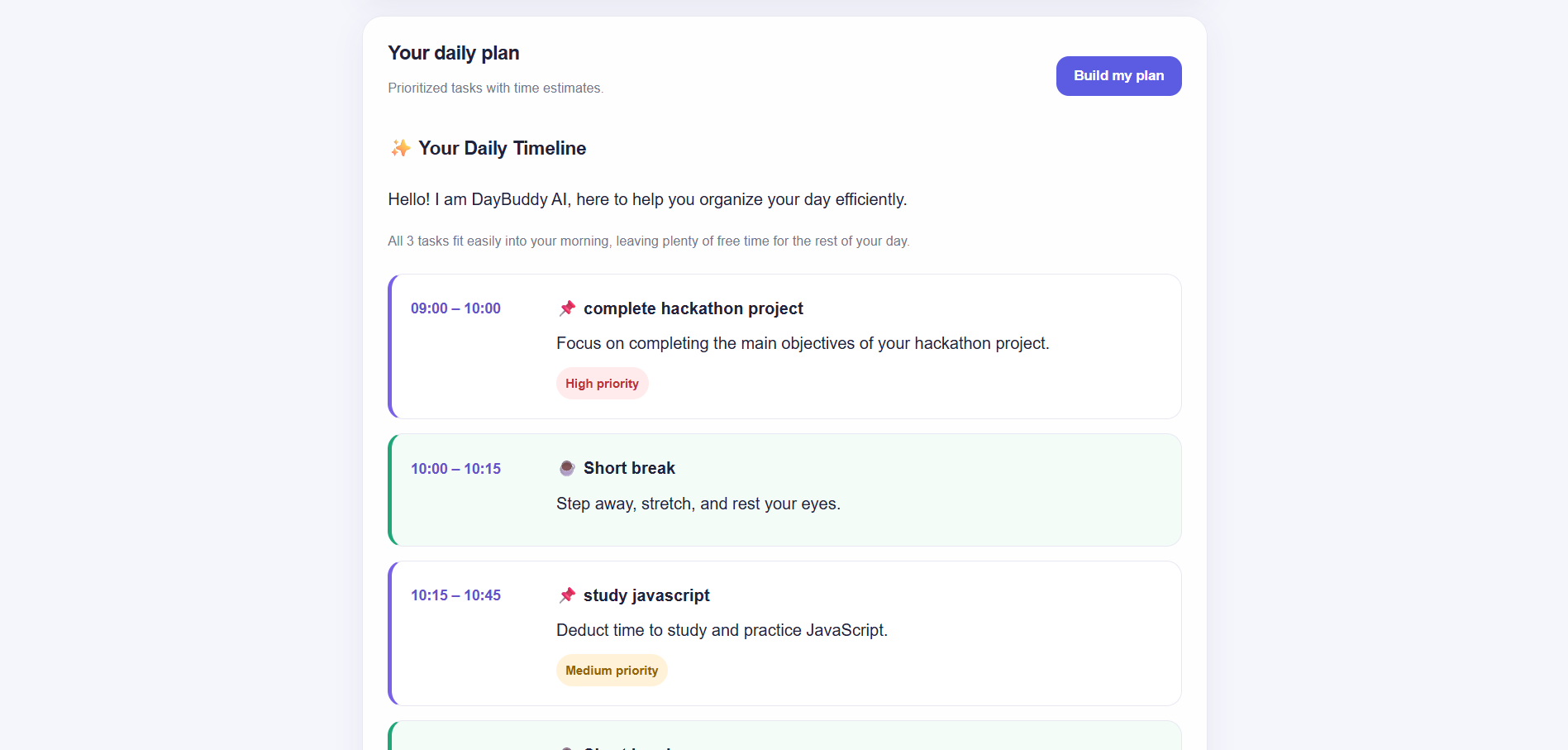
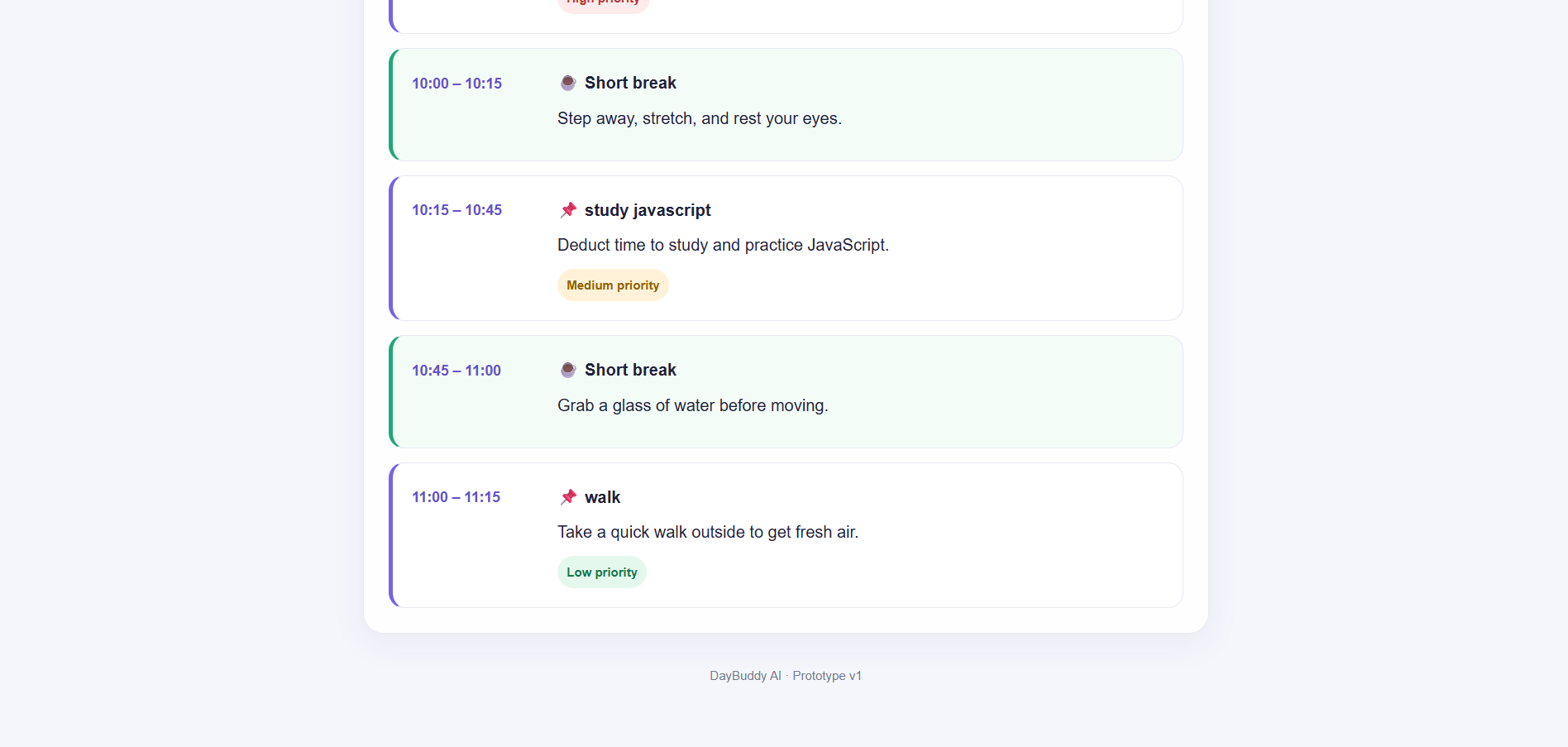
- Visual Schedule: Displays planned activities in an easy-to-understand timeline, including priorities and breaks when included in the generated plan.
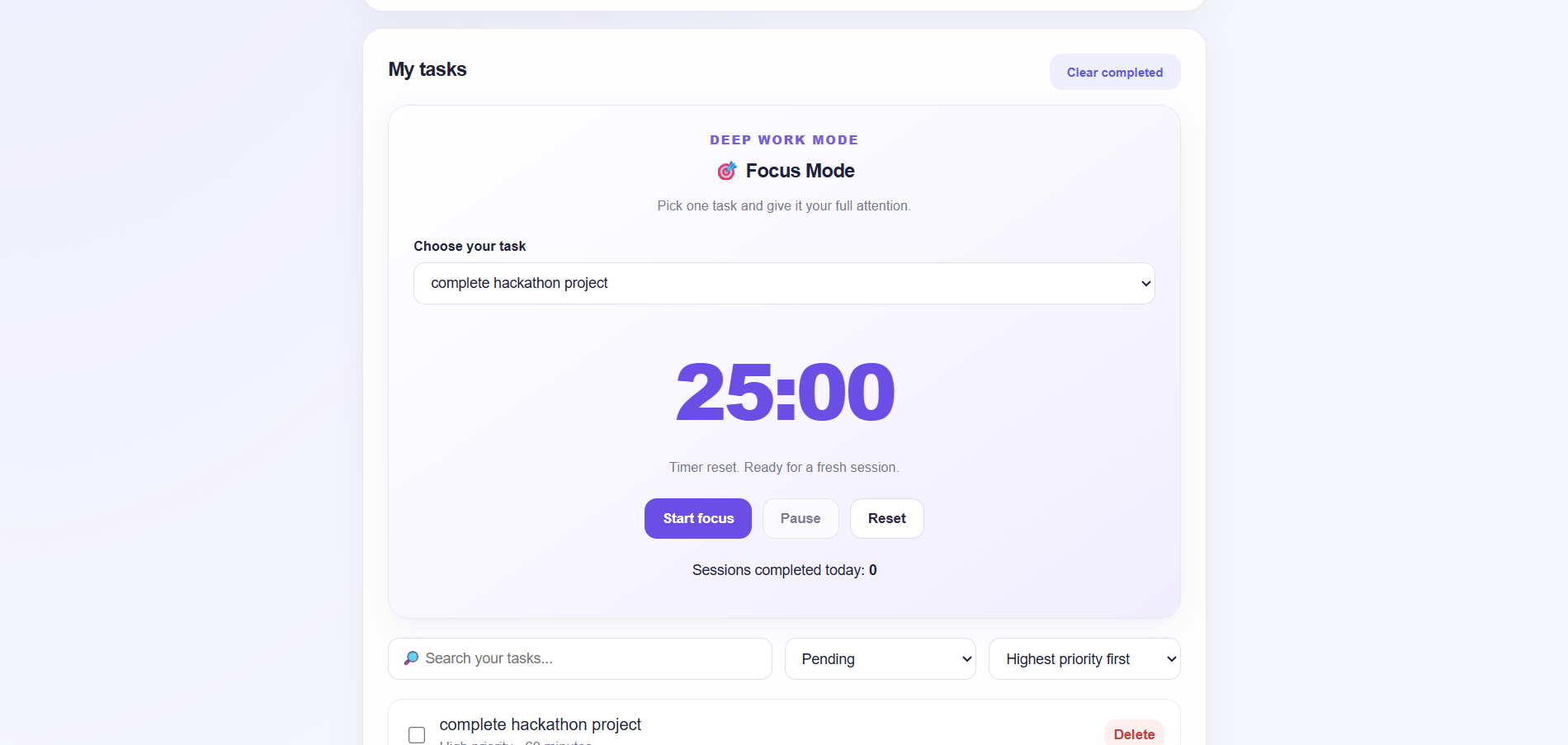
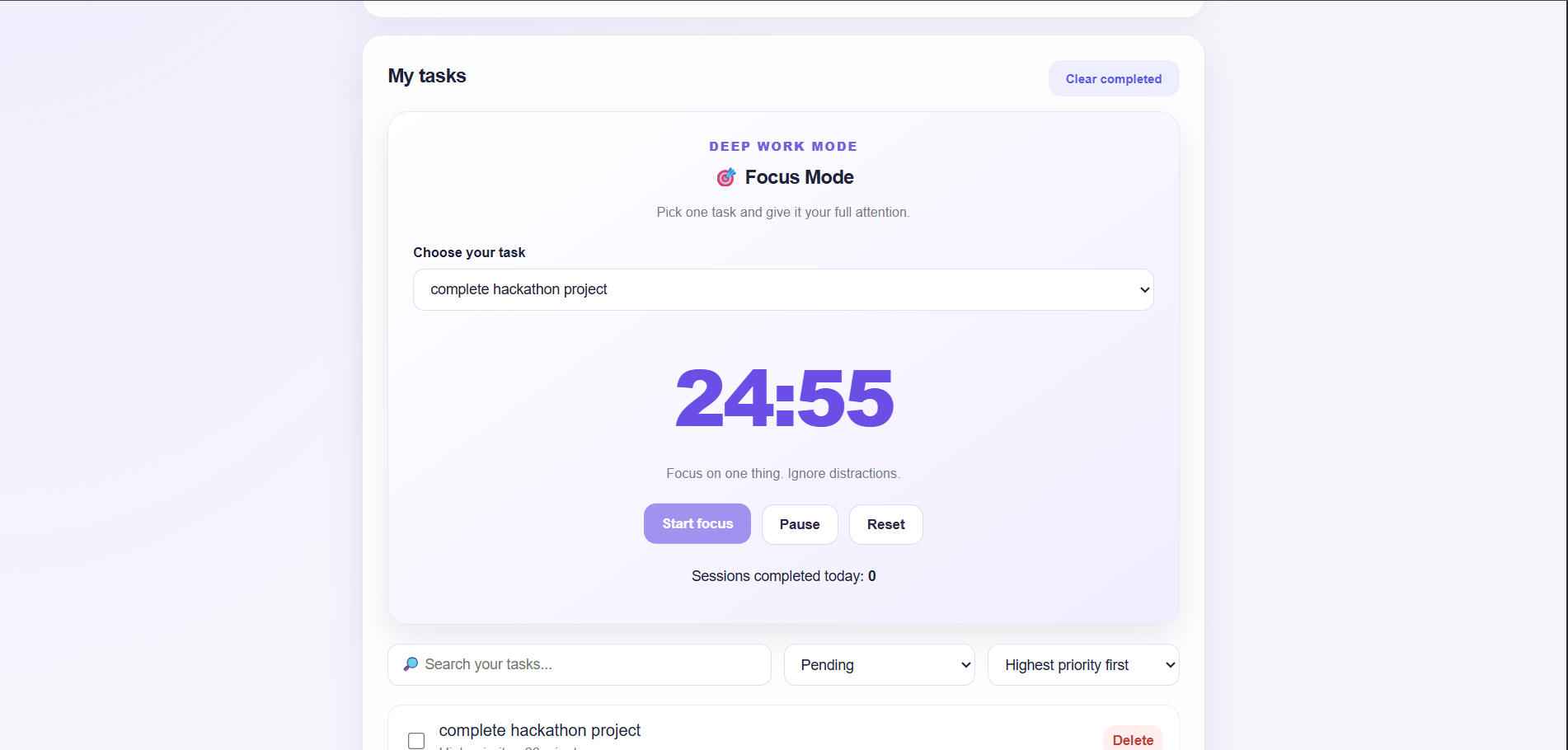
- Focus Mode: Provides a countdown-based focus session to help users concentrate on a selected task.
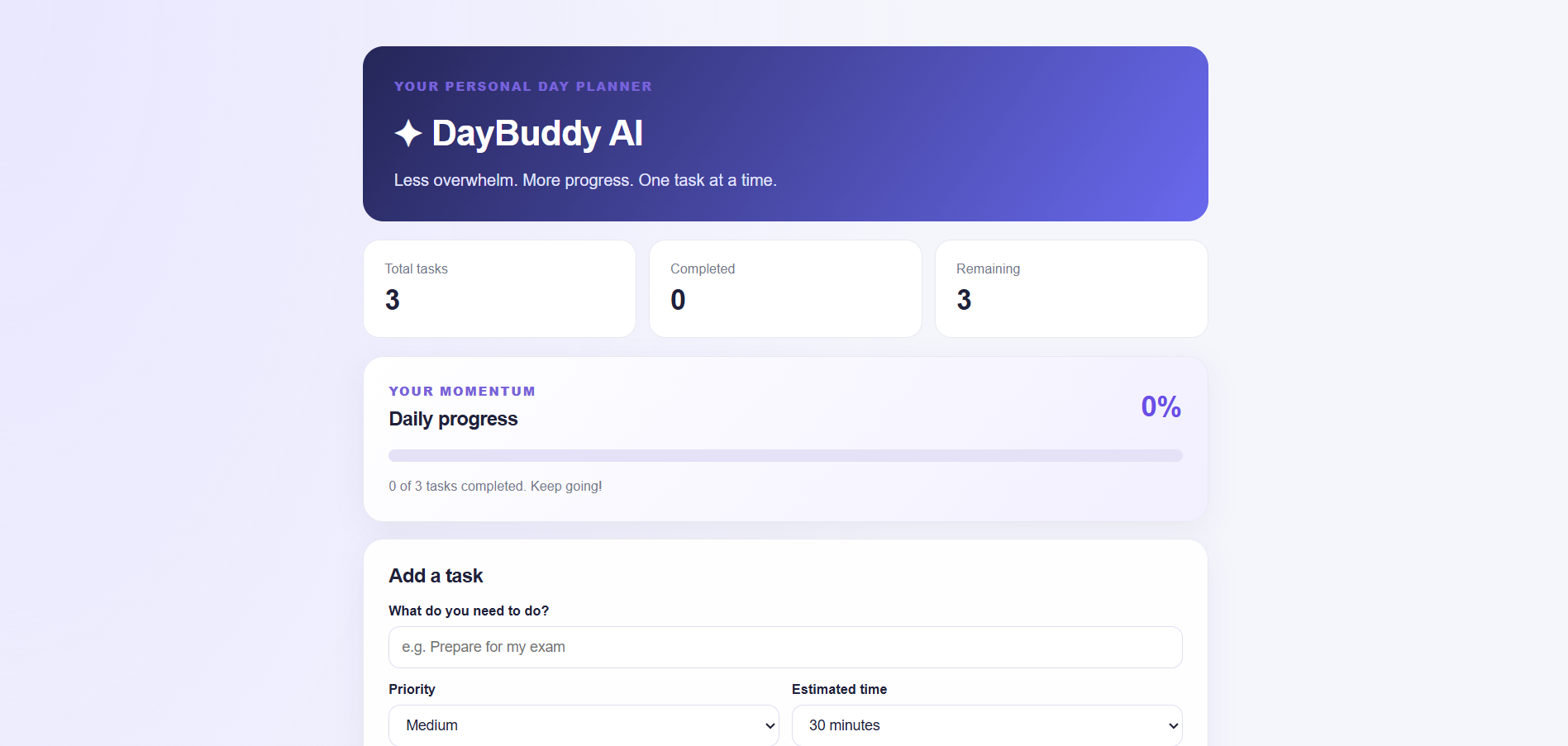
- Progress Dashboard: Shows task statistics and progress throughout the day.
- MCP Tools: Includes a Model Context Protocol (MCP) server with tools for prioritizing tasks and generating a time-based daily schedule.
How I Built It
I built DayBuddy AI using HTML, CSS, and JavaScript for the frontend, with Node.js and Express powering the backend. I integrated Google's Gemini API to generate daily plans and kept the API key in an environment variable instead of exposing it in frontend code.
For the Alexa+ hackathon track, I added a separate MCP server using the official Model Context Protocol TypeScript ecosystem's JavaScript SDK packages. It exposes two tools: prioritize_tasks and create_daily_plan. I then created an MCP client test script to connect to the server, discover its tools, call them, and verify their responses.
I also used Git and GitHub to version-control the project and publish its source code with setup instructions.
Challenges I Faced
One challenge was integrating AI-generated planning into an existing task management application while keeping the schedule structured and easy to display. I needed to handle API requests, parse structured responses, and account for tasks that could not fit into the available time.
Another challenge was learning how MCP works in practice. I created a separate MCP server so the existing website could continue running independently, then tested actual client-to-server tool calls over Streamable HTTP. Resolving Git configuration and repository merge issues was another part of getting the project ready to share.
What I Learned
This project helped me understand how to connect a frontend, backend, and AI API into a working application. I learned more about environment variables, API integration, structured data, task scheduling, Git workflows, and testing an MCP server with a real client.
Most importantly, I learned that building an AI application is not just about generating intelligent responses. It is also about making those responses useful, predictable, and accessible through a clear user experience.
What's Next
I would like to connect DayBuddy's task data more directly to its MCP tools, improve schedule generation with smarter break and time-conflict handling, and explore how the experience could work with Alexa+ through an appropriate integration or a clearly demonstrated web-based simulation.
My goal is to make DayBuddy AI a practical daily companion that helps people spend less time organizing their work and more time getting it done.
Built With
- ai
- css
- express.js
- generative-ai
- github
- google-gemini-api
- html
- javascript
- model-context-protocol-(mcp)
- node.js


Log in or sign up for Devpost to join the conversation.