-
Launch screen featuring a makeshift icon.
-
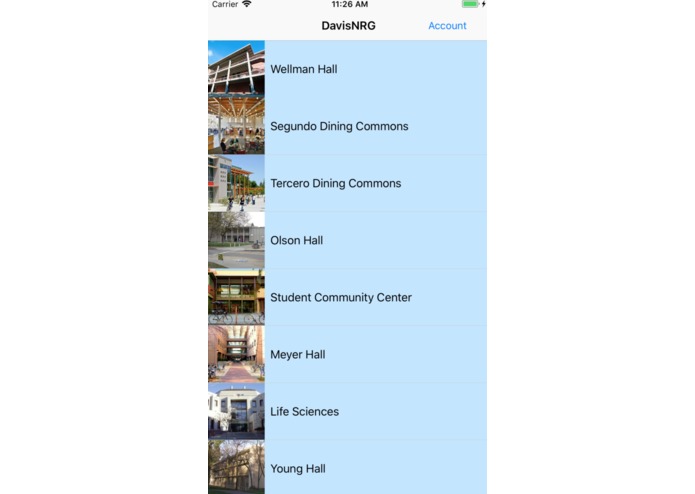
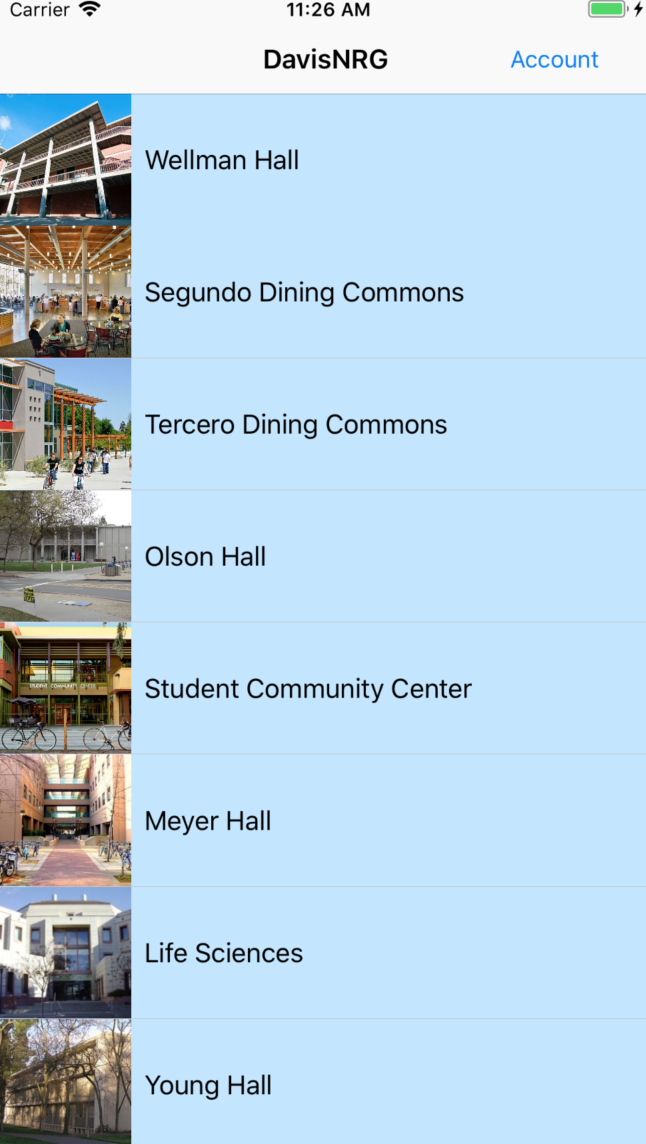
Table view featuring UC Davis's major buildings. Clicking triggers a segue into a detail view of the building's energy usage statistics.
-
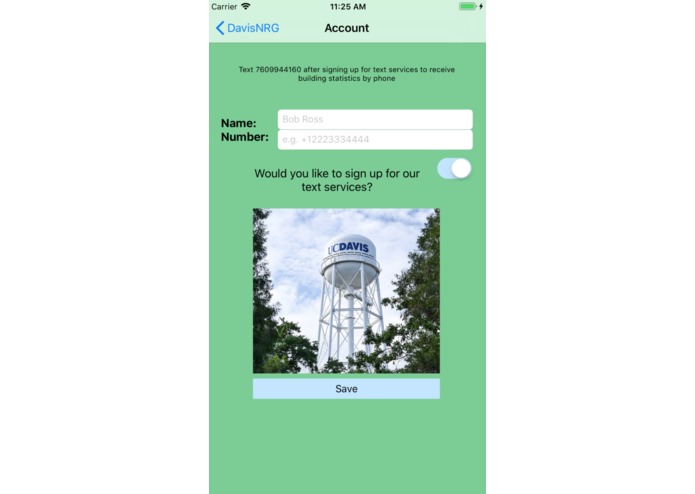
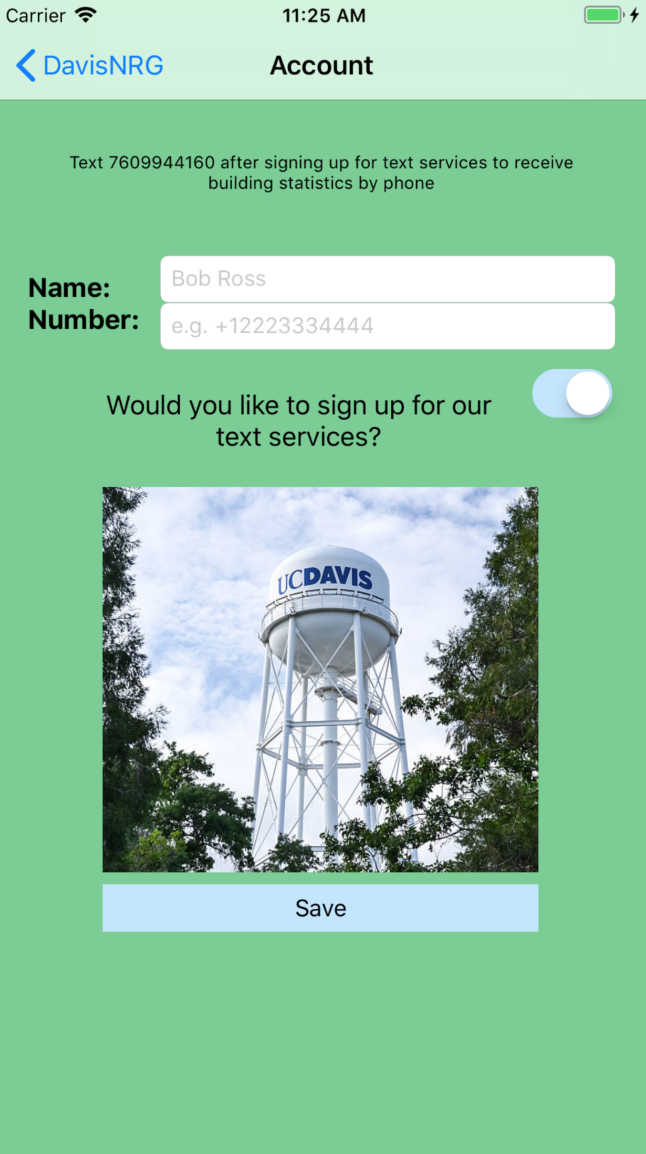
Account view featuring opportunity for users to sign up for SMS service that can allow them to get building statistics on their phones.
-
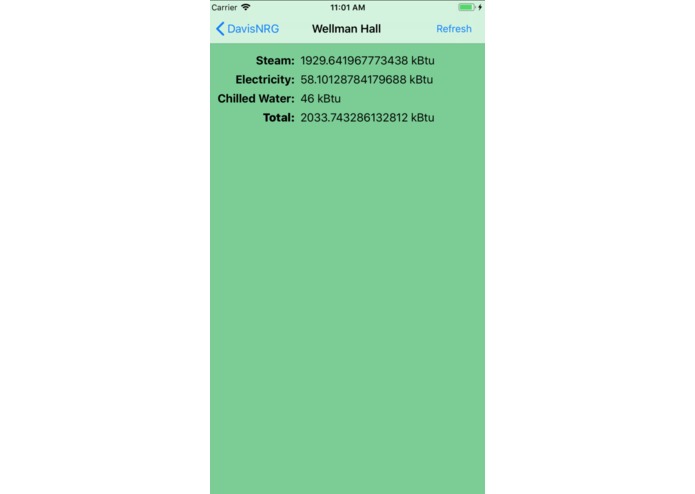
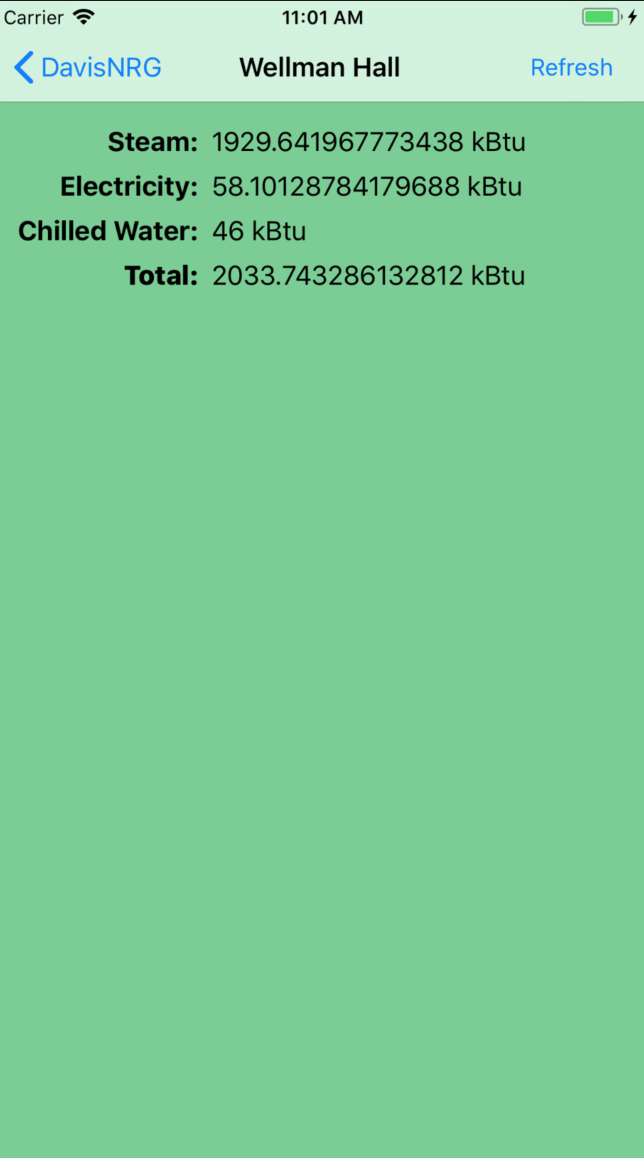
Detail view of a building featuring major statistics (steam, electricity, chilled water, and total consumption).
Inspiration
We were inspired to create this project because of how the large amount of energy consumed by the campus affects the environment, with carbon emissions being the primary focus.
What it does
DavisNRG provides users with real-time energy usage stats, and allows individuals to instantly get access to usage data both through an iOS app and via SMS.
How we built it
We used Xcode/Swift to build the app, and a Node.js webserver to facilitate API calls and the backend. We used the OSISoft dataset to gather real-time energy use data and Twilio to interface our API with SMS. The app communicates with the API and stores data using Amazon Web Services. The web server is hosted on a DigitalOcean droplet running Ubuntu.
Challenges we ran into
Building the backend using pure AWS Lambda took way too much time, and we ended up just using pure Node.js and ExpressJS since it was simply better for building a RESTful API. We also redesigned our backend a couple of times to better utilize the functions built in to the OSISoft API. Making the layouts on the app work was also an issue, since auto constraints got in the way of our design.
Accomplishments that we're proud of
We are very happy with how the app and the API turned out, and we are proud of the level of polish and functionality that our program presents.
What we learned
We learned a lot about Amazon Web Service integration, and constructing a REST compliant API.
What's next for Davis NRG
We would like to add the ability to alert opted-in users when energy usage is higher than a set limit. We would also like to integrate location services to automatically select the correct building and display relevant information.


Log in or sign up for Devpost to join the conversation.