Inspiration
We were frustrated with not knowing when professors or colleagues are available. We initially wanted a simple status indicator on the back of a laptop, but pivoted to an IoT smart door display—a physical LCD screen showing real-time availability that visitors see before knocking.
What We Built
A three-layer system:
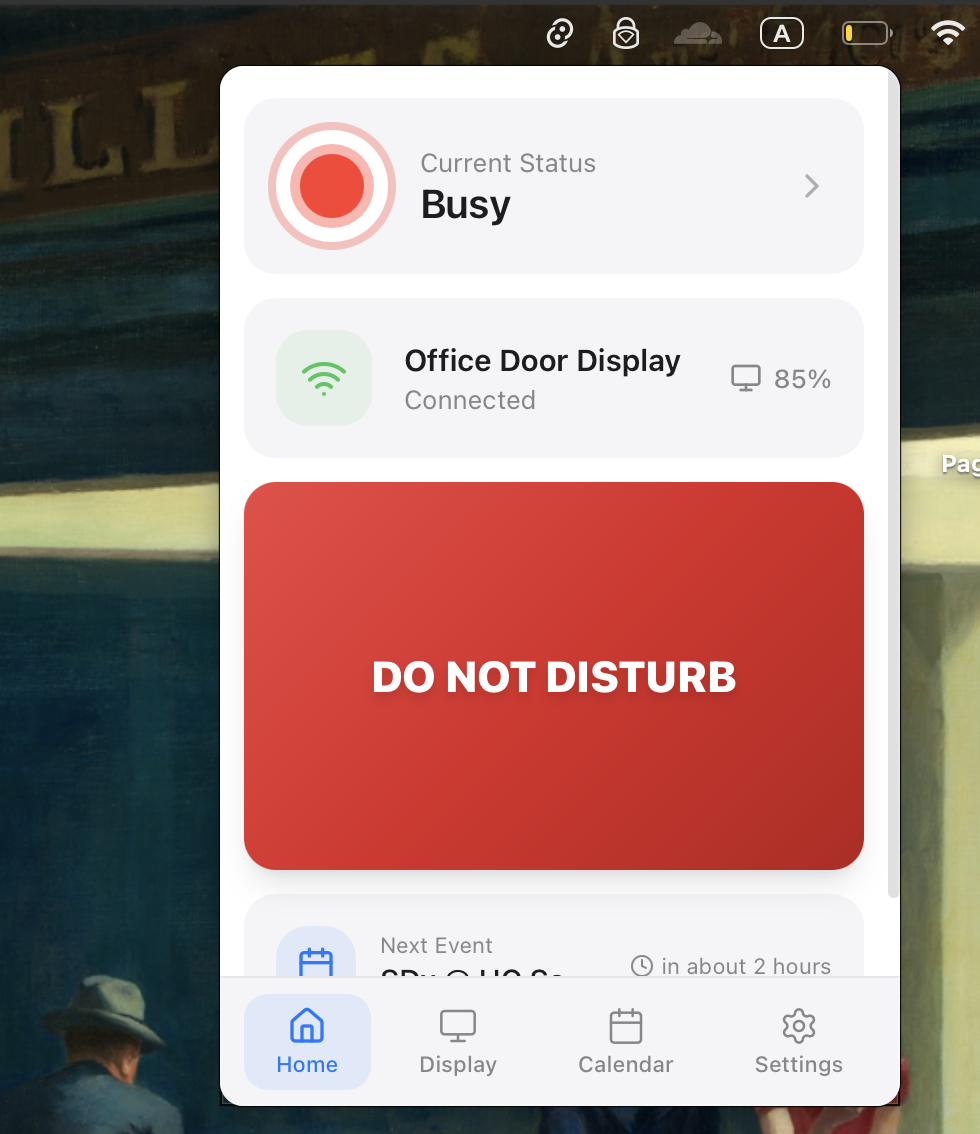
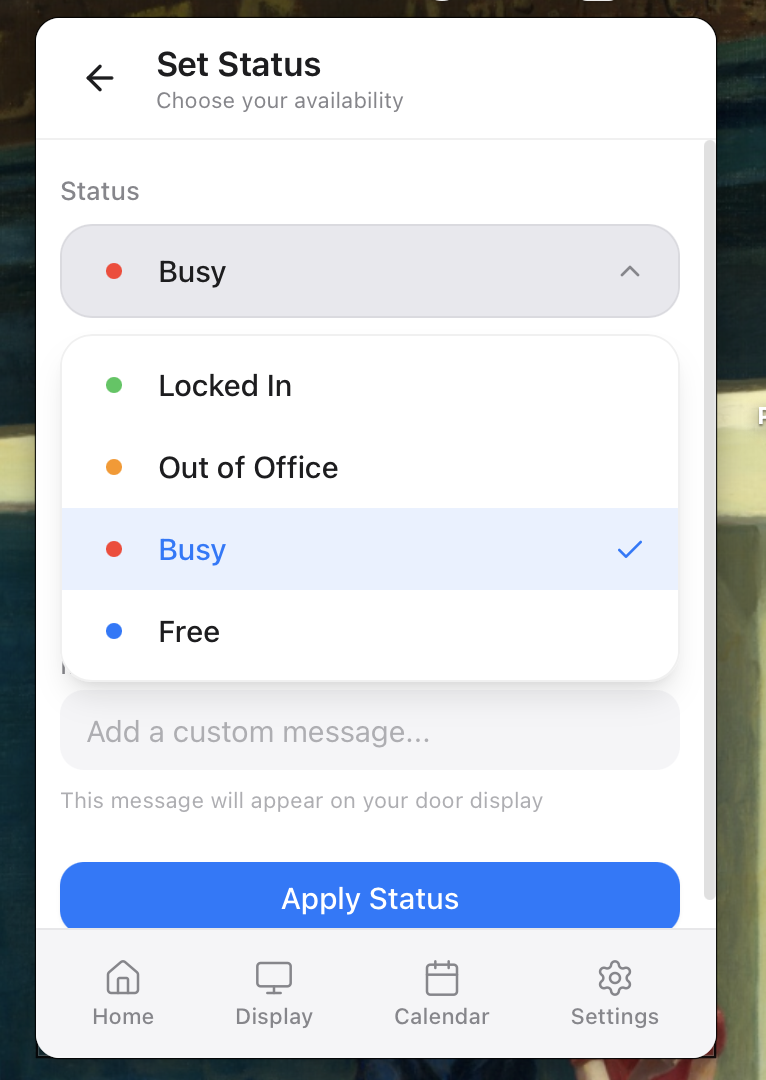
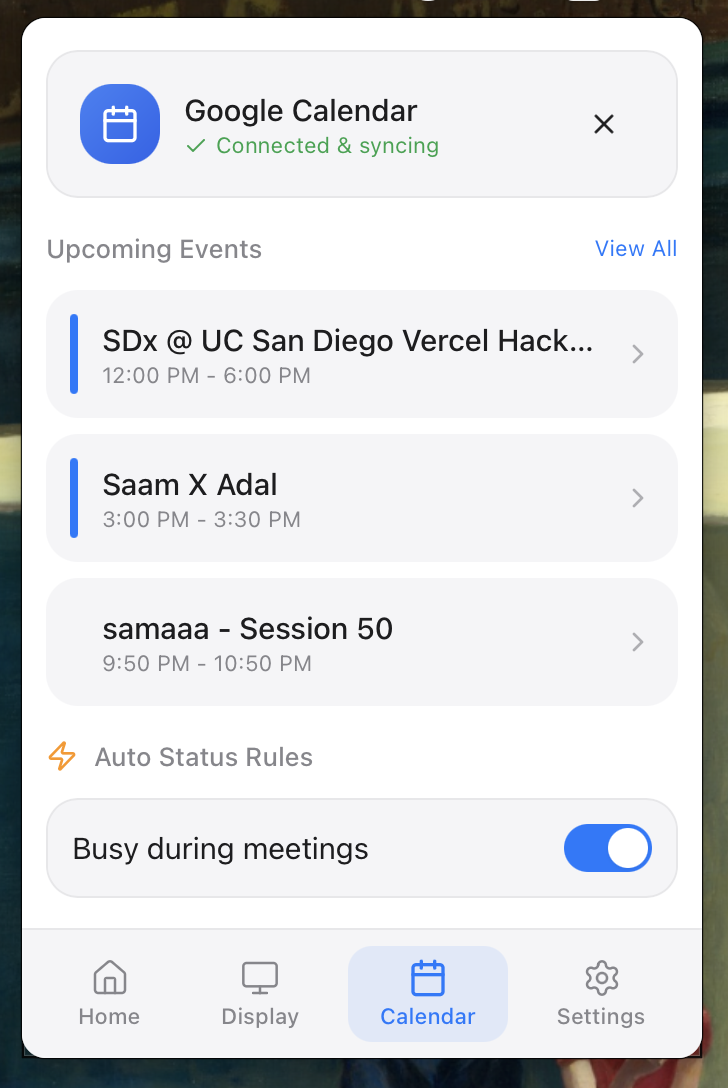
Mac Menu Bar App (Tauri + React) — Set status manually or sync Google Calendar
Backend API (Flask on Vercel) — Manages state and integrates calendar/AI
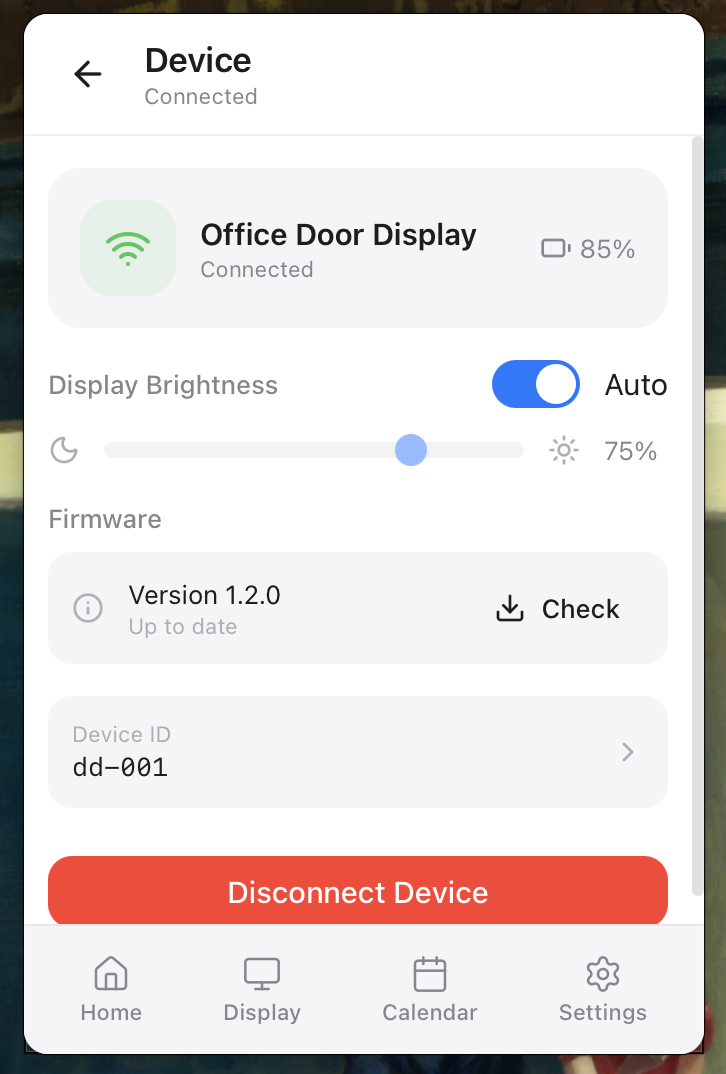
LCD Door Display (SenseCAP) — Polls API every 3 seconds
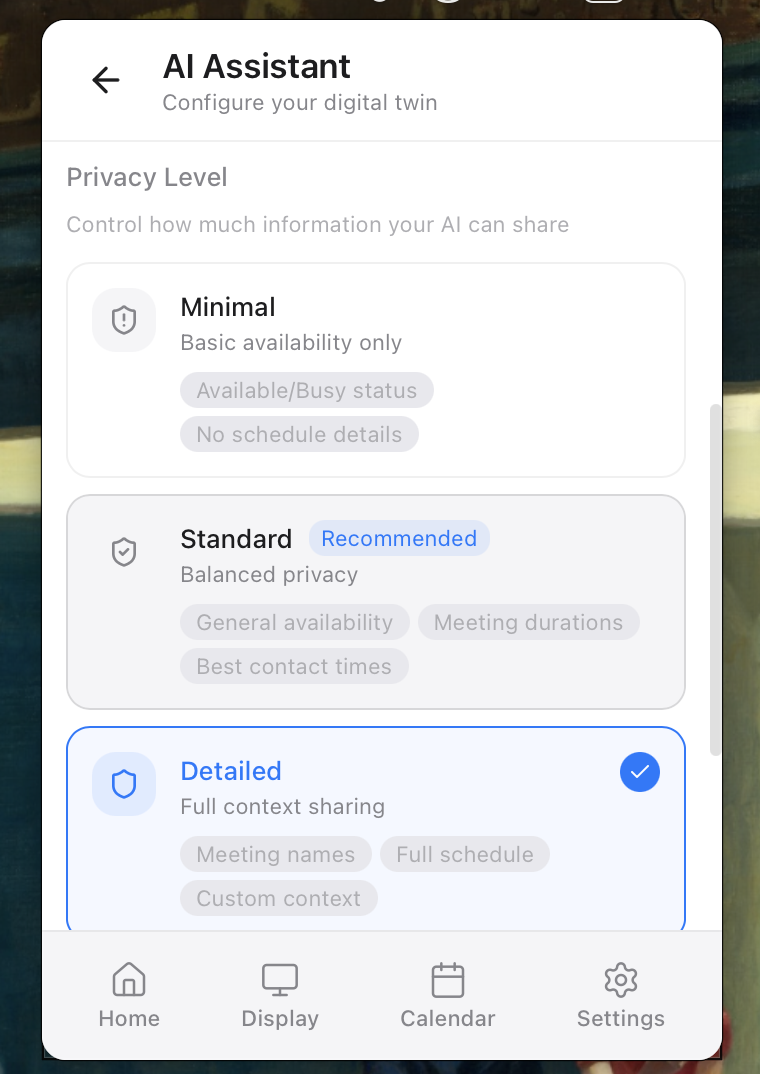
Visitors can ask Alexa "Is Sam available?" and get AI-powered answers based on real calendar data with configurable privacy levels.
How We Built It
Tauri over Electron: 5MB vs 150MB, better native performance
Google Calendar OAuth: Automatic status updates from real events
OpenRouter/GPT-4: AI answers visitor questions with strict guardrails
Three privacy levels: Minimal (free/busy), Standard (times only), Detailed (full schedule)
Smart caching: Calendar cached every 30s, display refreshes instantly
Key Challenges
ESP32 Hell — Debugging firmware on microcontrollers is painful; prefer cloud-first architecture
Hardware-Software Communication — Serial protocols, baud rates, timeouts ate weeks; HTTP polling is simpler
macOS Integration — Menu bar apps require Rust bridges; native constraints are real
Mobile/Hardware Sync — State consistency across devices is hard; centralized backend solved it
3D Printing — Enclosure design and tolerance stacking was tedious; outsourcing faster than iterating
What We Learned
Avoid bare metal when possible; HTTP polling > low-level device protocols
Cloud-first beats device-first for consumer IoT
macOS native development has steep curves (Rust, permissions, menu bar lifecycle)
Hardware-software integration multiplies complexity exponentially
3D printing iterations are slow; pre-made enclosures save time
Built With
- amazon-alexa
- amazon-web-services
- arduino
- esp32
- flask
- python
- react
- rest
- vercel
- vite


Log in or sign up for Devpost to join the conversation.