-
-
-
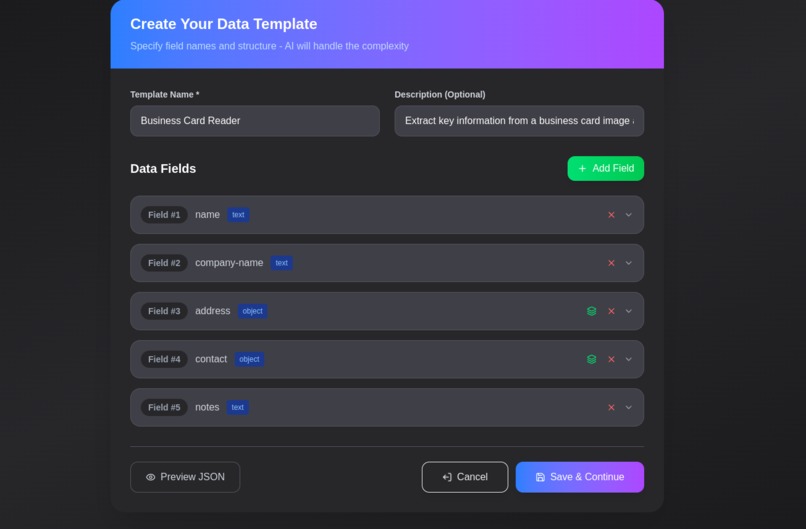
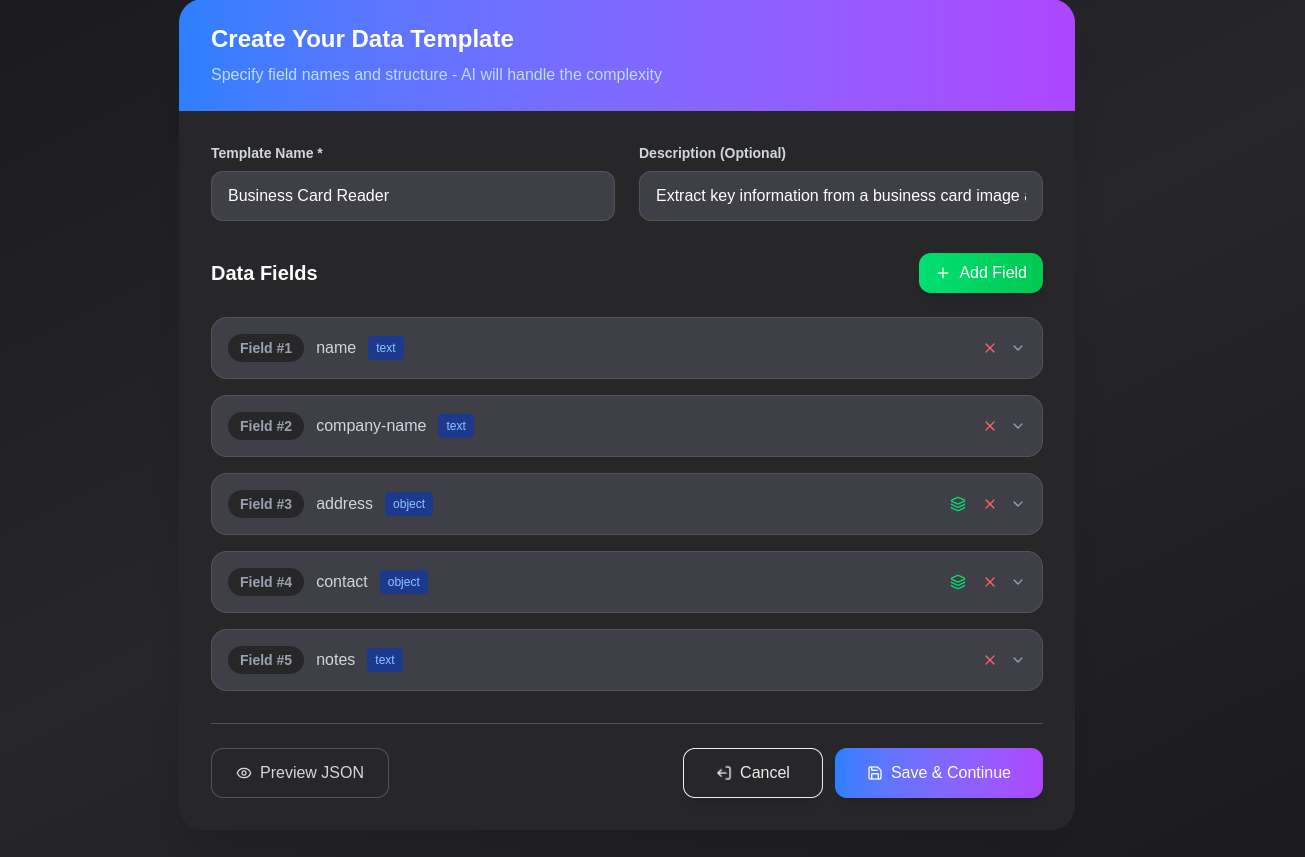
Create custom scanners
-
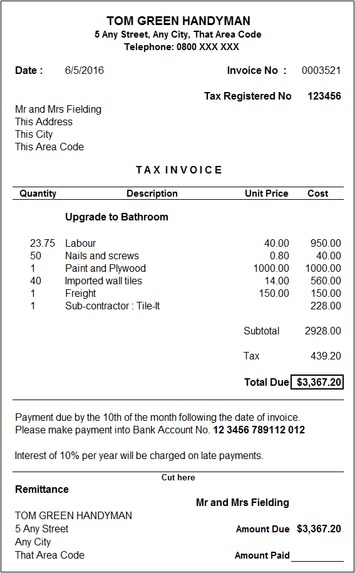
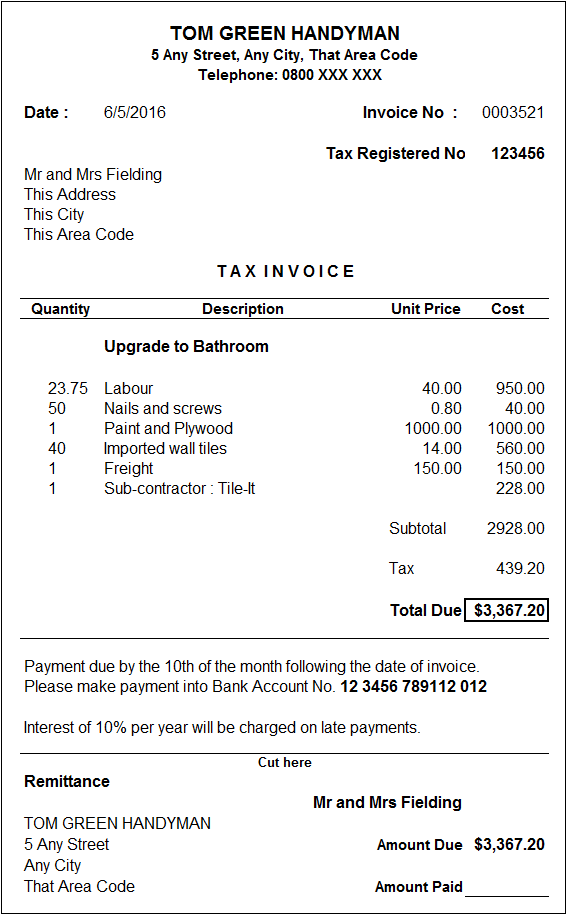
Example Invoice
-
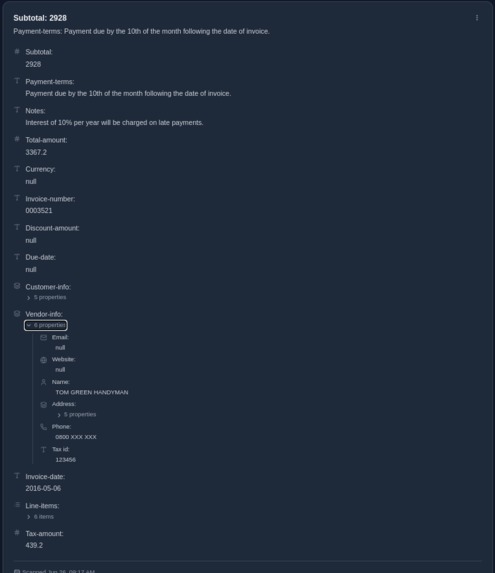
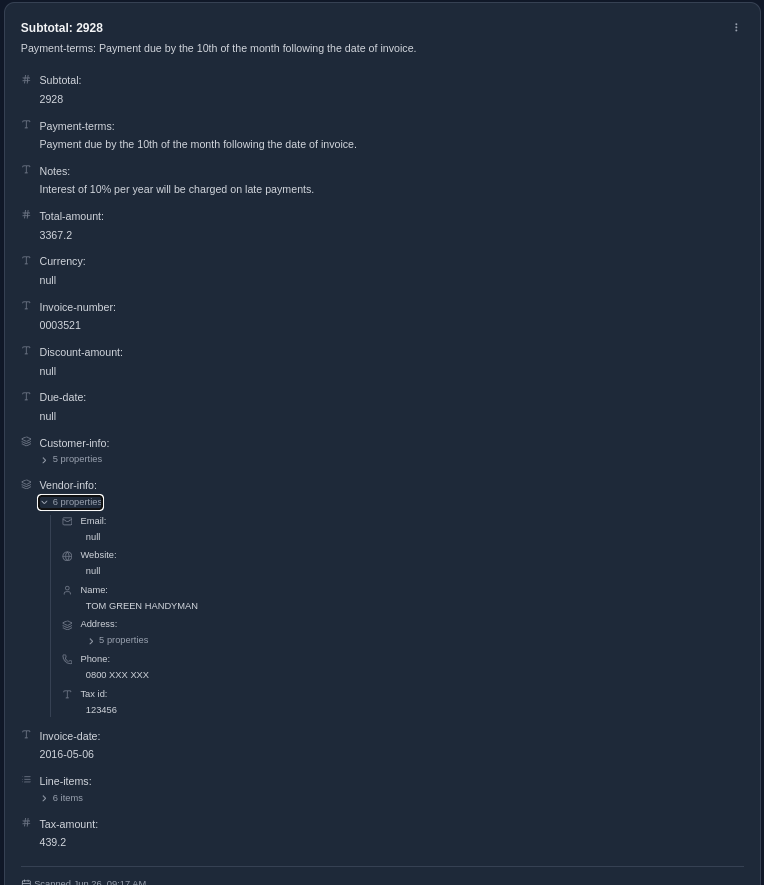
Example output
-

Records in form of denormalized table

Inspiration
The global data entry services market was valued at approximately USD 5.2 billion in 2023. Yet, the process of manually transferring data from forms, invoices, receipts, or scanned documents remains slow, error-prone, and tedious.
We observed a common pattern across businesses and institutions: hours wasted on extracting structured information from unstructured formats like images or PDFs. That inefficiency sparked the idea behind Datomate—an intelligent, user-configurable platform that automates data extraction with precision and ease.
What It Does
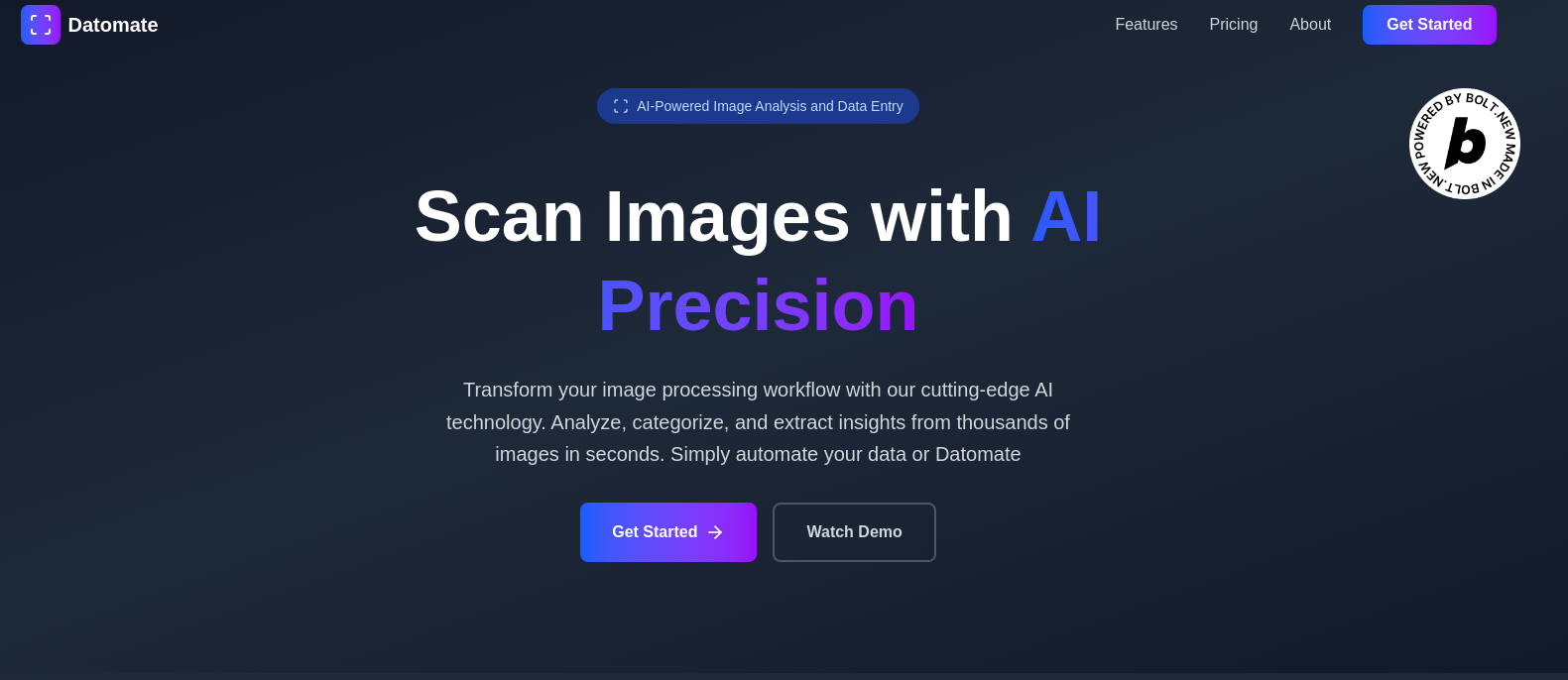
Datomate empowers users to create custom data extraction templates—what we call “scanners”—and apply them to scanned documents or images.
With just an image upload, Datomate:
- Extracts and structures data using OCR and AI,
- Converts extracted text into organized records,
- Enables users to query, filter, and perform operations on the data,
- Supports exporting in formats like JSON and CSV,
- Allows users to define their own field types and extraction rules,
- Offers a library of pre-built scanners in the Explore section for instant setup.
Once designed, scanners can be reused on similar documents, eliminating repetitive configuration or the need for programming expertise.
How We Built It
We leveraged a modern tech stack and generative AI to build Datomate:
- Frontend: Built using Next.js and Tailwind CSS for a clean, responsive user interface.
- AI-Powered OCR: Integrated Gemini to handle text recognition across various document types.
- Schema-Based Extraction: Users define fields and types to guide the parsing logic.
- Backend & Storage: Implemented with Firebase for secure authentication and real-time storage.
- Exporting Tools: Developed modules to support seamless exports in CSV and JSON formats.
- Platform: Primarily developed using bolt.new, allowing rapid prototyping and deployment.
Challenges We Ran Into
- OCR Variability: Extracting accurate data from diverse document layouts, handwriting styles, and low-quality images required extensive tuning and testing.
- Template Consistency: AI-generated fields often lacked uniformity. We overcame this with prompt engineering and iterative validation.
- User-Friendly Mapping: Designing an interface that allows users to define fields without exposing them to technical complexity was a balancing act.
- Performance at Scale: Processing large, high-resolution documents without overwhelming the client or breaching API limits demanded smart optimizations.
Accomplishments We're Proud Of
- Built a fully functional and scalable data automation tool in a short timeframe.
- Introduced custom scanners—a powerful feature that gives users full control over what data to extract.
- Designed a seamless, non-technical user experience that simplifies complex workflows.
- Enabled users to query and manipulate extracted data before exporting.
- Developed functionality to merge results from multiple documents into denormalized tables, ideal for bulk analysis and CSV exports.
What We Learned
- OCR accuracy significantly improves with good preprocessing and contextual prompts.
- Empowering users with customization while maintaining simplicity is key to adoption.
- Real-world documents are often messy and inconsistent—robust design must account for edge cases.
- The blend of AI automation with user-defined rules creates a powerful, flexible system that adapts to diverse use cases.
What's Next for Datomate
- Batch Processing: Support for uploading and processing large sets of documents in one go—ideal for businesses handling high-volume data like invoices or forms.
- Team Collaboration: Real-time sharing and editing of scanners and processed data across team members—perfect for organizations and departments.
- API Services: Launching a developer-friendly API to allow seamless integration of Datomate’s OCR and data extraction features into other systems or workflows.
- Integrations: Building native integrations with platforms like Google Sheets, Airtable, Zapier, and others—so data flows directly to where it's needed.


Log in or sign up for Devpost to join the conversation.