Inspiration
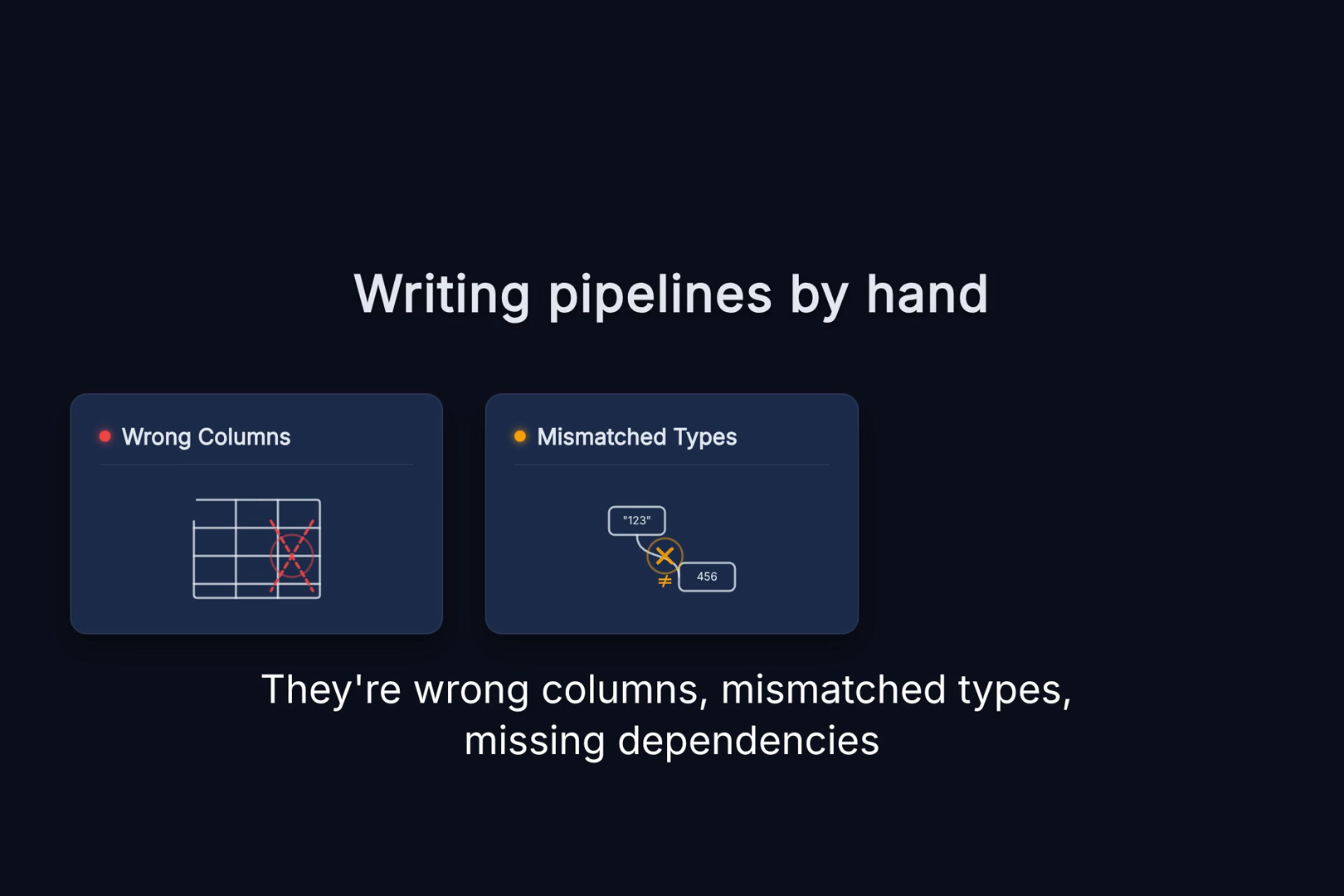
Data engineers spend hours hand-writing Airflow DAGs and dbt models, and the most common bugs aren't syntax errors — they're wrong column names, mismatched types, or missing upstream dependencies that the author simply didn't know about.
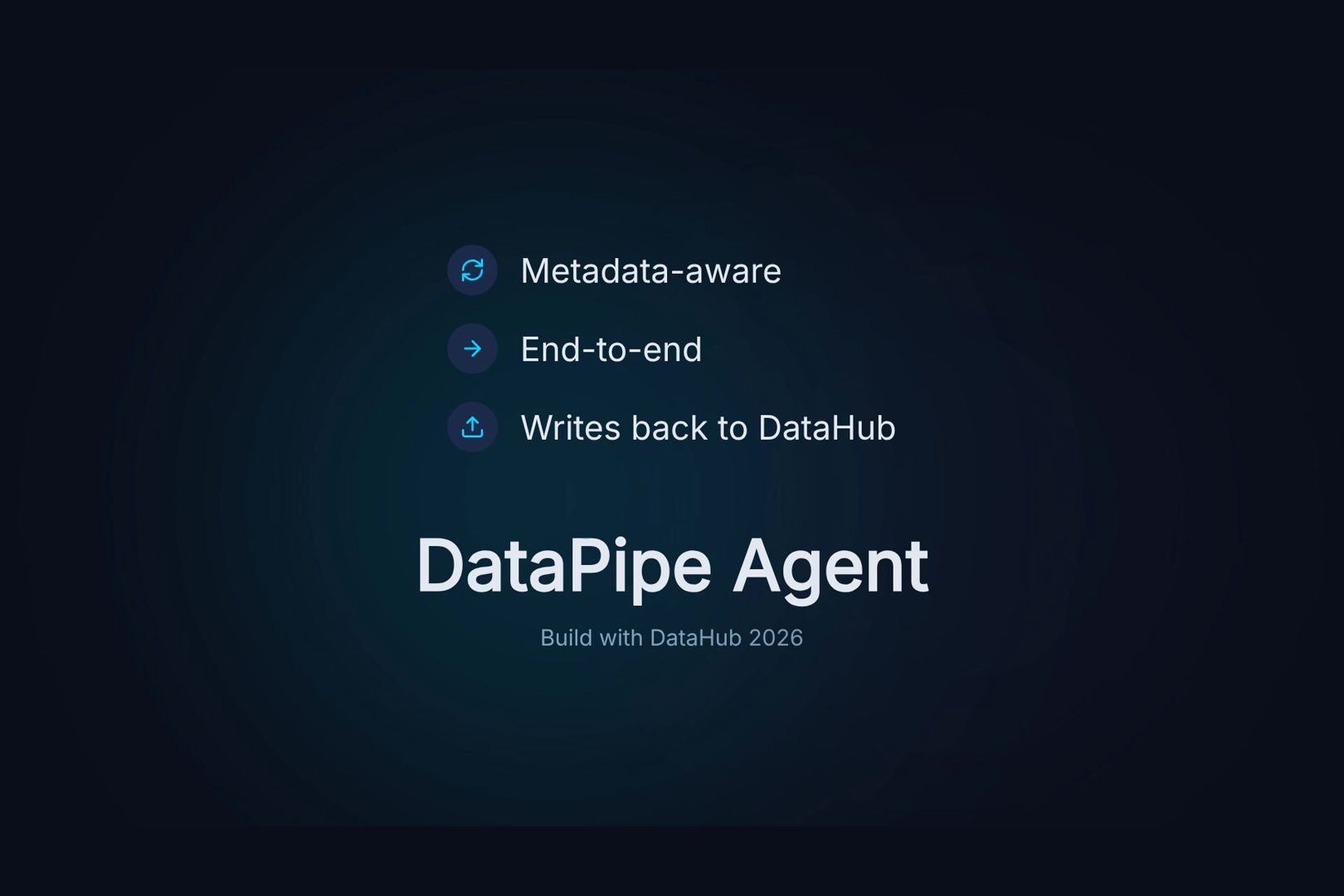
DataHub solves this by holding the real metadata: schemas, lineage, glossary terms, and governance rules. So we built DataPipe Agent — an AI agent that reads that metadata and generates pipeline code that works on the first try.
What it does
Give it a request like "join orders and customers, build a daily sales summary, create an Airflow DAG" and the agent:
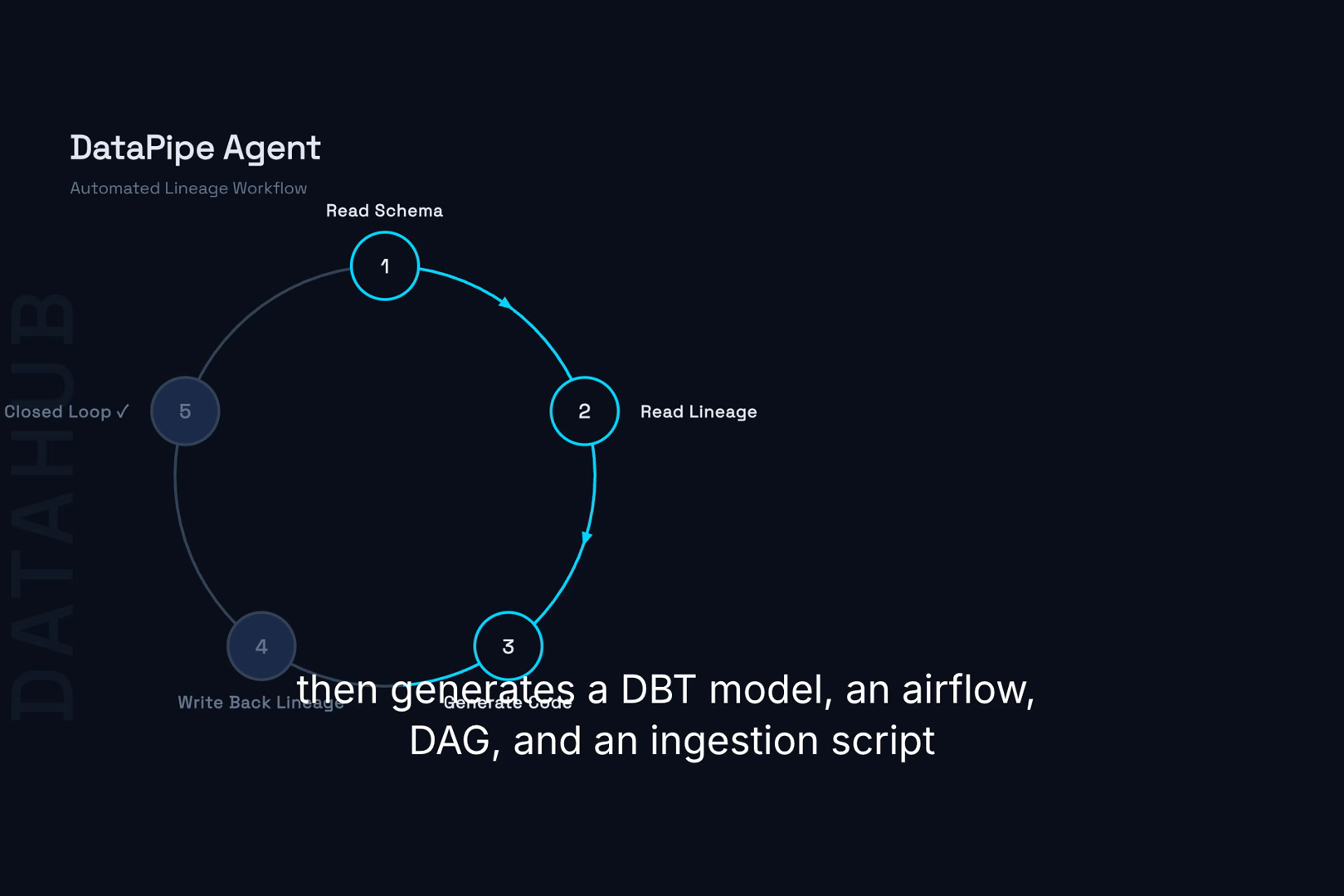
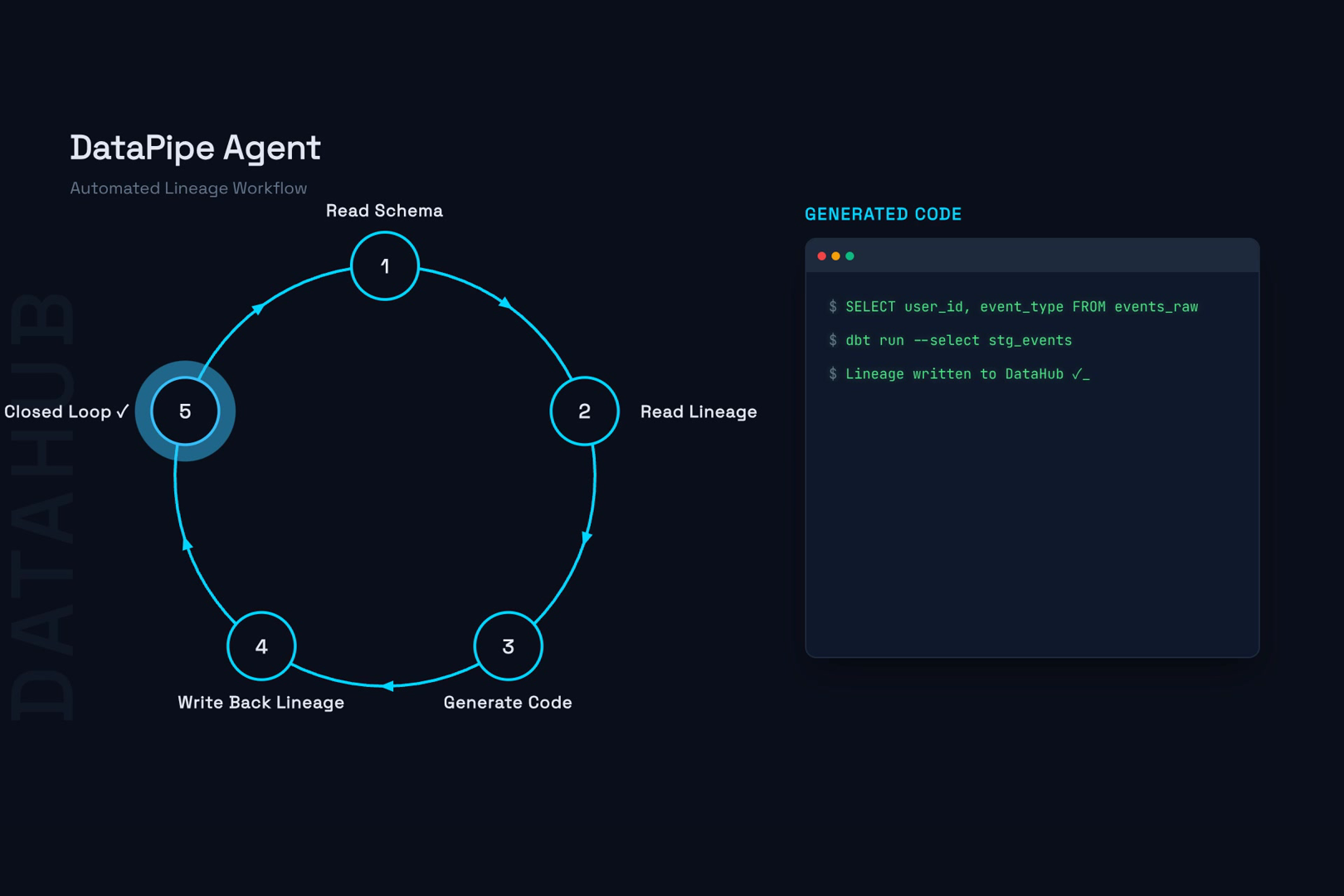
- Reads the real schemas, lineage, and glossary from DataHub
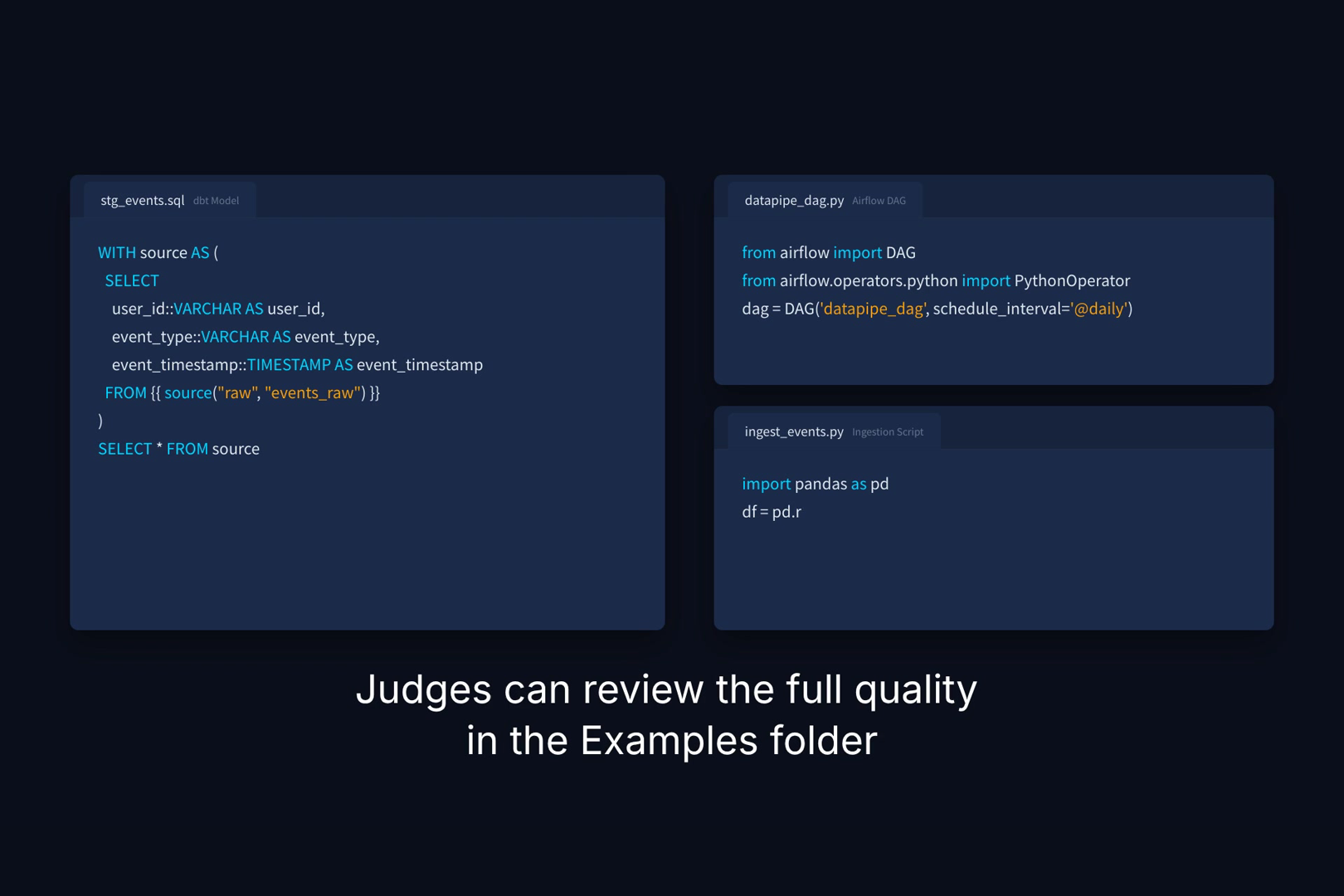
- Generates a dbt model whose column names and types match the actual source tables
- Generates an Airflow DAG with correct task dependencies and schedule
- Generates an ingestion script
- Writes the generated code back to DataHub lineage, closing the loop (metadata → code → metadata)
How I built it
- DataHub integration: Agent Context Kit / MCP Server to read schemas, lineage, glossary, and sample queries
- Code generation: pluggable LLM (DeepSeek, OpenAI-compatible) with a deterministic rule engine fallback so it works even without an API key
- Lineage write-back: Python SDK (
datahub.sdk)add_lineage+infer_lineage_from_sqlto record generated code as lineage transformations - Orchestration: LangGraph-style pipeline for search → schema analysis → lineage analysis → code generation → write-back
Challenges I faced
- The MCP Server mutation tools don't expose lineage write-back, so I used the Python SDK for that
- Making the generated code actually runnable (no undefined variables, correct dbt source references) required validating every artifact
- Designing a mock/datahub-agnostic mode so the full flow is demonstrable without a live instance
What's next
Extend to more target frameworks (Prefect, Dagster), add schema evolution detection, and contribute a DataHub skill for pipeline generation.
Built With
- airflow
- datahub
- dbt
- deepseek
- langchain
- langgraph
- python
- snowflake


Log in or sign up for Devpost to join the conversation.