As a Data Science & AI Integration Specialist, I often see business owners and professionals sitting on goldmines of data but unable to use it because they lack coding skills like Python or SQL. They are stuck in "spreadsheet chaos" or forced to wait for technical teams to run basic reports. I wanted to democratize data science by building a tool where "chatting" with your data is as powerful as writing code. Hereby removing the technical barrier between raw numbers and strategic insights.
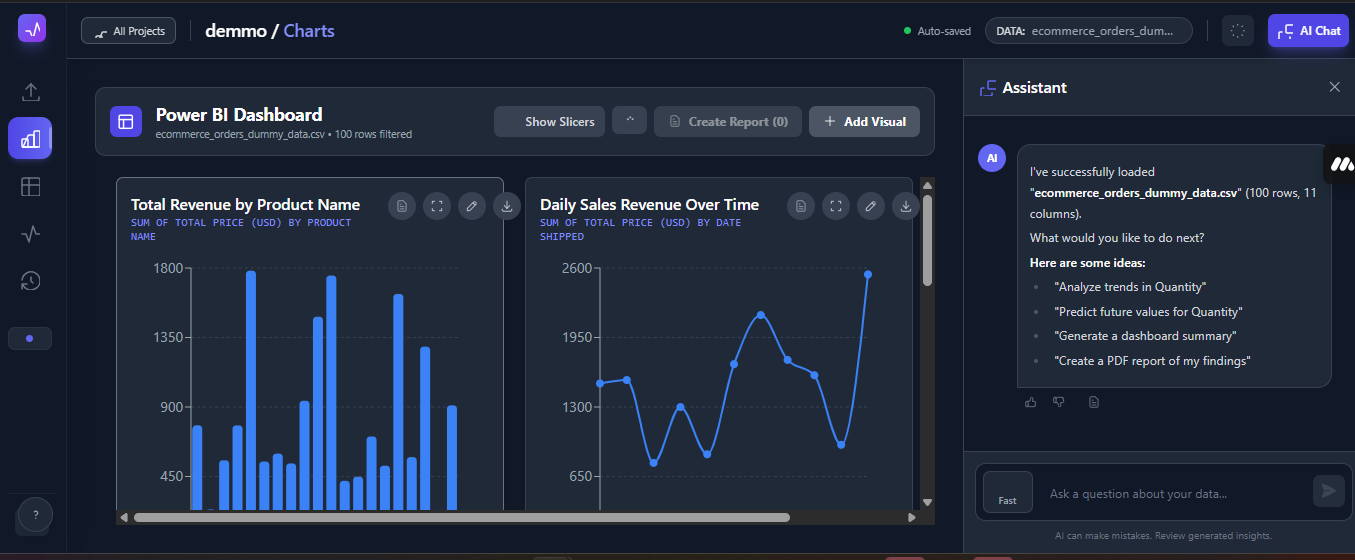
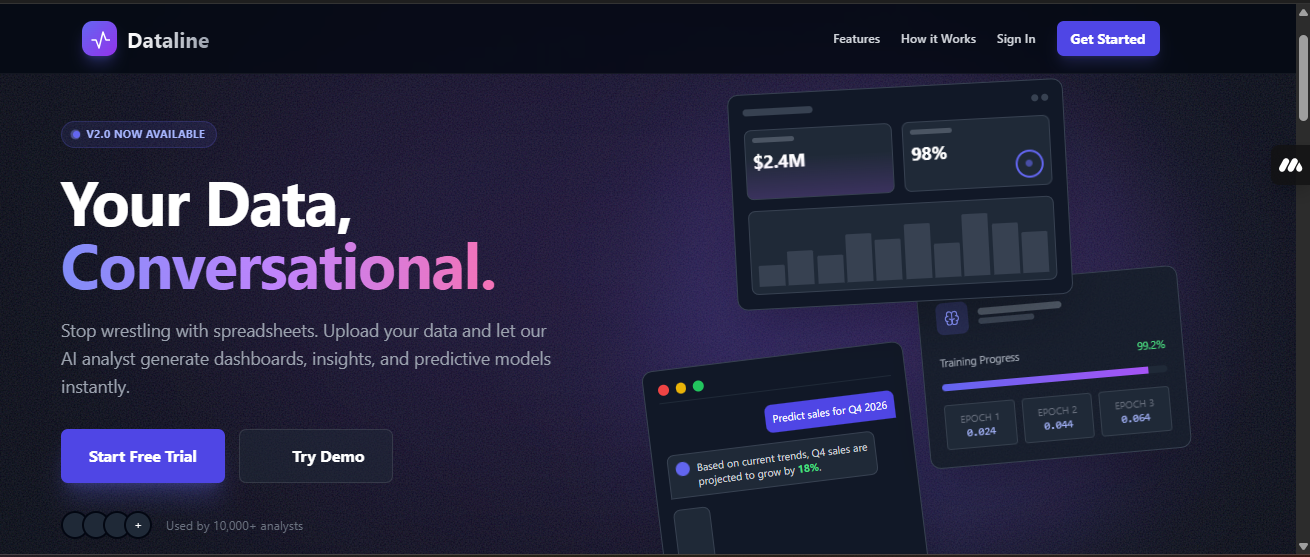
Dataline is a no-code data analyst that allows users to go from raw files to visual dashboards in seconds. Upload: Users simply drag and drop their datasets (CSV, JSON, etc.). Interact: They can chat with the AI in plain English to ask questions like "What is the sales trend for Q3?" or "Compare performance across regions." Visualize: The app automatically generates interactive charts and dashboards based on the conversation. Save: Users can save these generated dashboards to revisit later.
So far, I've used a modern stack centered around Google AI Studio and Supabase: AI Engine: I utilized Google's Gemini models via AI Studio to handle the reasoning and code generation. The model analyzes the dataset schema and generates the necessary JSON configurations to render accurate charts on the frontend. Backend & Auth: Used Supabase to handle secure Google Authentication and to store user data, saved dashboards, and chat history. Frontend: The interface was built to be intuitive for non-technical users, translating the AI's structured output into visual UI components instantly.
One of the biggest challenges was ensuring the AI consistently returned structured data (JSON) for visualizations rather than just conversational text. Early on, the model would explain the data well but struggle to format it perfectly for the charting library. Had to iterate heavily on the system prompt within Google AI Studio, using few-shot prompting to "teach" the model exactly how to structure the output so the frontend could render charts without errors.
We are most proud of the seamless "Zero-Code" experience. Seeing the app successfully take a raw, messy CSV file and output a professional-grade bar chart in response to a simple text question was a huge win. We are also proud of successfully integrating Google Sign-In via Supabase, making the onboarding process incredibly smooth for users.
I learned a significant amount about the nuances of prompt engineering for data analytics. Specifically, we discovered how to leverage the context window to keep "memory" of the dataset structure without needing to re-upload the file for every single query. We also deepened our understanding of building secure, scalable backends with Supabase.
I have plans of working with other people as a team to further make this app better and accessible for people. Below is a clear roadmap to take Dataline from prototype to production later this year: Presentation Maker: A feature to export generated dashboards directly into slide decks for meetings. Full No-Code ML: We'll be improving the feature where users can build machine learning models to make predictions (like forecasting sales) simply by asking the AI.
Beta Testing: We will be opening the app to a closed group of testers to refine the UX before the public launch.
Built With
- gemini-api
- google-ai-studio
- google-cloud
- next.js
- react
- supabase
- tailwind-css

Log in or sign up for Devpost to join the conversation.