Inspiration
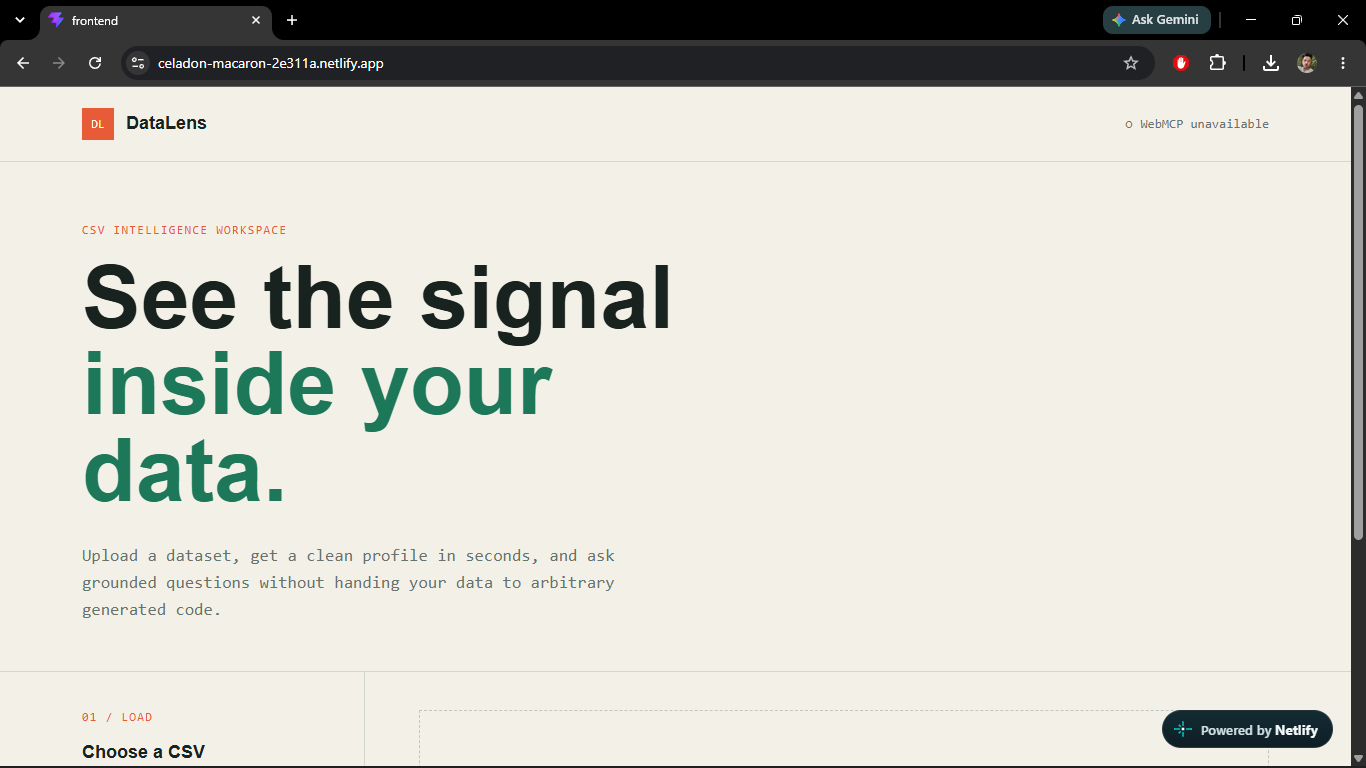
DataLens was inspired by a simple problem: CSV files contain valuable insights, but most people need technical skills to understand them.
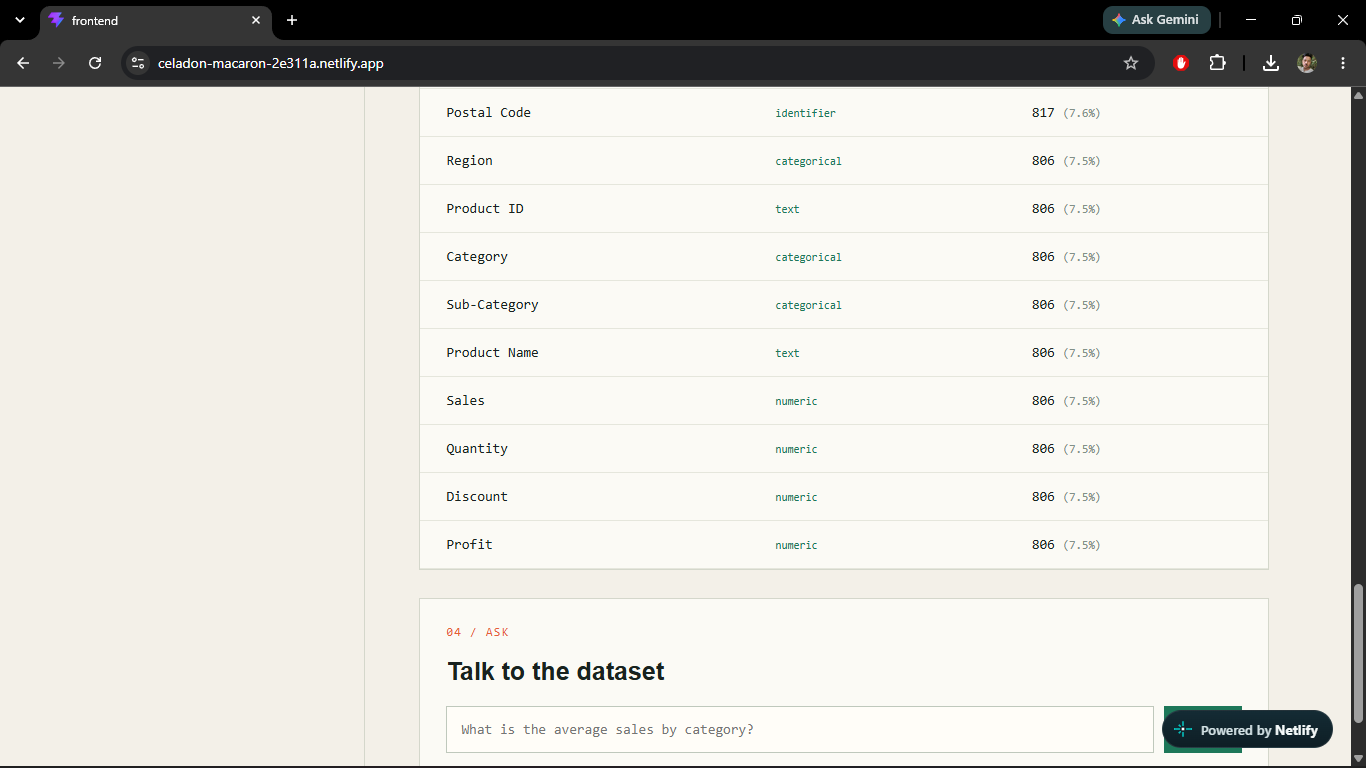
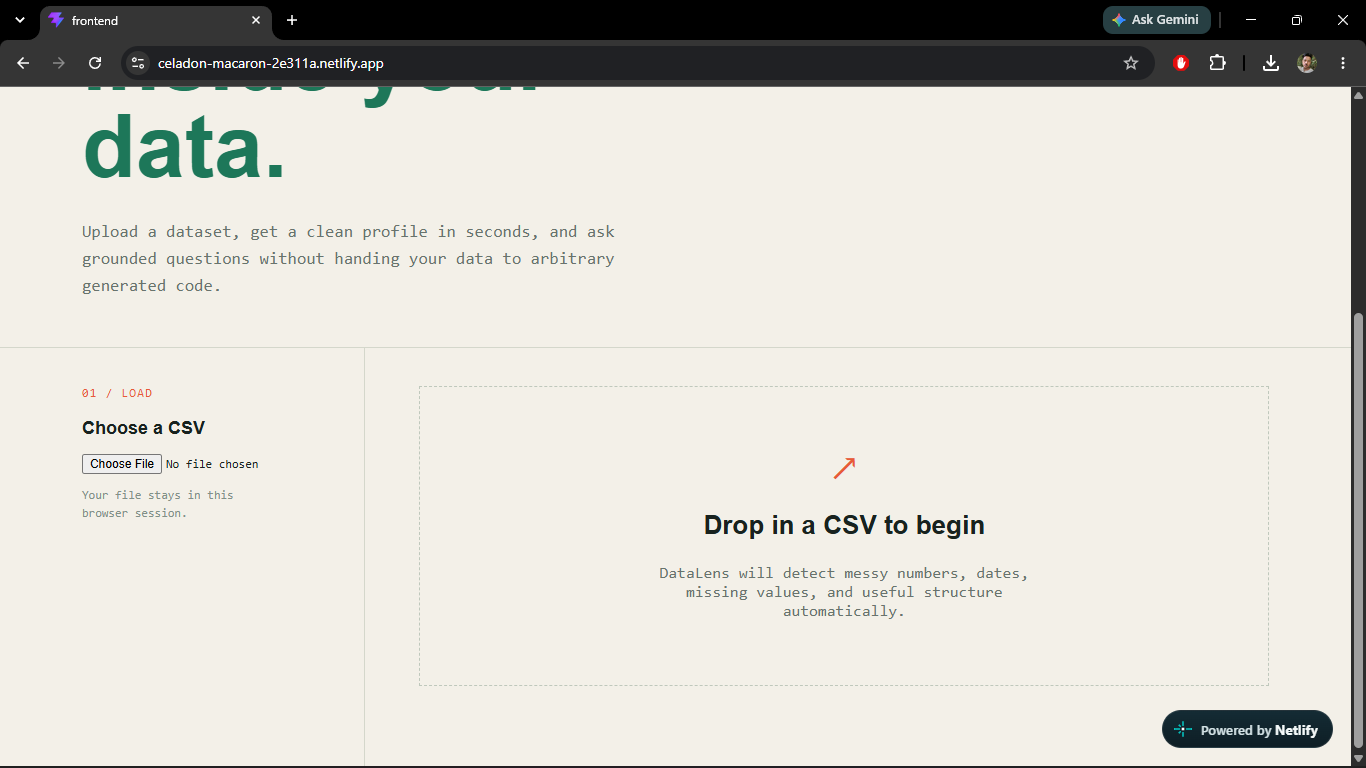
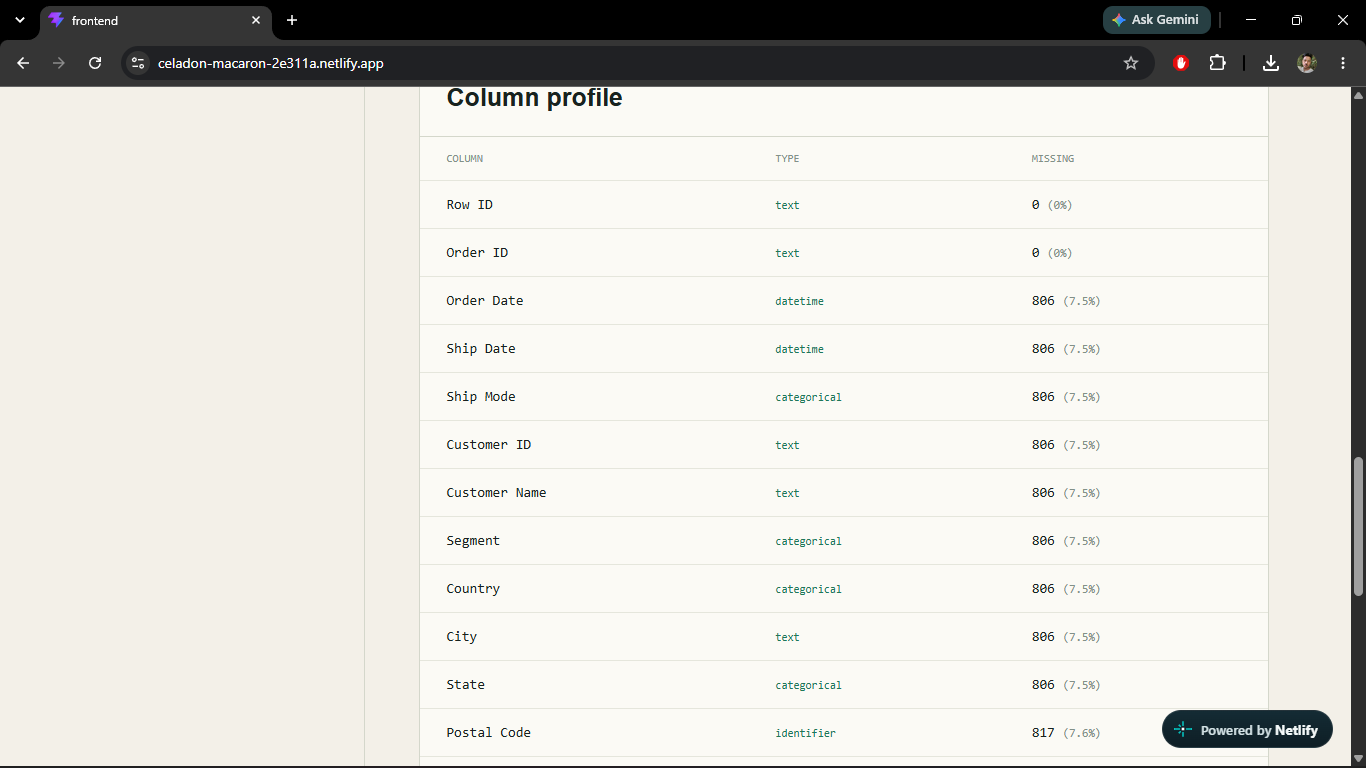
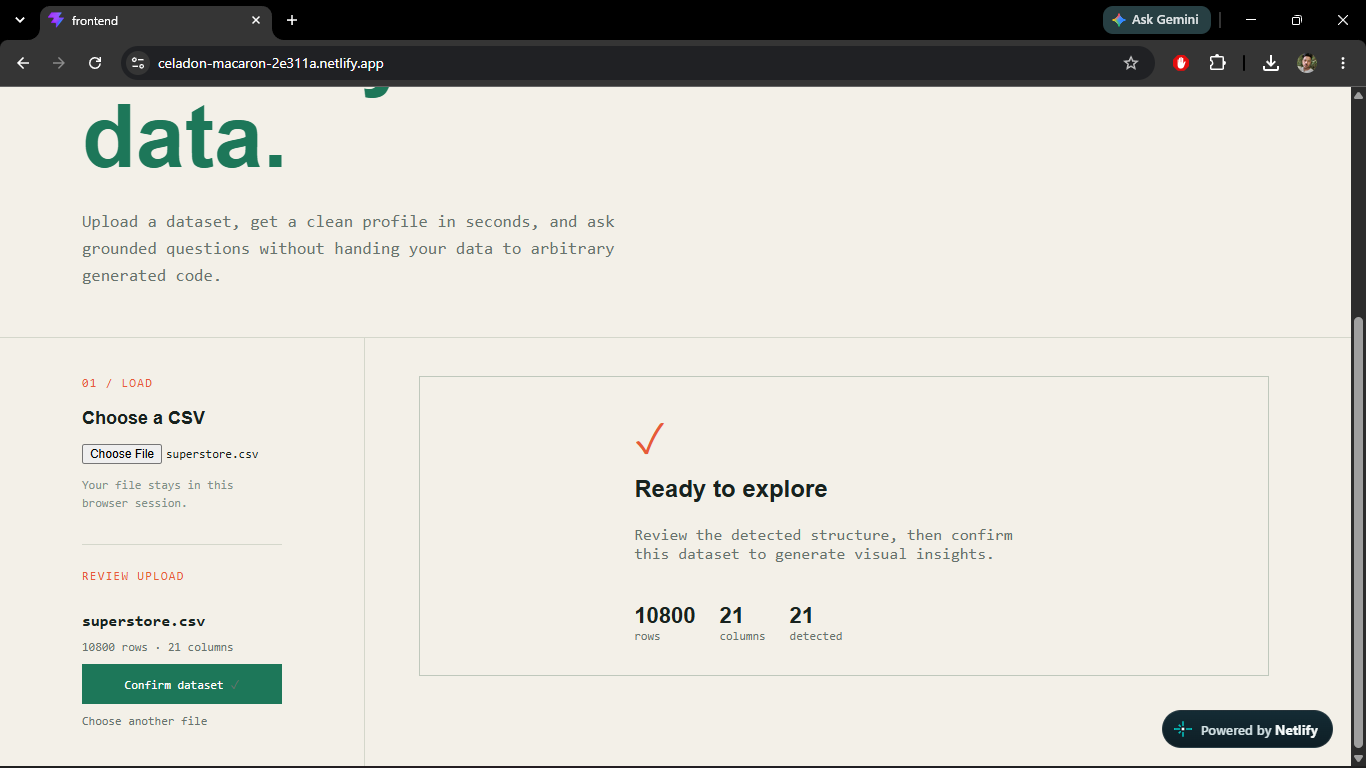
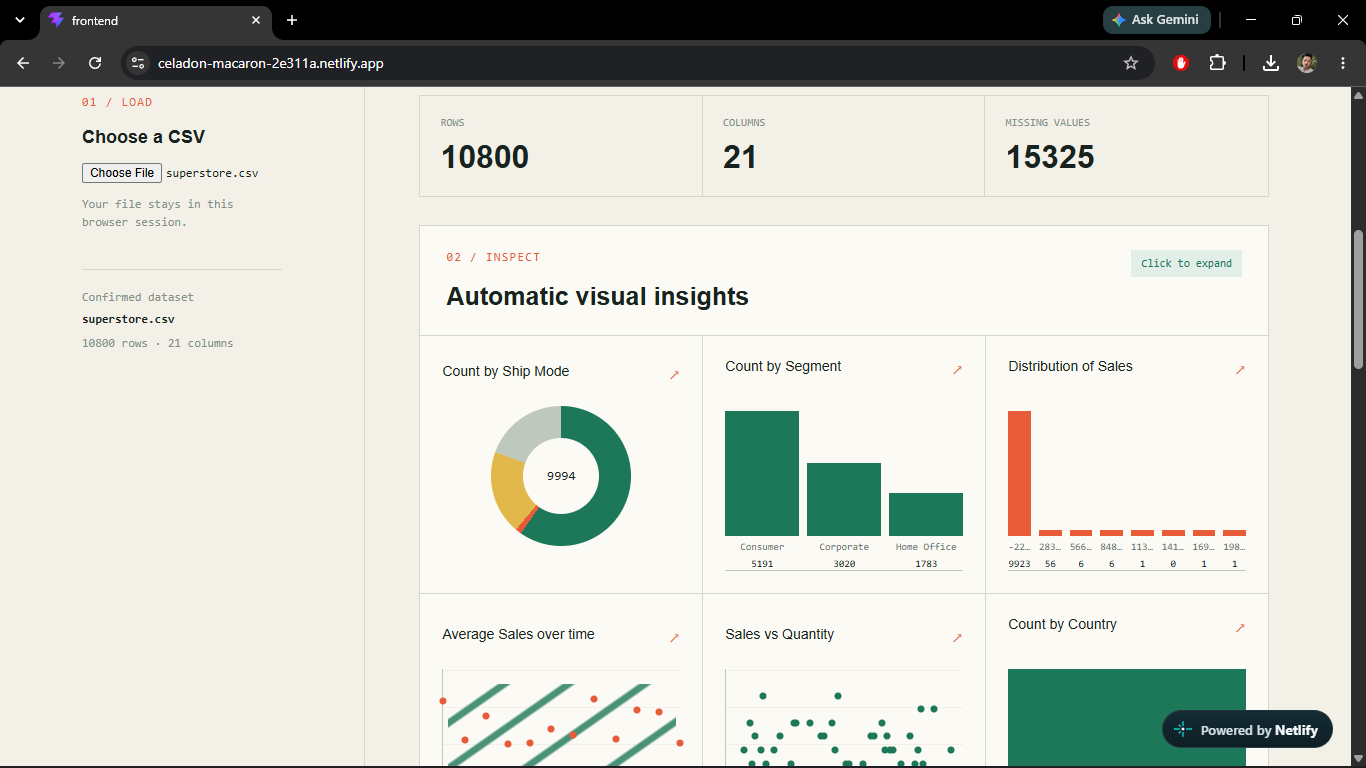
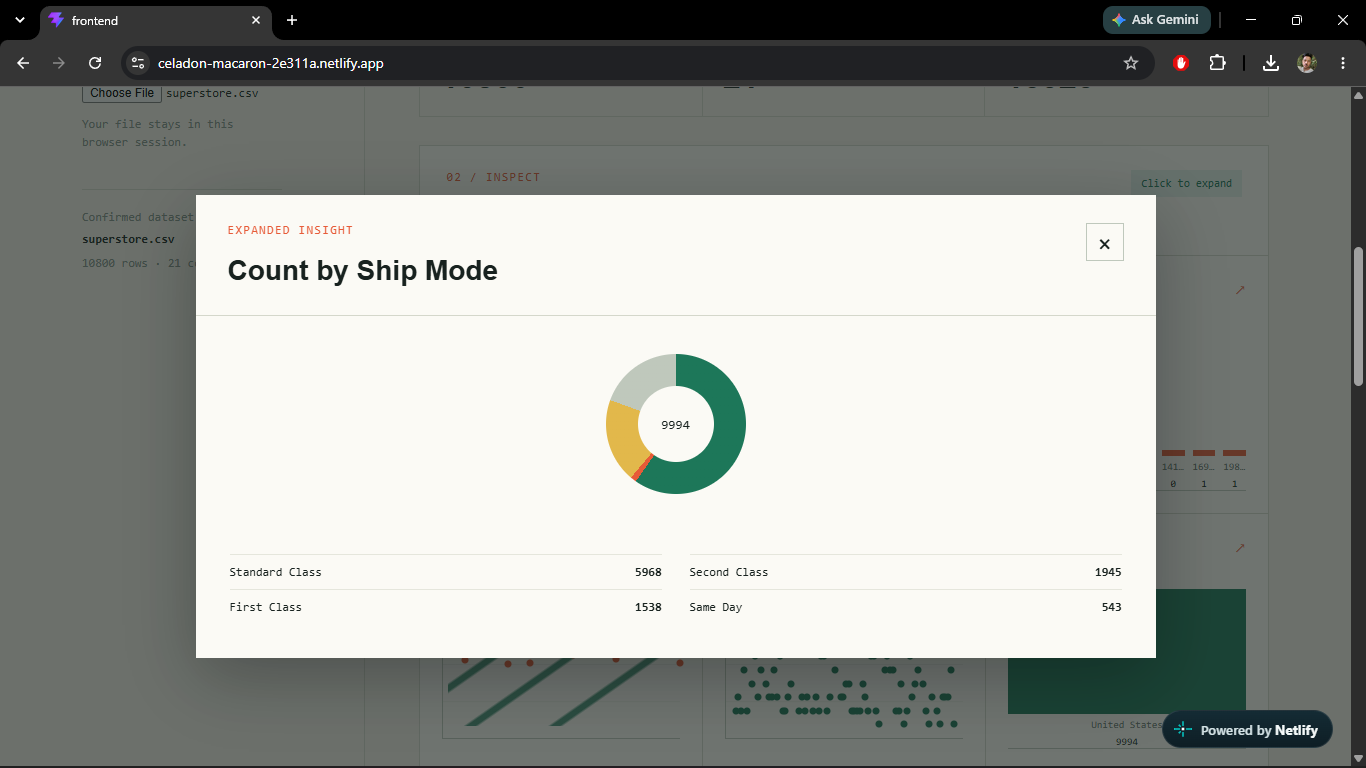
I wanted to build a tool where someone could upload a messy dataset and immediately see its structure, missing values, column types, visualizations, and useful answers in plain English. The WebMCP challenge made this even more interesting by allowing an AI agent to interact with the dataset directly through browser-based tools.
What I Built
DataLens is a CSV intelligence workspace with two agent-accessible WebMCP tools:
get_dataset_summaryreturns the current dataset profile and preview.ask_dataset_questionlets an agent ask questions about the uploaded data.
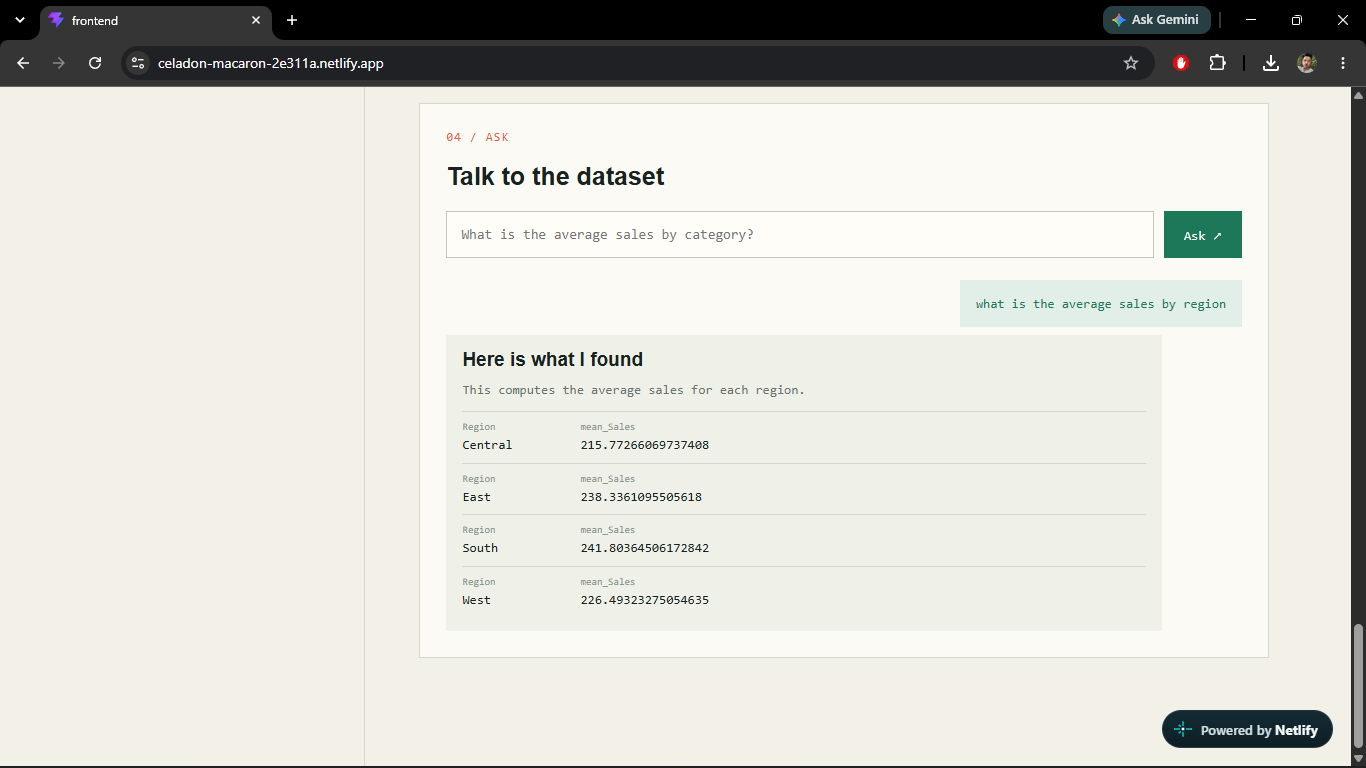
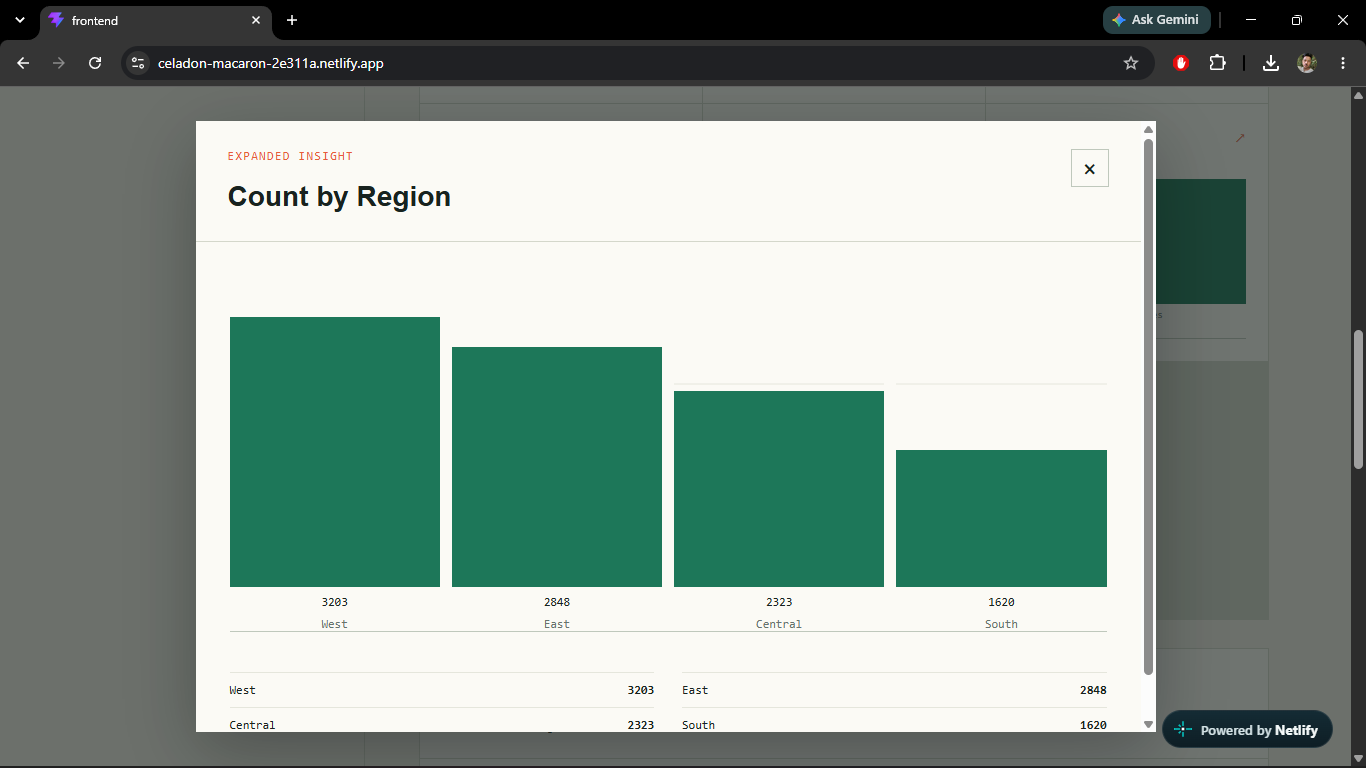
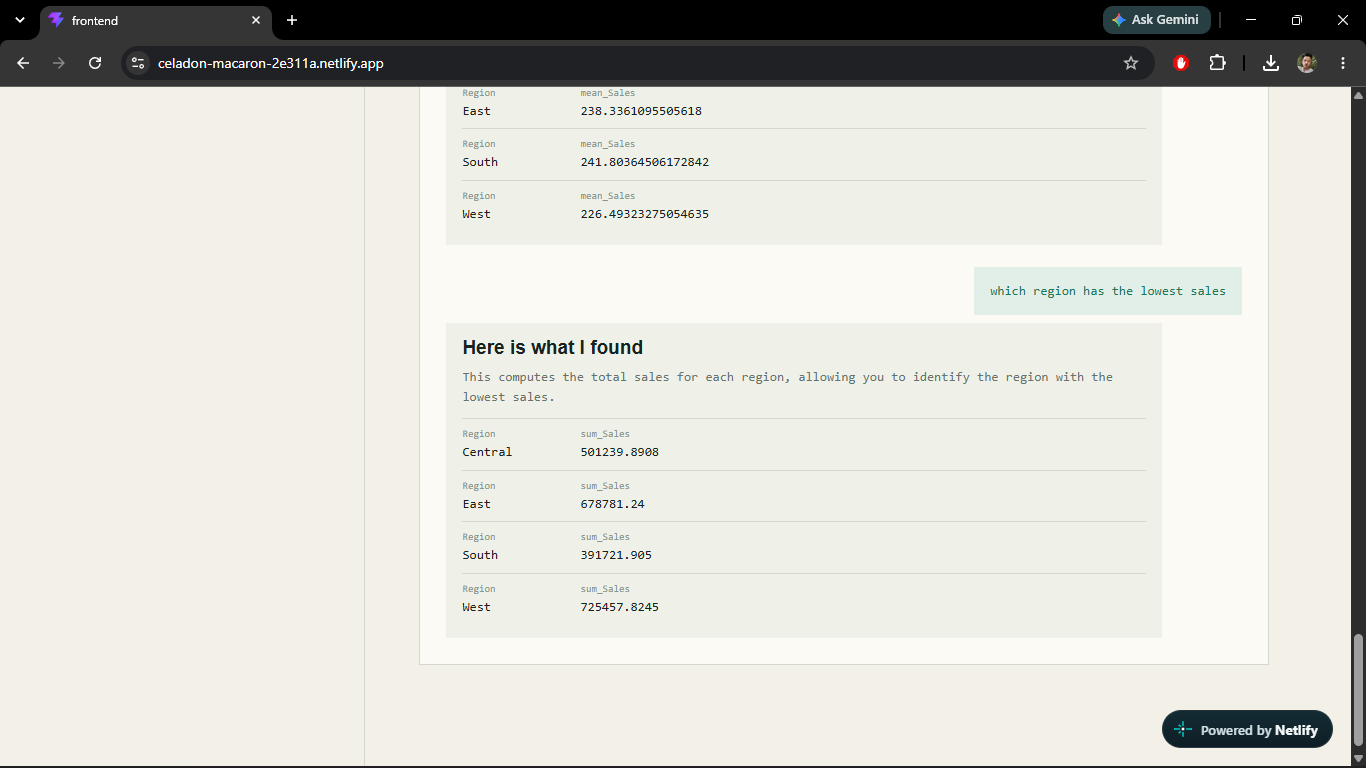
The application automatically detects encodings, delimiters, metadata rows, numeric values, dates, missing values, and outliers. Users can then ask questions such as:
What is the average sales by category?
The answer is processed through a controlled set of validated data operations rather than executing arbitrary generated code.
How I Built It
The original data-analysis logic is written in Python using pandas. I added a FastAPI layer that exposes the analysis and question-answering functionality to a React frontend.
The frontend was built with React, TypeScript, and Vite. WebMCP tools are registered using document.modelContext.registerTool() and include explicit JSON schemas and read-only annotations.
The architecture is:
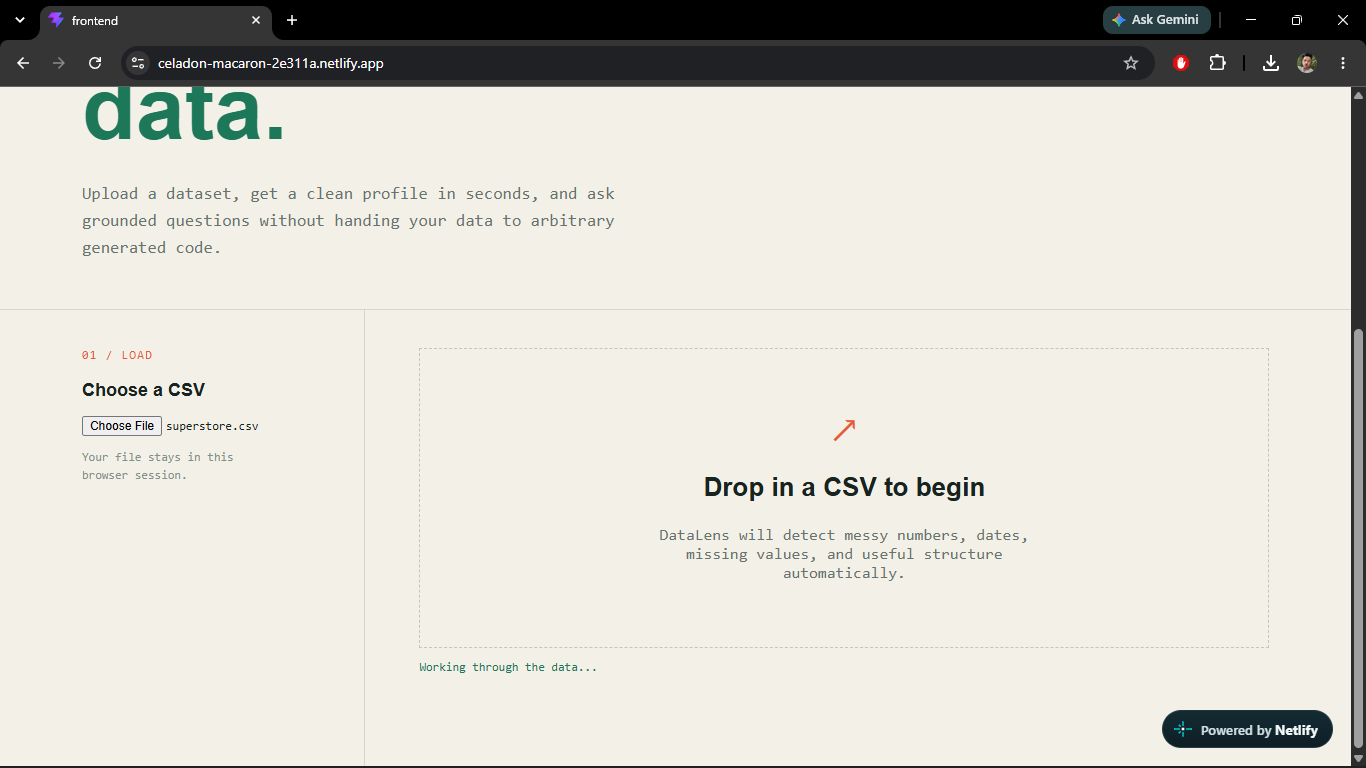
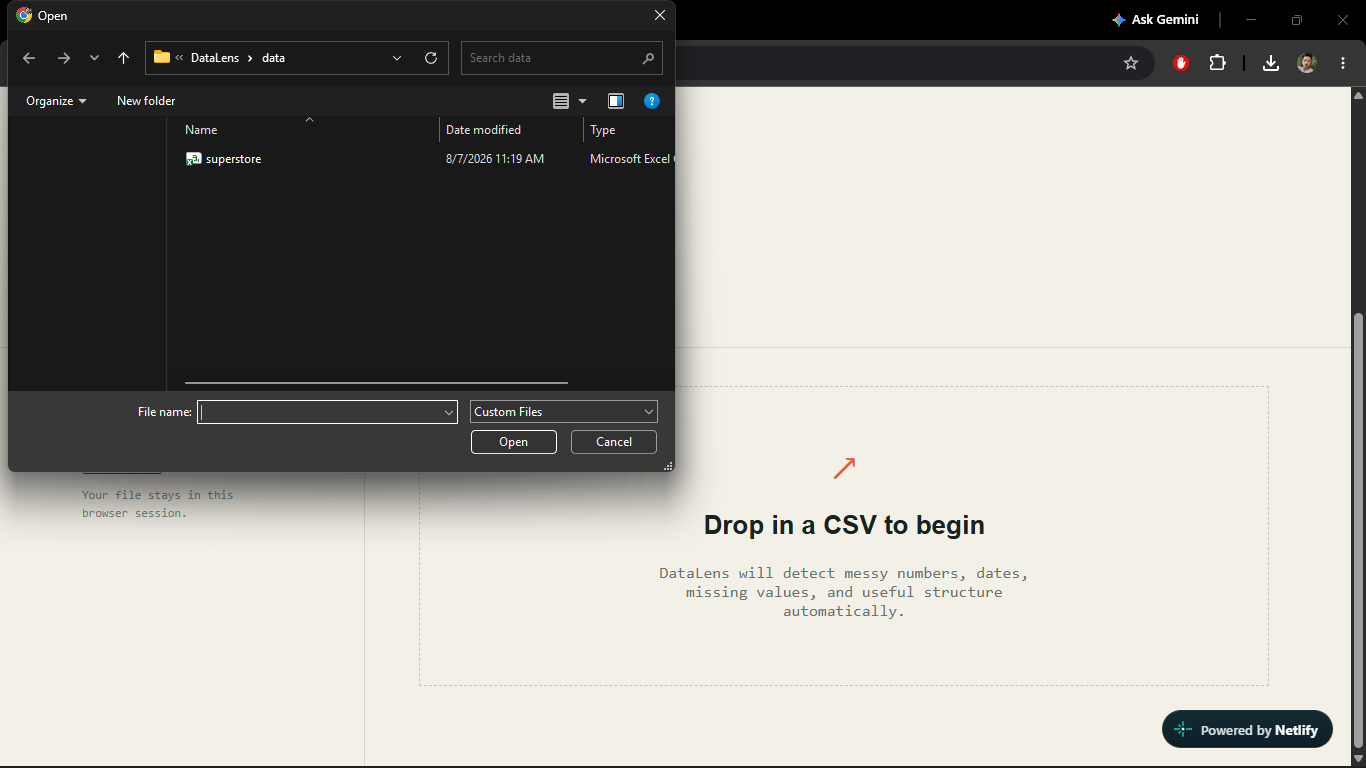
- User uploads a CSV in the React frontend.
- FastAPI sends the file through the existing robust loading and profiling pipeline.
- The frontend displays the profile and keeps the current dataset available to WebMCP callbacks.
- An agent can request the summary or ask a natural-language question.
- The backend validates the question and executes only approved pandas operations.
What I Learned
I learned that WebMCP is different from a traditional remote MCP server. The tools live in the web page and are registered in the browser, which makes the user interface and the agent share the same context.
I also learned that tool descriptions and schemas are part of the security boundary. Tools should expose only the minimum information required, clearly identify read-only behavior, restrict input length, and treat dataset output as untrusted content.
Challenges
The biggest challenge was adapting a Streamlit application to a browser-native WebMCP architecture. Streamlit is excellent for quickly building data applications, but its server-rendered model does not provide a straightforward top-level JavaScript surface for WebMCP registration.
To solve this, I created a React frontend and a small FastAPI bridge while preserving the existing Python analysis modules. Another challenge was preventing duplicate WebMCP registrations during React development, especially when React Strict Mode re-runs effects. I handled this with guarded one-time registration.
WebMCP is still experimental, so browser support and agent behavior can vary. DataLens is designed to fail gracefully when document.modelContext is unavailable.
Built With
- css
- csv
- data-analysis
- data-visualization
- fastapi
- gemini-api
- html
- model-context-protocol
- numpy
- pandas
- plotly
- postgresql
- python
- react
- streamlit
- typescript
- vite
- webmcp

Log in or sign up for Devpost to join the conversation.