-
-
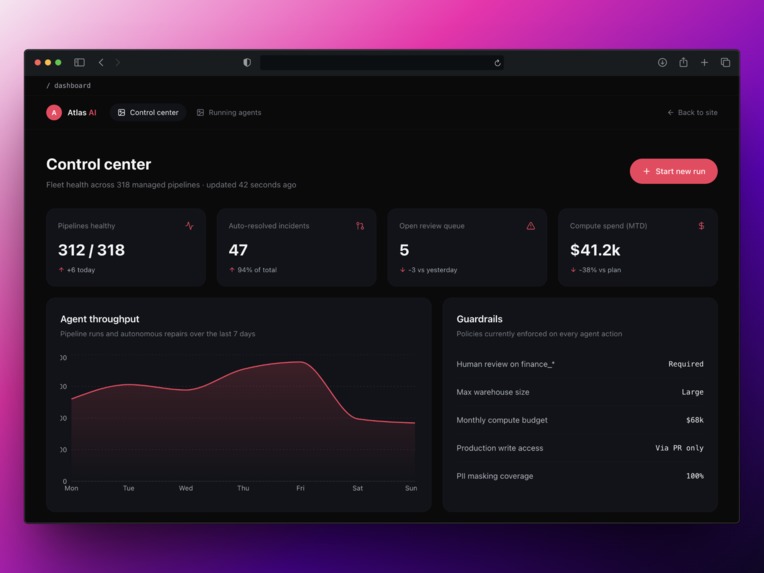
Dashboard
-
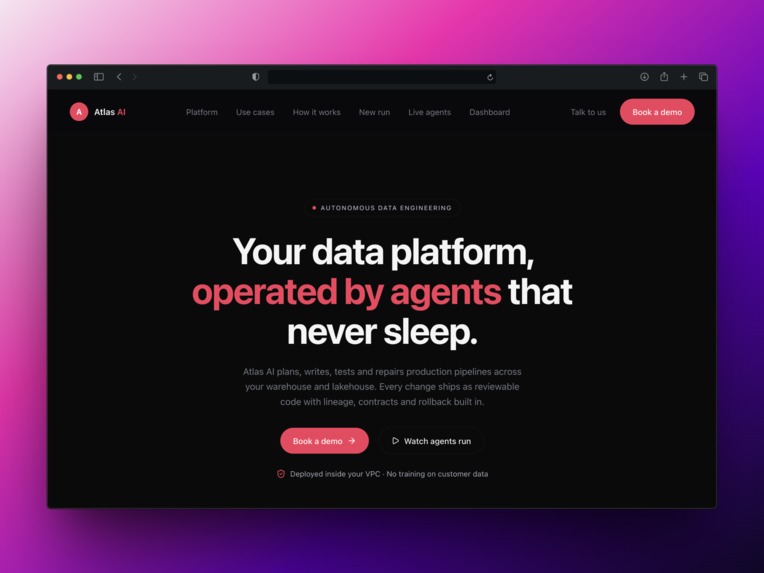
Hero
-
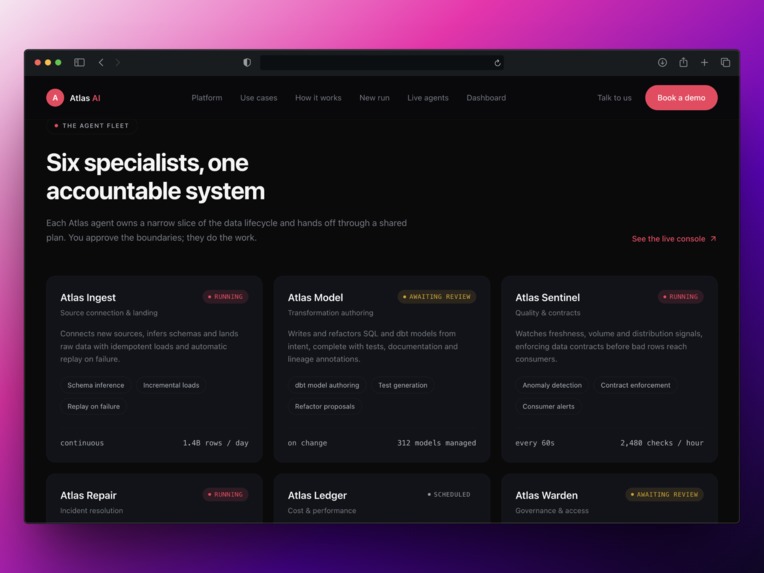
Agents
-
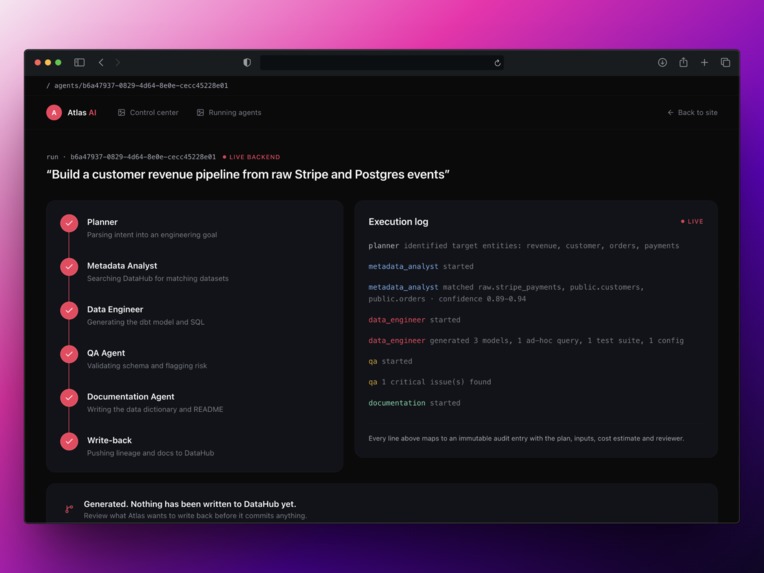
Running agents
-
Who its for
Inspiration
Every data engineer has experienced this.
Someone asks, "Can you build a revenue dashboard?"
Writing the SQL is usually the easy part.
The real challenge is figuring out:
- Which tables should be joined?
- Which columns are correct?
- Who owns the data?
- Which fields contain sensitive information?
- Which downstream systems will be affected?
LLMs can generate code quickly, but they do not understand an organization's data ecosystem. They can reference columns that do not exist or generate SQL using outdated schemas.
DataHub already contains the information engineers rely on every day, including schemas, lineage, ownership, tags, and documentation.
I wanted to explore what would happen if AI agents could use that metadata before making engineering decisions.
That idea became Atlas AI.
Instead of generating code immediately, Atlas follows a simple workflow:
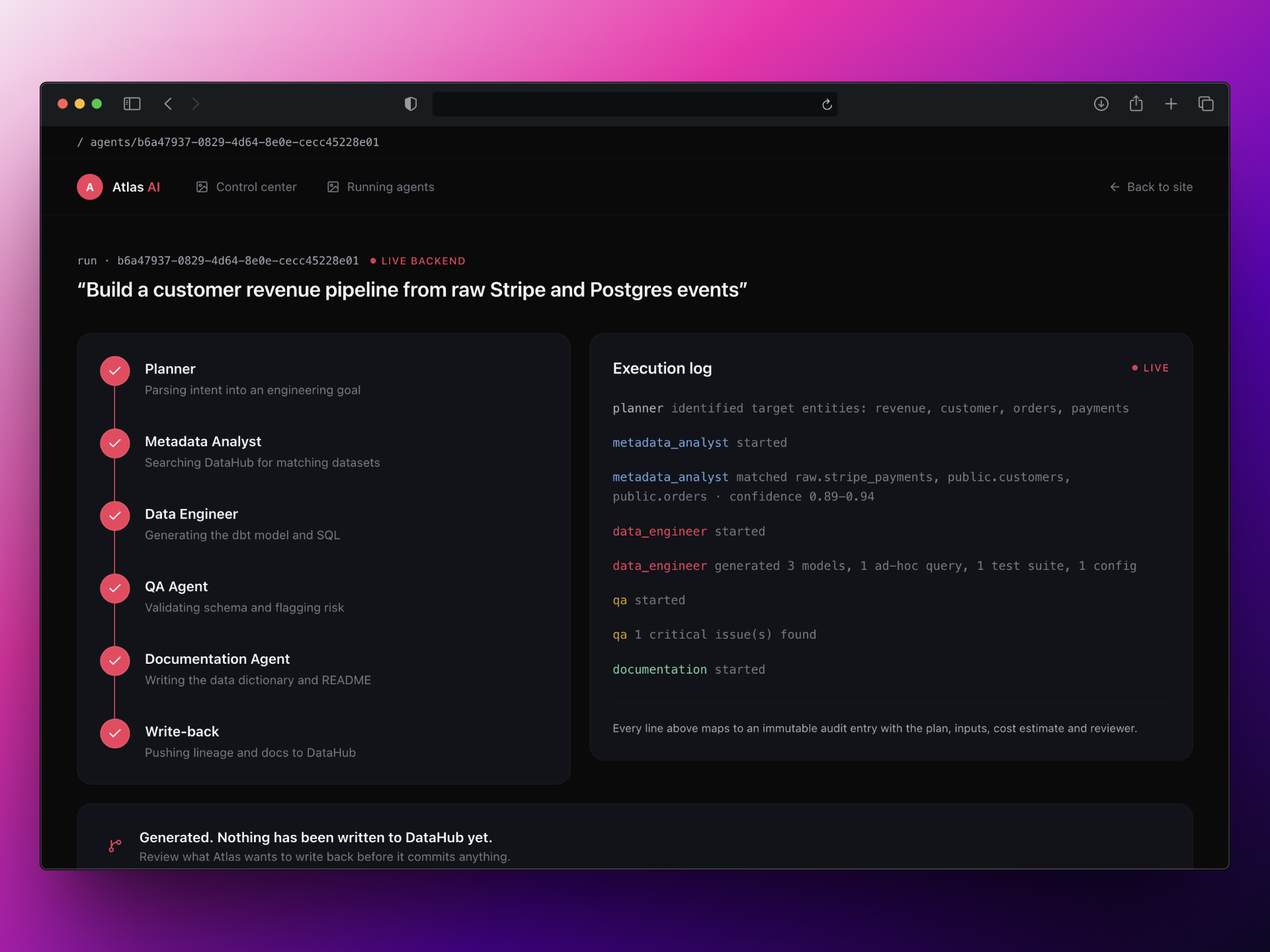
Plan → Retrieve Context → Generate → Validate → Write Back
What it does
Atlas turns a natural language request into production ready data engineering artifacts.
For example:
"Build a customer revenue pipeline from raw Stripe and PostgreSQL events."
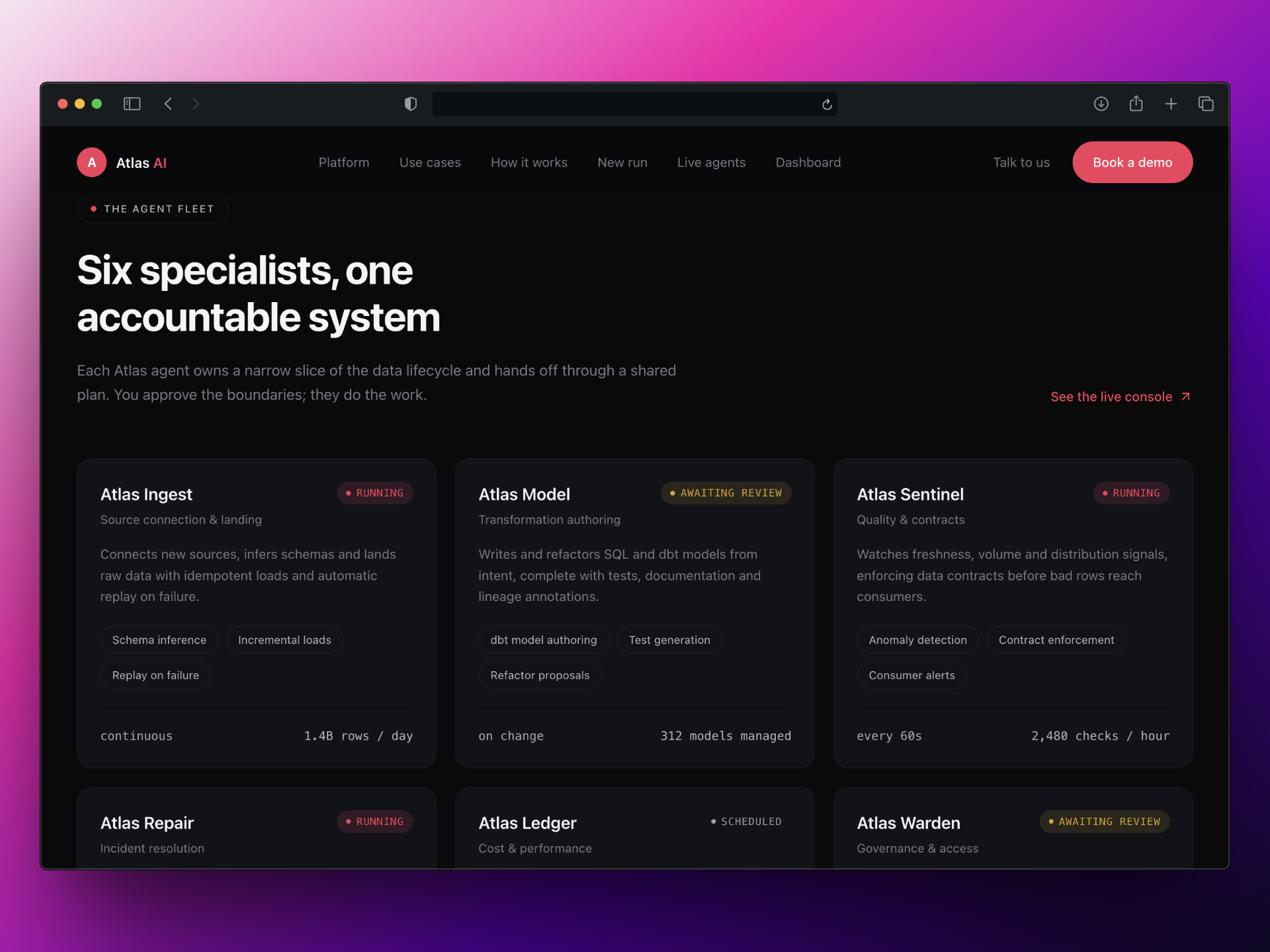
Atlas uses six specialized agents:
Planner → Metadata Analyst → Data Engineer → QA → Documentation → Writeback
Together, these agents can:
- Discover datasets
- Inspect schemas
- Analyze lineage
- Identify ownership
- Generate SQL
- Generate dbt models
- Generate tests
- Generate documentation
- Validate outputs
- Write metadata back into DataHub
Atlas also includes two human approval checkpoints.
Context checkpoint
After metadata discovery, Atlas pauses and shows the user exactly what it found in DataHub, including:
- Matching datasets
- Columns
- Owners
- Tags
- Confidence scores
No SQL is generated until the user approves the discovered context.
The user can either:
- Accept the context
- Start fresh
Writeback checkpoint
After documentation is generated, Atlas pauses again.
Before modifying DataHub, Atlas displays exactly what it intends to write back, including:
- Documentation updates
- Metadata updates
- New lineage relationships
Nothing is written until the user explicitly approves the changes.
Everything related to DataHub goes through mcp-server-datahub, including:
- Dataset search
- Schema discovery
- Lineage retrieval
- Documentation updates
The only exception is lineage creation, which currently uses a GraphQL fallback because lineage mutations are not yet available through the MCP toolset.
QA is also intentionally not another LLM call.
Instead, Atlas uses deterministic validation, including:
- SQL parsing
- PII detection
- Primary key validation
- Metadata completeness checks
In one of the reference runs, QA correctly identified card_last4 as unmasked PII and blocked the pipeline.
How I built it
Backend
- Python 3.11
- FastAPI
- PostgreSQL
- SQLAlchemy
- asyncpg
- Groq
- MCP Python SDK
Frontend
- Next.js 16
- React 19
- TypeScript
- Tailwind CSS
- WebSockets
Architecture
Atlas uses a modular monolith architecture with resumable orchestration phases.
The approval checkpoints are implemented as real server side pauses rather than frontend interactions.
The application includes three interchangeable DataHub gateways:
DataHubMCPGatewayDataHubRestGatewayMockDataHubGateway
The mock gateway uses realistic Stripe and PostgreSQL fixtures so the demo can run without additional setup.
Challenges I ran into
One challenge was determining how much metadata should be passed to the agents.
Sending an entire metadata graph to an LLM is not practical, so I had to decide:
- Which datasets were relevant
- Which metadata should be included
- How lineage should influence decisions
- How candidate datasets should be ranked
Another challenge was working with MCP tools.
I discovered that lineage writing was not available through MCP, which required a documented GraphQL fallback.
Building the approval checkpoints was another challenge.
I did not want fake confirmation dialogs that could be bypassed in the frontend.
The pipeline actually pauses on the server and persists its state. Nothing progresses until the user explicitly approves the next stage.
Accomplishments that I'm proud of
- Generated SQL uses real columns discovered through DataHub instead of hallucinated fields.
- QA is fully deterministic and produces the same result every time.
- Atlas closes the loop by writing metadata back into DataHub.
- The approval checkpoints make the workflow transparent and auditable.
- Atlas makes its reasoning visible instead of hiding everything behind a chatbot response.
Most importantly, Atlas demonstrates a complete workflow:
Request → DataHub → Metadata Reasoning → Artifact Generation → Validation → DataHub
What I learned
MCP gives agents a way to interact with external systems, but it is not the complete solution.
Agents still need a structured workflow.
For Atlas, that workflow became:
Plan → Retrieve → Generate → Validate → Write Back
Without the approval checkpoints and deterministic QA, Atlas would have become another tool that simply generates SQL from a prompt.
DataHub is what makes the difference.
By giving Atlas access to schemas, lineage, ownership, and documentation through the MCP Server, the agents can make decisions based on real organizational context instead of assumptions.
What's next for Atlas AI
The current workflow looks like this:
DataHub → Atlas → Engineering Artifacts → DataHub
The next step is to make Atlas continuous rather than request driven.
Future improvements include:
- Multi tenant DataHub connections
- QA driven regeneration
- Additional agent test coverage
- Better orchestration between agents
- Stronger deployment workflows
The long term goal is to create an autonomous data engineering team that can detect changes, analyze impact, generate updates, validate them, and continuously improve an organization's data ecosystem.
DataHub provides the memory. Atlas provides the engineering agents.
NOTE: To keep the deployed demo stable, the public site runs the pipeline in a client side simulation mode using the same fixture data used by the backend in DEMO_MODE. The complete implementation, including the Groq integration, the DataHub MCP subprocess, live schema retrieval, metadata writeback, institutionalMemory updates, and lineage creation, is fully implemented in the source code and can be executed locally using: docker compose up --build This approach keeps the online demo reliable while preserving the complete end to end workflow in the repository.
Built With
- datahub
- fastapi
- groq
- python
- react
- tailwind
- typescript


Log in or sign up for Devpost to join the conversation.