-
-
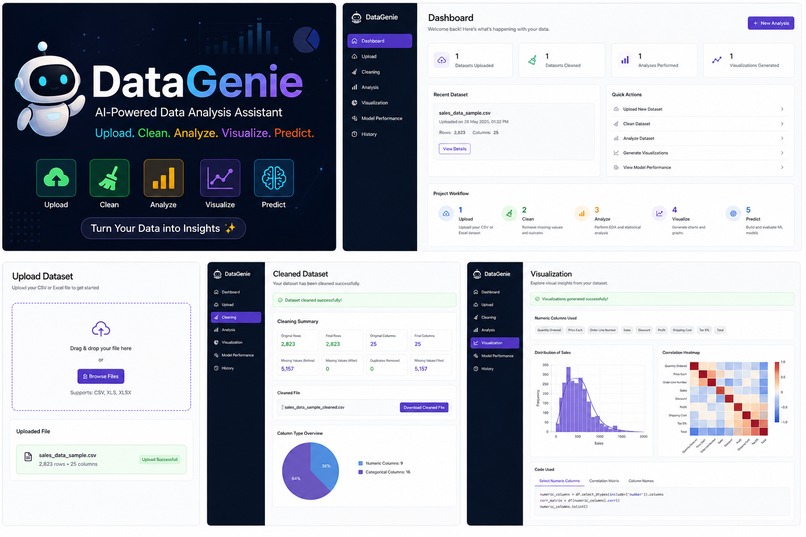
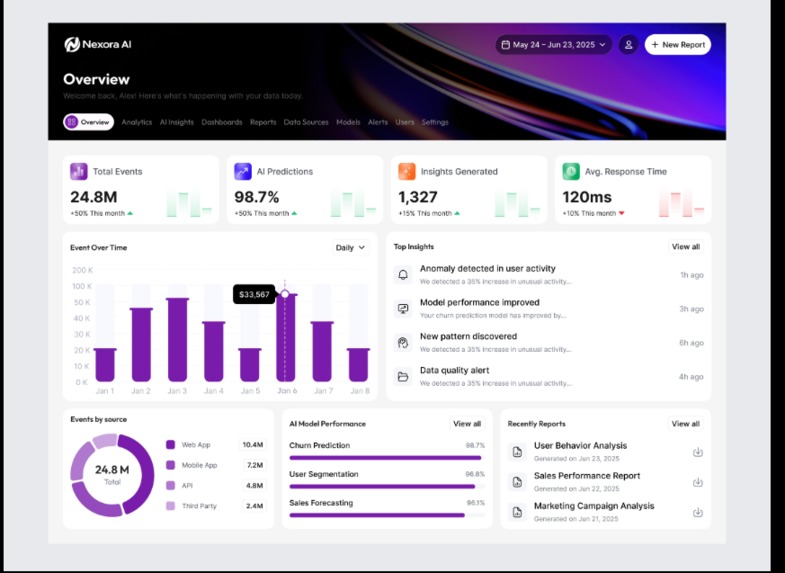
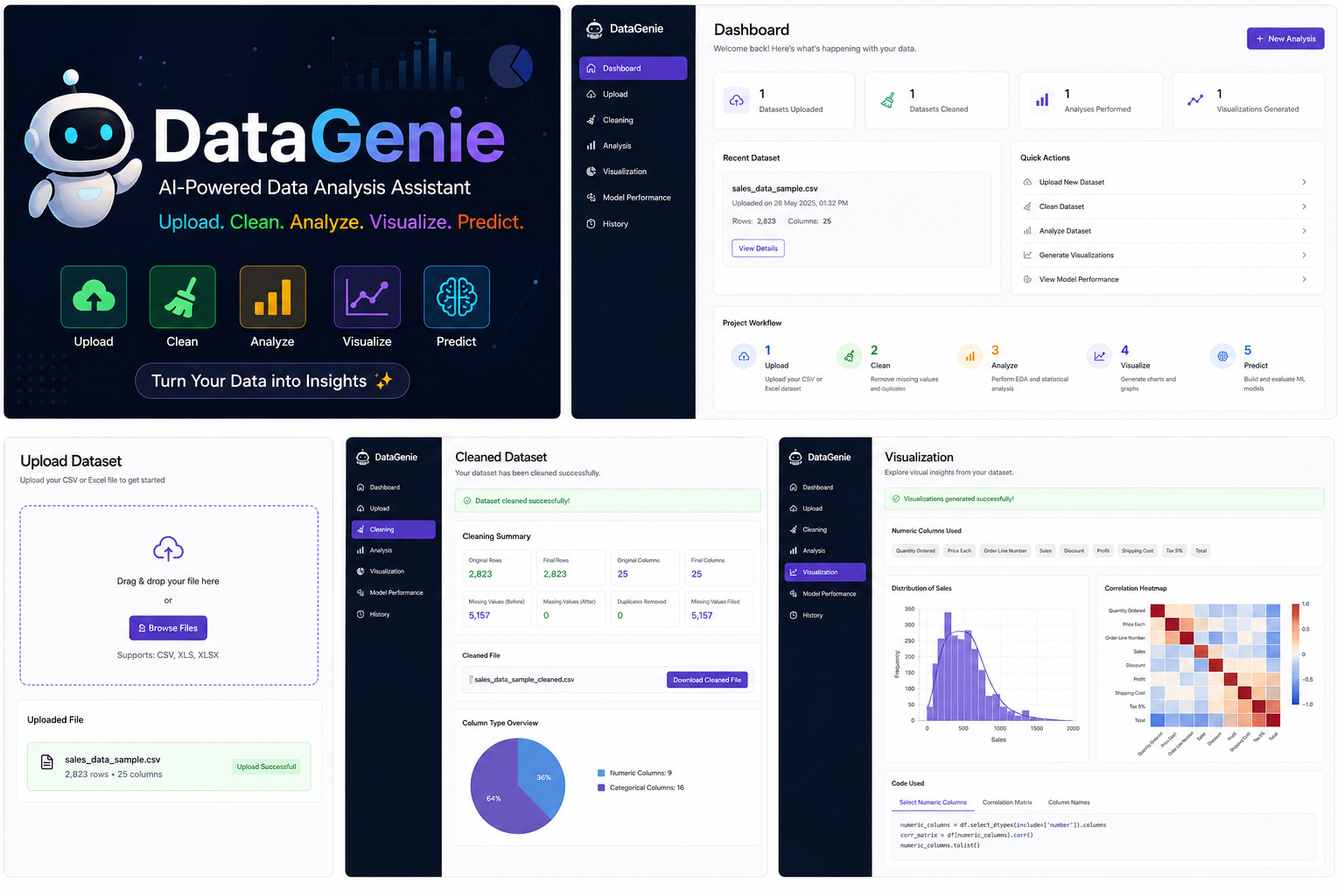
AI-Powered Data Assistant A complete dashboard to upload, clean, analyze, visualize, and predict from datasets.
-
-
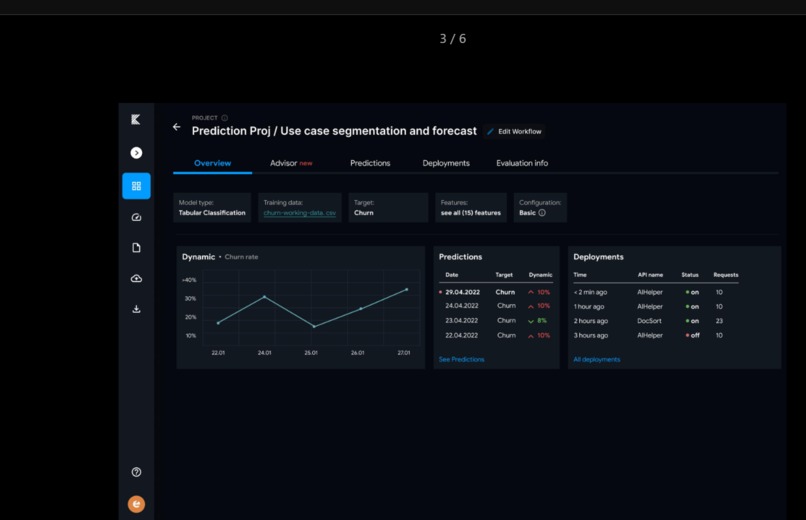
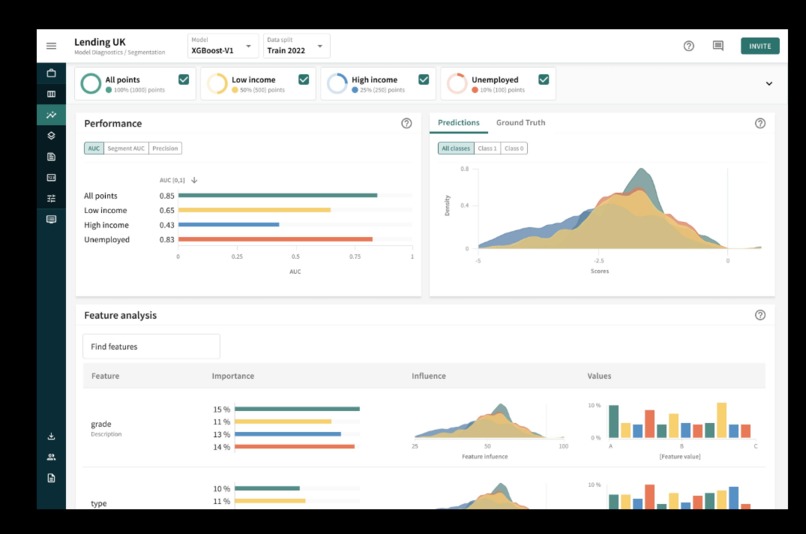
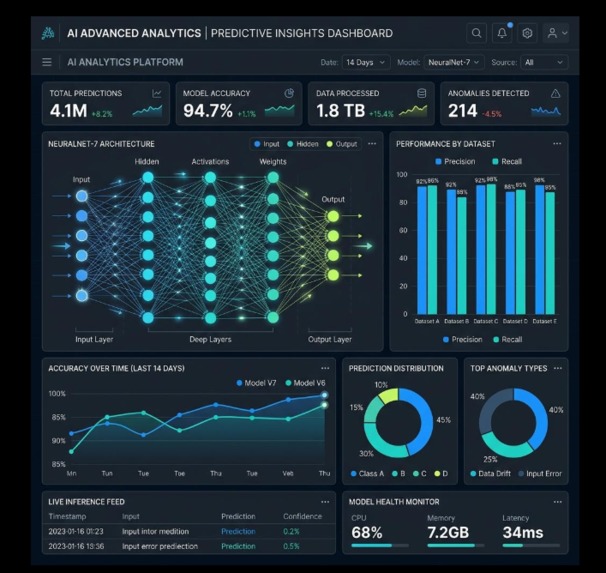
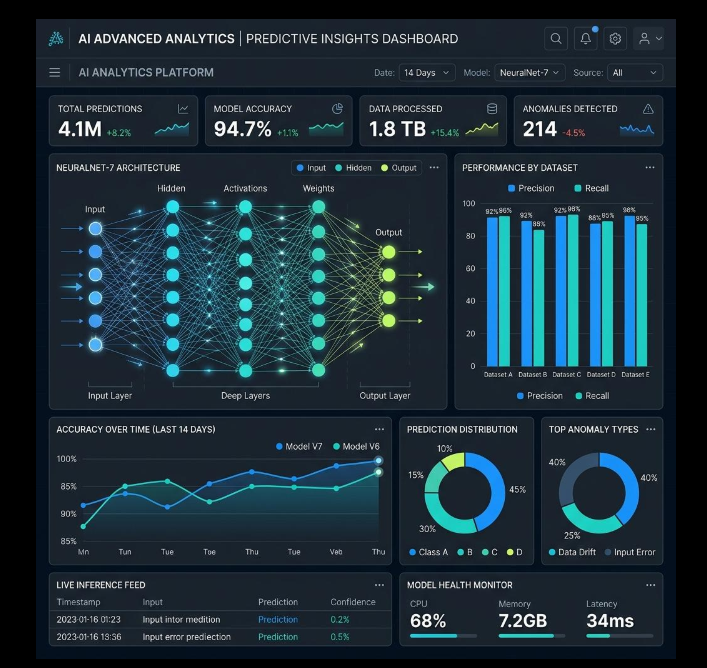
Machine Learning & Prediction Train ML models, compare performance metrics, and generate data-driven predictions.
-
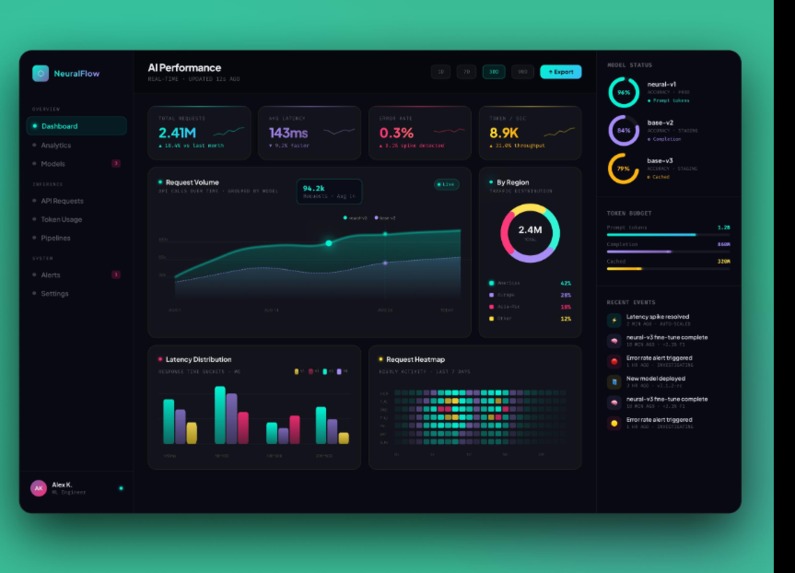
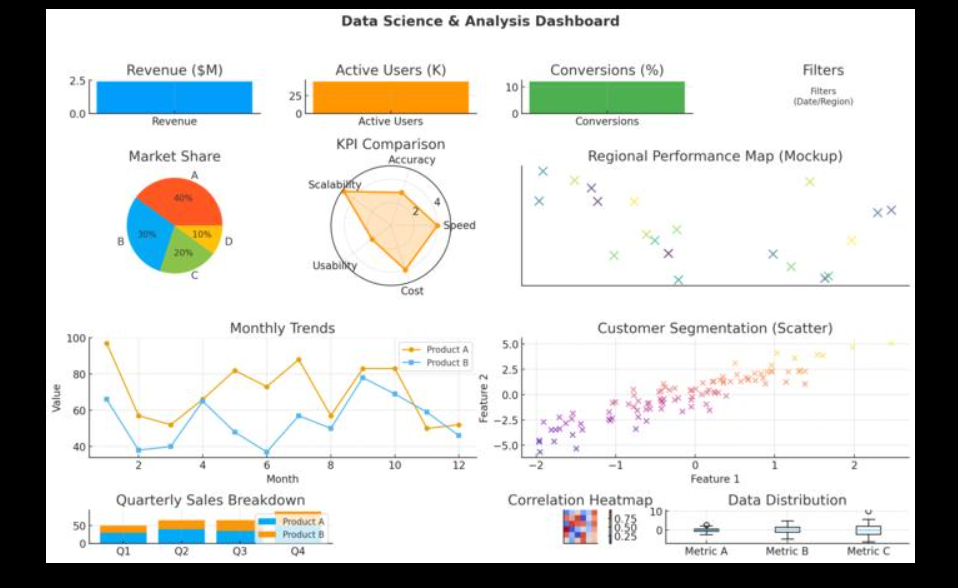
Data Visualization Discover patterns and relationships through charts, distributions, and correlation heatmaps.
-
Dataset Upload Easily upload CSV and Excel datasets and get instant dataset information.
-
Automated Data Cleaning Automatically handles missing values, removes duplicates, and prepares data for analysis.
-
Data Analysis Dashboard Explore dataset statistics, data types, rows, columns, and meaningful insights.
DataGenie – Project Story
Inspiration
We wanted to make data analysis easier for students and beginners who find dataset cleaning, analysis, visualization, and machine learning difficult to manage separately. This inspired us to build DataGenie, an all-in-one AI-powered data analytics platform.
What it does
DataGenie allows users to:
- Upload CSV and Excel datasets
- Clean missing values and duplicate records
- Analyze dataset statistics and data types
- Generate correlation-based visualizations
- Perform machine learning predictions
- View results through a simple web interface
How we built it
We built DataGenie using:
- Frontend: React + Vite
- Backend: Python + FastAPI
- Data Processing: Pandas + NumPy
- Machine Learning: Scikit-learn
- Visualization: Python visualization libraries
The React frontend communicates with the FastAPI backend through REST APIs. Uploaded datasets are processed by the backend and the results are displayed on the dashboard.
Challenges we ran into
We faced challenges with frontend-backend communication, CORS configuration, CSV encoding, file formats, API errors, and running React and FastAPI servers together. We also worked on making the system return both results and the code used to generate those results.
Accomplishments that we're proud of
We successfully created an end-to-end data analytics workflow where users can upload a dataset and process it through multiple stages. We are especially proud of integrating data cleaning, analysis, visualization, and prediction into a single platform.
What we learned
We learned how to build and connect a React frontend with a FastAPI backend, process real-world datasets using Pandas, create REST APIs, handle errors and CORS, and integrate machine learning into a web application.
What's next for DataGenie
Our next goal is to make DataGenie more intelligent by adding AI-generated insights, automatic chart recommendations, natural-language data queries, more ML models, downloadable reports, and cloud deployment. 🚀
Built With
- artificial-intelligence
- data-analytics
- data-visualization
- fastapi
- html
- javascript
- machine-learning
- matplotlib
- numpy
- pandas
- python
- react
- rest-api
- scikit-learn
- vite


Log in or sign up for Devpost to join the conversation.