DataDive: The AI Pipeline That Labels Your Dataset For You
Inspiration
Training an object detection model should not require thousands of hours of manual annotation. Right now, if you want to build a basketball detector, you need to open an annotation tool, draw bounding boxes on hundreds of images by hand, and hope you didn't mislabel anything. That's not engineering — that's data entry.
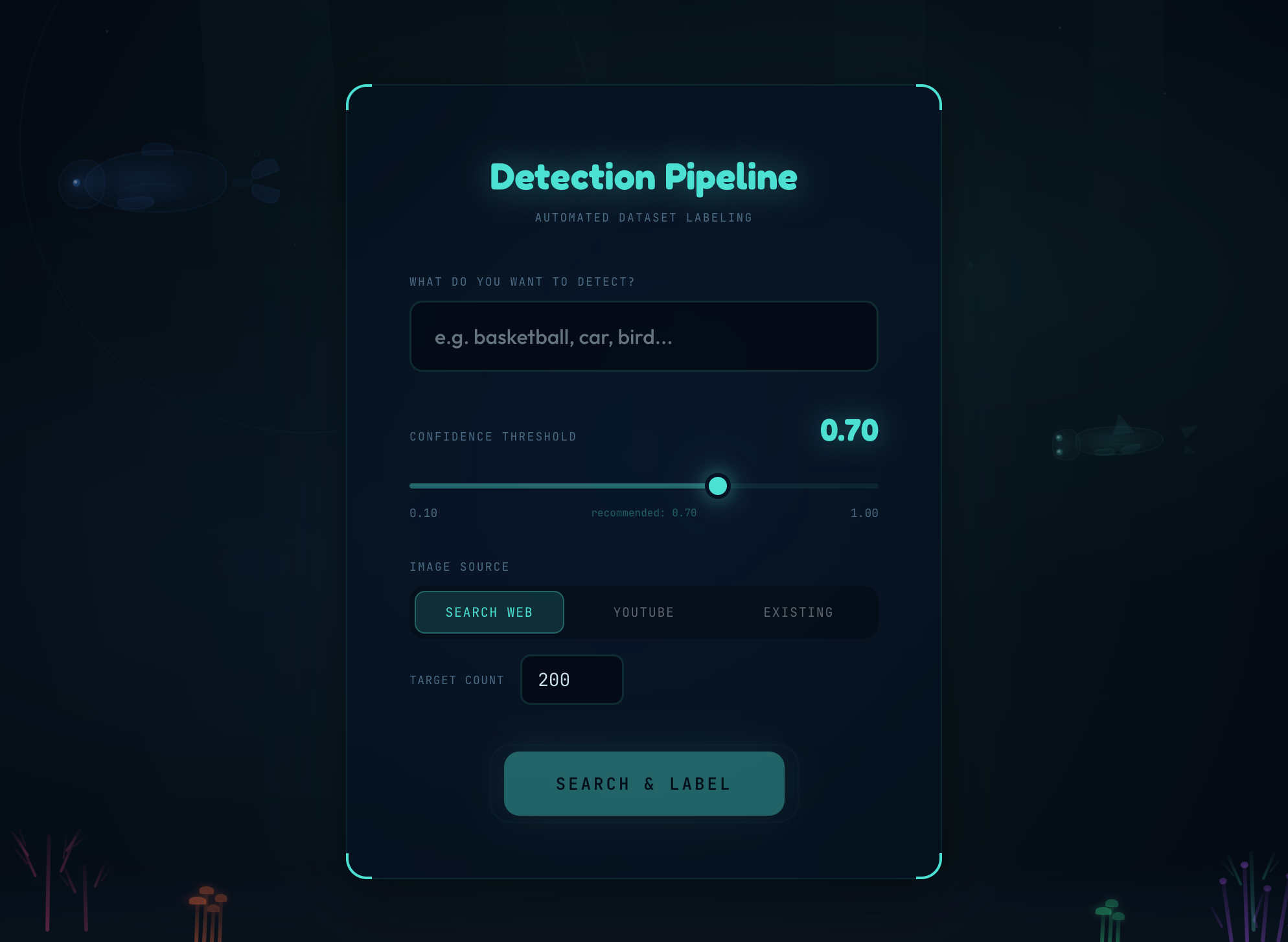
DataDive was born from a simple realization: object detection models are being limited by data, not hardware. Type what you're looking for, choose where to get images, and walk away with a curated, YOLO-labeled dataset ready for training.
What It Does
Type a prompt like "basketball" or "fire hydrant," pick an image source — your own folder, the web, or YouTube videos — and DataDive automatically:
- Acquires images from web scraping across four search engines or extracts frames from YouTube videos
- Discovers the best object detection model from 90,000+ public models on Roboflow Universe using our own scoring system
- Runs inference locally, routing each image through a three-tier confidence system
- Falls back to Google Gemini for uncertain detections, getting a second opinion from a vision-language model
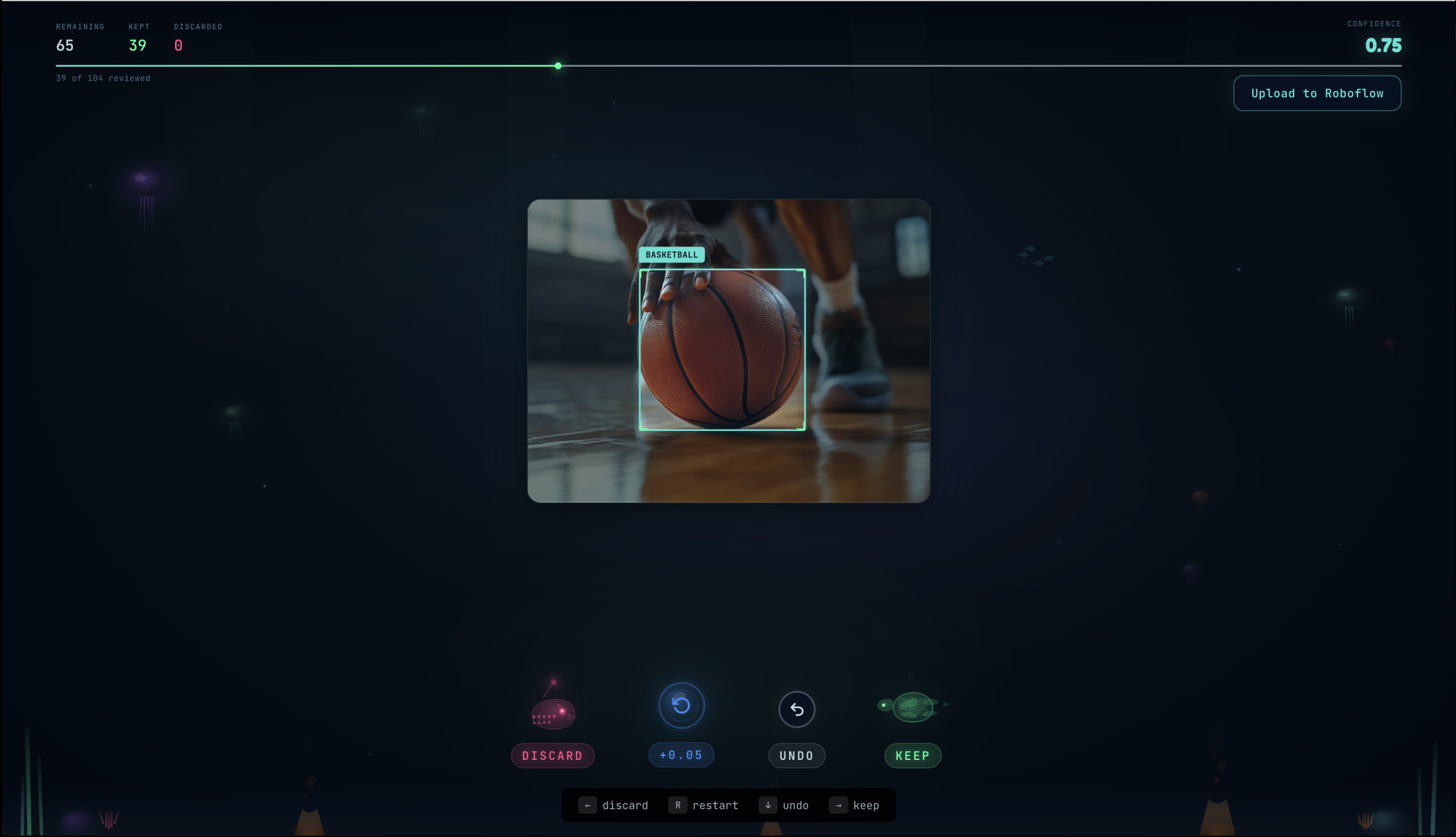
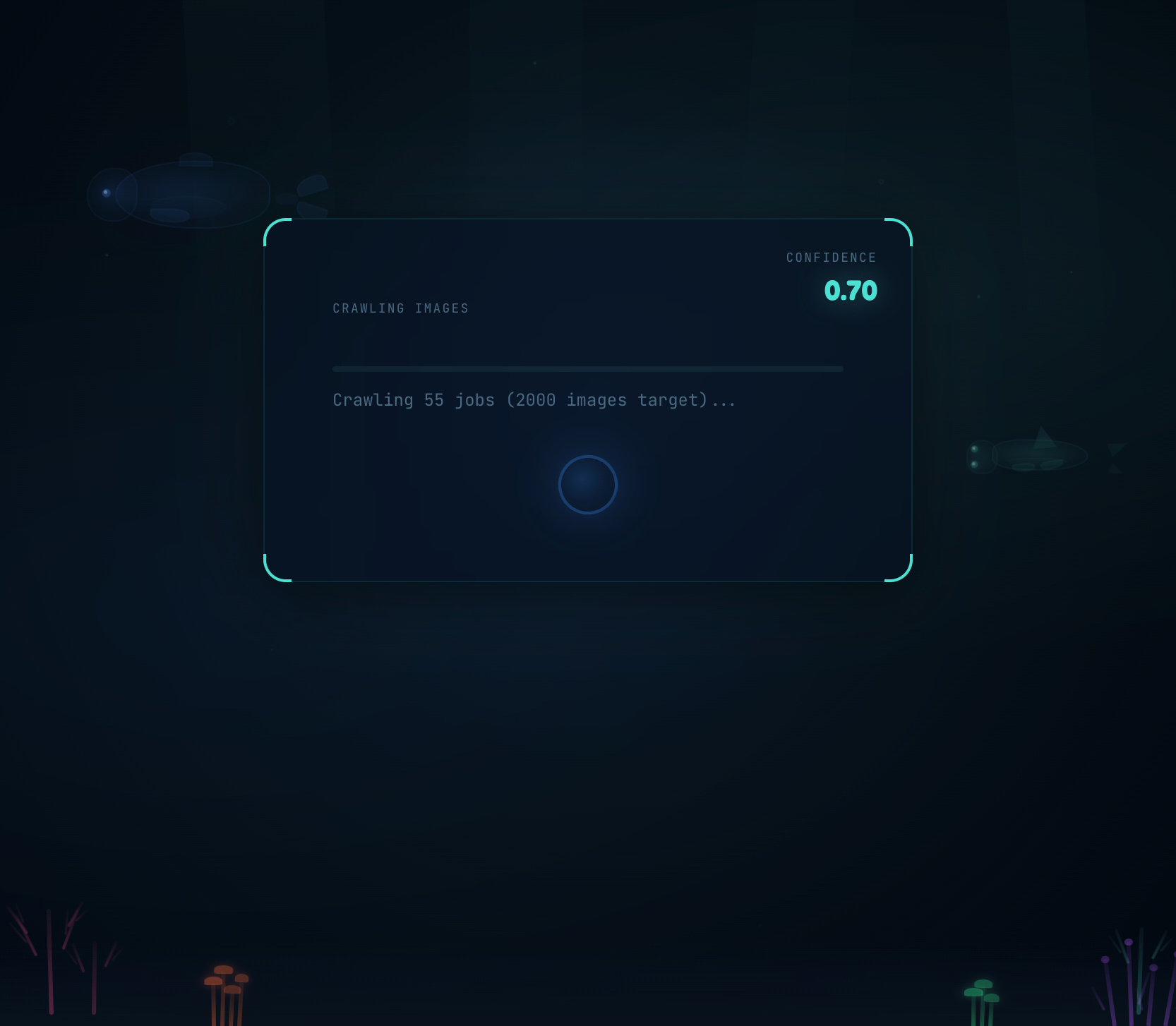
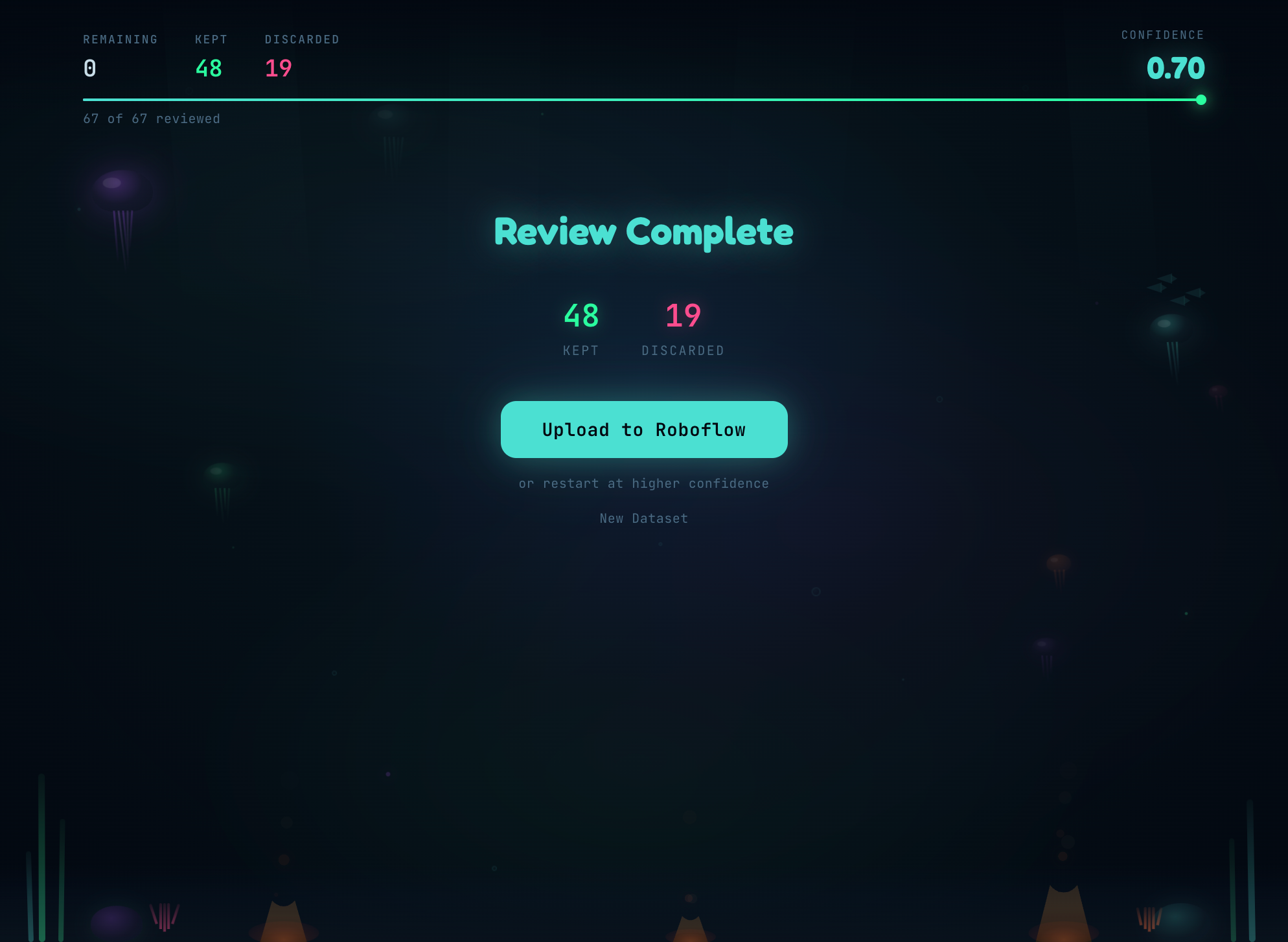
- Presents every labeled image in an ocean-themed swipe-to-review UI with bounding box overlays
- Uploads the curated dataset directly to Roboflow for training
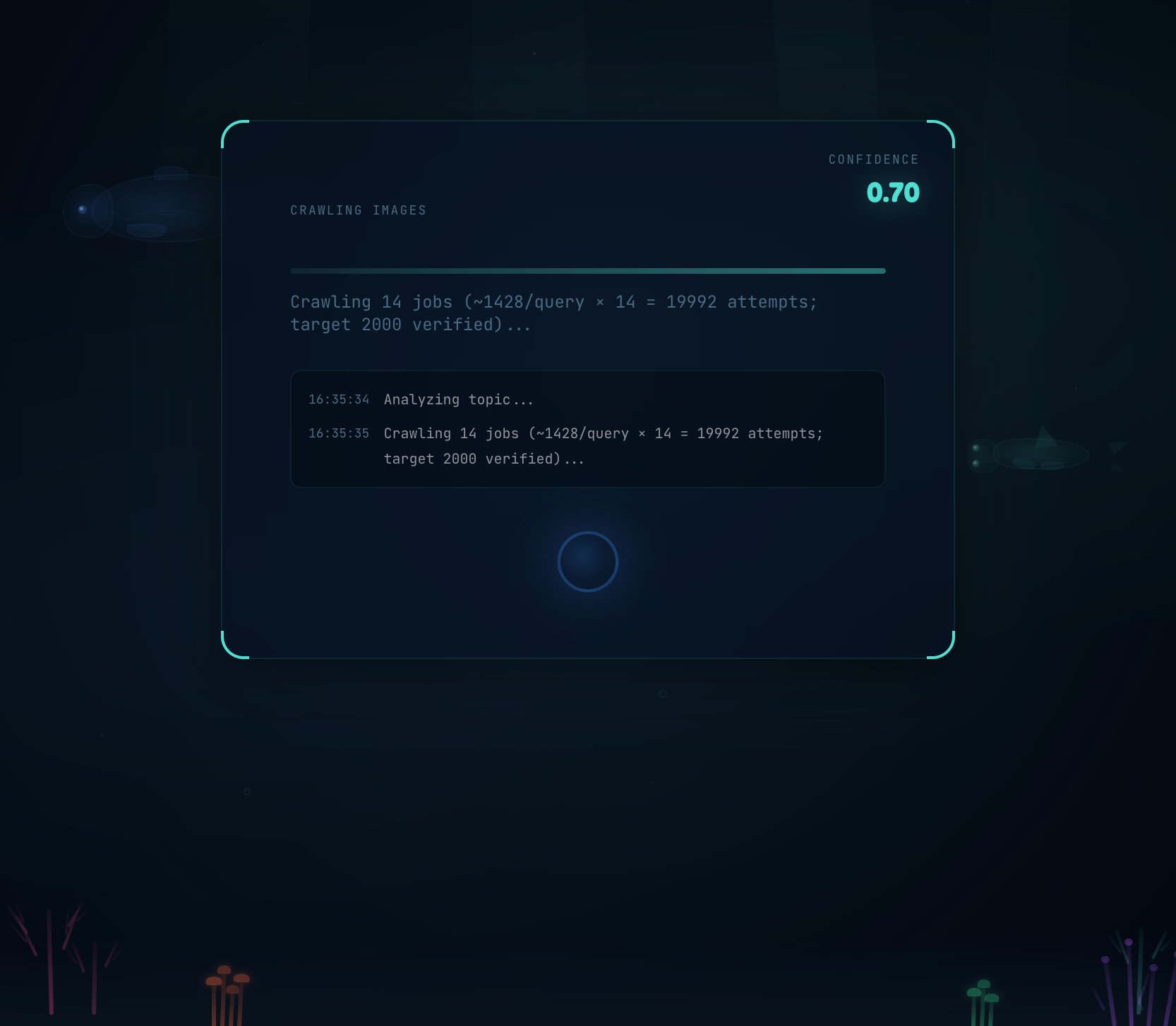
The entire pipeline streams progress in real-time so youcan watch every stage happen, not a loading spinner.
How We Built It
The Frontend
- React 19 + TypeScript + Vite 5: The UI is a state machine (home → acquiring → running → review → complete), with transitions driven by Server-Sent Events from the backend.
- Framer Motion 12: Card swipes with gesture detection, spring physics on buttons, animated phase transitions.
- Custom SVG bounding box overlays: Cyan outlines over each detection with a darkened background using
fillRule="evenodd", making detected objects pop visually. - Ocean creature action buttons: Discard = anglerfish, restart = bubble, keep = sea turtle, each with idle animations and hover physics.
Image Acquisition
Users don't need to bring their own images:
- Web scraping: Gemini generates search queries from the prompt, then
icrawlerqueries Bing, Baidu, Google, and Open Images in parallel. Duplicates are filtered out before entering the pipeline. - YouTube frames:
yt-dlpsearches YouTube, Gemini scores video relevance, thenffmpegextracts frames at 1fps. Same dedup filtering as web scraping.
Both paths stream progress to the UI in real-time via SSE.
The Detection Pipeline
Stage 1: Query Expansion
Gemini rewrites the user's prompt into an optimized search query (2-4 words). "I want to find all the basketballs in my photos" becomes "basketball detection."
Stage 2: Model Discovery — Our Own Scoring System
We search Roboflow Universe's 90,000+ public models with our own relevance scoring:
$$ S_{relevance} = S_{name} + S_{classes} + S_{focus} + S_{description} + S_{popularity} $$
+3.0 exact word match in project name +2.5 search term appears in the model's class list +2.0 substring match in project name +1.5/N focus bonus (N = number of classes; single-purpose models score higher) +1.0 term in description or tags +0.5 dataset > 1,000 images | +1.0 if > 5,000
Only detection models with trained weights pass hard filters.
Stage 3: Model Download
Try each of the top 5 candidates sequentially. If all fail (community models can be flaky), degrade gracefully to Gemini-only mode. The pipeline never crashes.
Stage 4: Three-Tier Confidence Routing
Instead of a single keep/drop threshold, we route through three tiers:
conf >= 0.7  →  KEEP     (write YOLO label, done)
0.4 - 0.7   →  DEFER    (send to Gemini for a second opinion)
conf < 0.4  →  DELETE   (object almost certainly isn't here)
Why? A high threshold misses uncertain objects. A low threshold floods labels with false positives. The uncertain band is exactly where Gemini adds value.
Stage 5: Gemini Fallback
Uncertain images go to Gemini (gemini-2.5-flash) with a strict contract: return bounding boxes in [ymin, xmin, ymax, xmax] format (0-1000 scale), or the exact string OBJECT NOT FOUND.
The safety rule: only the explicit "OBJECT NOT FOUND" sentinel triggers deletion. Timeouts, errors, and malformed responses all preserve the image. False negatives (keeping a bad image) are fixable in review; false positives (deleting a good image) are not.
Images are sent concurrently via ThreadPoolExecutor, with per-image callbacks that update the UI progress bar in real-time.
The Review UI
- Tinder-style swipe to keep or discard each labeled image
- Bounding box overlays showing exactly what the model detected
- 3-image undo for mistakes
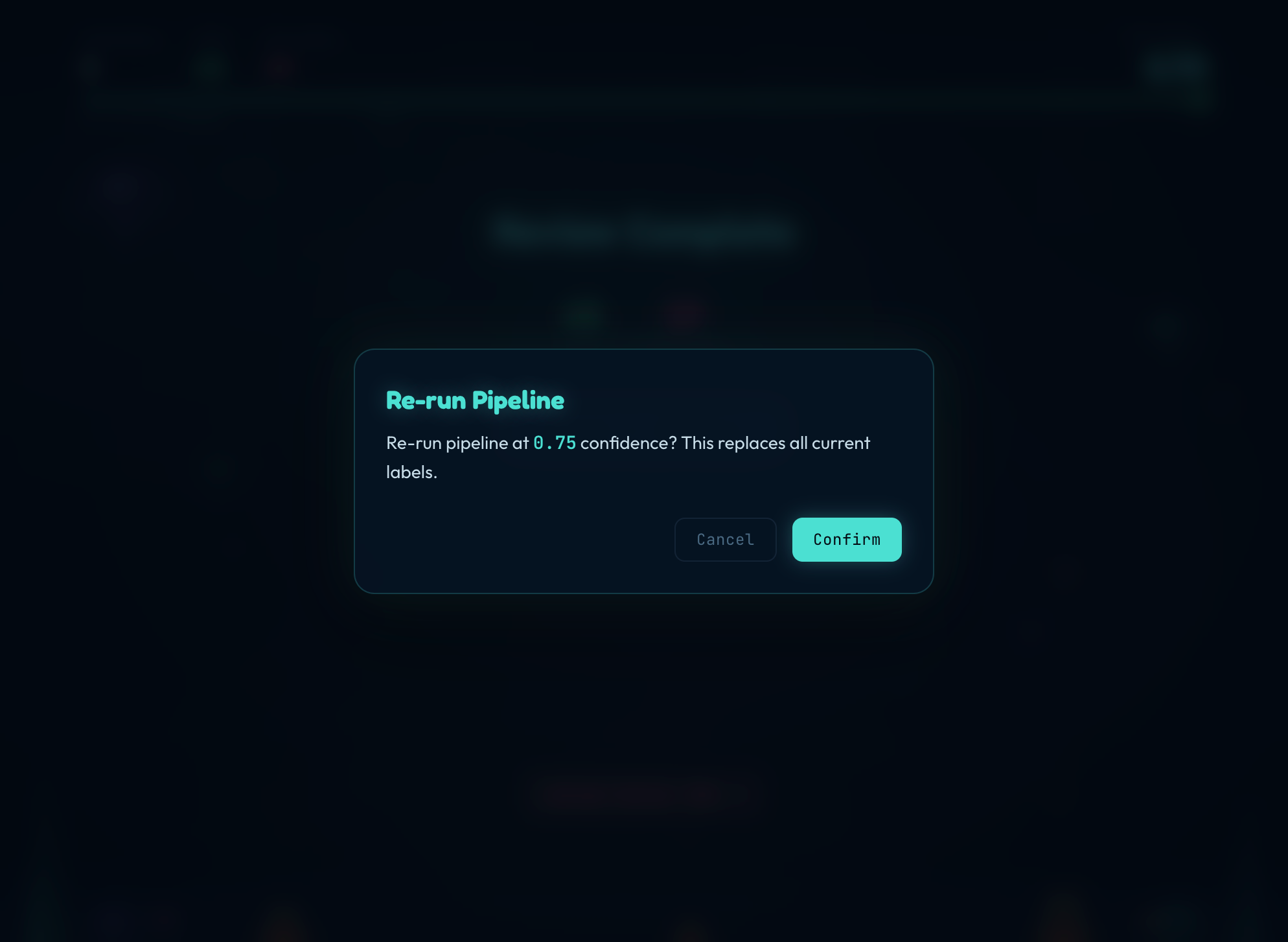
- Restart at higher threshold — re-filters using stored confidence scores without re-running inference
What We Used
| Layer | Technology |
|---|---|
| CV inference | Roboflow inference SDK (local YOLO) |
| LLM fallback | Google Gemini API (gemini-2.5-flash) |
| Model search | Roboflow Universe API |
| Backend | FastAPI + uvicorn |
| Frontend | React 19 + TypeScript + Vite 5 |
| Styling | Tailwind CSS 4 + Framer Motion 12 |
| Web scraping | icrawler (4 engines) + yt-dlp + ffmpeg |
| Testing | pytest (73 tests across 5 modules) |
| Upload | Roboflow Upload API |
Challenges We Ran Into
Model download failures: Universe models are community-contributed and often don't load. We try 5 candidates sequentially and fall back to Gemini-only if all fail — the pipeline always degrades gracefully.
The single-threshold trap: One threshold is too rigid. High misses uncertain objects; low floods with false positives. Three-tier routing with Gemini for the uncertain band solved this without user parameter tuning.
Safe deletion: Deleting images on API errors would lose data. We designed the Gemini contract so only an explicit "not found" sentinel triggers deletion. Every other failure mode preserves the image.
Concurrent Gemini at scale: 100+ sequential Gemini calls would take 10+ minutes. Thread pool with per-image SSE callbacks keeps the UI responsive and the user informed.
What We Learned
- The LLM should augment, not replace. Gemini handles the uncertain 30% that YOLO can't decide on. The pipeline combines three systems (discovery + inference + Gemini) into something more robust than any single service.
- Errors should preserve, not destroy. Any error at any stage keeps the image. Only an explicit, verified "not found" deletes.
- Hone the inputs. Every image that we download that doesn't match what the user wants wastes time and possibly compute through gemini.
What's Next
- Classification support — same pipeline, just swapping bounding boxes for class labels
- Multi-class labeling — detect multiple object types in a single pass
- Active learning loop — feed reviewed labels back to fine-tune the model


Log in or sign up for Devpost to join the conversation.