Inspiration
The inspiration behind Data Analysis ToolBot came from the need for a comprehensive solution to streamline and simplify the data analysis process. As someone who frequently encountered the challenges of navigating multiple resources and troubleshooting during data analysis projects, I saw an opportunity to leverage AI and intuitive design to create a tool that addresses these pain points.
What it does
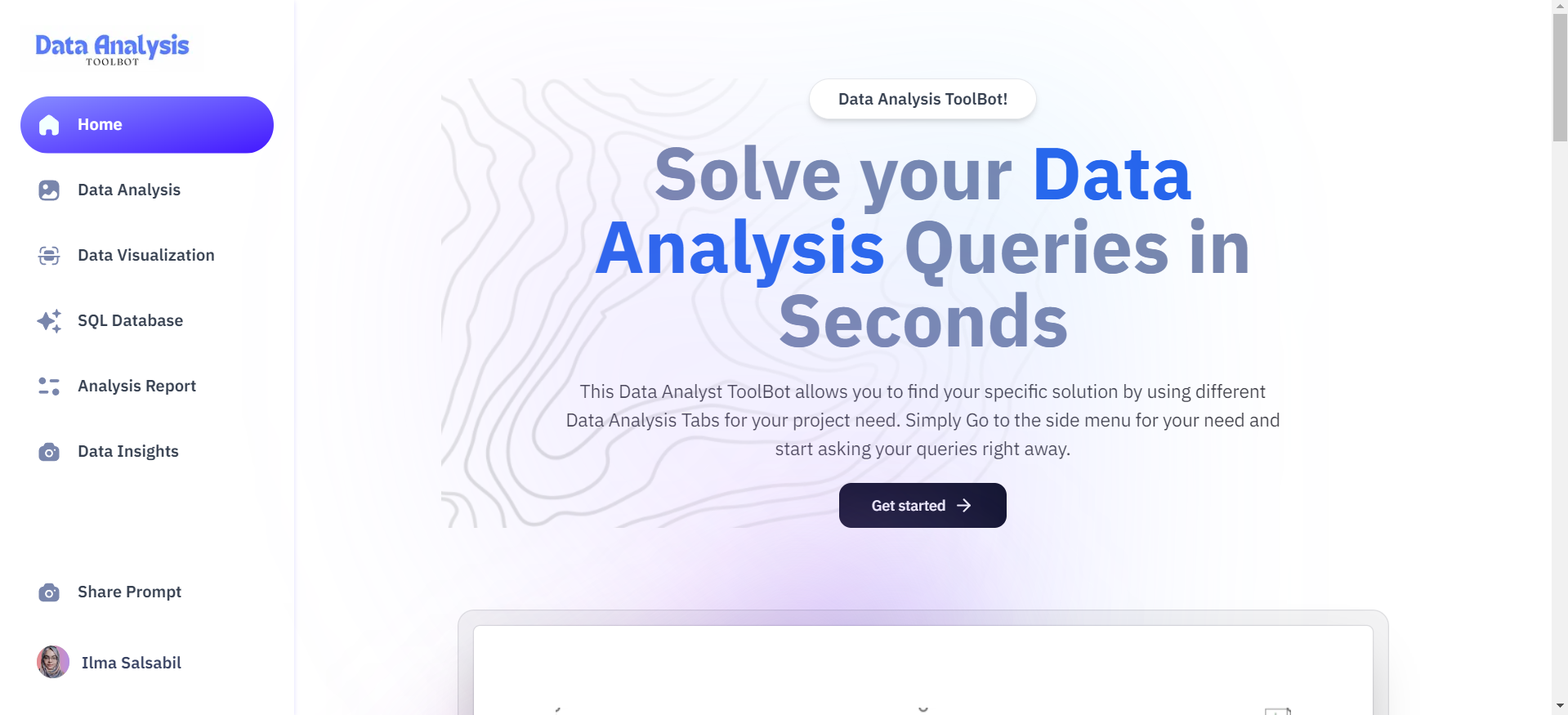
Data Analysis ToolBot is a robust platform designed to revolutionize data analysis workflows. It provides users with five distinct tabs: Data Analysis, Data Visualization, SQL Database, Analysis Report, and Data Insights, and you can also share your prompts worldwide. Each tab is tailored to specific data analysis tasks, allowing users to input queries and prompts and receive code snippets, demo outputs, and detailed explanations instantly.
How I built it
I built the Data Analysis ToolBot using a combination of technologies and frameworks. The frontend is developed using Next.js 14, TypeScript, and Tailwind CSS, while the backend logic for data analysis responses is powered by Flask, Node.js, and the Gemini API. MongoDB is used for database management, and Clerk provides user authentication functionalities. The integration with Gemini AI enhances the tool's capabilities, enabling advanced data analysis tasks.
Challenges I have faced
One significant challenge I encountered was developing the Analysis Report tab, particularly implementing the functionality for users to upload images. Initially, I faced 500 and 415 errors while attempting to process the images on the frontend and backend. However, through perseverance and experimentation, I found a solution that resolved the issue and enabled seamless image uploading and analysis.
Accomplishments
Here I'm creating a user-friendly and efficient tool that addresses the complexities of data analysis. By leveraging AI and intuitive design, Data Analysis ToolBot empowers users to tackle data analysis tasks with confidence and efficiency. Additionally, overcoming challenges such as integrating image uploading functionality demonstrates our dedication to delivering a high-quality and functional product.
What I learned from this
Building Data Analysis ToolBot taught me valuable lessons in front-end and back-end development, user authentication, and AI integration. I learned the importance of user-centric design and the power of AI in streamlining complex processes. Additionally, overcoming technical challenges further enhanced my problem-solving skills and deepened my understanding of software development principles.
What's next for Data Analysis ToolBot
In the future, I aim to continue refining and expanding Data Analysis ToolBot's functionality. This includes incorporating user feedback to enhance the user experience, integrating additional AI capabilities for advanced data analysis tasks, and exploring opportunities for collaboration and partnerships. Ultimately, my goal is to establish Data Analysis ToolBot as the go-to platform for data analysis professionals and enthusiasts worldwide.


Log in or sign up for Devpost to join the conversation.