
Title: DARLING PHOTO!
Introduction: Smartphone Camera Remote Controller using Gear2
With a development of smartphone camera, instead of carrying a separate camera, people are using
simple and light smartphone which is replacing camera roles. However, many people often face various
difficulties and inconvenience when taking group or couple photos. For example, it is difficult to take full
length photo with self-camera function and the user needs to ask someone else to take photo. To deal
with this situation, we came up with an idea and realized DARLING PHOTO!.
DARLING PHOTO! is a remote controller application enabling user to control smartphone camera using
Gear 2. In order to utilize this Gear application (DARLING PHOTO!), it should be Android application
compatible. User can use camera functions independently and also control camera using Gear 2 when
connected with Gear 2 application. Moreover, through Bluetooth connection between smartphone and
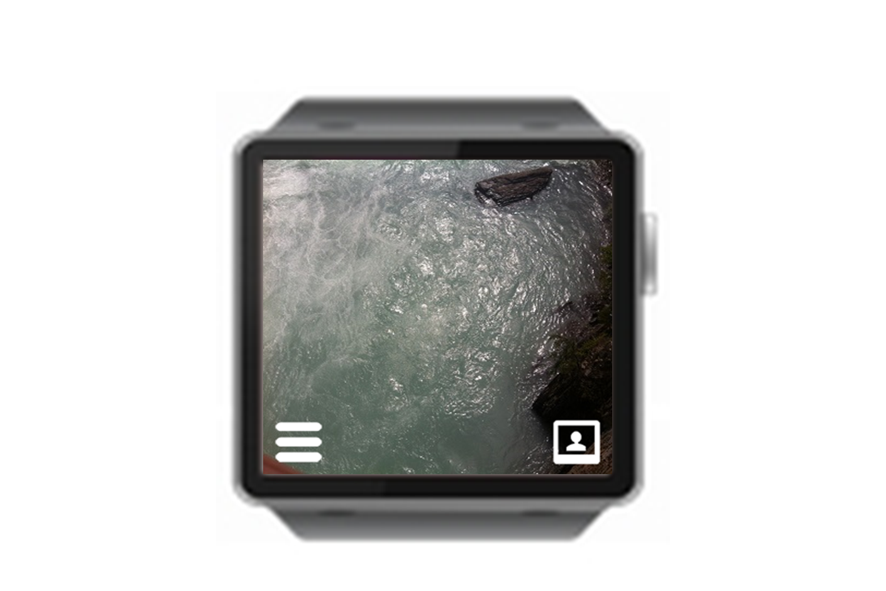
Gear 2, camera view in smartphone can be shared on Gear 2 in real-time allowing user to take photos
with desired location and pose.
Advantages and Differences
“Real Synchronization & Screen Sharing”
There are many smartphone remote controllers but the ones in the market are either big or providing
only limited functions as well as user can't check the smartphone view. However, DARLING PHOTO!
application allows user to share the smartphone camera view in real-time. By checking the view directly,
user can control camera functions and easily take the photo they want.
“Good & Clean UI”
Do you feel it too bored Jean camera application? Conversely, the hand is much too complicated, think
about going syeoteul. DARLING PHOTO! Provides UX, UI applications easy to clean.
“Filter Efect”
In the market there are a number of interlocking gears and the camera application. If you're smart, but
to provide a filter effect DARLING PHOTO! We will select the application. If you use a filter effect, such as
cold and warm effect effect, mosaic, black and white can be a photographer all.
Main Functions
- Camera View Sharing
- Share smartphone camera view with Gear 2 enabling user to check one's photo on camera in real-time.
- Remote Control of Camera Functions
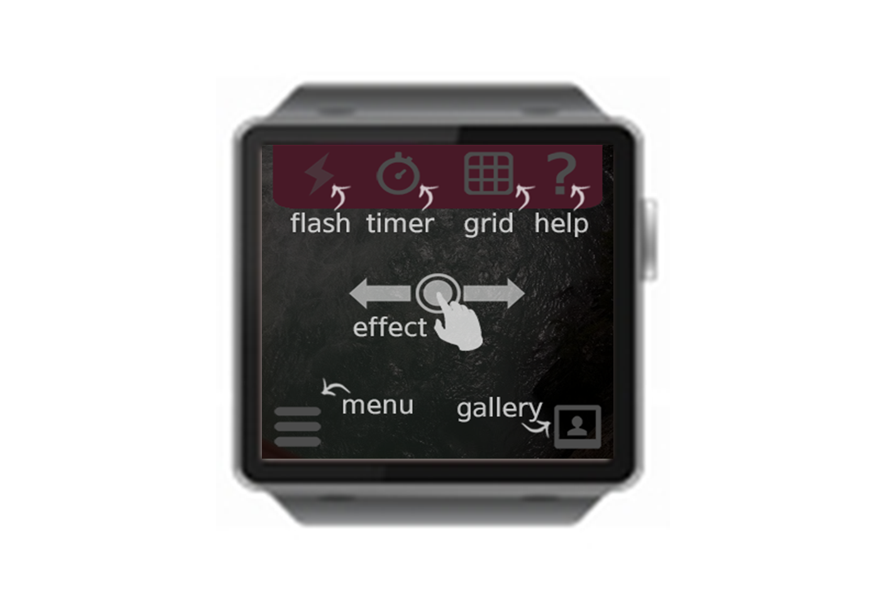
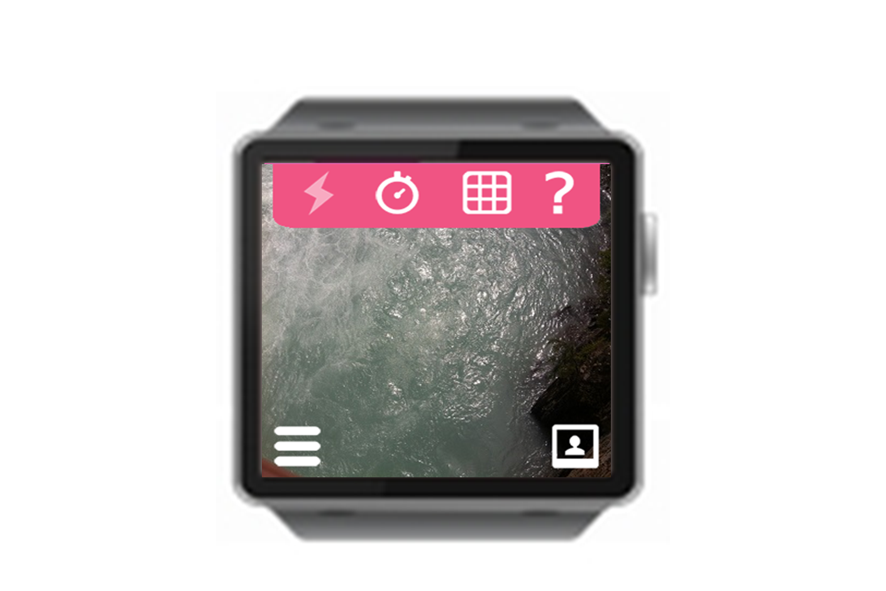
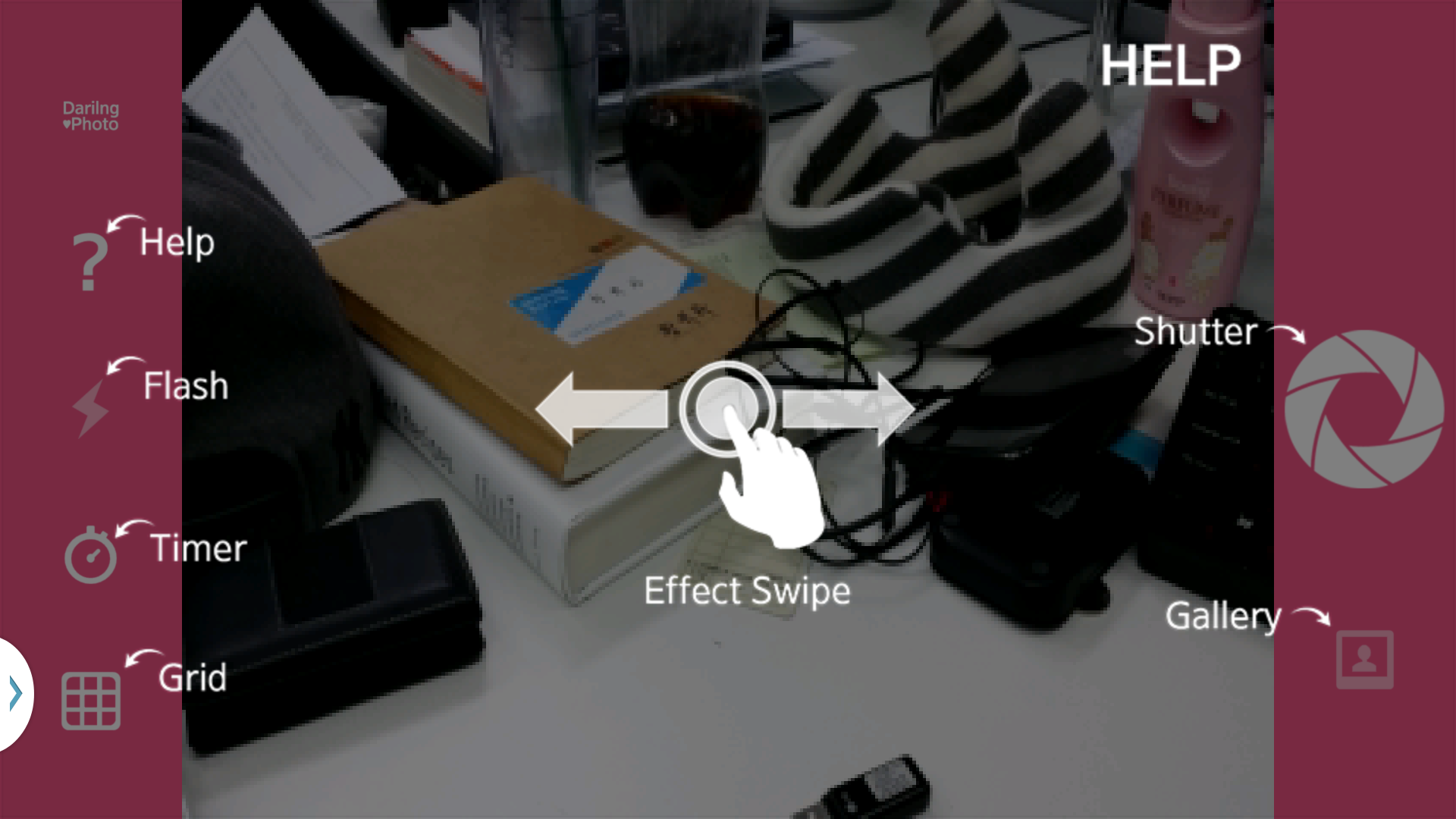
- Able to directly control smartphone camera functions (photo effect, resolution adjust, flash, grid) while
checking the view
- Various Photo Effects
- Able to take different style of photos through resolution adjustment and photo effect.
Able to take photo at night using flash function
- Timer Function
- After timer setup, user can check view on Gear and then after pressing snapshot, photo will be taken
after specified time.


Log in or sign up for Devpost to join the conversation.