-
-
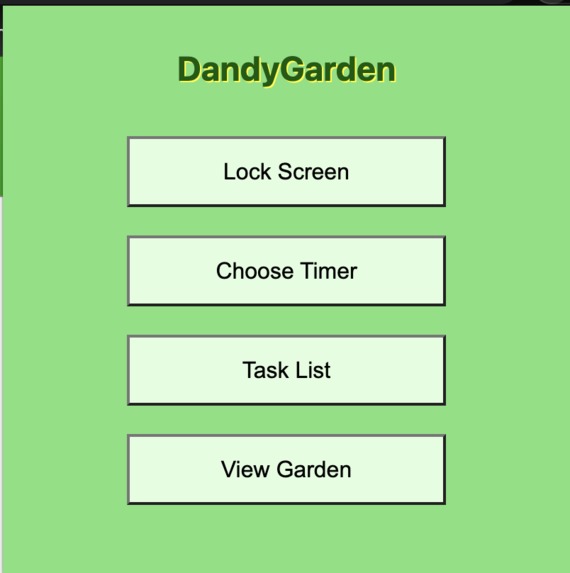
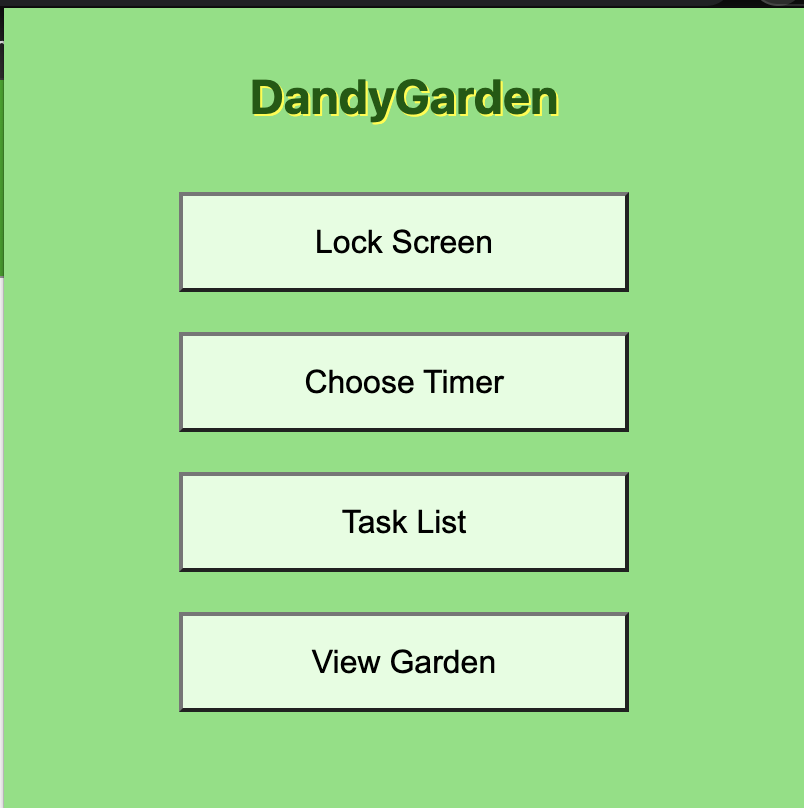
Popup Page when you click the extenion widget in the top right of chrome
-
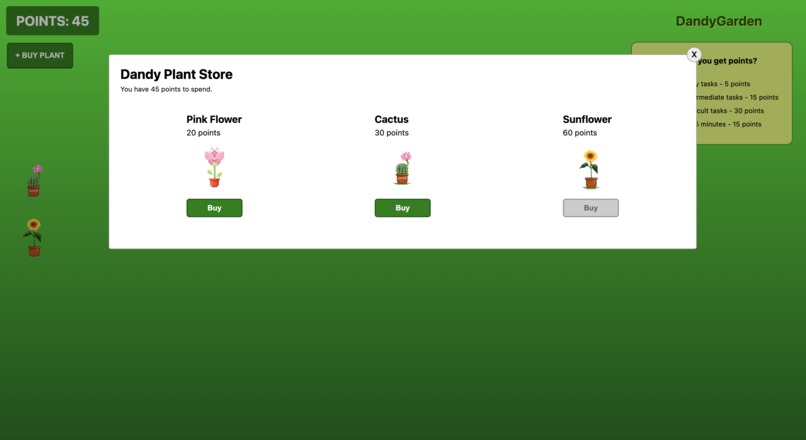
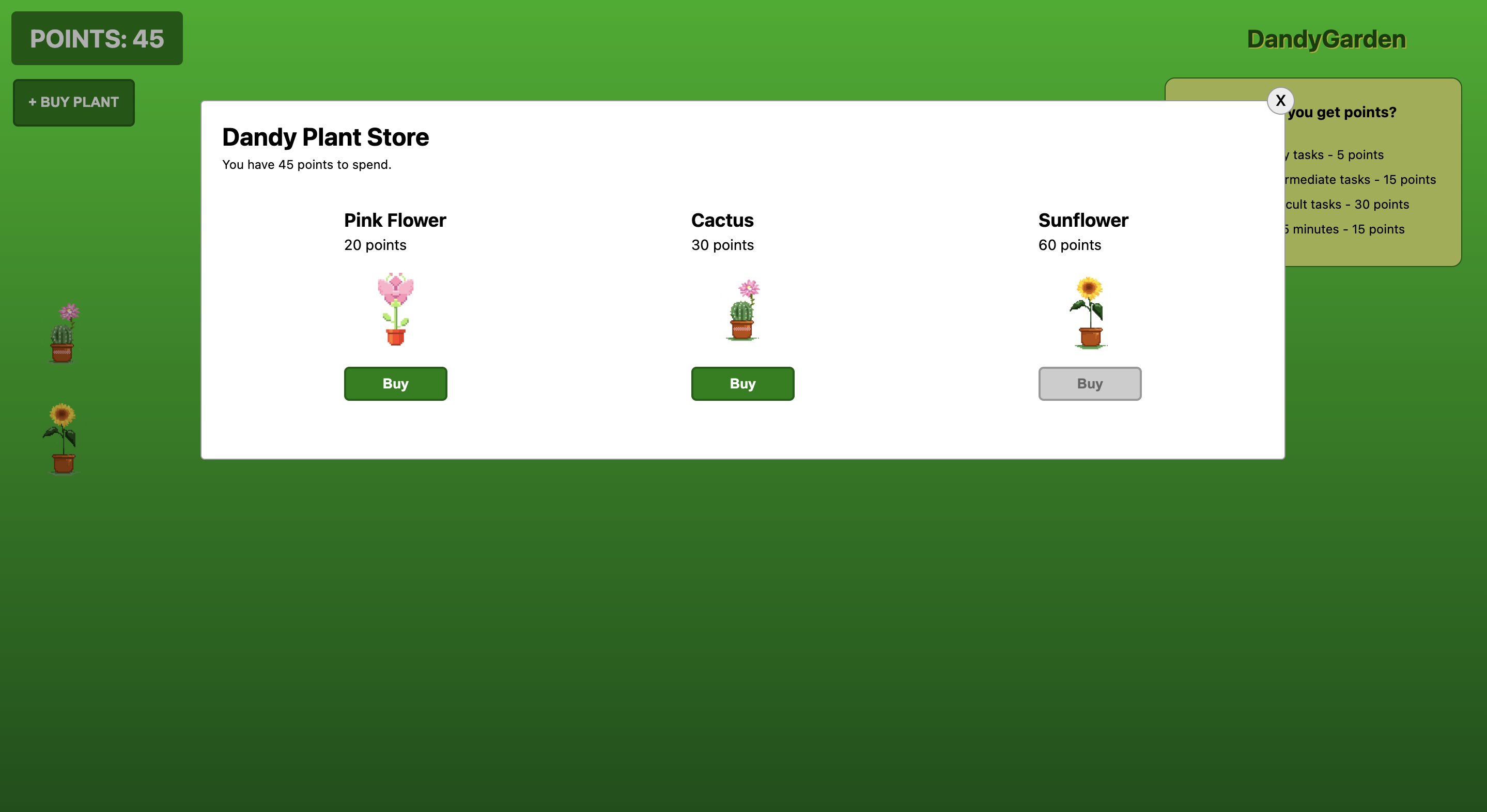
Shop page after you click the "+ buy plant" button on the left
-
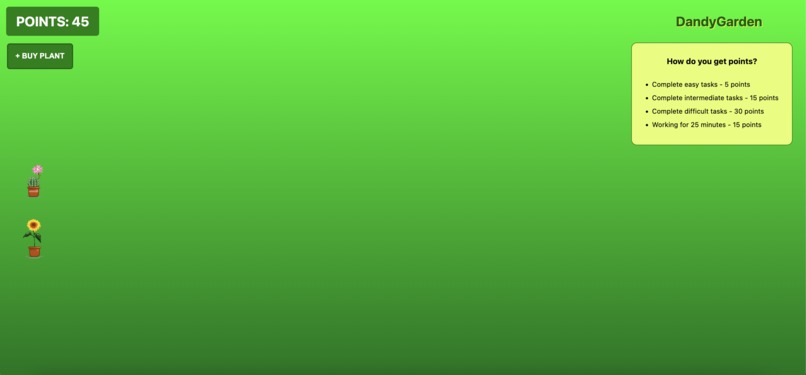
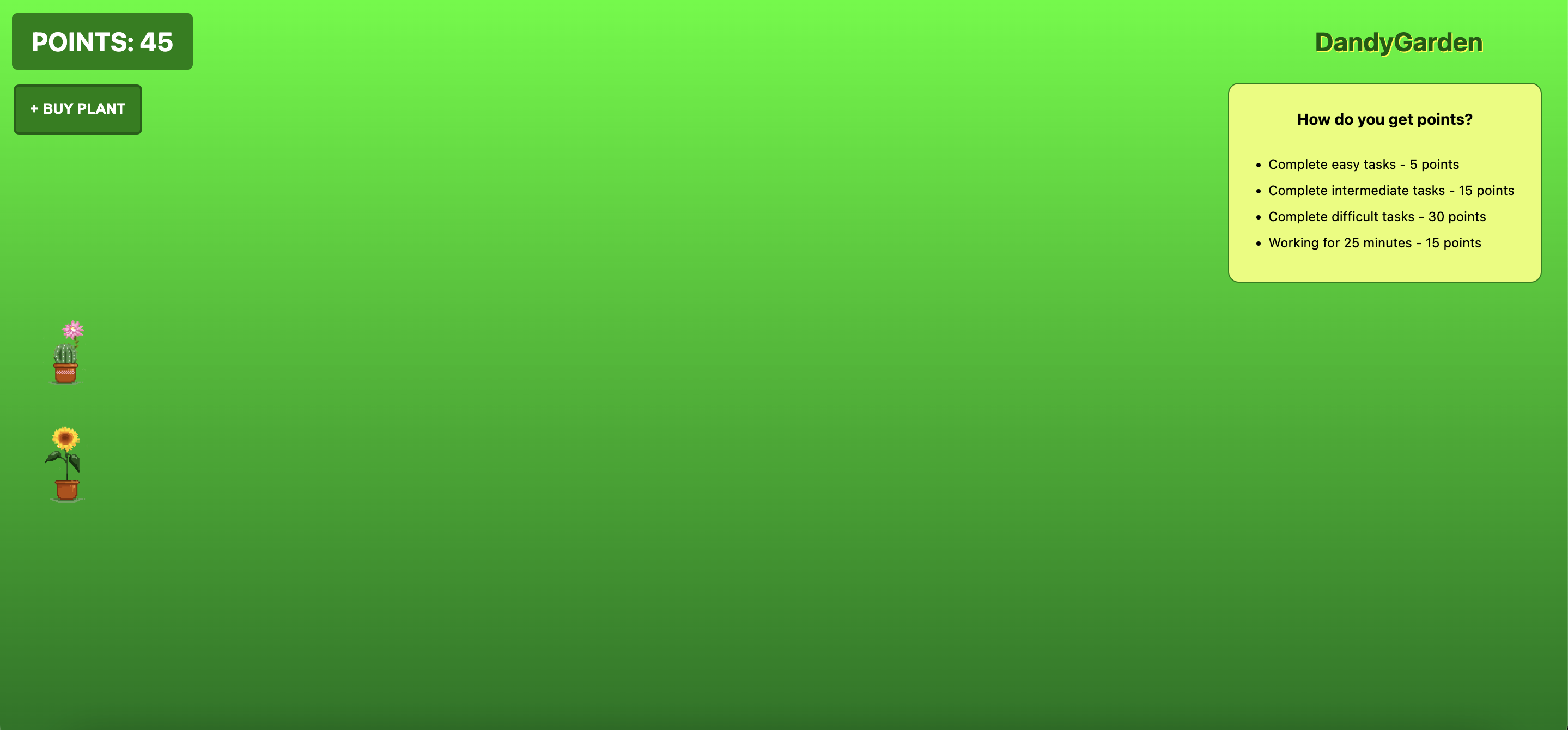
The main garden page where you can see your plants and buy more
-
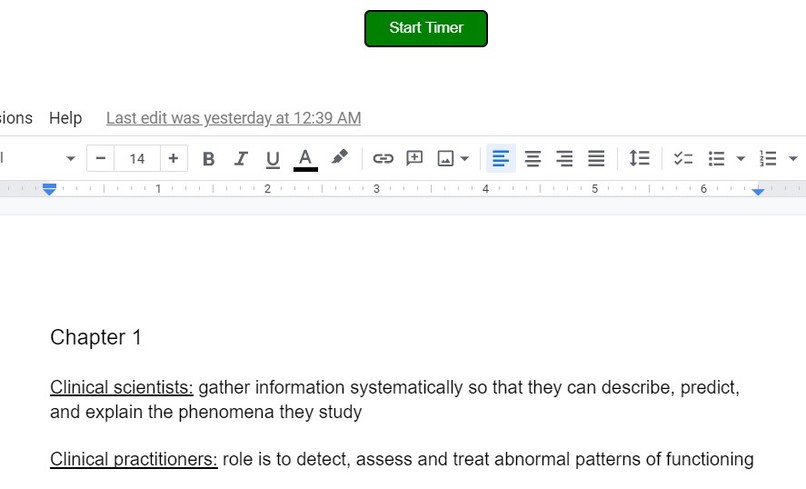
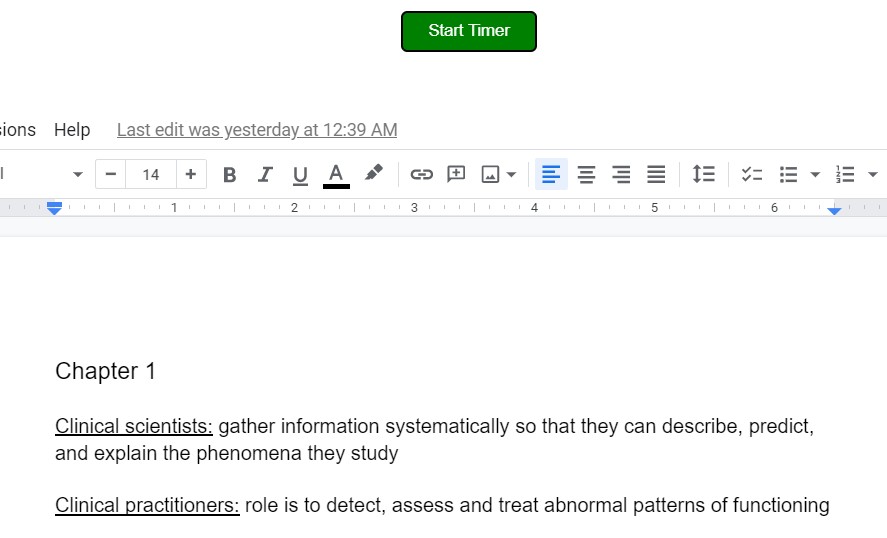
Start timer button on the screen you want to work on
-
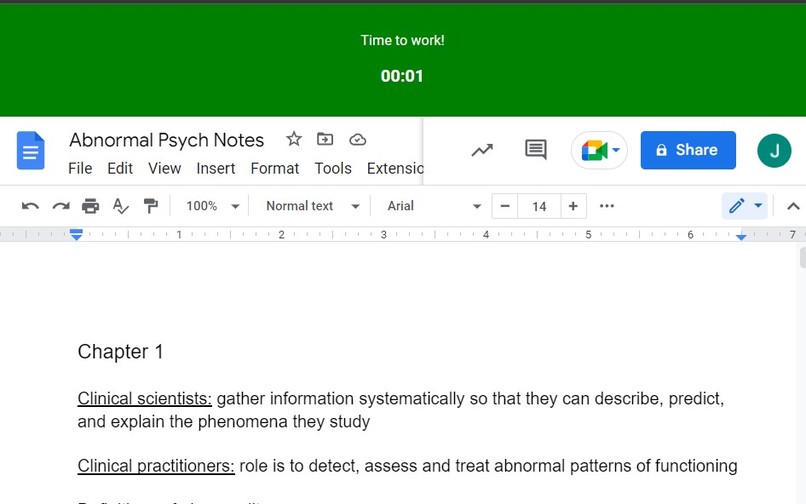
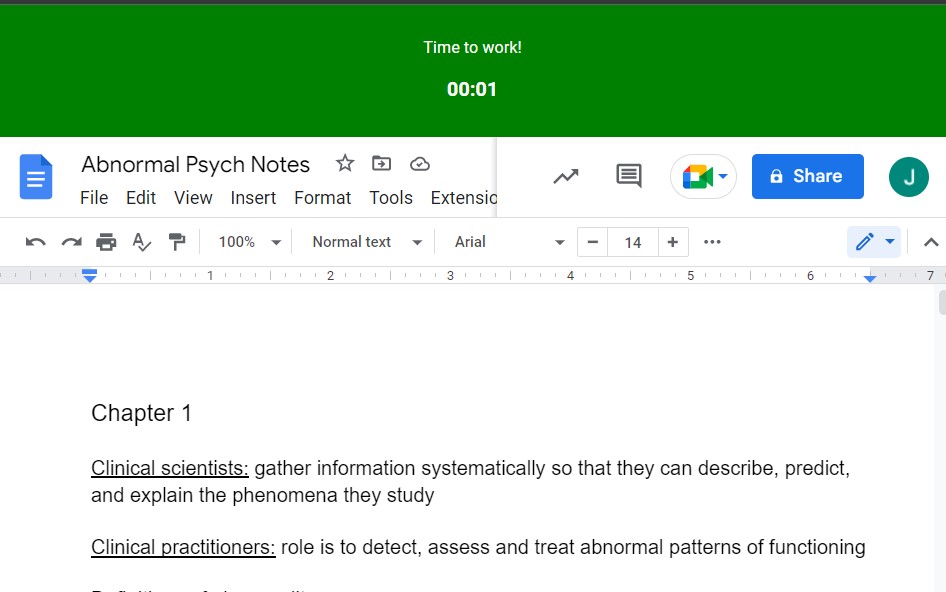
What the timer looks like when the user is working
-
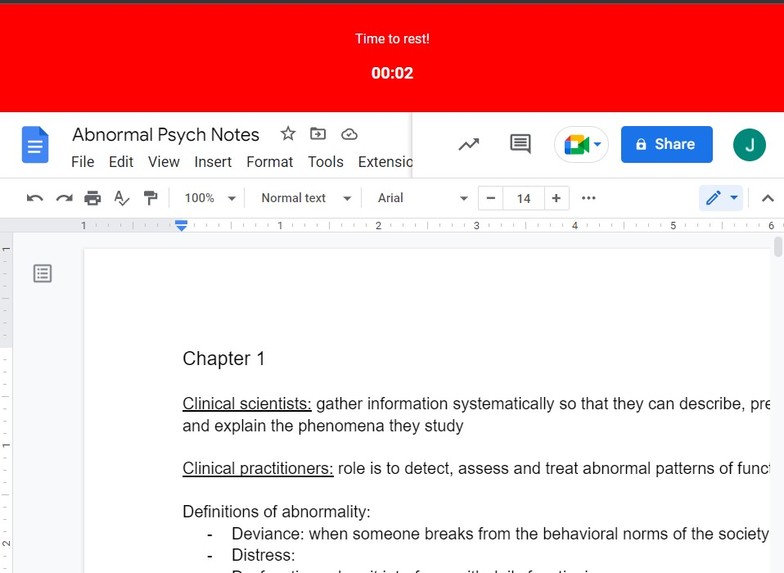
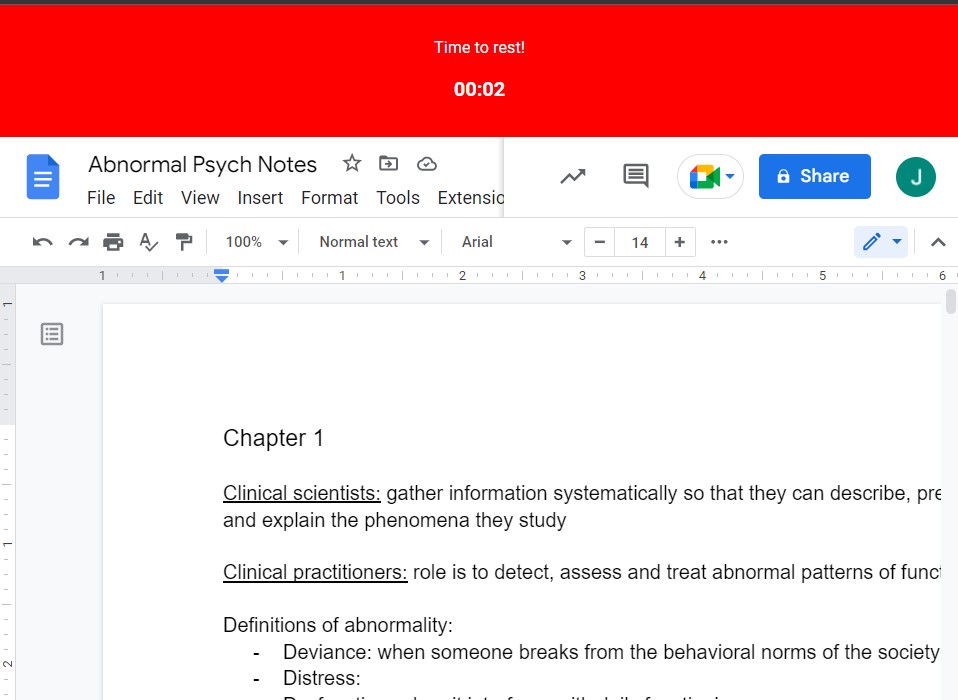
What the timer looks like when the user is taking a break
Inspiration
Our first idea was a lockdown browser, so someone would have to stay on a certain tab and complete their work. But we wanted a more positive way to incentivize people to complete their work, and so we wanted them to have some sort of reward for completing their work. We were inspired by the DandyHacks plant and we thought a garden would be a fun thing for users to create. We added the Pomodoro timer in order to let users know when to work and take a break, as well as a way for them to earn points so that they could build a better garden. We decided on a chrome extension because of what it is allowed to access within chromes API so we can track users' movements around the browser, which would not have been possible if we used a website. The extension is also meant to be running while you're working on your own website so an extension made the most sense.
What it does
When someone uses the extension, it starts a timer on the website based on the Pomodoro method (so it will tell people when to work and when to take a break) on the specific website they're using. As they complete work time, they will gain points (15 points for every 25 minutes) and then they can use those points to purchase flowers to plant in their garden. Plants can be moved around the garden as well.
How we built it
We built it using React.js, HTML, and CSS, as well as the Chrome API.
Challenges we ran into
We ran into challenges with the Chrome API. There were some things that we were just not able to do with the API and we had to work around that. Sometimes we would get errors that didn't have a solution we could find, and so we had to try other methods. React.js was also new to us, so it was a challenge to learn a new language and use it for a project in a short amount of time.
Accomplishments that we're proud of
We're really proud of the work that we did with the Chrome API. We were able to update the points the user has based on the time they've worked, which was something we weren't sure we'd be able to figure out. And we are also proud of the work we did on the garden webpage. We think it looks pretty cool and would be fun to use (especially if we're able to add more features like more plants in the future). Another accomplishment was a live update feature we added to see code changed without having to reload the extension every time. This saved us multiple hours of unloading and loading the extension throughout the course of development.
What we learned
We learned how to build a Chrome extension and work with the Chrome API, as this was something none of us have ever done or worked with before. It was also some of our team's first time working with React.js and/or front-end development.
What's next for DandyGarden
We really like what we've done, but we would like to expand on it to make it more enjoyable and useful for users! We will implement a task list so that users can enter tasks they'd like to complete. They will also enter the difficulty of the task. Users will check off when they finish tasks and then they will gain a certain number of points based on the difficulty of the task. We will also add more variety to the plants/flowers that users can add to the garden. And we will also add ways for users to water their garden, grow existing plants, and decorate their garden in other ways.


Log in or sign up for Devpost to join the conversation.