-
-
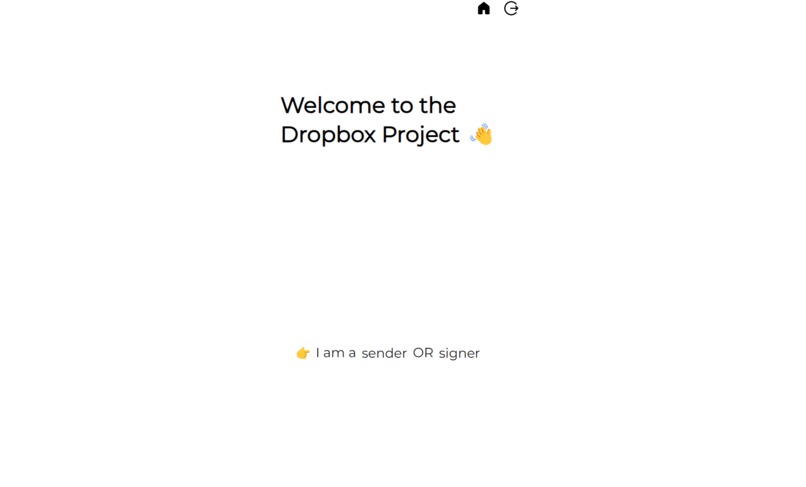
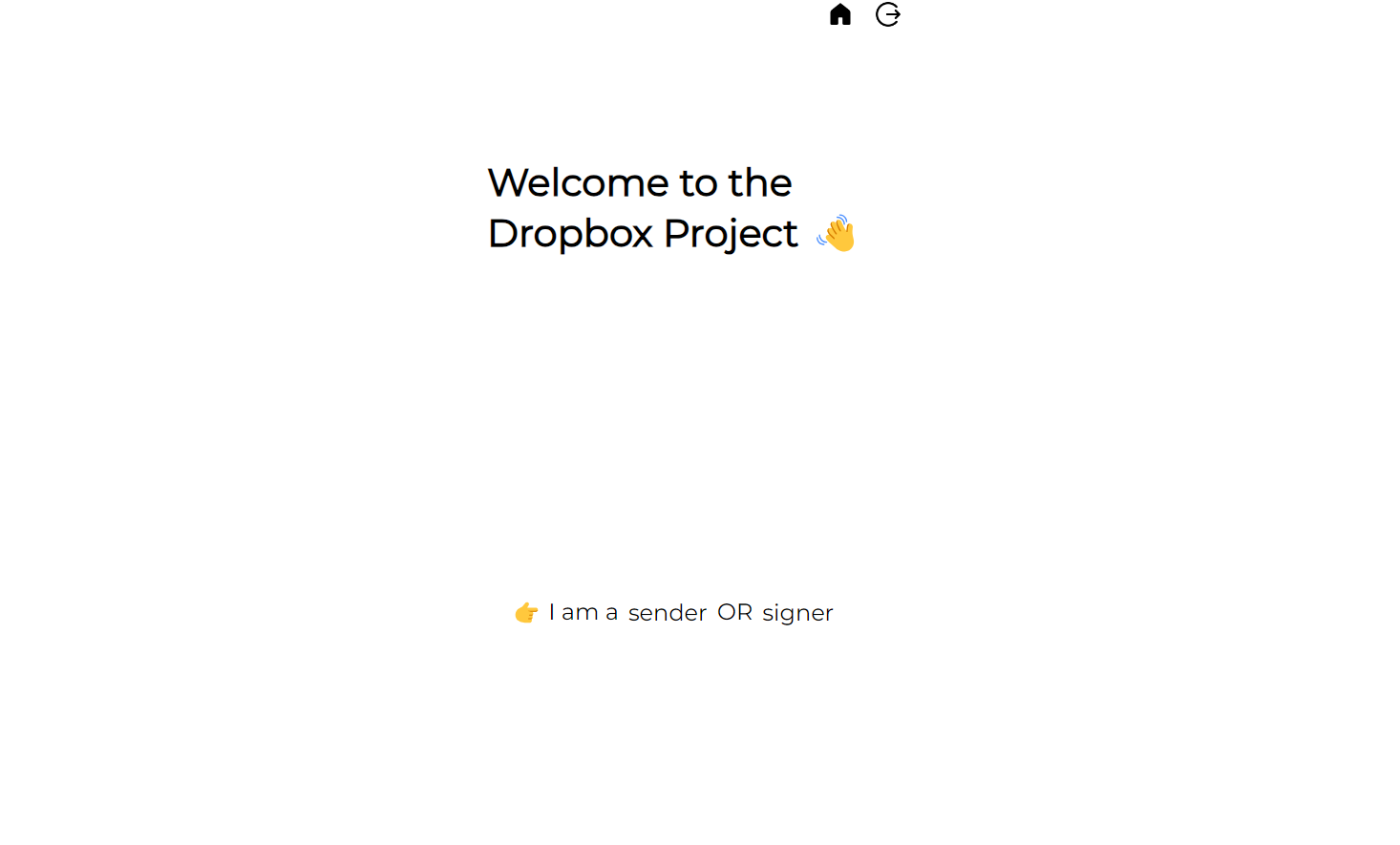
Landing Page of the website
-
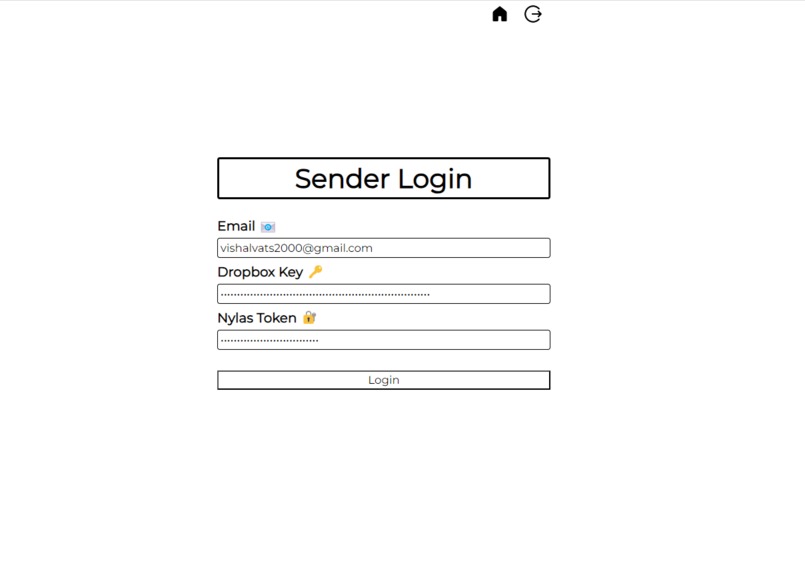
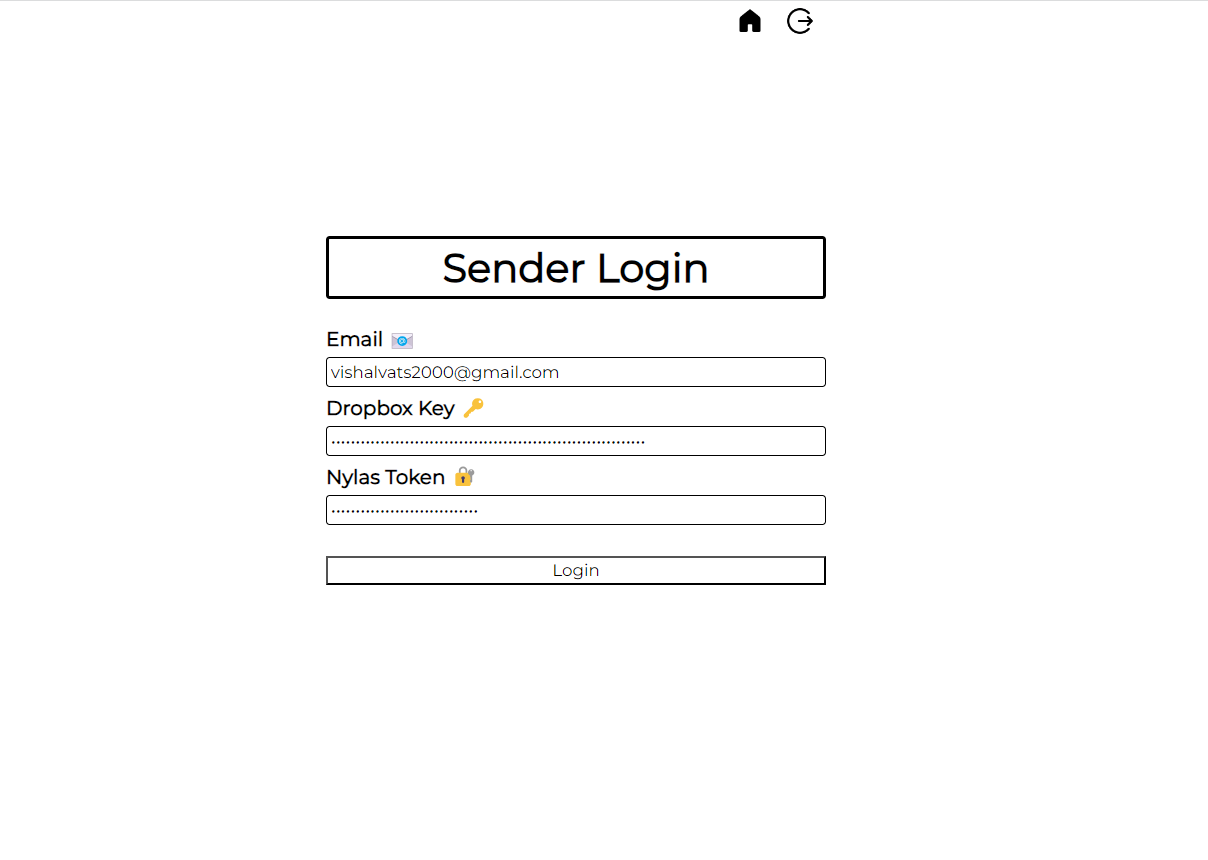
Sender's login page (pre-filled)
-
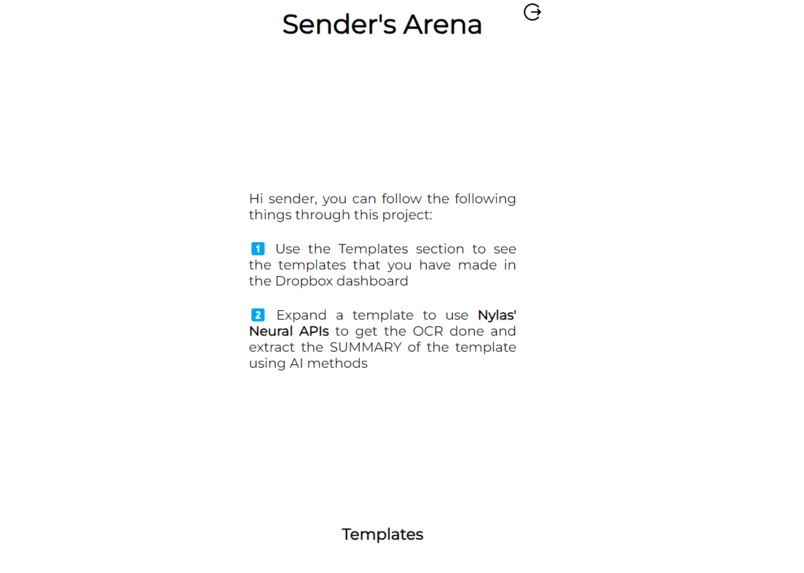
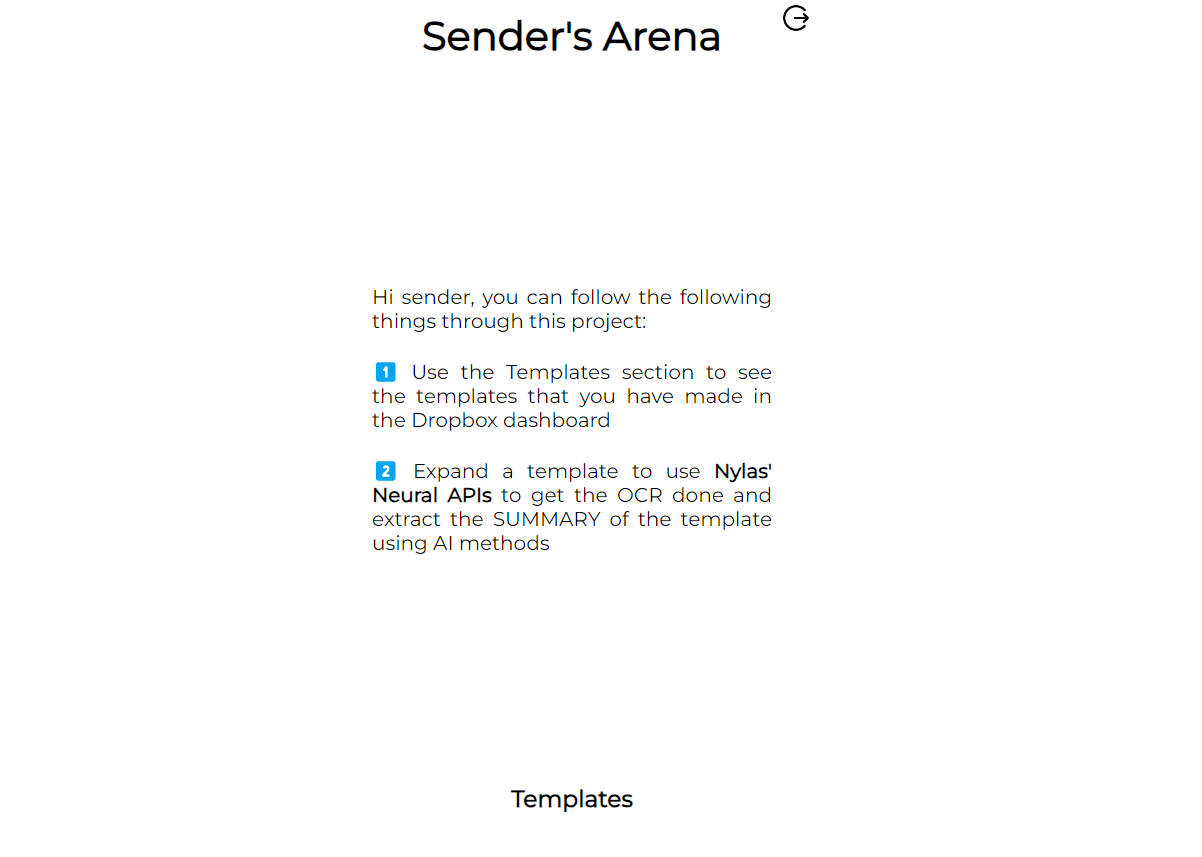
Sender's Arena (Instructions)
-
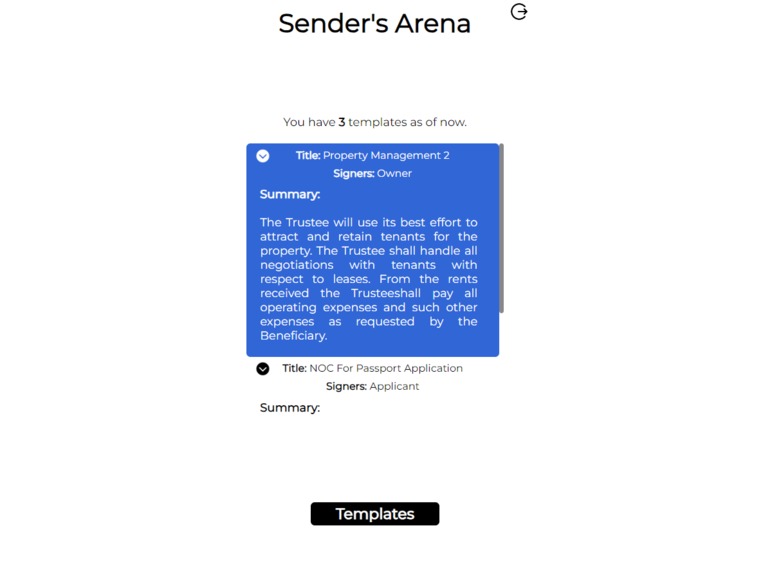
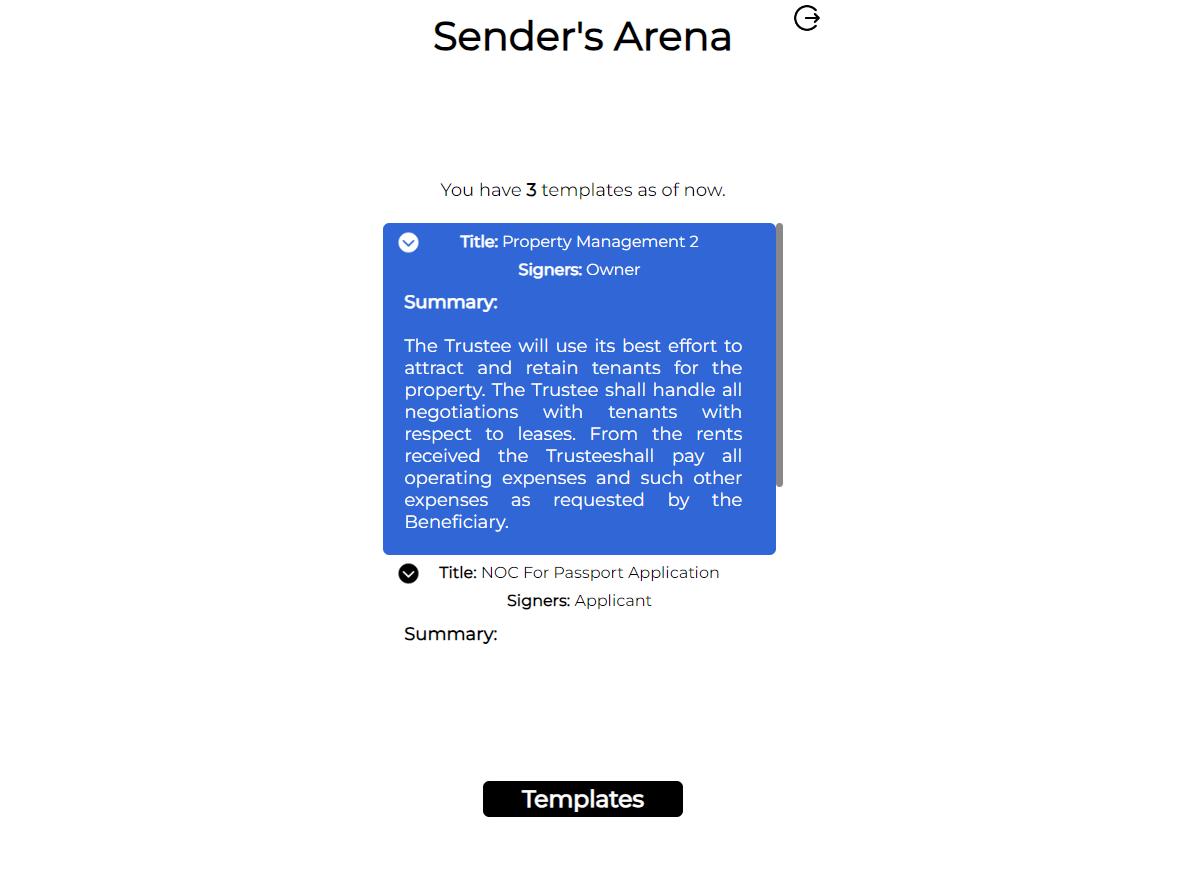
Sender's Arena (Templates Overview)
-
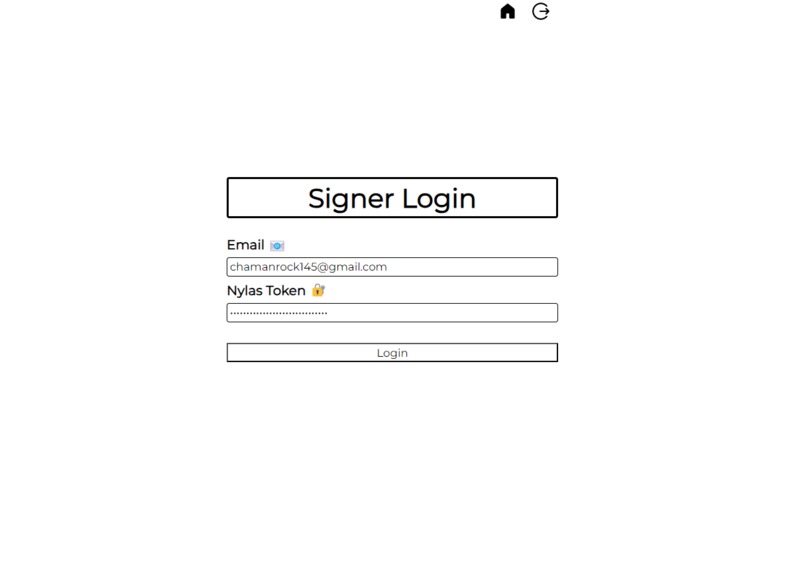
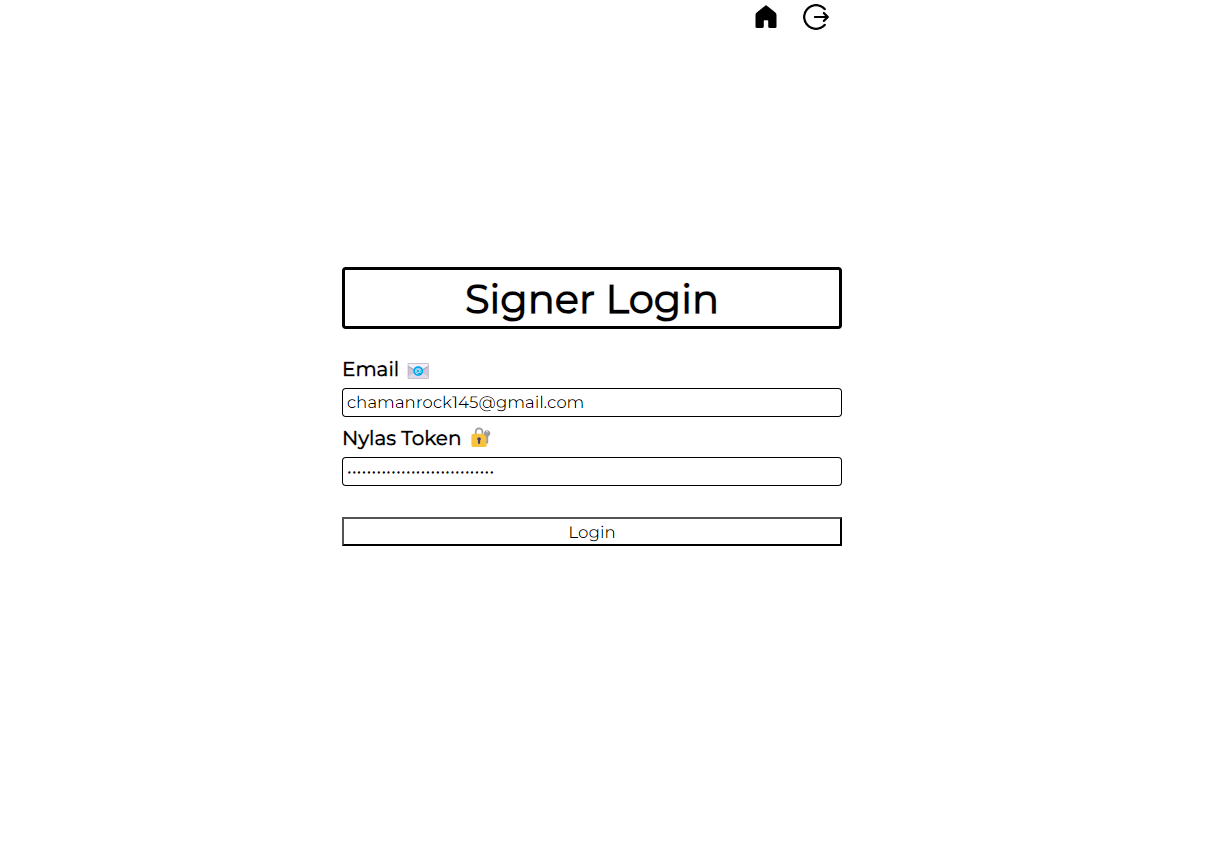
Signer's login page (pre-filled)
-
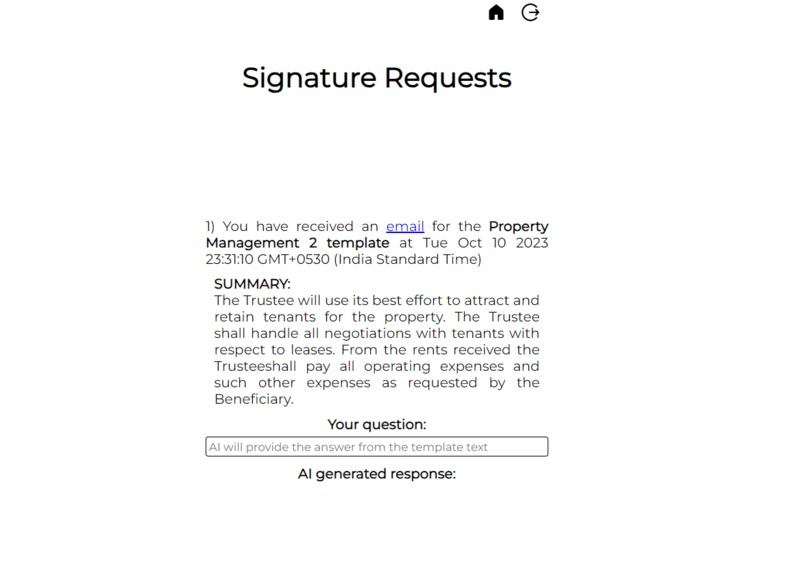
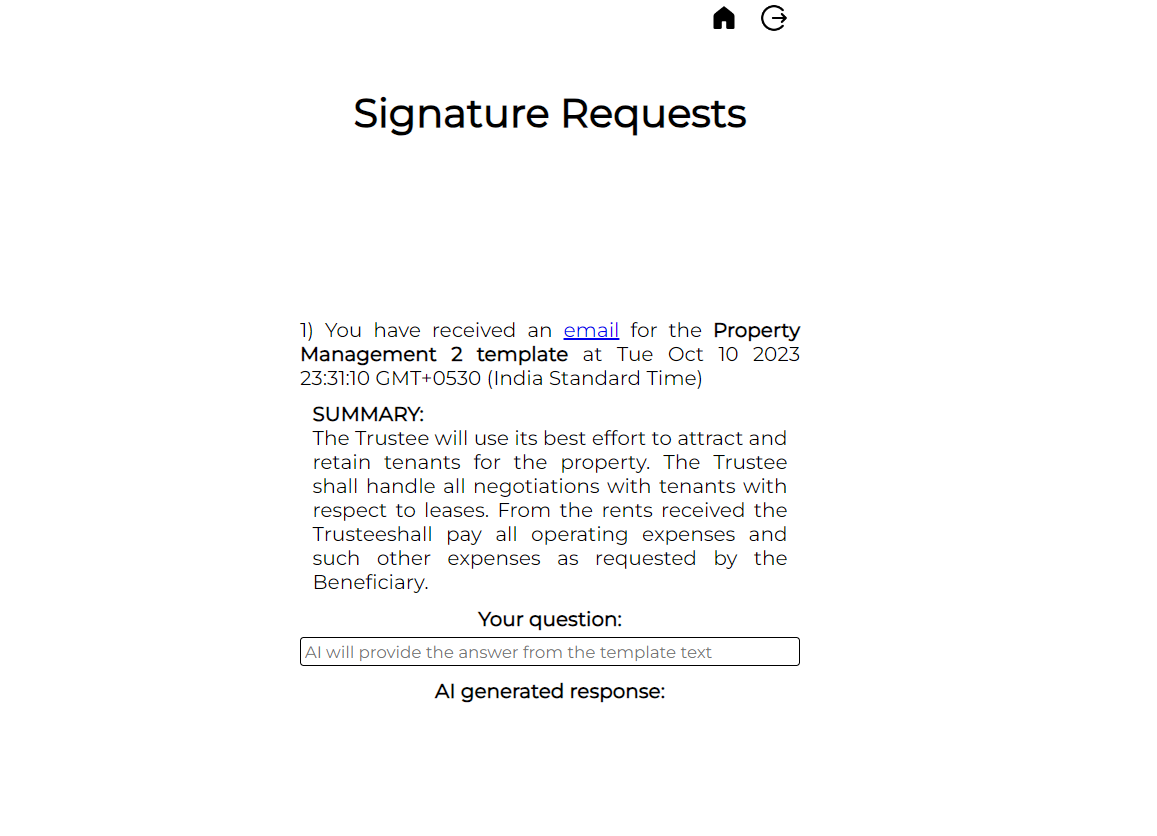
Signature Requests (Bye-bye clusttered inbox)
-
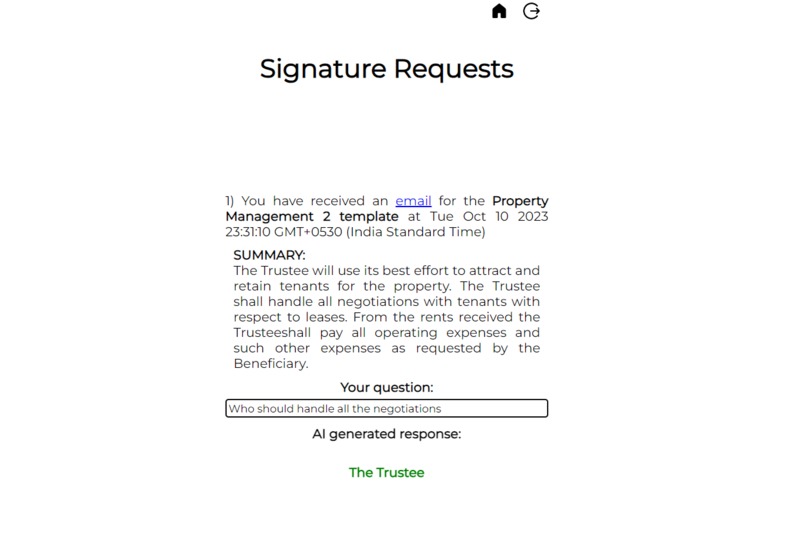
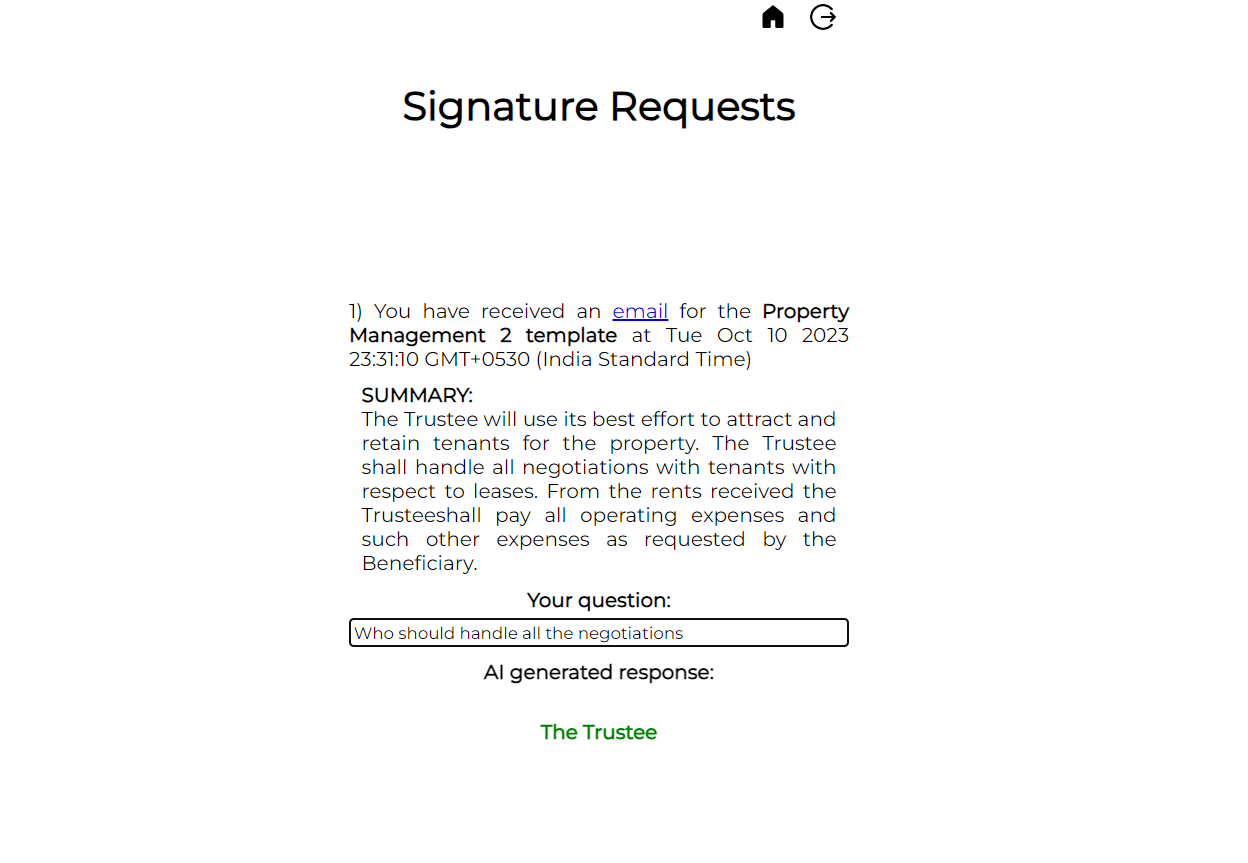
Sumaarization & retrieval of answers from AI models
-
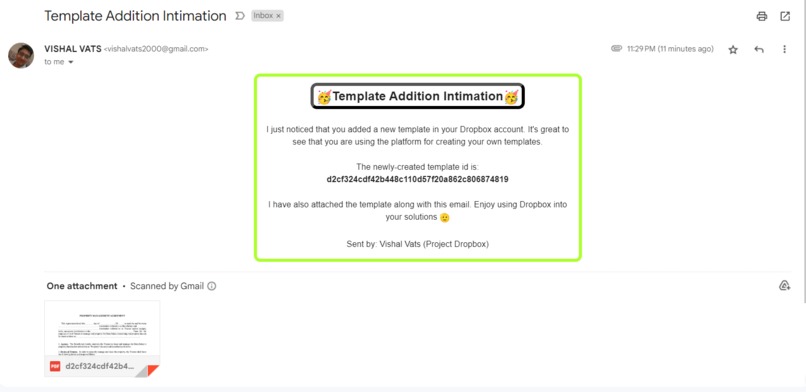
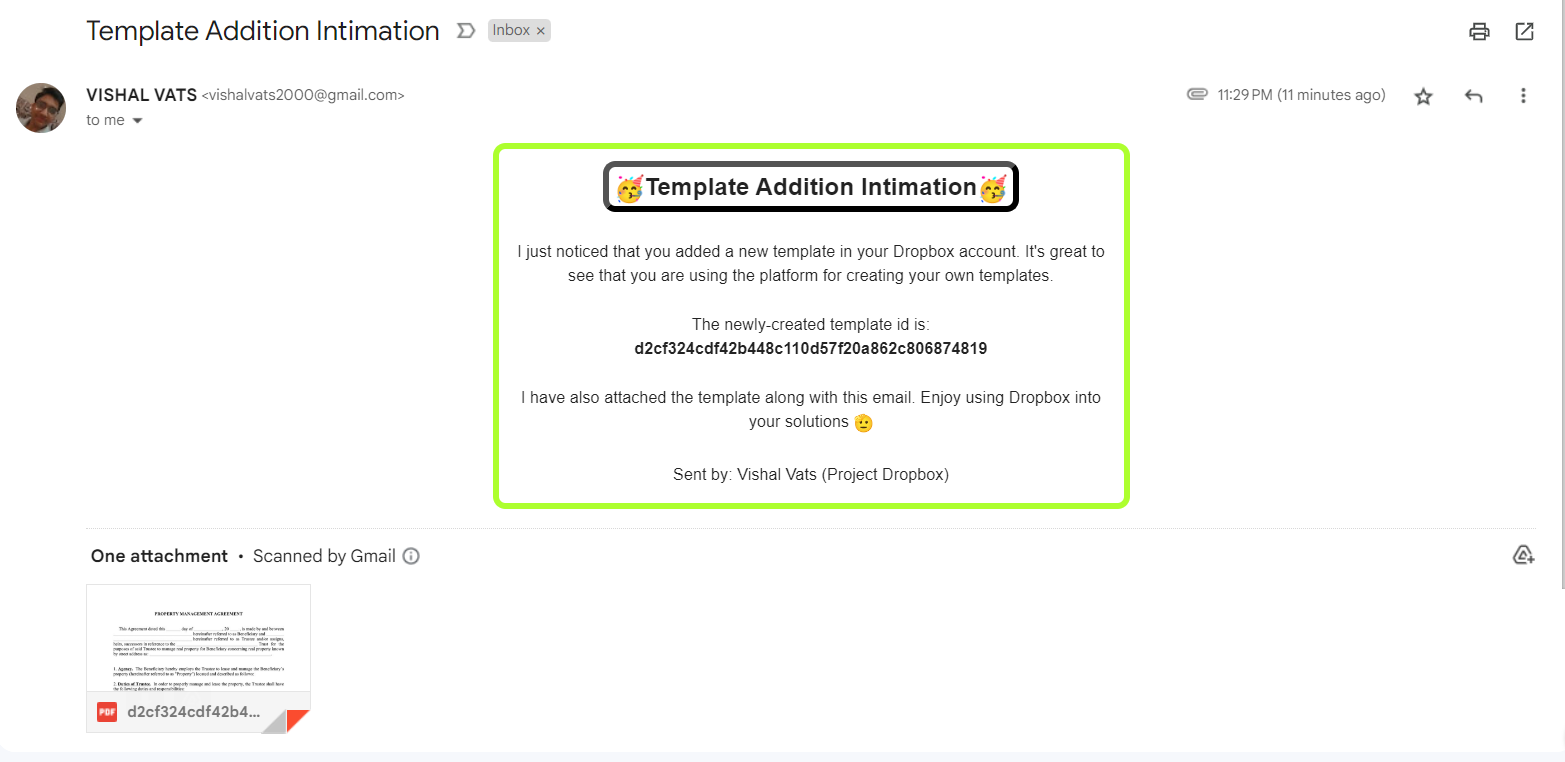
Nylas Conversational Neural API sending a mail intimation to the sender
Inspiration
Since the announcement of the Dropbox challenge, I was very sure that most of the final submissions would be using ChatGPT for answering questions from the template and would only revolve around the signer. I didn't want to use a common service that would be used by almost everyone and actually wanted to address the issues of both entities (sender and signer), and that's the reason I started searching for other options to incorporate AI into my project. That's how I found Nylas & Hugging Face models.
Through my project DAM, I have tried to facilitate the signing process for both the sender and signer by providing them with neural AI powers so that they can quickly and wisely use the Dropbox signing functionality. It is so common for signers to miss signing a template that has been lost in the large pile of unread emails. So, it helps the signer to easily find the signing mail in a separate environment from the mail and also works with Dropbox Templates which increases the chances of it being used in the real world.
What it does
DAM, an acronym of Dropbox, AI & Mail, which can be used by both senders & signers of a template to enhance the ease of the signing process. It helps a sender to keep track of all the templates sent. On the other hand, a signer can use it to get all the received un-signed templates in a single place, generate a gist of the template, and ask questions to better understand the context. Rather than providing the tone, and category of the template, it would be useful to actually make the large number of pages understandable & get the gist of it easily.
An agreement/signing template, that is sent via a sender, is generally the last step in any process (buying a house, renting out a thing, legal procedure) and thus it is very vague to use AI to just understand the document because sender and the signer both have rigorously went through discussions to reach the final step (signing off the agreement). It's not like, someone will send Dropbox signing documents on the first go!
1️⃣ A sender will always be working with templates (having custom fields) because a lot more information has to be captured and provided to/from the signer. So, templates are the best way to do so. But generally, it is very hard to keep an eye on/maintain the already-made templates and even after some time the reason for making them starts fading away. So. by using the website and the webhooks, my project is ensuring that the templates are synced/fetched to a common place for each user and thus the sender can not only view the templates from a single place but can also grab the quickest summary for the same possible.
2️⃣ The end-signers are those who are not registered onto the Dropbox platform (for the majority of cases). So, it is very hard to find a way to elevate their signing experience and ease any problems they might have faced. The cluttered-emails inbox only makes the problem worse because now the signer has to excavate a thing of interest from a huge pile of junk. I know it can be done, but it eats a lot of time for the signer and is also very distracting in the entire process. So, the project provides the nicest of the UI and easiest of the functionalities to provide the signer a common place where all of his/her unread DROPBOX signing request emails will be synced and many things can be done there 😄
How I built it
🔴 For the templates to be synced and saved onto my server and CODA, I configured the webhook in such a way that it saves a copy of the template onto my server and also updates the Coda Doc.
🟠 I have used Nylas because I wanted to access the signer's inbox (so that the emails can be segregated) and also I used it to send Template Addition Intimation to the sender whenever a new template has been used. Also, in order to extract the signing details from the signature-request email, I have to parse the email body through the Conversational Neural APIs because it is very hard to actually grab the meaningful text from a mail body as many unwanted encodings and stuff are present in each mail.
🟡 Chat GPT for sure is very expensive and if I am trying to devise a solution that can be used by the masses, then I have to actually replace it with cheaper yet yet-effective tools, like HuggingFace JS. Not ony does it provide thousands of models but also at present, provides them free of cost. The usefulness of the same encouraged me to use models like Facebook Bar (for summarization), deepset roberta (for finding answers from the template content) and they made my life easy ensuring high-performance outputs each and every time.
🟢 As always, I try to make my project with the simplest of languages so that they can be adopted by anyone out there and the same is true with this one. I used vanilla JS and normal CSS to make this project and the clean, efficient UI and its great functionalities are somehow reflecting the same.
Accomplishments that I'm proud of
Making a project of this calibre and putting each of the pieces of the puzzle together, actually makes me really proud and I can happily say that after weeks of work, I have finally submitted a worthy project.
What I learnt
Brainstorming for a particular issue needs to get to the root cause of the problem and this project ensured that I diligently do that because then only a nice idea can be thought of and worked upon. It is also great to follow a path than what others are following.
Built With
- ai
- css
- dropbox
- html
- huggingface
- javascript
- nylas


Log in or sign up for Devpost to join the conversation.