-
-
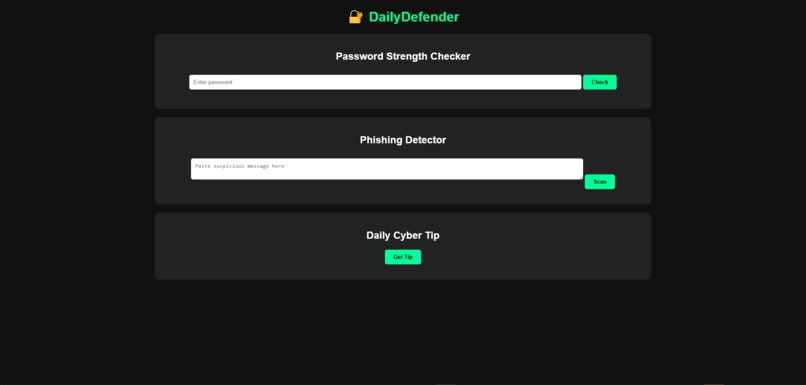
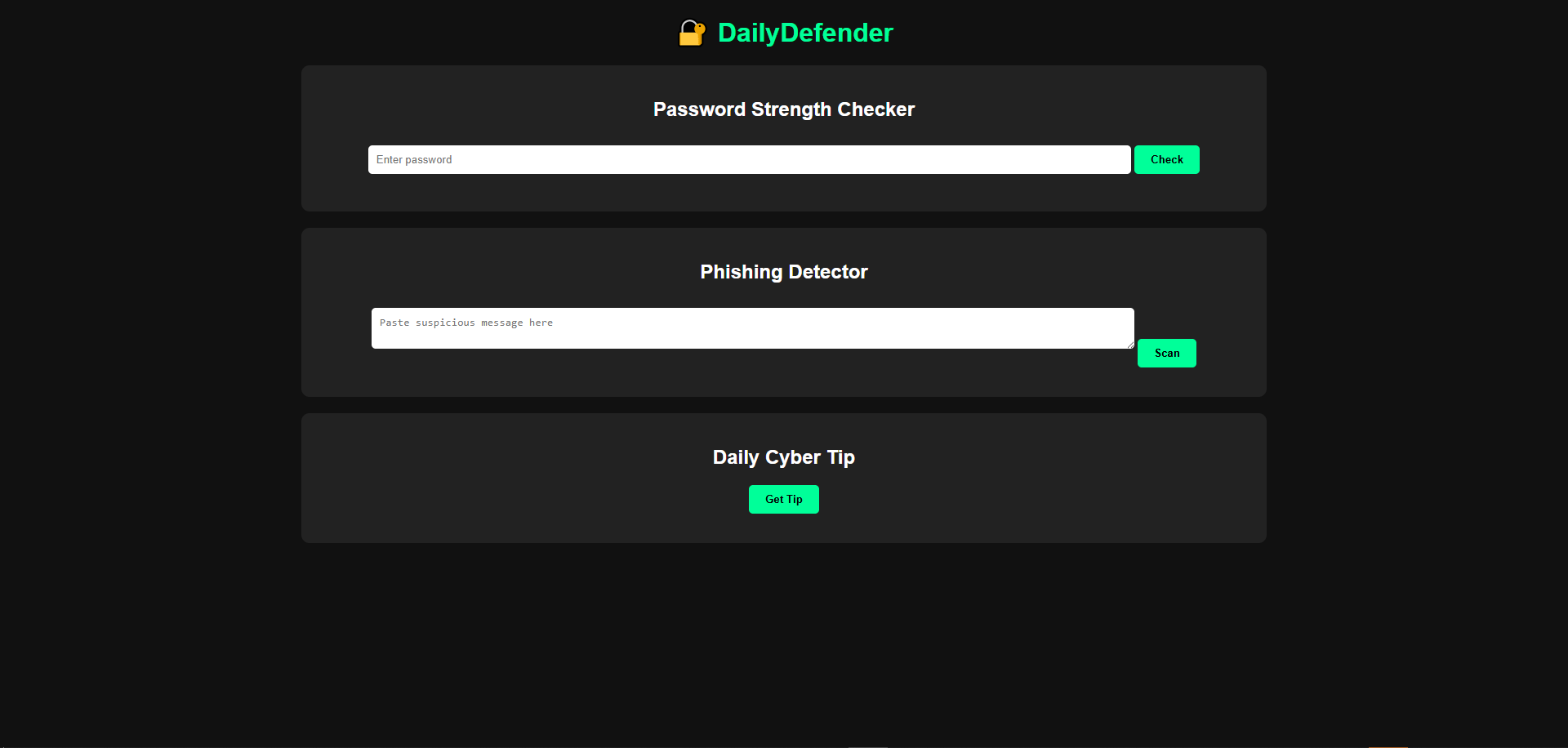
This is the web UI
What inspired me
Honestly, I kept seeing people struggle with online security—even with the basics, like coming up with strong passwords or spotting sketchy emails. I wanted to make something that actually helps, without all the confusing tech talk. Something simple, practical, and easy for anyone, no matter their experience.
What DailyDefender does
DailyDefender makes it way easier to stay safe online. Here’s what it offers:
Checks how strong your password is and tells you, straight up, what’s good or not. Scans your messages and tries to catch phishing attempts before you do. Sends you daily tips to help you build better cybersecurity habits. It’s quick, simple, and totally beginner-friendly, so even if you’re not tech-savvy, you can use it right away.
How I built it
I put DailyDefender together as a web app using:
HTML and CSS for the look and feel. JavaScript to handle all the features—like checking passwords and scanning messages. A set of security tips, baked right into the code. And I’m already thinking about adding some AI features down the road. Everything runs right in your browser. There’s nothing to install, so anyone can try it out instantly.
The challenges
The tricky part? Designing an interface that feels clean and isn’t intimidating for beginners. I had to keep things simple but still useful—no clutter, just what you need. Testing the logic for password strength and phishing detection took some work, since there are so many different scenarios. And, honestly, I learned a ton about structuring code and building interactive stuff in JavaScript for the first time.
What I’m proud of
Getting a working cybersecurity tool up and running in such a short time feels great. The interface is clear, and anyone can jump in and use the features right away to stay safer online.
What I learned
I figured out how to build password strength checks and basic phishing detection. I learned how to design an interface that looks good and works well on different devices. And I picked up some skills in showing off a project at a hackathon—making sure it’s not just functional, but also easy for people to actually use.
What’s next
I want to add an AI-powered explanation to help people understand why a password isn’t strong enough. I’m also planning to include a live “security score” so users can track their progress. I’ll work on making phishing detection even smarter, and I want to create a mobile-friendly version (or maybe even rebuild it in React) so it’s smoother on any device.

Log in or sign up for Devpost to join the conversation.