Inspiration
Journaling helps. Keeping the habit is the hard part — writing is a chore at the end of a long day. Answering three questions out loud while the kettle boils is not. A voice assistant with a screen is already in the kitchen; it could hold the ritual, remember the streak, and show you your week.
What it does
Daily Reflection is a self-hosted MCP server that an Alexa+-style assistant uses to run a two-minute evening reflection:
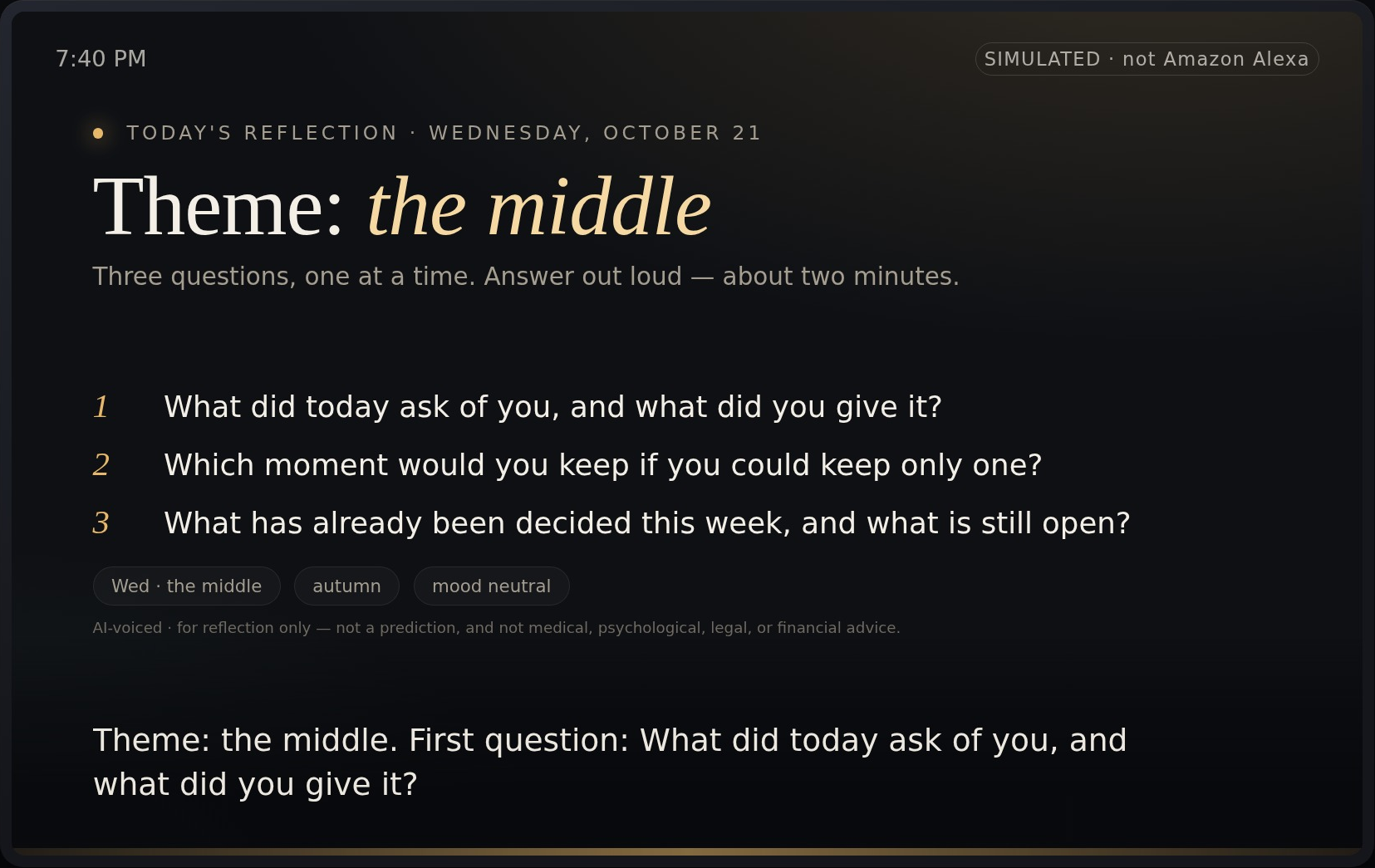
- "Let's do my daily reflection." The assistant fetches today's theme and three questions, asks them one at a time, and saves your answers with your mood. The screen shows a card with today's questions and the facts they were built from (weekday, season, mood).
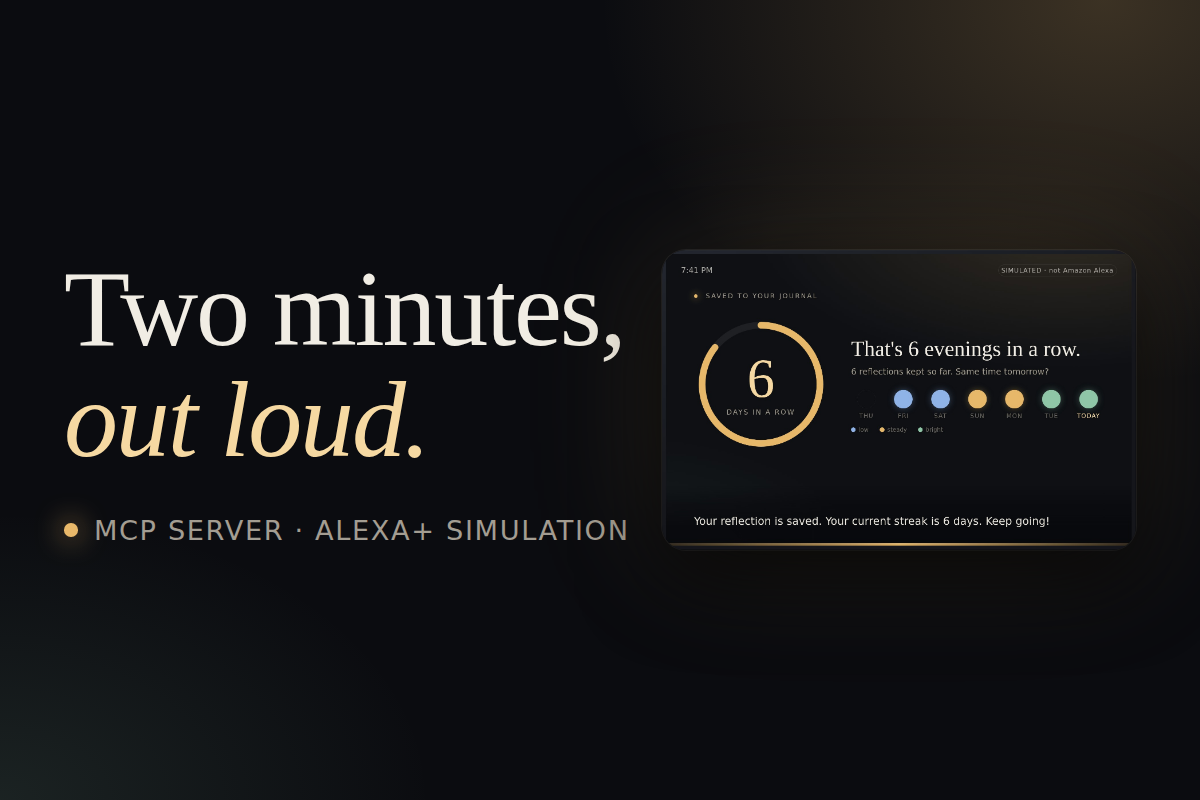
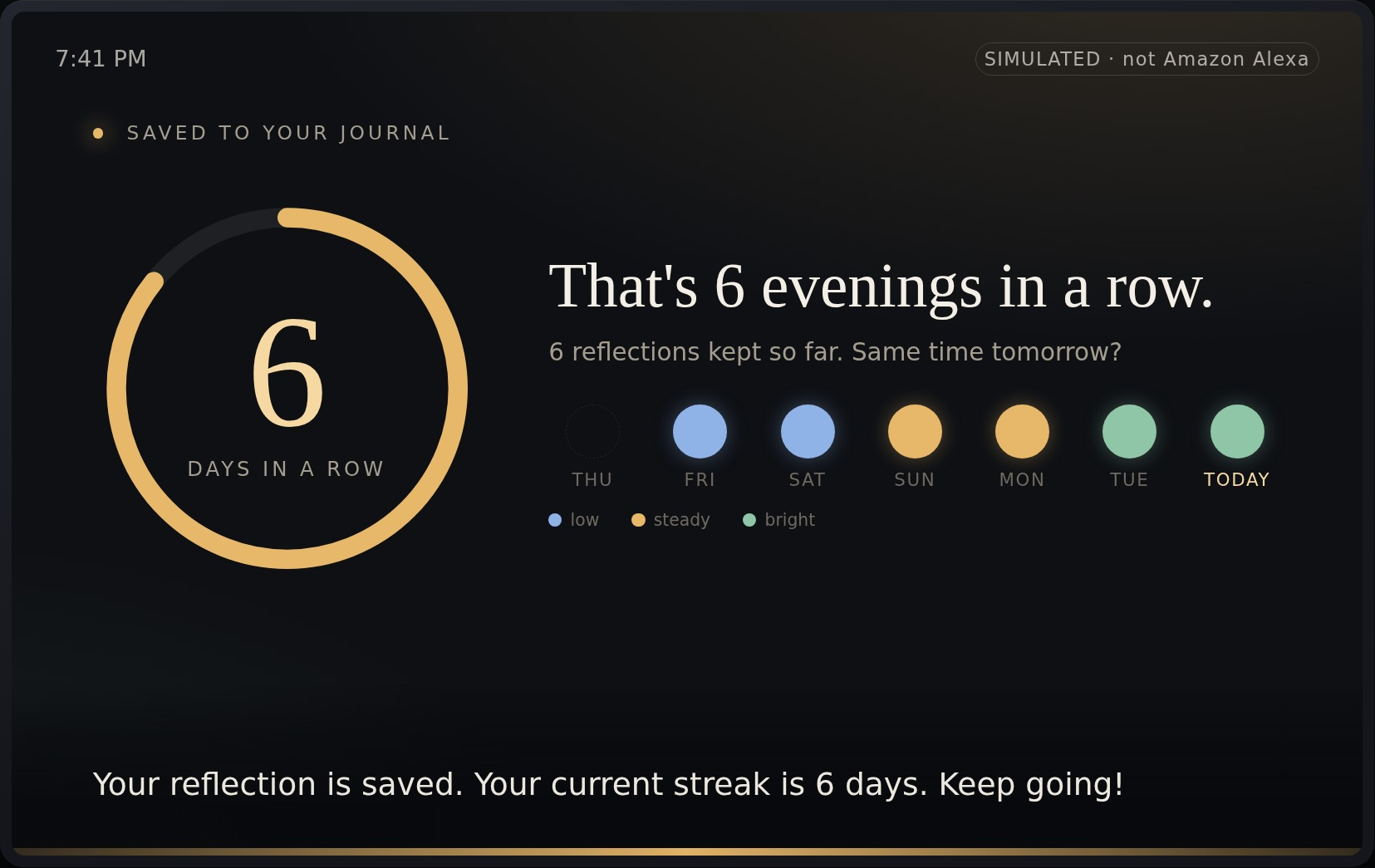
- After saving, the card shows your streak and this week's strip, coloured by mood.
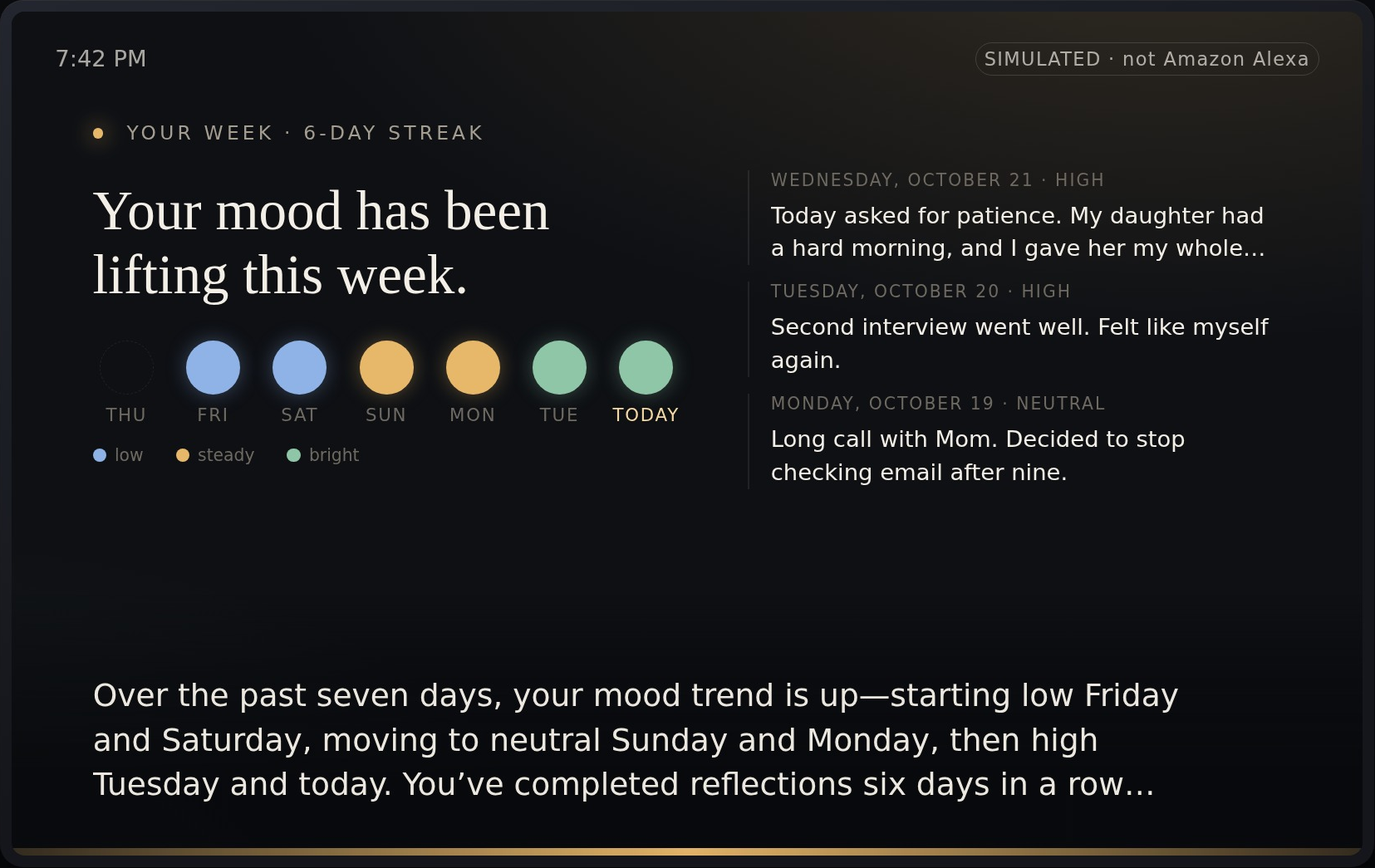
- "How was my week?" — any evening, from any host — reads back the mood trend and recent entries, with a "Start today's reflection" button that talks back to the assistant.
- An optional lens uses Four-Pillars (saju) birth data as a reflection theme — never as a prediction.
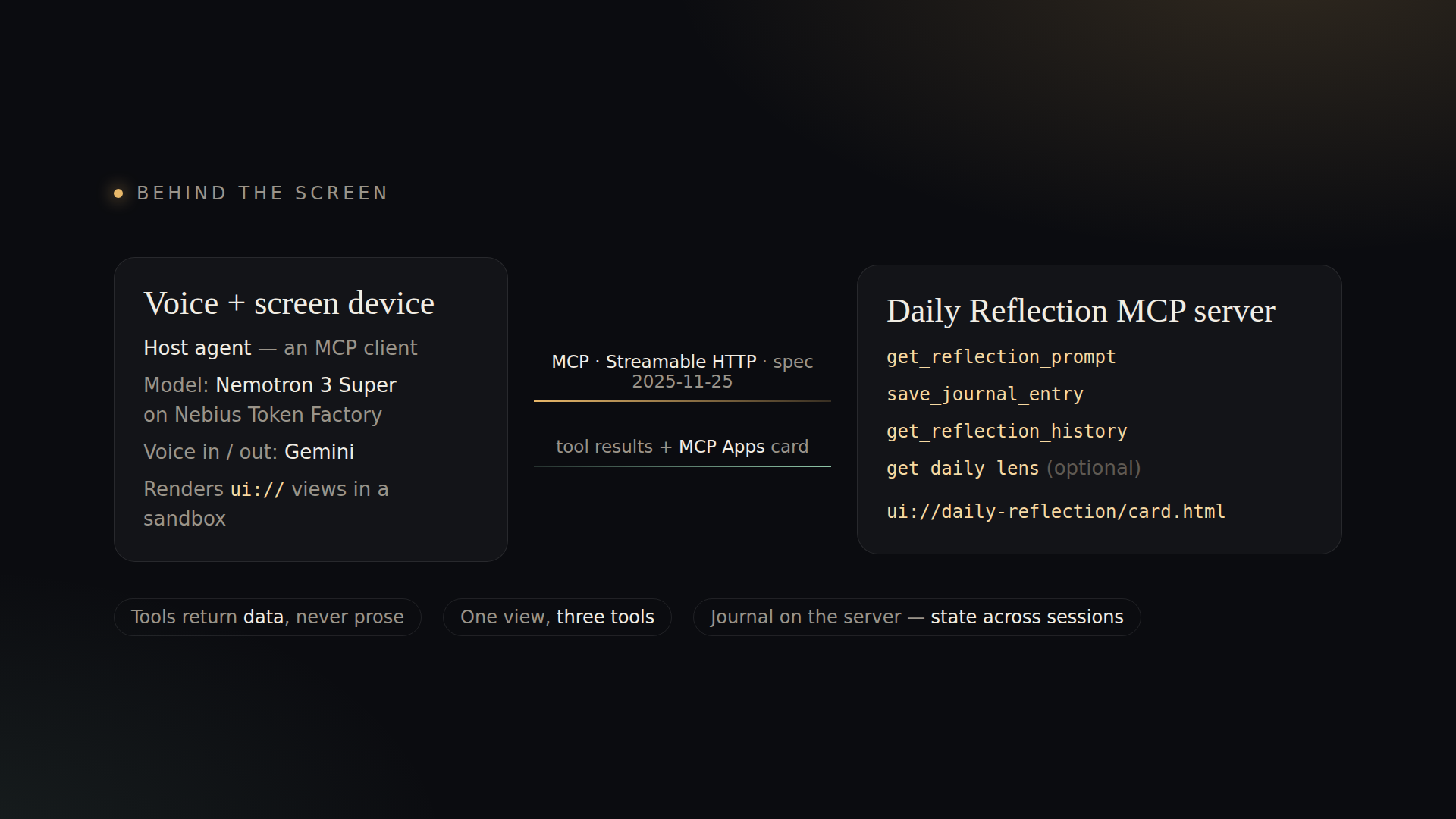
Because the Alexa+ developer tools are not open to participants, the submission includes a simulated Alexa+ experience: a web page that is a voice + screen device, driven by a real MCP host (an agent that is an MCP client of the server over Streamable HTTP). The page shows every MCP call next to the device.## Inspiration
How we built it
- MCP server (
server.js, TypeScript MCP SDK): stateless Streamable HTTP, four tools that return data (never prose) andinstructionsthat tell any host how to run a session. Journal in SQLite on a Cloud Storage FUSE volume, so streaks and moods persist across sessions and revisions. - MCP Apps view (
ui/card.html): oneui://daily-reflection/card.htmlresource (text/html;profile=mcp-app, MCP Apps spec 2026-01-26) linked from three tools through_meta.ui.resourceUri. It speaks the MCP Apps postMessage protocol (ui/initialize→tool-input→tool-result,ui/message) and is fully self-contained, so it runs under the defaultdefault-src 'none'CSP. - Host agent (
src/sim.js): advertises the MCP Apps extension, lists the tools, gives them to NVIDIA Nemotron 3 Super on Nebius Token Factory as function tools, executes the calls through MCP, reads theui://view over MCP, and returns reply + trace + view to the page. - Device page (
sim/index.html): renders the view in a sandboxed iframe (opaque origin), captions the reply, speaks it with Gemini TTS, listens with push-to-talk + end-of-speech detection, transcribed server-side. - Safety by construction: questions come from a deterministic bank (the model may not invent them); a deterministic crisis check on the user's own words speaks a fixed helpline line first and stops the questions; the page names every model and voice vendor; reflection only — not prediction, not advice.
Built during the submission period: server, tools, journal and a text-first simulator on 2026-09-05; Nemotron on Nebius Token Factory on 2026-09-19; MCP Apps card, the voice + screen device and real voice in/out on 2026-10-22.## What it does
Challenges we ran into
- No way to test against a real Alexa+ surface (tools are select-partners-only) → we wrote our own host and device.
- MCP Apps examples assume host and view live in one client; our agent runs on a server, the view in a browser → we split the host (server reads the resource; the page runs the postMessage bridge).
- The host model sometimes described a tool call ("Calling get_reflection_prompt.") instead of making it → the server detects that and nudges once (measured about 1 in 4–8 first turns before the fix).
- Cloud Run's front end rejects foreign
Authorization: Bearertokens; SQLite WAL fails on the FUSE volume. - Full detail in
docs/FRICTION_LOG.md.
Accomplishments that we're proud of
- One
ui://view, three tools, zero network access from the view. - A real end-to-end voice session on the deployed server: speech in → transcription → MCP host → tools → card → speech out, in about two minutes, with every MCP call visible.
- State across sessions: a six-evening streak and a mood trend read back on request.
What we learned
Keep the server's tools as data and put the conversation rules in instructions: the same server then works with## How we built it
any host, and the host model can be swapped without touching the journal.

Log in or sign up for Devpost to join the conversation.