-
-
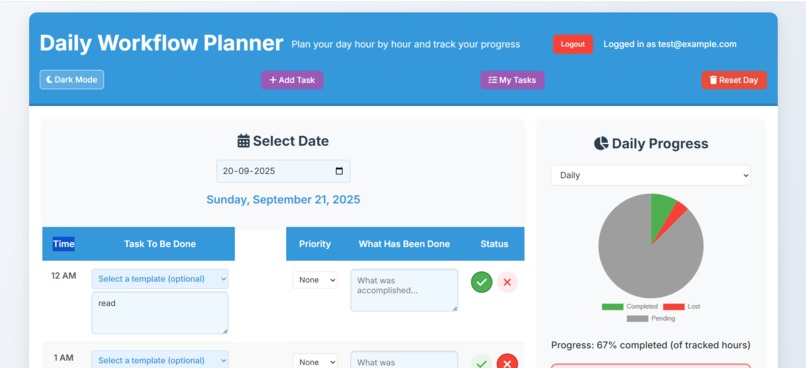
light theme front page
-
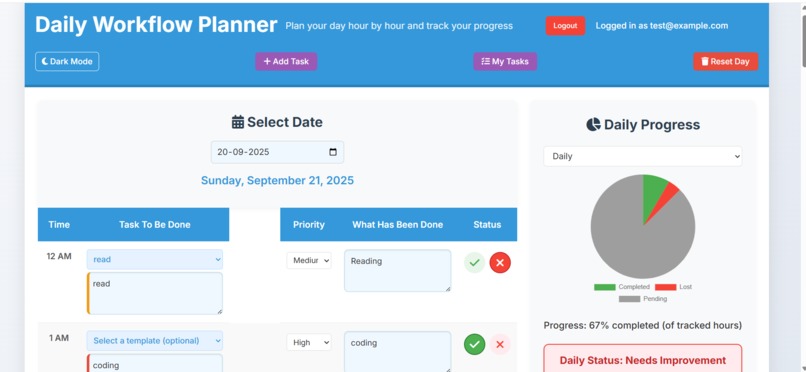
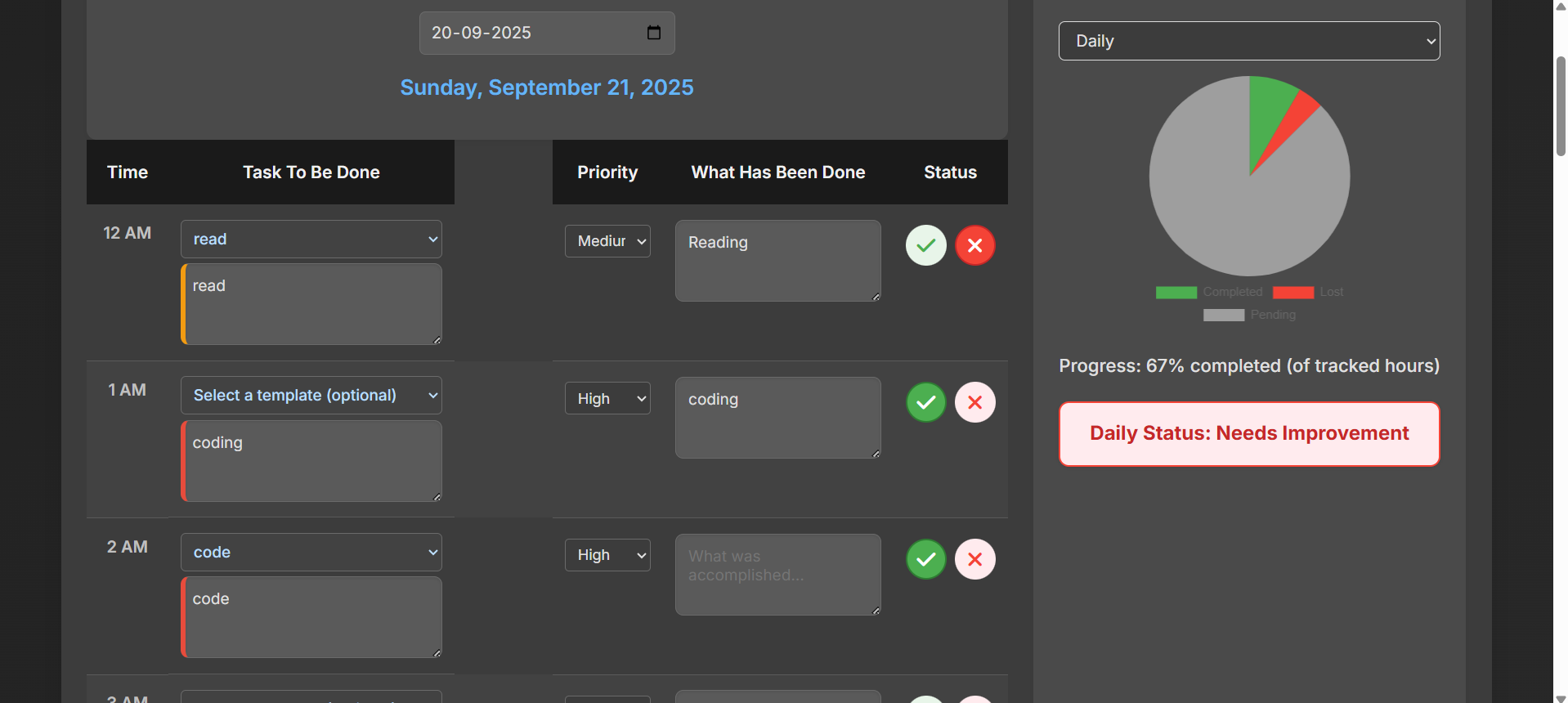
main ui
-
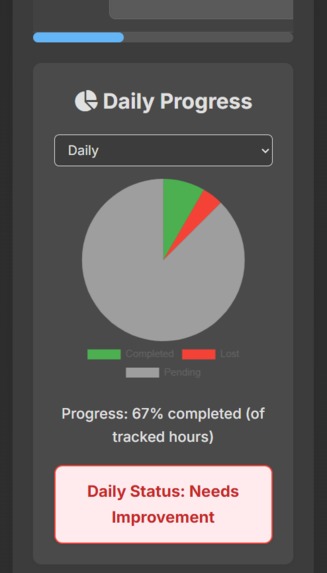
dark theme mobile view
-
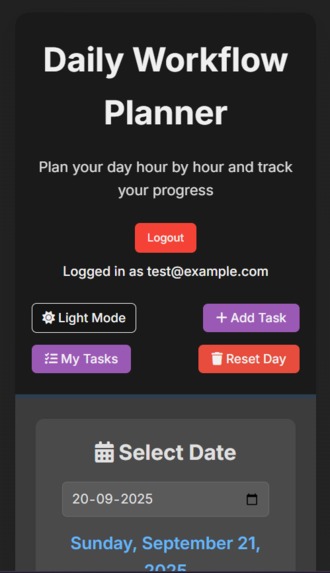
dark theme main ui mobile view
-
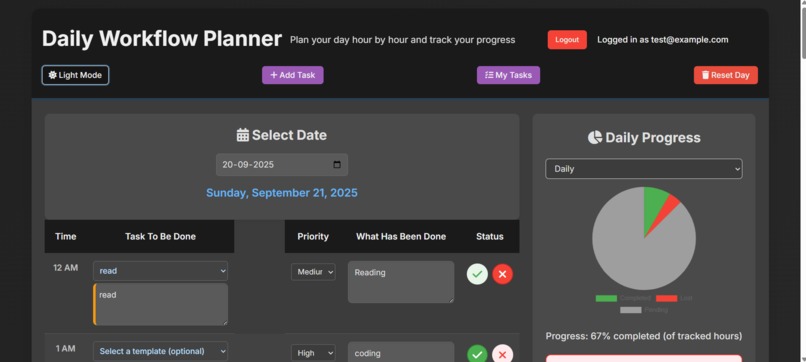
dark theme desktop view
-
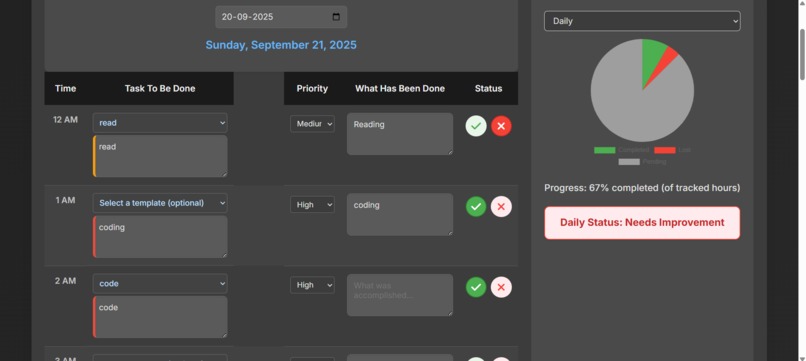
dark theme main ui
-
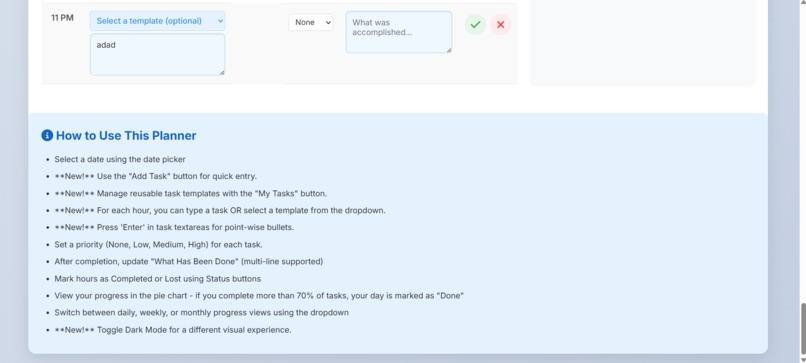
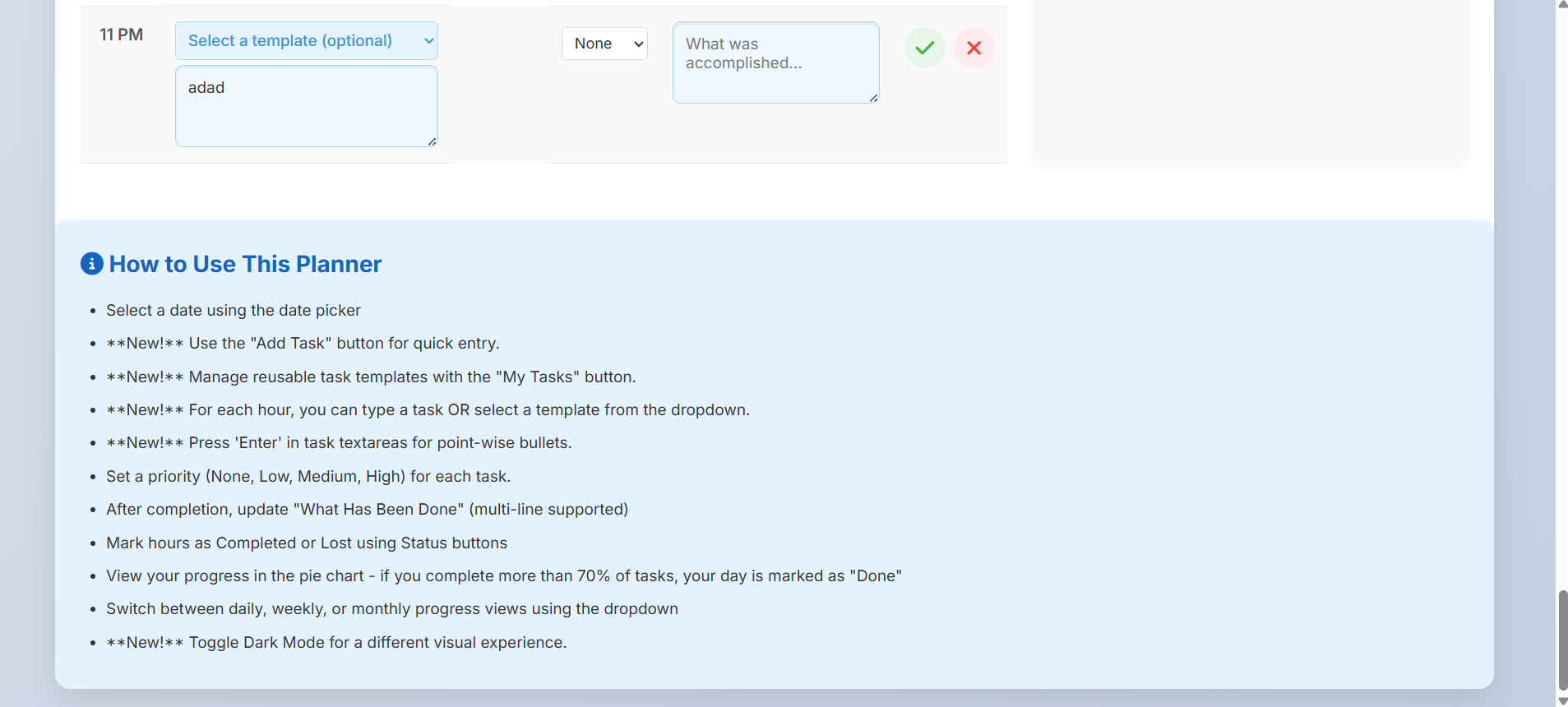
how to use
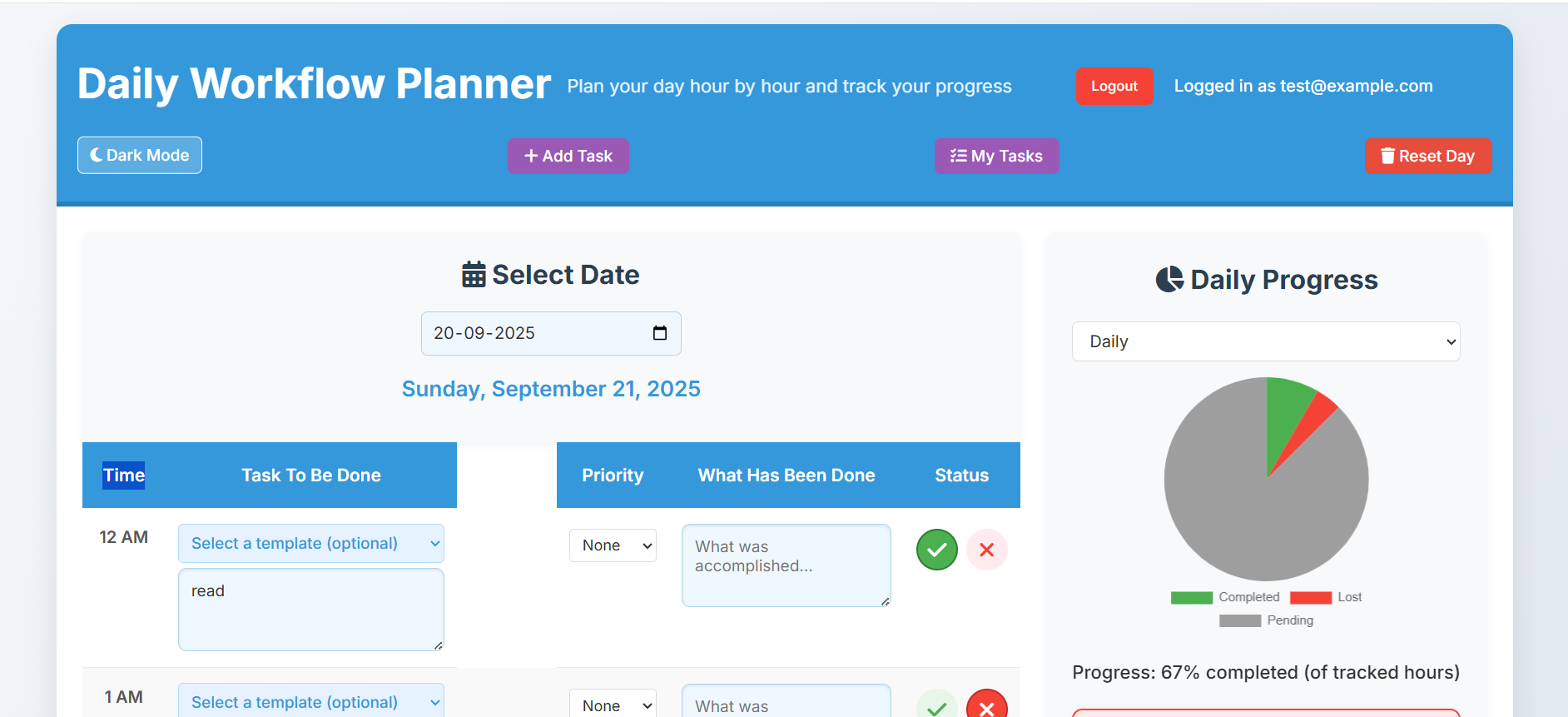
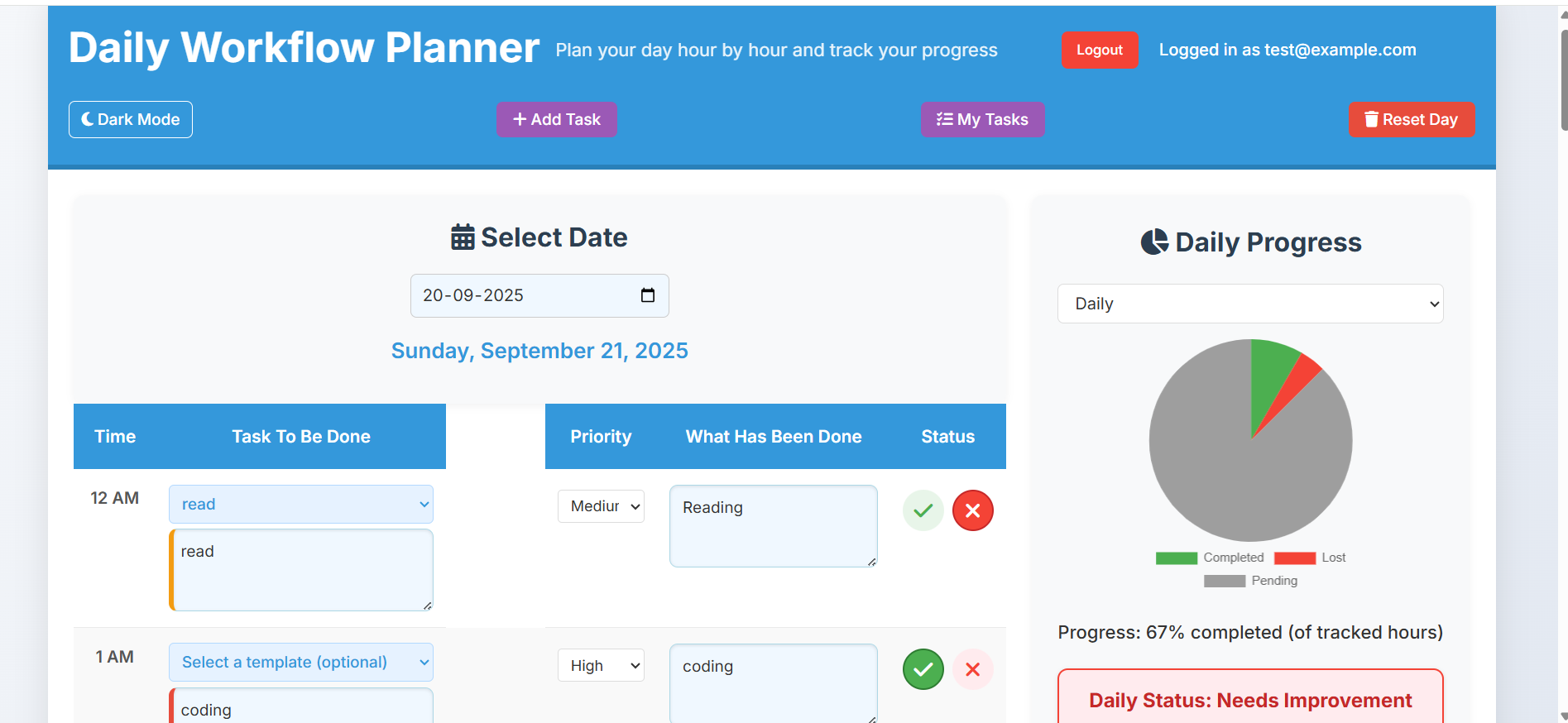
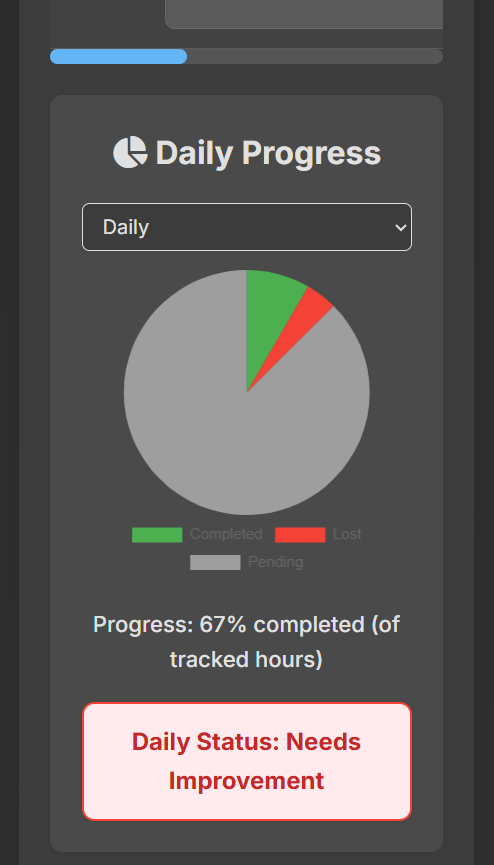
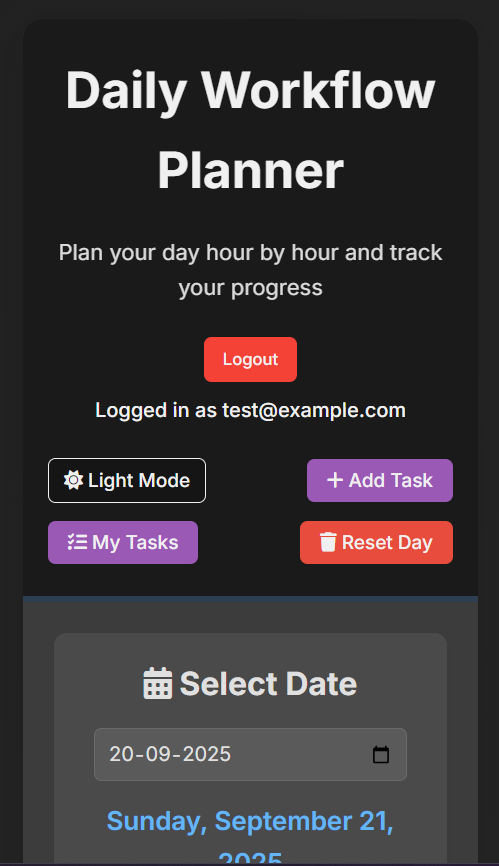
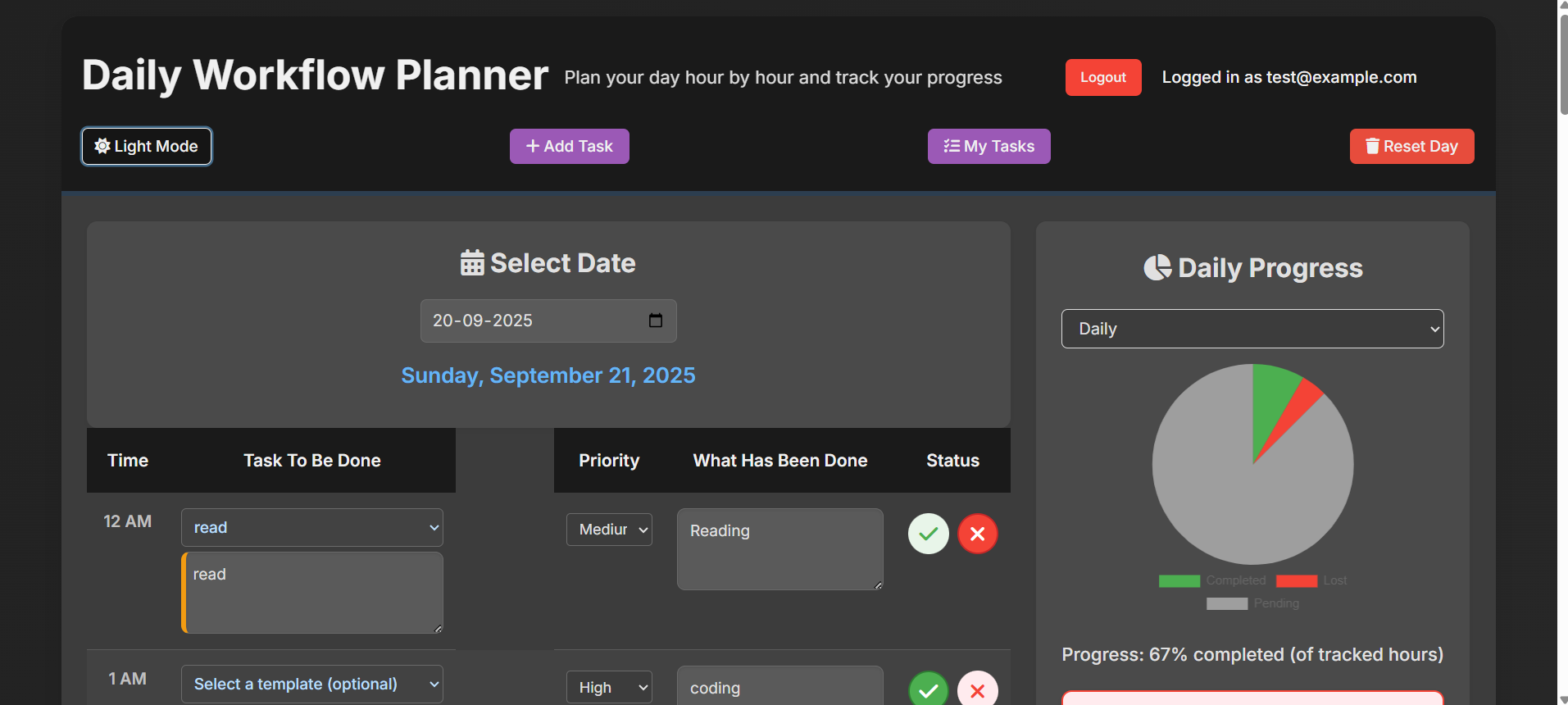
Note : Simply enter your own email and password to sign up and use the app personally on any device. There's a little chart that shows how well you're doing, and you can also create templates for tasks you do often.
Inspiration
I often found my days feeling a bit disorganized, with tasks piling up and no clear way to see where my time was actually going. I wanted a simple tool that wasn't too complicated, something that could help me break down my day hour by hour and then clearly show me what I actually got done. That feeling of just "losing" a day without much to show for it was the main drive.
What it does
This web app helps you plan your day in one-hour blocks. You can write down your tasks, assign them a priority, and then mark them as "completed" or "lost" as the day goes on. It saves all your plans and progress in the cloud, so you can access it from anywhere. There's a little chart that shows how well you're doing, and you can also create templates for tasks you do often.
How we built it
We used standard web technologies: HTML for the structure of the page, CSS for all the styling and making it look good, and plain JavaScript for all the interactive parts, like saving data, updating the chart, and handling user logins. For the backend, we went with Firebase, which is a platform from Google. Firebase takes care of user accounts (authentication) and storing all your daily plans and task templates in its database (Firestore). We also used Chart.js to draw the neat progress pie chart.
Challenges we ran into
One of the main challenges was making sure all the data saved and loaded smoothly and quickly from Firebase, especially with the real-time updates. Getting the layout to look good and be easy to use on both big computer screens and small phone screens took some careful planning with CSS. Also, understanding how JavaScript modules (the import and export parts) work when developing locally without a proper web server was a bit of a learning curve initially.
Accomplishments that we're proud of
I'm really proud of a few things:
- The smooth, real-time updates for the progress chart and daily status – it feels very responsive.
- Building a secure system where each user's data is private and only accessible to them.
- Making the "Quick Add Task" and "My Tasks" templates easy to use, which really speeds up planning.
- And generally, just creating a useful tool that helps bring a bit more order to the day in a straightforward way.
What we learned
This project taught me a lot about building full-stack web applications, even simple ones. I got a much better grasp of how to connect a frontend (what you see) with a backend database (where data lives) using Firebase. It also really highlighted the importance of clean, organized JavaScript code and thinking carefully about user experience, especially for responsive design. I also learned a lot about Firebase security rules and making sure data is kept safe.
What's next for Daily Planner Web app
For the future, I'd love to add a few things:
- Recurring Tasks: So you can set tasks that repeat daily or weekly without re-entering them.
- Better Analytics: Maybe a more detailed view of productivity trends over time, not just completion rates.
- Reminders: Possibly integrate with browser notifications or a simple reminder system.
- Sharing: A controlled way for users to share their schedule with others (e.g., family members, team projects).


Log in or sign up for Devpost to join the conversation.