-
-
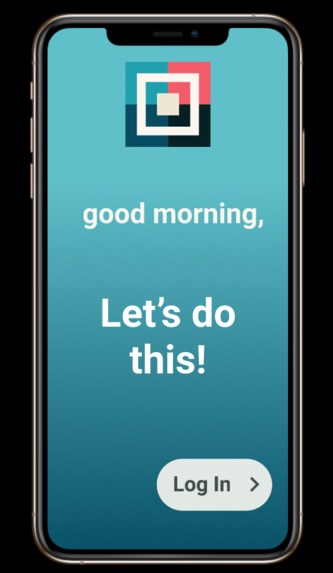
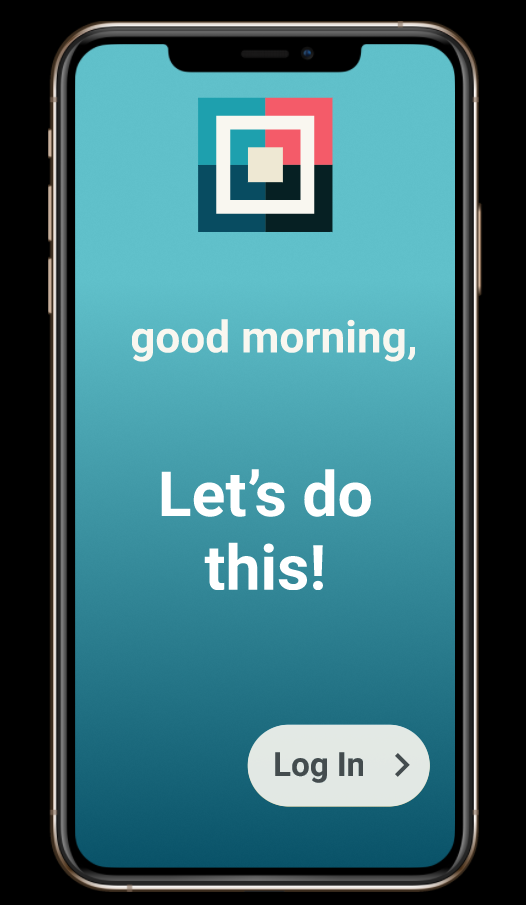
Design for login screen
-
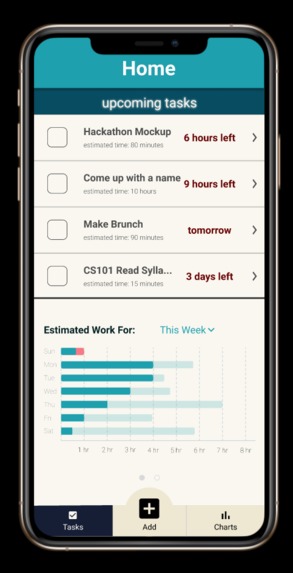
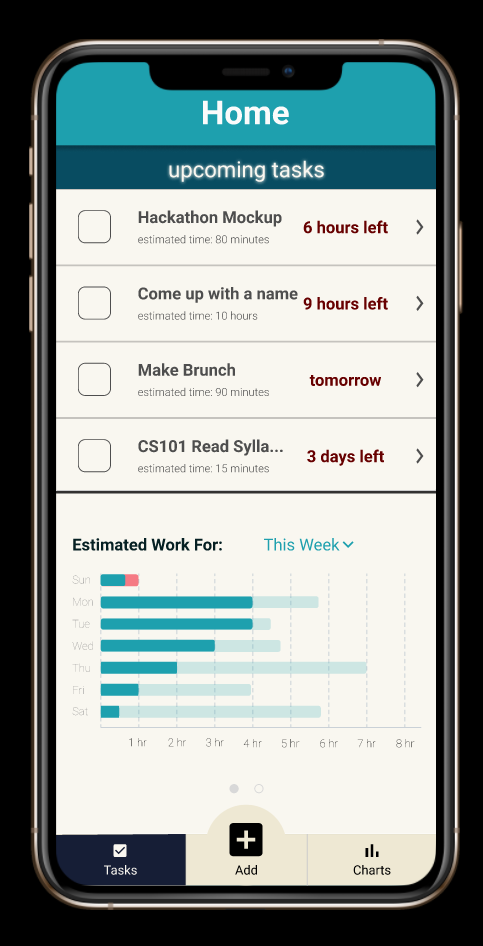
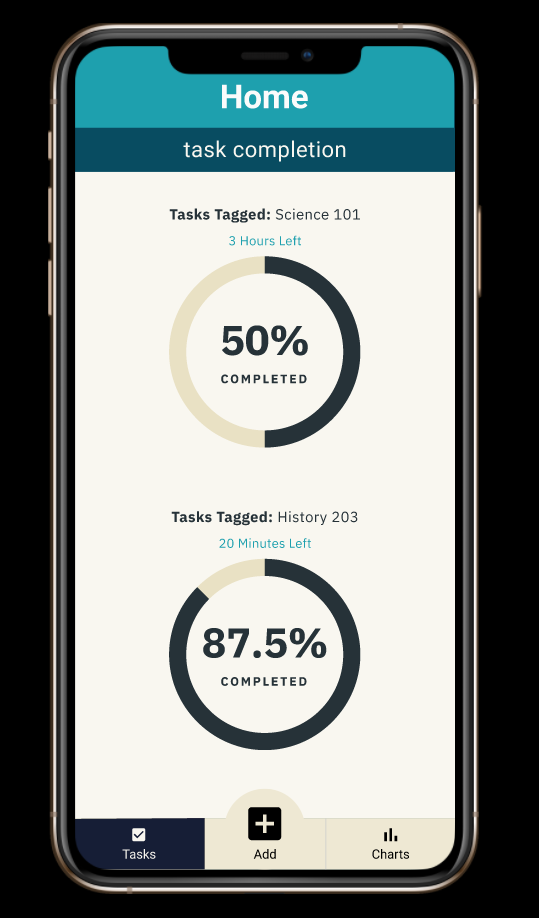
Design for home screen
-
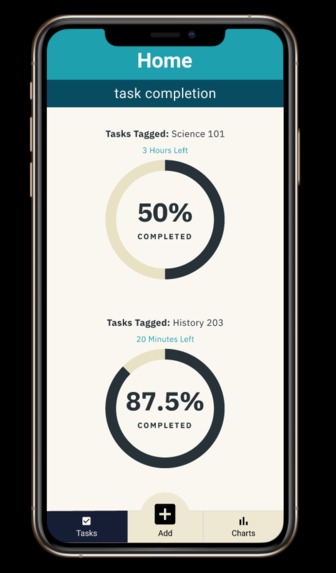
Design for other view of home screen
-
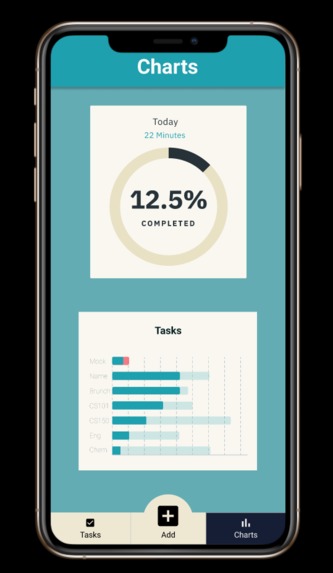
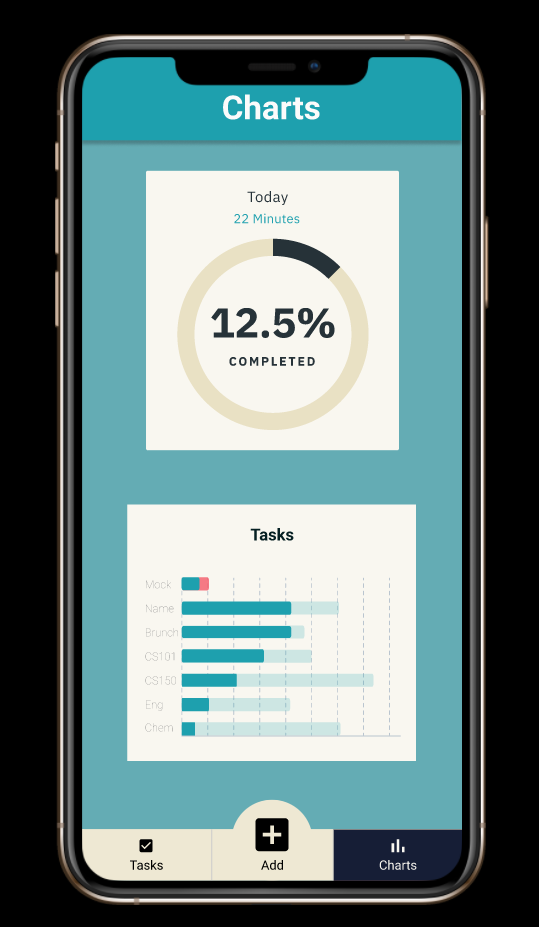
Design for chart view screen
-
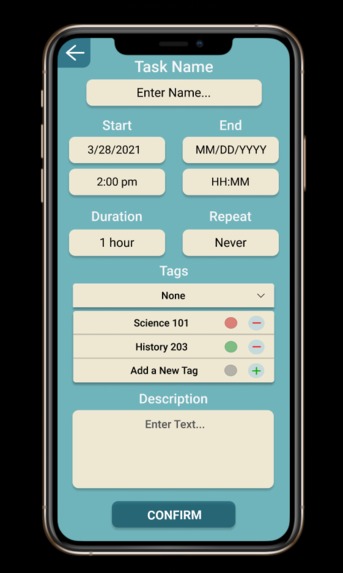
Design for creating a new task or editing a task
-
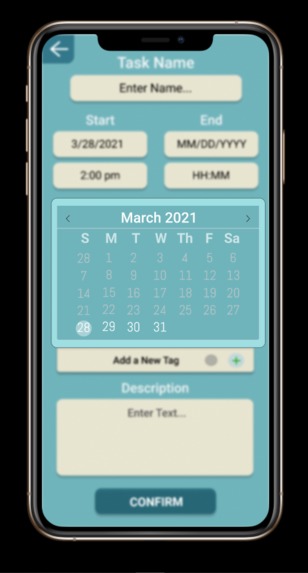
Design for changing the start and end dates for a task
-
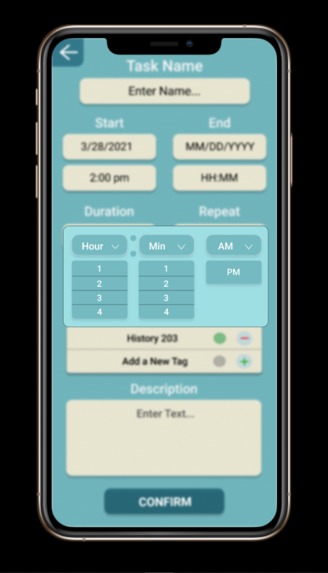
Design for changing the start and end times for a task
-
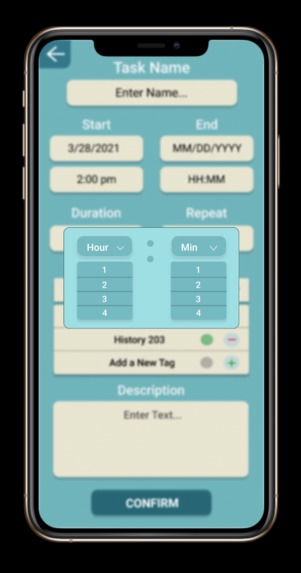
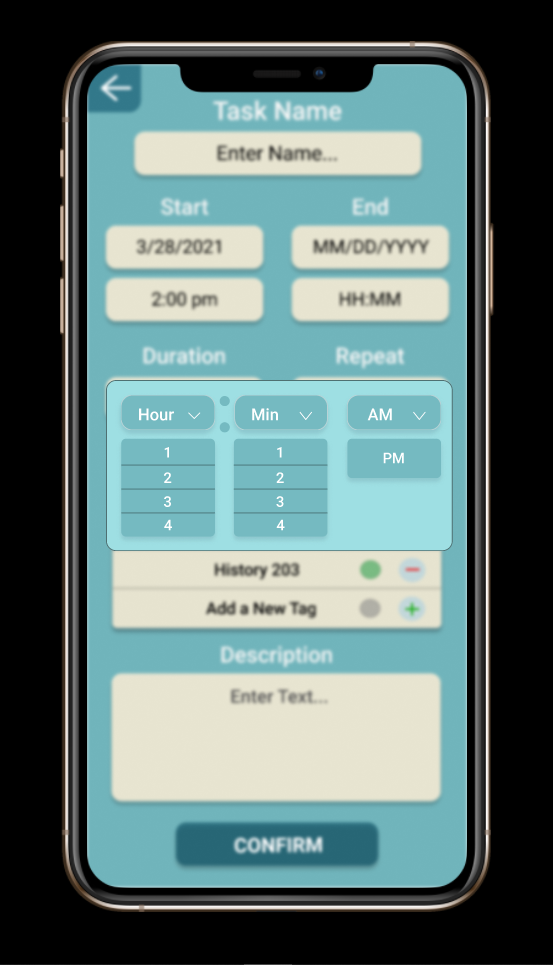
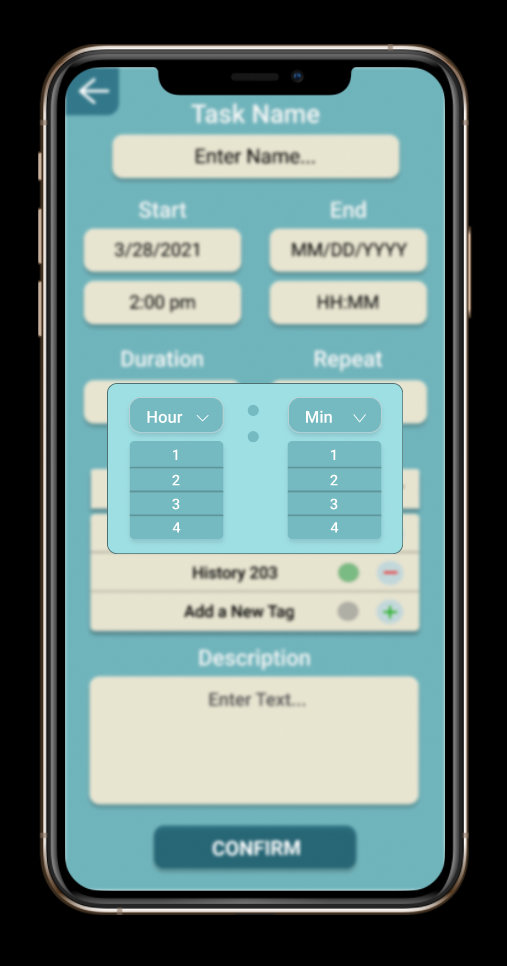
Design for changing the duration of a task
-
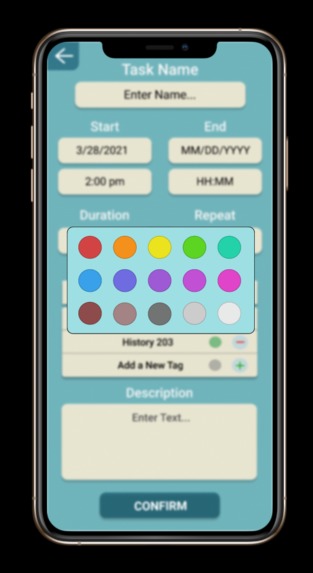
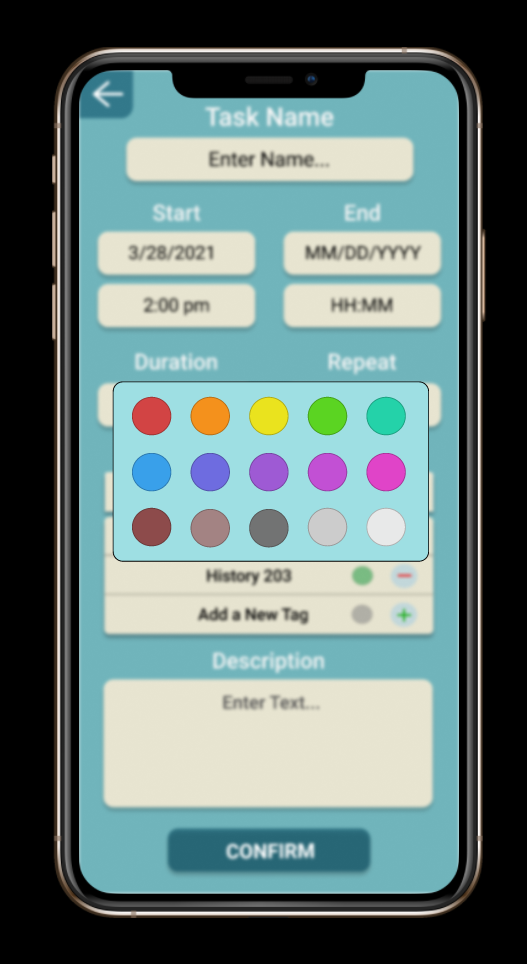
Design for changing the color of tag for a task
-
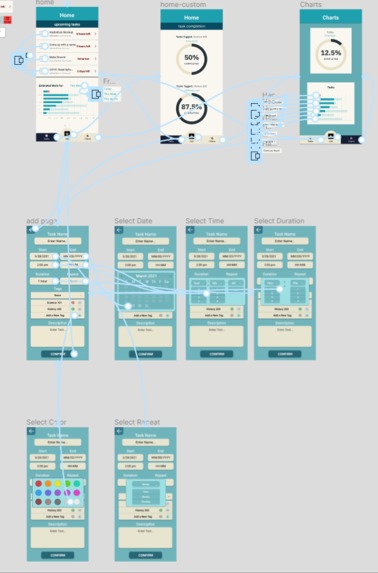
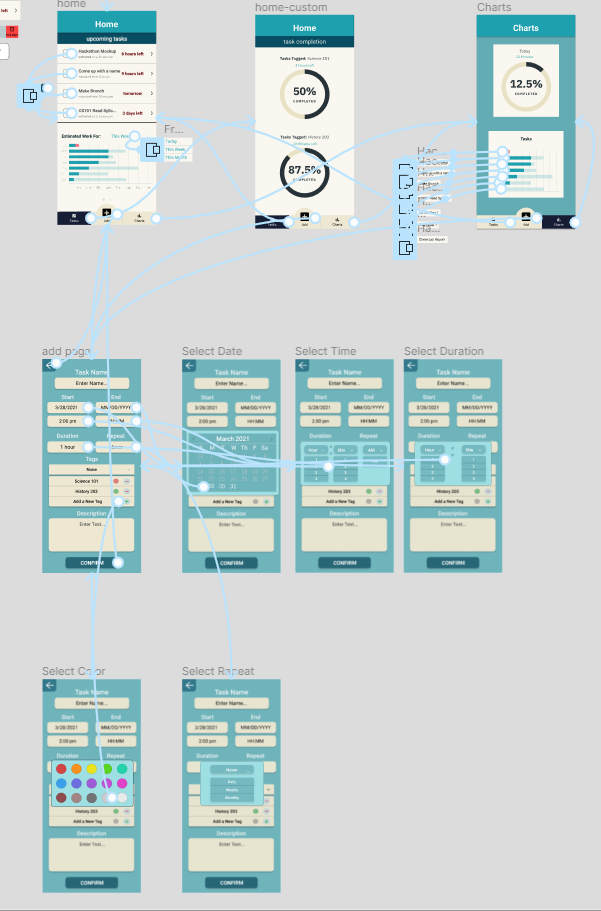
Connections for everything


Inspiration
In this pandemic, it is often hard to keep track of important events and remember how much work is left on assignments. It is much easier for students to lose track of assignments and projects when teachers aren't there in person to remind them about it. We went in hoping to create something that allows people to keep track of important events and show them how much is left on certain tasks without overwhelming them.
What it does
Our program allows the user to view tasks, add/edit tasks, and view the progress of tasks. It will display how much time is remaining for a task, what percentage is left/complete, and has customizable options to categorize tasks. You can categorize tasks by color and name. For instance, school tasks could be colored green while work tasks could be colored red.
How we built it
We started with discussions of what we needed to help us succeed in our education. We interviewed others including neurodiverse college students to make sure our color palette worked for multiple people. We then used Figma and started planning out how we wanted it to look.
Challenges we ran into
- Learning Figma
- Learning design principals
- Narrowing down the scope of the project
- Figma only allowing 2 editors for a team of three
Accomplishments that we're proud of
We are proud of how much we learned about Figma and the design process. We were all starting from scratch never having used Figma before. Not only did we learn the basics but we also learned about connections, overlays, and other tools to present our prototype.
Design is an important part of Software development. It is especially important that we thought of people with different needs. Some people are motivated by how much work they still need to do. For others, this will cause them to lock down and not be able to progress. They may need just organizational help and positive motivation. Thinking about these issues made it clear how important it would be for the user to have different
What we learned
- The basics of Figma
- Overlays and other prototyping animation
- How to select a color pallet
- Importance of a diverse team
- Some of the issues involved with meeting the needs of diverse users
What's next for Daily Planner
The design is not done. Some parts that we did not get to address are:
- Settings functionality that allows the user to choose what graphical displays of data they see.
- A timer functionality so the user can easily have the app tracks how much time has been spent on an app and how much work remains
- A Pomodoro type function that encourages a user to take breaks and return to work
- Interview and get feedback from users
Built With
- figma


Log in or sign up for Devpost to join the conversation.