-
-
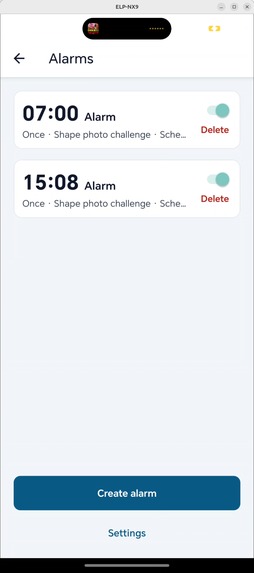
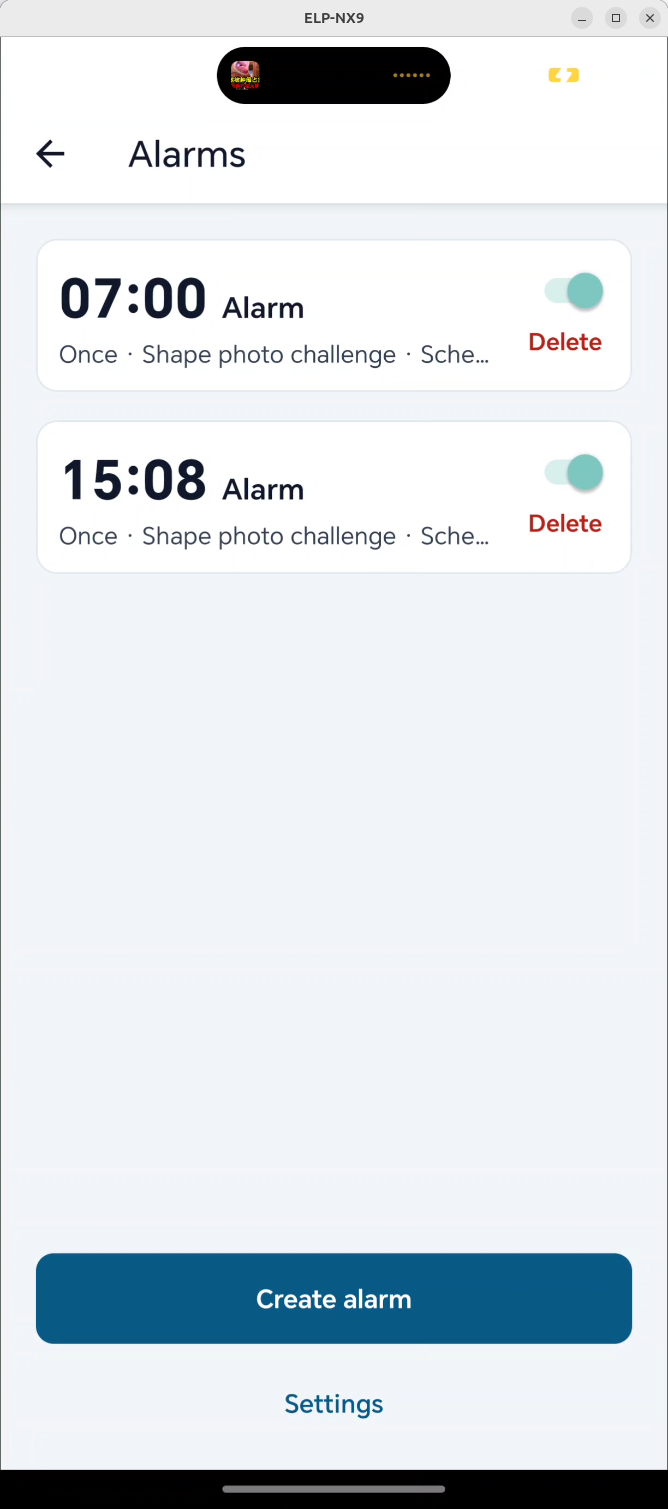
Alarm main screen
-
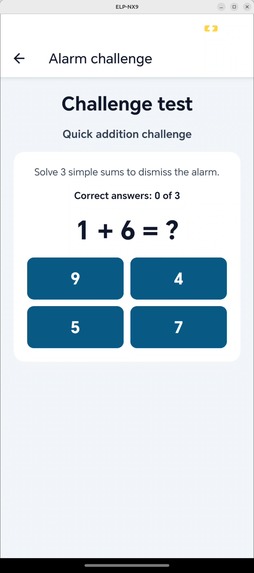
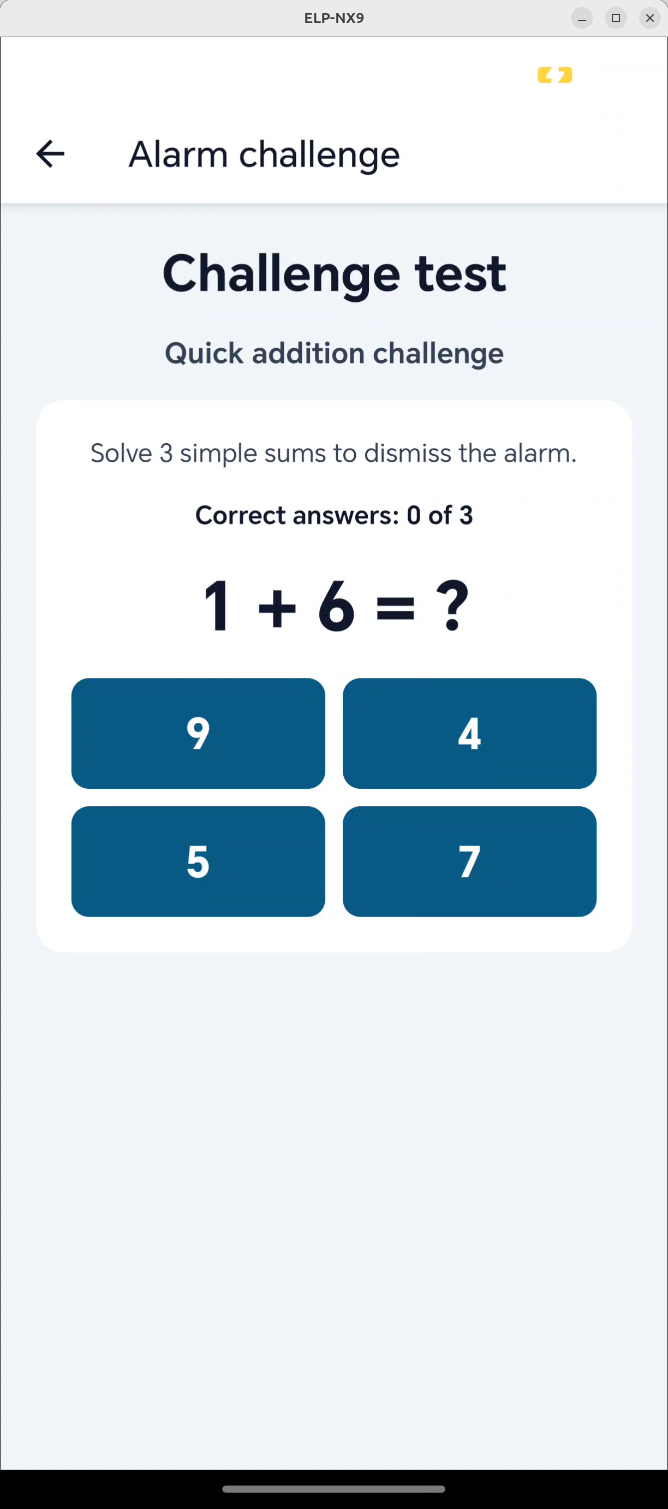
Simple math operation minigame
-
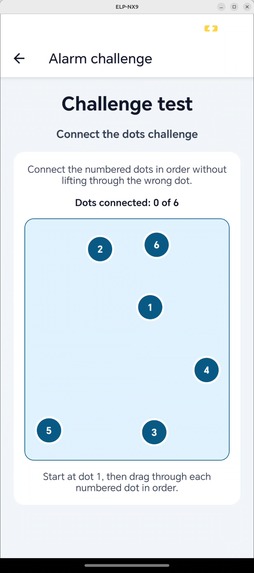
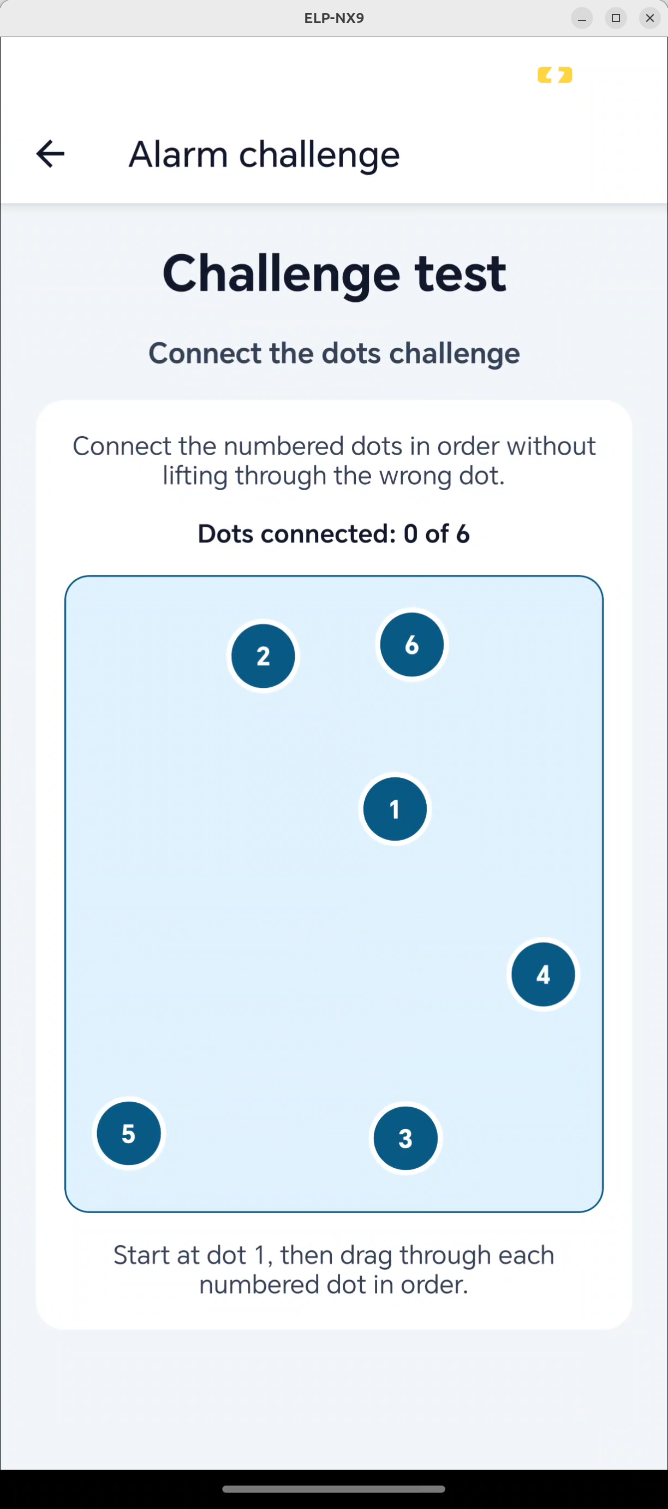
Dot connection mini game
-
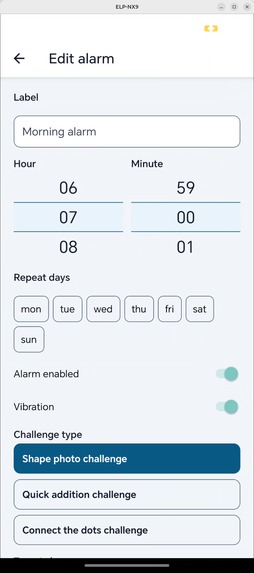
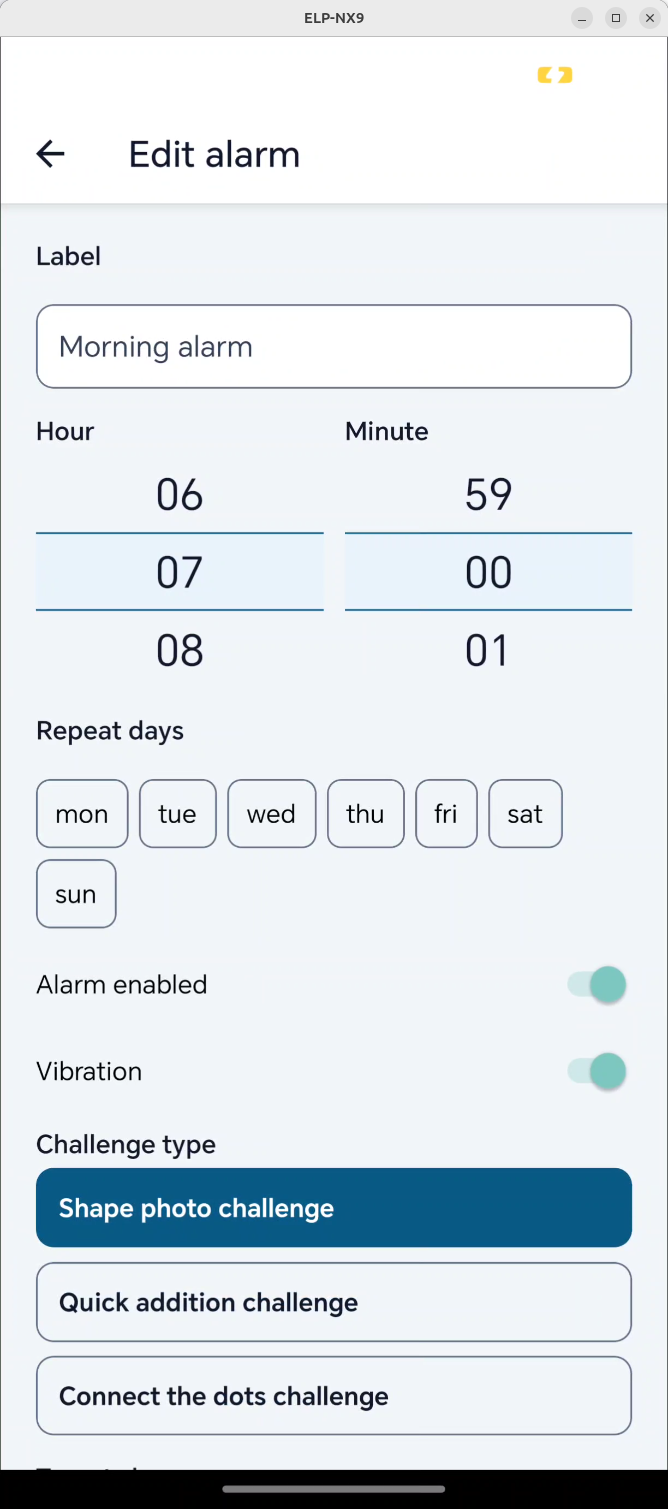
Alarm edit screen
-
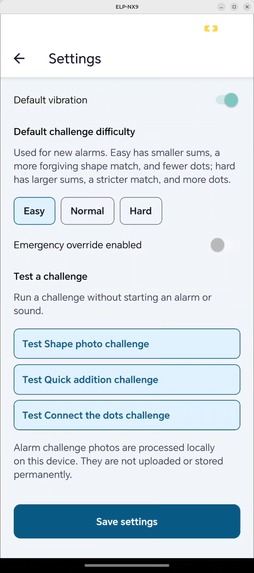
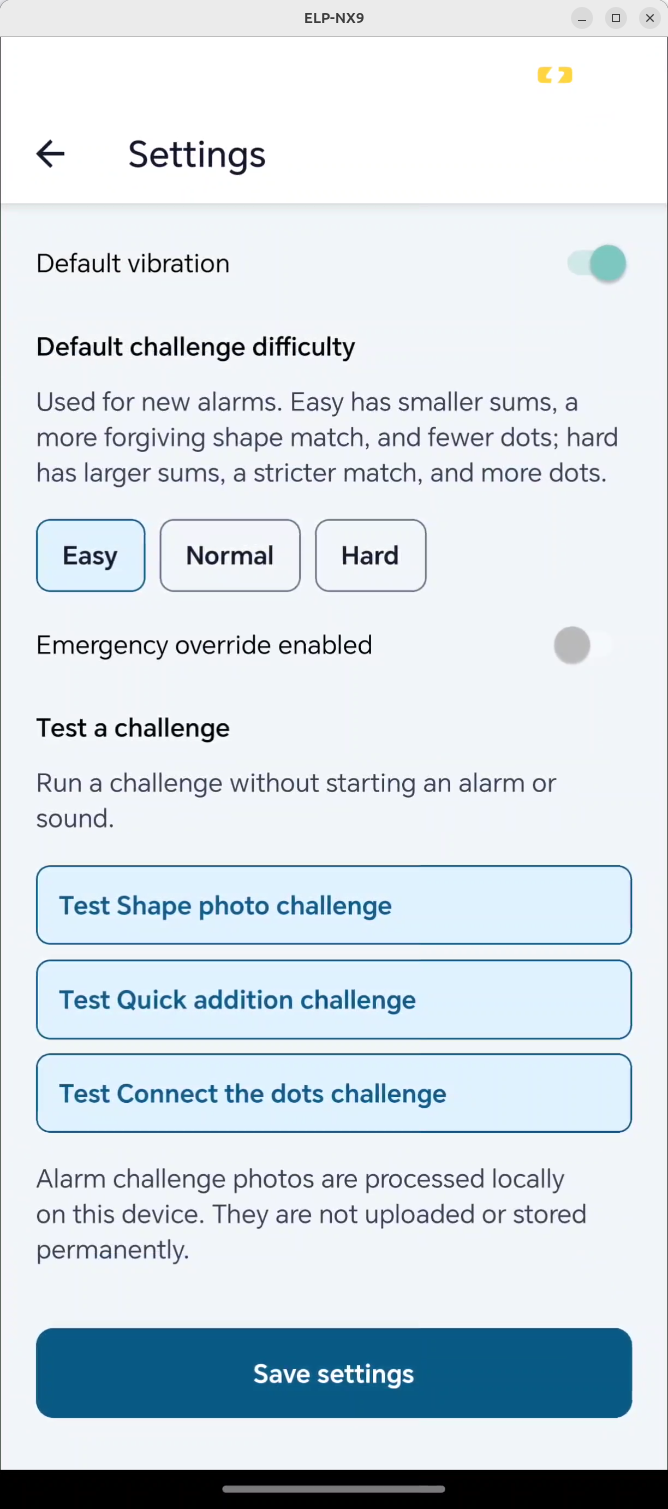
Setting screen
-
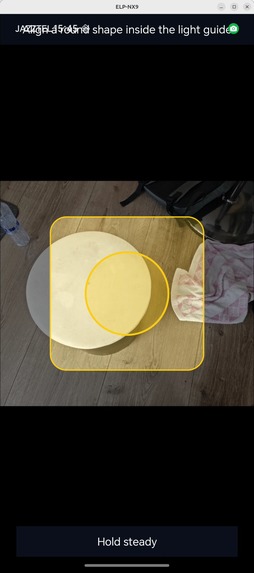
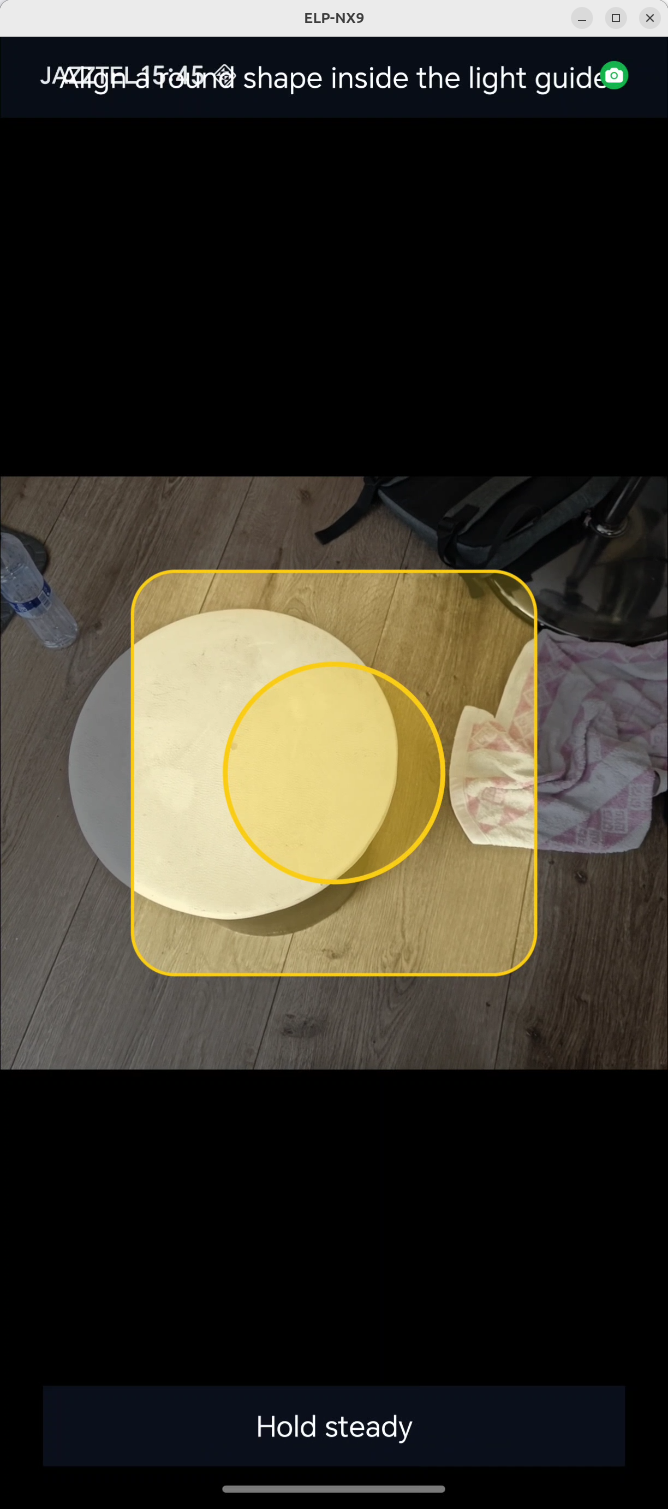
Shape detection minigame
Interactive Alarm
Inspiration
Many people turn off a normal alarm and immediately fall asleep again. Interactive Alarm makes waking up more active by requiring a short challenge before an alarm can be dismissed.
What it does
Interactive Alarm is an offline Android alarm app with three alarm-dismissal challenges:
- Shape photo detection
- Quick addition
- Connect the dots
Users can create recurring alarms, choose a challenge and difficulty level, and complete the challenge to stop the alarm.
How we built it
We built the app with React Native, Expo, TypeScript, and native Android code in Kotlin. The architecture separates alarm scheduling, notifications, local SQLite storage, camera processing, and minigame logic.
The shape-photo challenge uses on-device image processing to analyze camera frames and validate circle, triangle, square, and rectangle-like objects. All alarms, challenge data, and image analysis remain on the device—nothing is uploaded.
Challenges we ran into
Our main challenge was making shape detection reliable across different lighting conditions, object colors, and camera positioning. We addressed this with adaptive light/dark thresholding, edge detection, contour analysis, confidence thresholds, and feedback that guides users to center the object or improve the lighting.
Accomplishments that we're proud of
We created three distinct alarm-dismissal methods while keeping the experience local and offline. We are especially proud of the automatic shape-detection challenge, which combines real-time camera analysis with flexible confidence thresholds and a stability check before accepting a match.
What we learned
We learned how camera orientation, image preprocessing, gesture coordinates, and validation thresholds affect mobile interactions. We also learned that flexible shape matching and clear feedback create a better experience than overly strict validation.
What's next for Interactive Alarm
We plan to add more minigames, wake-up statistics, personalized alarm routines, and adaptive challenge difficulty based on a user's past performance.
Built With
- android
- computervision
- expo.io
- kotlin
- react-native
- sqlite
- typescript

Log in or sign up for Devpost to join the conversation.