-
-
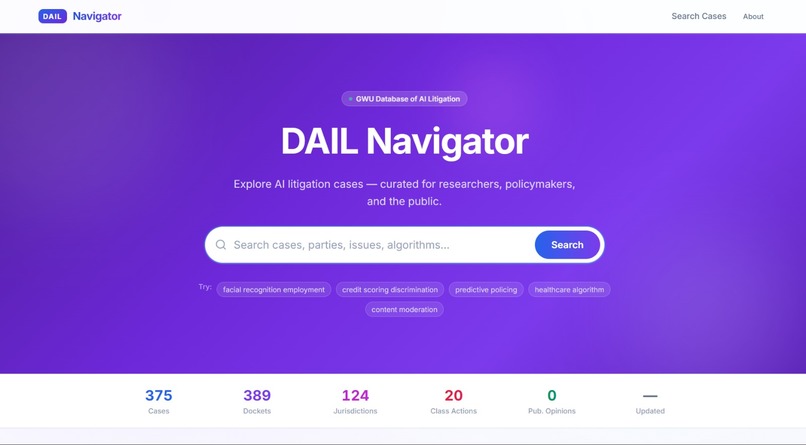
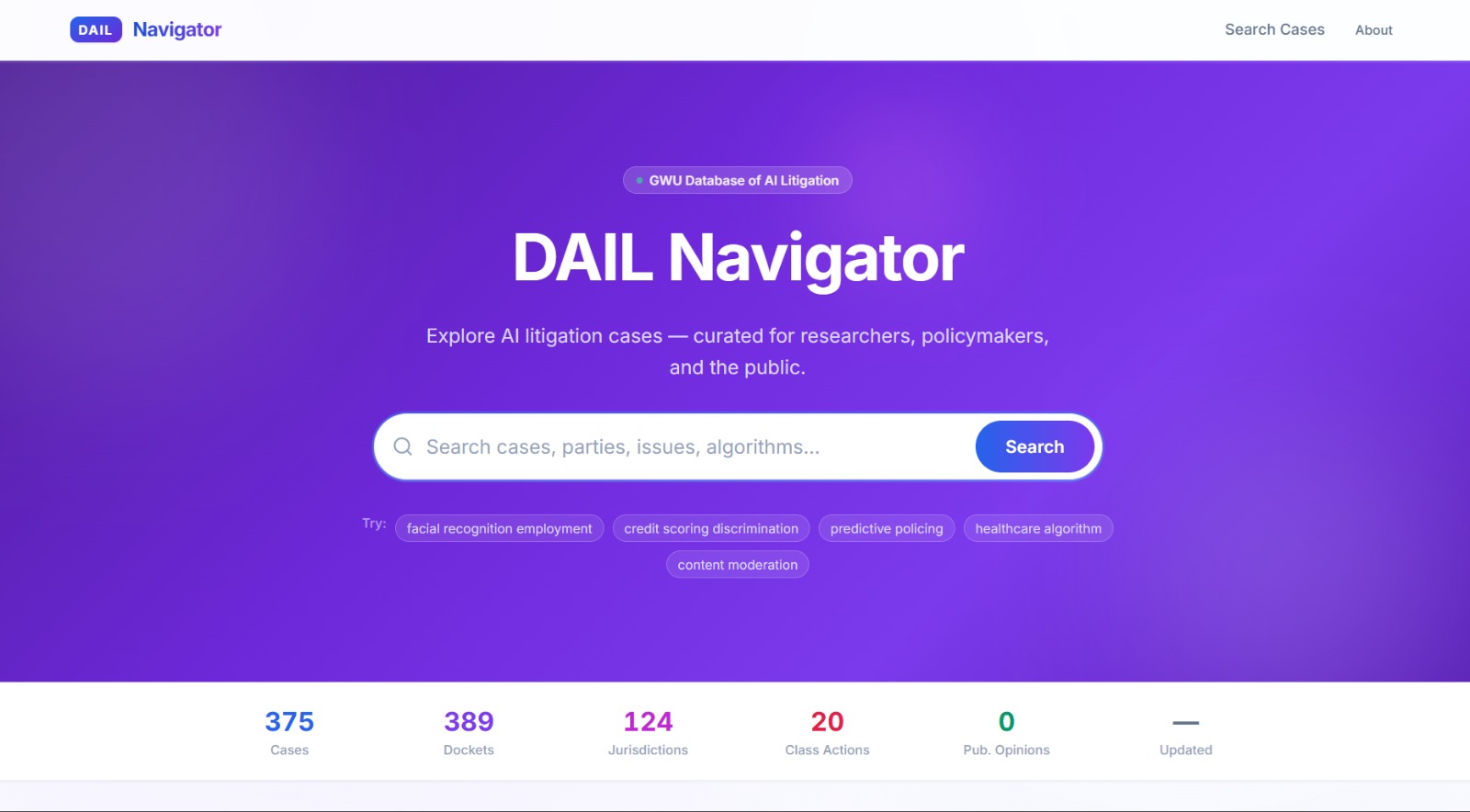
Home Page
-
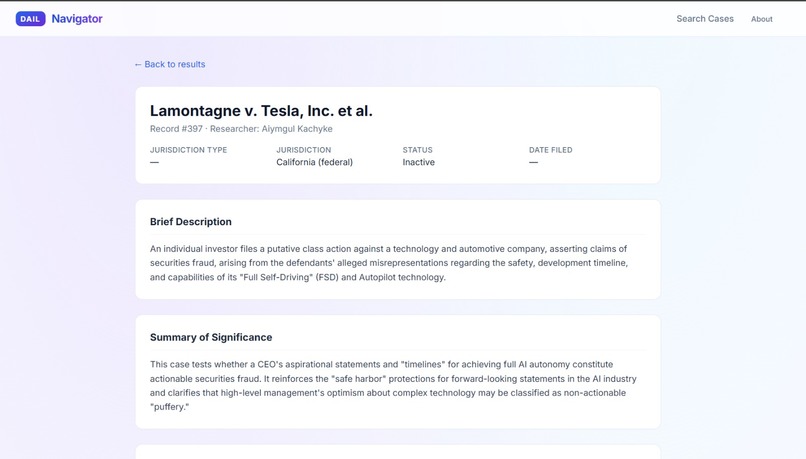
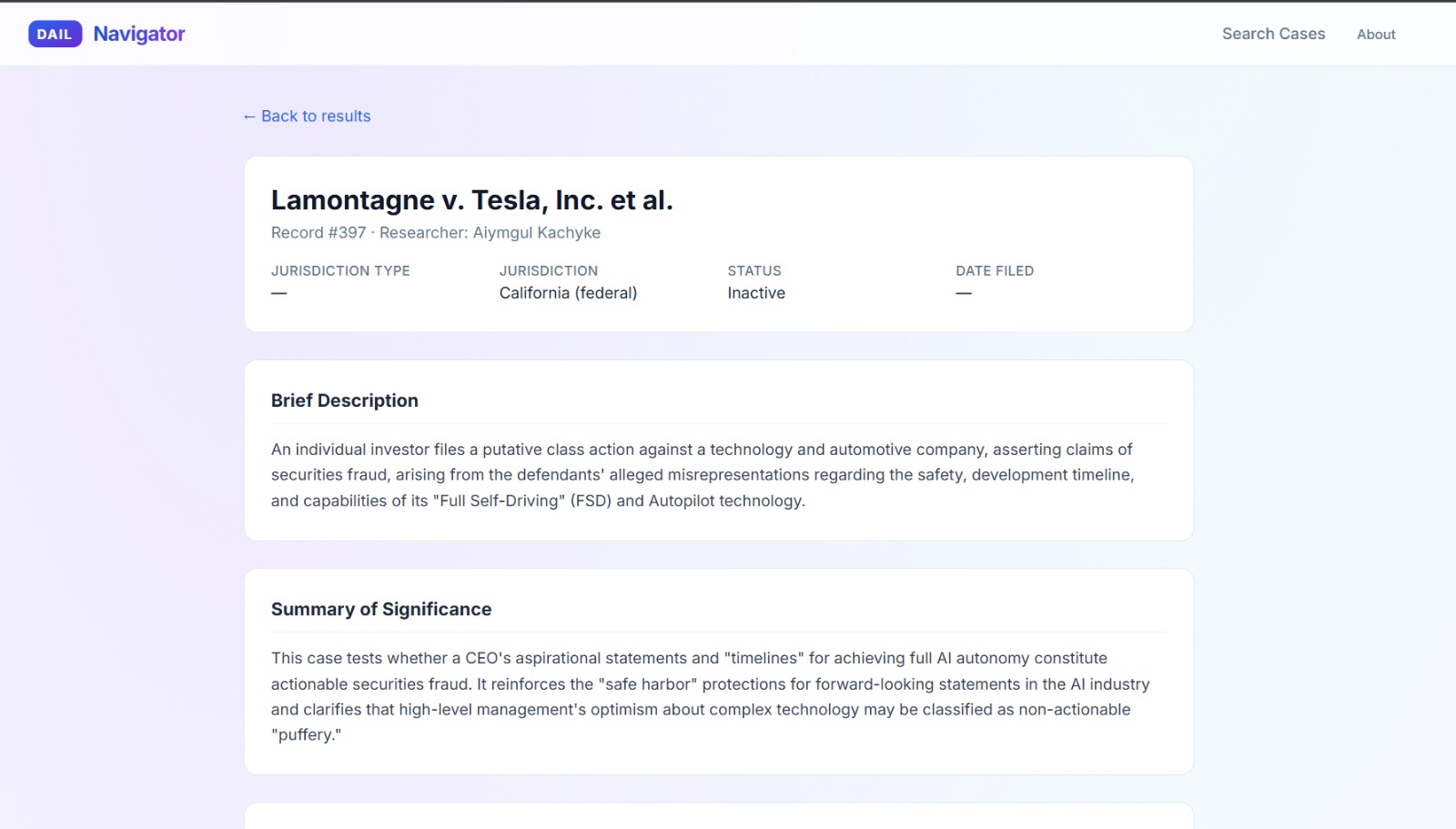
Details Page
-
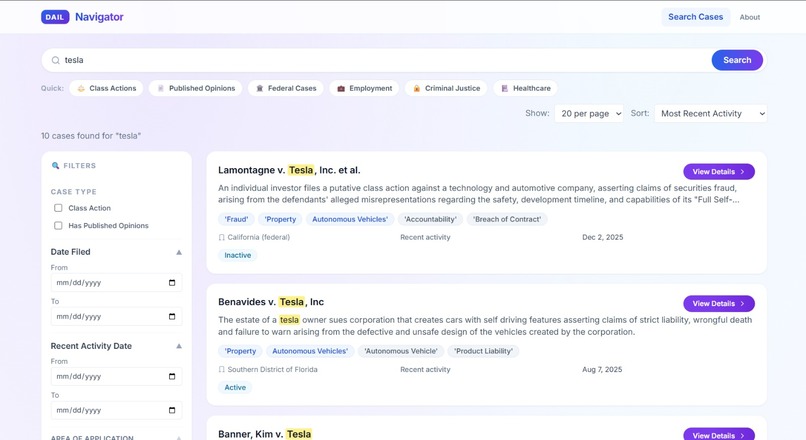
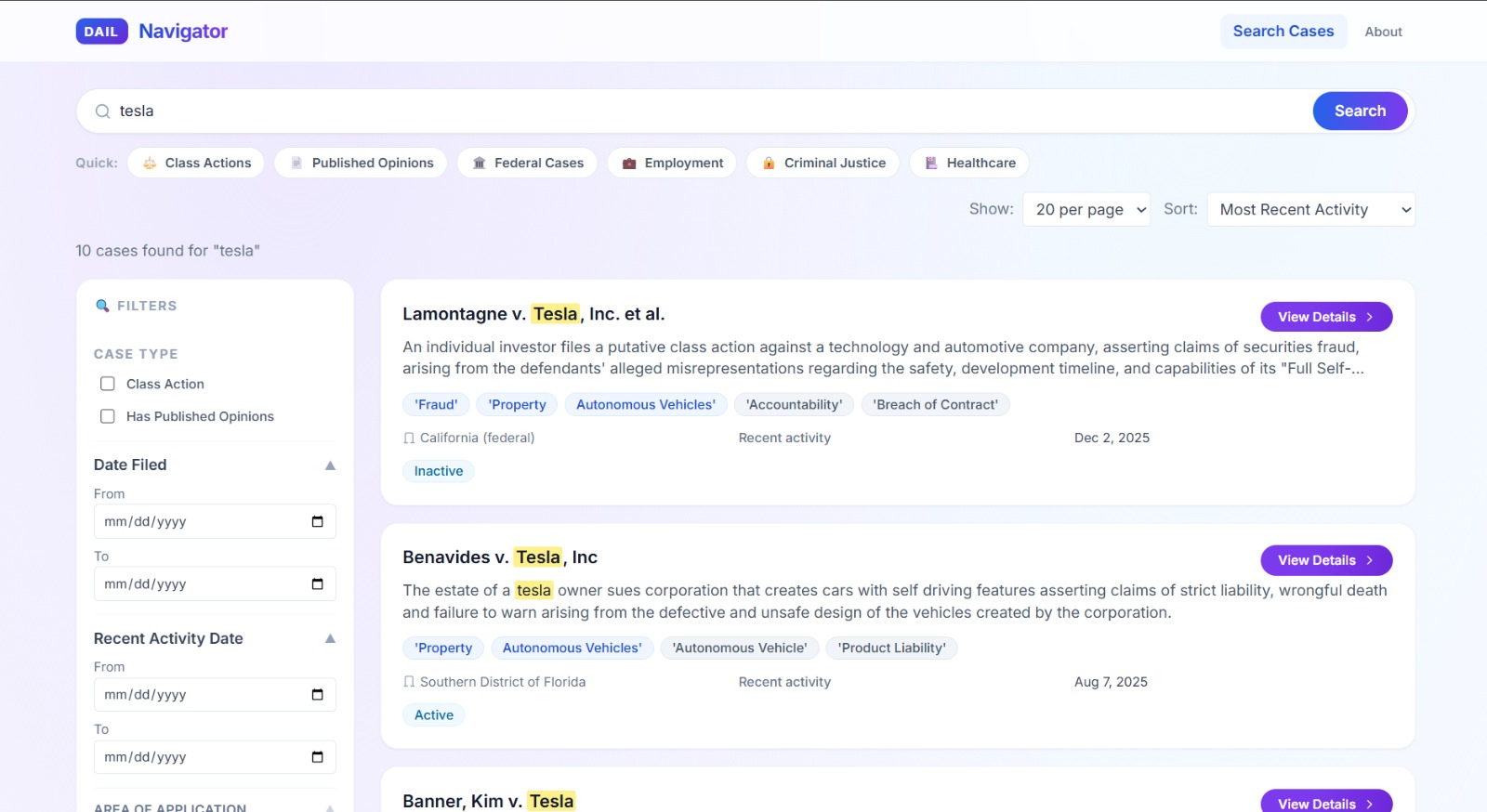
Search Page
Inspiration AI is reshaping hiring, healthcare, policing, and finance, and courts are pushing back. GWU's DAIL project has been quietly cataloguing every AI-related lawsuit, but the data lived in spreadsheets. We wanted anyone, a journalist, a policy student, a public defender, to be able to search it in seconds without needing Excel or a law degree.
What it does DAIL Navigator is a full-stack search interface over the Database of AI Litigation. Users can free-text search across case captions, descriptions, parties, and keywords; apply faceted filters for jurisdiction, cause of action, issue type, and algorithm name; browse pre-built category jump-offs; and drill into full case detail pages with docket links. Every search is URL-shareable.
How we built it Frontend: React + TypeScript + Vite, styled with Tailwind CSS. All search state lives in URL params so every filtered view is bookmarkable. Backend: FastAPI (Python) with a SQLite database ingested from GWU's Excel exports via a one-shot build script. Full-text search uses SQLite FTS5; faceted filtering uses parameterized SQL with substring LIKE matching. Data pipeline: A single build_db.py script normalises column names, handles Excel quirks, and builds both the relational tables and the FTS5 index. Challenges we ran into Excel data uses inconsistent delimiters (semicolons, commas, pipes) in list fields like "Area of Application", our original exact-match filter returned zero results until we switched to substring LIKE matching. Tailwind v3 does not allow variant prefixes (hover:, focus-visible:) inside @apply in CSS files. we had to convert all component-layer styles to plain CSS pseudo-selectors. Keeping filter state fully synced between the URL, the sidebar, the quick-chips, and the active-filter chips without stale closure bugs required careful memoisation in useSearchState. Accomplishments that we're proud of A genuinely usable research tool on real data, not mock data, 500+ cases fully searchable on day one. URL-driven state means every filtered search is a shareable link, which is critical for researchers citing sources. Accessible by default: keyboard navigation, ARIA labels, skip-to-content, and sufficient contrast throughout. Clean separation between the data pipeline, API layer, and UI, the backend can be swapped or the data refreshed without touching the frontend. What we learned SQLite FTS5 is surprisingly powerful for this scale, no Elasticsearch needed. Designing for real, messy data (inconsistent casing, missing fields, mixed delimiters) is harder than designing for clean demo data. Small UX decisions, keyword highlighting in results, active-filter chips, URL persistence — make the difference between a tool people use once and one they return to. What's next for DAIL Auto-refresh pipeline, watch for new DAIL Excel exports and rebuild the database automatically. Case clustering, group cases by legal theory or algorithm type using lightweight embeddings, without compromising the no-AI-enrichment transparency guarantee. Citation export, one-click Bluebook / APA citation generation from the detail page. Timeline view, visualise how AI litigation has grown year-over-year by area and jurisdiction. Public deployment, host on a GWU subdomain so the tool is accessible without running it locally.
Built With
- html
- python
- react
- tailwind
- typescript
- vite

Log in or sign up for Devpost to join the conversation.