-
-

apple-1
-
apple-2
-
apple-3
-
apple-4
-
apple-5
-

apple-6
-

icon-app



Inspiration
Clarity was inspired by a simple observation: many people don’t need more tools — they need more mental space.
Coaching, journaling, and reflective practices are powerful, but they often come with friction: time, cost, structure, or complexity. At the same time, most AI tools feel technical or overwhelming, especially for people who just want to think things through calmly.
We were inspired by the idea of making AI coaching feel closer to a meditation or reflection app — quiet, intentional, and human rather than a system to configure or optimize.
What it does
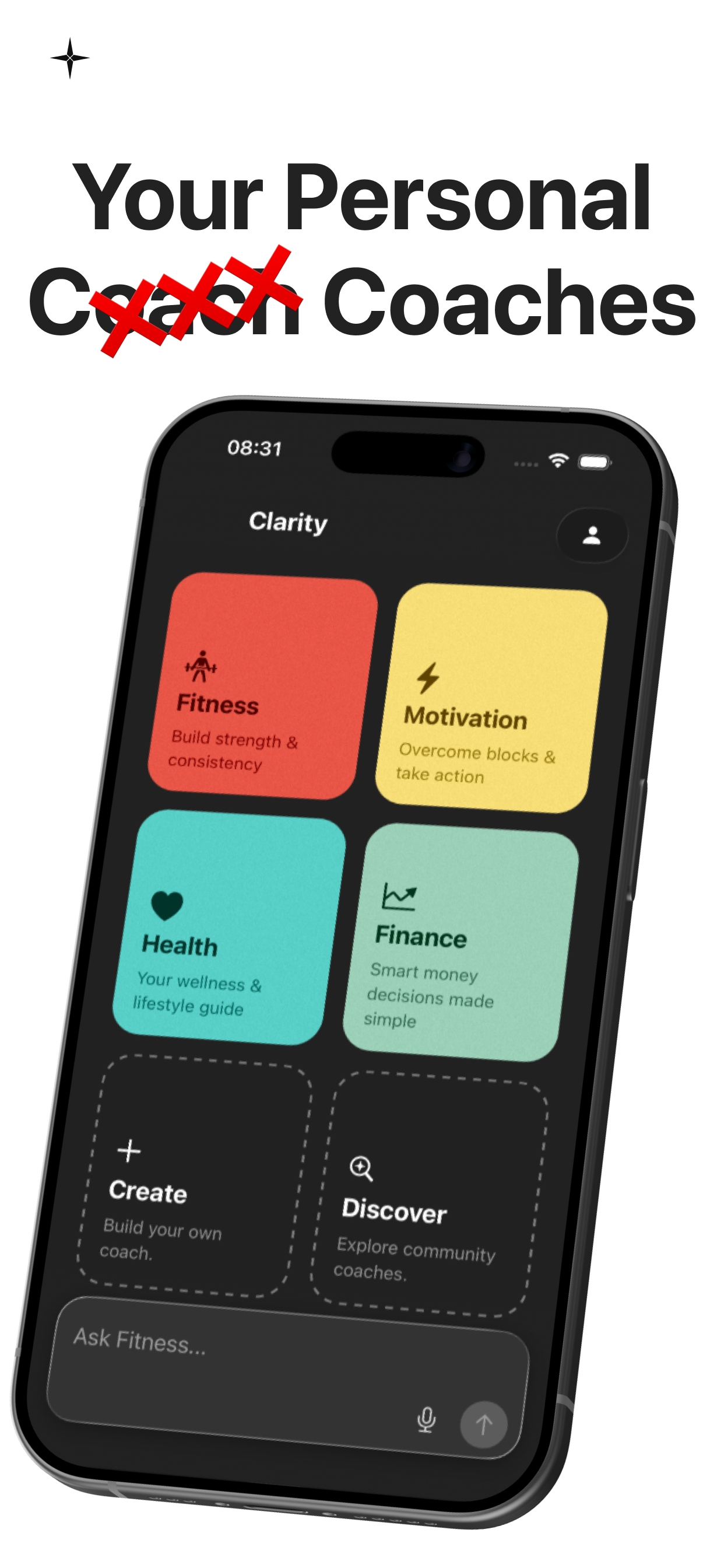
Clarity is a calm, mobile-first AI coaching app that helps users think clearly, reflect, and make better decisions.
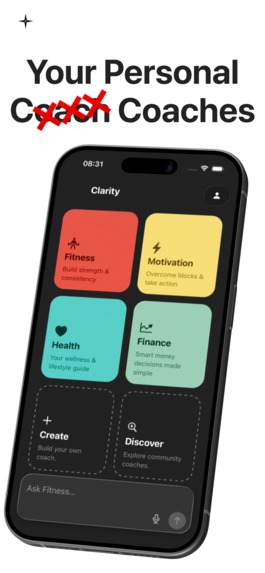
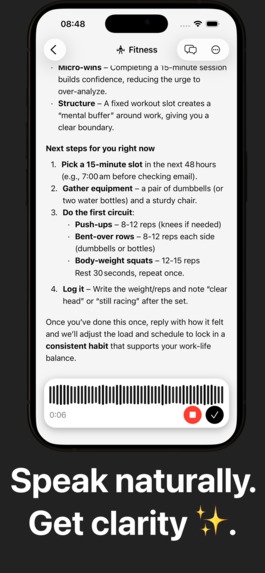
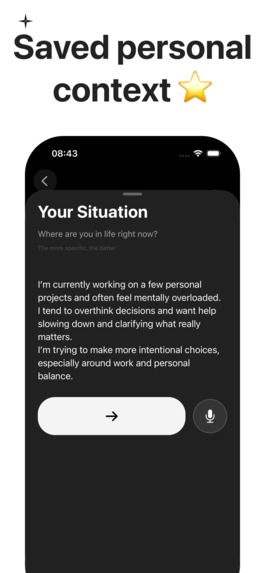
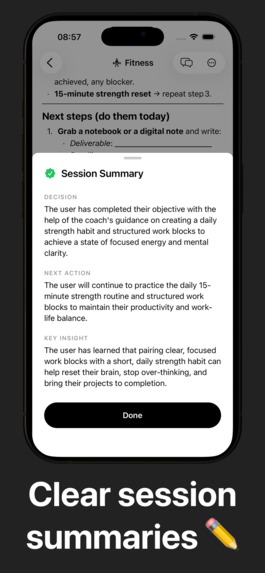
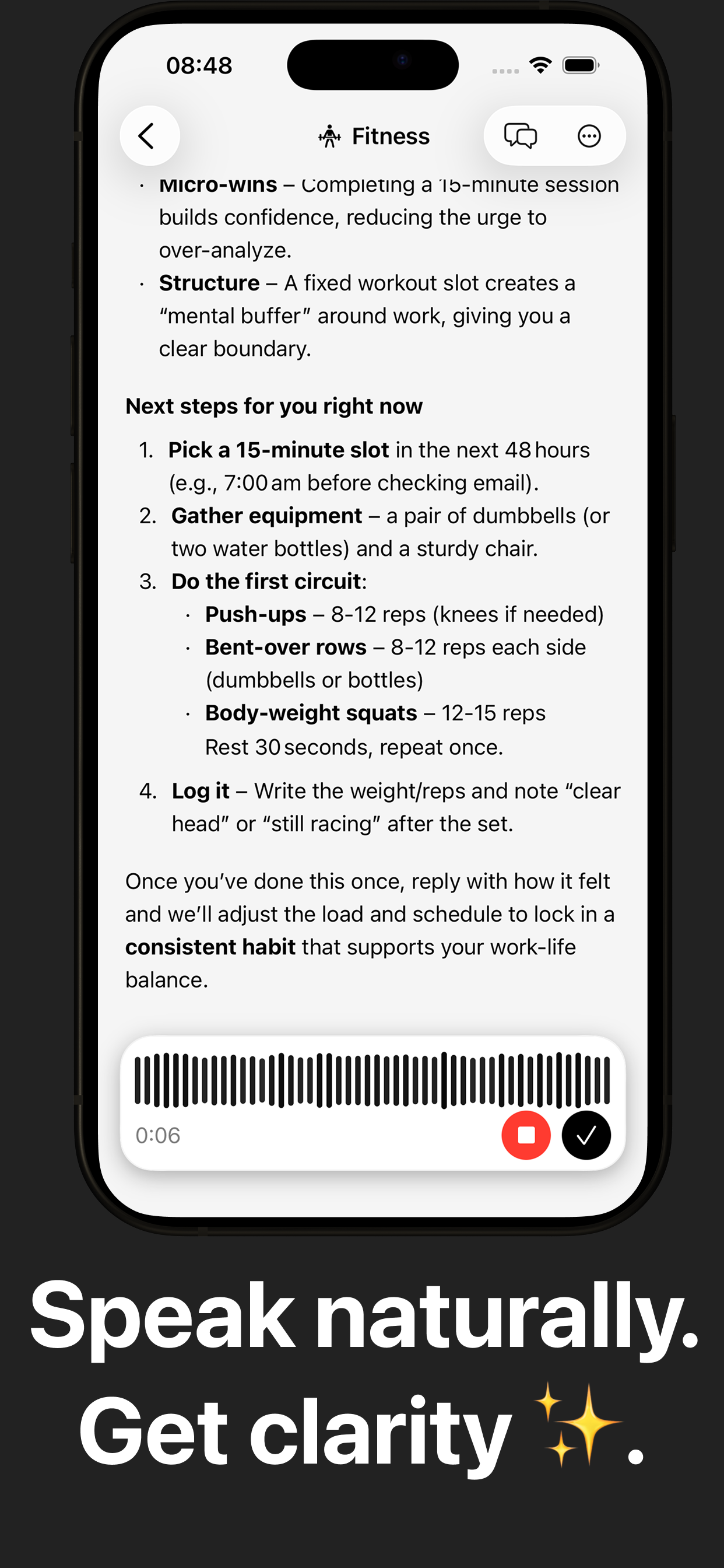
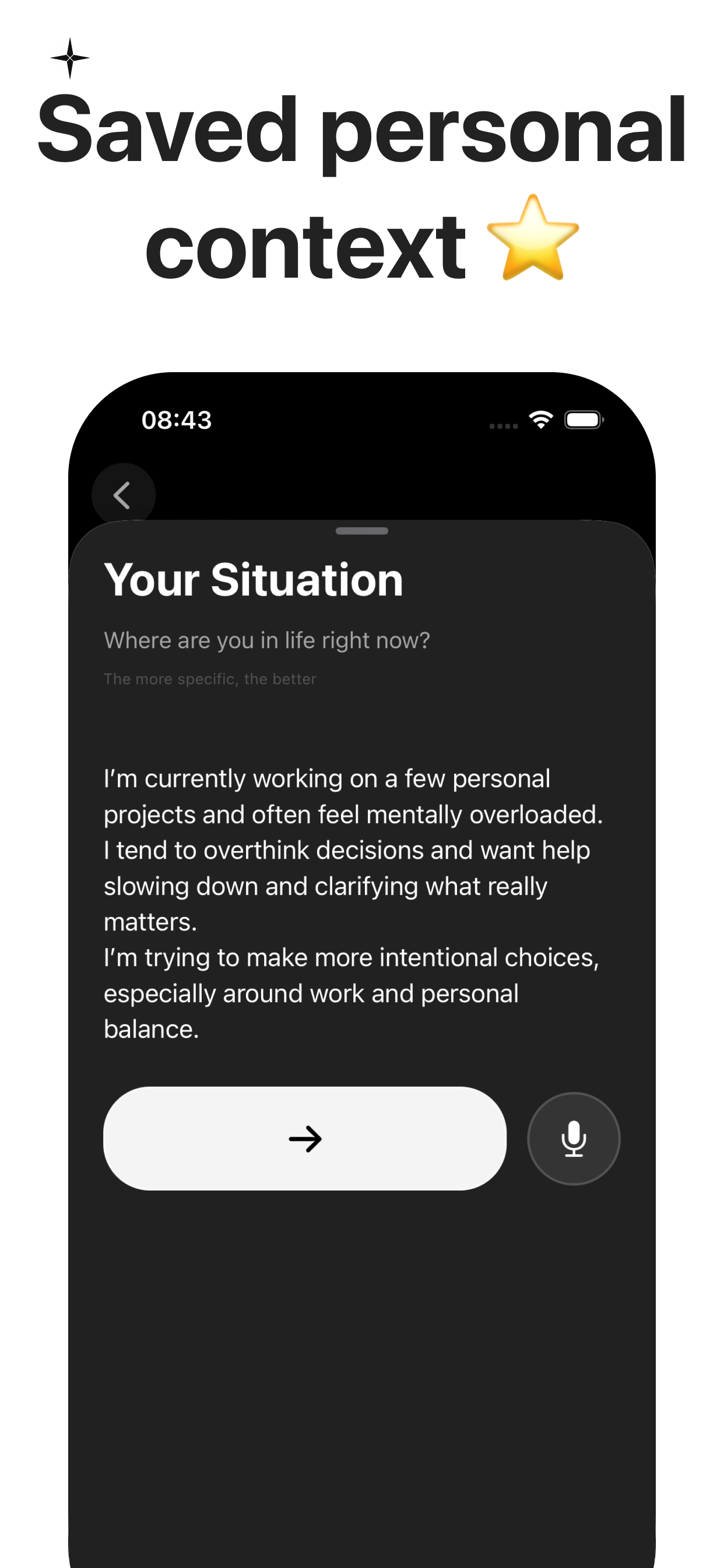
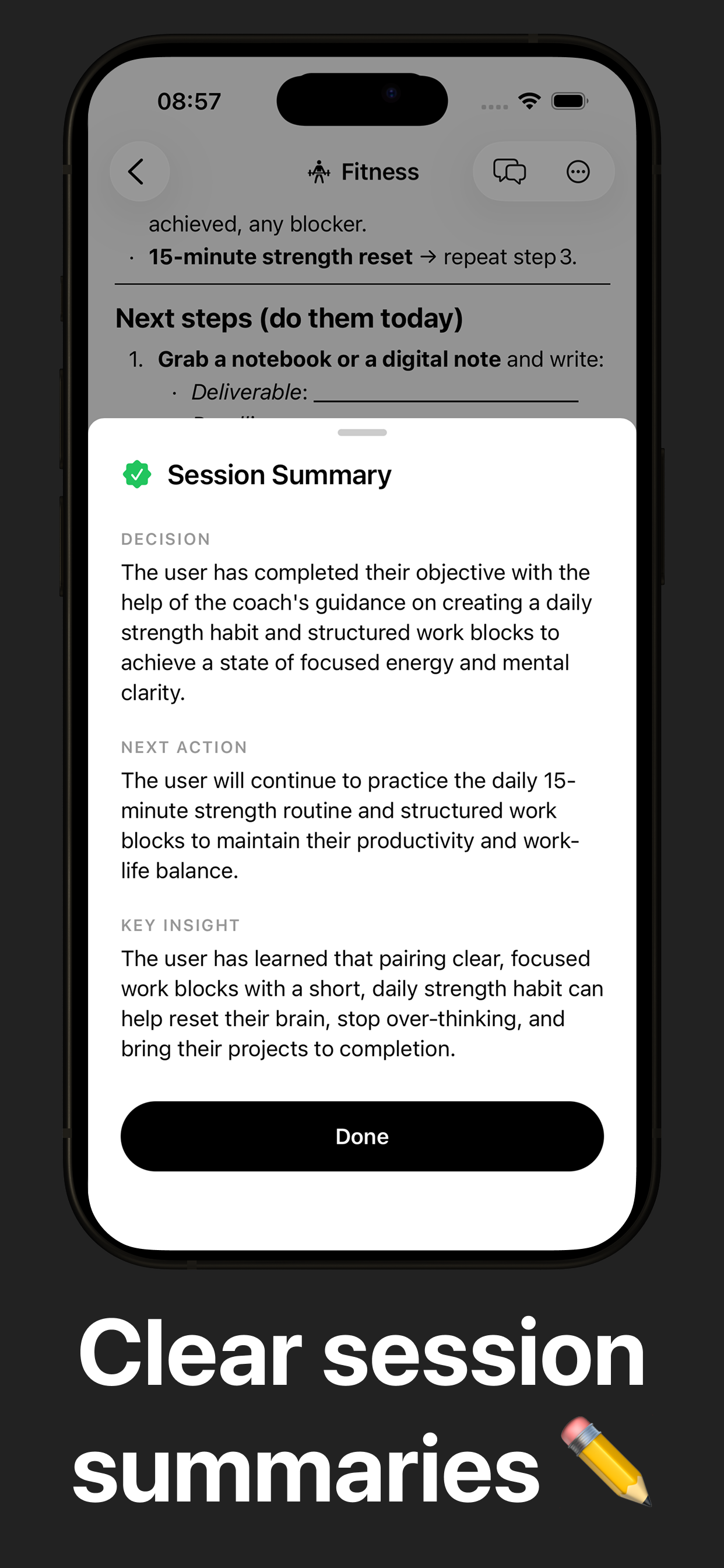
Users can speak naturally or type, choose different AI coaches for different thinking modes, save personal context, and receive clear session summaries after each conversation.
Instead of endless chat, Clarity focuses on turning conversations into takeaways helping users leave each session with more clarity than they started with.
How we built it
Clarity was built as a mobile-first application with a strong focus on simplicity, performance, and design.
The product combines:
- A lightweight conversational interface
- Voice input for natural interaction
- Structured AI coaching logic
- Persistent personal context and session history
- A minimal UI designed to reduce cognitive load
Every design and technical decision was guided by one question:
Does this make thinking feel calmer or more complicated?
Challenges we ran into
One of the biggest challenges was balancing power and simplicity.
AI systems can quickly become complex, and it’s easy to expose too many options or controls. We had to continuously remove features, reduce UI elements, and refine language to keep the experience calm and accessible.
Another challenge was framing AI coaching in a way that felt supportive rather than intimidating — avoiding productivity jargon, hype, or unrealistic promises.
Accomplishments that we're proud of
- Creating an AI experience that feels human and calm
- Designing a voice-first interaction that feels natural
- Turning conversations into clear, actionable session summaries
- Building a cohesive product with a strong visual and emotional identity
- Delivering a working, polished mobile app rather than a concept or prototype
What we learned
We learned that design and framing matter as much as the underlying technology.
Small choices wording, pacing, layout, and tone have a huge impact on whether AI feels helpful or overwhelming. We also learned that users value clarity and trust more than advanced features.
Less, when done intentionally, really is more.
What’s Next for Clarity
Next, we want to deepen continuity, trust, and real-world usefulness — without making the product more complex.
1. Widgets & Instant Access
Home and Lock Screen widgets will allow users to:
- Start a session instantly
- Access quick prompts
- Revisit recent summaries
Clarity should be available when needed, not demanding attention.
2. Context-Aware Coaching
Optional integrations (Google Calendar, iOS Calendar, Sheets, etc.) will allow Clarity to better understand a user’s real context.
This could help with:
- Preparing for meetings
- Navigating busy periods
- Turning decisions into concrete next steps
The goal isn’t automation — it’s better guidance.
3. Smarter Long-Term Memory
We plan to improve how Clarity remembers and connects past sessions.
This includes:
- Surfacing relevant past reflections
- Identifying recurring patterns
- Providing more consistent guidance over time
Better memory, not more data.
4. Refinement & Depth
We’ll continue to:
- Refine coaching modes and tone
- Improve reflection tools and progress tracking
- Strengthen Clarity’s art direction
- Add optional advanced features for power users — without compromising simplicity
Clarity will continue to focus on one core goal:
helping people think better, calmly and intentionally.
Built With
- claude
- expo.io
- express.js
- react-native
- revenuecat
- supabase
- typescript


Log in or sign up for Devpost to join the conversation.