-
-

dacti is a cute bro!
-
-
-
-
-
-
-
-
-
-

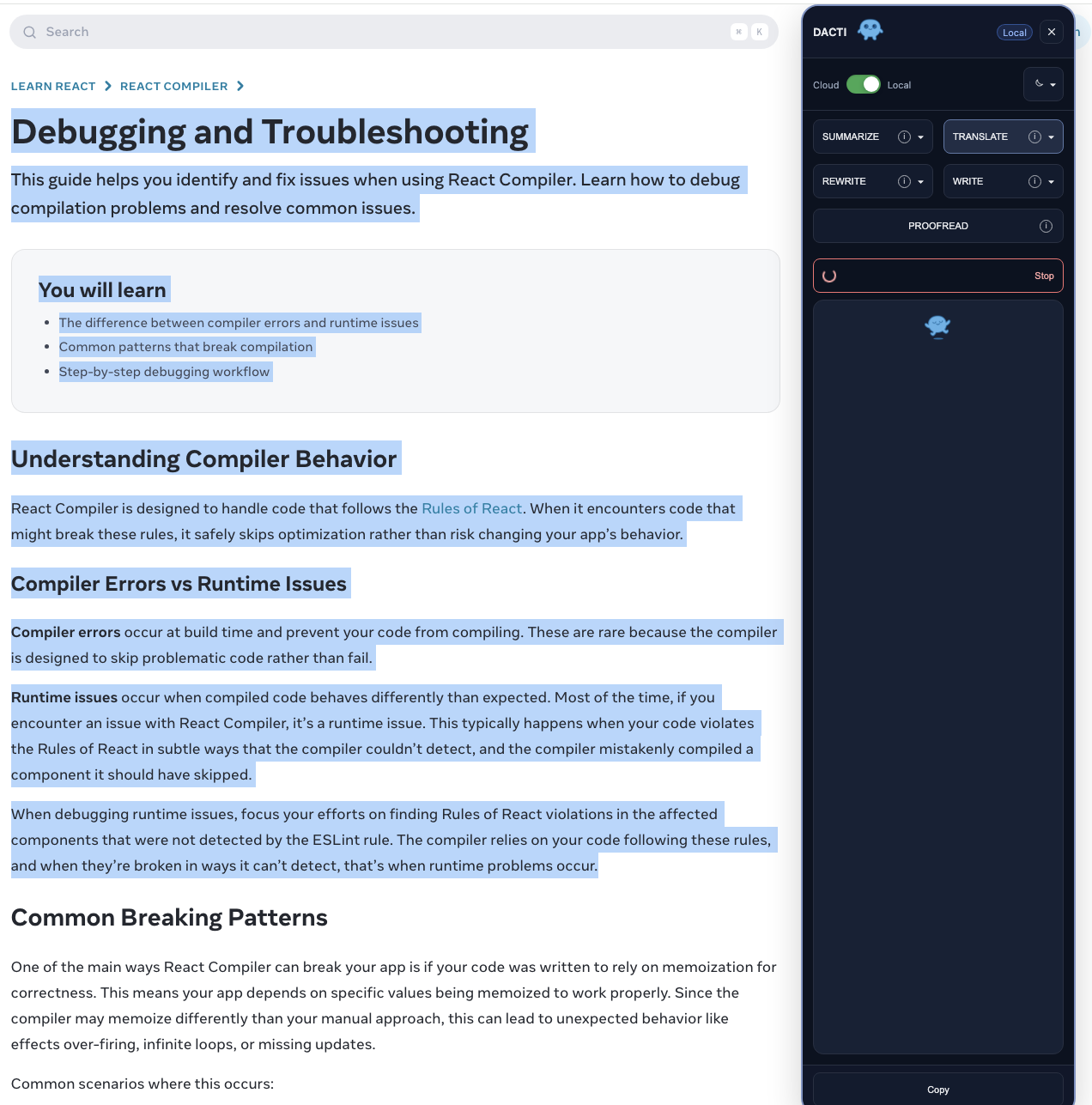
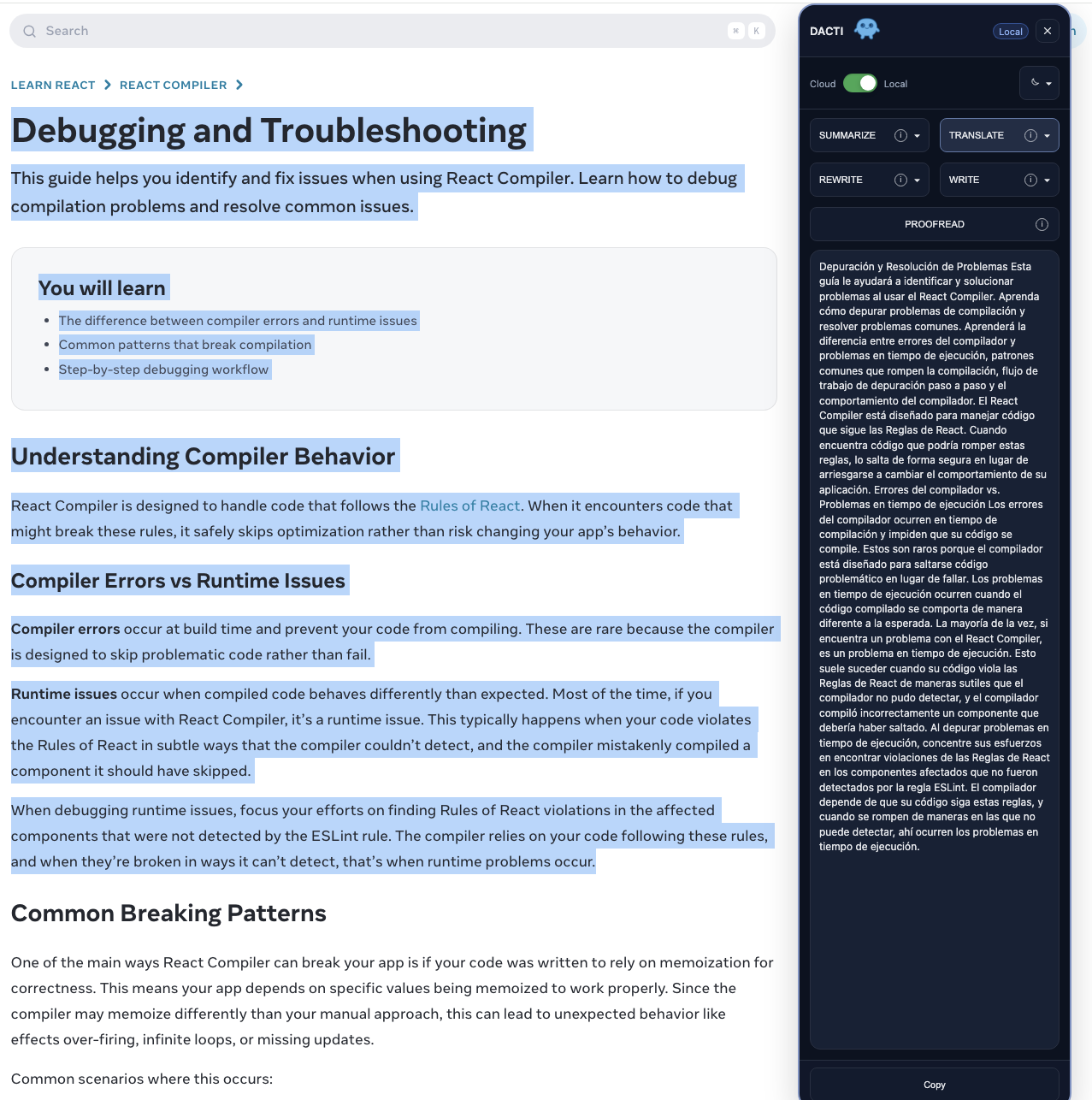
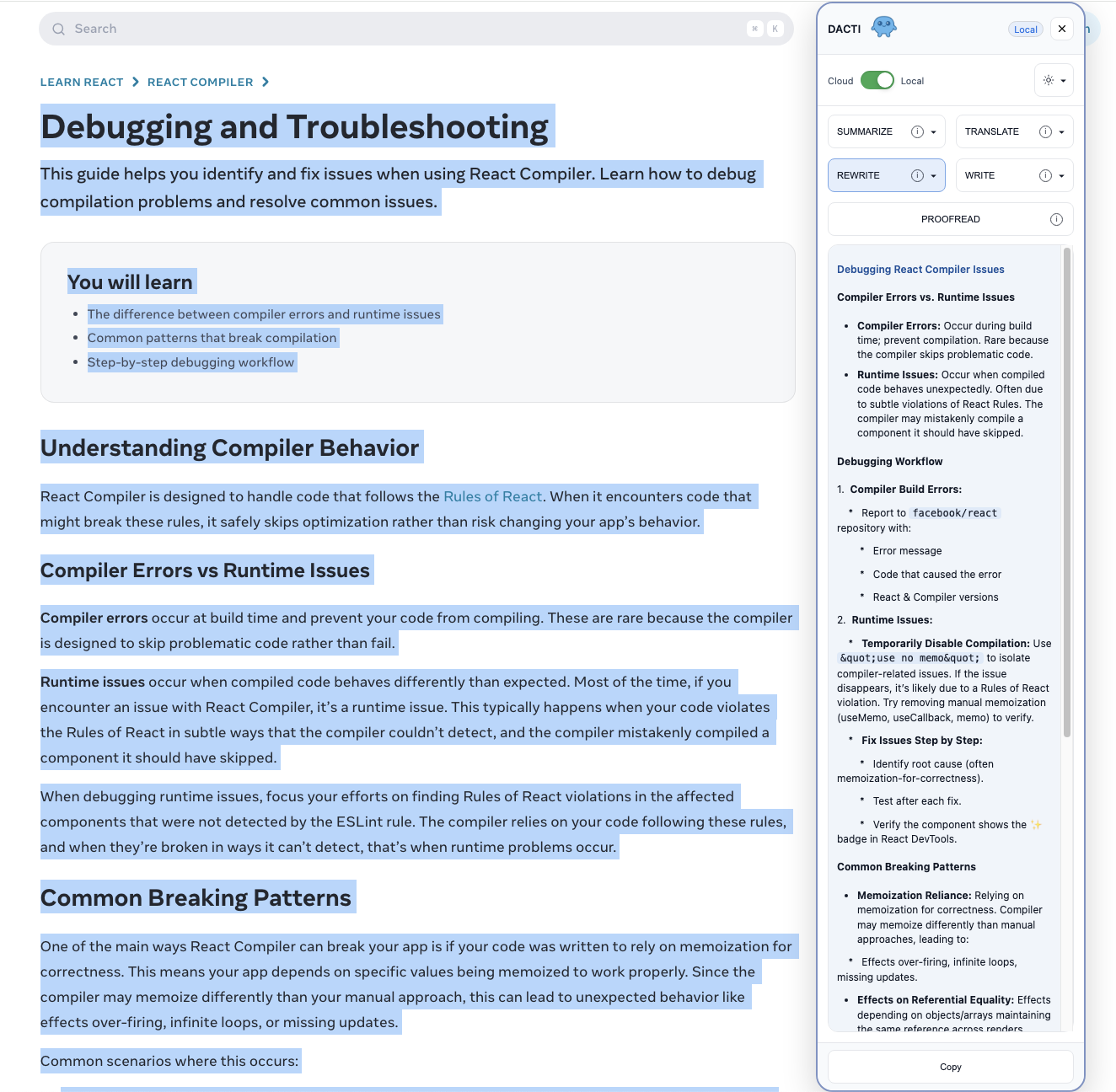
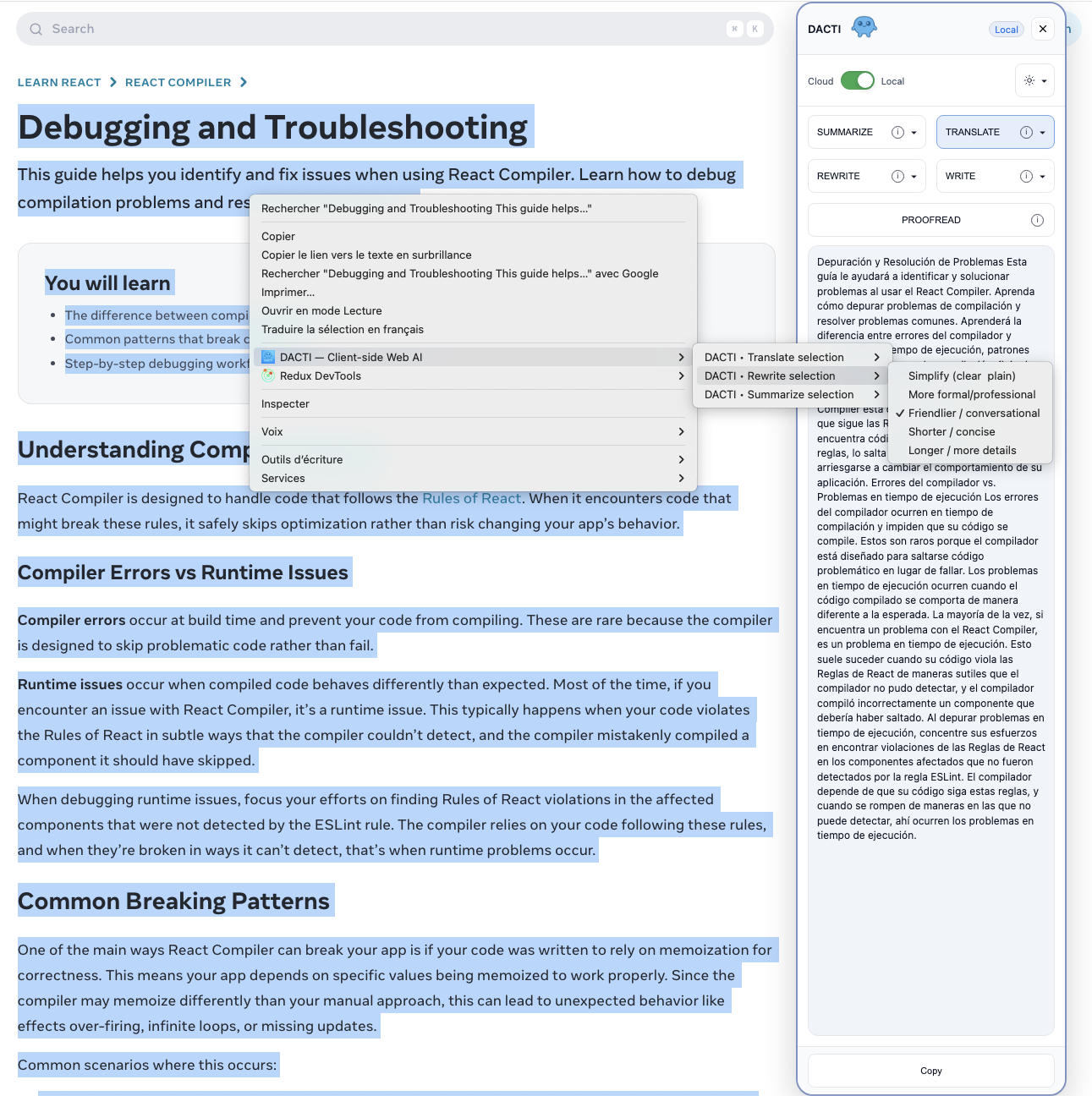
What Inspired Me
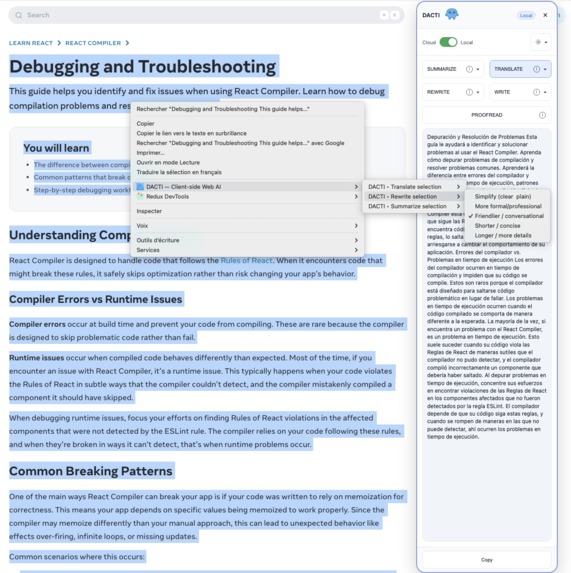
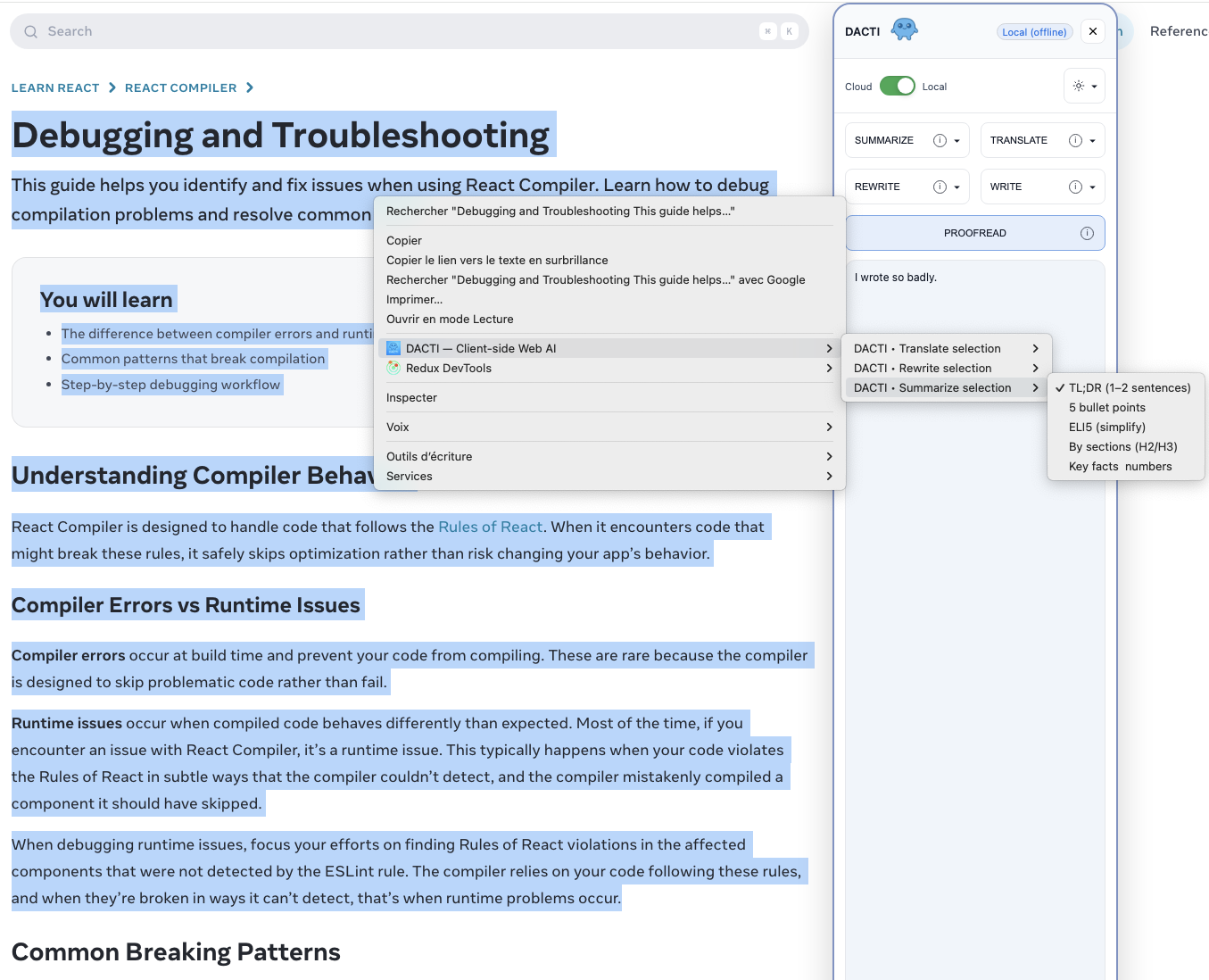
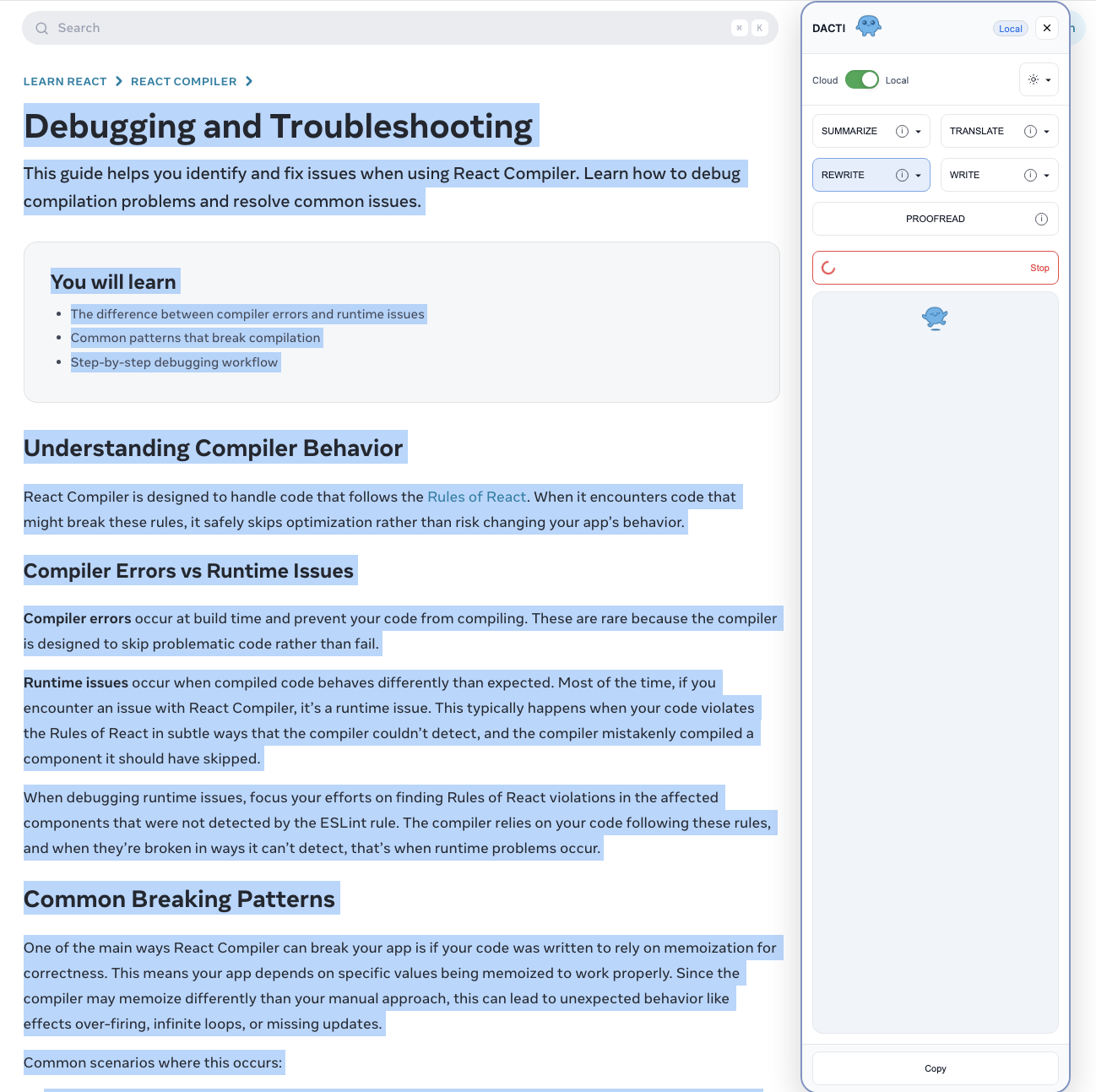
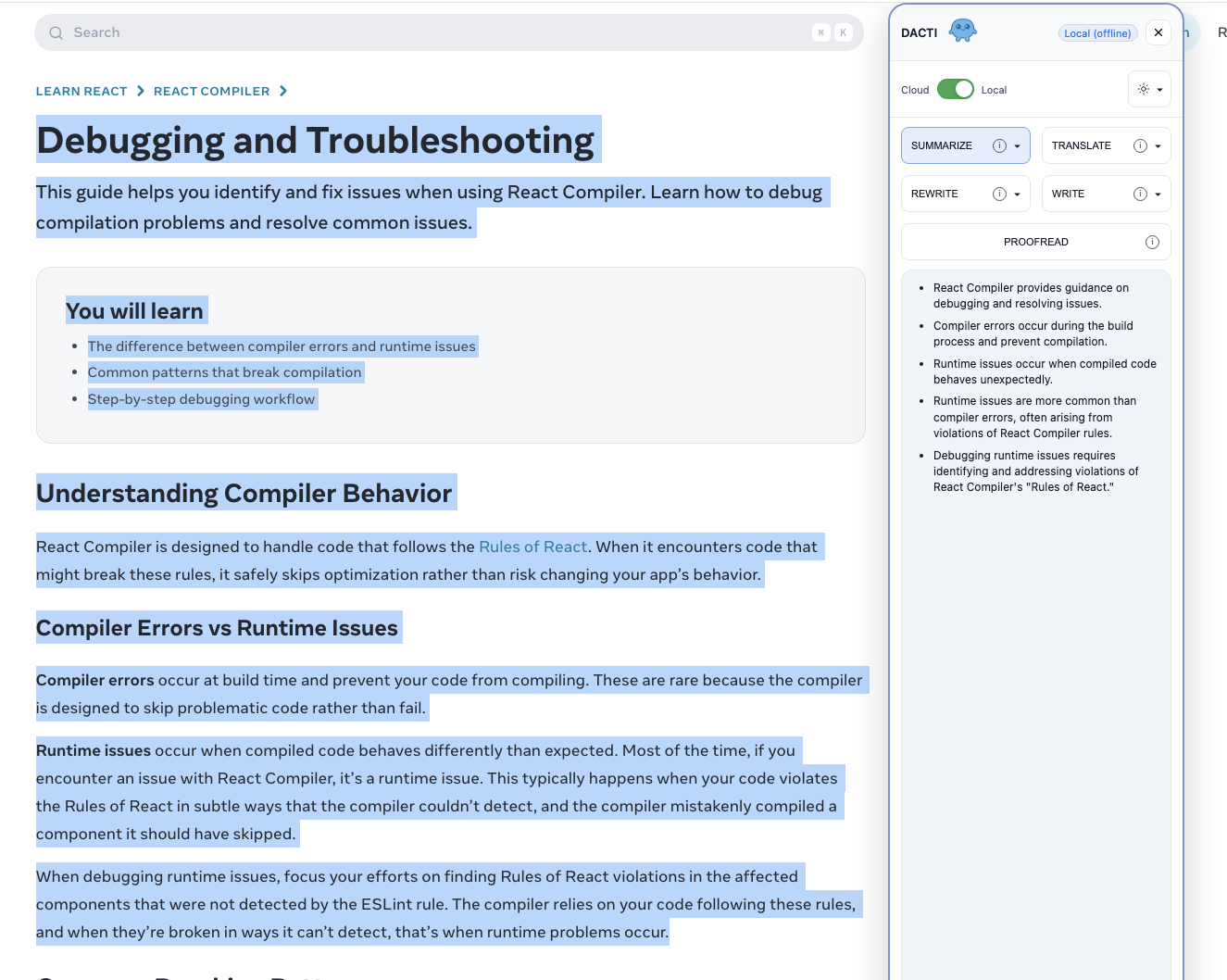
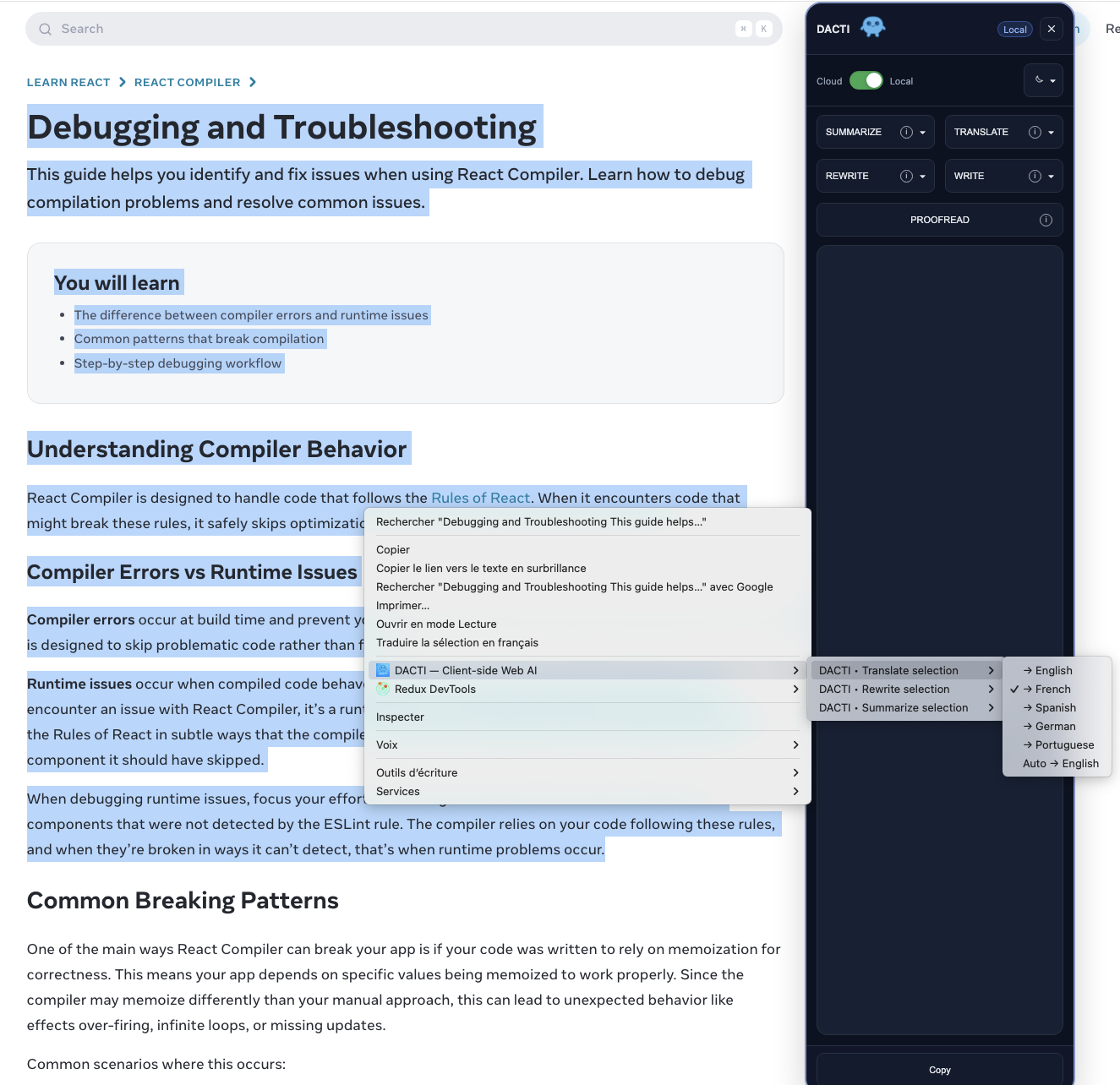
The inspiration for DACTI was born from a simple, recurring frustration I observed in my own workflow and that of many others: the constant juggling of multiple applications to perform common text-based tasks.
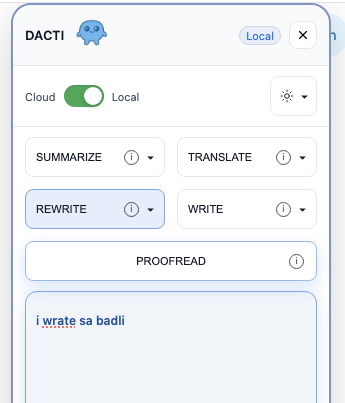
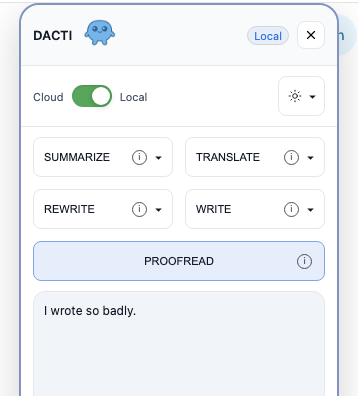
Whether it’s summarizing an article, rewriting a paragraph, or correcting an email, we often find ourselves switching between tabs and tools, breaking our focus.
I thought, “What if these essential AI tools could be integrated directly into the browser, available with a single click?”
This led me to the core idea of DACTI: to create a seamless, all-in-one content assistant.
The “Google Chrome Built-in AI Challenge” was the perfect opportunity to bring this to life, with a special focus on a challenge that truly excites me: privacy-first, offline-capable AI.
The idea that I could build an extension that provides powerful AI assistance, even without an internet connection, felt revolutionary.
The name “DACTI” itself is a nod to dactylographie (typing), evoking the fundamental acts of writing, editing, translating, and proofreading that the extension aims to simplify.
⸻
What I Learned
This hackathon was a tremendous learning experience, particularly in extension architecture and the practical application of on-device AI.
The Power of Vanilla TypeScript
I initially started with a React-based architecture, which is a common choice for web UIs. However, I quickly realized the complexity of managing state and side effects (the infamous useEffect and callback issues) was overkill for what I needed — especially with the heavy event listener management an extension like this requires.
I made the deliberate decision to pivot to 100% vanilla TypeScript. This was a fantastic lesson: it not only resulted in a much lighter and faster extension but also simplified the codebase, making it more maintainable and easier to debug.
Designing a Hybrid AI Strategy
I knew from the start that relying solely on the on-device model could be a limitation, as not all users would have the necessary hardware.
Drawing from my experience building cloud AI systems in a previous project, I designed a hybrid system from day one.
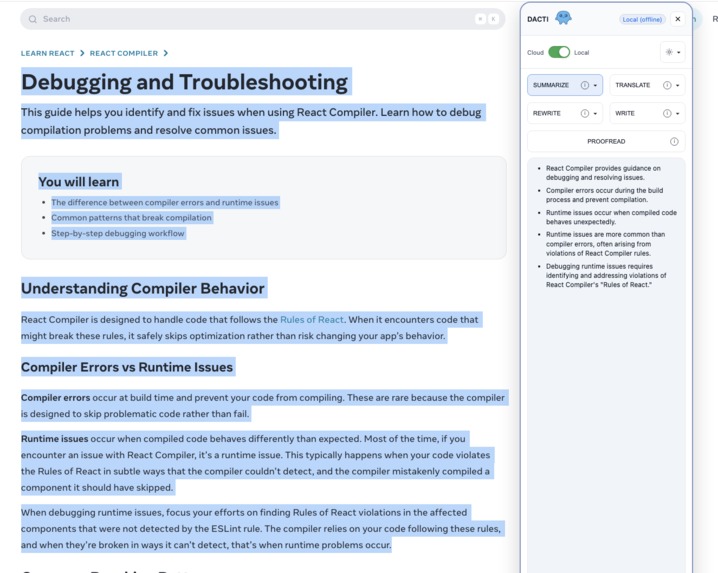
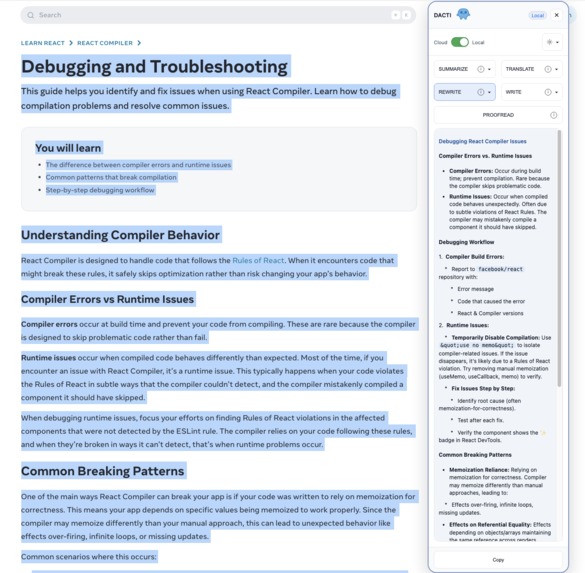
DACTI intelligently defaults to the local Gemini Nano model for speed and privacy, but seamlessly falls back to a cloud-based Gemini model if the local AI is unavailable.
This ensures the extension is useful for everyone while still championing the benefits of client-side processing.
⸻
How I Built It
DACTI’s construction was an iterative process of simplification and refinement.
The architectural pivot from React to TypeScript was the key turning point.
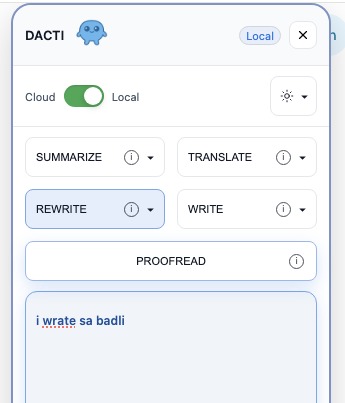
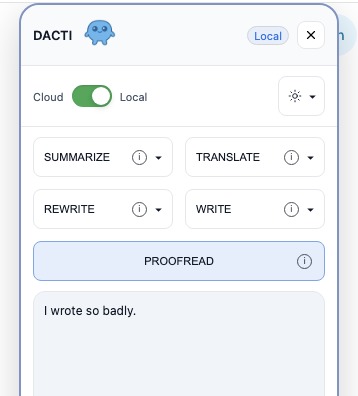
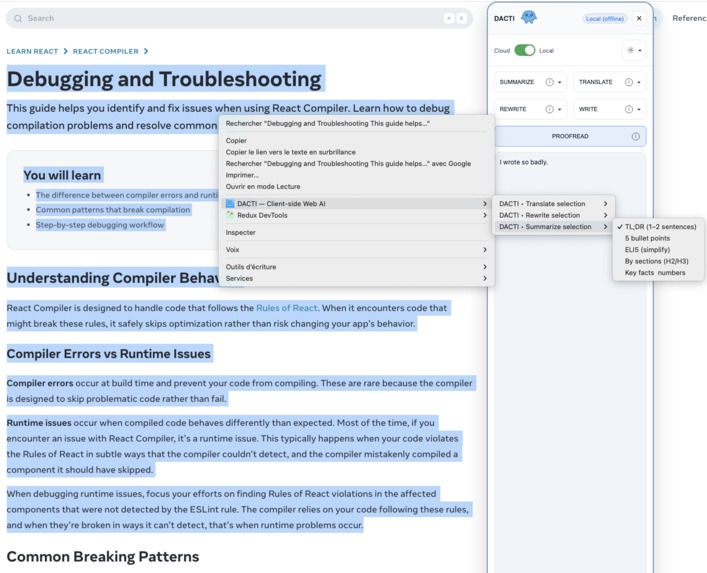
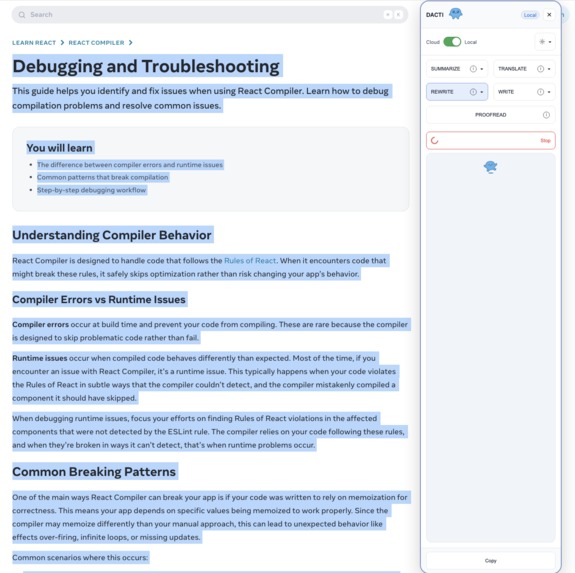
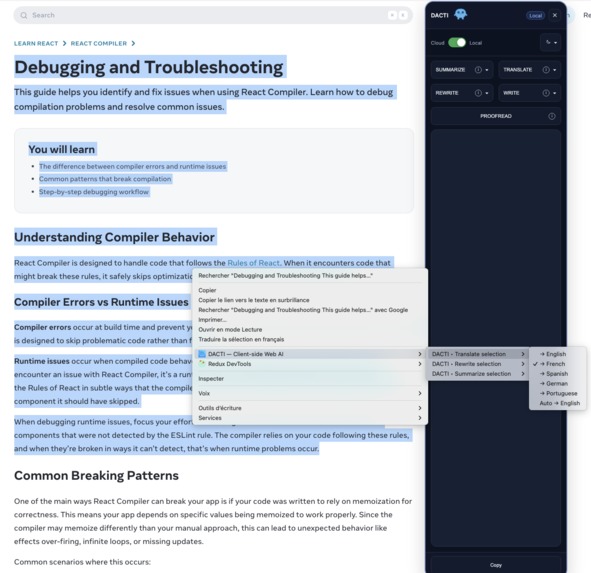
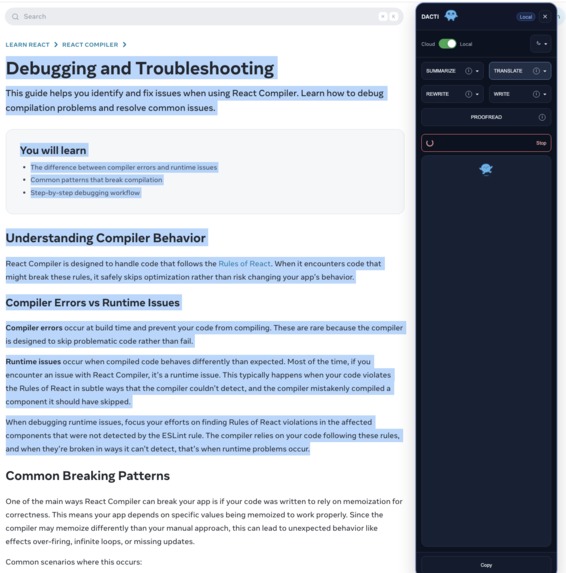
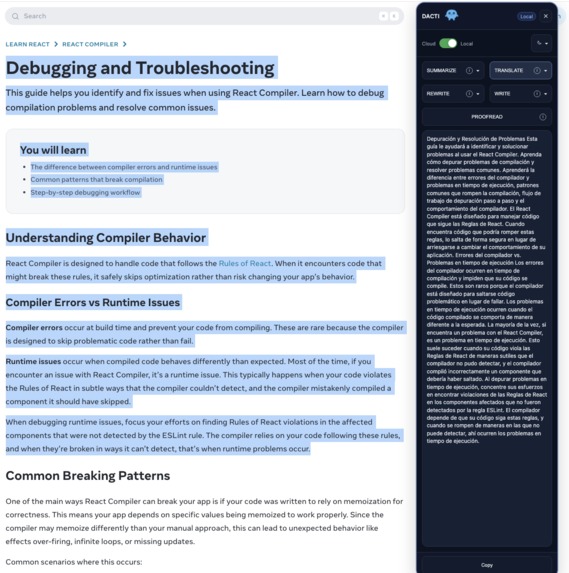
Once I committed to vanilla TypeScript, moving away from a standard popup to a dynamically injected UI panel felt like the natural next step.
This approach allowed for a much deeper and more integrated user experience — feeling less like a separate application and more like a native part of the browser.
It also simplified the codebase by removing the need for JSX and separate build processes for the popup.
As the feature set grew, so did the complexity. I soon found myself with massive background and panel management scripts.
Recognizing the long-term risks to maintainability, I took a step back and refactored the entire content script into a modular architecture.
I split the logic into distinct files for panel creation, event handling, and global state management.
This was a critical investment: even in a fast-paced hackathon, prioritizing clean code made it significantly easier to add new features and, more importantly, to debug when things went wrong.
⸻
The Challenges I Faced
This project was not without its significant challenges, which ultimately shaped the final product.
The Ambitious “Alt Images” Feature
Initially, I implemented a feature to scan all images on a page and suggest SEO-friendly, accessible alt text.
With the cloud-based Gemini, it worked beautifully. However, when I tried to run it on the local Gemini Nano model, the results were inconsistent and not reliable enough for a production feature.
With the hackathon deadline looming, I made the tough but necessary decision to remove the feature for now.
It was a lesson in pragmatism and understanding the limitations of different models. I hope to re-integrate it in the future as on-device vision models evolve.
The Hardware Hurdle
My biggest challenge was simply getting the on-device AI to run. I develop on a 2020 MacBook M1 with 8GB of RAM, and I was genuinely unsure if my machine could handle it.
At first, it simply didn’t work — this initial failure is what pushed me to solidify the cloud fallback strategy.
But I was determined. I dove deep into Chrome’s internals, learning to master the chrome://flags and using the on-device-model-service-internals page to debug.
After much perseverance, I finally saw the model download and initialize correctly. It was a huge victory and taught me an immense amount about how Chrome’s new AI core functions.
Built With
- chrome
- docker
- express.js
- gemini-api
- gemini-nano
- git
- manifest-v3
- node.js
- pnpm
- typescript
- vite


Log in or sign up for Devpost to join the conversation.