-
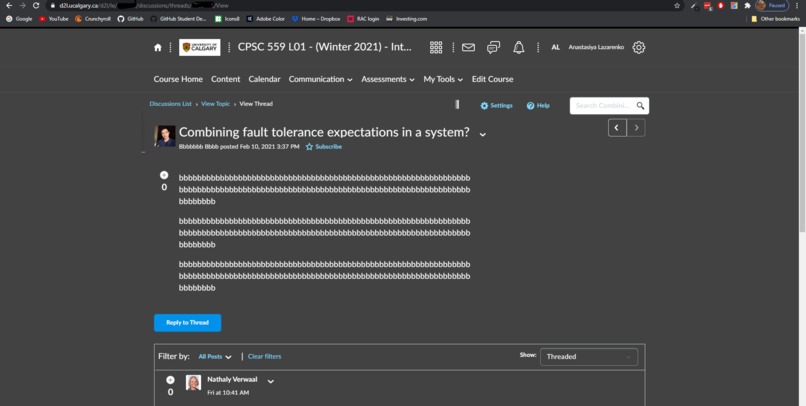
Dark Mode showcase
-
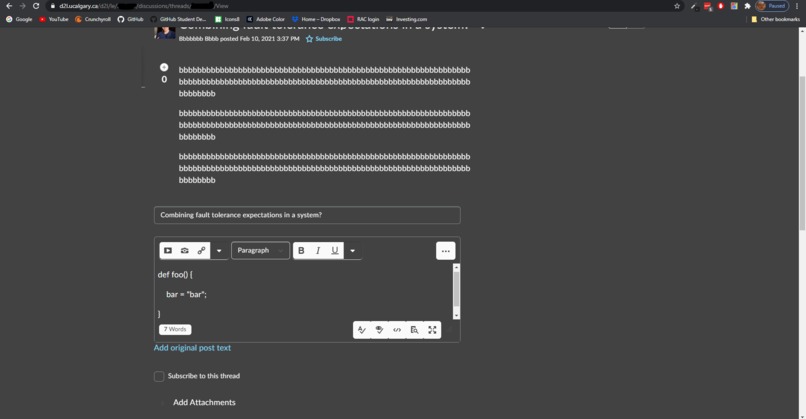
Tabbing in a text box
Inspiration
I have had multiple profs want to host tests as D2L quizzes, but knowing that it would be an awful experience for everybody - all because nobody knows how to TAB on D2L!
What it does
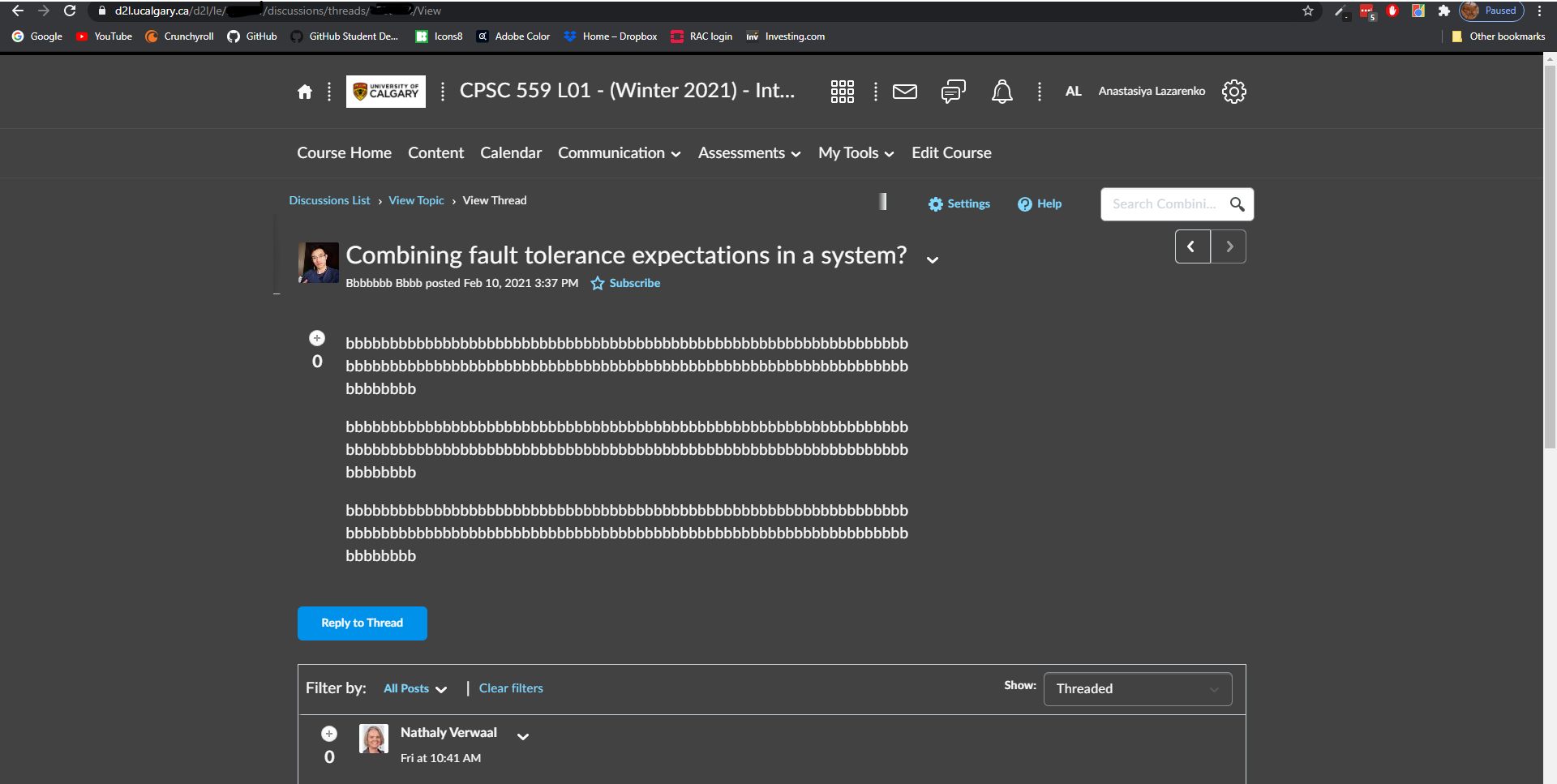
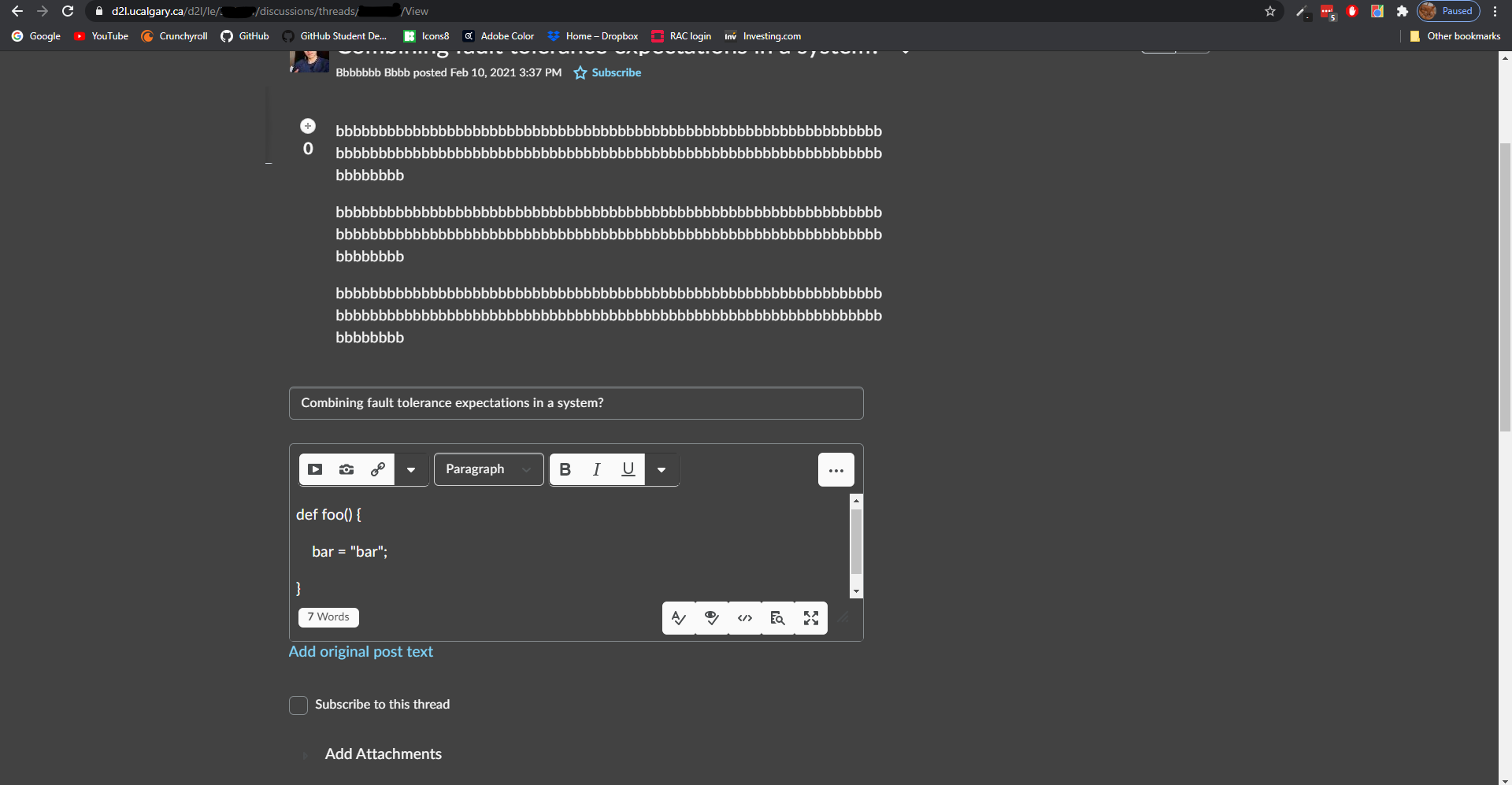
Overrides D2L's default actions on pressing the tab key with the more standard option of creating some blank space. The extension also offers dark mode (although this could use a bunch more tweaking).
How I built it
Using a lot of vanilla JavaScript! The Chrome extension allowed me to inspect D2L's DOM and modify it using JS. I used tree traversal techniques to traverse the DOM to change all (almost) elements into dark mode. I also used vanilla JS to modify the tab action and insert some for the whitespace we all expect the tab key to give us.
Challenges I ran into
The D2L webpage has a lot of sub_DOMs in the form of "shadowRoot"s. I didn't know what a shadowRoot was, so finding out how to deal with them in DOM traversal took a while. The webpage also includes elements getting dynamically inserted into the DOM based on user actions. It was challenging to find a way to monitor these to update the view (for the dark mode theme) in a way that wouldn't slow down the website to a grinding halt (even with 10+ GB of RAM going to Chrome)!! I also found out that ES6 array.filter() function causes memory leaks (:
Accomplishments that I'm proud of
Getting MutationObserver to work. This is what allowed me to update dynamic elements in the DOM without slowing slowing down the webpage to a grinding halt.
What I learned
A lot about bare-bones JS development and DOM traversal. Also, some stuff about Chrome extensions, but that learning is still a work in progress.
What's next for D2L Coding Extension
First of all, I'm still working on getting dark mode checkbox to work in the extension in order to make the dark theme optional. Then, a lot of work still needs to be done on touching up the CSS of the dark mode theme (which would probably involve some more challenges with retrieving the appropriate elements from the DOM). And finally, publishing my extension to the Chrome Extension shop!

Log in or sign up for Devpost to join the conversation.