-
-
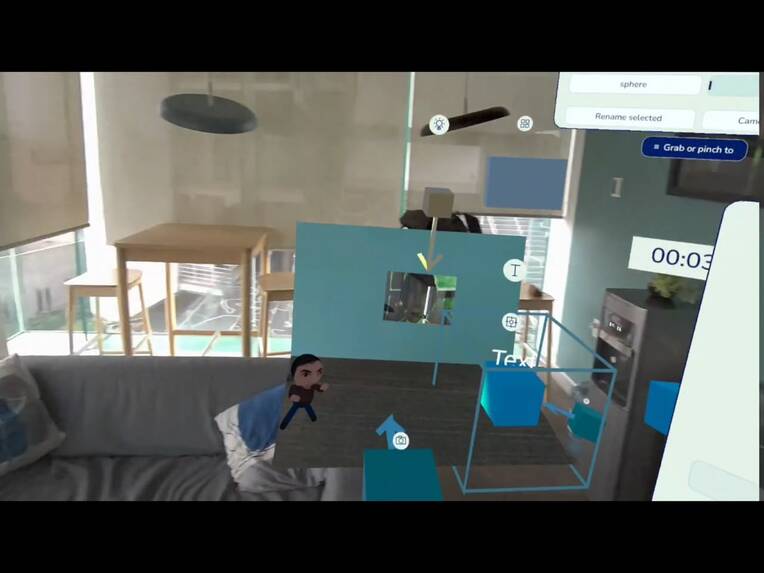
Building interactive scenes in mixed reality
-
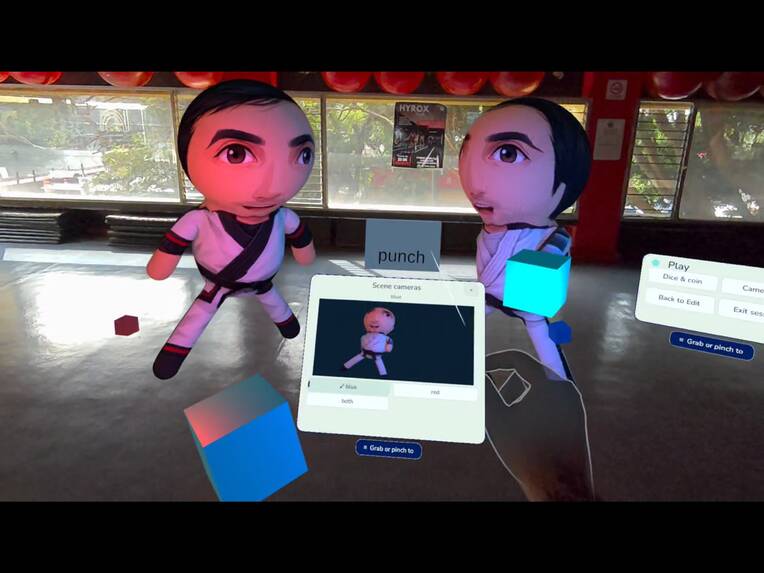
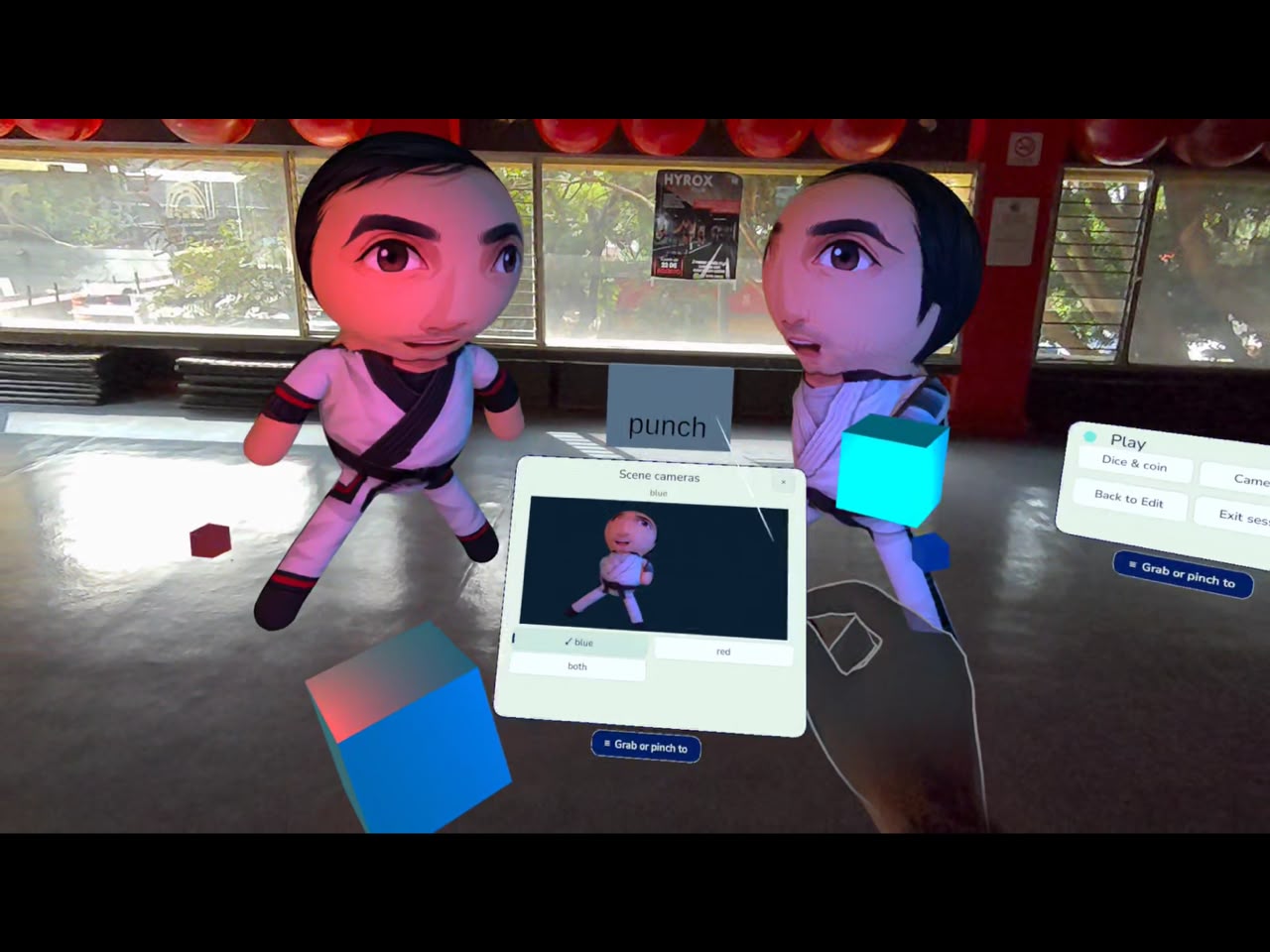
Personalized avatars in Play mode
-
D-DXR — Collect your world (promotional artwork)
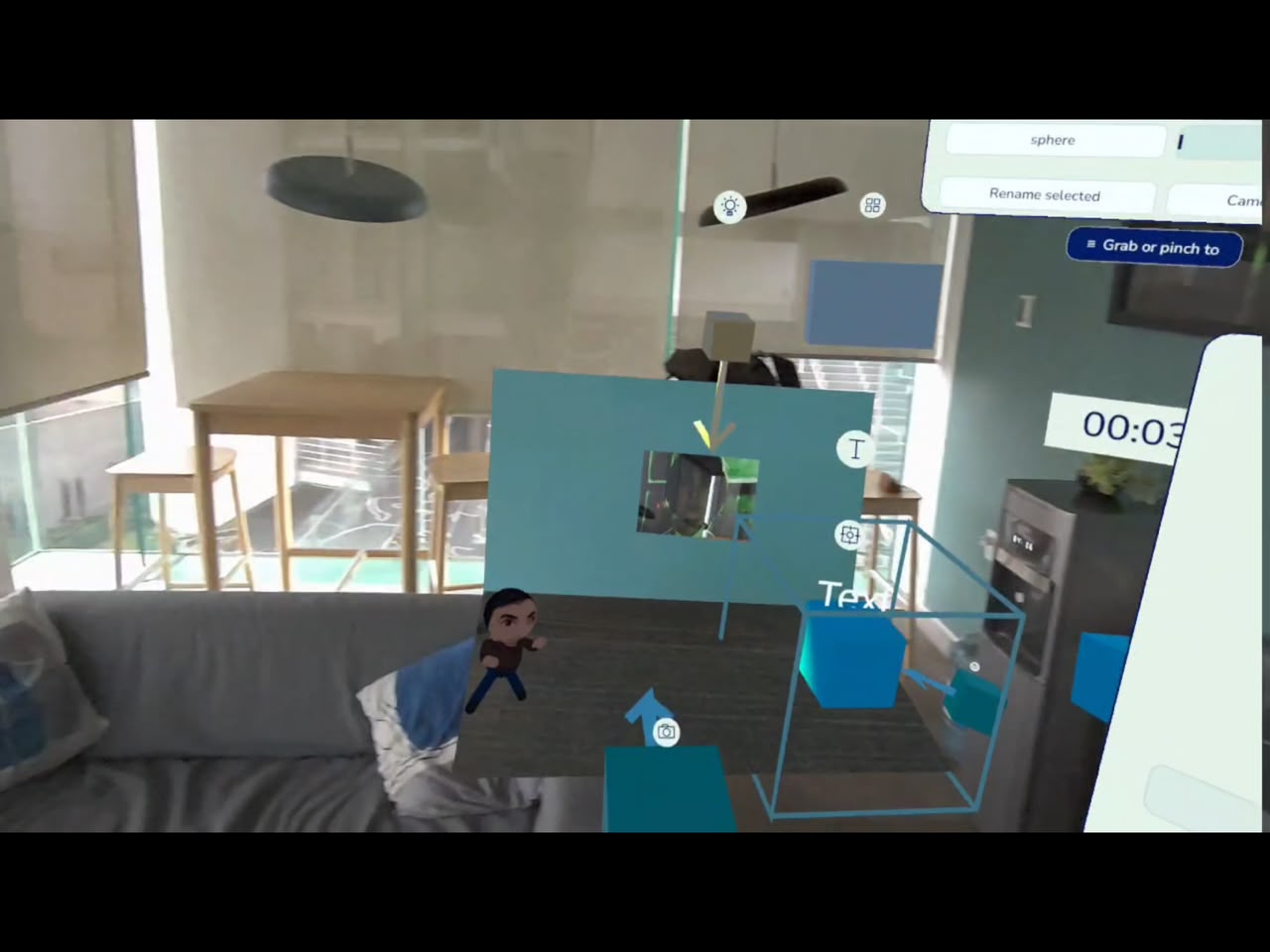
Inspiration
The objects around us carry stories: a favorite mug, a small souvenir, a toy we have kept for years. I wanted to explore what happens when those everyday objects become materials for creating something new.
That idea became D-DXR: Collect your world. Bring it into play.
As a solo developer, I wanted to make spatial creation approachable through hands and familiar objects. Instead of starting with an empty 3D modeling workspace, I imagined starting with something in your room, transforming it, and deciding what it could become.
What it does
D-DXR is a hands-first mixed-reality creation tool for Meta Quest. Its creative loop is Collect → Transform → Create → Play.
Using the headset’s capture workflow, you can take a photo and use optional cloud processing to create a 3D prop or personalize a stylized avatar. Props include a segmentation preview that you review before approving reconstruction. Avatars use a predefined character model with personalized textures, rather than a reconstructed body scan.
You can then arrange assets into scenes, customize avatars with generated outfits, and build interactions directly in the headset.
The current build includes:
- Hand-based selection, grabbing, rotation, and scaling.
- Movable menus using direct grab or ray-and-pinch interaction.
- Scenes with up to 20 objects, with naming, saving, reopening, renaming, and deletion.
- Reusable items combining supported components such as lights, particles, text, motion, and recorded sound.
- Path motion with editable point orientation.
- Buttons, triggers, and timers that activate actions without writing code.
- Sequential actions, manually activated triggers, and event-controlled virtual-camera selection.
- Text lists with next, previous, and random selection, plus configurable text and light colors.
- Local audio recording, playback, and assignment to supported objects.
- A tutorial and included example items that can be used without cloud generation.
- Custom colors for basic primitives.
- Lock in Play to prevent hand manipulation of selected objects while keeping programmed motion and events active.
Edit mode is where you arrange and configure a scene. Play mode lets you experience its interactions, then return to editing and continue building.
How I built it
I built the headset application in Unity with C#, using Meta XR capabilities for hand interactions, mixed-reality presentation, and capture. I integrated Rive interfaces to support the creation workflow.
The optional cloud pipeline uses a Python backend hosted on Railway, RunPod for GPU processing, SAM 3 for segmentation, SAM 3D for prop reconstruction, and OpenAI image generation for avatar and wardrobe textures.
I kept scene editing, saved assets, and the included examples usable independently of new cloud generations. Cloud requests use device-linked access and bounded allowances, and their state is retained so the user can check an existing result instead of repeatedly submitting the same request.
I used Codex as a development assistant while making the design decisions, integrating the systems, and testing the experience on my Quest 3.
Challenges I faced
One of the hardest challenges was making creation feel comfortable with hands. Direct grabbing and distant ray-and-pinch interaction behave differently, especially when moving menus or working with small controls. I iterated on layouts, selection behavior, and feedback through headset testing.
The cloud pipeline introduced a different set of challenges: GPU queues, segmentation quality, model precision compatibility, and recovering results when a request did not complete as expected. I worked through float16/float32 compatibility issues in prop reconstruction and improved diagnostics and saved-result recovery.
I also had to make deliberate scope decisions. A generation service should not prevent someone from continuing to build with assets they already have. That led me to prioritize local examples, scene persistence, clearer failure messages, and a useful editing experience while cloud work is pending.
Accomplishments I’m proud of
I brought capture, transformation, scene building, and interactive play together in a standalone headset experience.
I’m particularly proud of the interaction system: a button, trigger, or timer can turn a collection of objects into something that responds. Motion, changing text, lights, and sound give users ways to express an idea beyond simply placing a model.
I also reached successful headset tests for avatar personalization, generated outfits, and prop reconstruction, alongside saving and reopening scenes. Those results are milestones, while broader reliability and performance testing remain ongoing work.
What I learned
I learned that a successful generation is only one part of a creative tool. Reviewing the input, understanding the waiting state, recovering the result, placing it, and keeping it after reopening the app are equally important.
Working in mixed reality also changed how I thought about interface design. A control needs to feel understandable and reachable in space, not just look correct on a screen.
Most importantly, I learned to treat AI as one step in the workflow. The user still decides what to collect, how to arrange it, what behavior to give it, and what to make from it.
Current scope and what’s next
This submission supports solo creation and play. Optional cloud generation requires internet access, available services, and remaining allowance. Processing time and output quality can vary; the included examples and saved assets provide a way to explore the core experience without generating anything new.
Generative ambient music is disabled and marked Coming soon. Local sound recording and playback are available.
My roadmap explores a mobile capture companion, optional capture through compatible smart glasses, streaming from virtual cameras, focused AI editing assistance, and multiplayer creation. These are future directions, not capabilities included in this submission.
My next priority is broader user testing and refinement of the existing workflow: helping people collect something from their world, transform it, and give it a new role in a scene they can play with.
User guide
The public guide includes controls, tutorials, current features, and limitations:

