-
-
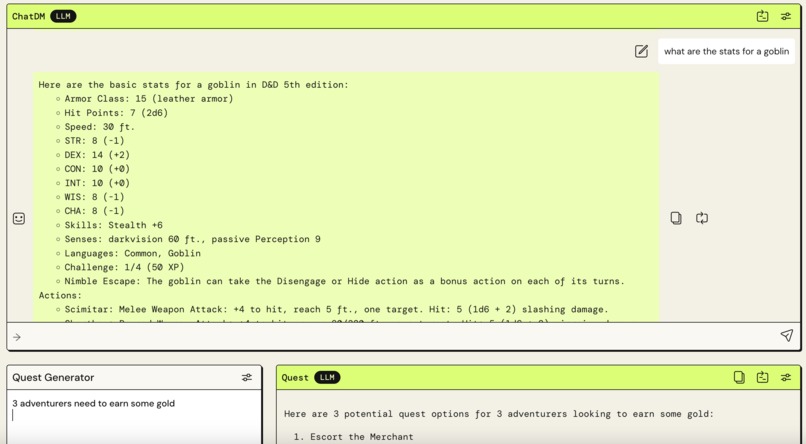
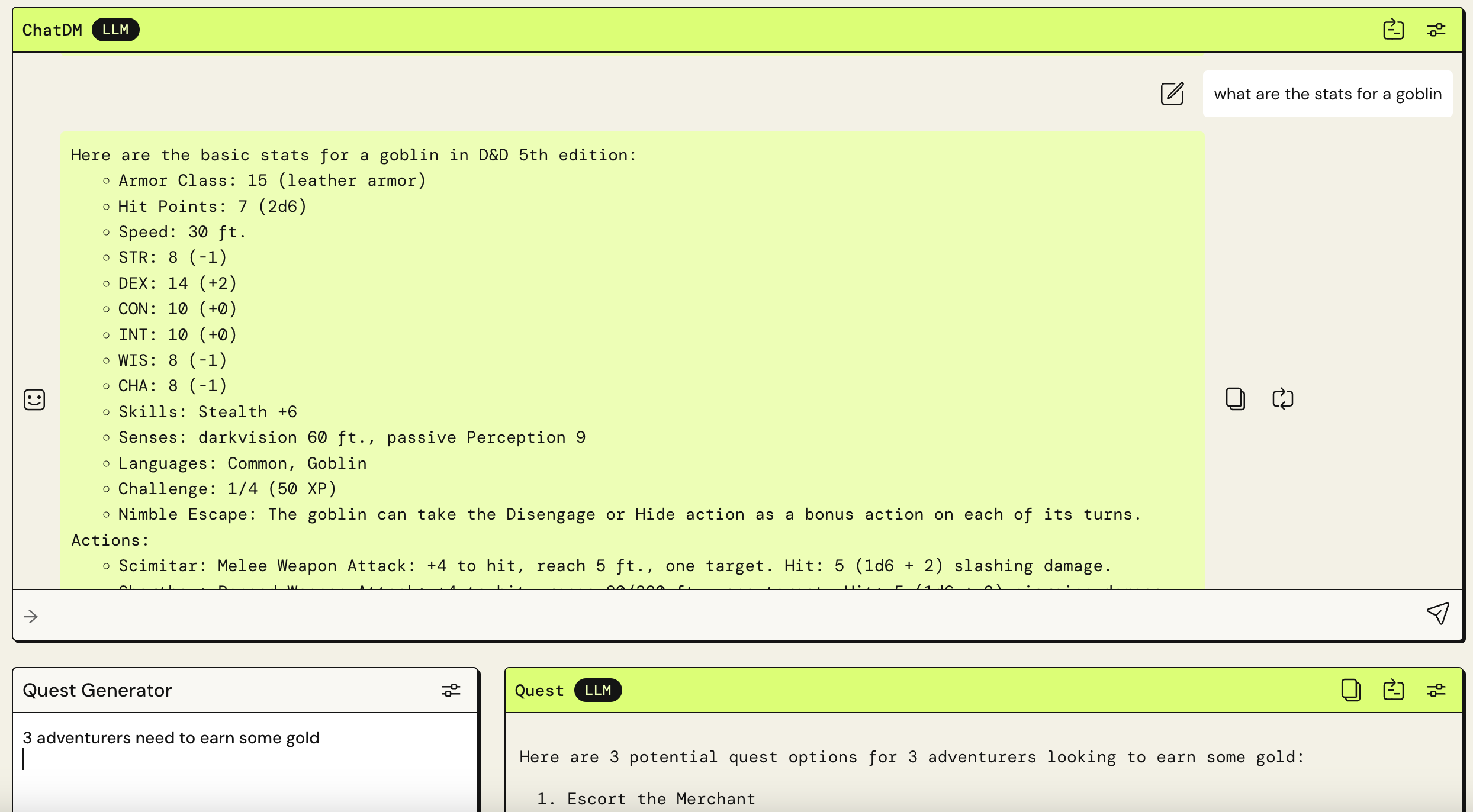
An AI DM Assistant, never worry about forgetting a rule, spell, or monster again!
-
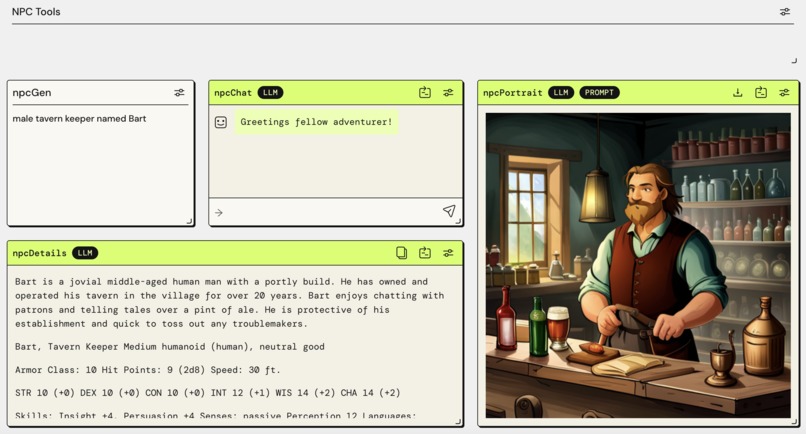
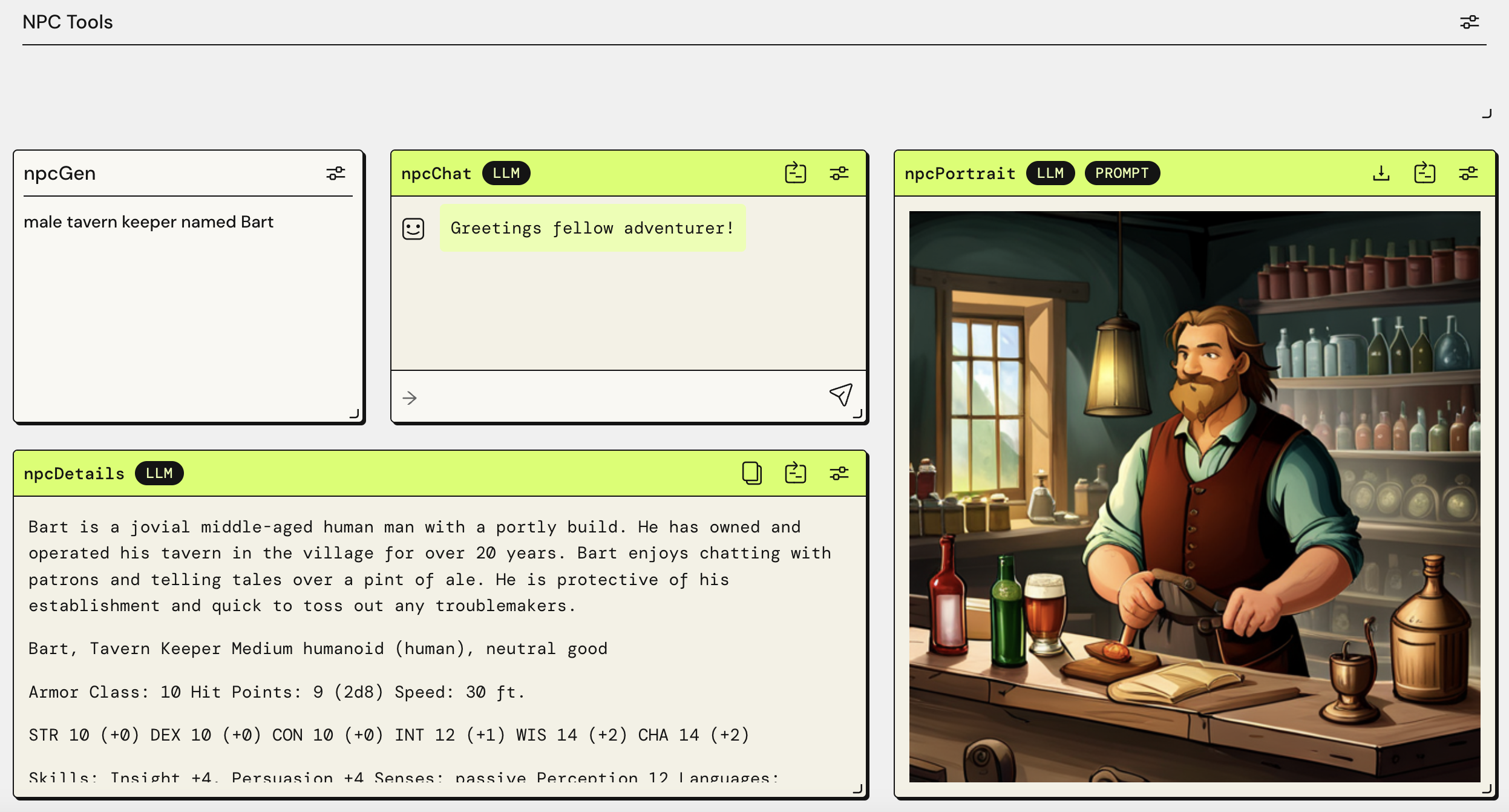
NPC Generator, vital tool for any Dungeon Master!
Inspiration
As a beginning Dungeon Master, the biggest issue I face is the lack of memorized knowledge about the creatures, lore, and even rules of the game, causing gaps in play while I have to look something up. Another big issue that faces Dungeon Masters of all experience levels, is players doing the unexpected, or straying from plot points that the DM has planned out. Especially for a beginner, it can turn a fun night of gaming into a boring and awkward "study session" as the DM has to look up things, try to create new encounters, creatures, etc for the players to interact with. My love for the game, and wanting to share that passion with my wife and friends (who had never played) inspired this app as a quick reference and flexible content creator.
What it does
The app is a companion to a beginner Dungeon Master, providing multiple quick tools designed to be used during a gaming session. A quick run-down: NPC Generator - allows a DM to quickly create an NPC during play, complete with stats, description, and a chat box for those that might not be the best at role-playing different characters. Story Tools - A DM can provide high-level story notes, and then put in player actions to generate story beats that fit within the larger narrative. Player Creator - While it would have more use prior to a session, this set of tools can let the DM create a character for a player, including stats, an AI generated character image, and brief description. ChatDM - A virtual DM and one stop shop for referencing monster stats, D&D 5th Edition rules, as well as a quest creator for moments when the story may hit a wall, or players decide to take a different path than the DM had prepared for.
How I built it
Using AWS' PartyRock, and the prompt of "build an app to create characters and quests for a Dungeons and Dragons game", that created the bare bones of the Companion. I added widgets and configurations until I felt that the app would be usable mid-play session as I intended. Using ChatRPG and several other PartyRock apps for inspiration, I was able to create prompts and logic chains to create usability and purpose.
Challenges I ran into
The biggest challenge for me was writing the prompts to truly make the app useful. One widget in particular was almost scrapped because I was struggling to get the correct prompt for the image AI to generate a usable image. Through some research, and even looking through other PartyRock apps' prompts, I got it working! The second challenge was merely a usability issue. I had too many widgets that led to a lot of scrolling. With the design goal in mind of usability during a game, I had to find ways to combine features and optimize the layout.
Accomplishments that I am proud of
To be honest, the fact that I found this new tool (AWS PartyRock), and was able to develop a concept into a usable app within a few days is really what I am most proud of. It speaks to the power of AI for sure, that someone with practically no AI or app development experience could make something that could actually have value to a larger community. That leads me directly into the next part!
What I learned
While I've dabbled in some simple AWS Q and Chat GPT prompts, this project had me dive deeper into prompt creation, how to chain prompts and tools together, and how to think like an app developer.
What's next for D&D Adventure Companion
I would love to see this app take off, and see widespread use, to bring new players into the realm of D&D! Potentially partner with some mobile app developers to create a more polished app. Potentially have the tool built into virtual environments like Roll20 and D&D Beyond
Built With
- amazon-web-services
- generative-ai
- partyrock

Log in or sign up for Devpost to join the conversation.