-
Home
-
-
Feature
Inspiration
Most car dealership websites are static a gallery of photos and a spec sheet. We wanted Aurelia Motors to feel like actually walking into a showroom: a car you can rotate, inspect, and peel back layer by layer, right in the browser.
What it does
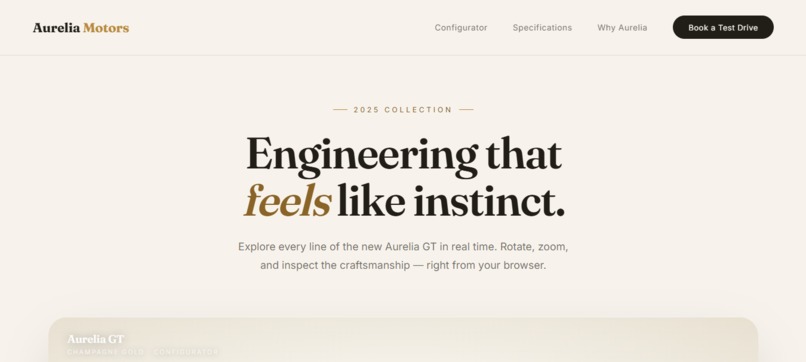
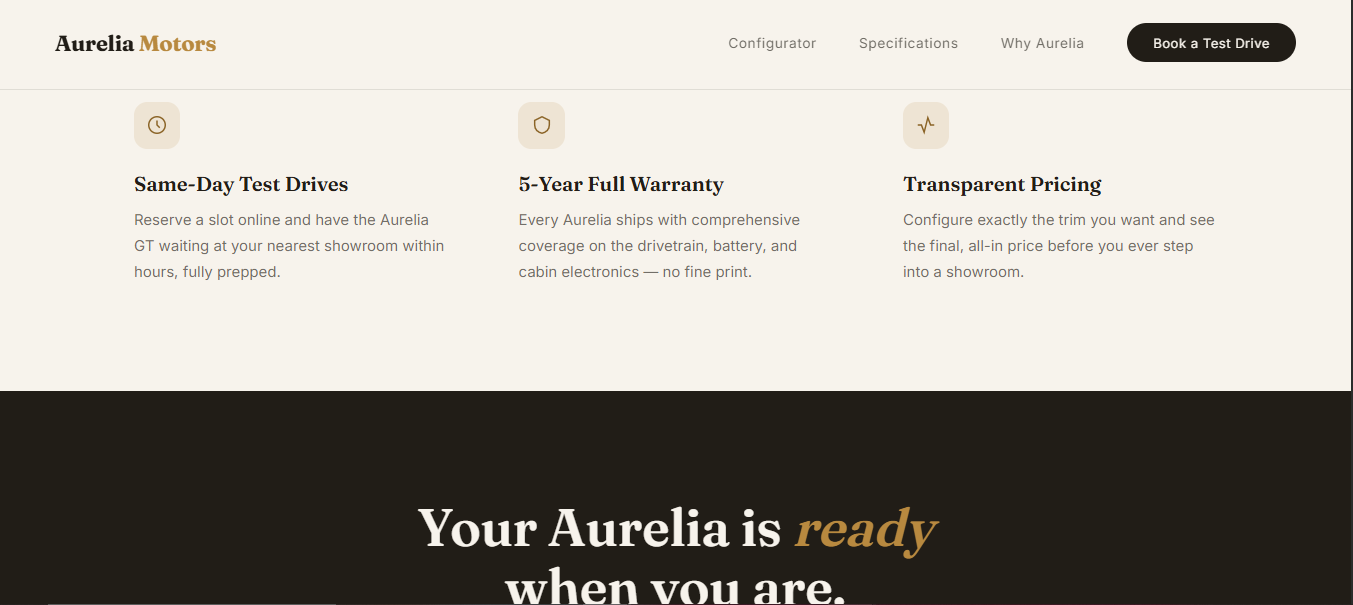
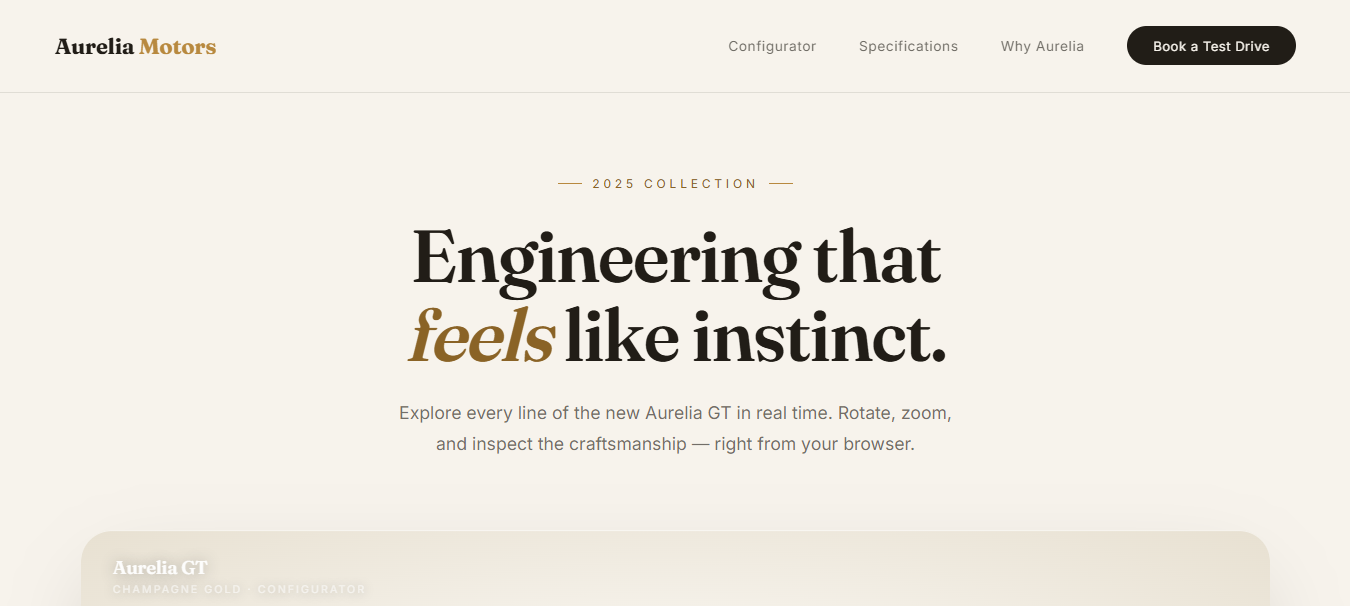
Aurelia Motors is an interactive 3D dealership landing page. At its center is a live 3D vehicle viewer where visitors can:
- Orbit and inspect the car with damped, constrained camera controls (auto-rotates until you take over)
- Toggle visibility by layer exterior, interior, wheels, and glass using a dedicated layers panel, so you can strip the car down to see individual systems
- Switch HD quality on/off, trading pixel ratio and shadow resolution for performance
- Go fullscreen on the viewer itself, without leaving the page
- Fall back gracefully to a procedurally generated car model if the real asset fails to load, so the experience never breaks
How we built it
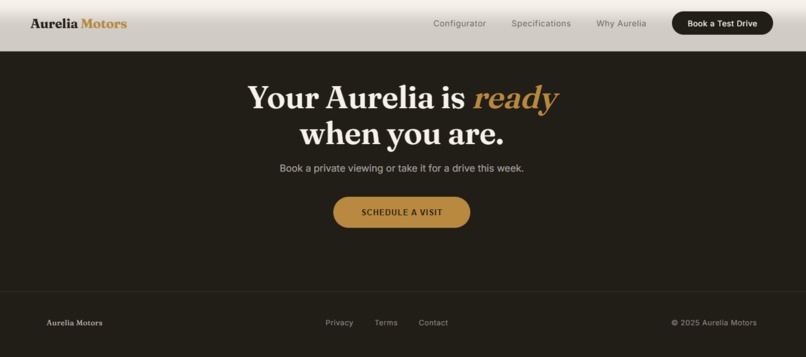
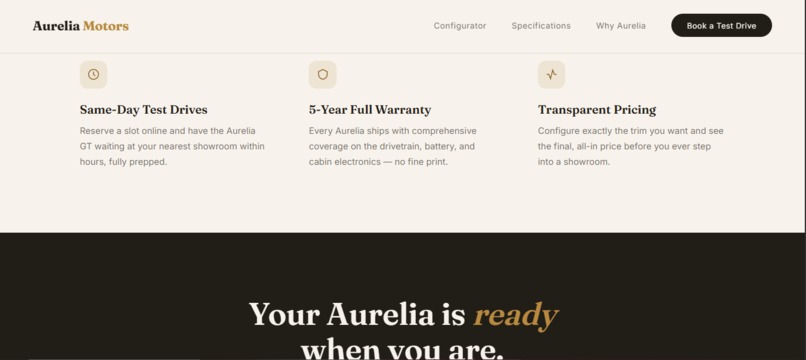
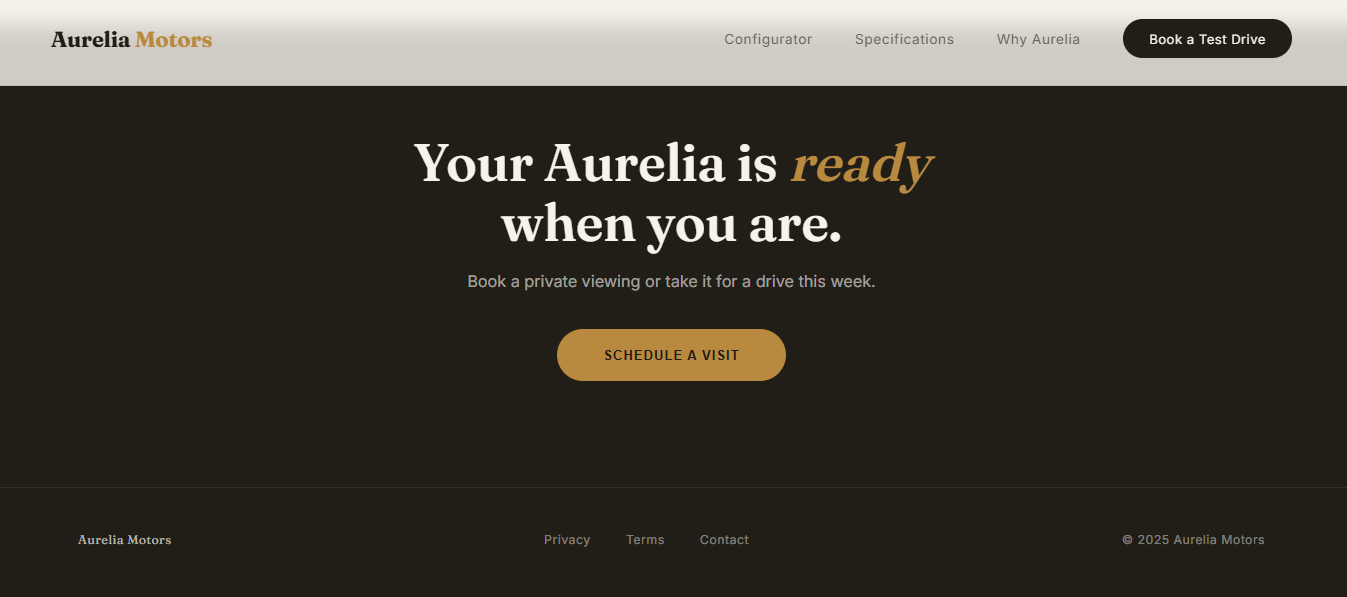
The frontend is vanilla HTML/CSS/JS with a warm cream-and-gold luxury aesthetic (Fraunces serif for headings, Inter for body text). The 3D layer runs on Three.js:
- Vehicle models are loaded as DRACO-compressed GLTF/GLB files for fast delivery
- On load, every mesh is auto-classified by name (via regex matching against terms like "wheel," "glass," "seat") and assigned to a layer group, so materials and visibility toggles can be applied per-part without manual tagging
- Materials are tuned per part:
MeshPhysicalMaterialwith high transmission and low roughness for glass (real refraction, not a flat tint), andMeshStandardMaterialwith different metalness/roughness for paint vs. wheels - Lighting uses a multi-light rig (key light + two rim lights + underfill) plus a PMREM-generated room environment map for realistic reflections, rendered with ACES filmic tone mapping for a cinematic look
OrbitControlshandles interaction, with damping, min/max zoom distance, and a clamped polar angle so users can't flip the camera under the floor- The viewer tracks the size of its own frame (not the window), so it resizes correctly in both normal and fullscreen states
Challenges we ran into
- Making the 3D viewer resilient: real-world car assets can be large or fail to load on slow connections, so we built a fallback path that procedurally constructs a full car (body, cabin, glass, wheels, rims, taillight) directly in Three.js if the GLB fetch fails visually consistent with the real model's color palette
- Auto-classifying arbitrary mesh names into functional layers (wheels/glass/ interior/exterior) reliably enough to apply the right materials and toggles without manually annotating every asset
- Balancing visual fidelity with performance solved with the HD toggle, which drops pixel ratio and shadow map resolution on demand instead of forcing one fixed quality level for everyone
Accomplishments that we're proud of
- A 3D car viewer that never shows a broken or empty state, even without network access to the model file
- Realistic glass and paint rendering using physically-based materials, not flat colors
- A layer-toggle system that works generically across any correctly-named GLB, not hardcoded to one specific model
What we learned
- How to structure a Three.js scene for both quality (PMREM environments, soft shadows, tone mapping) and performance (togglable pixel ratio/shadow resolution)
- Practical patterns for making WebGL experiences degrade gracefully rather than fail outright
- How to design a material/layer classification system that generalizes across models instead of being hand-tuned to one asset
What's next for Aurelia Motors
- Multiple vehicle models with a configurator (color, trim, wheel options)
- Scroll-driven camera choreography tying the viewer to a storytelling narrative
- Mobile-optimized touch controls and lower-poly fallback assets for slower devices
Built With
- css3
- glb
- html
- javascript
- pmrem-environment-mapping
- three.js

Log in or sign up for Devpost to join the conversation.